
Ancient Torchlit Stone Antechamber
A photorealistic cinematic prompt for generating a moody ancient stone interior with torches, columns, pottery, and a central stairway.
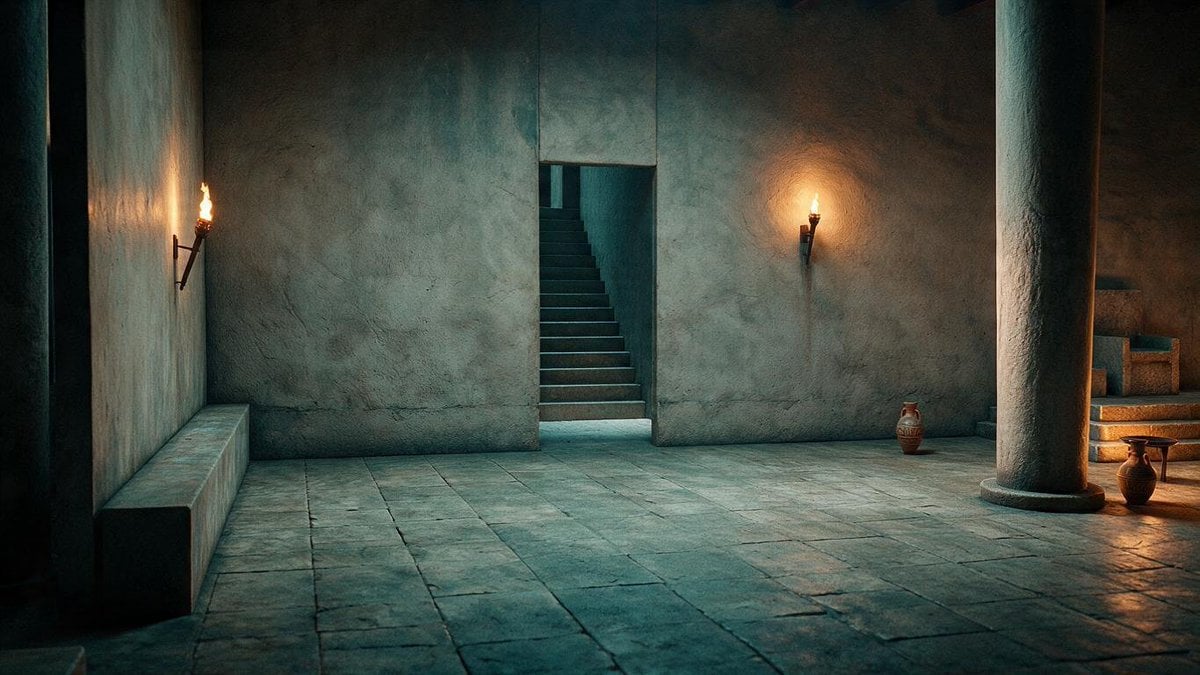
- Prompt included
- Model and format preset
- Free template
The prompt behind this image
Copy the exact prompt behind Ancient Torchlit Stone Antechamber, or open it in the studio and make it yours.
Create a cinematic wide-angle scene of an ancient stone interior courtyard or temple antechamber at night, in a realistic historical film style. The space is made of rough plaster walls and large worn stone floor slabs with cool teal-blue ambient light and warm firelight contrast. Compose the shot from a low eye-level perspective facing a plain wall with one narrow rectangular doorway in the center; through the doorway, show one steep stone staircase rising into darkness. Include exactly 2 lit wall torches: one mounted on the left wall and one mounted on the right side of the central wall, both casting orange halos and soft shadows. Include exactly 2 prominent round stone columns: one partially visible as a dark vertical column at the far left edge and one large column in the right foreground. Add one long simple stone bench along the left wall. Add exactly 3 clay objects on the right side: one small amphora near the central wall, one larger jug near the right foreground, and one shallow bowl or low vessel beside it. In the far right background, show a small raised platform with simple stone blocks or seating, dimly lit by warm light. Use {argument name="architectural setting" default="ancient stone temple antechamber"}, {argument name="lighting mood" default="cool teal shadows with warm torchlight"}, {argument name="camera angle" default="wide cinematic low eye-level view"}, {argument name="time of day" default="night"}, and {argument name="visual style" default="photorealistic historical film still"}. Emphasize textured plaster, weathered stone, subtle smoke or haze, realistic global illumination, deep shadows, quiet mysterious atmosphere, no people, no text, no modern objects.
How to use Ancient Torchlit Stone Antechamber in 3 steps
- 1Upload ImagePNG, JPG or paste
Add your photo
Upload the photo the template builds on. The prompt, model and format are already set.
- 2…a portrait of your subject in softgolden-hour light, 85mm…
Personalize
Edit the subject and creative details for your destination.
- 3Generate
Generate
Press Generate — your image is created in PicX Studio, so you can compare it with the original and refine one variable at a time.
More like this
Templates with the same subject, style or setup. Open one to see its prompt.
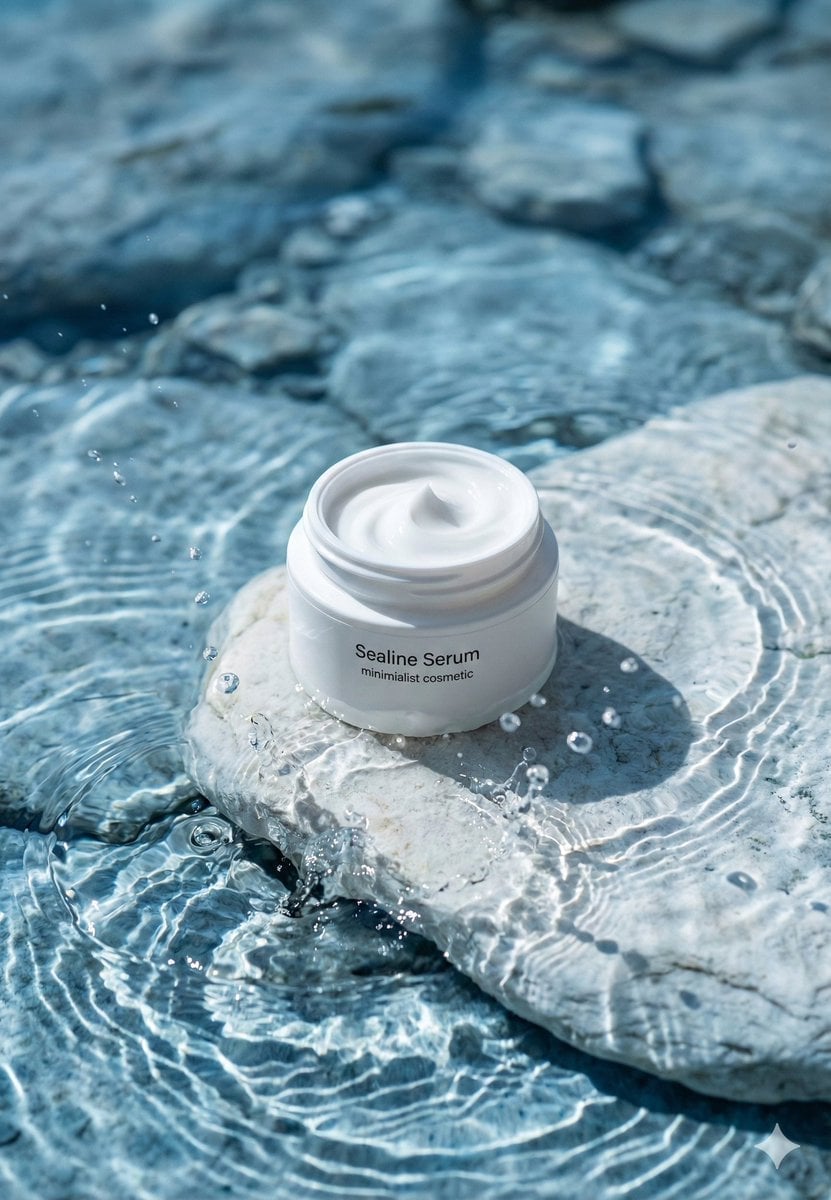
Minimalist Skincare Product Water Stone Still
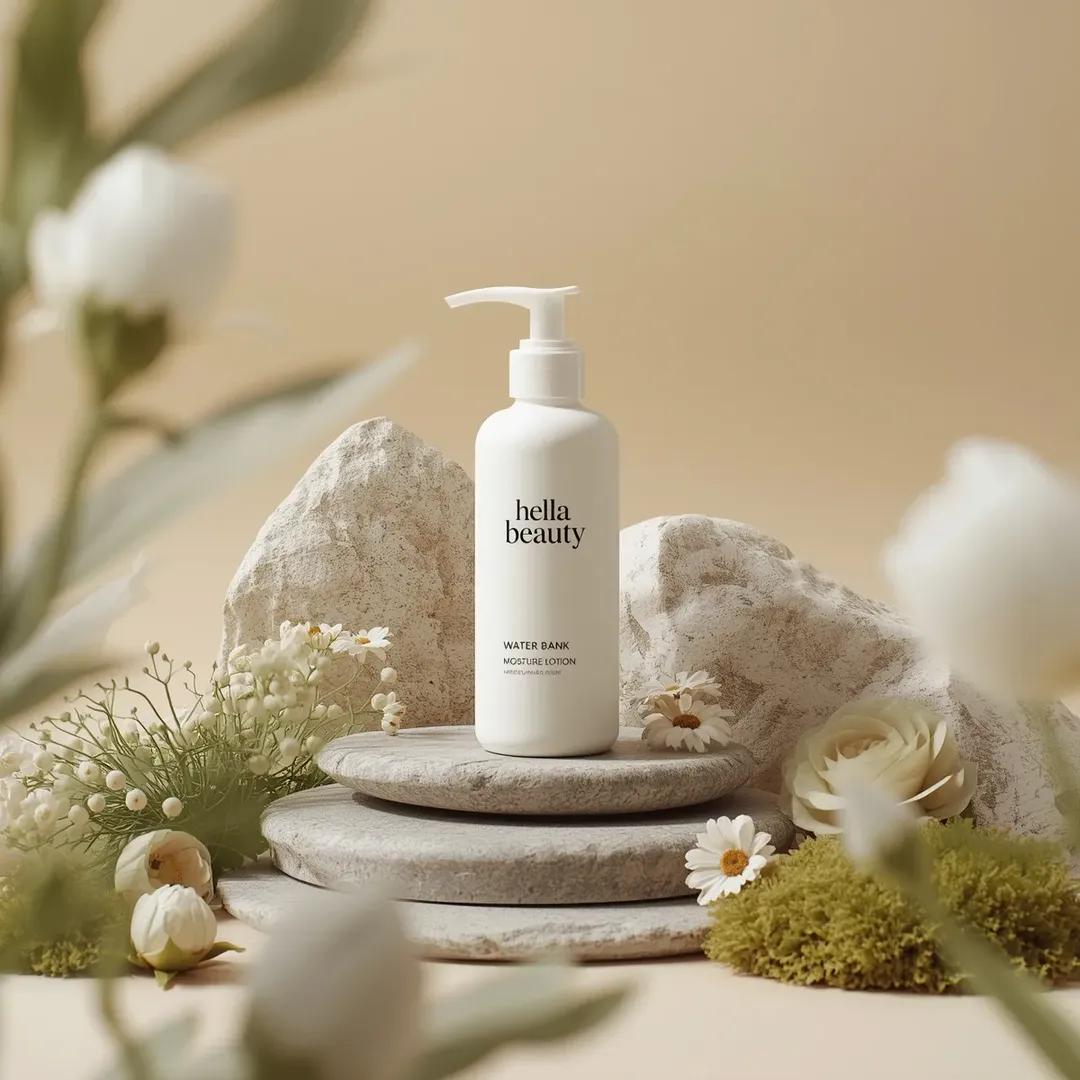
Botanical Skincare Minimal Product Advertising
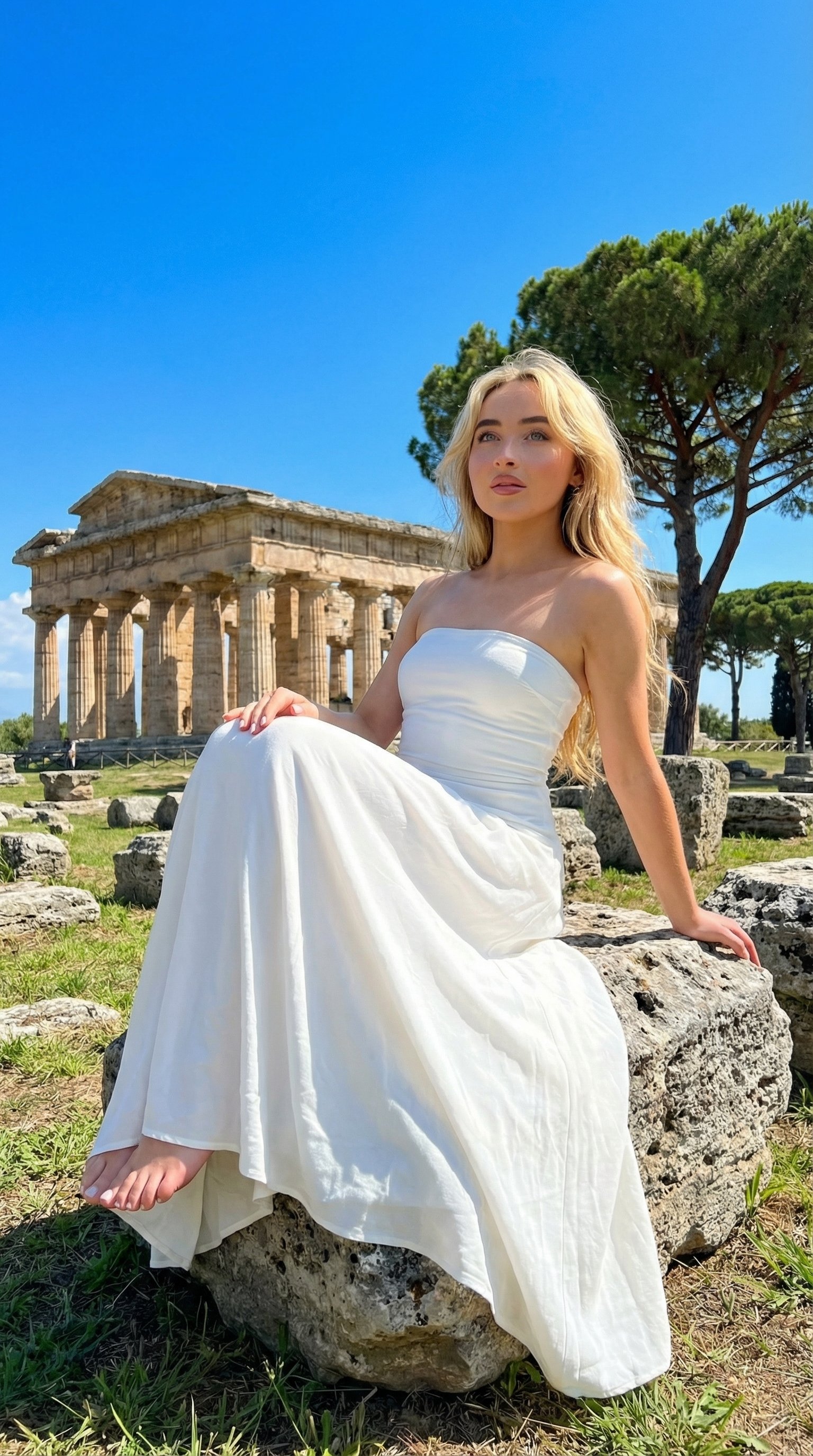
Ancient Temple Portrait — White Dress Nano Banana
Ancient Hand-Chiseled Stone Artifact Logo
Resort Fashion Stone Steps Portrait
Stone Bridge Ivy River
Minimalist Skincare Product Water Stone Still
Floating Stone Cube Challenge
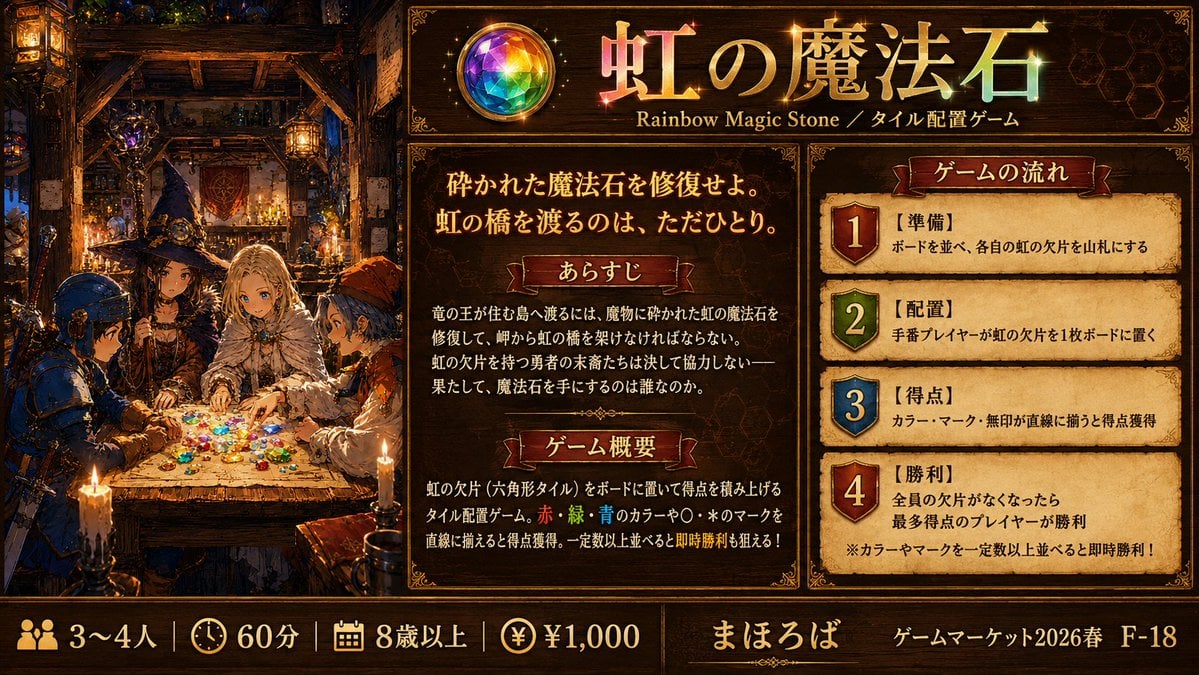
Rainbow Magic Stone Board Game Flyer
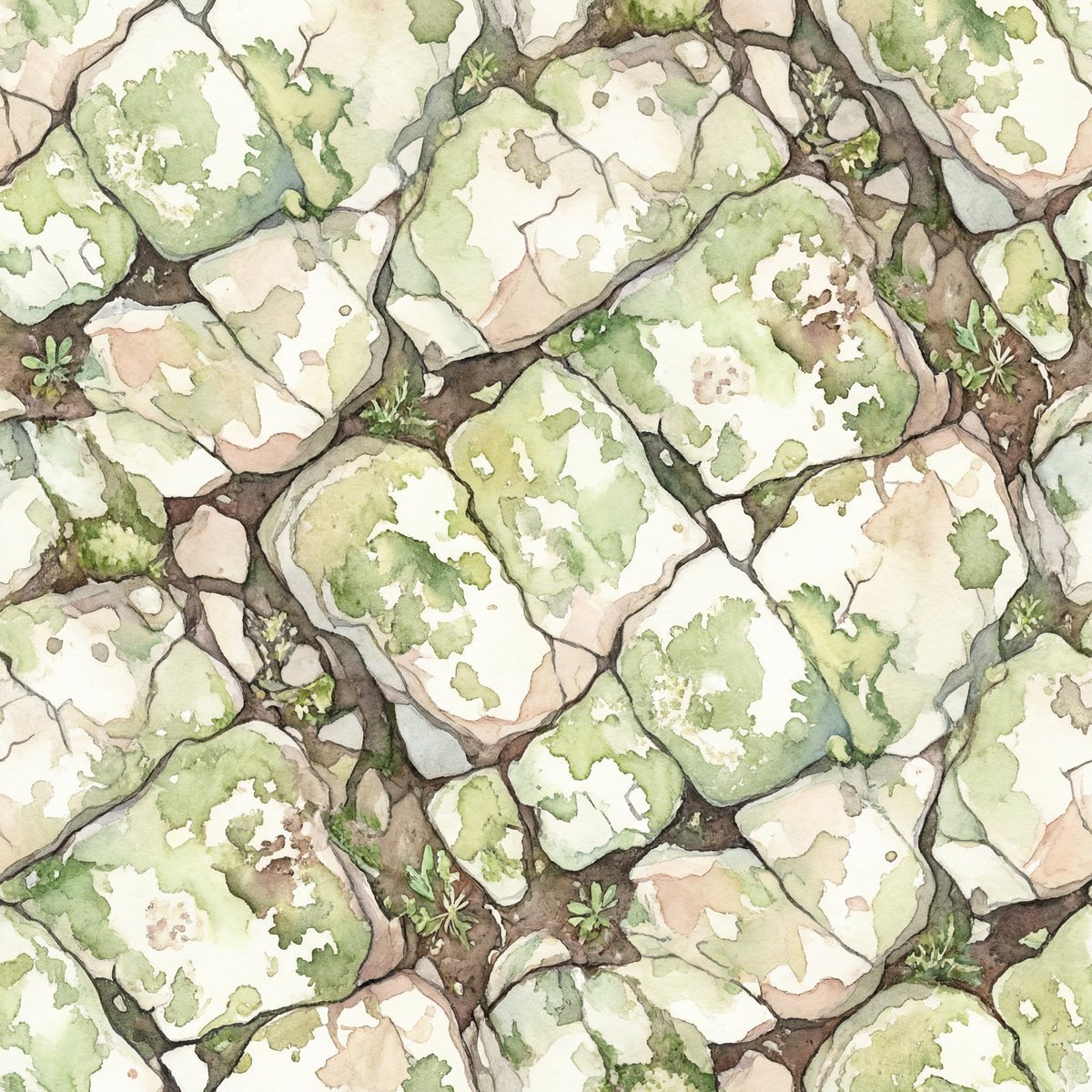
Seamless Watercolor Stone Path Tile
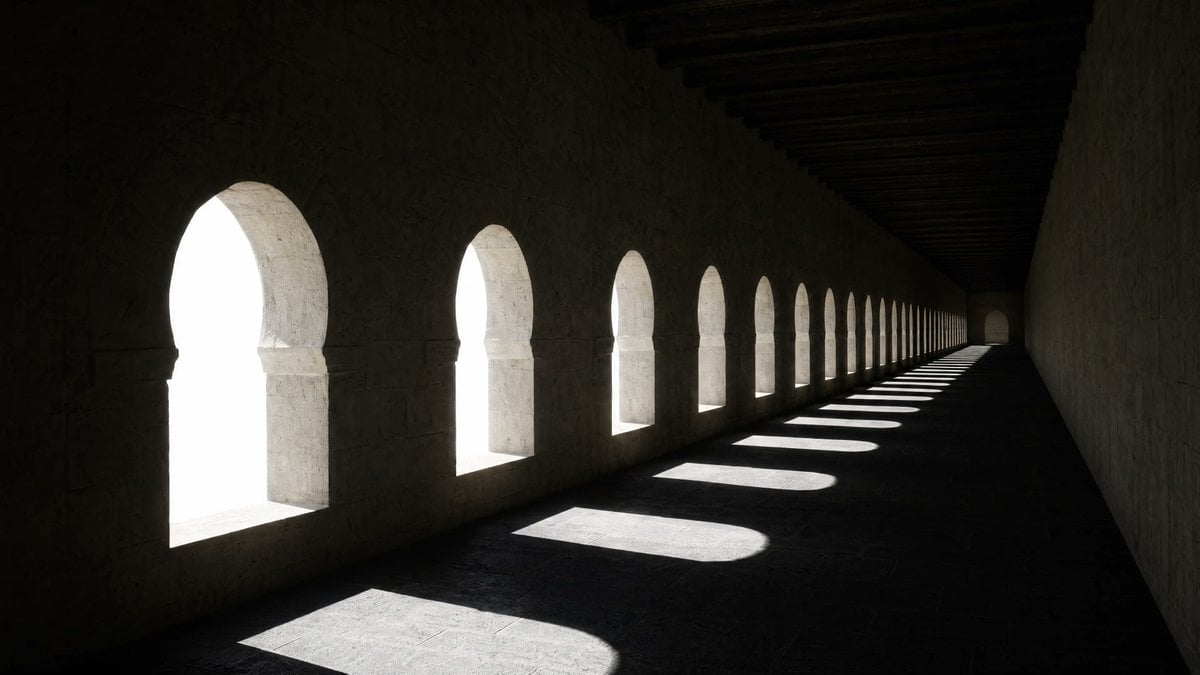
Dramatic Stone Corridor With Arched Windows
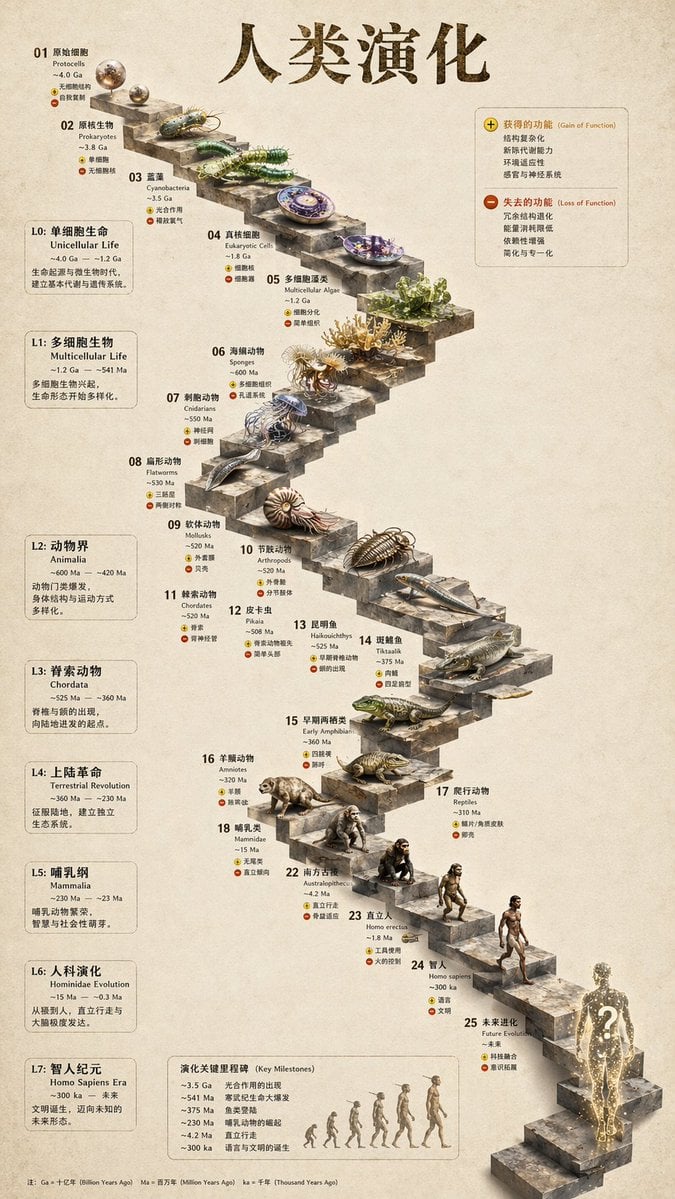
3D Stone Staircase Evolution Infographic
Make it yours
Ancient Torchlit Stone Antechamber works as-is. These are the safest ways to change it without losing the look.
Change one field
Copy a single group, rewrite it, and generate again so you can see what that field is doing.
Keep the frame, change the subject
Hold the composition and light of Ancient Torchlit Stone Antechamber, then swap wardrobe, props or the person for a new take.
| If the result… | Why | Fix |
|---|---|---|
| The result drifts from the preview | Too many fields changed at once. | Reuse Ancient Torchlit Stone Antechamber as-is first, then change one group — subject, light, or setting. |
| The model over-stylizes the scene | The prose prompt leaves finish and camera underspecified. | Add one camera or lighting sentence and stay on GPT Image 2. |
More GPT Image 2 templates
Other prompts made for GPT Image 2.

Six VTuber Japanese Logo Sheet

Realistic Portrait of Woman and Deer

The Vista Modular Condo Poster

AI Model Routing Comparison Infographic

2.5D Anime Art Board

Isometric Productivity Desk Scene

New York Double Exposure Poster

Four-Panel AI Landscape Comparison

Japanese Tatami Lifestyle Magazine Cover

NESCAFÉ Coffee Map Poster
More image prompts
Fresh picks from across the catalog.

Eyecatch Image Generation from Video Transcript
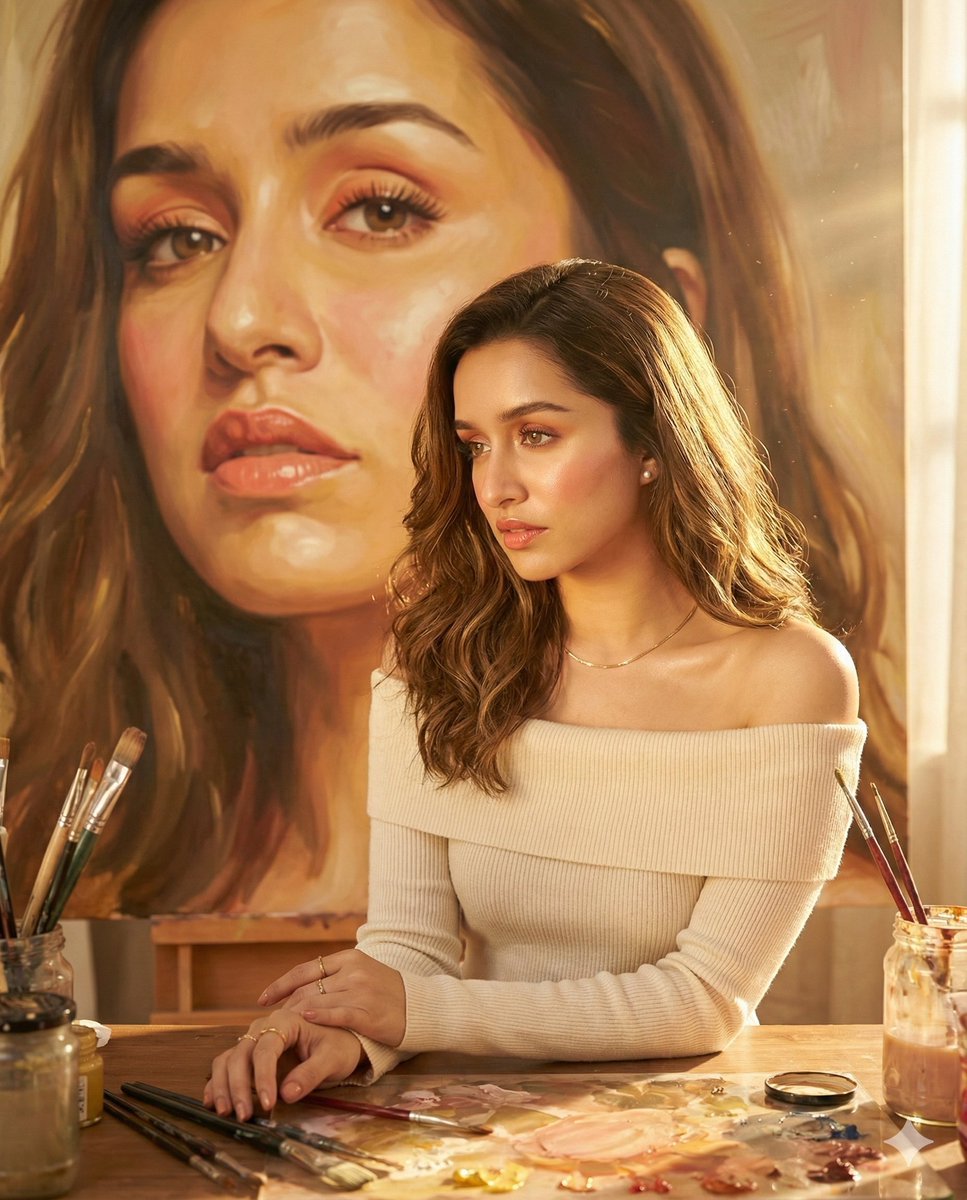
Four Sketch and Portrait Prompts for Nano Banana Pro

Historical Social Media Feed Generation
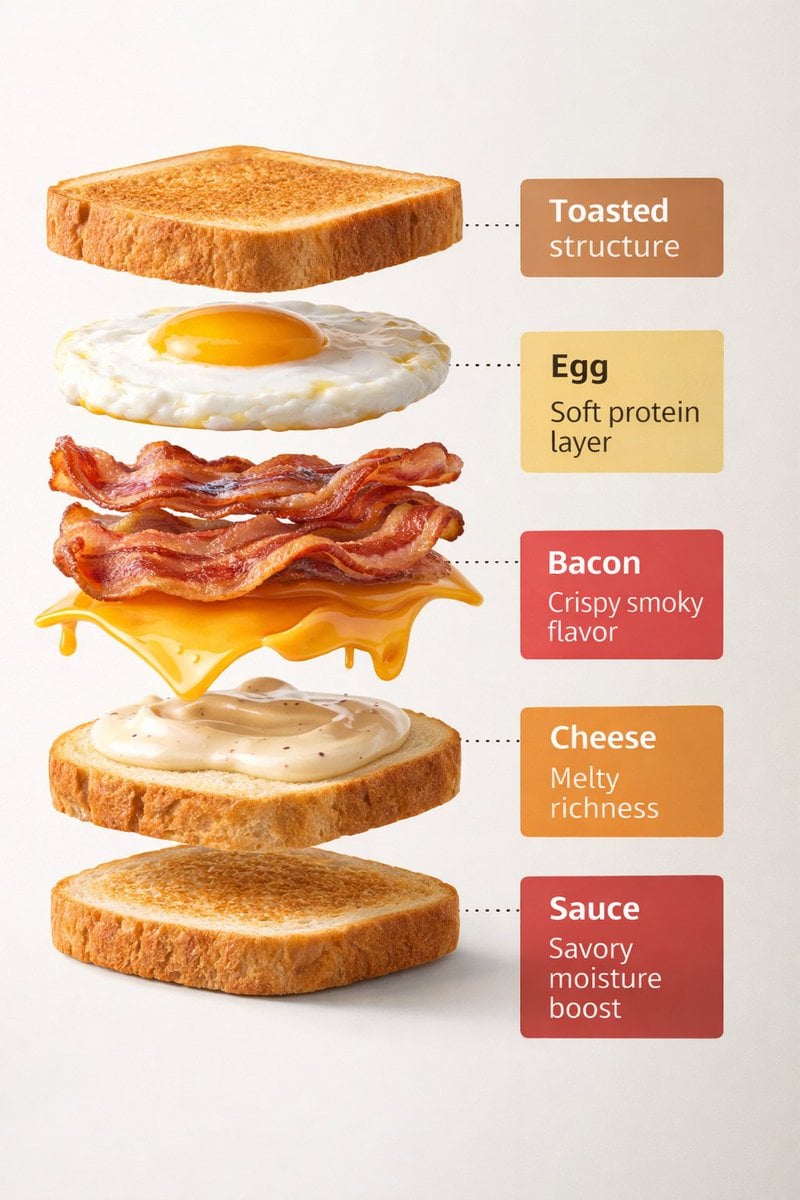
Exploded View Sandwich Animation Prompt
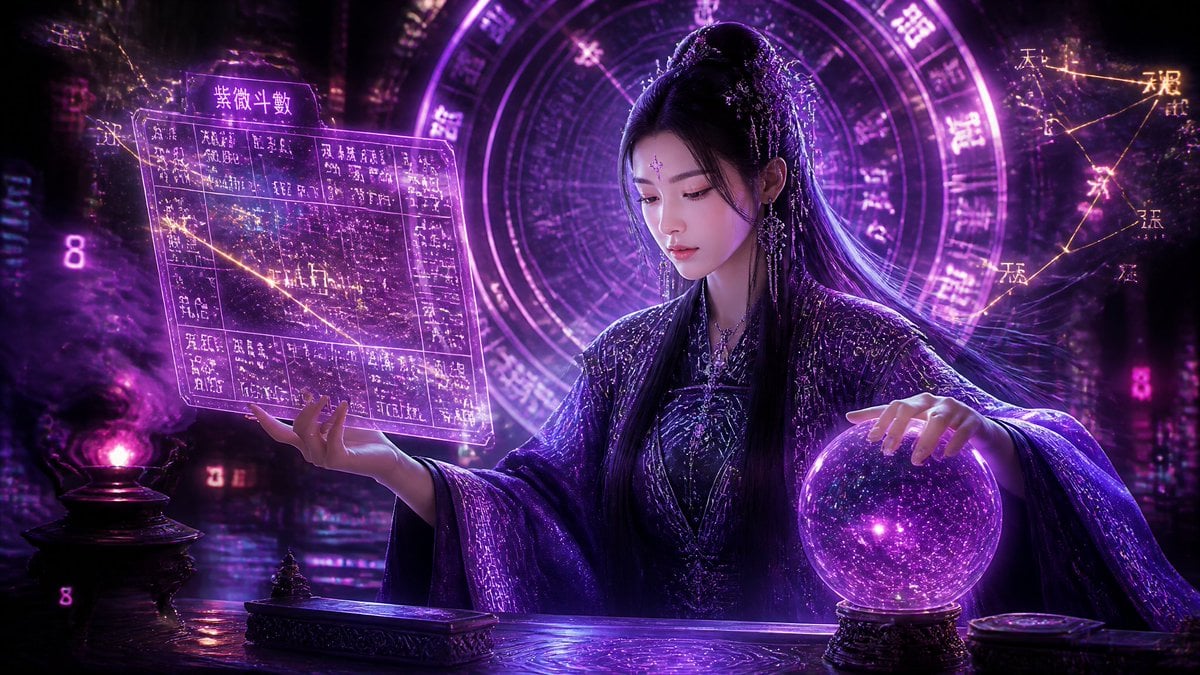
Cyberpunk Neon Chinese Diviner
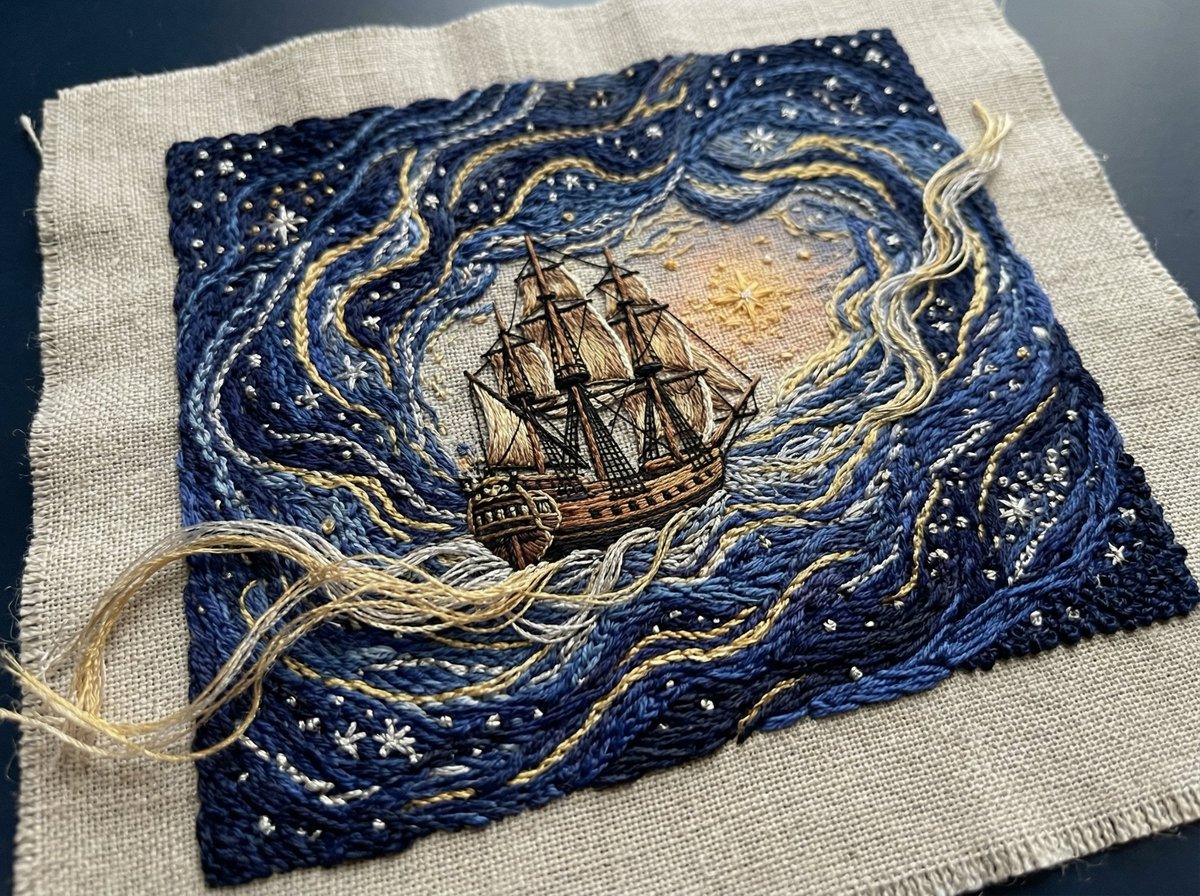
Tactile Embroidered Tapestry of a Ship in Nebulae

Luxury Food Advertisement Photography with Illustrated Chef
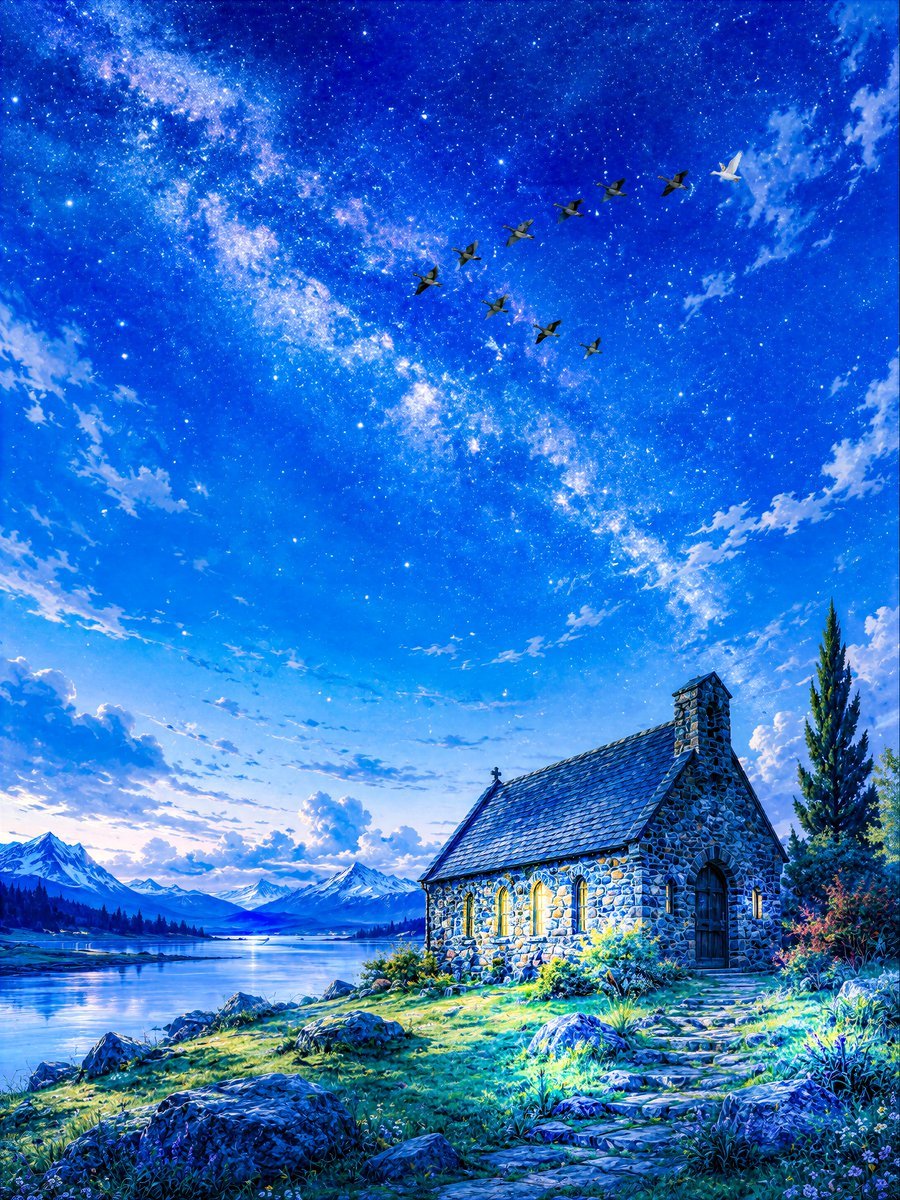
Geese Crossing the Galaxy at Dawn
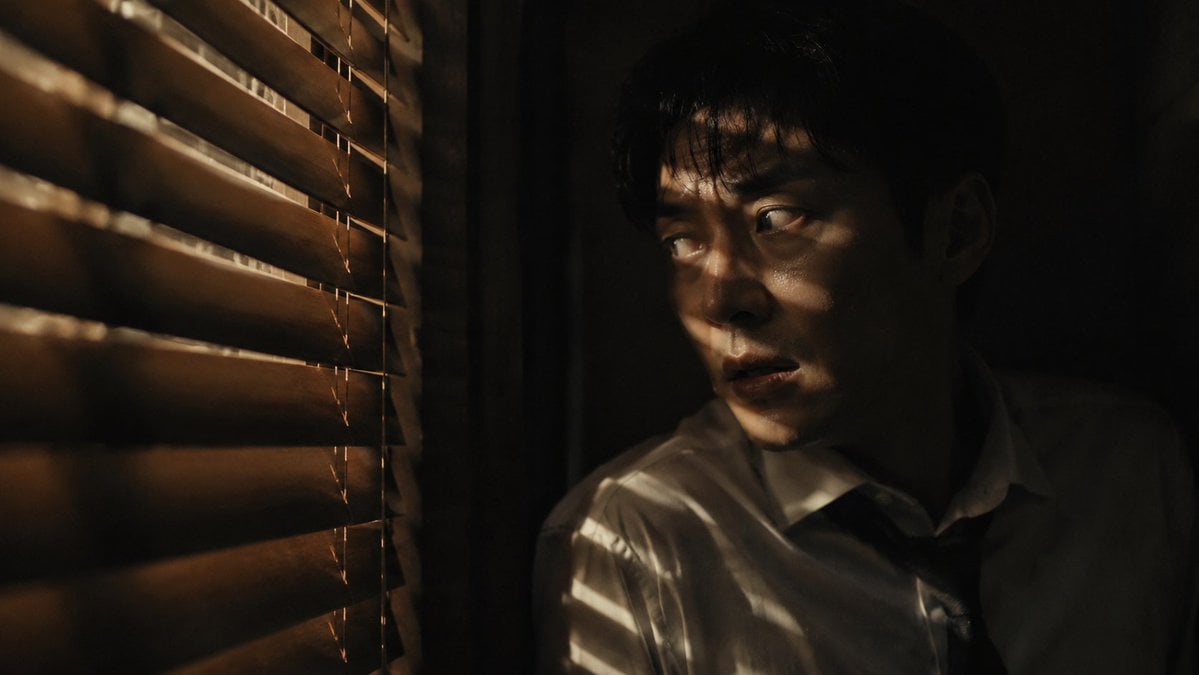
Dark Thriller Cinematic Still
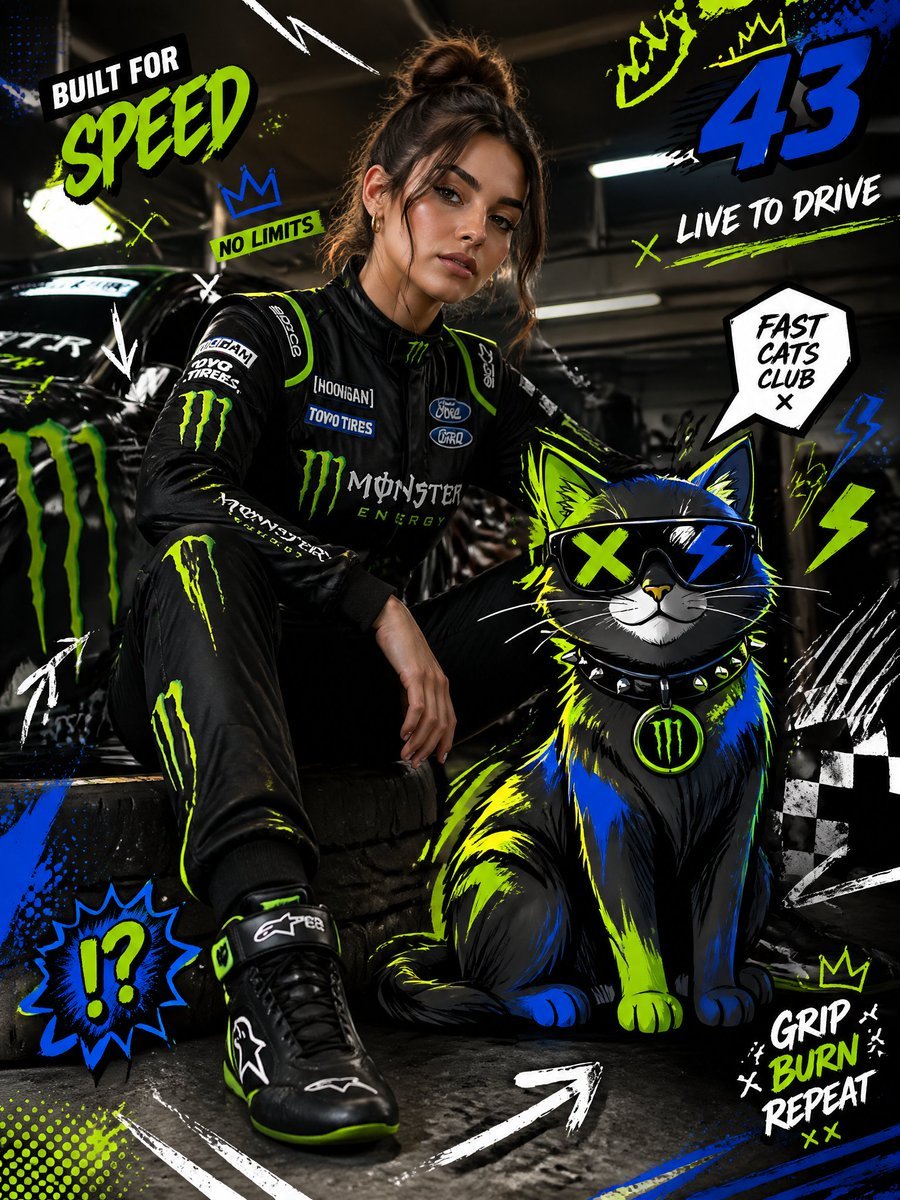
Mixed-Media Fashion Editorial and Cartoon Fusion
Browse template categories
Ancient Torchlit Stone Antechamber questions
How do I use the Ancient Torchlit Stone Antechamber template?
Add your photo if the template asks for one, edit the prompt if you like — the template's model and format are already selected — and press Generate. Your version opens in PicX Studio.
Can I customize the Ancient Torchlit Stone Antechamber template?
Yes. You can change the subject, setting, lighting, mood, format, and available model controls before creating your image.
Is the Ancient Torchlit Stone Antechamber template free?
Opening and editing this template is free. Generating uses credits, shown on the Generate button when you are signed in.
Which AI model should I use?
Start with GPT Image 2, which is the model associated with this template. You can compare another compatible model for a different finish.
Looking for something else? Browse all templates.

Your photo, any look
Thousands of ready templates for every top image and video model, from one credit balance.