
Graffiti Sphere Alien at Café
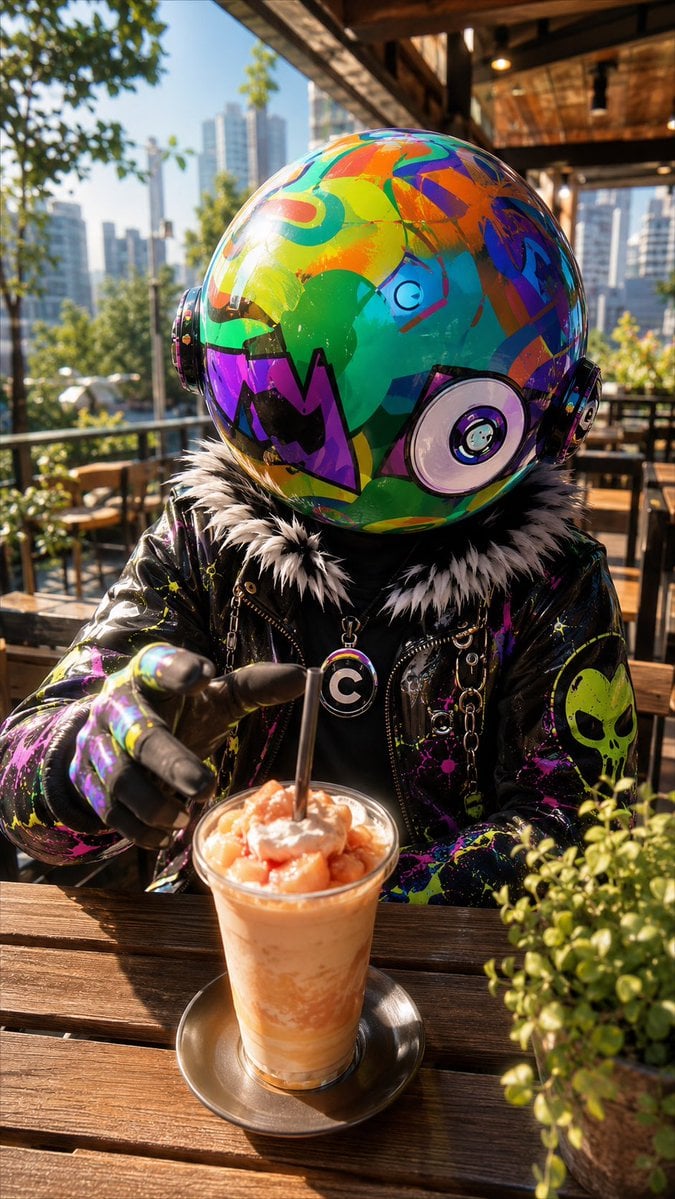
A photorealistic vertical portrait of a colorful spherical-headed alien enjoying a cold drink at a sunny urban café.
- Prompt included
- Model and format preset
- Free template
The prompt behind this image
Copy the exact prompt behind Graffiti Sphere Alien at Café, or open it in the studio and make it yours.
Create a vertical photorealistic cinematic portrait of {argument name="character name" default="VLNS"}, an alien whose real biological head is a large glossy spherical helmet-like orb instead of a human face. The orb head is oversized, seamless, reflective, and covered in vivid graffiti-style abstract graphics in neon green, cyan, orange, purple, blue, yellow, black, and magenta, with circular ear-disc modules on both sides and a large circular target-like detail on the lower right side of the sphere. The character sits at an outdoor wooden café table on a sunny urban terrace, wearing a black shiny leather jacket splattered with bright paint, a fluffy black-and-white fur collar, black gloves with multicolor paint marks, metal chains, and a round pendant with a bold white letter C. The alien is reaching one gloved hand toward the viewer and pointing at a cold peach-orange drink in a clear glass on a metal saucer, topped with whipped cream or foam and fruit chunks, with one black straw standing upright. Add a small potted green plant in the right foreground, wooden benches and café furniture behind, warm sunlight, strong natural reflections on the head and jacket, shallow depth of field, and a modern city skyline with tall buildings blurred in the background. Keep the character identity consistent: no visible human face, no eyes or mouth except graphic markings on the sphere, the spherical head is the biological head. Use realistic lighting, high detail, vibrant color contrast, 9:16 smartphone composition, close-up seated perspective, energetic street-fashion mood.
How to use Graffiti Sphere Alien at Café in 3 steps
- 1Upload ImagePNG, JPG or paste
Add your photo
Upload the photo the template builds on. The prompt, model and format are already set.
- 2…a portrait of your subject in softgolden-hour light, 85mm…
Personalize
Edit the subject and creative details for your destination.
- 3Generate
Generate
Press Generate — your image is created in PicX Studio, so you can compare it with the original and refine one variable at a time.
More like this
Templates with the same subject, style or setup. Open one to see its prompt.

Frozen Street Luxe Graffiti Fashion Campaign
Miles Morales Spider-Man Brooklyn Graffiti
Dark Alien Vibration Wasteland
Mecha Alien at Gravity Edge
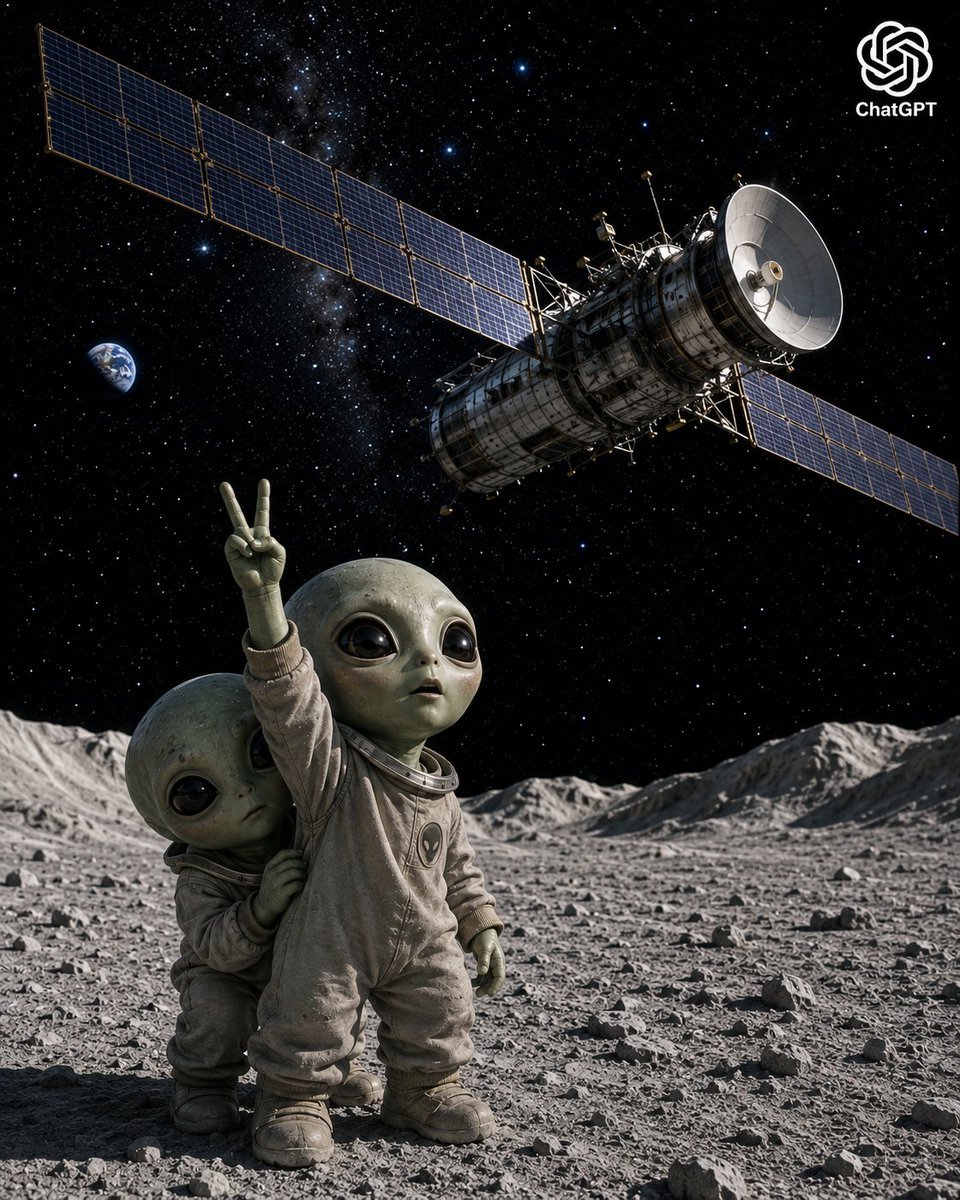
Lunar Alien Babies and Satellite
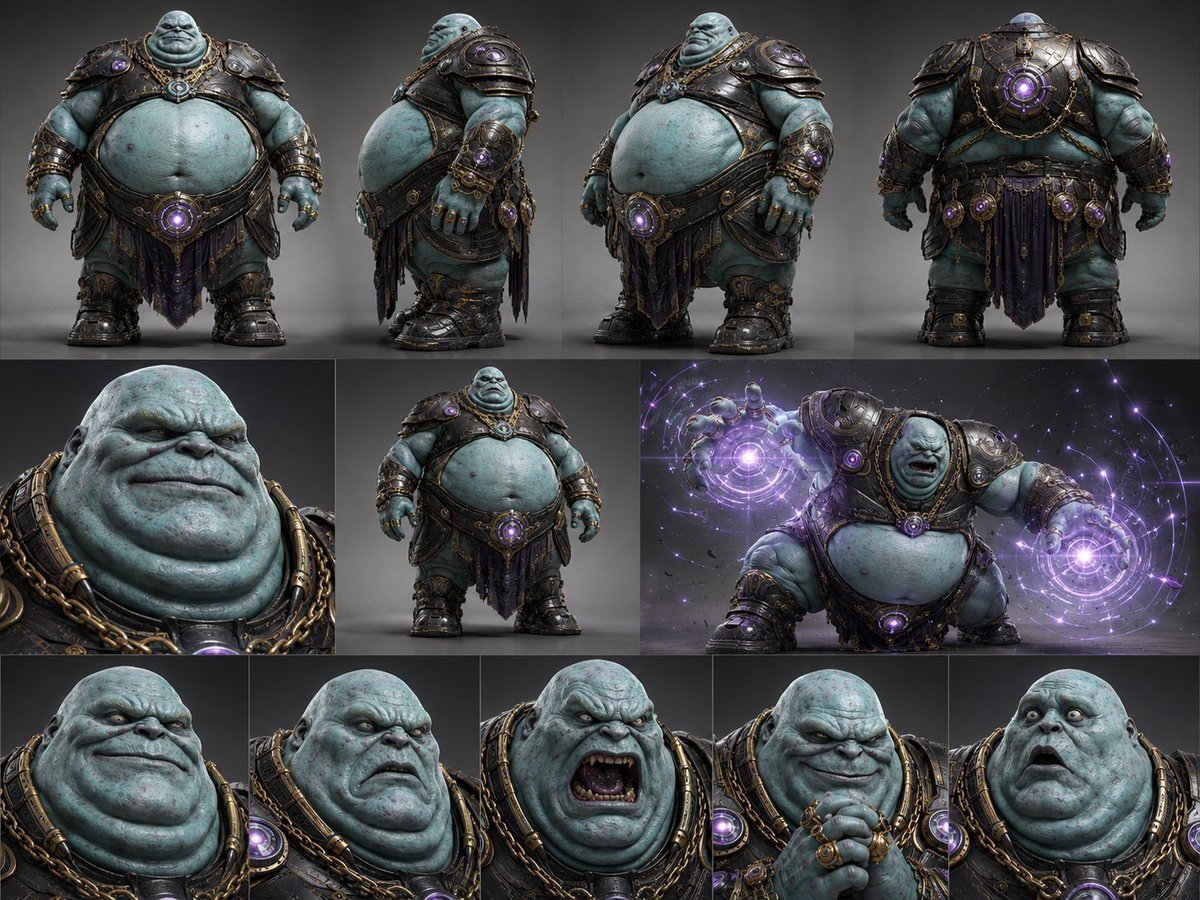
Alien Warlord Character Design Sheet
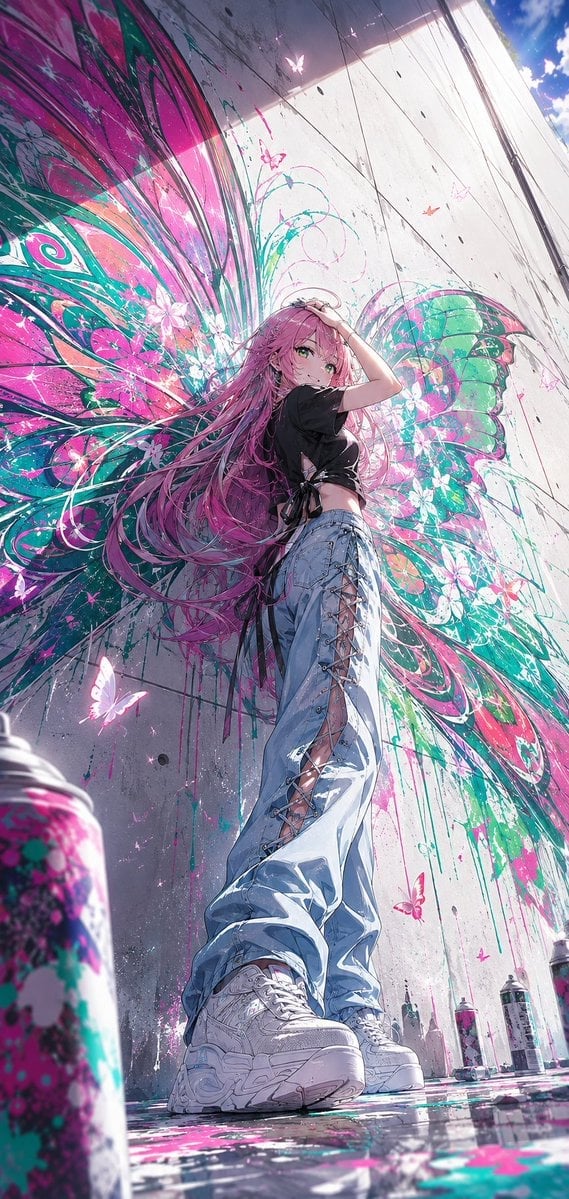
Anime Graffiti Butterfly Girl
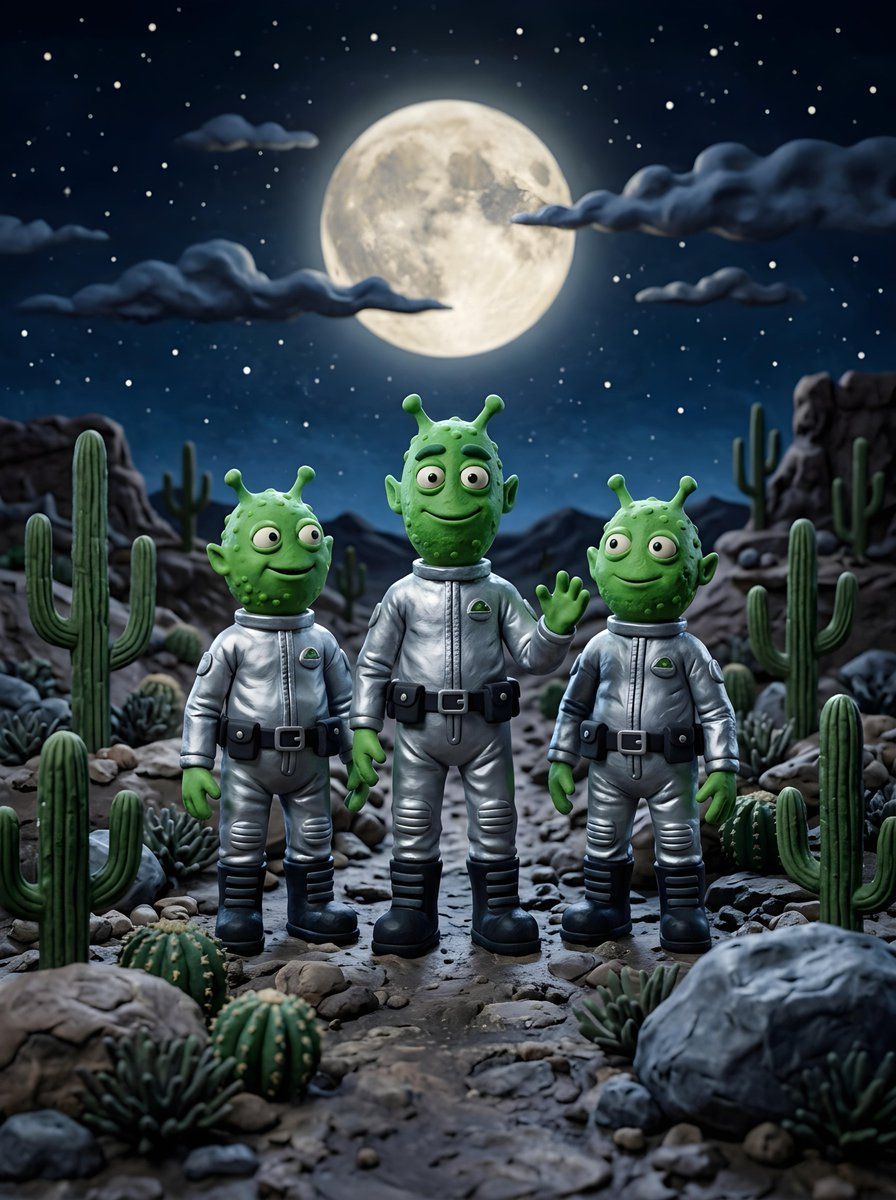
Claymation Aliens Desert Landscape
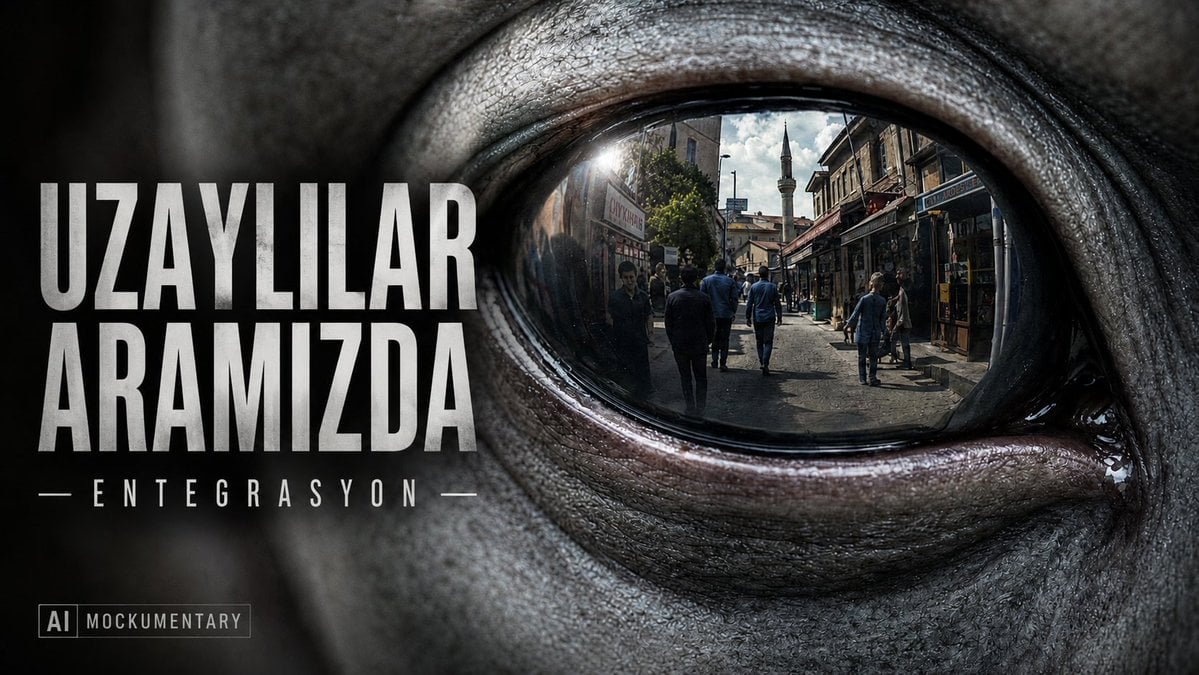
Alien Eye Mockumentary Poster
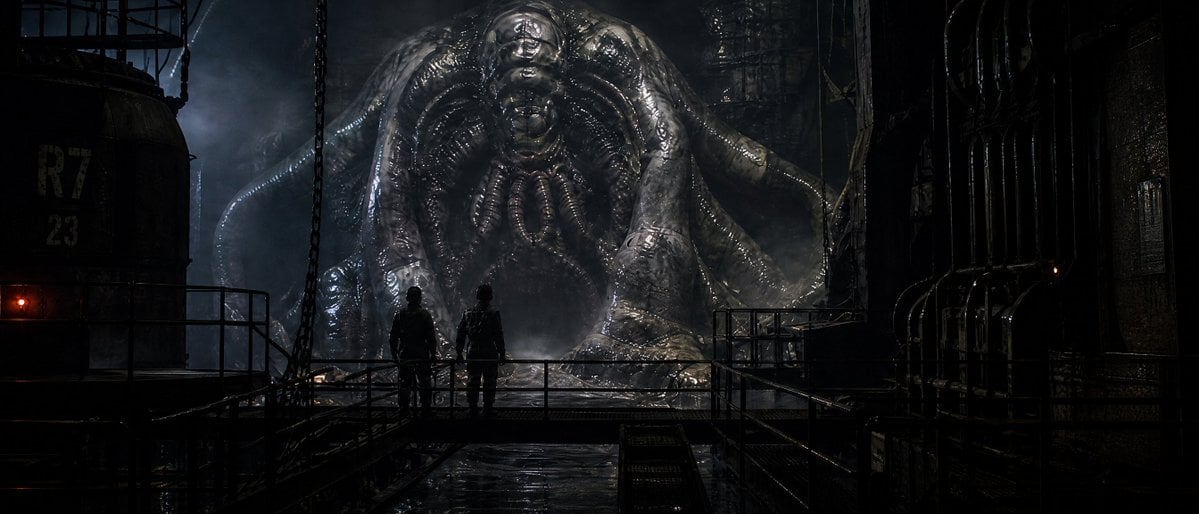
Industrial Alien Horror Encounter
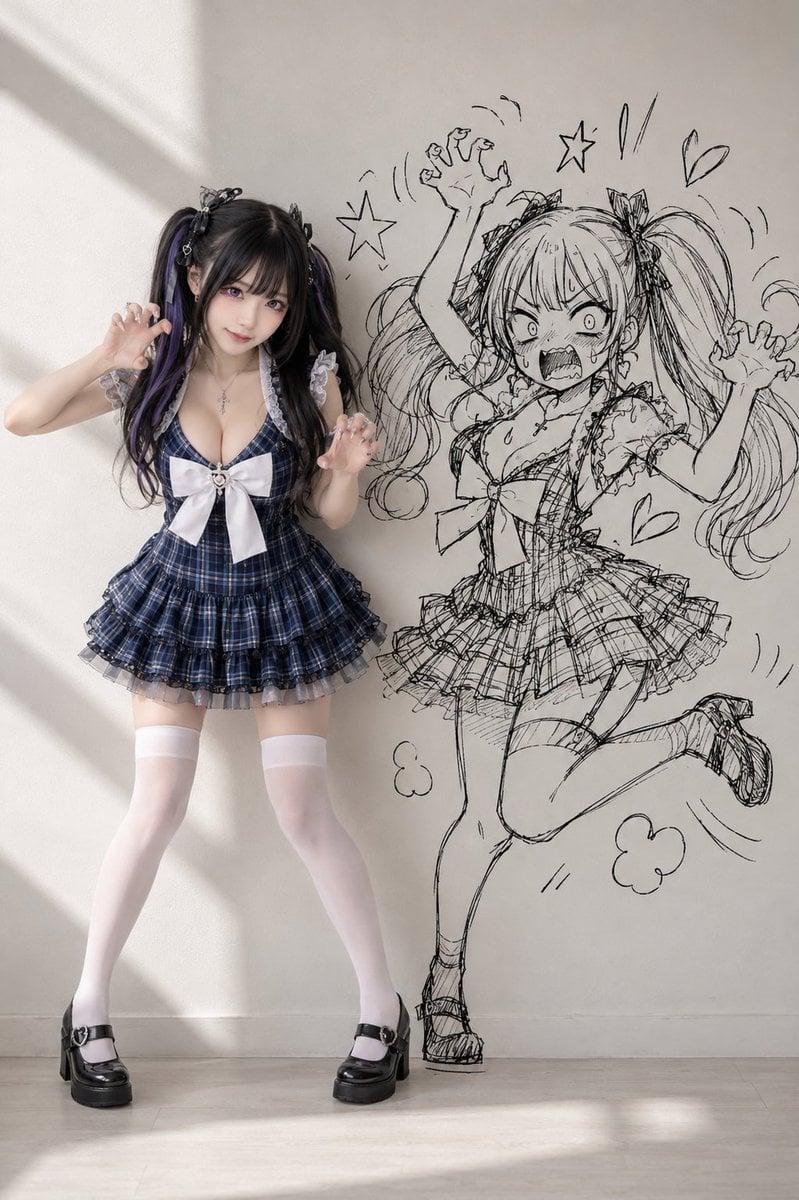
Cosplay Girl with Manga Graffiti Shadow
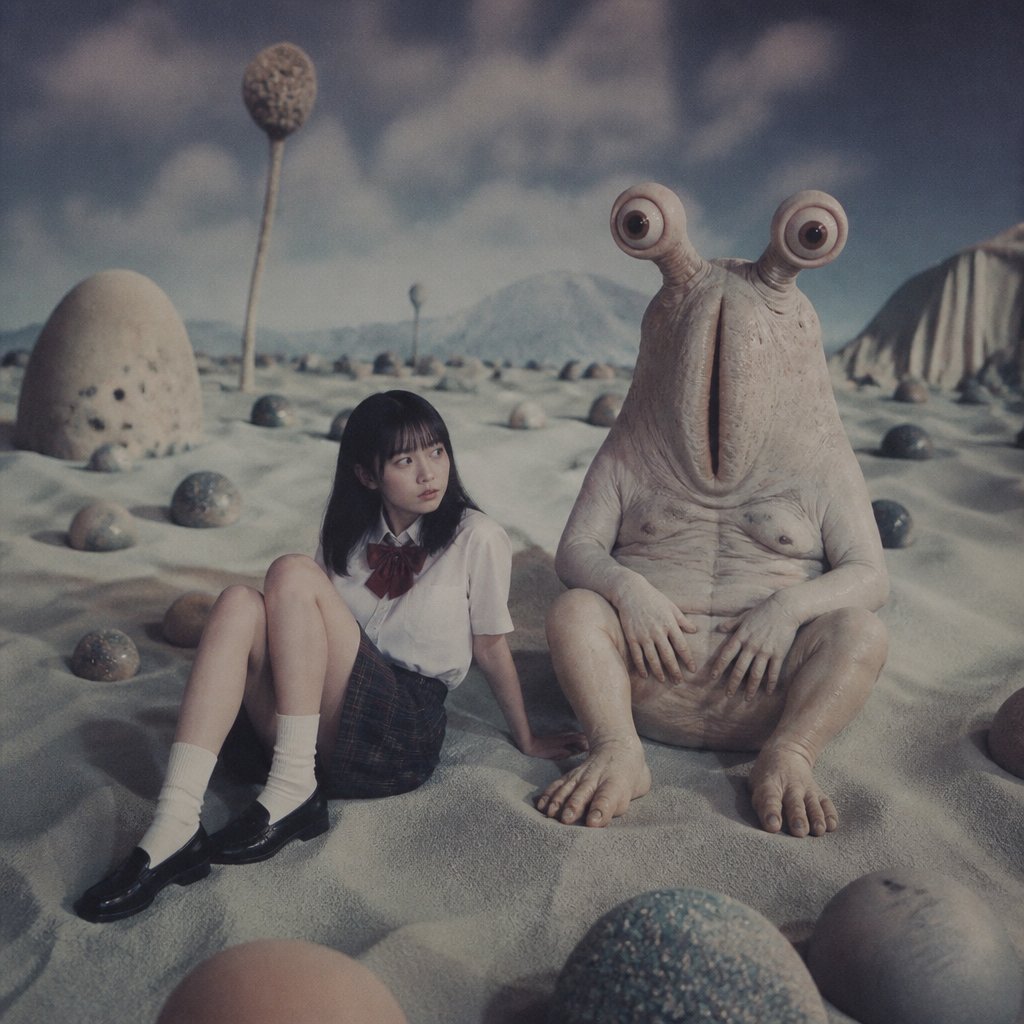
Schoolgirl and Eyestalk Alien in Sand Wasteland
Make it yours
Graffiti Sphere Alien at Café works as-is. These are the safest ways to change it without losing the look.
Change one field
Copy a single group, rewrite it, and generate again so you can see what that field is doing.
Keep the frame, change the subject
Hold the composition and light of Graffiti Sphere Alien at Café, then swap wardrobe, props or the person for a new take.
| If the result… | Why | Fix |
|---|---|---|
| The result drifts from the preview | Too many fields changed at once. | Reuse Graffiti Sphere Alien at Café as-is first, then change one group — subject, light, or setting. |
| The model over-stylizes the scene | The prose prompt leaves finish and camera underspecified. | Add one camera or lighting sentence and stay on GPT Image 2. |
More GPT Image 2 templates
Other prompts made for GPT Image 2.

Six VTuber Japanese Logo Sheet

Realistic Portrait of Woman and Deer

The Vista Modular Condo Poster

AI Model Routing Comparison Infographic

2.5D Anime Art Board

Isometric Productivity Desk Scene

New York Double Exposure Poster

Four-Panel AI Landscape Comparison

Japanese Tatami Lifestyle Magazine Cover

NESCAFÉ Coffee Map Poster
More image prompts
Fresh picks from across the catalog.

Dreamy Collage Portrait of a Girl
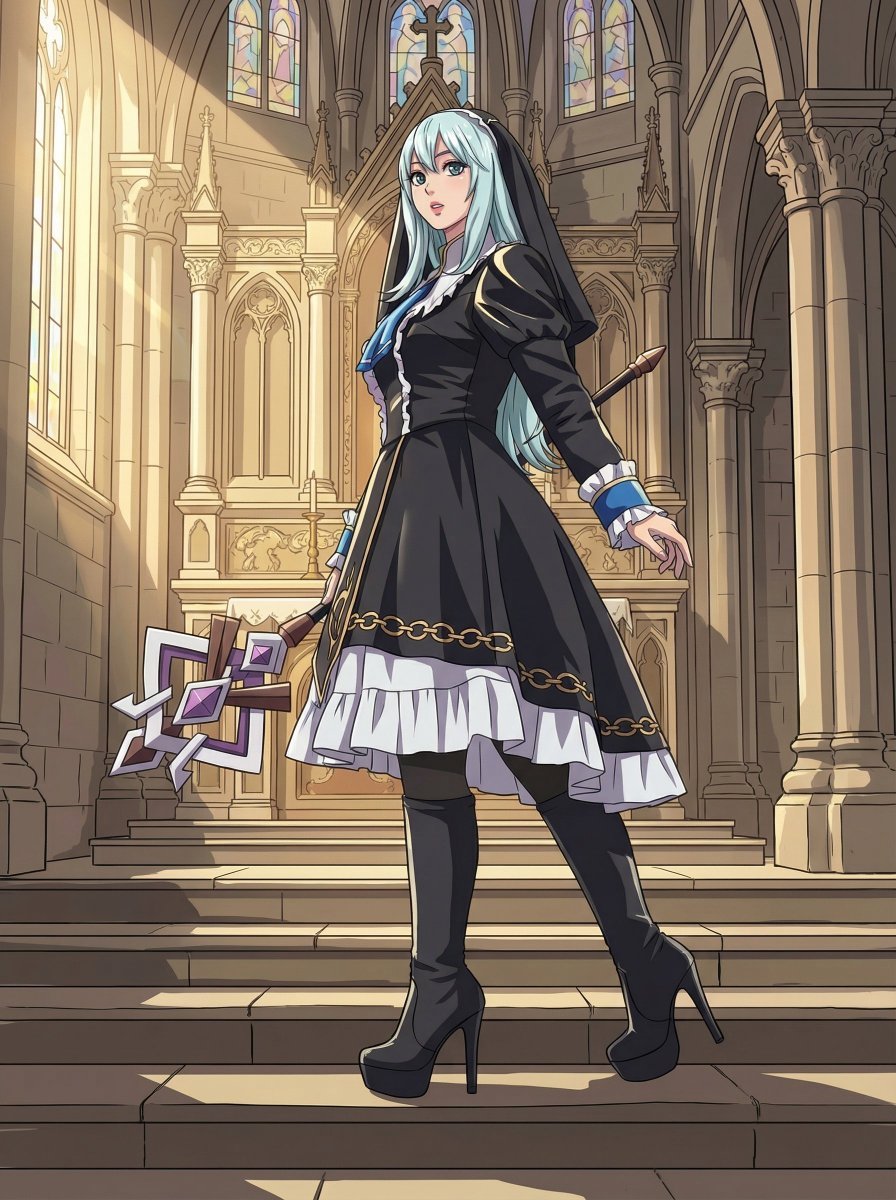
Anime Coloring Study: Flat Anime Style with Directional Light
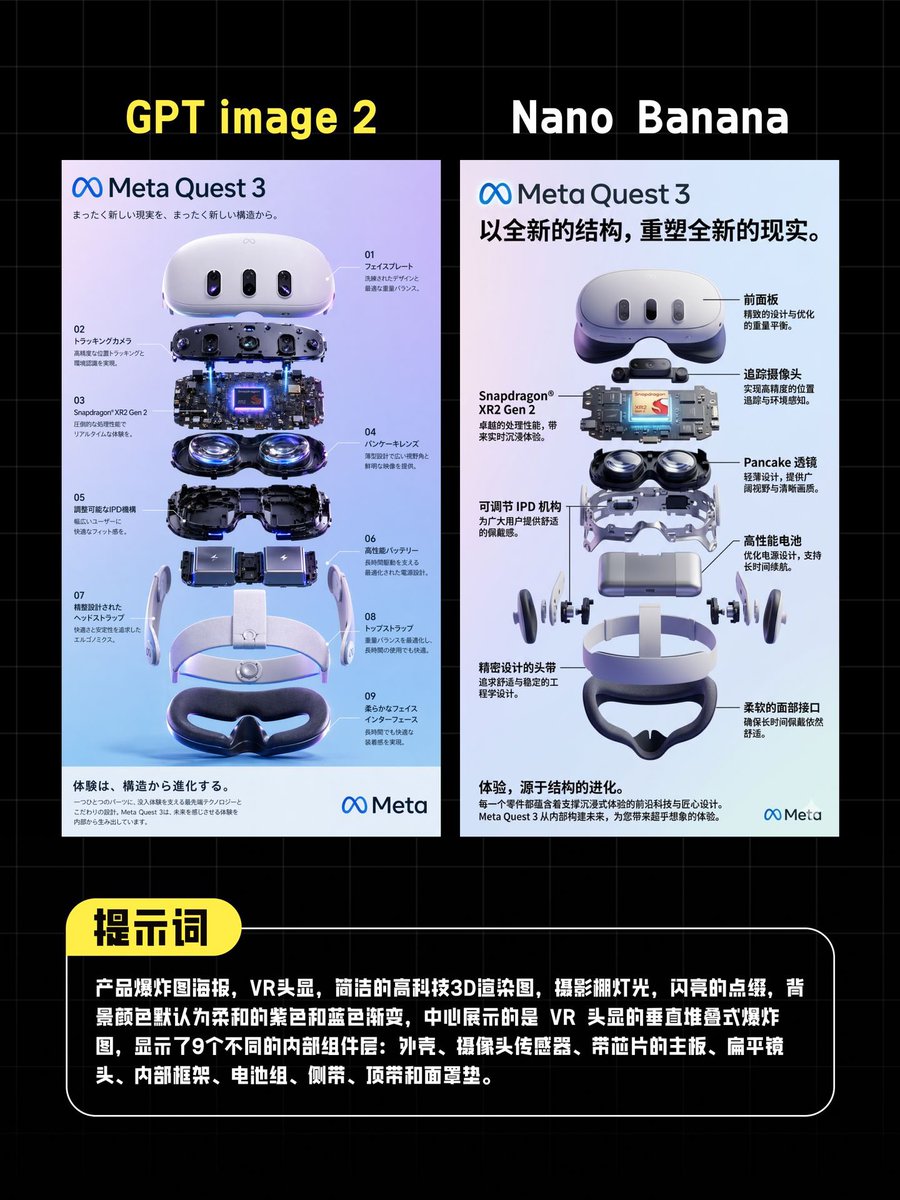
AI VR Poster Comparison

Gpt2 E Commerce Main Image Luxury Amber Perfume Ad

Misty Lotus Pond Heron Sunrise

Golden Hour Cinematic Portrait with Identity Lock
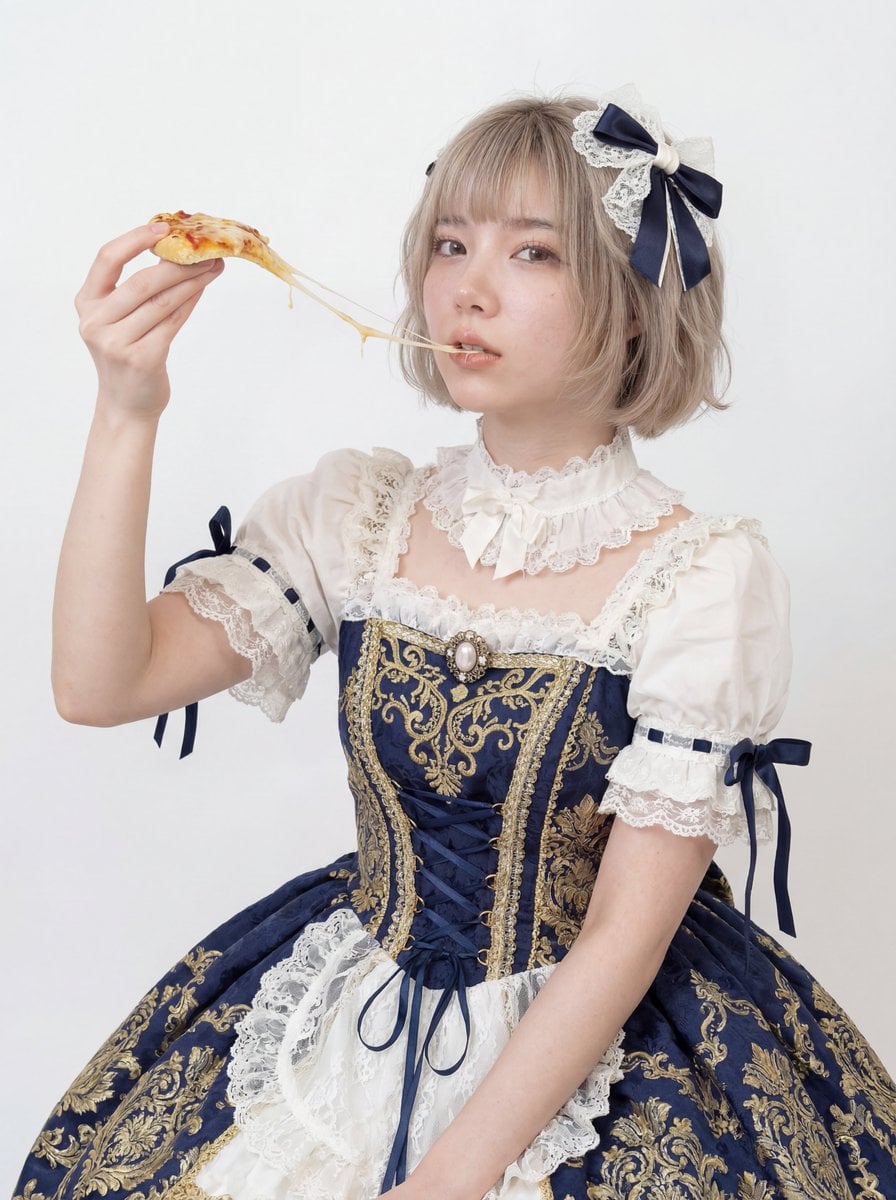
Professional Studio Headshot: Woman Eating Pizza
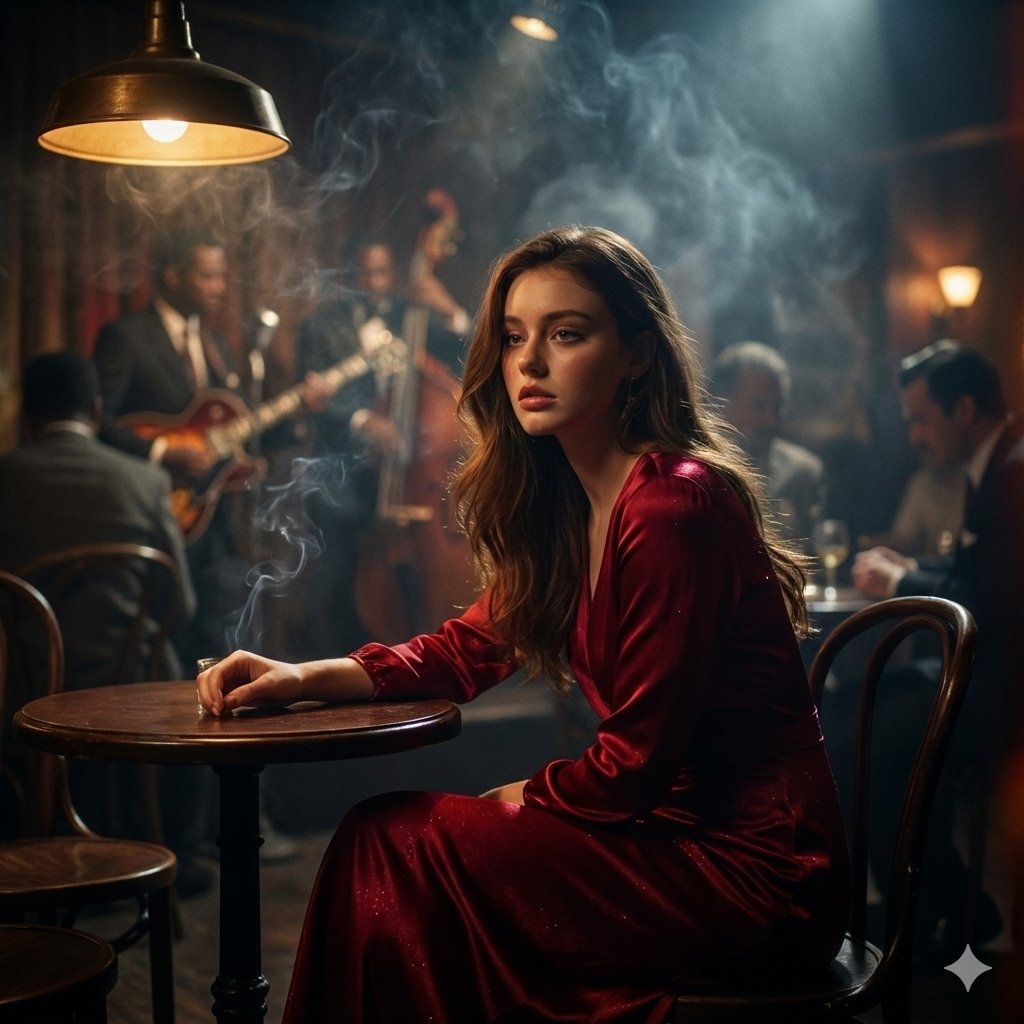
Moody Cinematic Jazz Club Portrait
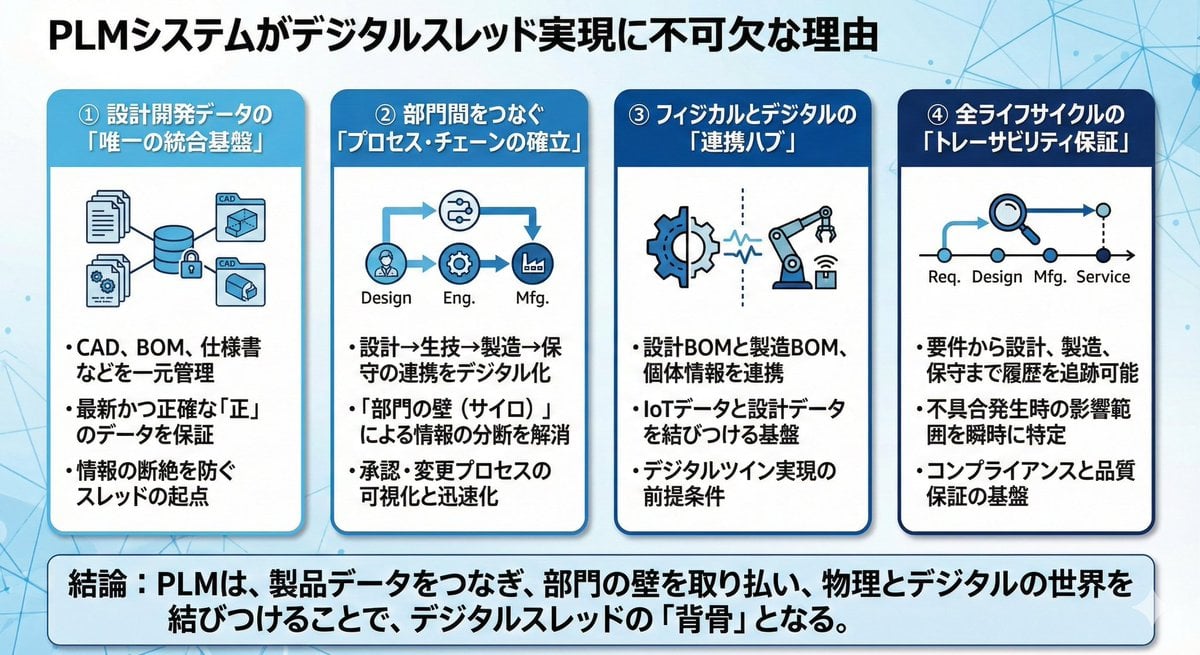
Presentation slide about PLM and digital thread
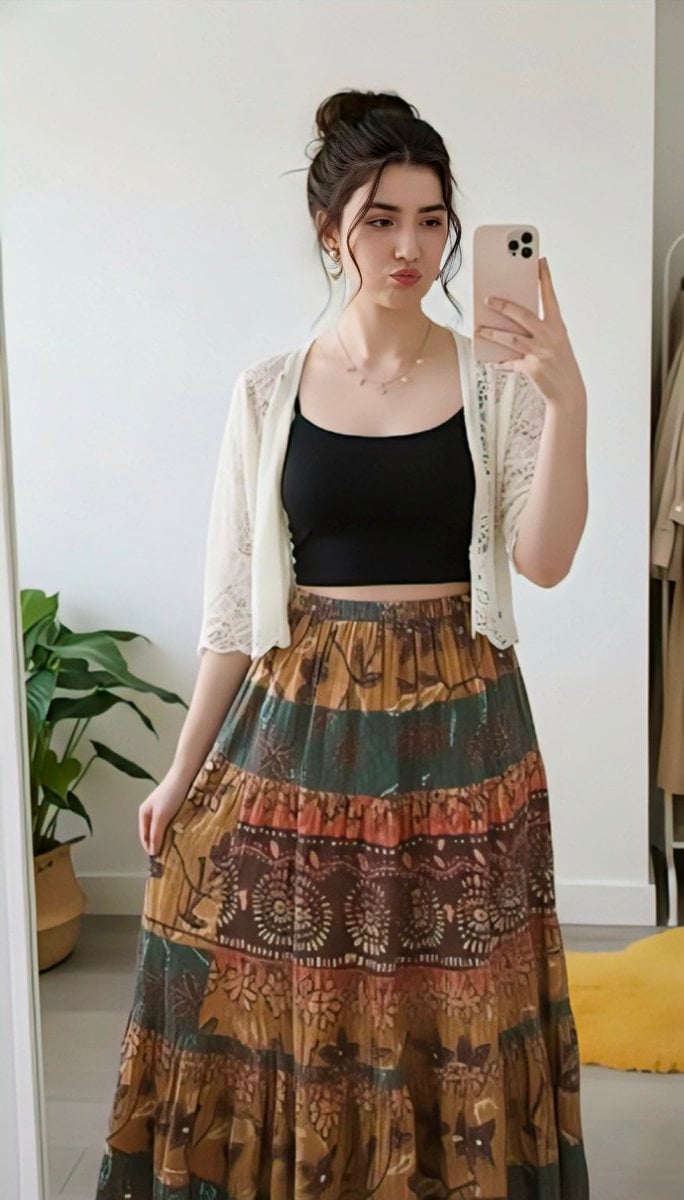
Replace clothing while keeping identity and pose
Browse template categories
Graffiti Sphere Alien at Café questions
How do I use the Graffiti Sphere Alien at Café template?
Add your photo if the template asks for one, edit the prompt if you like — the template's model and format are already selected — and press Generate. Your version opens in PicX Studio.
Can I customize the Graffiti Sphere Alien at Café template?
Yes. You can change the subject, setting, lighting, mood, format, and available model controls before creating your image.
Is the Graffiti Sphere Alien at Café template free?
Opening and editing this template is free. Generating uses credits, shown on the Generate button when you are signed in.
Which AI model should I use?
Start with GPT Image 2, which is the model associated with this template. You can compare another compatible model for a different finish.
Looking for something else? Browse all templates.

Your photo, any look
Thousands of ready templates for every top image and video model, from one credit balance.