
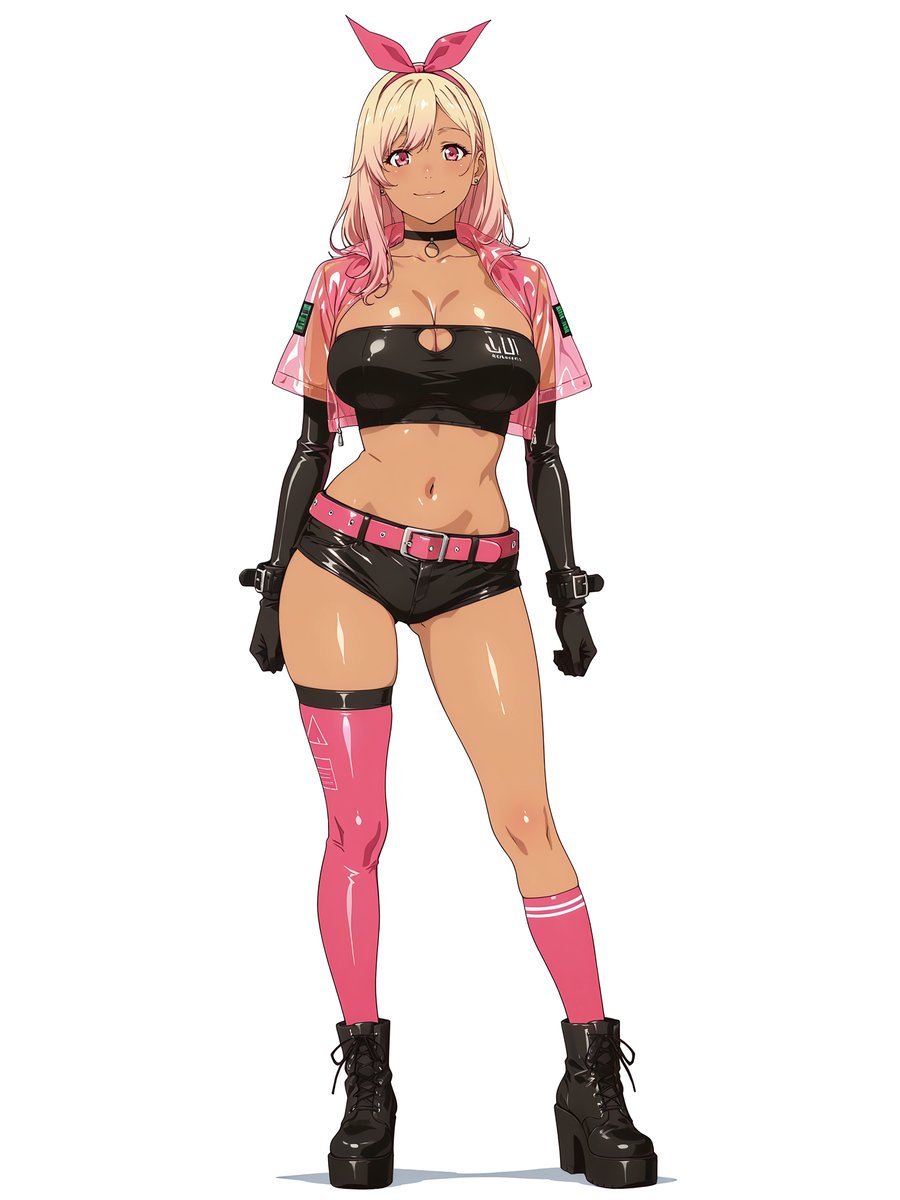
Pink Cyberpunk Survivor Anime Girl
Generates a full-body anime fashion character in a glossy pink-and-black cyberpunk survivor outfit for costume concept art.
- Prompt included
- Model and format preset
- Premium template
The prompt behind this image
Copy the exact prompt behind Pink Cyberpunk Survivor Anime Girl, or open it in the studio and make it yours.
Create a clean full-body anime character design on a plain white background: a confident young woman with a gyaru-inspired cyberpunk survivor look, standing front-facing with a relaxed slight contrapposto pose and a soft smile. She has {argument name="hair color" default="blonde hair fading into pink tips"}, long loose hair, pink eyes, tan glossy skin with strong cel-shaded highlights, and a bright pink bow headband. Dress her in a shiny black strapless latex bandeau crop top with a small oval chest cutout and a tiny white tech logo on one side, an open transparent pink vinyl cropped jacket with short sleeves and small green digital patch details on both sleeves, glossy black micro shorts, and a vivid pink belt with silver buckle and studs. Include exactly 10 visible outfit/accessory elements: 1 pink bow headband, 1 black choker with a ring charm, 1 transparent pink vinyl cropped jacket, 1 black latex bandeau top, 1 pink belt, 1 pair of glossy black shorts, 1 pair of long black opera gloves with wrist buckles, 1 single thigh-high glossy pink cyber stocking on her left leg with subtle white geometric markings and black thigh band, 1 shorter pink knee sock on her right leg with two white stripes, and 1 pair of chunky black lace-up platform boots. Use crisp Japanese anime line art, polished digital coloring, high-gloss reflections on vinyl and latex, slim athletic proportions with curvy hips, clean white negative space, no background props, no text except the tiny unreadable clothing logo, and a fashionable pink-and-black cyberpunk color palette.
How to use Pink Cyberpunk Survivor Anime Girl in 3 steps
- 1Upload ImagePNG, JPG or paste
Add your photo
Upload the photo the template builds on. The prompt, model and format are already set.
- 2…a portrait of your subject in softgolden-hour light, 85mm…
Personalize
Edit the subject and creative details for your destination.
- 3Generate
Generate
Press Generate — your image is created in PicX Studio, so you can compare it with the original and refine one variable at a time.
More like this
Templates with the same subject, style or setup. Open one to see its prompt.
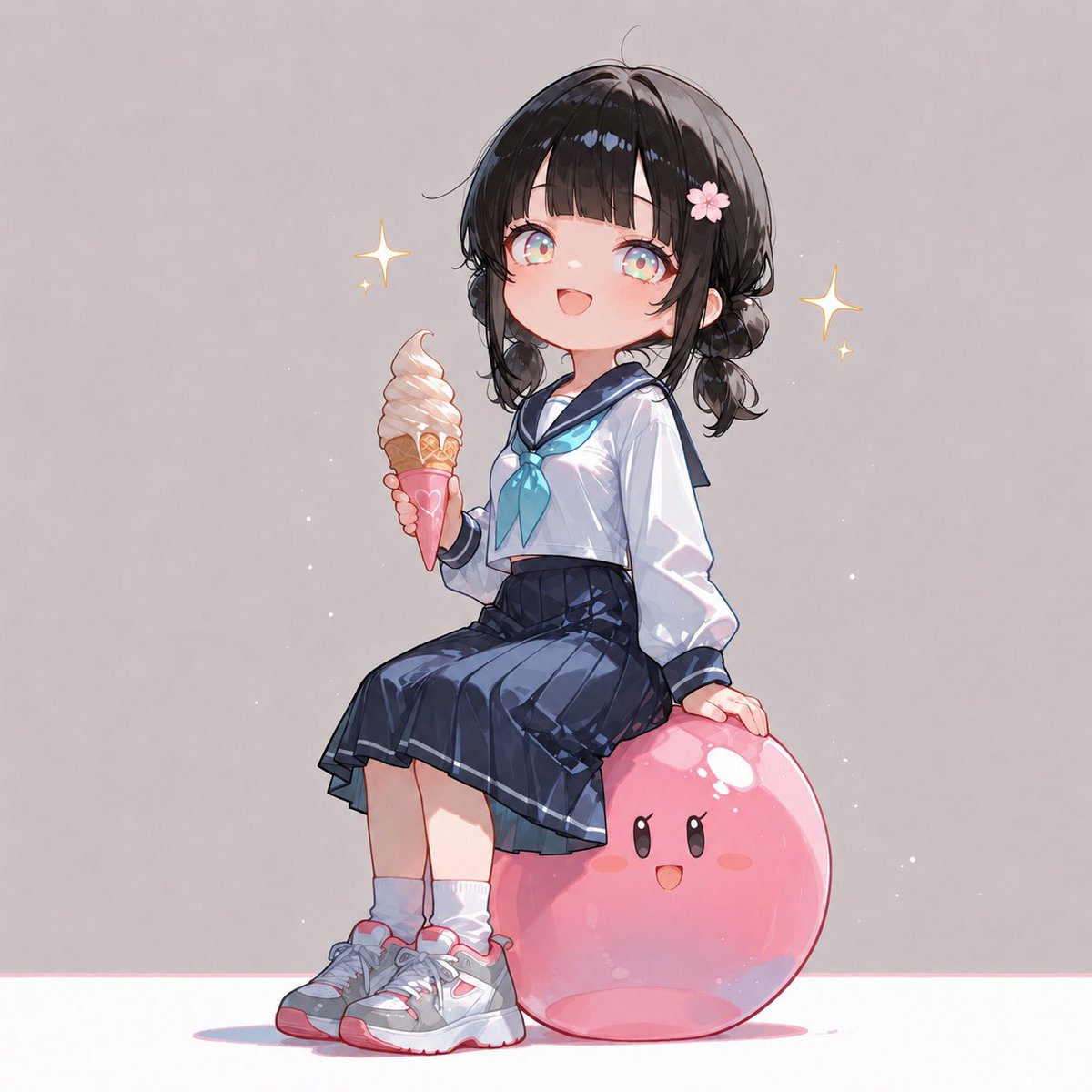
Anime Schoolgirl on Pink Slime

Teen Girl Alpine Lake Mountain View

Obscured Cyberpunk Girl Poster

Framed Quilling Anime Girl

Anime Lantern Girl Character Sheet

Anime Girl Generation Grid

Chaotic Anime Schoolgirl Fan Collage

Cel 2D Finale Fireworks

Cel 2D Garden Maze

Cel 2D Rooftop Concert

Cel 2D Bicycle Coast

Cel 2D Castle Gate
Make it yours
Pink Cyberpunk Survivor Anime Girl works as-is. These are the safest ways to change it without losing the look.
Change one field
Copy a single group, rewrite it, and generate again so you can see what that field is doing.
Keep the frame, change the subject
Hold the composition and light of Pink Cyberpunk Survivor Anime Girl, then swap wardrobe, props or the person for a new take.
| If the result… | Why | Fix |
|---|---|---|
| The result drifts from the preview | Too many fields changed at once. | Reuse Pink Cyberpunk Survivor Anime Girl as-is first, then change one group — subject, light, or setting. |
| The model over-stylizes the scene | The prose prompt leaves finish and camera underspecified. | Add one camera or lighting sentence and stay on GPT Image 2. |
More GPT Image 2 templates
Other prompts made for GPT Image 2.

Six VTuber Japanese Logo Sheet

Realistic Portrait of Woman and Deer

The Vista Modular Condo Poster

AI Model Routing Comparison Infographic

2.5D Anime Art Board

Isometric Productivity Desk Scene

New York Double Exposure Poster

Four-Panel AI Landscape Comparison

Japanese Tatami Lifestyle Magazine Cover

NESCAFÉ Coffee Map Poster
More image prompts
Fresh picks from across the catalog.
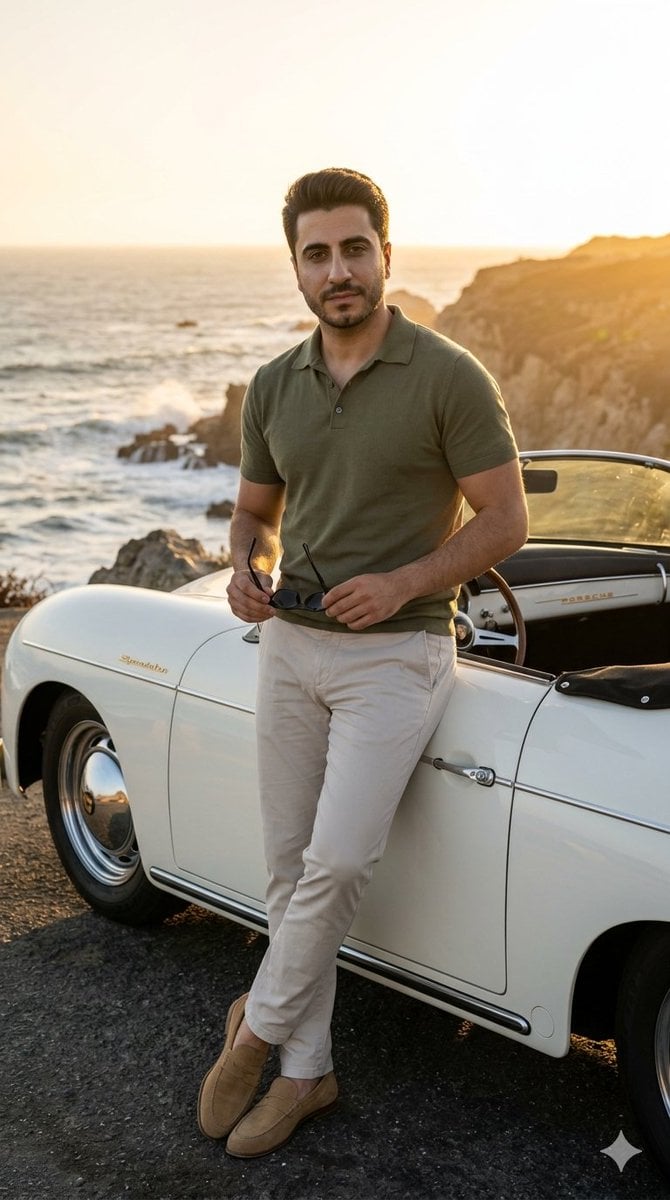
Coastal Road Portrait with Vintage Porsche
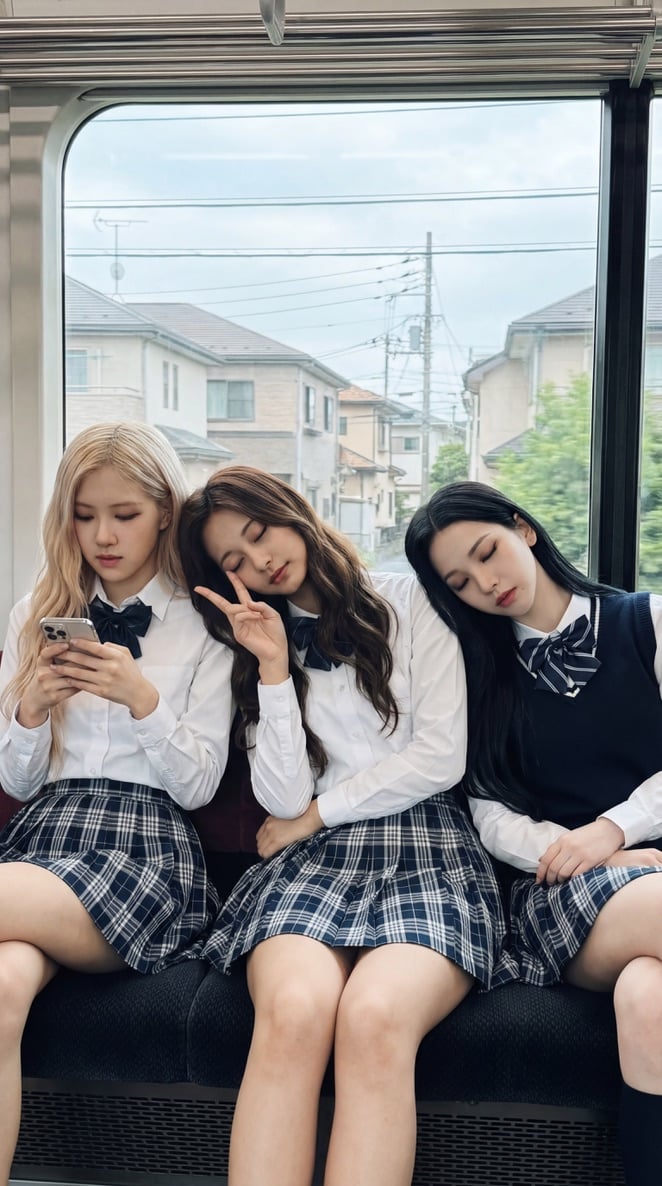
K-pop Idols Sleeping on a Train JSON Prompt
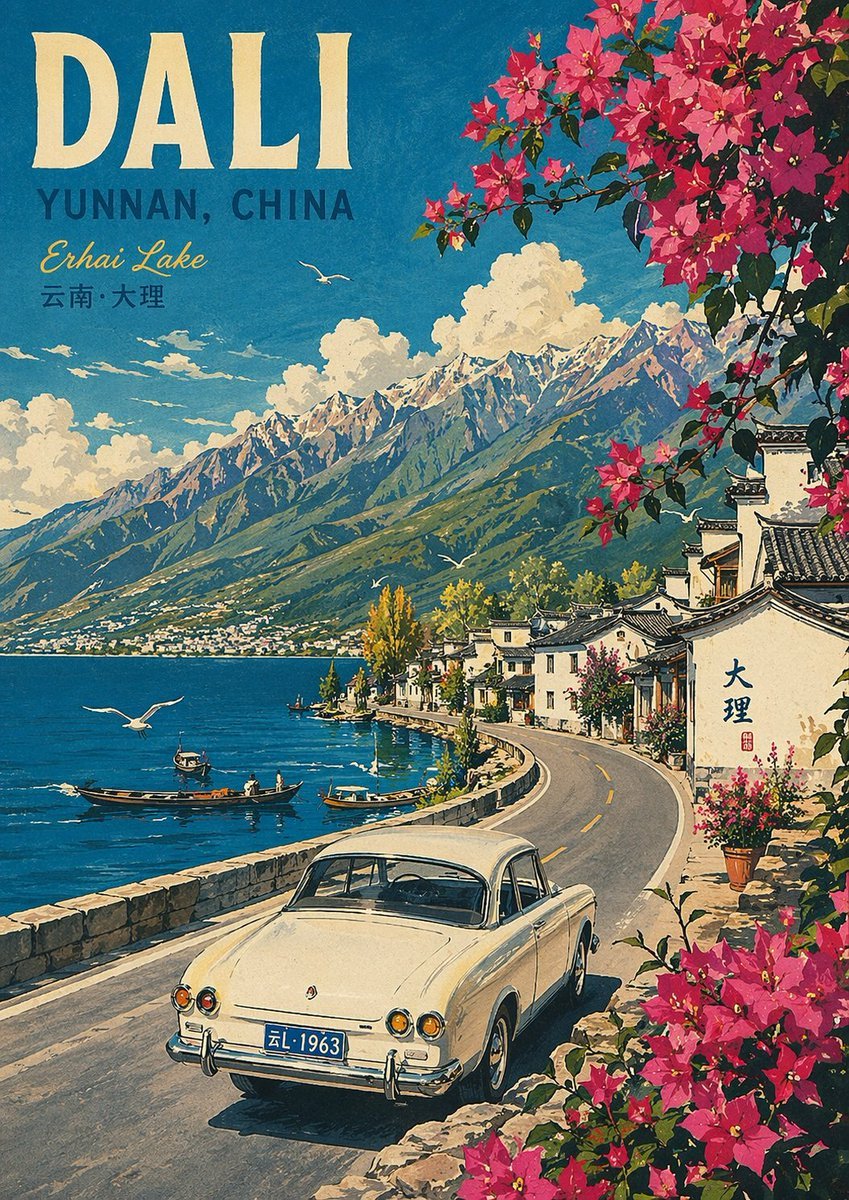
Vintage Travel Poster Illustration
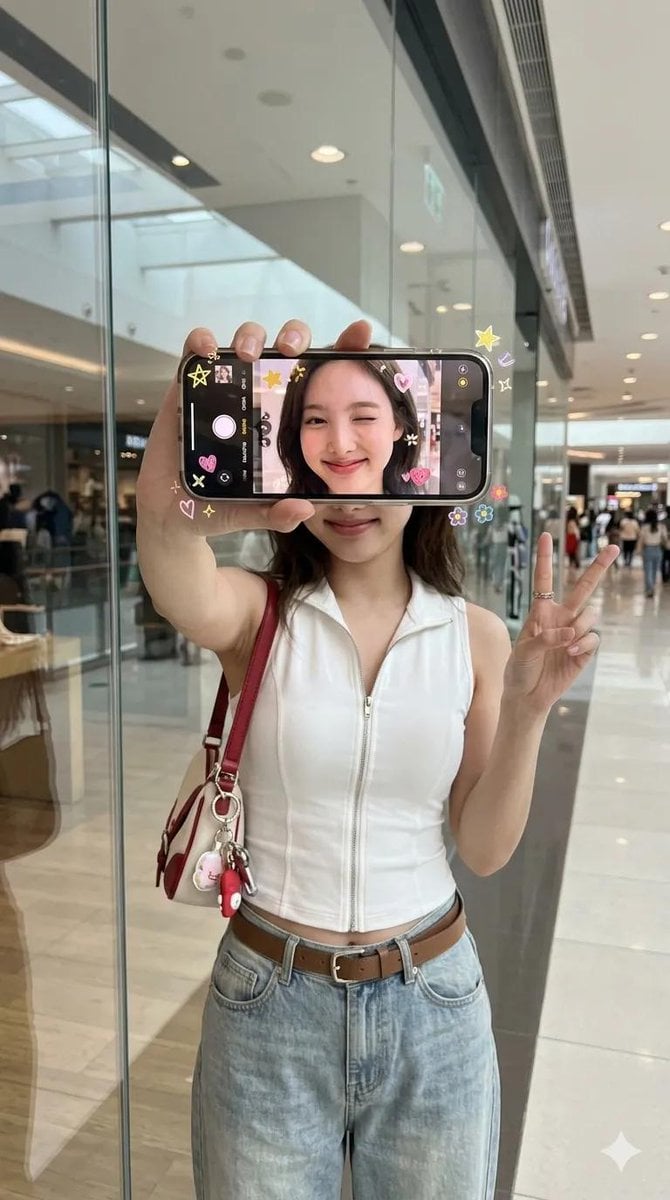
iPhone Screen Reflection Portrait
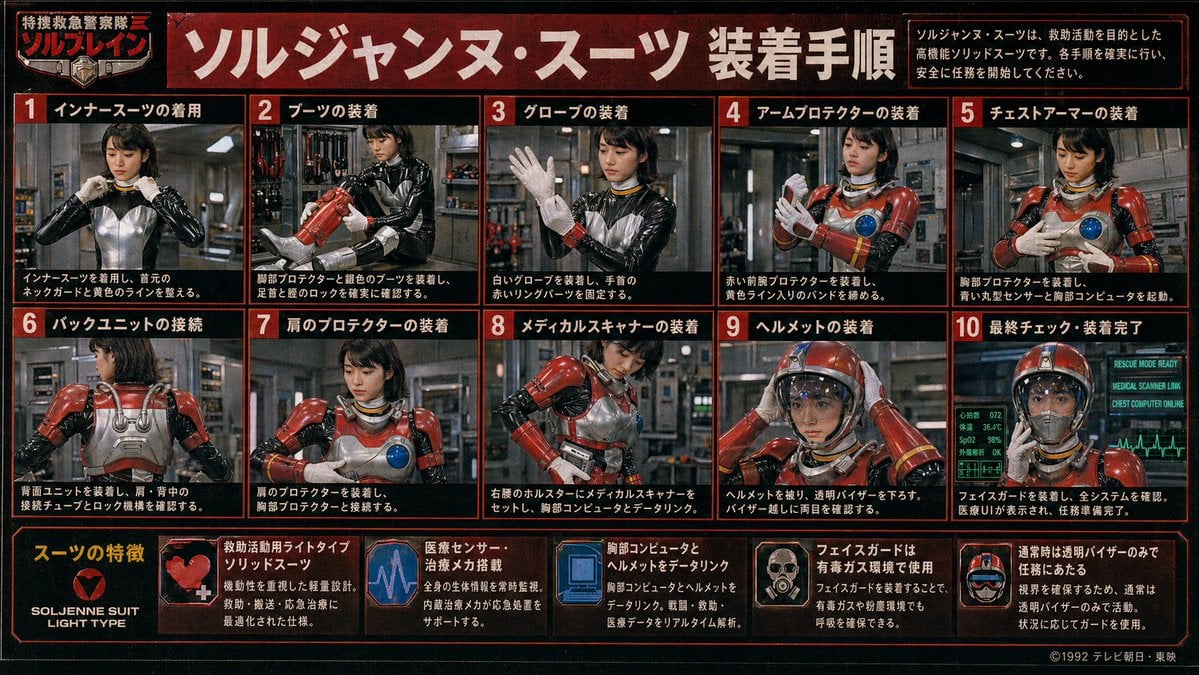
Retro Tokusatsu Suit Procedure Poster
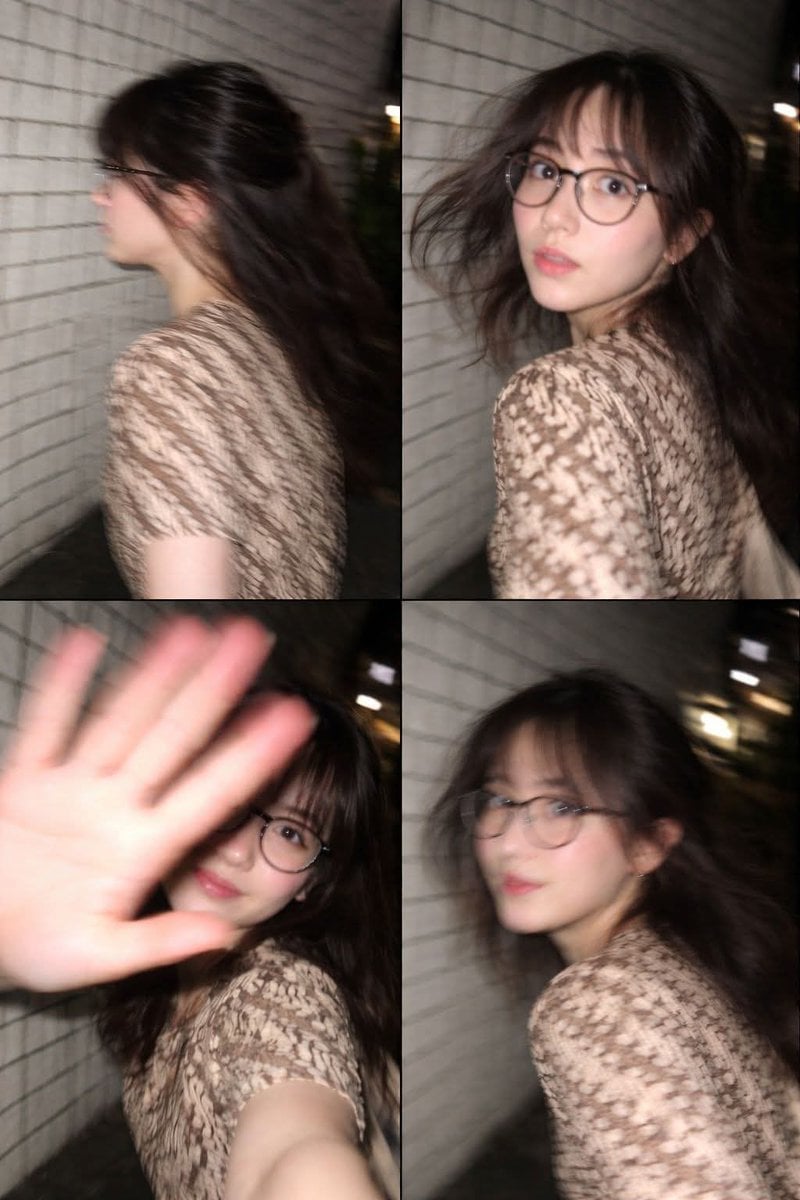
Ultra-Realistic Candid Nighttime Smartphone Photo in Tokyo
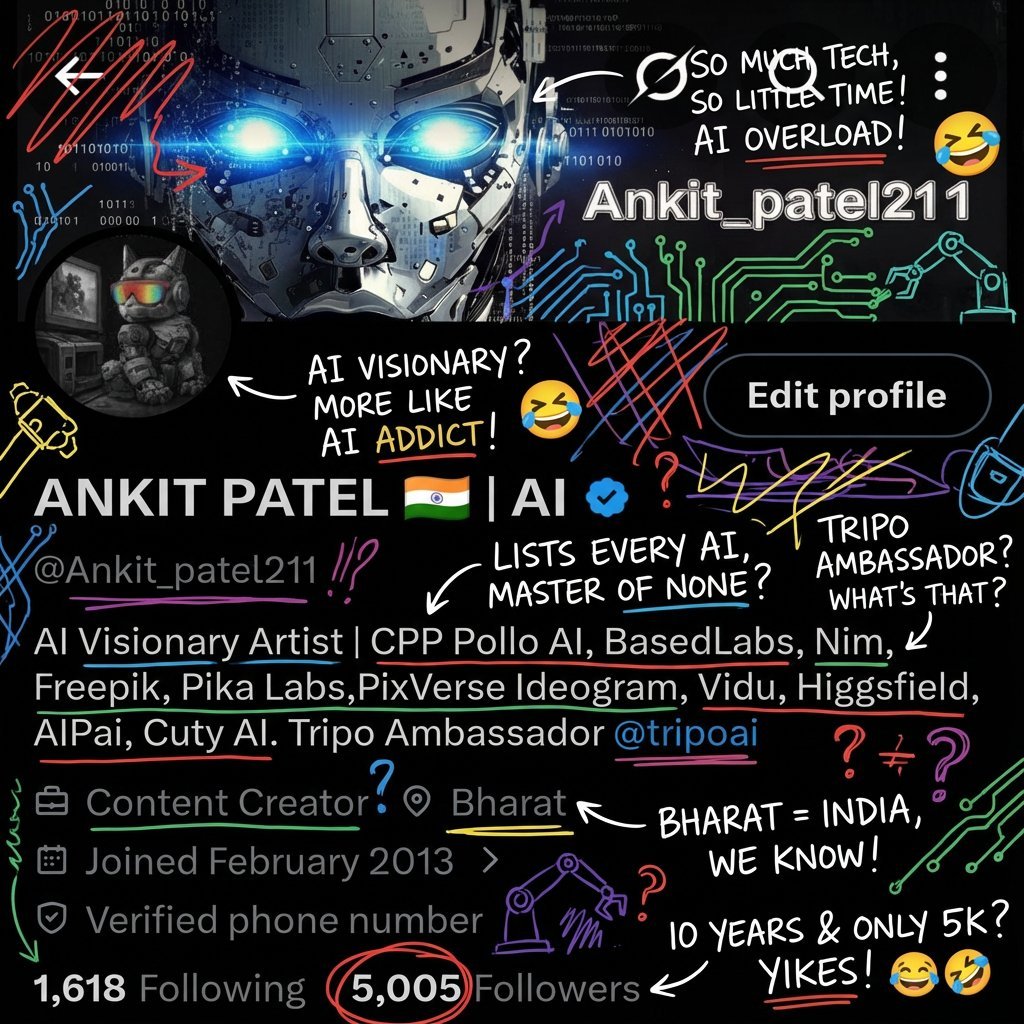
Image Transformation into Energetic Roast Scribbles
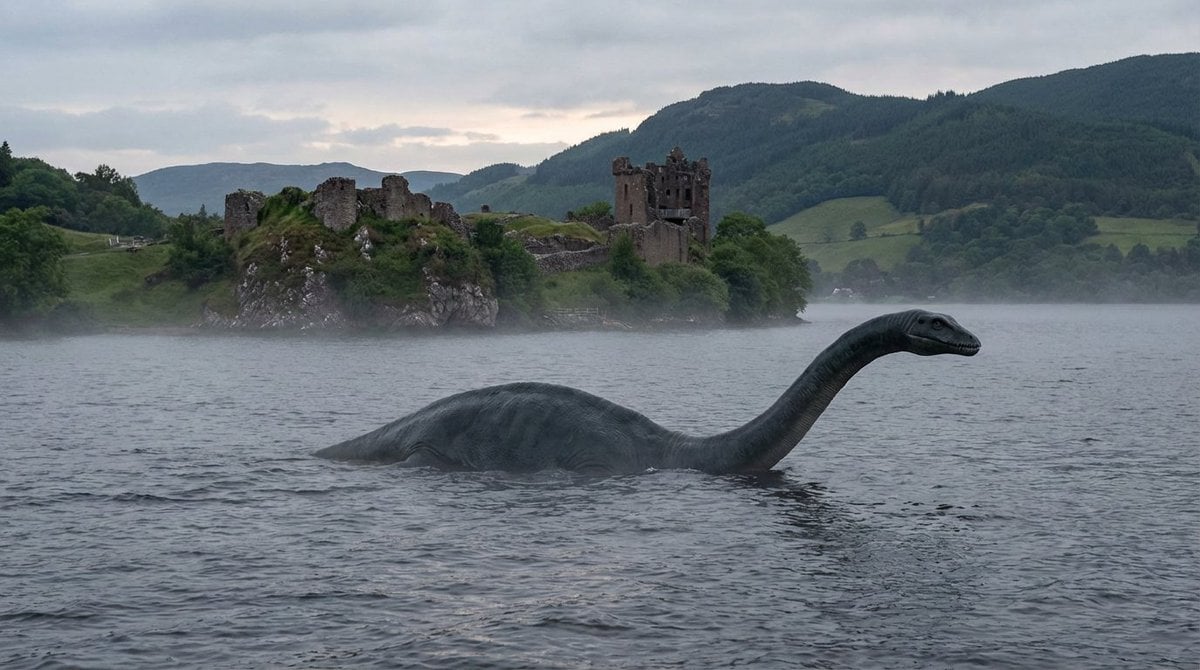
Loch Ness Monster Visual Description and Generation
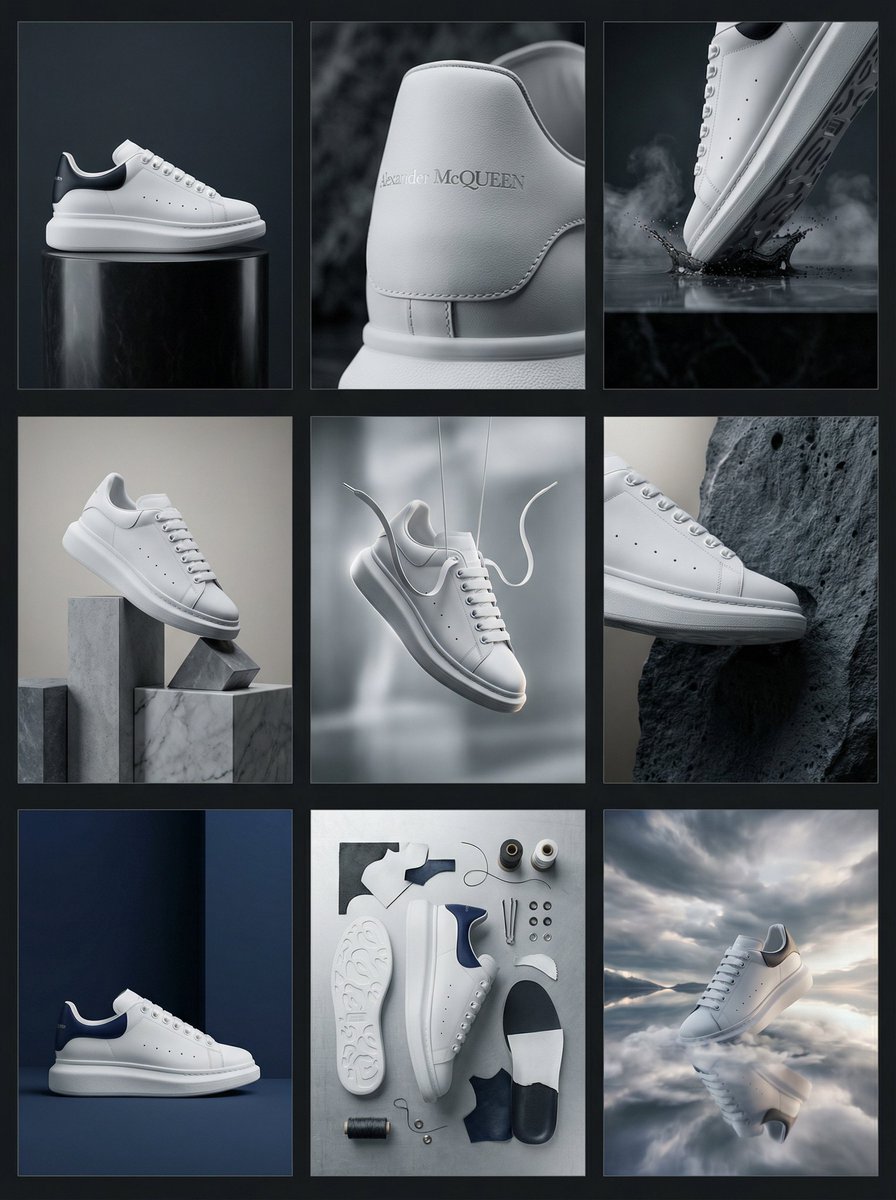
Alexander McQueen Sneaker Commercial Grid Prompt (3x3)
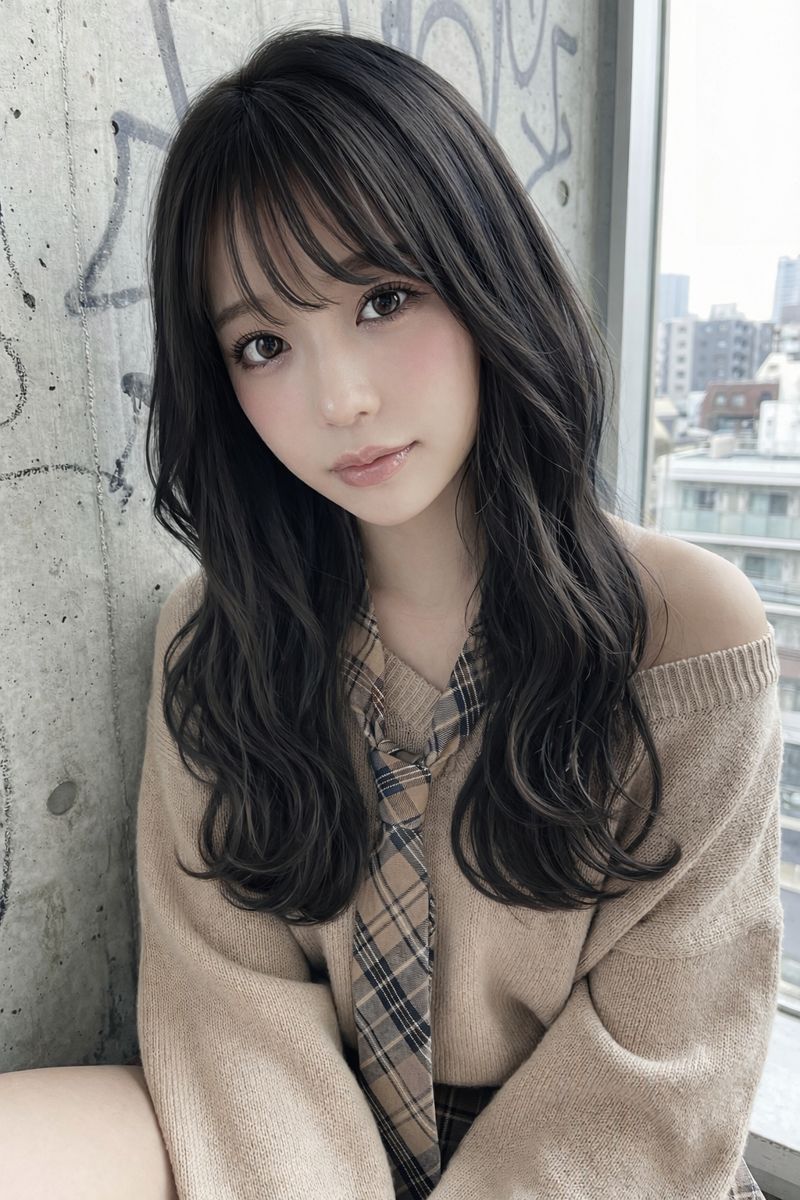
Image Editing: Change Hair Color to Black
Browse template categories
Pink Cyberpunk Survivor Anime Girl questions
How do I use the Pink Cyberpunk Survivor Anime Girl template?
Add your photo if the template asks for one, edit the prompt if you like — the template's model and format are already selected — and press Generate. Your version opens in PicX Studio.
Can I customize the Pink Cyberpunk Survivor Anime Girl template?
Yes. You can change the subject, setting, lighting, mood, format, and available model controls before creating your image.
Is the Pink Cyberpunk Survivor Anime Girl template free?
Opening and editing this template is free. Generating uses credits, shown on the Generate button when you are signed in.
Which AI model should I use?
Start with GPT Image 2, which is the model associated with this template. You can compare another compatible model for a different finish.
Looking for something else? Browse all templates.

Your photo, any look
Thousands of ready templates for every top image and video model, from one credit balance.