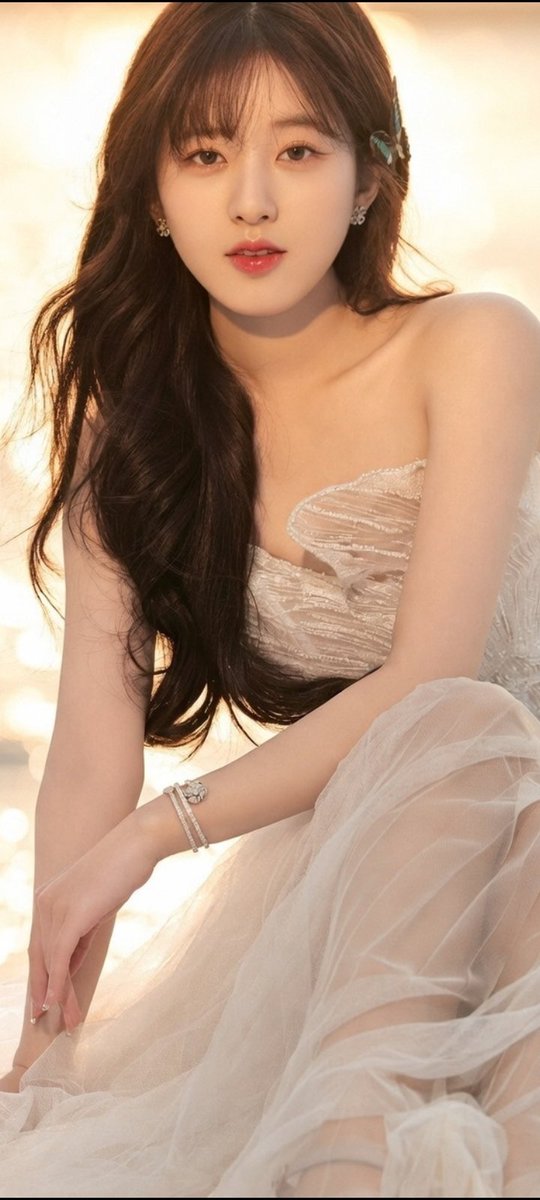
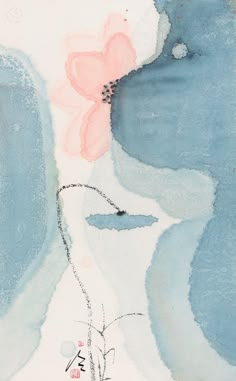
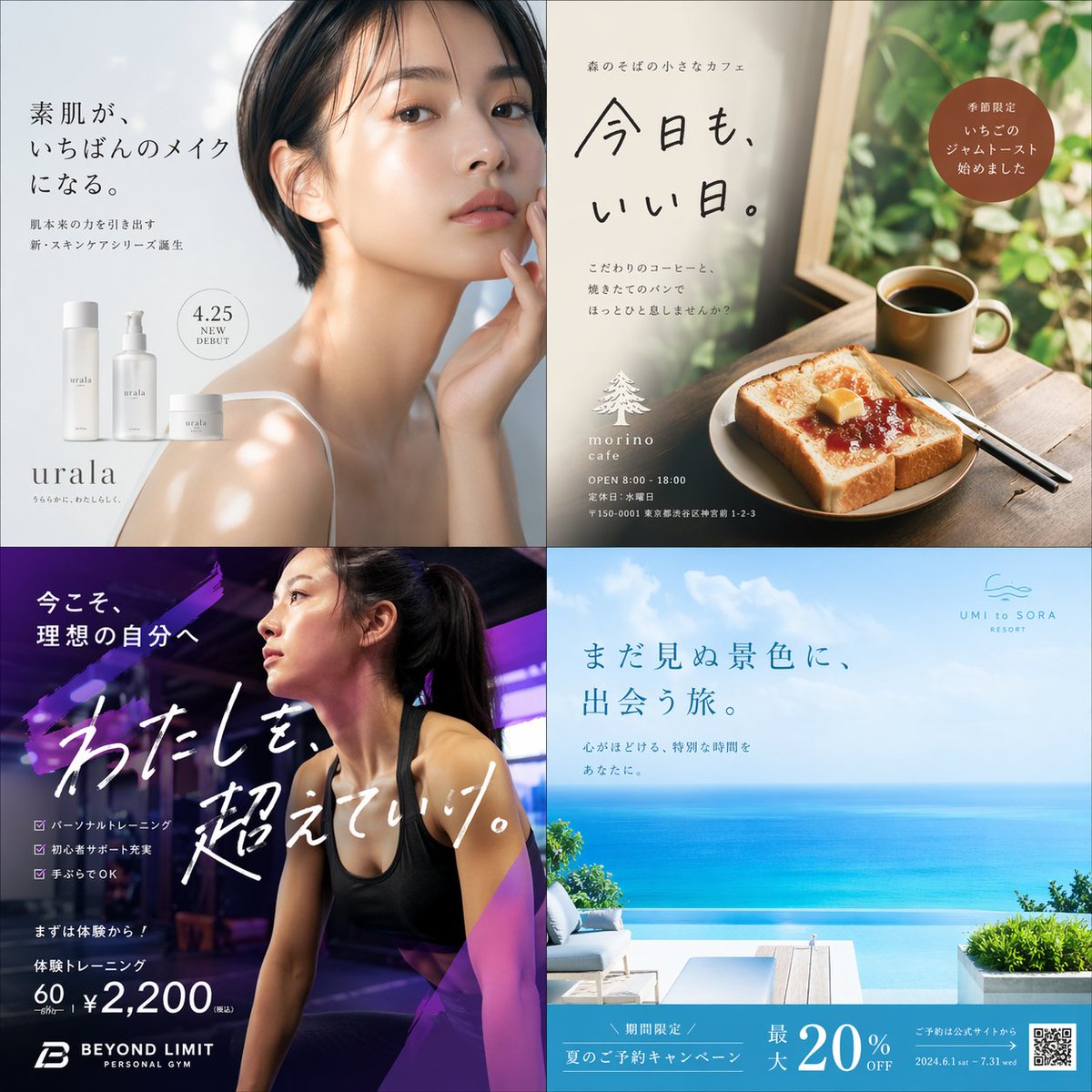
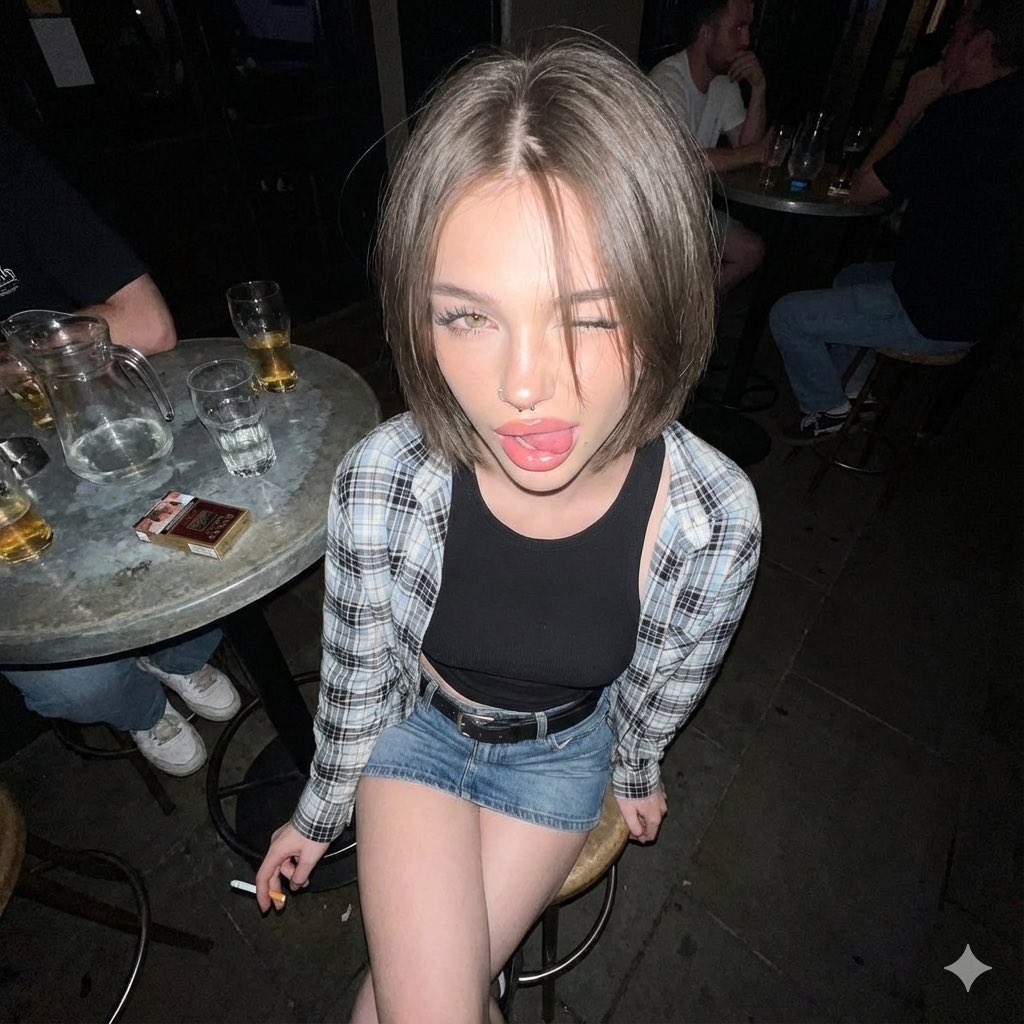
How do I use the Mixed Media Street Portrait Collage template?
Choose the primary action to open PicX Studio with the available template settings. Review the model and format, personalize the creative direction, and generate when ready.
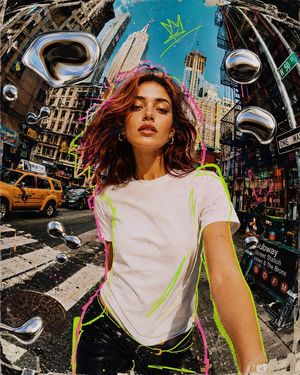
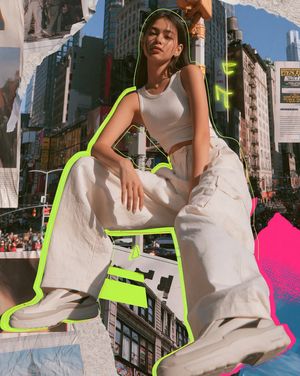
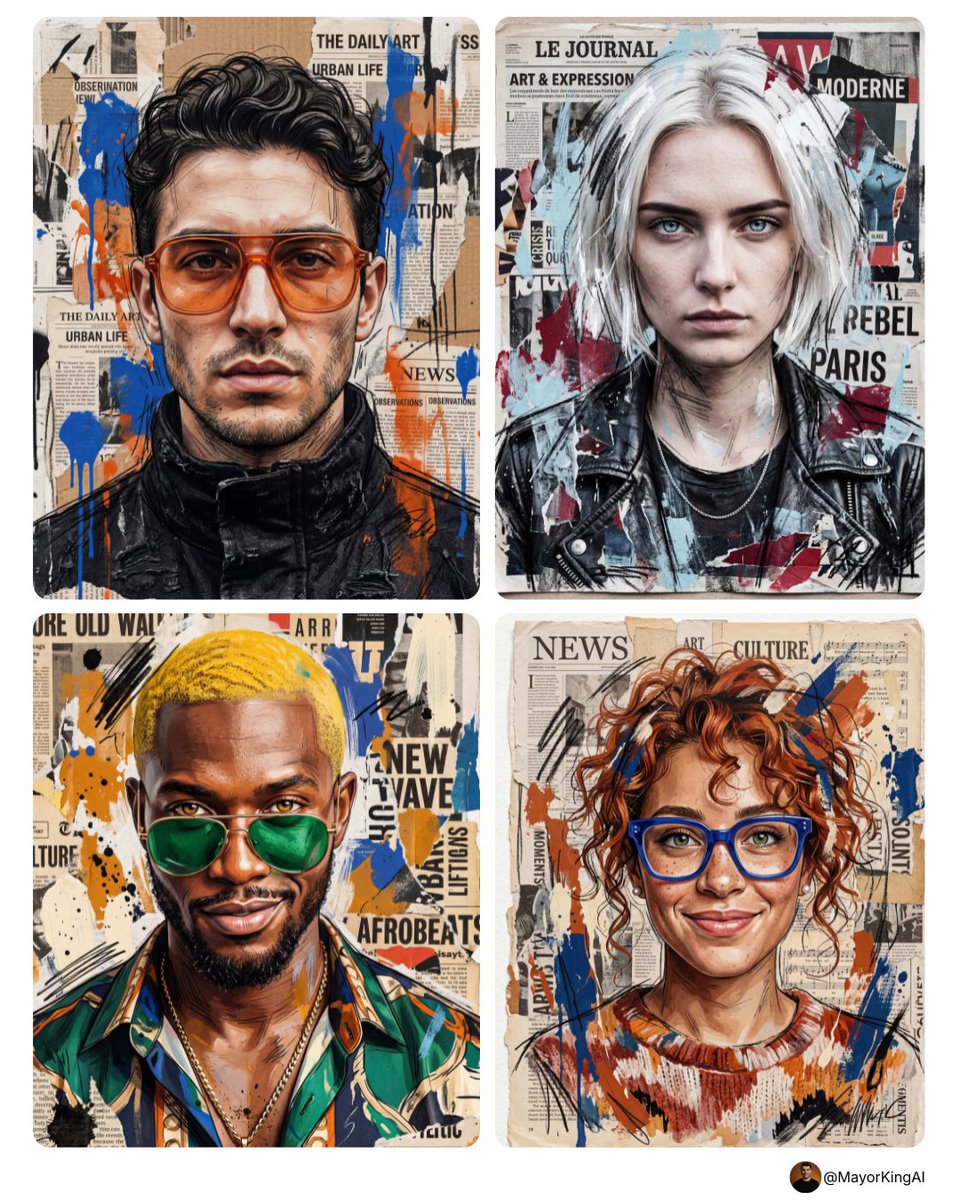
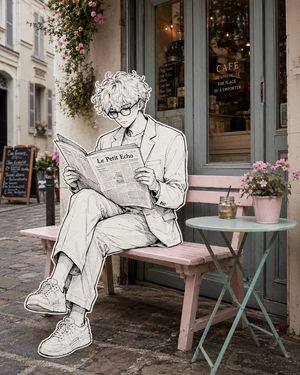
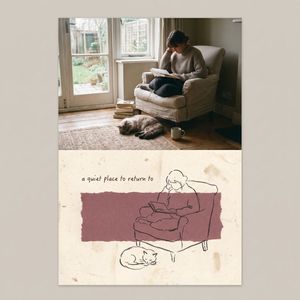
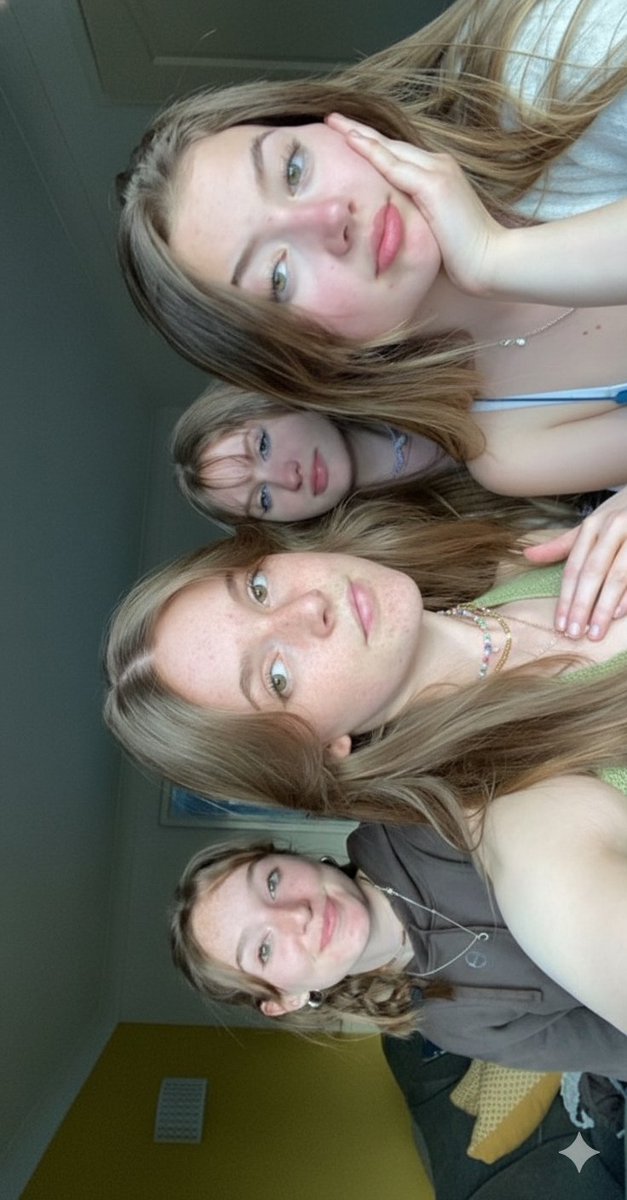
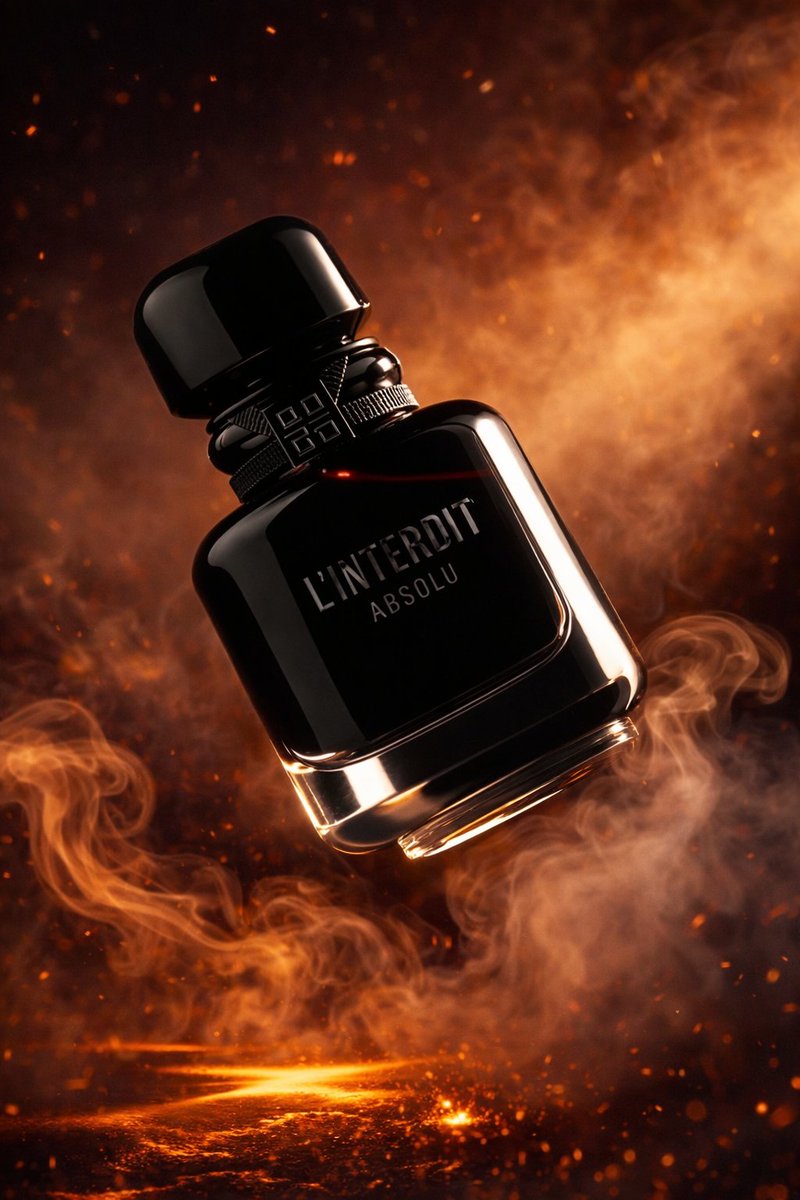
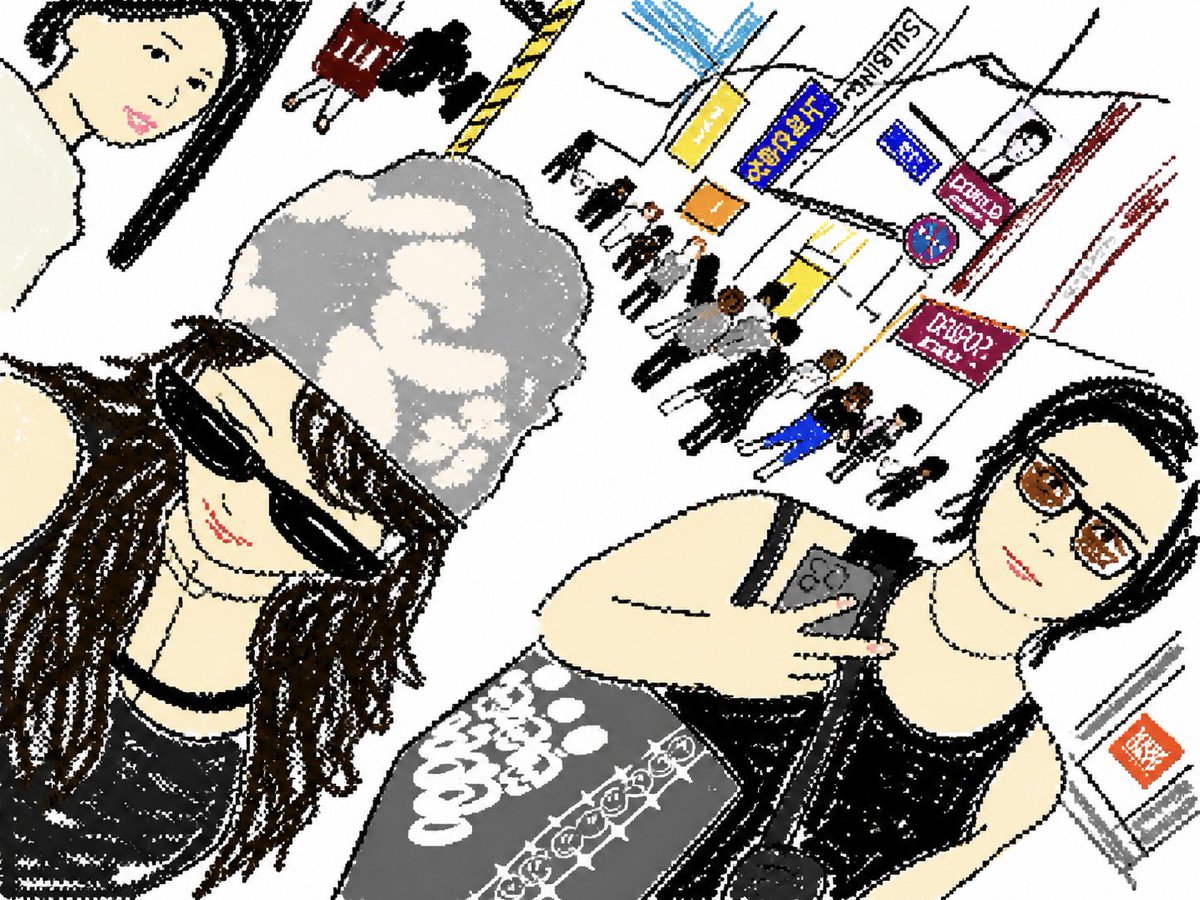
Generates a stylish, photorealistic mixed media portrait collage that preserves the subject's features while adding artistic drawn elements and urban background
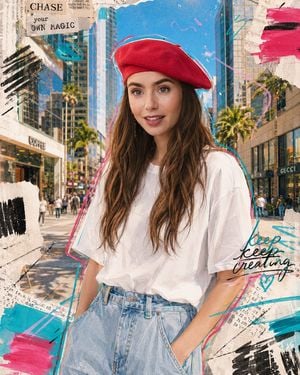
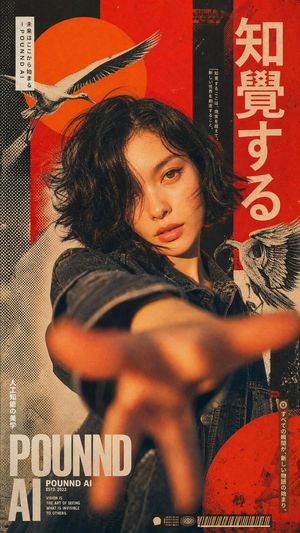
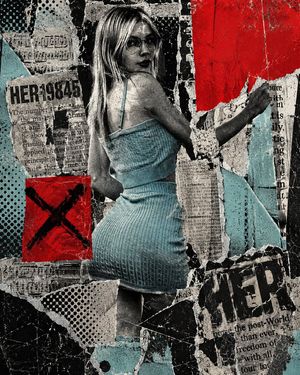
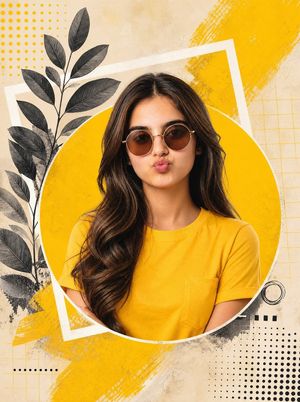
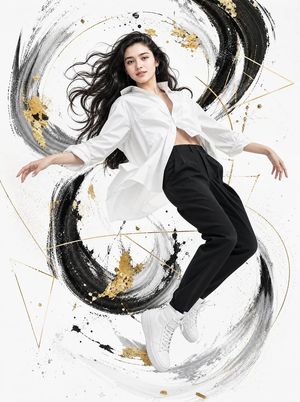
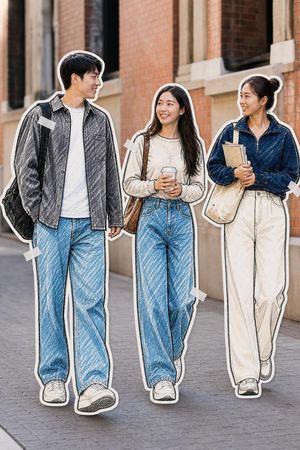
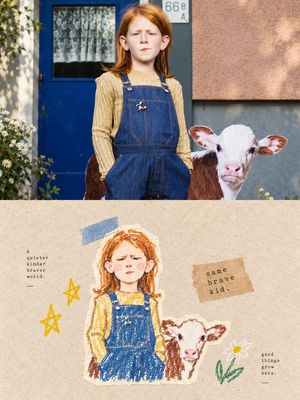
Photorealistic mixed media collage street portrait sketch [OF A PERSON WITH A PHOTO]. Use the uploaded photo as an exact reference for the personality. Fully preserve the face, facial features, skin texture, proportions, hairstyle, and recognizability. Medium close-up, slight low angle, looking straight into the camera, soft smile with closed mouth. Clothing: {argument name="clothing" default="loose white oversize t-shirt"}, tucked into {argument name="bottoms" default="light blue wide-leg high-waisted jeans"}, minimalist gold hoop earrings, concise modern style. Background: {argument name="background" default="modern sunny street of a metropolis"} with futuristic glass buildings, stylish coffee shops, designer boutiques, wide sidewalks, urban greenery, modern architecture, reflections in glass facades, and a rich blue sky. Atmosphere of a warm summer day, lively, airy, and inspiring mood. Strong manual processing in mixed media style: bold drawn contour lines in bright pink and aquamarine colors, emphasizing the silhouette, abstract brush strokes, free marker swirls, semi-transparent torn paper fragments, handwritten strokes, dynamic scribbles, and graphic cutouts. Composition is energetic, yet neat and balanced. Light scanning texture, poster grain, delicate chromatic aberration, slightly frayed collage edges, feeling of a premium printed art poster. The character remains maximally realistic and sharp, while mixed media elements look hand-applied. Mood: modern, stylish, youthful, premium, bright, trendy, and scroll-stopping.
Choose the primary action to open PicX Studio with the available template settings. Review the model and format, personalize the creative direction, and generate when ready.
Yes. You can change the subject, setting, lighting, mood, format, and available model controls before creating your image.
This template is free to open and customize. Generation usage is shown in PicX Studio before you create.
Start with GPT Image 2, which is the model associated with this template. You can compare another compatible model for a different finish.
Follow a topic to a crawlable collection of related PicX Studio templates.