How do I use the Candid Film Indoor Portrait template?
Choose the primary action to open PicX Studio with the available template settings. Review the model and format, personalize the creative direction, and generate when ready.
This prompt generates a cozy, ultra-photorealistic indoor portrait with a 35mm film aesthetic, placing the subject in front of a wall with instant photos to cre
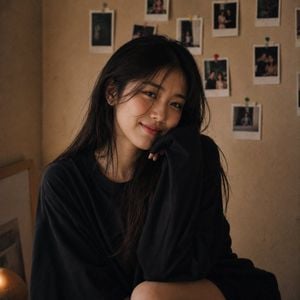
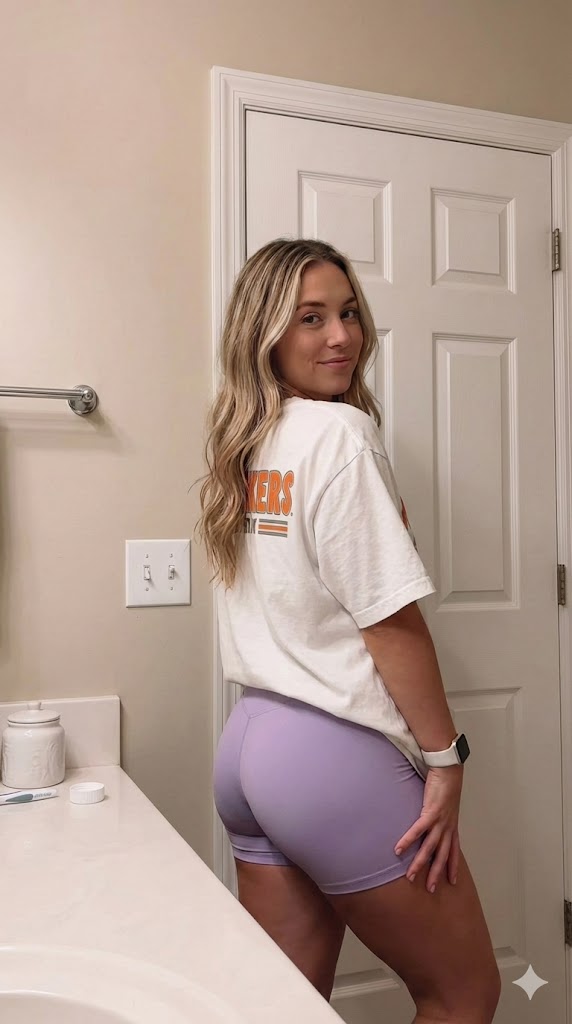
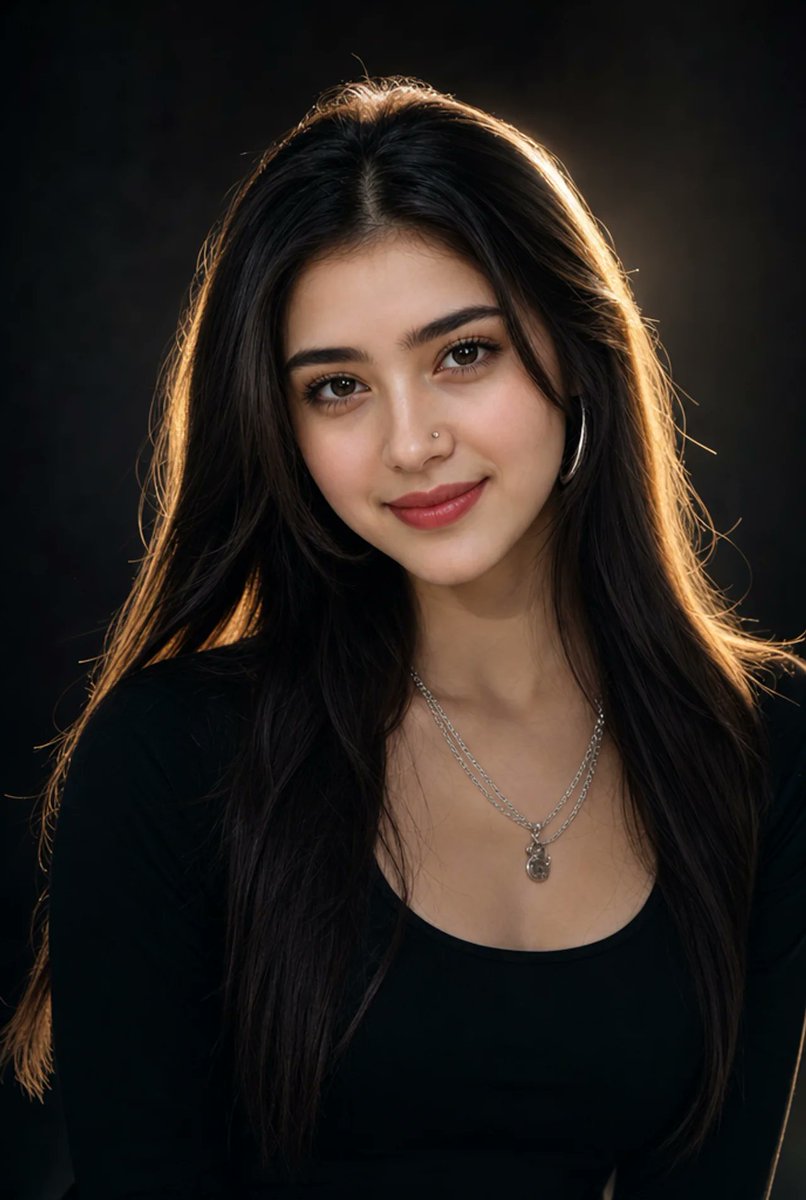
Ultra-photorealistic candid portrait of a {argument name="subject" default="beautiful young woman"} indoors, captured in the style of an authentic everyday snapshot rather than a posed photoshoot. She stands in front of a {argument name="background" default="warm, subtly textured beige wall"} decorated with a small collection of casually pinned instant photos that are softly blurred in the background, creating a cozy, lived-in atmosphere. She wears an {argument name="clothing" default="oversized black crew-neck T-shirt"} with a relaxed fit, and her naturally loose hair falls effortlessly around her shoulders. Her body is turned slightly at an angle while she looks toward the camera with a radiant, genuine smile, eyes sparkling with warmth and happiness. One hand gently tucks a loose strand of hair behind her ear while the other rests casually by her side, giving the portrait an unforced, believable feel. Soft practical indoor lighting bathes the scene in warm tones, complemented by pronounced 35mm film grain, muted vintage color grading, lifted shadows, and a subtly underexposed analog aesthetic. The background remains pleasantly out of focus, enhancing depth while keeping the pinned photos recognizable. No heavy makeup, no excessive retouching, no artificial beauty filters—just natural skin texture, realistic imperfections, and authentic emotion. Cinematic lifestyle photography, editorial quality, ultra-detailed, highly realistic, shallow depth of field, 8K, square 1:1 composition.
Choose the primary action to open PicX Studio with the available template settings. Review the model and format, personalize the creative direction, and generate when ready.
Yes. You can change the subject, setting, lighting, mood, format, and available model controls before creating your image.
This template is free to open and customize. Generation usage is shown in PicX Studio before you create.
Start with GPT Image 2, which is the model associated with this template. You can compare another compatible model for a different finish.
Follow a topic to a crawlable collection of related PicX Studio templates.