How do I use the Kawaii Monochrome Doodle Transformation template?
Choose the primary action to open PicX Studio with the available template settings. Review the model and format, personalize the creative direction, and generate when ready.
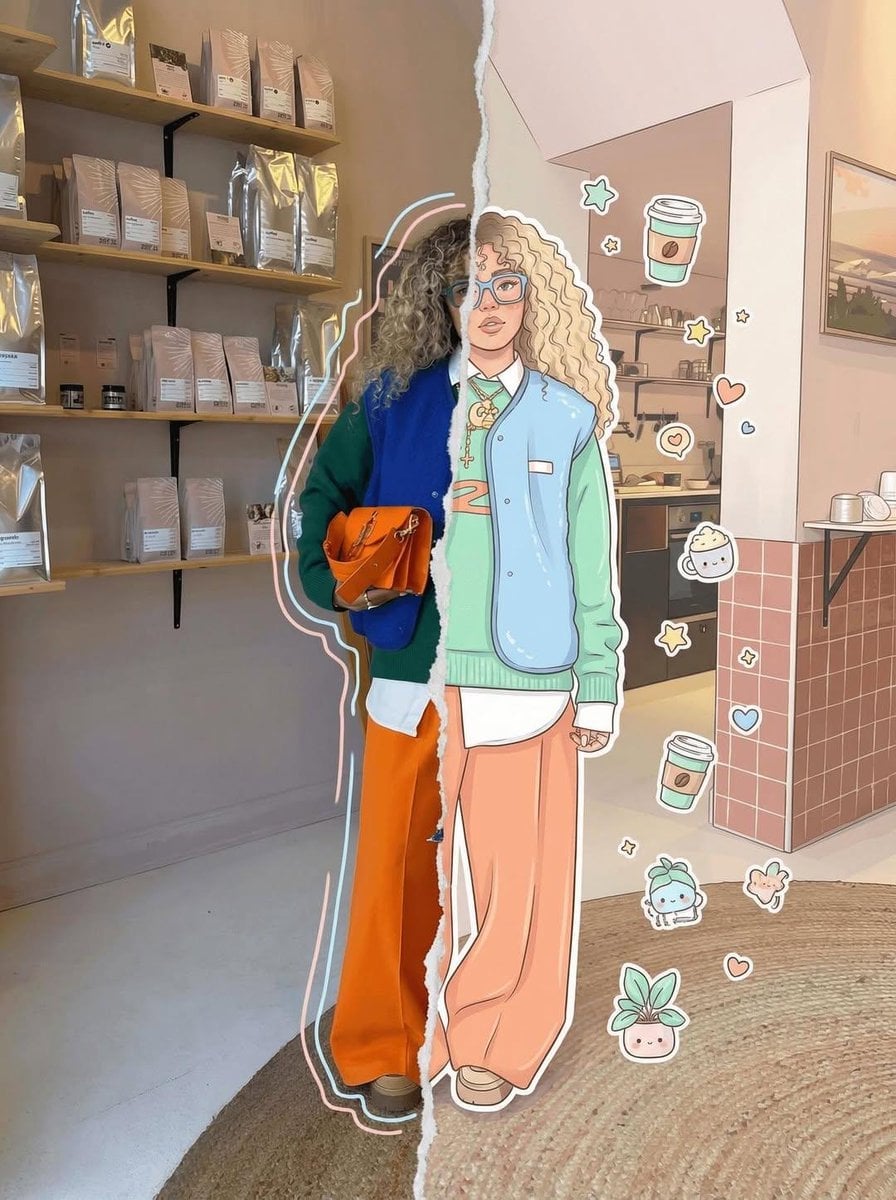
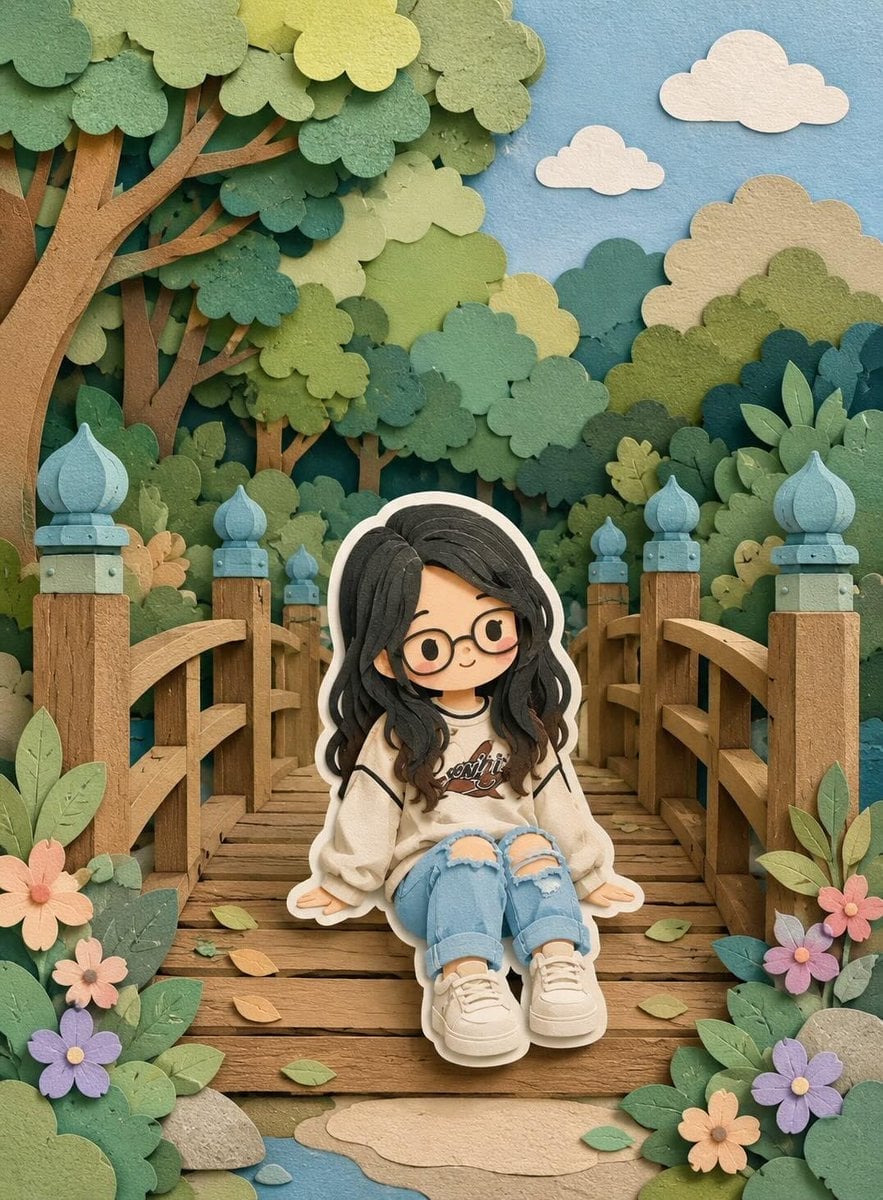
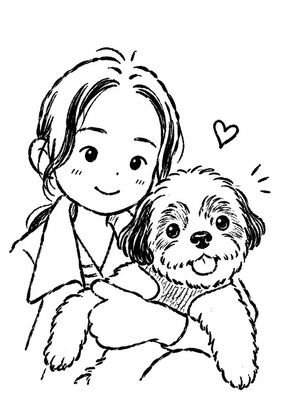
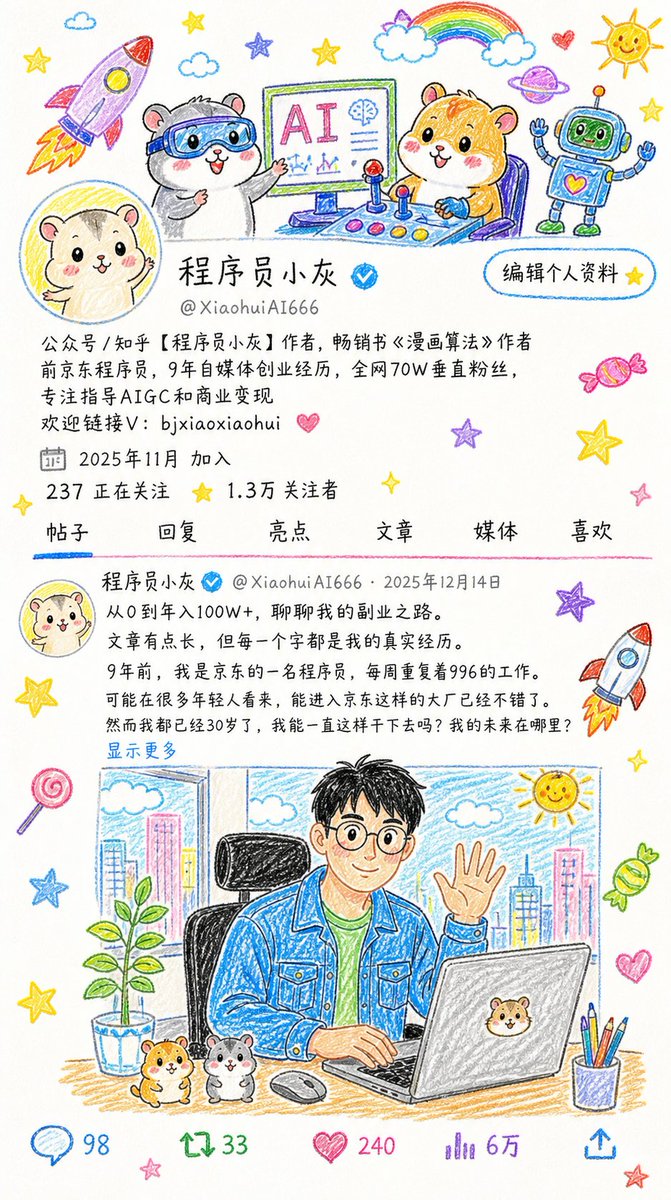
Transforms a standard photo into a cute, chibi-style monochrome doodle illustration with a soft aesthetic and playful elements.
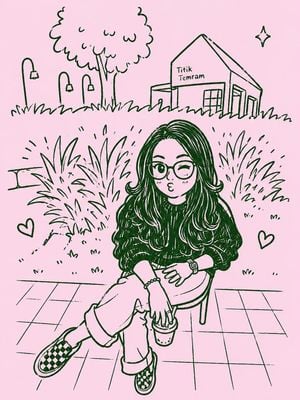
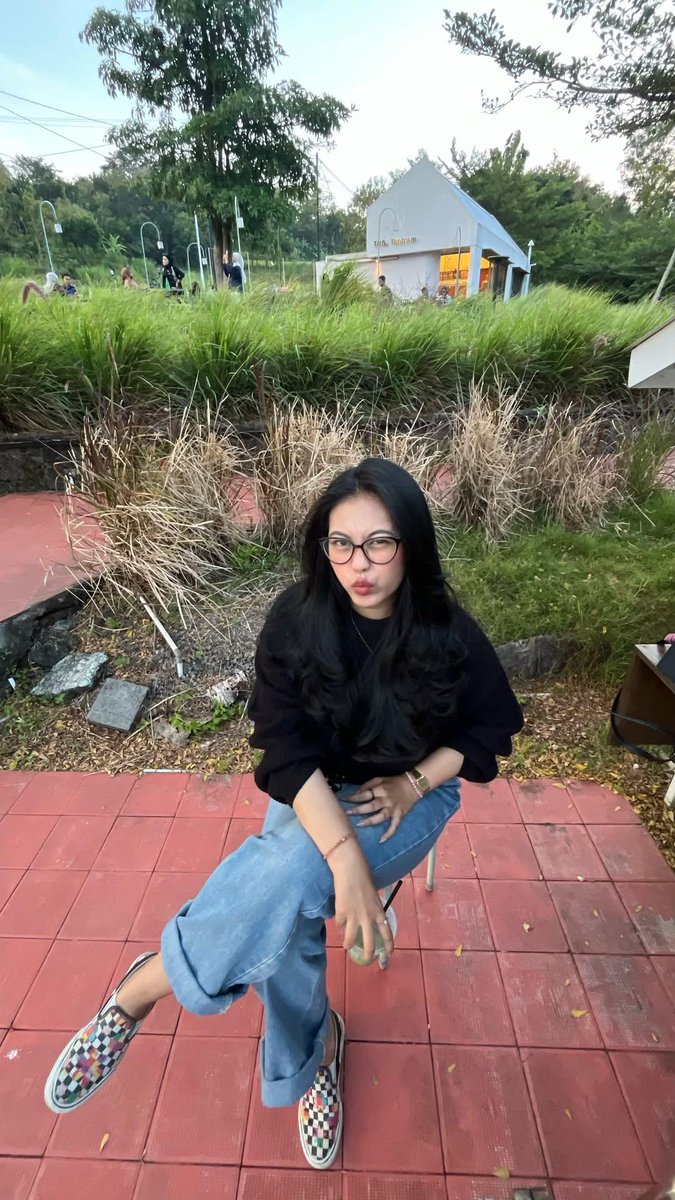
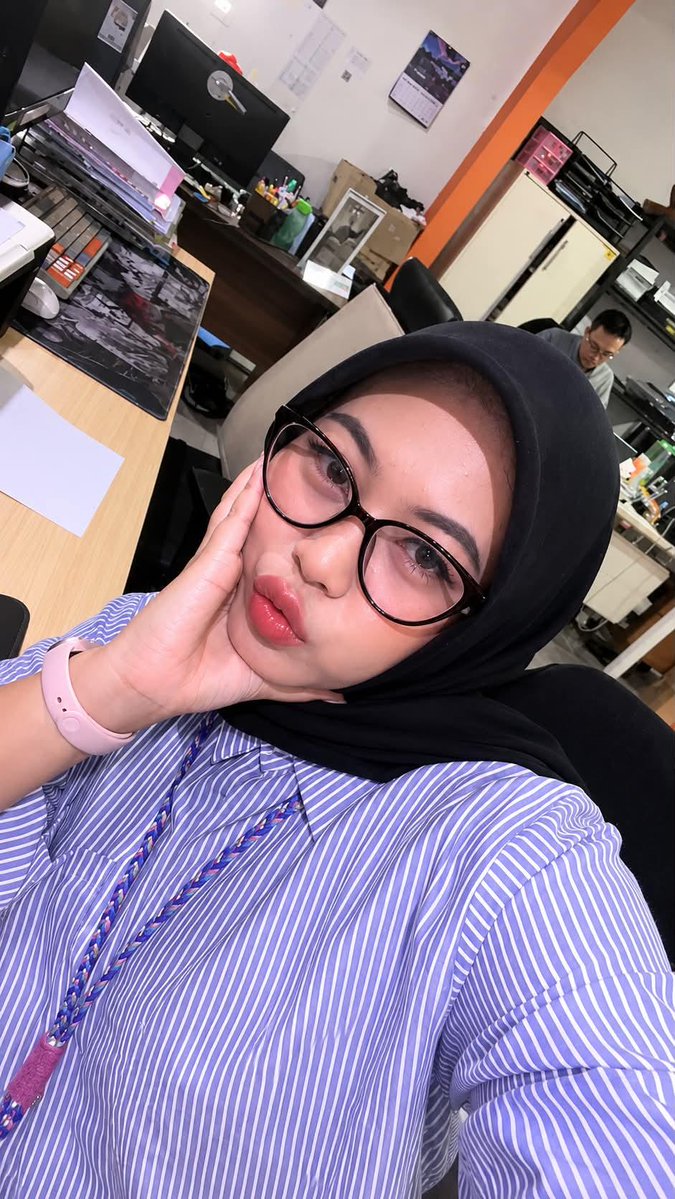
Transform the uploaded selfie into a cute monochrome {argument name="style" default="kawaii doodle illustration"} while preserving the exact pose, facial expression, glasses, hijab, clothing details, and camera angle. Convert the person into a {argument name="character type" default="chibi-style character"} with a large expressive head, tiny body, rounded facial features, soft blush cheeks, oversized sparkling eyes behind glasses, and adorable puckered lips. Clean black ink sketch lines on a {argument name="background color" default="soft pastel pink background"}, minimal color palette, hand-drawn manga doodle aesthetic, playful hearts, sparkles, stars, and tiny decorative elements floating around the character. Simple line-art shading, cozy and charming atmosphere, social-media sticker style, notebook sketchbook illustration, cute anime-inspired proportions, whimsical and trendy Pinterest aesthetic. Preserve accessories such as smartwatch, striped shirt, and hijab folds with simplified cartoon details. High-detail linework, smooth outlines, adorable expression, modern kawaii portrait illustration, minimalistic background, clean composition, cute doodle character design. Style keywords: kawaii doodle art, monochrome sketch illustration, chibi portrait, manga line art, cute pastel pink background, hand-drawn ink drawing, Pinterest aesthetic, adorable sticker art, whimsical cartoon style, anime-inspired doodle, minimal color palette, soft blush details.
Kawaii Monochrome Doodle Transformation needs input media to work. Open it in the studio and these load alongside the prompt — pick whichever ones your chosen model can take.
Choose the primary action to open PicX Studio with the available template settings. Review the model and format, personalize the creative direction, and generate when ready.
Yes. You can change the subject, setting, lighting, mood, format, and available model controls before creating your image.
This template is free to open and customize. Generation usage is shown in PicX Studio before you create.
Start with GPT Image 2, which is the model associated with this template. You can compare another compatible model for a different finish.
Follow a topic to a crawlable collection of related PicX Studio templates.