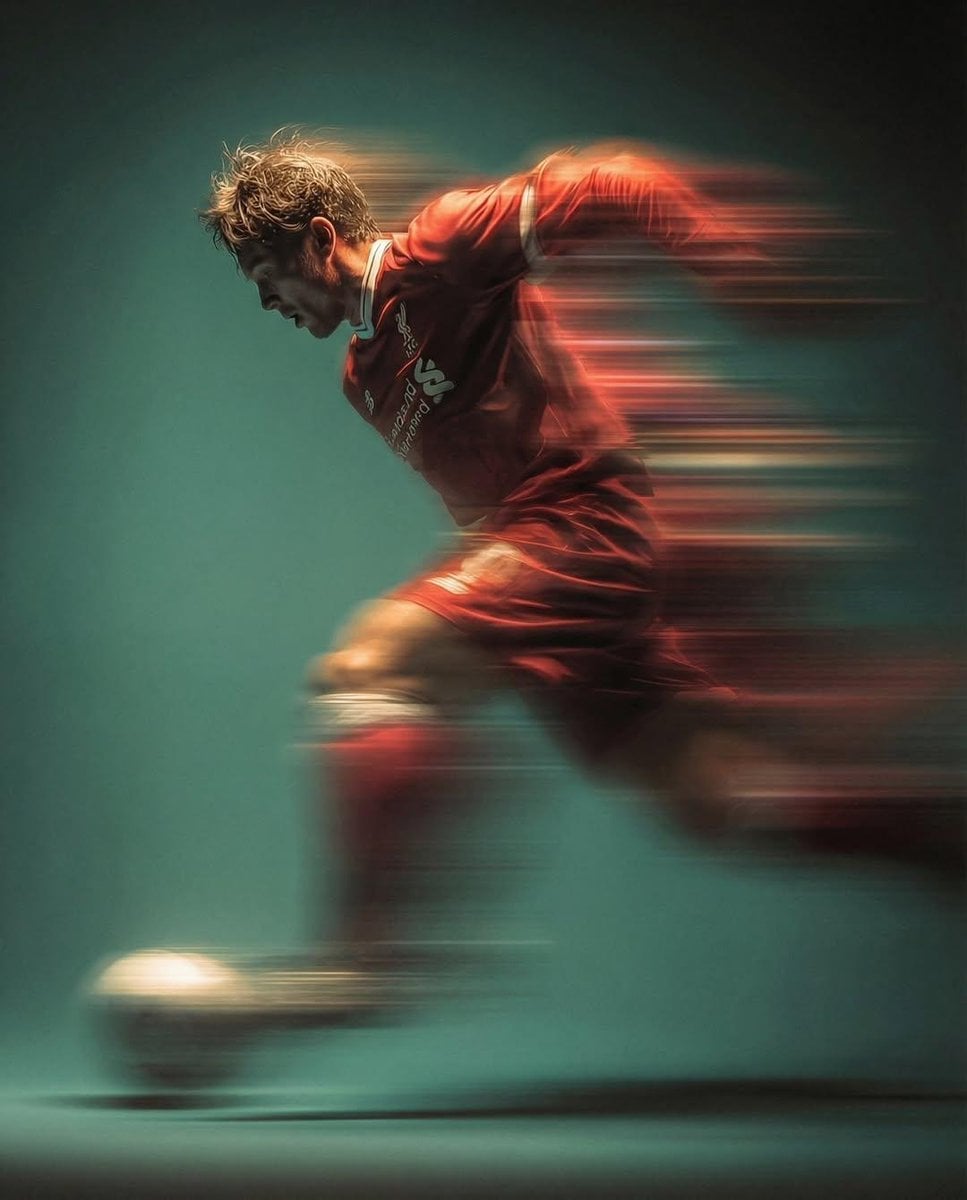
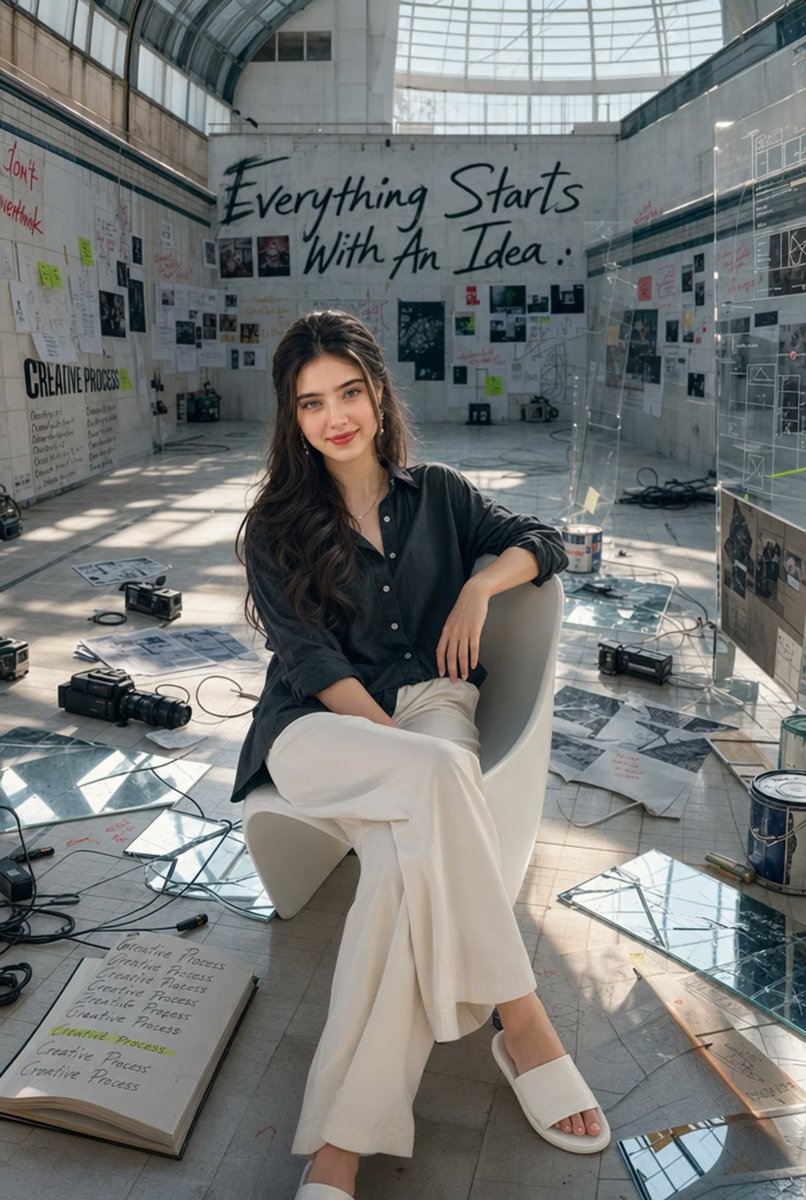
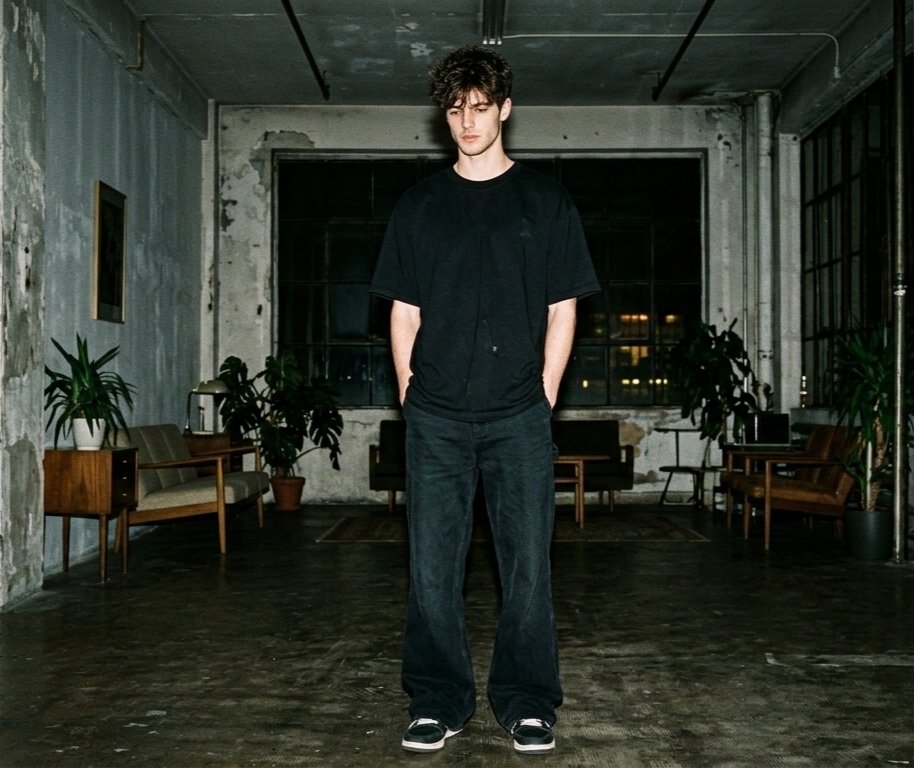
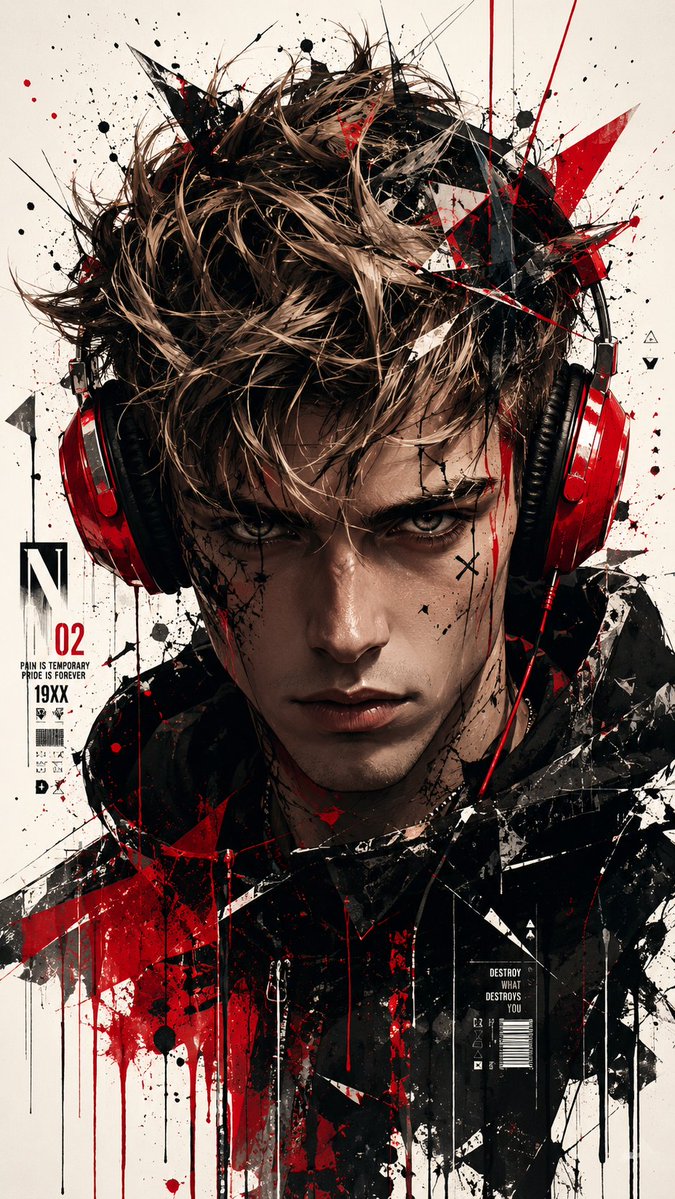
How do I use the Realistic Football Fan Model Consistency template?
Choose the primary action to open PicX Studio with the available template settings. Review the model and format, personalize the creative direction, and generate when ready.
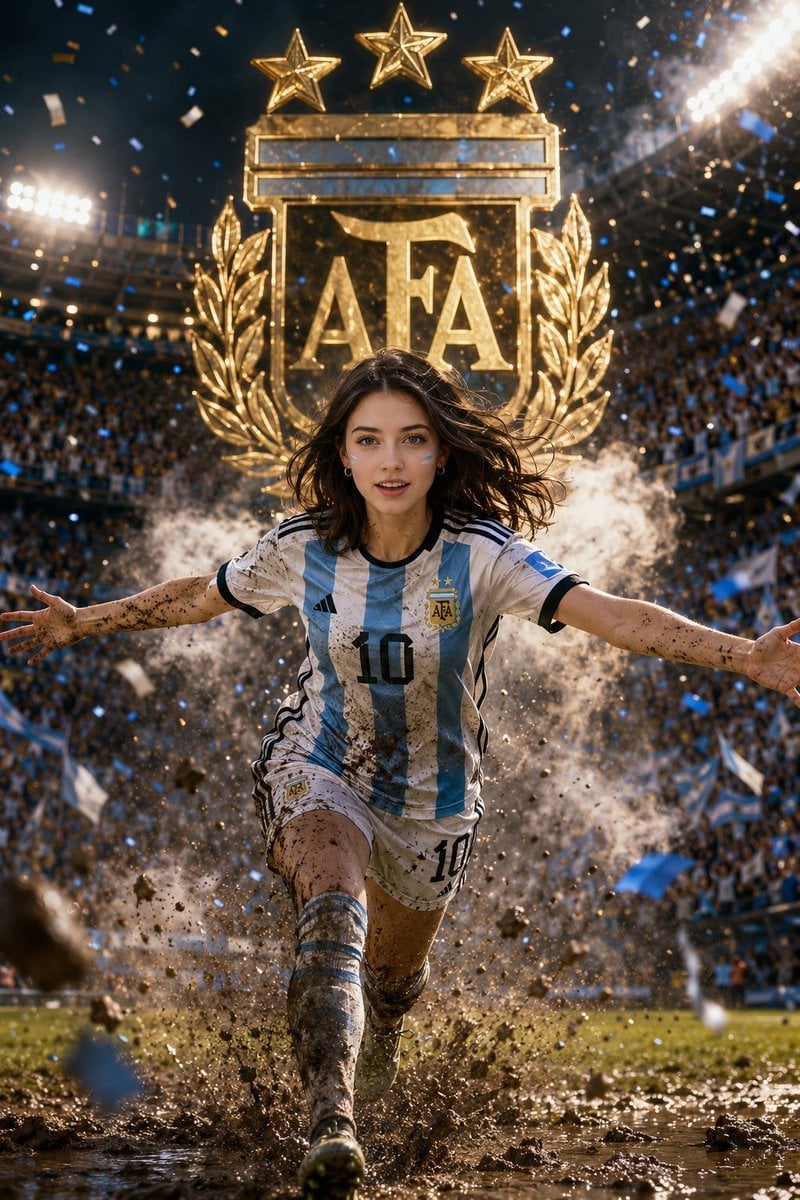
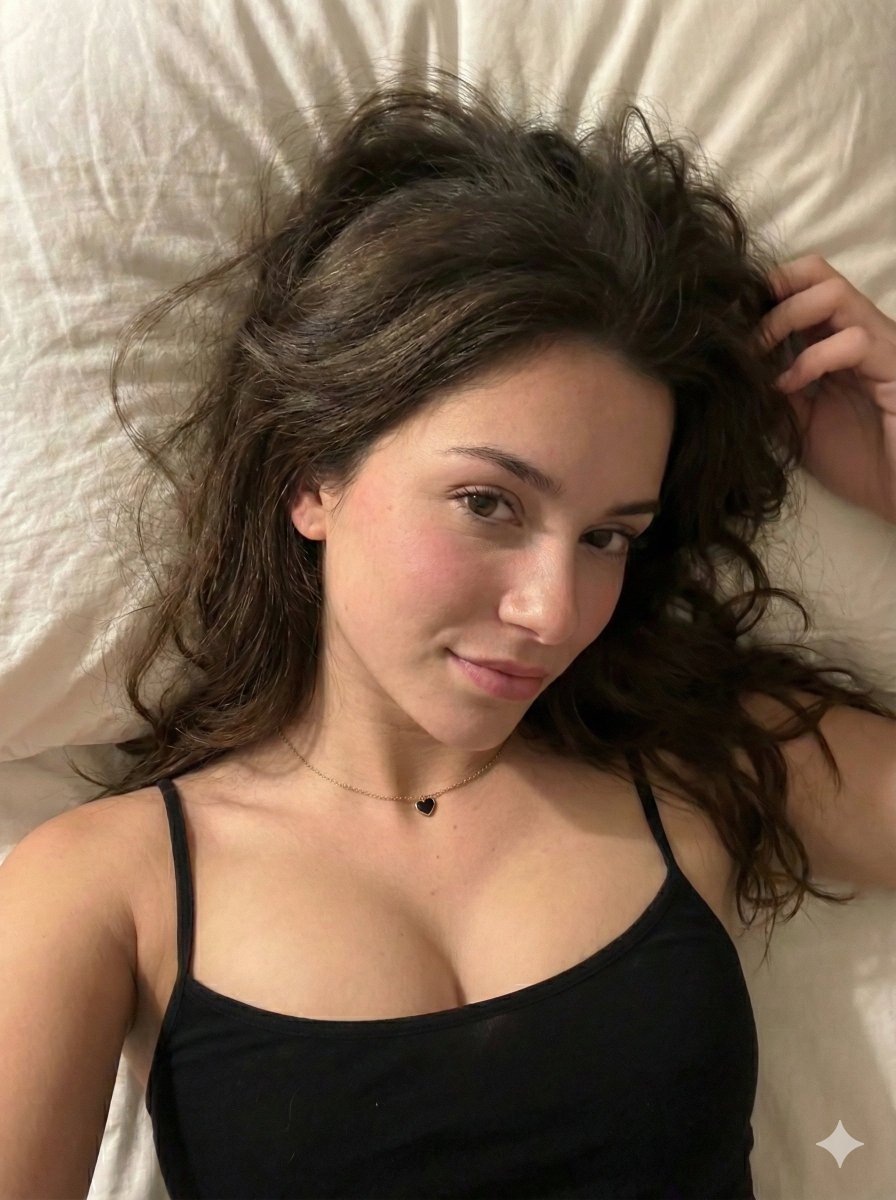
A prompt for maintaining 1:1 character identity from a reference photo while placing the subject in a football stadium environment with team branding.

Use the uploaded photo as an exact model reference. Preserve appearance 1:1: face, features, proportions, hair, skin, and overall look. Do not change identity. Skin must be maximally natural: real pores, living texture, natural tone, without plastic retouching and beautify. Command: Create an ultra-realistic close-up portrait of the model in the stands of a football stadium during a match of this team. All clothing, football kit, colors, emblem, flag, and face paint on the cheeks must automatically correspond to the {argument name="team" default="selected team"}. If this is a national team — use the country flag colors, national football kit, and team symbolism. If this is a football club — use the official colors, kit style, and club symbolism. The model sits among fans, smiling and looking at the camera. In the background, a blurred crowd of fans in the colors of this team, stadium lights, soft bokeh, and a lively match atmosphere. Lighting is warm, expensive, and natural: soft cinematic stadium light, beautiful glow on the skin, delicate highlights in the eyes, background beautifully blurred. Face in sharp focus. Style: ultra-realistic cinematic sports portrait, DSLR photo, {argument name="focal length" default="85mm"} lens, {argument name="aperture" default="f/1.8"}, HDR, 8K, premium color grading, vertical 9:16. Avoid: face changes, plastic skin, incorrect team symbolism, crooked team logo, cartoonishness, CGI, extra text on photo, watermarks.
Choose the primary action to open PicX Studio with the available template settings. Review the model and format, personalize the creative direction, and generate when ready.
Yes. You can change the subject, setting, lighting, mood, format, and available model controls before creating your image.
This template is free to open and customize. Generation usage is shown in PicX Studio before you create.
Start with GPT Image 2, which is the model associated with this template. You can compare another compatible model for a different finish.
Follow a topic to a crawlable collection of related PicX Studio templates.