
Ultra-Realistic 4K Fashion Portrait
A detailed prompt for generating a luxury fashion portrait of a woman in front of a glass storefront, focusing on high-quality textures and specific accessory details.
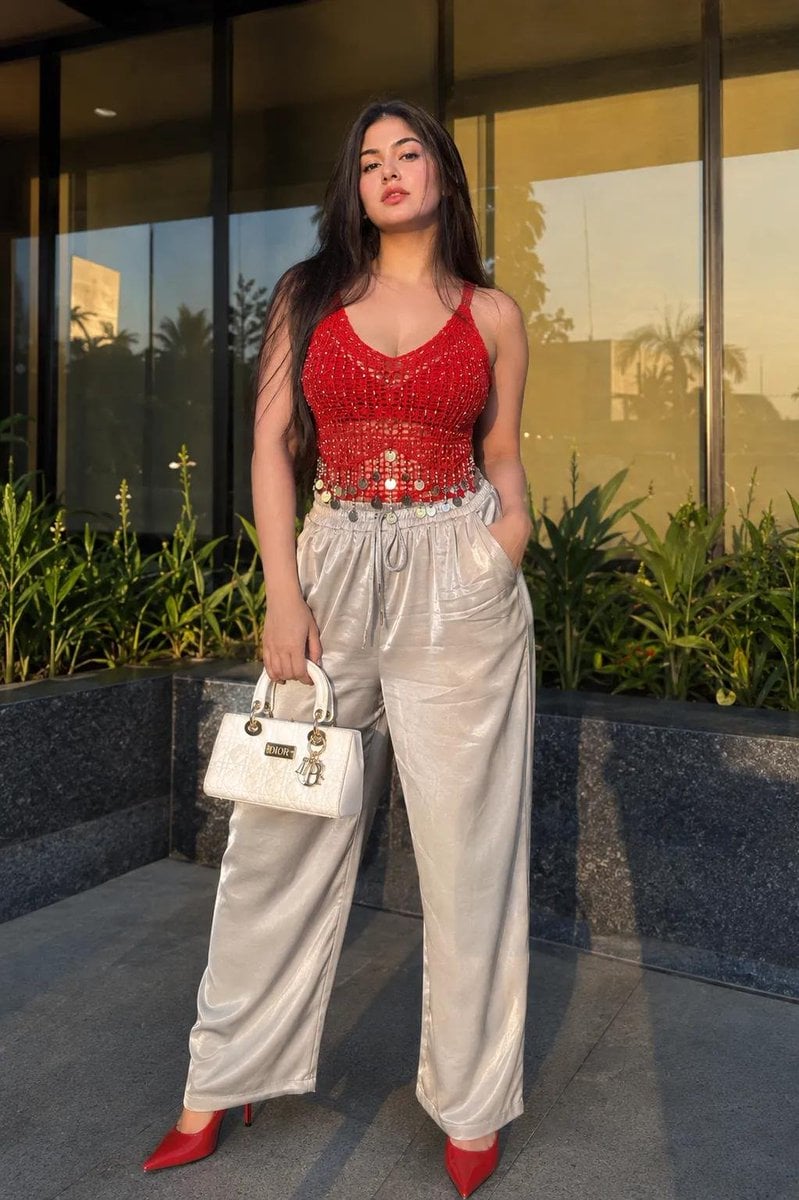
- Prompt included
- Model and format preset
- Free template
The prompt behind this image
Copy the exact prompt behind Ultra-Realistic 4K Fashion Portrait, or open it in the studio and make it yours.
Don't Alter Face ID, Use my 100% exactly same face and body structure from attached reference to create a ultra-realistic 4K UHD fashion portrait of a young woman standing outdoors in front of a modern luxury glass storefront during golden hour. Full-body composition, body facing the camera with left hand carrying a {argument name="handbag" default="luxury expensive white DIOR handbag"} and right hand hooked inside the front pocket of the trackpant.Head slightly tilted back and angled subtly to the left, chin raised, maintaining a confident expression. Long straight dark hair with soft face-framing strands, warm soft-glam makeup, glossy glittering bold red lips. Wearing a {argument name="top" default="vibrant red crochet/mesh sleeveless top"} with metallic coin tassel detailing and {argument name="bottom" default="silver high-waist loose bottom"} matching designer high heels, Background features reflective floor-to-ceiling glass panels, landscaped green plants along a stone planter, and warm sunset reflections. Natural golden-hour lighting casting soft shadows, DSLR photography, Sony A7R V, 50mm lens, HDR, shallow depth of field, photorealistic, ultra-detailed skin and fabric textures, masterpiece, 4K Ultra HD.Negative Prompt: blurry, low quality, CGI, cartoon, anime, bad anatomy, extra fingers, distorted hands, plastic skin, watermark, text, oversaturated colors, motion blur, duplicate person, low resolution, incorrect pose, wrong camera angle.
How to use Ultra-Realistic 4K Fashion Portrait in 3 steps
- 1Upload ImagePNG, JPG or paste
Add your photo
Upload the photo the template builds on. The prompt, model and format are already set.
- 2…a portrait of your subject in softgolden-hour light, 85mm…
Personalize
Edit the subject and creative details for your destination.
- 3Generate
Generate
Press Generate — your image is created in PicX Studio, so you can compare it with the original and refine one variable at a time.
More like this
Templates with the same subject, style or setup. Open one to see its prompt.

Nano Banana 2 High Fashion Sports Campai

Couture Fashion Editorial Woman and Drag
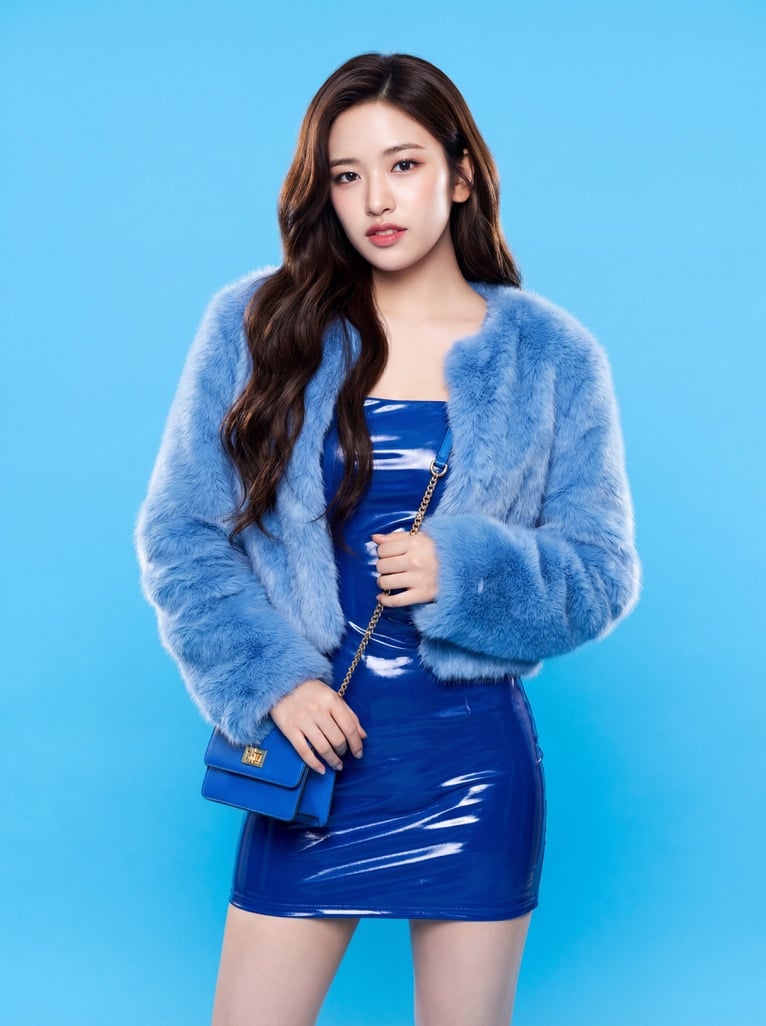
Ive Yujin Fashion Portrait in Blue

Nano Banana 2 Editorial Fashion Portrait

Caution Tape Fashion — Industrial Editorial
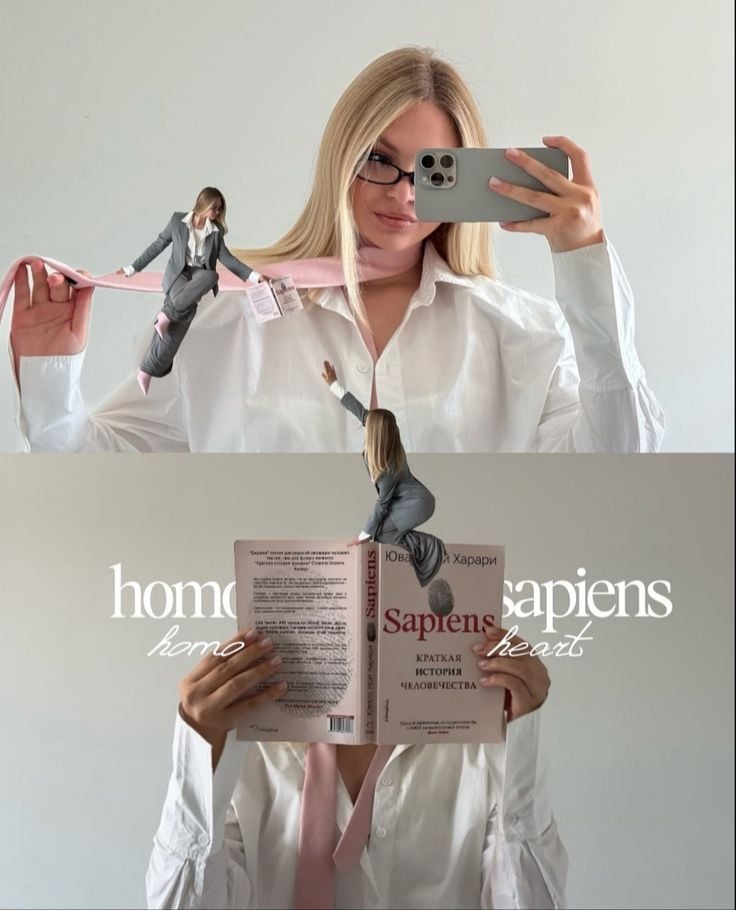
Miniature Self Portrait Collage

Found Photograph: Us, 1970

80s Couple Studio Portrait

80s College Gate

1988 Mall Style

80s Polka Dot Saree

80s Bollywood Star
Make it yours
Ultra-Realistic 4K Fashion Portrait works as-is. These are the safest ways to change it without losing the look.
Change one field
Copy a single group, rewrite it, and generate again so you can see what that field is doing.
Keep the frame, change the subject
Hold the composition and light of Ultra-Realistic 4K Fashion Portrait, then swap wardrobe, props or the person for a new take.
| If the result… | Why | Fix |
|---|---|---|
| The result drifts from the preview | Too many fields changed at once. | Reuse Ultra-Realistic 4K Fashion Portrait as-is first, then change one group — subject, light, or setting. |
| The model over-stylizes the scene | The prose prompt leaves finish and camera underspecified. | Add one camera or lighting sentence and stay on GPT Image 2. |
More GPT Image 2 templates
Other prompts made for GPT Image 2.

Six VTuber Japanese Logo Sheet

Realistic Portrait of Woman and Deer

The Vista Modular Condo Poster

AI Model Routing Comparison Infographic

2.5D Anime Art Board

Isometric Productivity Desk Scene

New York Double Exposure Poster

Four-Panel AI Landscape Comparison

Japanese Tatami Lifestyle Magazine Cover

NESCAFÉ Coffee Map Poster
More image prompts
Fresh picks from across the catalog.
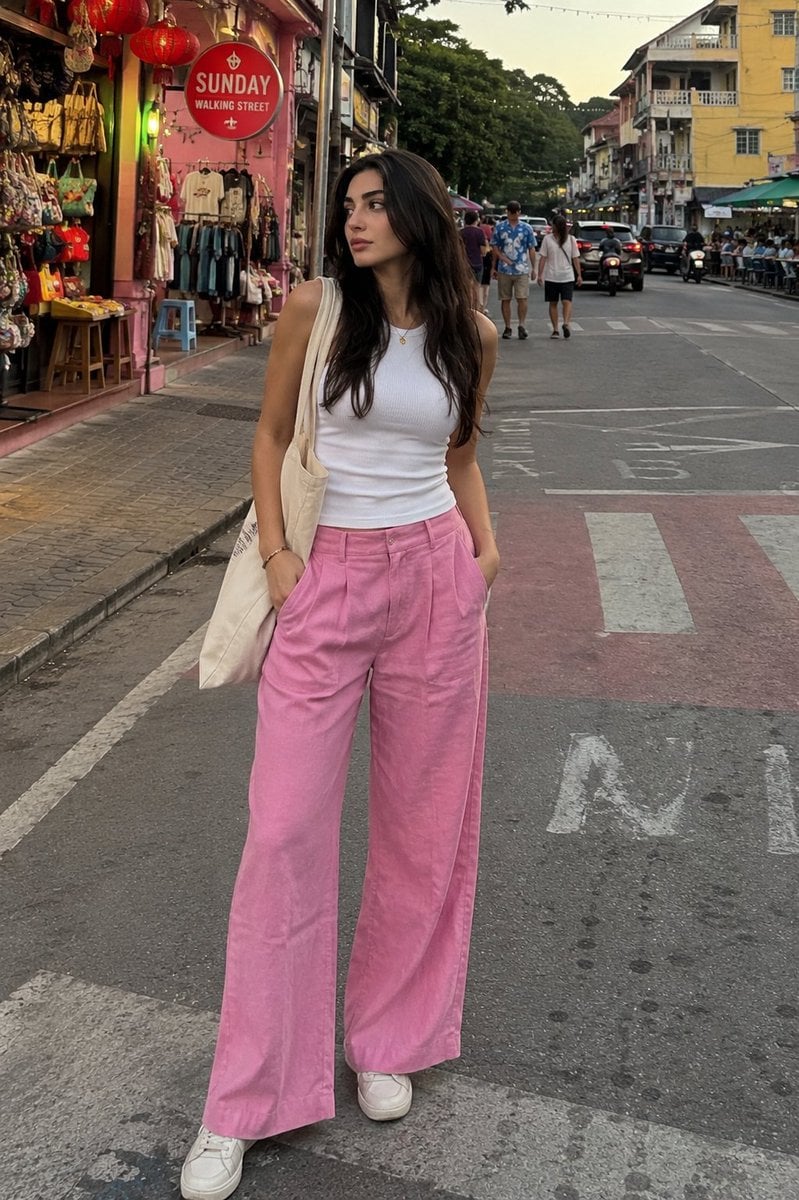
Candid Street Photography with Cat
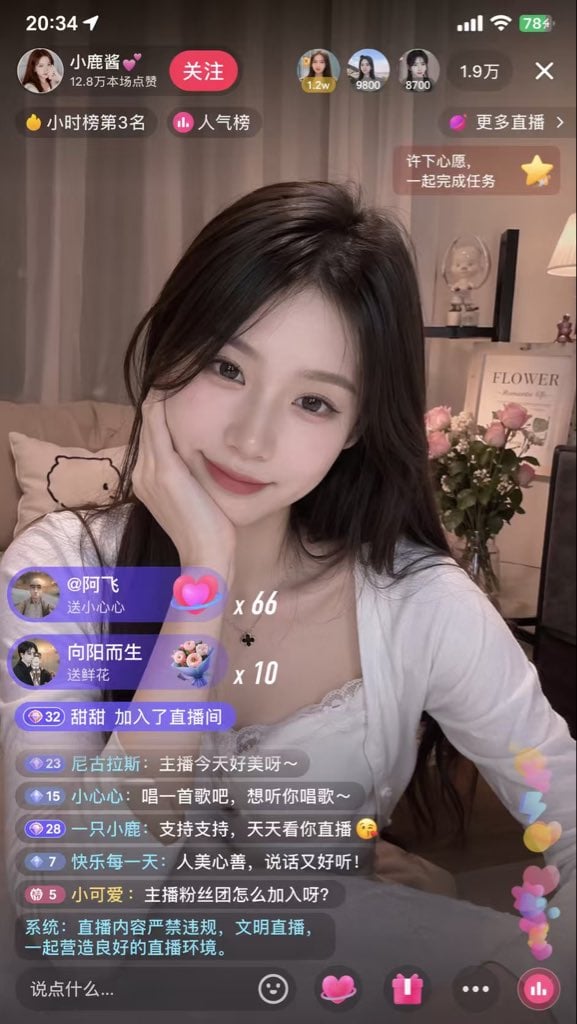
Live Streaming App UI Mockup
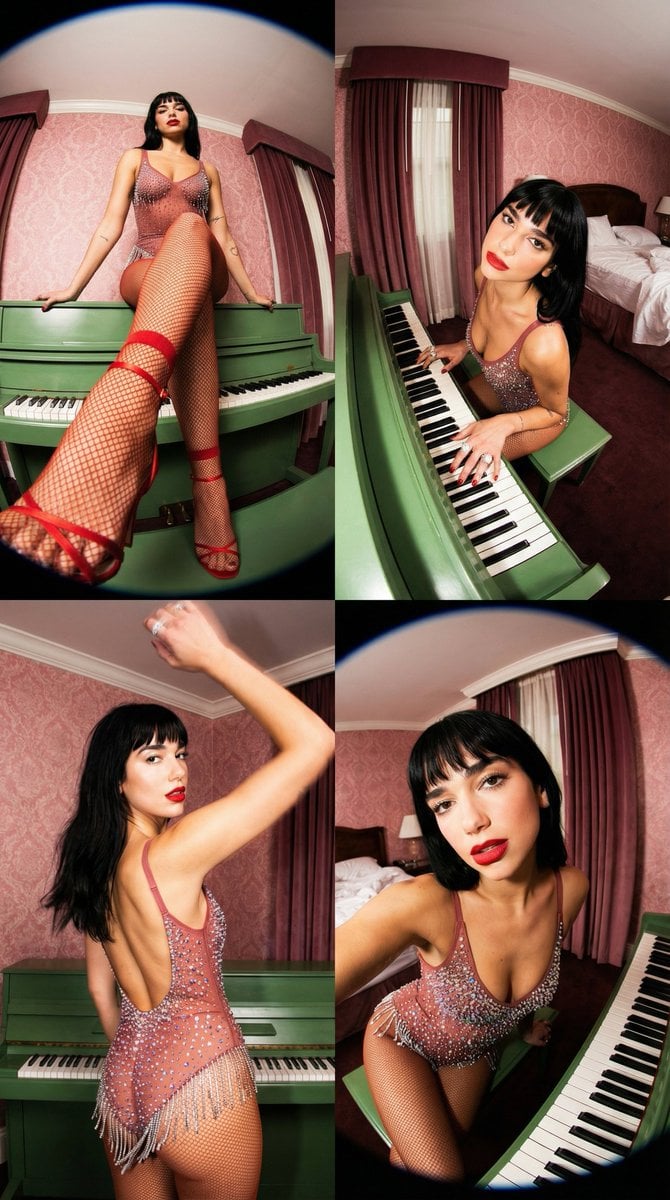
Vintage Glamour Piano Series Prompt

University Campus Aerial View

Hand-drawn Travel Journal Illustration
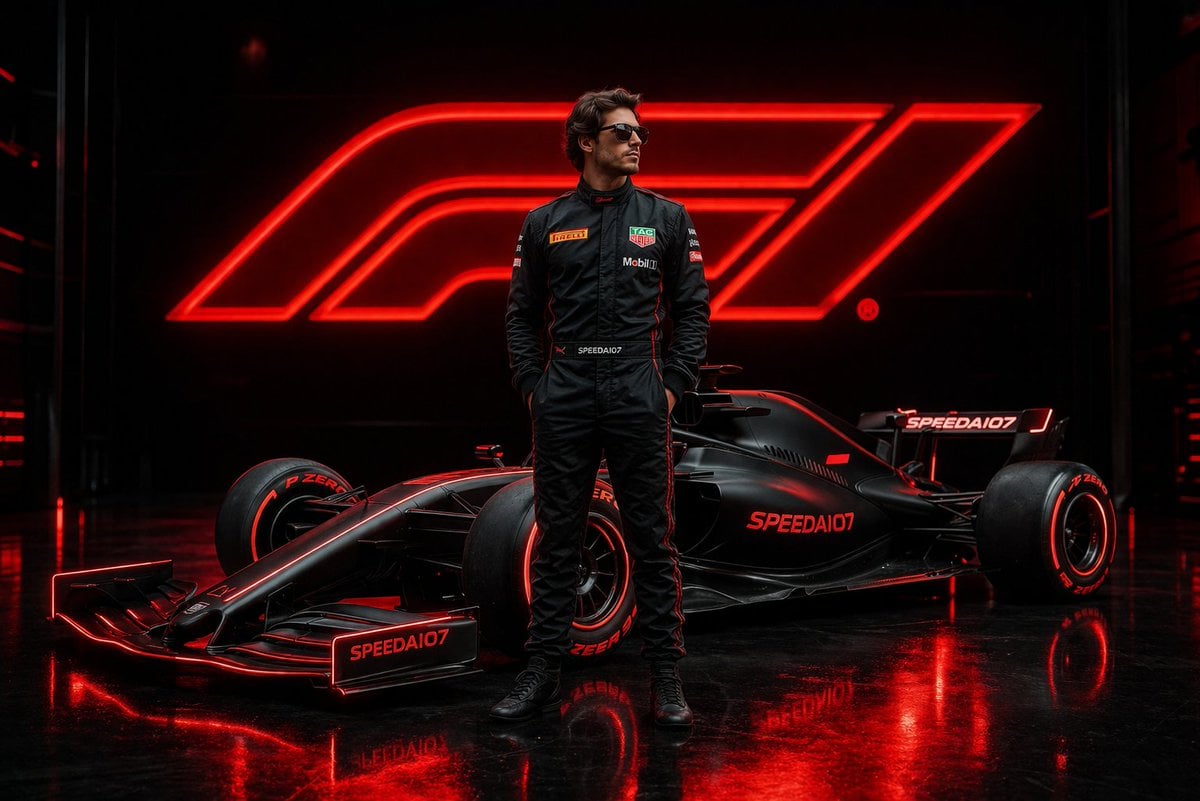
Cinematic Formula 1 Driver Poster
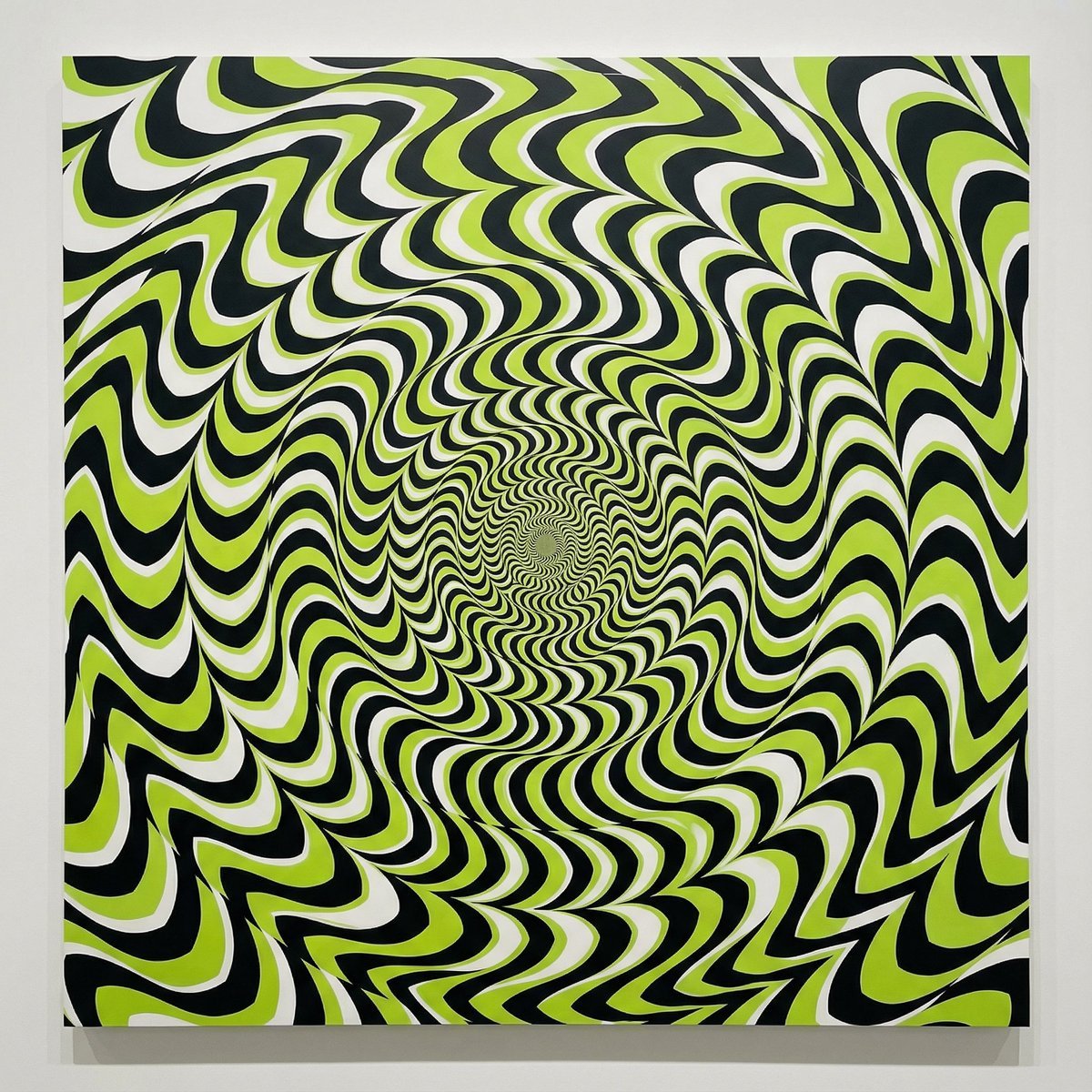
Optical Illusion of Illusory Motion
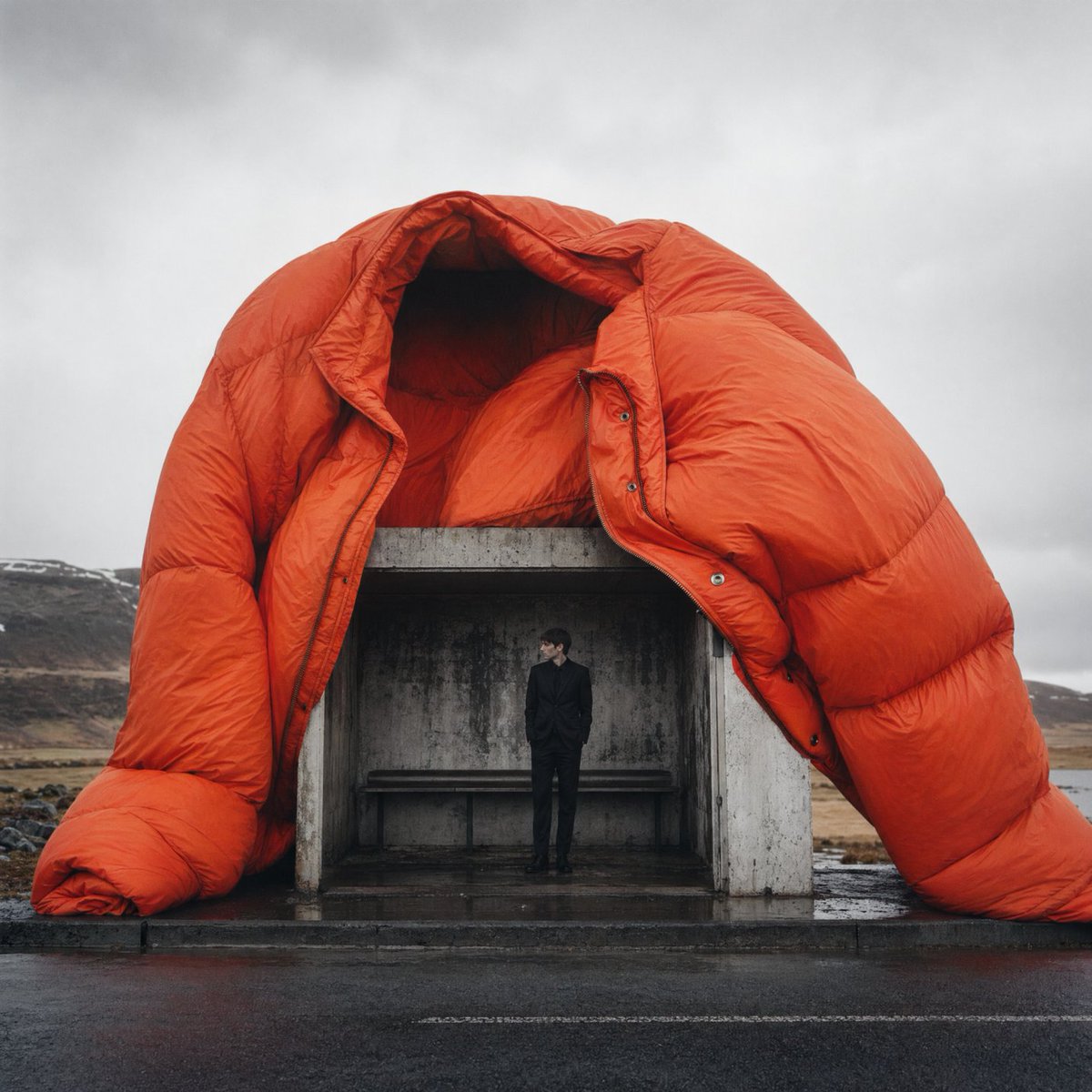
Surreal Orange Puffer Bus Stop Editorial
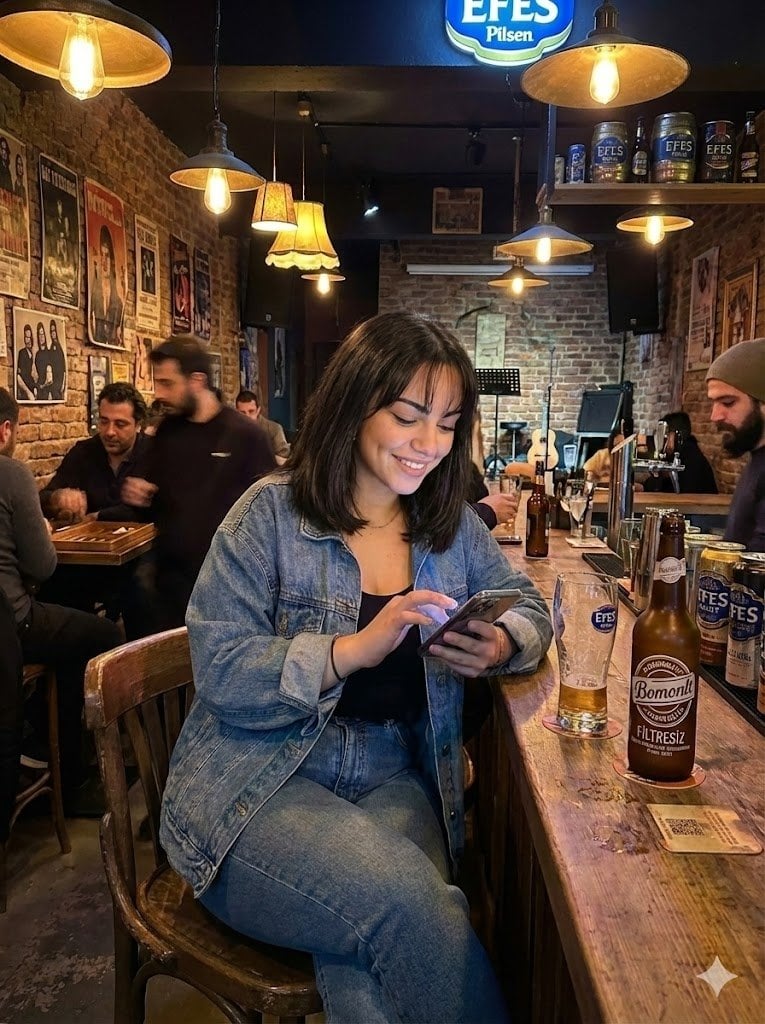
Candid Bar Scene with Phone and Beer Details
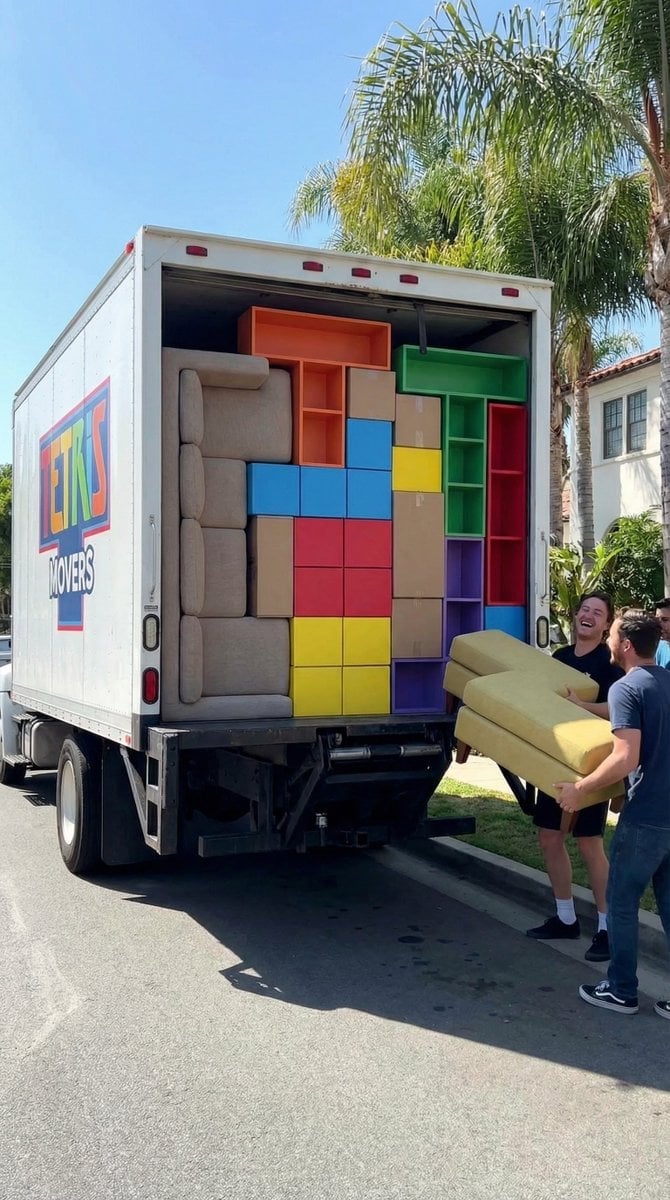
Tetris Home Organization Humor Prompt
Browse template categories
Ultra-Realistic 4K Fashion Portrait questions
How do I use the Ultra-Realistic 4K Fashion Portrait template?
Add your photo if the template asks for one, edit the prompt if you like — the template's model and format are already selected — and press Generate. Your version opens in PicX Studio.
Can I customize the Ultra-Realistic 4K Fashion Portrait template?
Yes. You can change the subject, setting, lighting, mood, format, and available model controls before creating your image.
Is the Ultra-Realistic 4K Fashion Portrait template free?
Opening and editing this template is free. Generating uses credits, shown on the Generate button when you are signed in.
Which AI model should I use?
Start with GPT Image 2, which is the model associated with this template. You can compare another compatible model for a different finish.
Looking for something else? Browse all templates.

Your photo, any look
Thousands of ready templates for every top image and video model, from one credit balance.