
Steampunk Ship Cabin Interior
This prompt generates a richly textured cinematic steampunk interior scene, ideal for concept art, environment design, or atmospheric worldbuilding images.
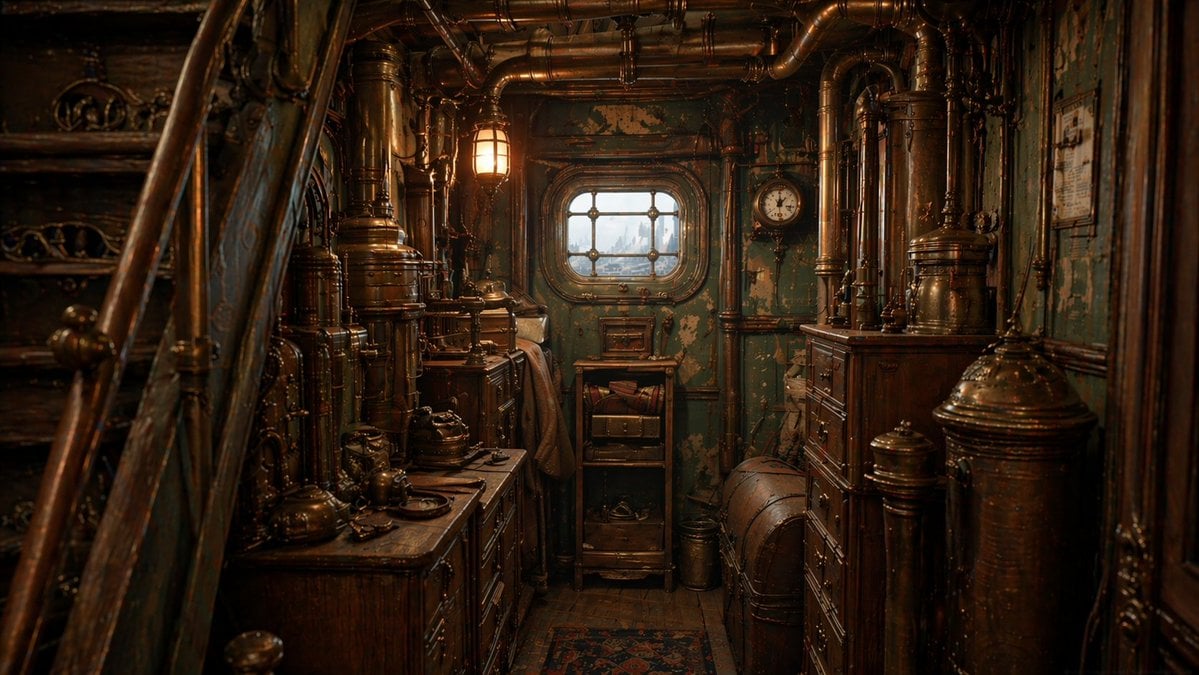
- Prompt included
- Model and format preset
- Free template
The prompt behind this image
Copy the exact prompt behind Steampunk Ship Cabin Interior, or open it in the studio and make it yours.
A highly detailed cinematic interior of a cramped Victorian steampunk ship cabin engine room, viewed from standing eye level in a narrow corridor. The scene is packed wall-to-wall with aged polished brass pipes, copper tubes, riveted metal tanks, valves, gauges, and dark varnished wooden cabinets. On the left foreground, a steep wooden staircase with curved banister enters the frame diagonally. Along both sides of the corridor are heavy antique drawers and machinery consoles covered with small metal instruments, teapots, kettles, and mechanical fittings. At the back center is a small square-paned porthole window with 6 visible panes, showing a pale overcast exterior and a faint distant industrial skyline. Beneath the window is a narrow shelf unit with 3 open levels and a small drawer. On the right wall near the window hangs 1 round analog clock. The walls are painted teal-green metal with peeling paint and weathered patina. The floor is dark wood with a narrow worn patterned rug runner. Lighting is warm and moody, primarily from 1 glowing amber industrial wall lamp near the upper left of center, mixed with soft cold daylight from the porthole. Emphasize rich material texture, tarnished brass, oxidized copper, chipped paint, dust, age, and a lived-in mechanical atmosphere. Symmetrical depth, dense environmental storytelling, ultra-detailed, realistic, cinematic composition, shallow contrast but sharp focus throughout, no people.
How to use Steampunk Ship Cabin Interior in 3 steps
- 1Upload ImagePNG, JPG or paste
Add your photo
Upload the photo the template builds on. The prompt, model and format are already set.
- 2…a portrait of your subject in softgolden-hour light, 85mm…
Personalize
Edit the subject and creative details for your destination.
- 3Generate
Generate
Press Generate — your image is created in PicX Studio, so you can compare it with the original and refine one variable at a time.
More like this
Templates with the same subject, style or setup. Open one to see its prompt.

Steampunk Airship Captain Portrait
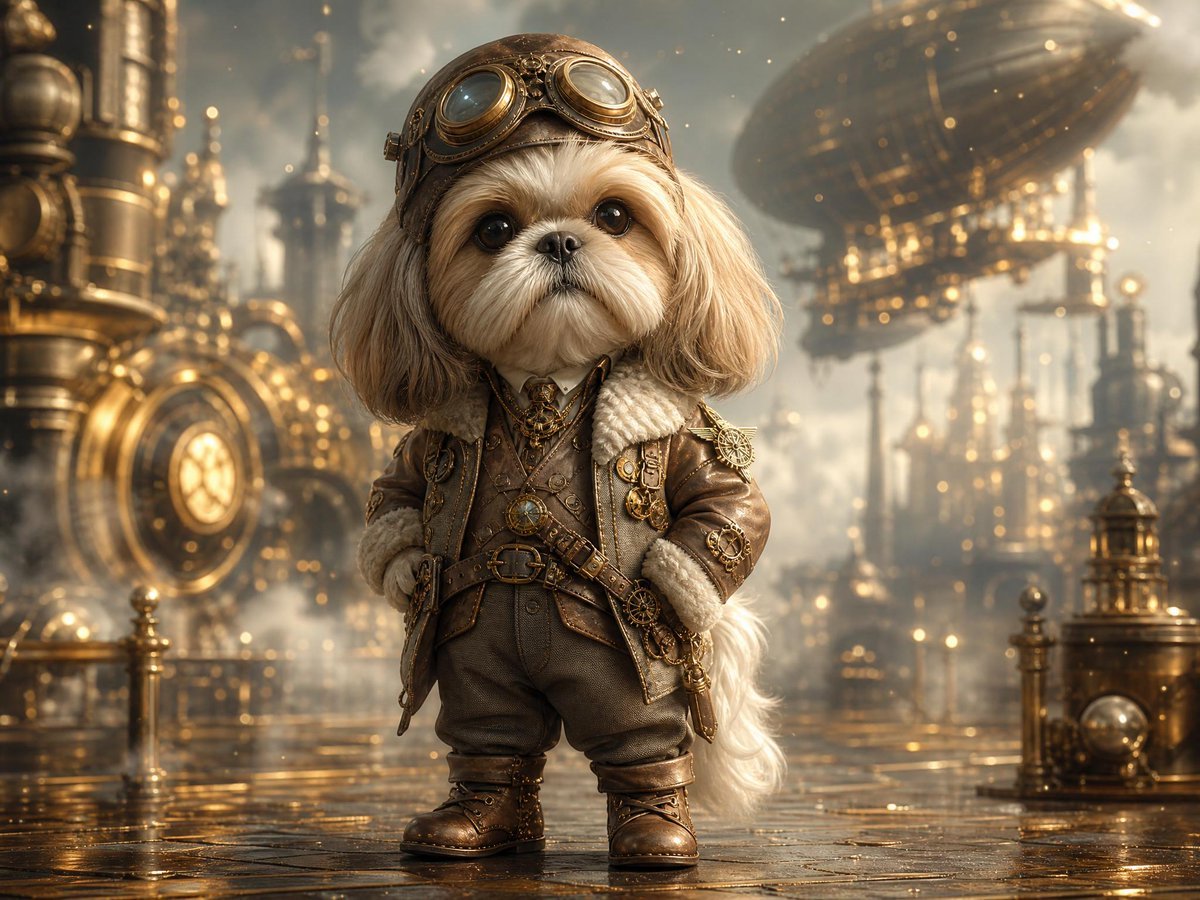
Steampunk Shih Tzu Airship Pilot
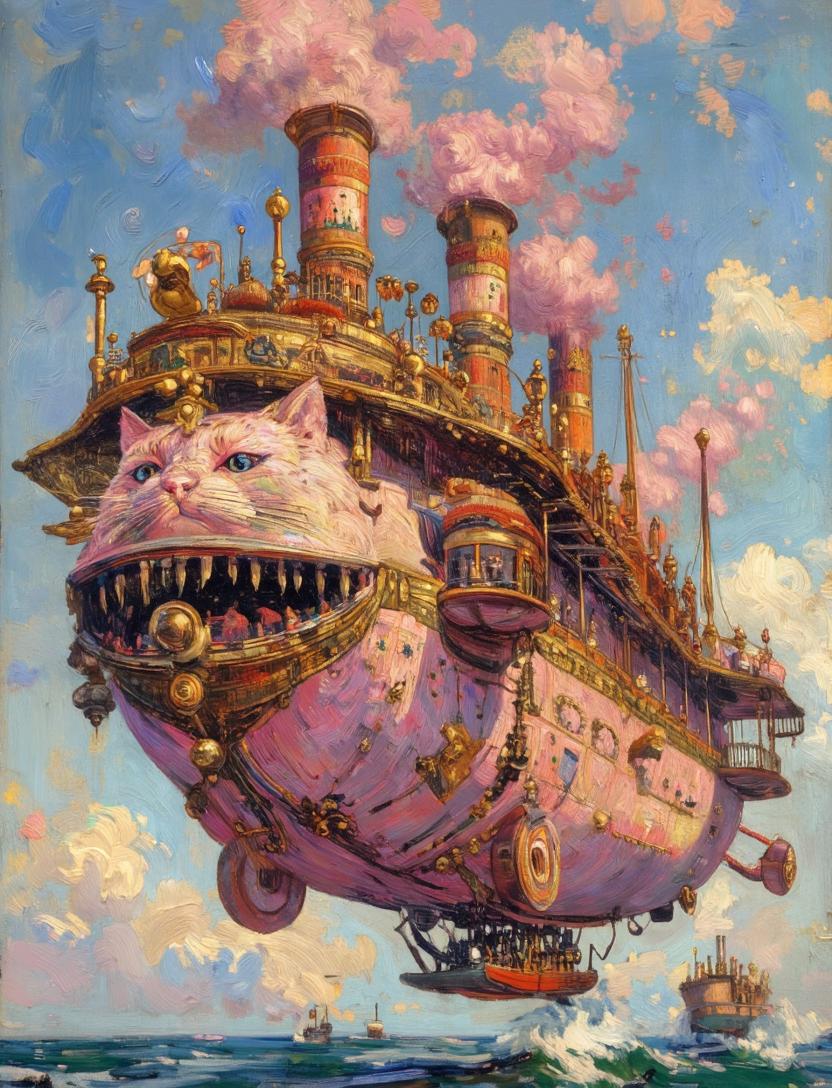
Steampunk Cat Airship Over the Sea
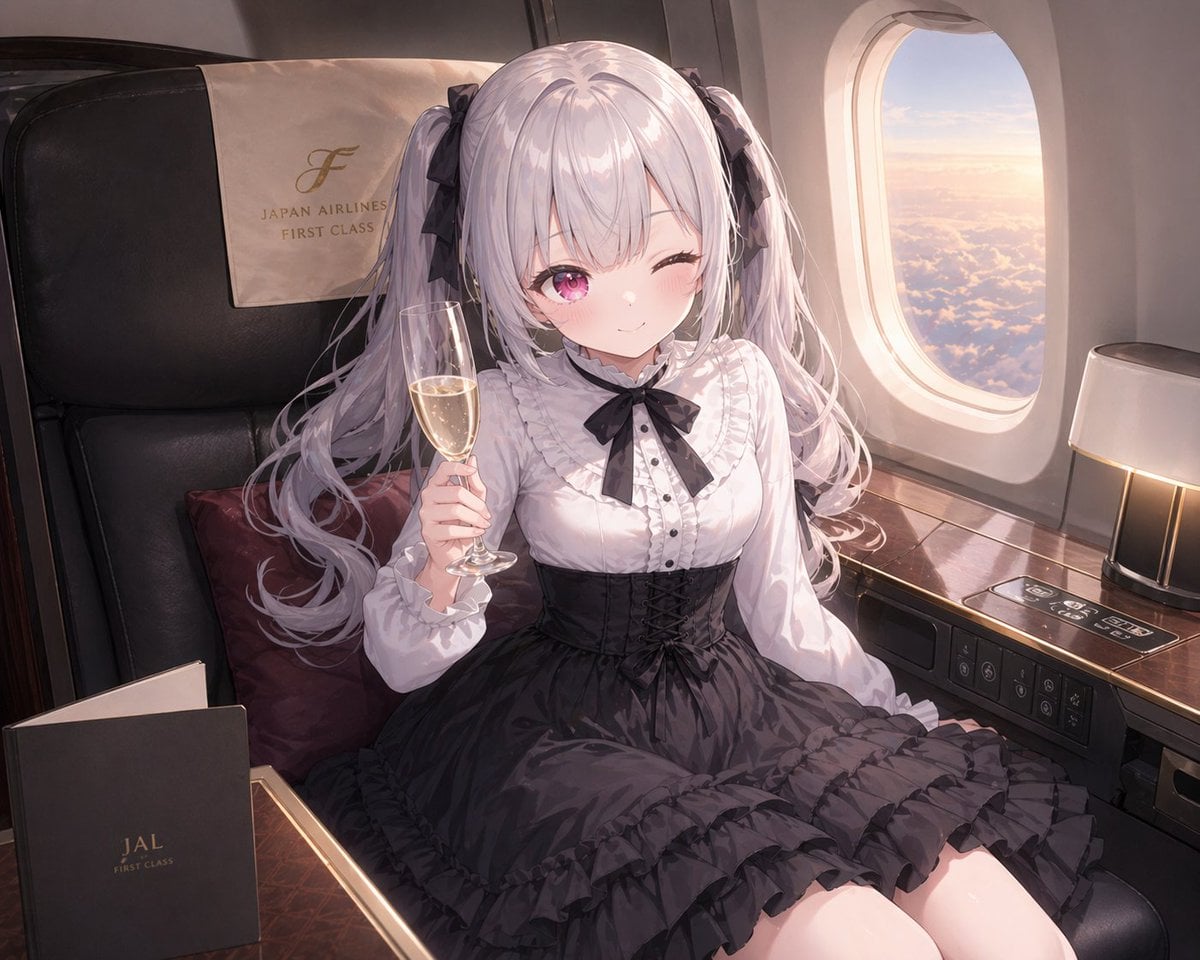
JAL First Class Cabin Interior
Cozy Cabin Interior Lifestyle Photography Prompt

Exploration Ship Crossing a Glowing Nebula

Steampunk Clockwork Princess
Hygge Winter Cabin Morning
Mystical Sailing Ship at Sea
Cinematic Winter Cabin Solitude

Ancient Temple Interior Contact Sheet
Korean Cream Interior Portrait
Make it yours
Steampunk Ship Cabin Interior works as-is. These are the safest ways to change it without losing the look.
Change one field
Copy a single group, rewrite it, and generate again so you can see what that field is doing.
Keep the frame, change the subject
Hold the composition and light of Steampunk Ship Cabin Interior, then swap wardrobe, props or the person for a new take.
| If the result… | Why | Fix |
|---|---|---|
| The result drifts from the preview | Too many fields changed at once. | Reuse Steampunk Ship Cabin Interior as-is first, then change one group — subject, light, or setting. |
| The model over-stylizes the scene | The prose prompt leaves finish and camera underspecified. | Add one camera or lighting sentence and stay on GPT Image 2. |
More GPT Image 2 templates
Other prompts made for GPT Image 2.

Six VTuber Japanese Logo Sheet

Realistic Portrait of Woman and Deer

The Vista Modular Condo Poster

AI Model Routing Comparison Infographic

2.5D Anime Art Board

Isometric Productivity Desk Scene

New York Double Exposure Poster

Four-Panel AI Landscape Comparison

Japanese Tatami Lifestyle Magazine Cover

NESCAFÉ Coffee Map Poster
More image prompts
Fresh picks from across the catalog.
Candid Indoor Photograph (Bathroom Selfie)

wikiHow Article Mockup

Anime Techwear Character Poster

Fictional Music CD Jacket

Mustard Flower Field Summer
Boho Editorial Portrait in Pine Forest
LEGO Video Game Mockup

Korean Style Desktop Calendar 2027

Luxury Product Commercial Grid Prompt (3x3)
Image-to-Image Instruction for Clothing Swap
Browse template categories
Steampunk Ship Cabin Interior questions
How do I use the Steampunk Ship Cabin Interior template?
Add your photo if the template asks for one, edit the prompt if you like — the template's model and format are already selected — and press Generate. Your version opens in PicX Studio.
Can I customize the Steampunk Ship Cabin Interior template?
Yes. You can change the subject, setting, lighting, mood, format, and available model controls before creating your image.
Is the Steampunk Ship Cabin Interior template free?
Opening and editing this template is free. Generating uses credits, shown on the Generate button when you are signed in.
Which AI model should I use?
Start with GPT Image 2, which is the model associated with this template. You can compare another compatible model for a different finish.
Looking for something else? Browse all templates.

Your photo, any look
Thousands of ready templates for every top image and video model, from one credit balance.