
Ancient Firelit Stone Hall
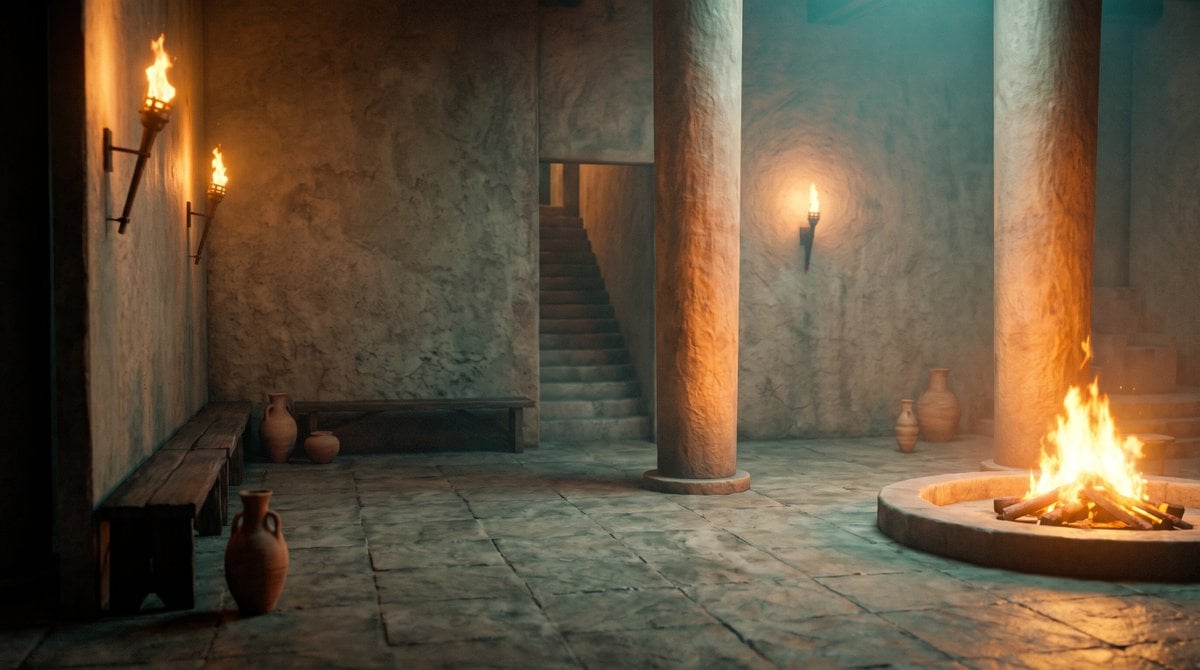
A cinematic prompt for generating a realistic ancient temple or Roman-style interior lit by torches and a central fire pit.
- Prompt included
- Model and format preset
- Free template
The prompt behind this image
Copy the exact prompt behind Ancient Firelit Stone Hall, or open it in the studio and make it yours.
Create a cinematic wide-angle 16:9 interior scene of an ancient stone hall or temple atrium, with rough plaster walls, large square stone floor slabs, and a moody teal-and-orange color grade. The room is empty of people and lit only by firelight: include exactly 3 wall-mounted flaming torches, with 2 torches on the left wall and 1 torch on the rear wall, plus 1 large circular sunken fire pit in the right foreground containing burning logs and tall flames. Add exactly 2 massive cylindrical stone columns rising from floor to ceiling, one near the center and one near the right side, both catching warm orange rim light from the fire. Include exactly 2 simple dark wooden benches, one long bench along the left foreground wall and one long bench against the rear wall. Include exactly 6 clay pottery vessels: 1 tall jug in the left foreground, 2 vessels near the rear-left bench, and 3 vessels near the rear-right wall. Show exactly 2 stairways: one central rear staircase ascending into a dark doorway and one partially visible staircase at the far right. Use realistic ancient Mediterranean/Roman-inspired architecture, worn stone textures, soot-stained plaster, soft smoke haze, volumetric fire glow, deep shadows, no modern objects, no people, no text, no watermark. The camera is at standing eye level with a slightly low cinematic perspective, emphasizing depth, warm fire reflections on the stone floor, and a quiet mysterious atmosphere.
How to use Ancient Firelit Stone Hall in 3 steps
- 1Upload ImagePNG, JPG or paste
Add your photo
Upload the photo the template builds on. The prompt, model and format are already set.
- 2…a portrait of your subject in softgolden-hour light, 85mm…
Personalize
Edit the subject and creative details for your destination.
- 3Generate
Generate
Press Generate — your image is created in PicX Studio, so you can compare it with the original and refine one variable at a time.
More like this
Templates with the same subject, style or setup. Open one to see its prompt.

Minimalist Skincare Product Water Stone Still

Botanical Skincare Minimal Product Advertising
Floating Stone Cube Challenge
Ancient Hand-Chiseled Stone Artifact Logo

Ancient Temple Portrait — White Dress Nano Banana
Surreal Gothic Hall with Floating Masks

Vintage Billiards Hall Portrait
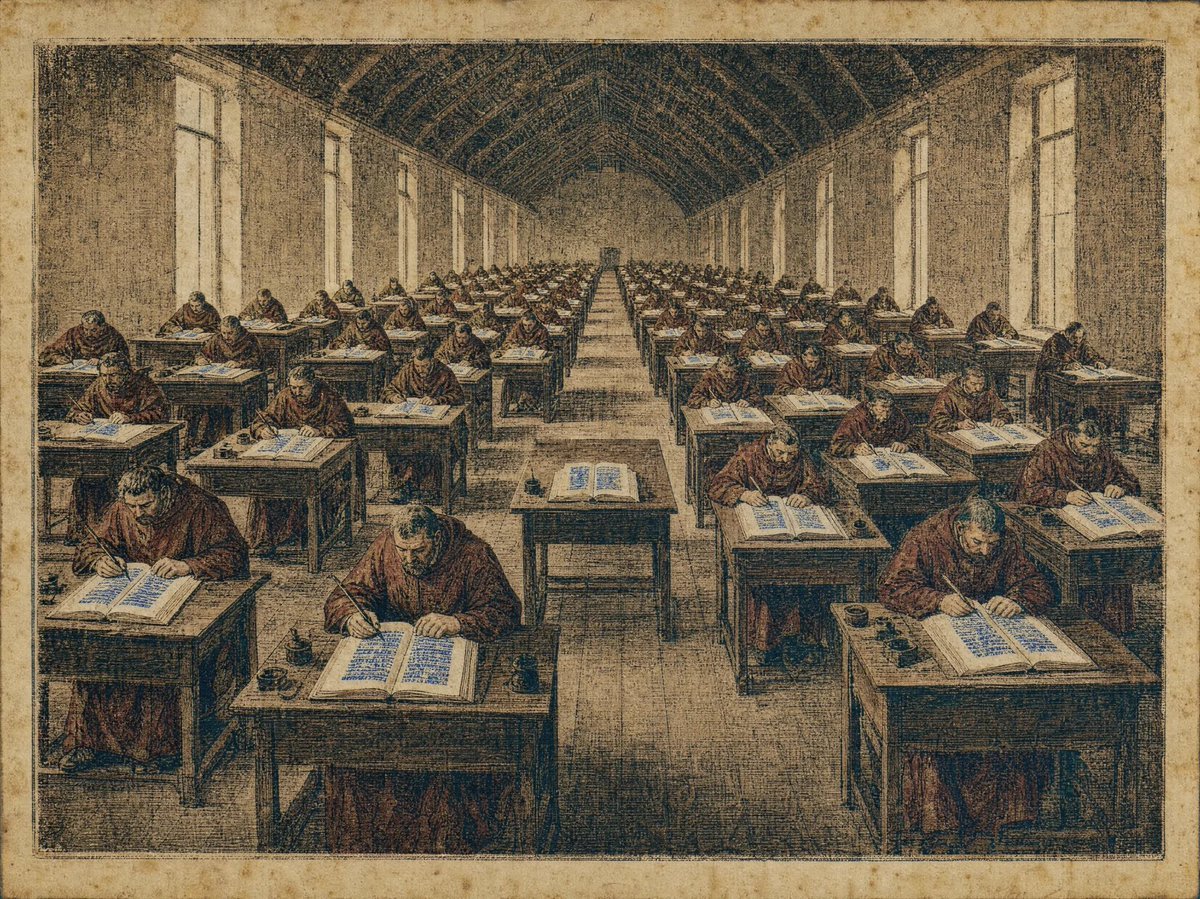
Medieval Scriptorium Hall

Resort Fashion Stone Steps Portrait
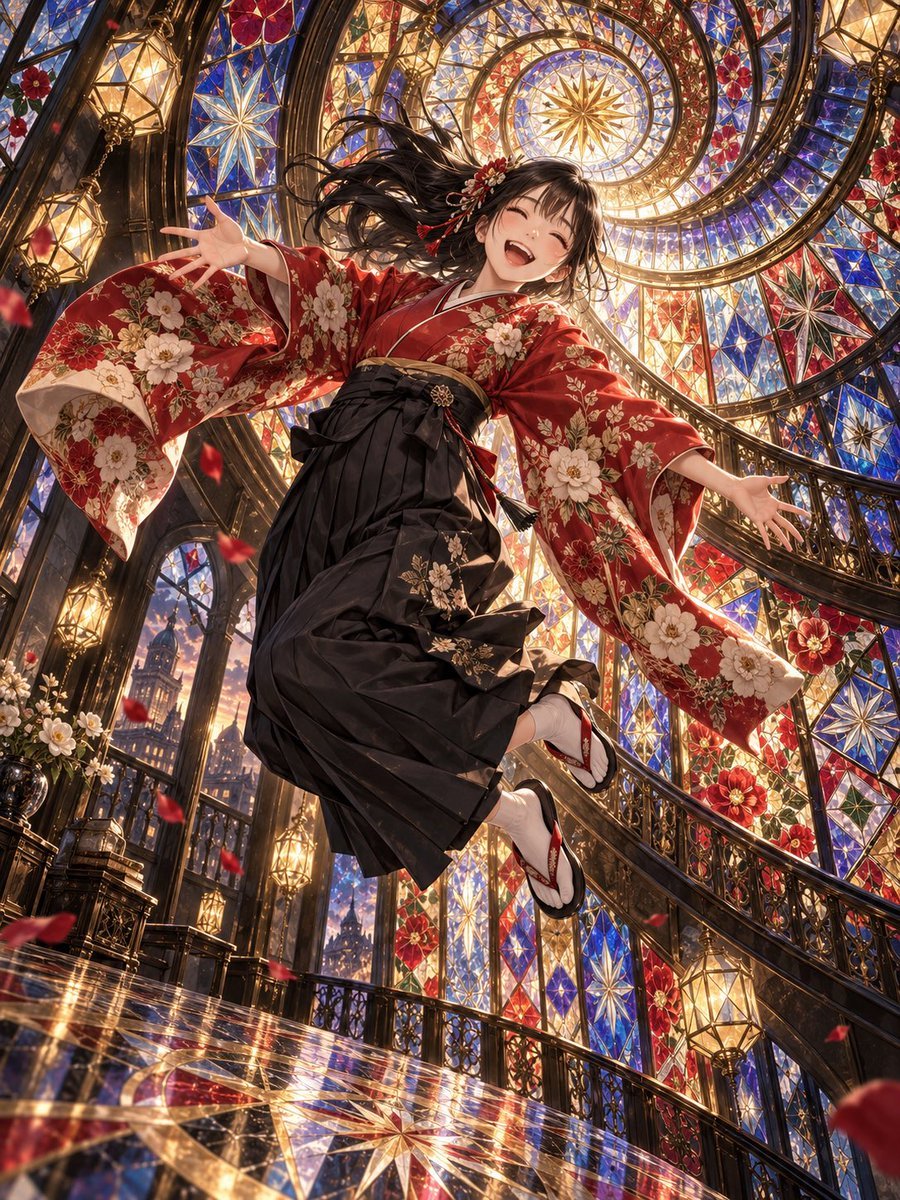
Floating Kimono Girl in Stained Glass Hall

Billiards Hall Focused Portrait
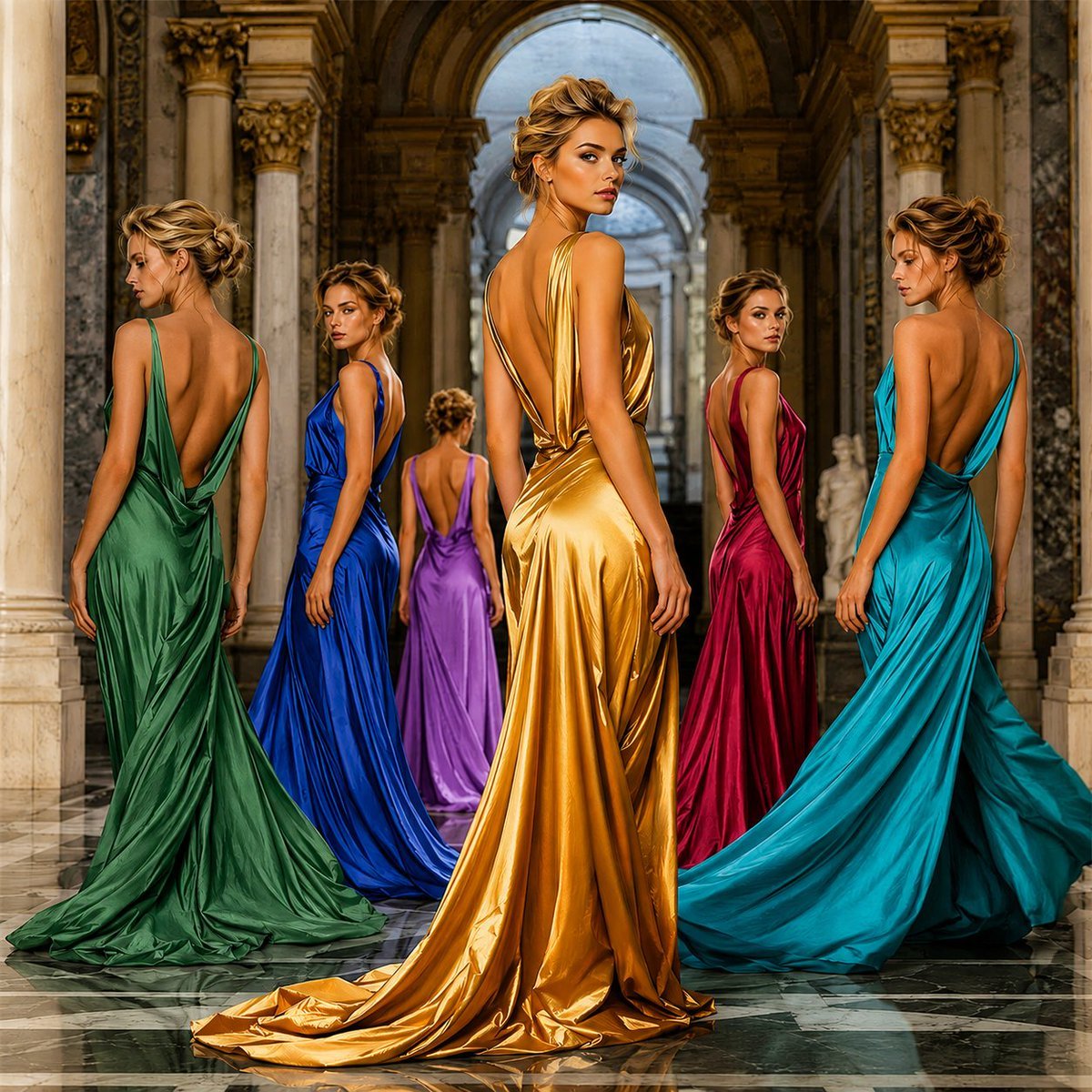
Frozen-Time Couture Hall Portrait
Make it yours
Ancient Firelit Stone Hall works as-is. These are the safest ways to change it without losing the look.
Change one field
Copy a single group, rewrite it, and generate again so you can see what that field is doing.
Keep the frame, change the subject
Hold the composition and light of Ancient Firelit Stone Hall, then swap wardrobe, props or the person for a new take.
| If the result… | Why | Fix |
|---|---|---|
| The result drifts from the preview | Too many fields changed at once. | Reuse Ancient Firelit Stone Hall as-is first, then change one group — subject, light, or setting. |
| The model over-stylizes the scene | The prose prompt leaves finish and camera underspecified. | Add one camera or lighting sentence and stay on GPT Image 2. |
More GPT Image 2 templates
Other prompts made for GPT Image 2.

Six VTuber Japanese Logo Sheet

Realistic Portrait of Woman and Deer

The Vista Modular Condo Poster

AI Model Routing Comparison Infographic

2.5D Anime Art Board

Isometric Productivity Desk Scene

New York Double Exposure Poster

Four-Panel AI Landscape Comparison

Japanese Tatami Lifestyle Magazine Cover

NESCAFÉ Coffee Map Poster
More image prompts
Fresh picks from across the catalog.

Premium Male Editorial Portrait
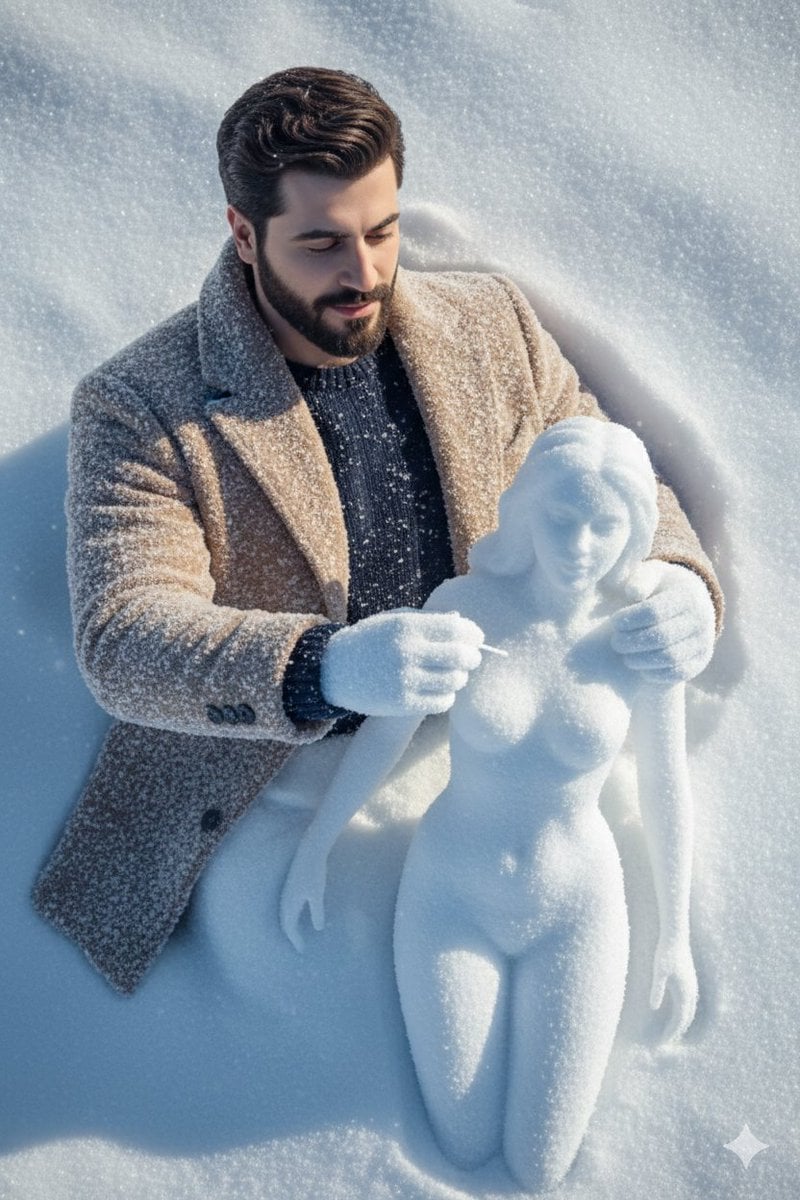
Hyper-Realistic Snow Sculpture Artist Prompt
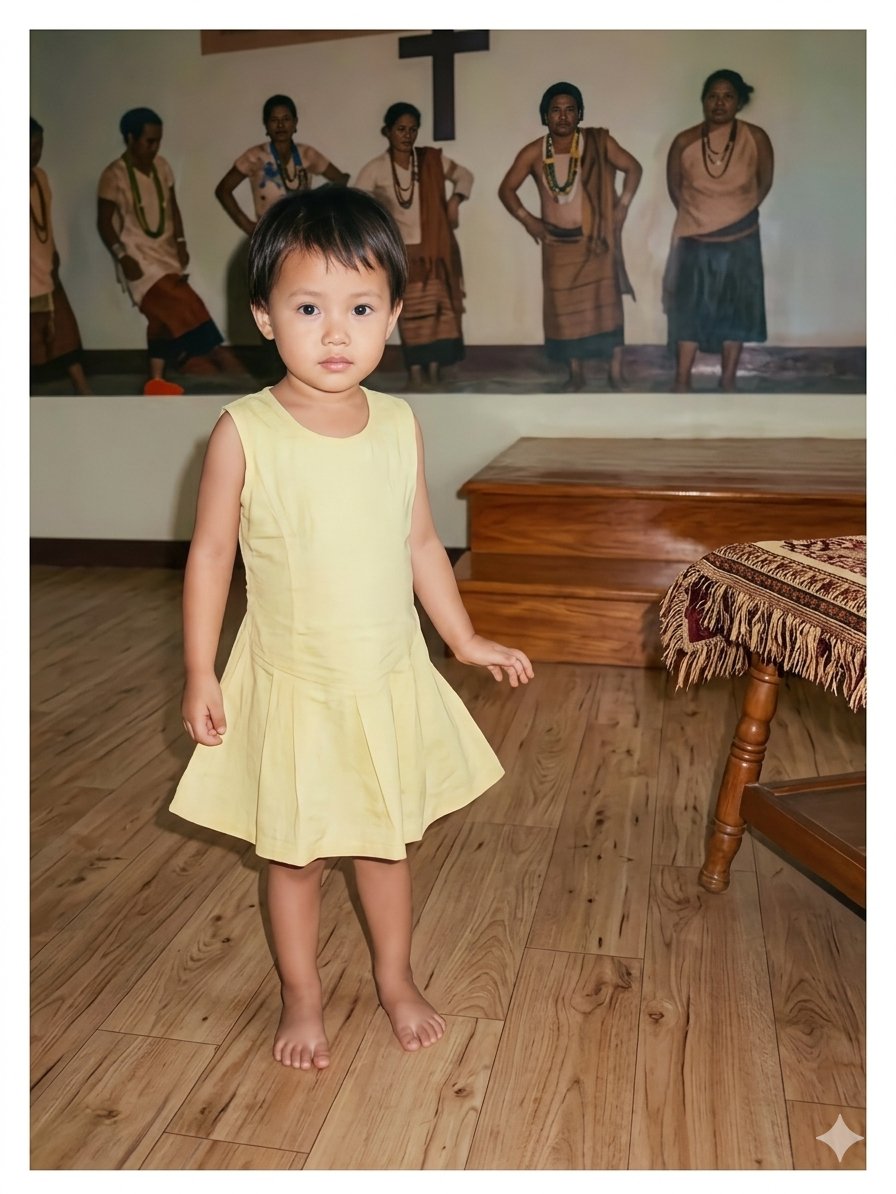
Vintage Photo Restoration of East Asian Girl
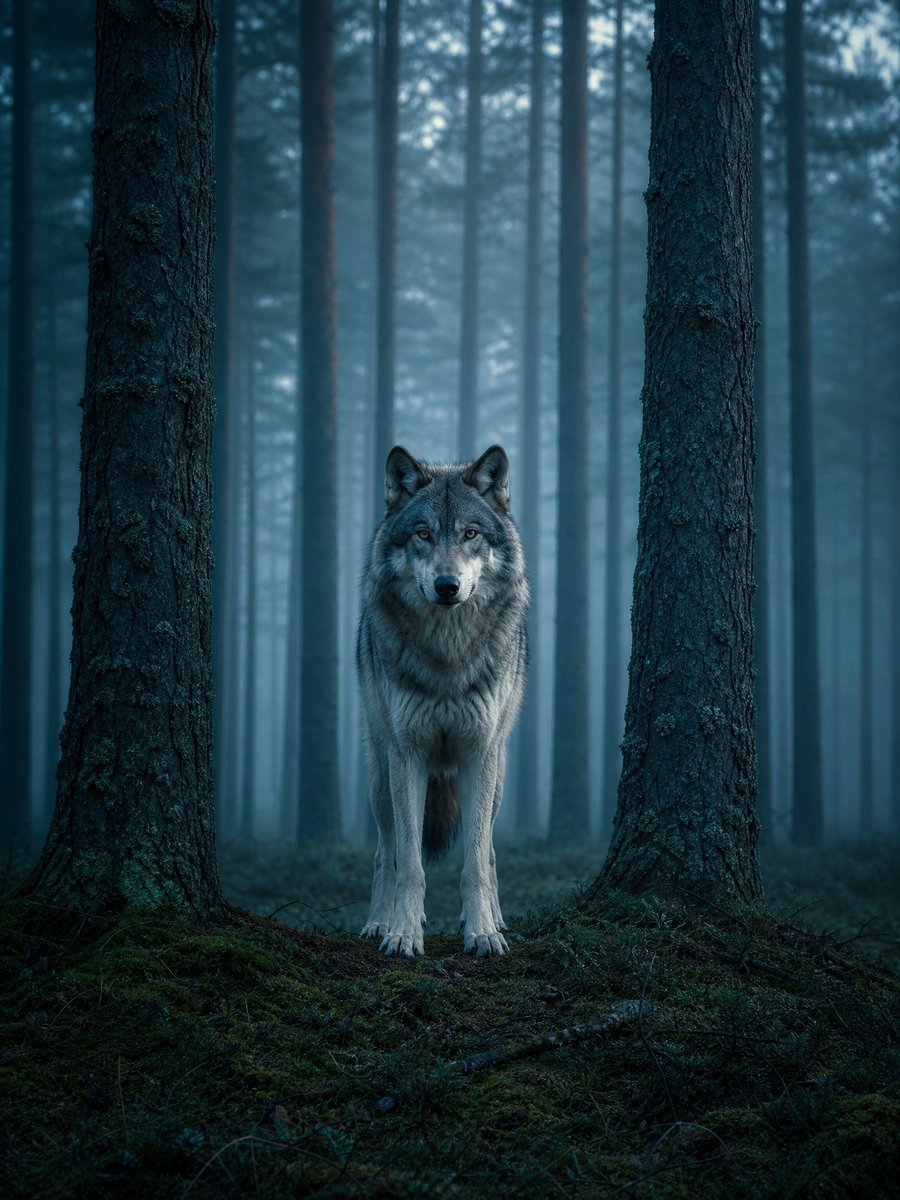
Cinematic Environment Template
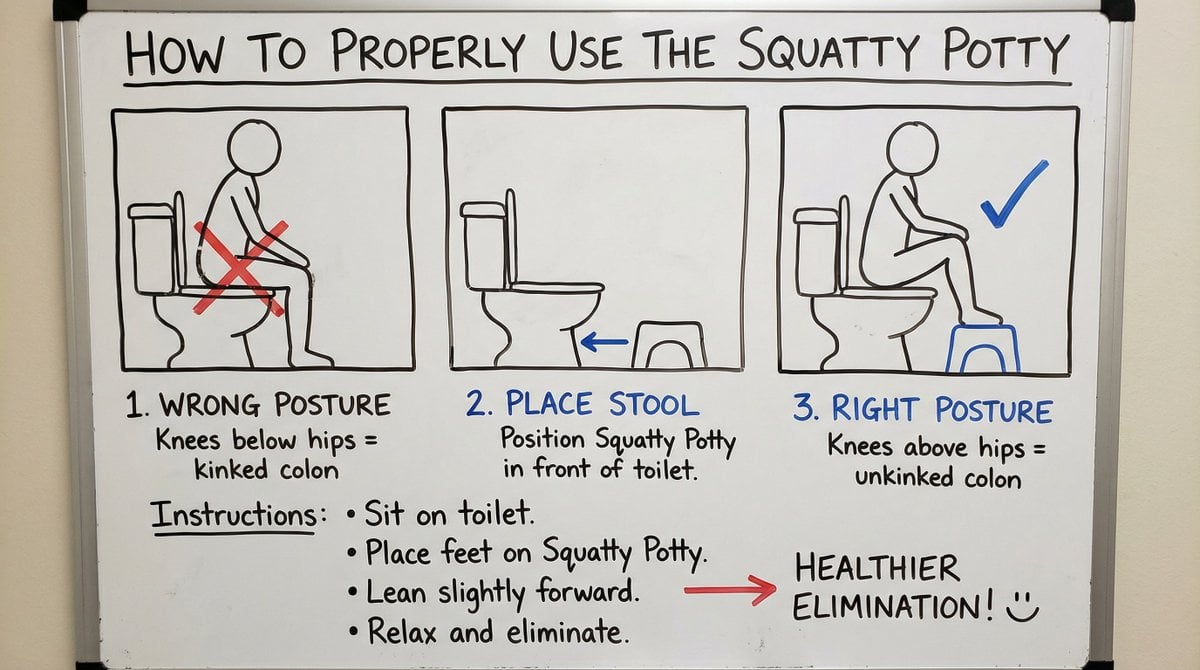
Squatty Potty whiteboard instructions
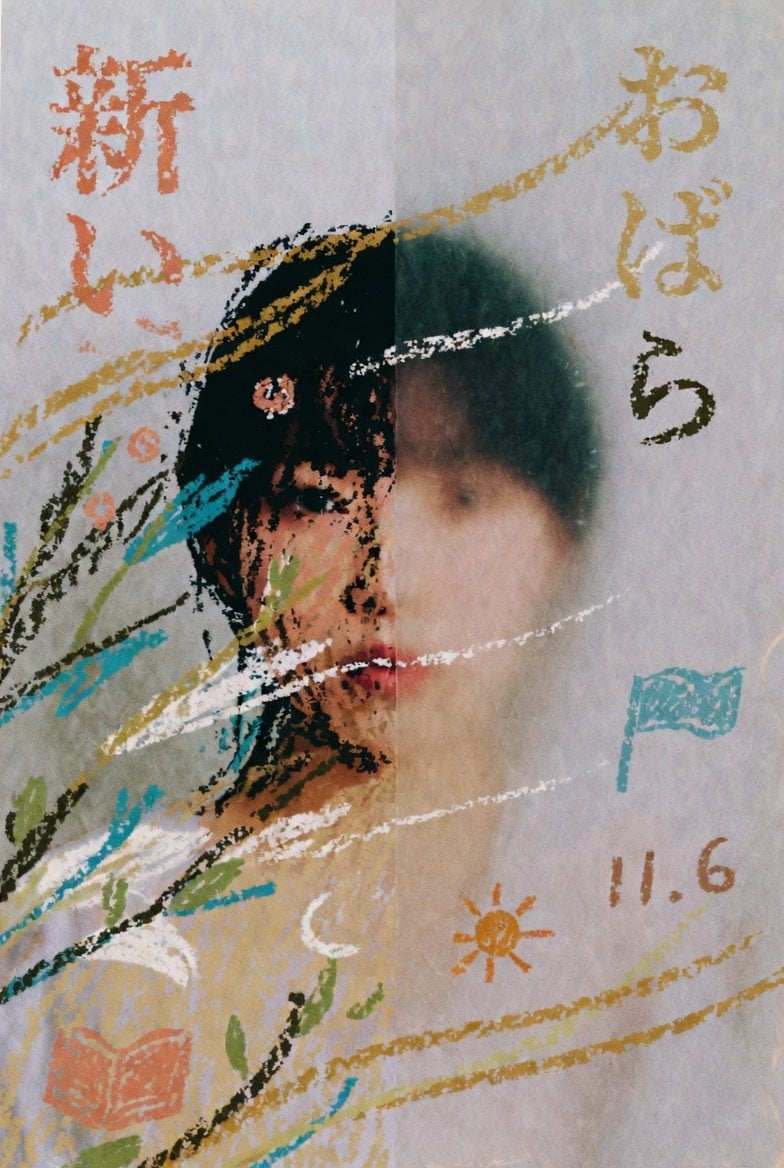
Childlike Pastel Portrait Collage
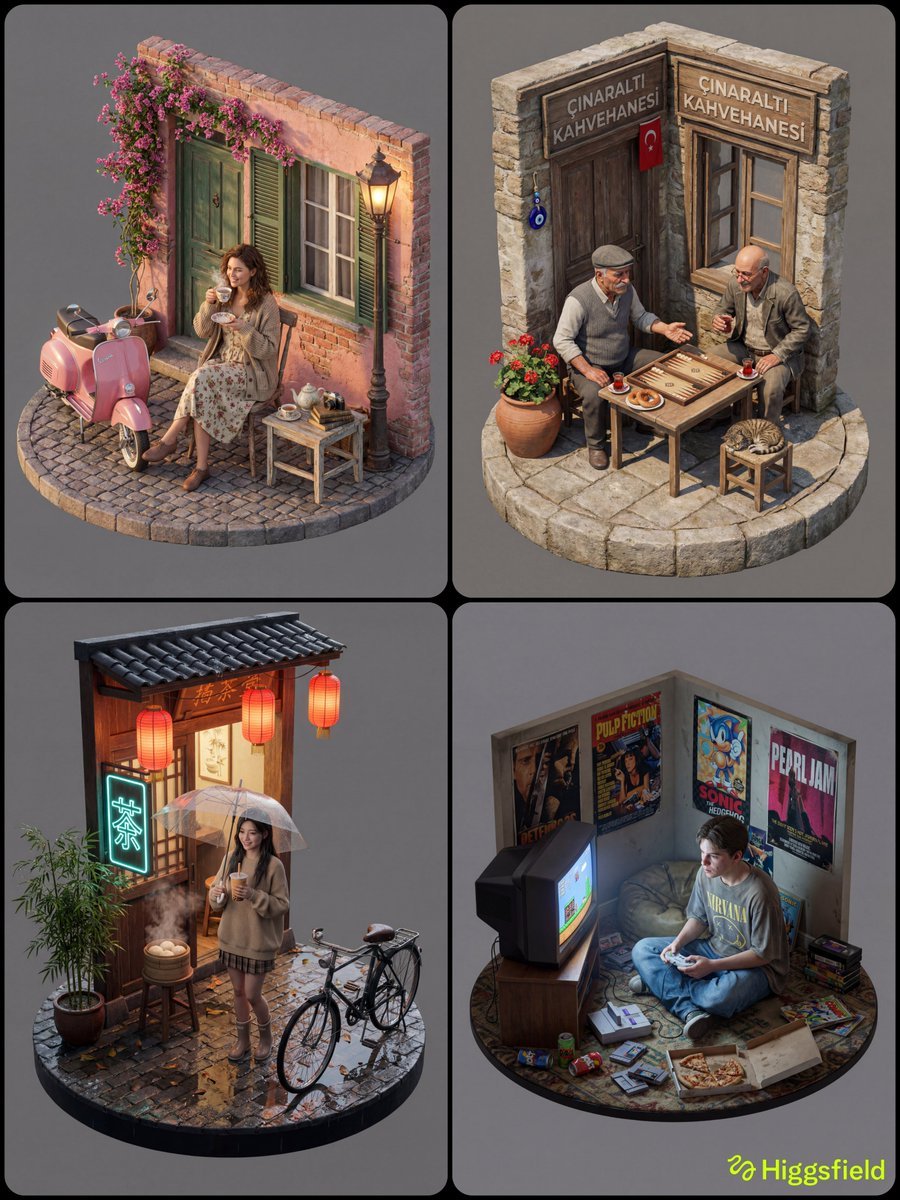
Isometric 3D Diorama with Living Human Texture

Shi Xiangyun Hanfu Story Poster

Cyber Cat Maid Peace Pose

Cinematic Mirror Selfie in Dark Modern Bathroom
Browse template categories
Ancient Firelit Stone Hall questions
How do I use the Ancient Firelit Stone Hall template?
Add your photo if the template asks for one, edit the prompt if you like — the template's model and format are already selected — and press Generate. Your version opens in PicX Studio.
Can I customize the Ancient Firelit Stone Hall template?
Yes. You can change the subject, setting, lighting, mood, format, and available model controls before creating your image.
Is the Ancient Firelit Stone Hall template free?
Opening and editing this template is free. Generating uses credits, shown on the Generate button when you are signed in.
Which AI model should I use?
Start with GPT Image 2, which is the model associated with this template. You can compare another compatible model for a different finish.
Looking for something else? Browse all templates.

Your photo, any look
Thousands of ready templates for every top image and video model, from one credit balance.