How do I use the Paris Balcony Selfie template?
Choose the primary action to open PicX Studio with the available template settings. Review the model and format, personalize the creative direction, and generate when ready.
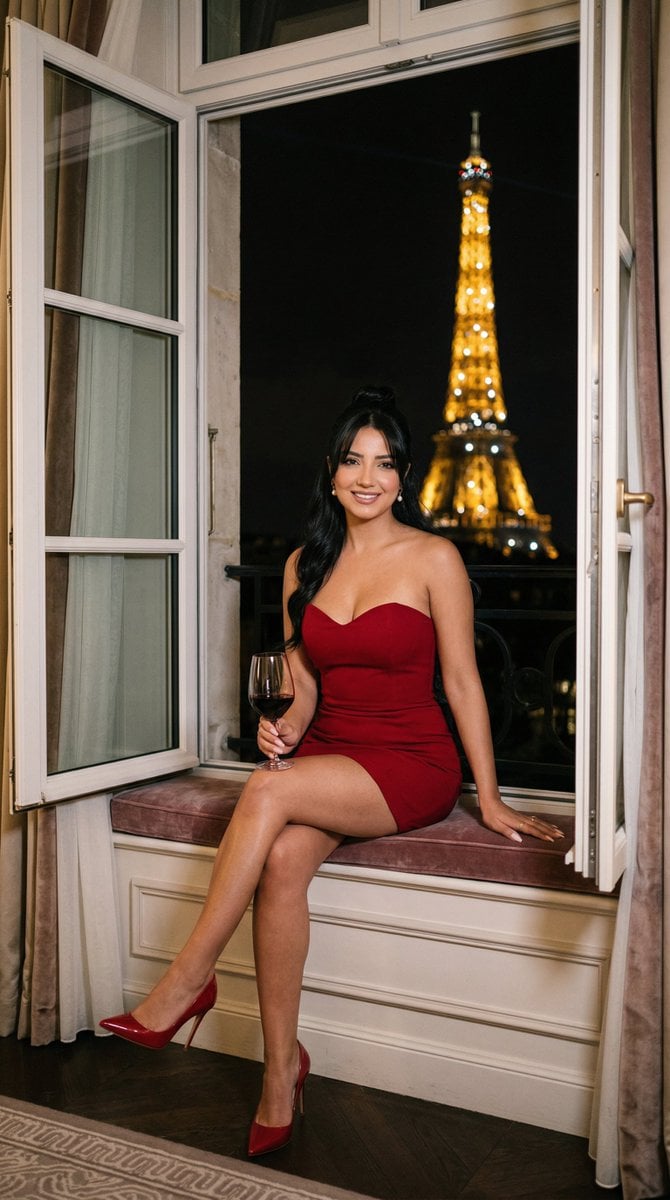
A photorealistic lifestyle prompt for creating a red-haired woman taking a breakfast selfie on a Paris balcony with the Eiffel Tower behind her.

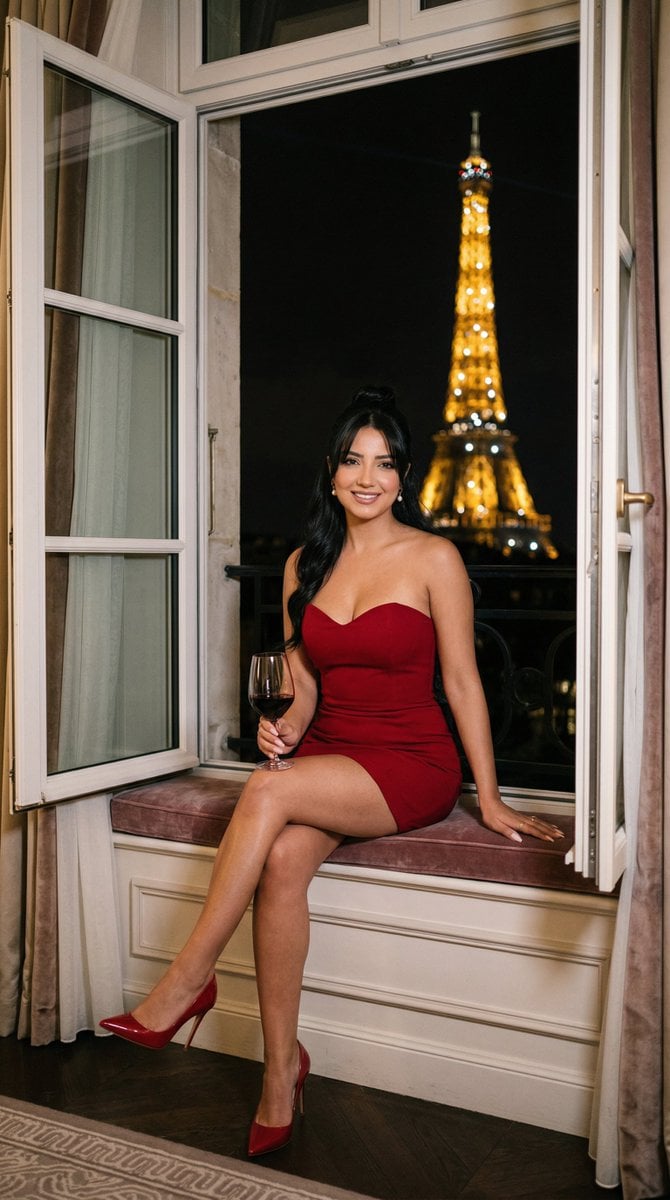
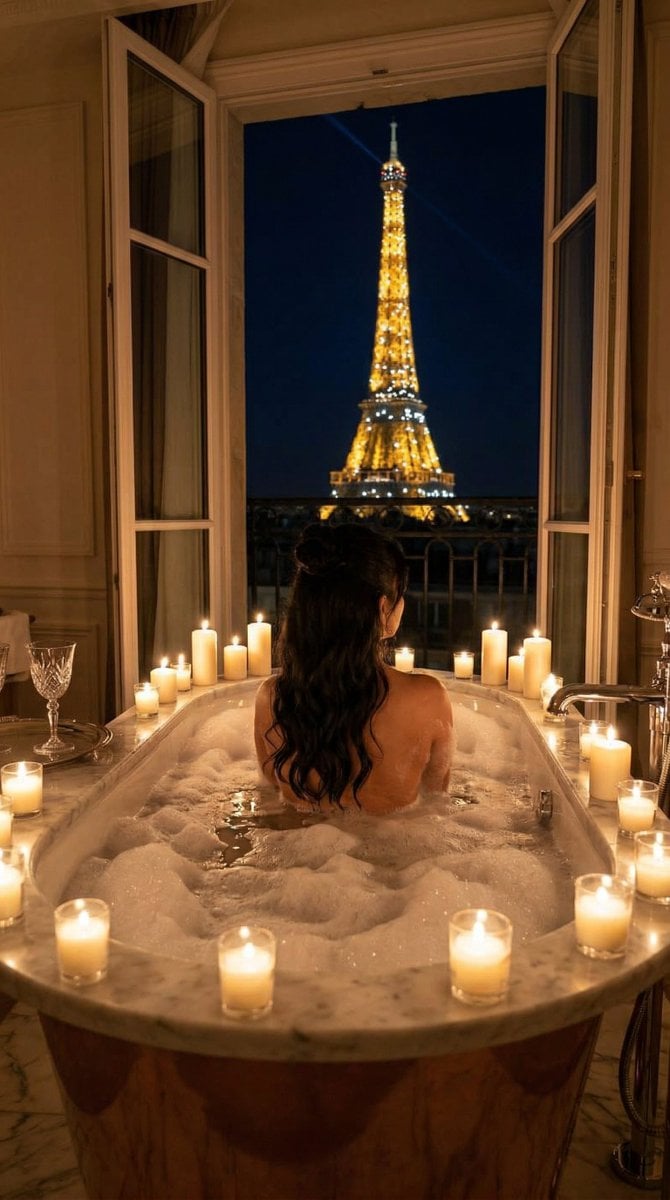
Create a photorealistic wide-angle selfie on a Parisian apartment balcony in warm morning sunlight. A young woman with {argument name="hair color" default="vivid red"} shoulder-length wavy hair, fair skin, blue-green eyes, subtle makeup, and a gentle confident smile holds the camera with her left arm extended toward the viewer, creating strong close-up foreground arm perspective. She wears a fitted short-sleeve {argument name="dress color" default="deep royal blue"} dress and holds a clear glass of orange juice in her right hand at waist level. The background shows an elegant Haussmann-style Paris street with cream stone buildings, wrought-iron balcony railing, leafy green trees, and the Eiffel Tower visible in the distance on the left, softly out of focus. On the right side of the balcony is a small round marble café table with exactly 5 visible breakfast items: 1 vase filled with white daisies, 1 white espresso cup on a saucer, 1 cappuccino cup on a saucer with latte foam, 1 golden croissant on a small plate, and 1 woven café chair behind the table. Use natural golden-hour lighting, realistic skin texture, crisp facial detail, shallow depth of field, vibrant but believable colors, elegant travel lifestyle photography, vertical 4:5 composition, no text, no watermark, no extra people.
Choose the primary action to open PicX Studio with the available template settings. Review the model and format, personalize the creative direction, and generate when ready.
Yes. You can change the subject, setting, lighting, mood, format, and available model controls before creating your image.
This template is free to open and customize. Generation usage is shown in PicX Studio before you create.
Start with GPT Image 2, which is the model associated with this template. You can compare another compatible model for a different finish.
Follow a topic to a crawlable collection of related PicX Studio templates.