
Castle Island with White Goose
A vertical fantasy-realistic scenic illustration of a stone castle, arched bridge, mountain loch, and a flock of geese with one white bird.
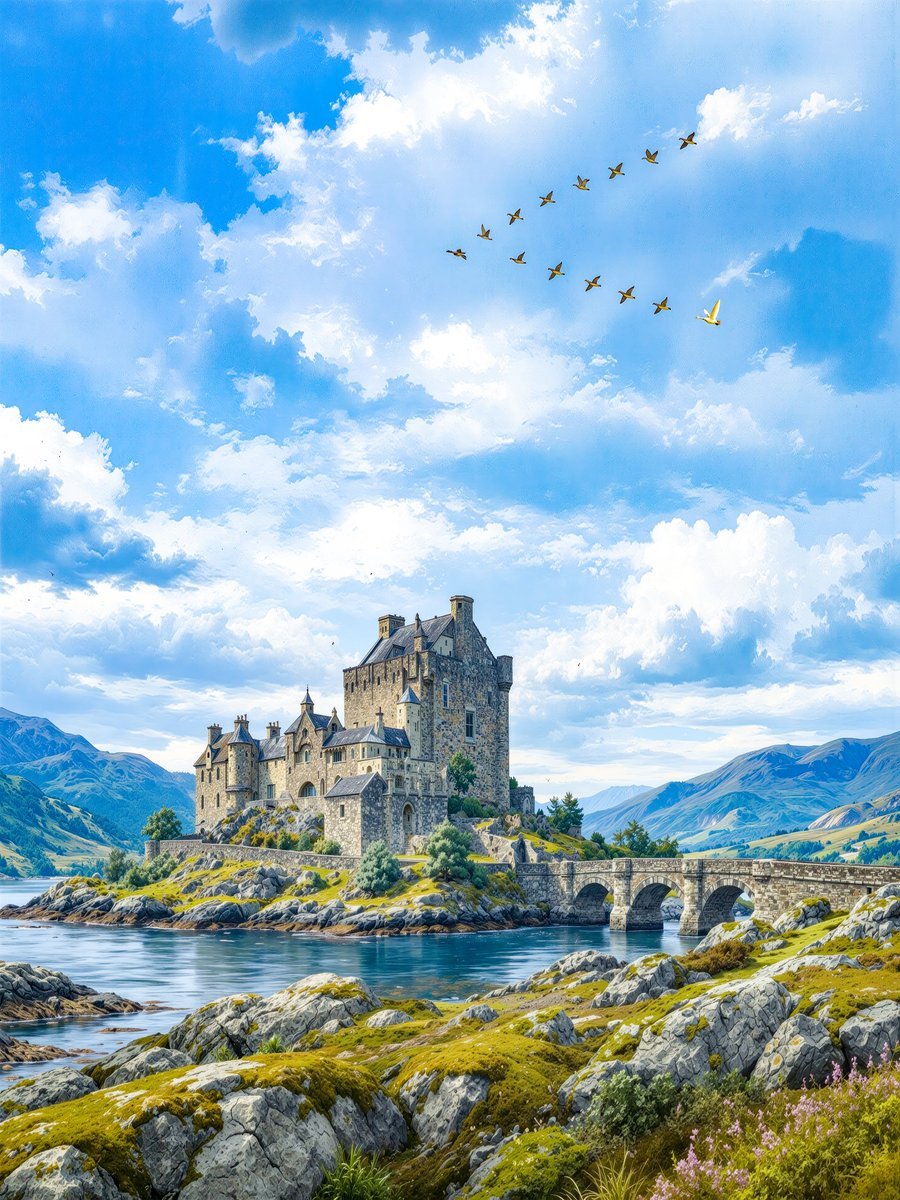
- Prompt included
- Model and format preset
- Free template
The prompt behind this image
Copy the exact prompt behind Castle Island with White Goose, or open it in the studio and make it yours.
Create a vertical 4:5 fantasy-realistic landscape illustration of {argument name="castle name" default="an ancient stone castle"} standing on a rocky island at the edge of a calm blue loch, connected to the mainland by a low arched stone bridge with exactly three visible arches. The castle should feel like a Scottish medieval fortress: tall gray stone walls, multiple chimneys, steep slate roofs, small turrets, narrow windows, and weathered masonry, perched on mossy rocks with shrubs and a few small trees around its base. In the foreground, show rugged gray boulders covered with green moss and grasses, with a small patch of purple wildflowers in the lower right; the water should be still and reflective with gentle ripples. Surround the scene with distant blue-green mountains on both sides and a bright, expansive sky filled with large soft cumulus clouds. High in the sky, include exactly {argument name="bird count" default="13"} birds flying in a loose curved formation: 12 small dark geese and 1 distinct white goose slightly separated on the right, visibly brighter than the others. Use luminous daylight, crisp detail, painterly realism, rich natural colors, a storybook travel-poster atmosphere, wide-angle composition, no text, no people, no watermark.
How to use Castle Island with White Goose in 3 steps
- 1Upload ImagePNG, JPG or paste
Add your photo
Upload the photo the template builds on. The prompt, model and format are already set.
- 2…a portrait of your subject in softgolden-hour light, 85mm…
Personalize
Edit the subject and creative details for your destination.
- 3Generate
Generate
Press Generate — your image is created in PicX Studio, so you can compare it with the original and refine one variable at a time.
More like this
Templates with the same subject, style or setup. Open one to see its prompt.

Minecraft Fantasy Kingdom Voxel Landscape

Woman in Mall with Chanel Bag - Heart Gesture

Outdoor Cafe Portrait — White Ruched Top Nano Banana
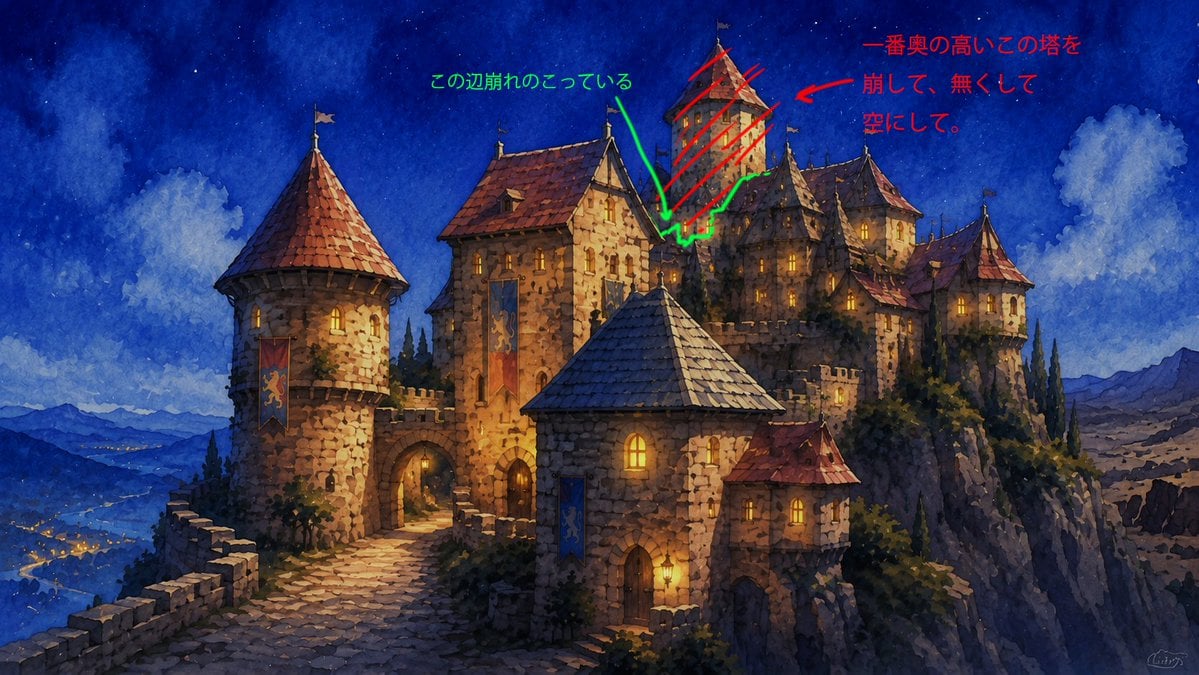
Castle Edit Markup Overlay
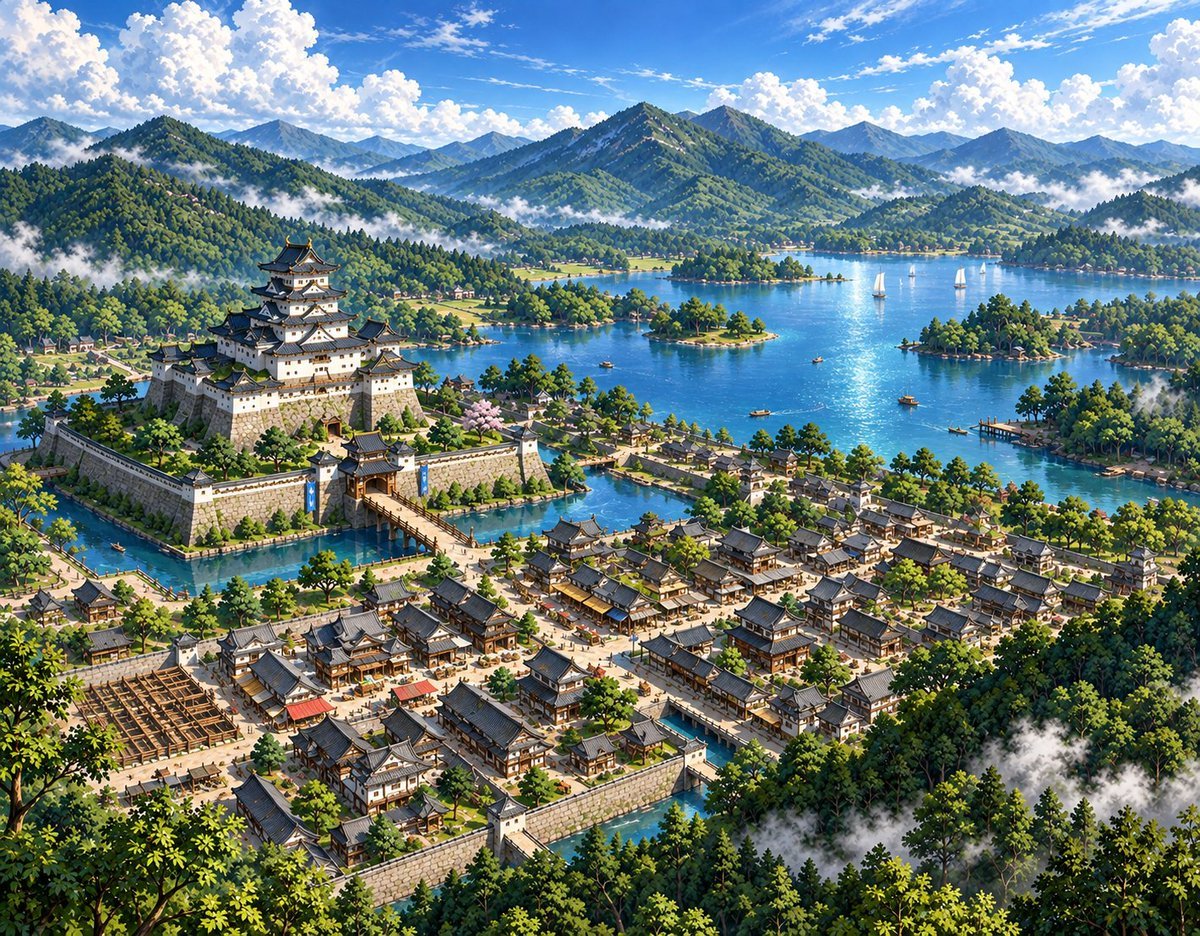
Sketch to Anime Castle Landscape
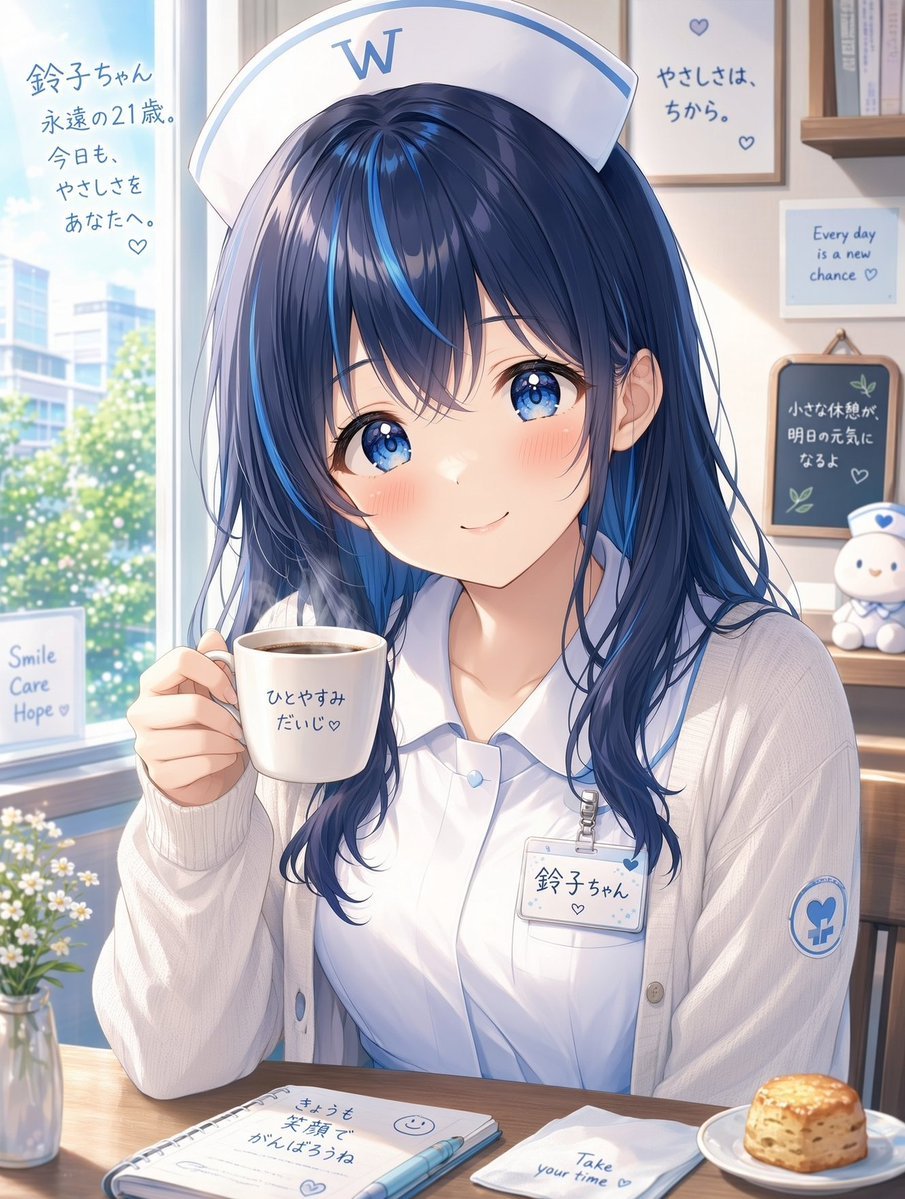
White Wing Nurse Break Room Portrait
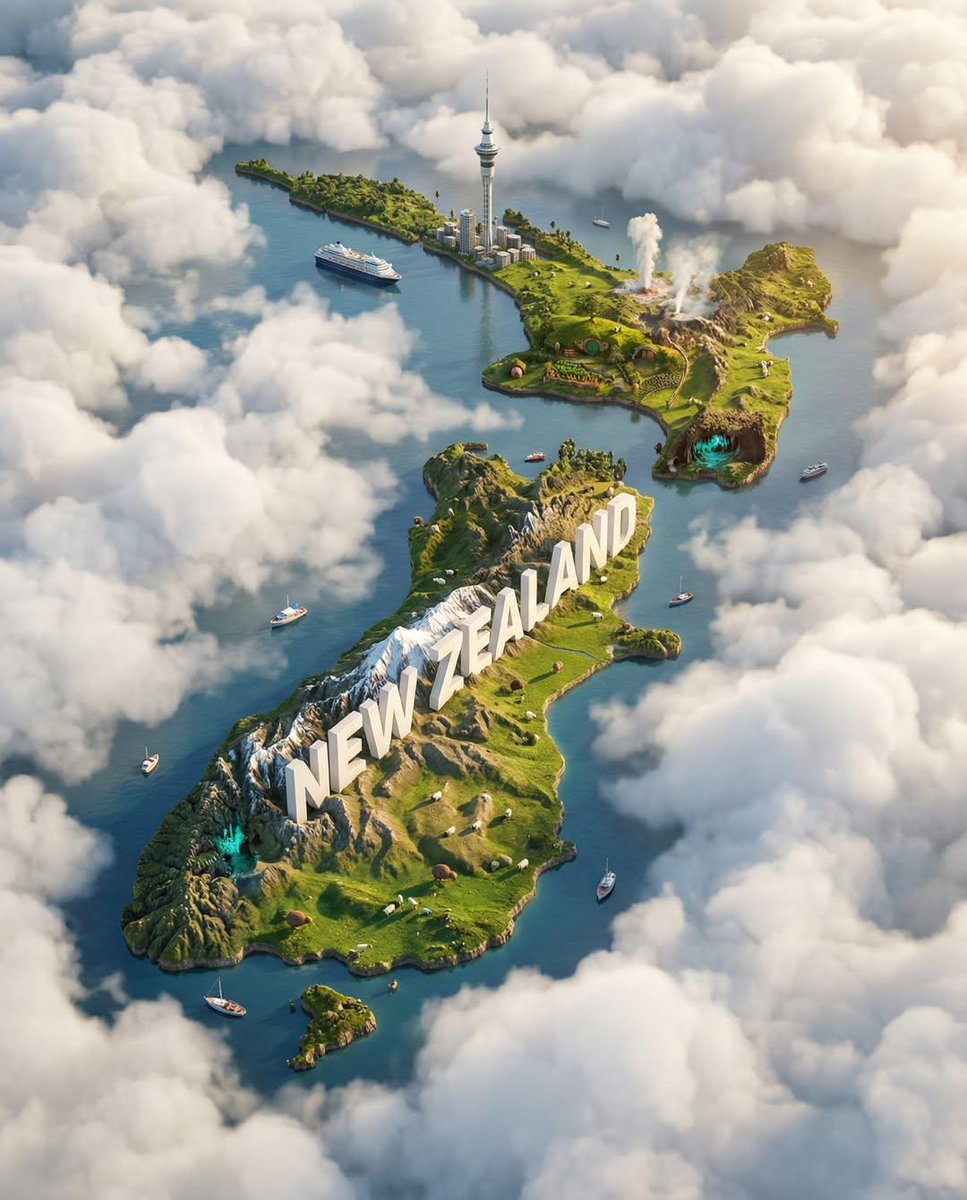
Ultra-HD, hyper-realistic digital poster of a floating miniature island
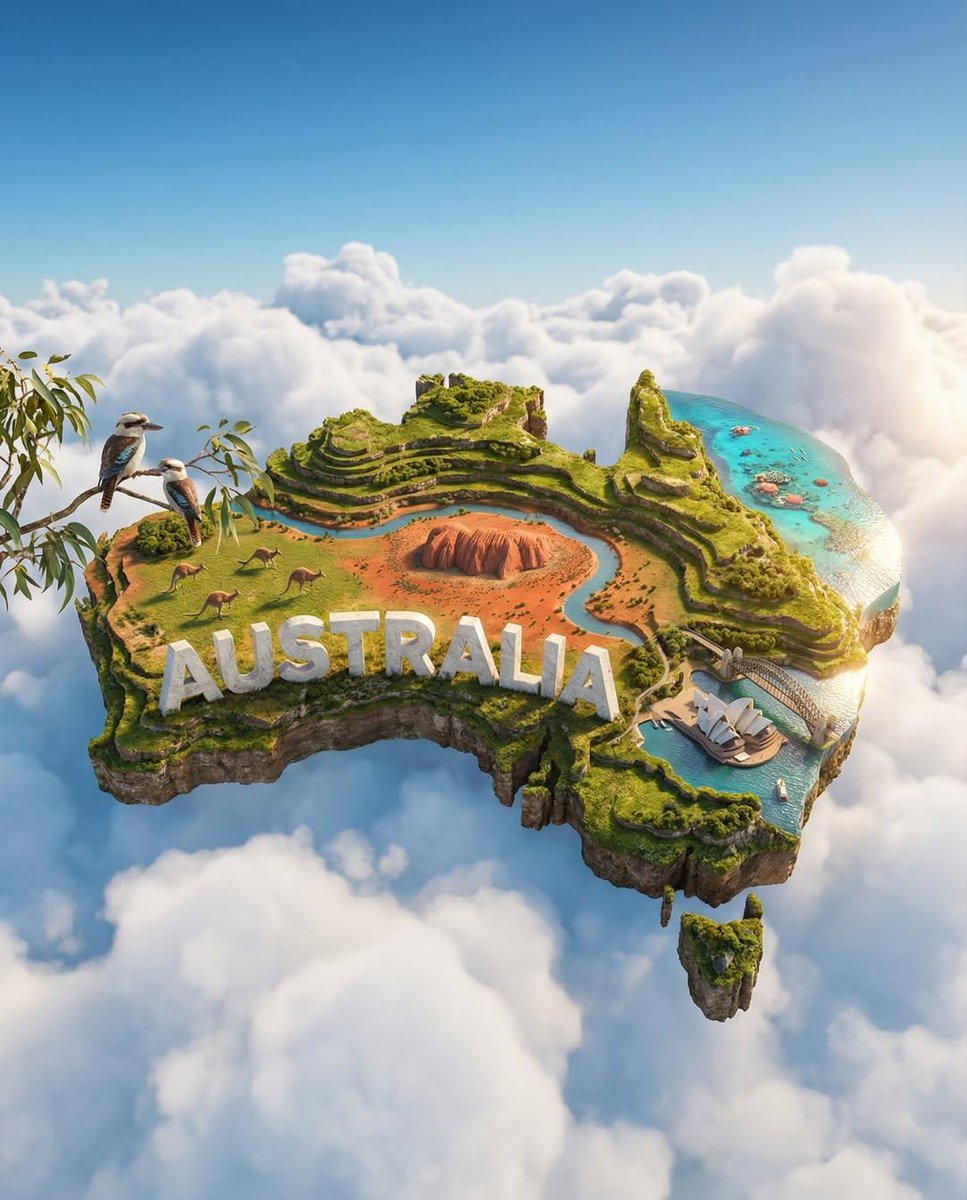
Ultra-HD, hyper-realistic digital poster of a floating miniature island
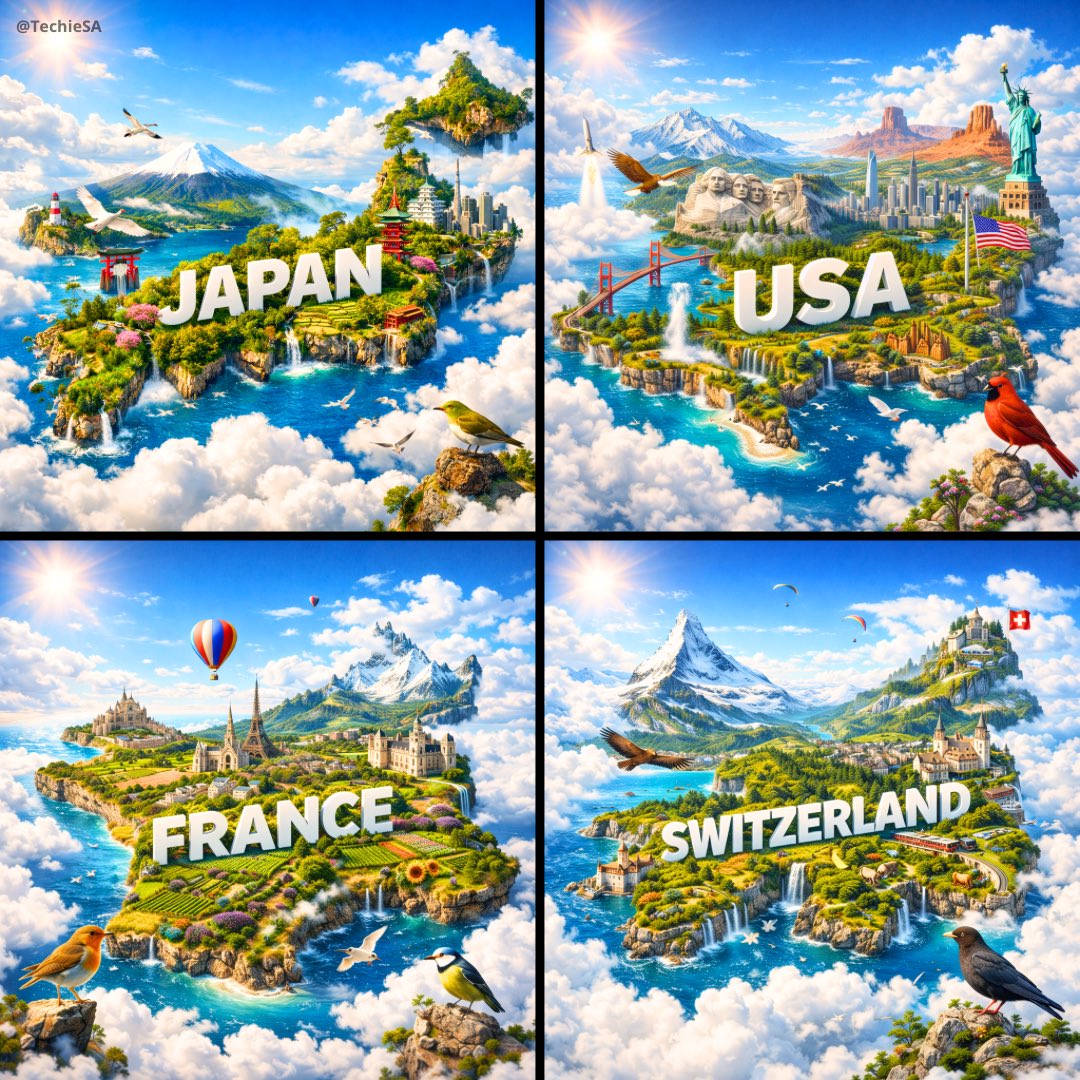
Ultra-HD, hyper-realistic digital poster of a floating miniature island
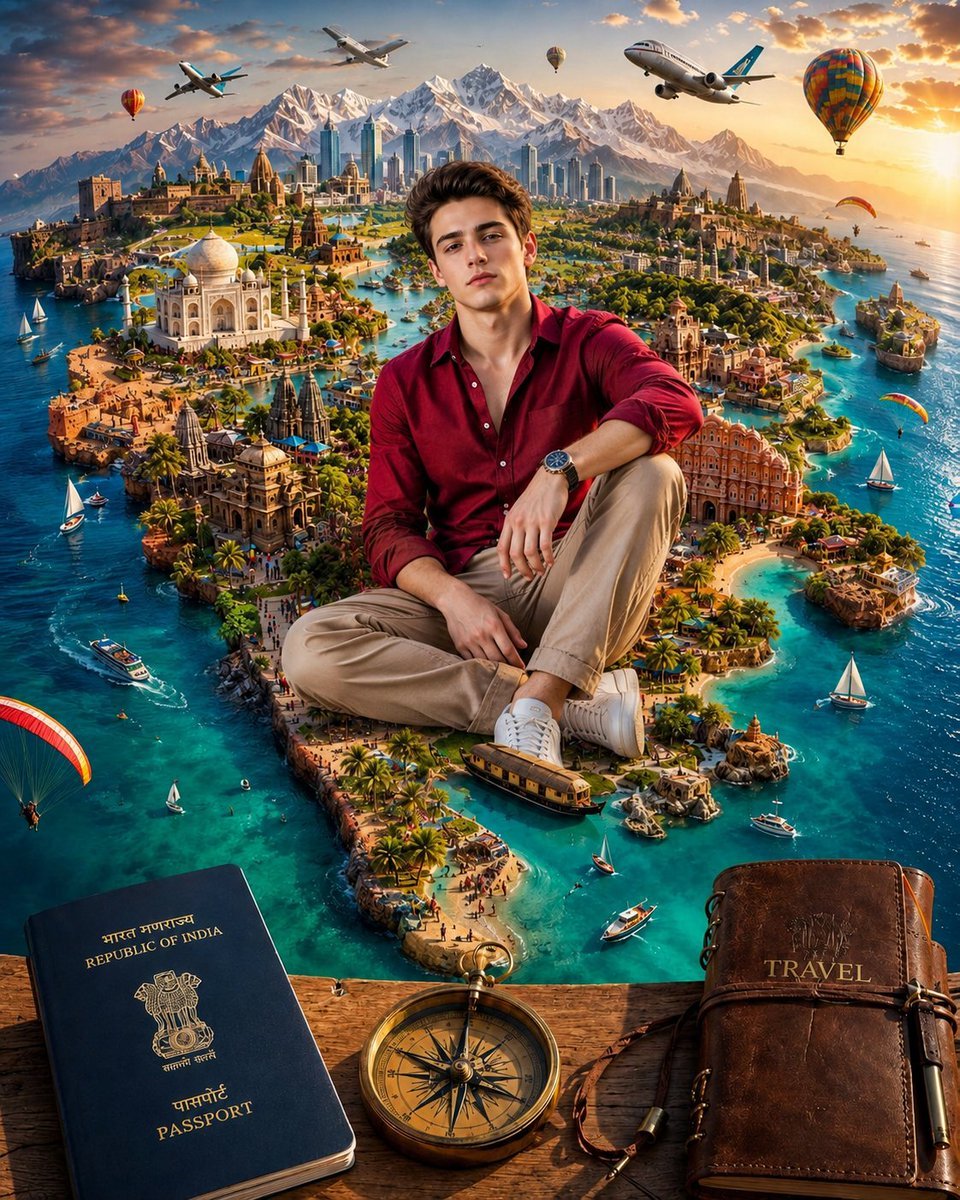
Surreal India Travel Island Portrait
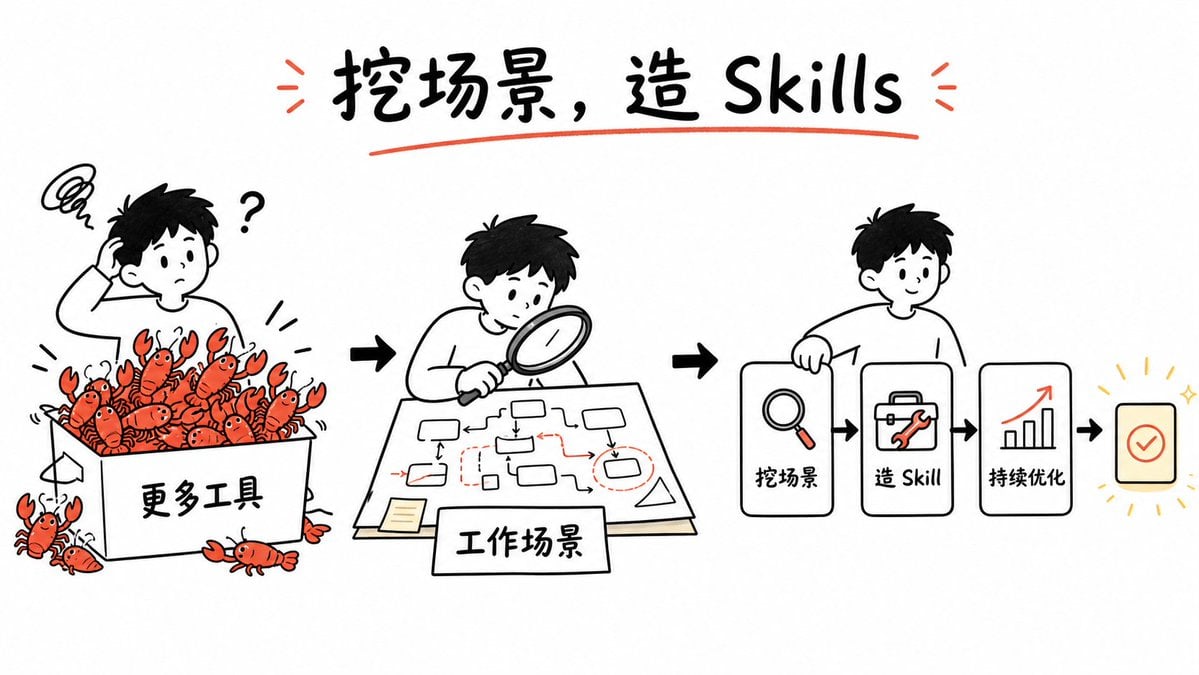
Whiteboard Skill-Building Workflow
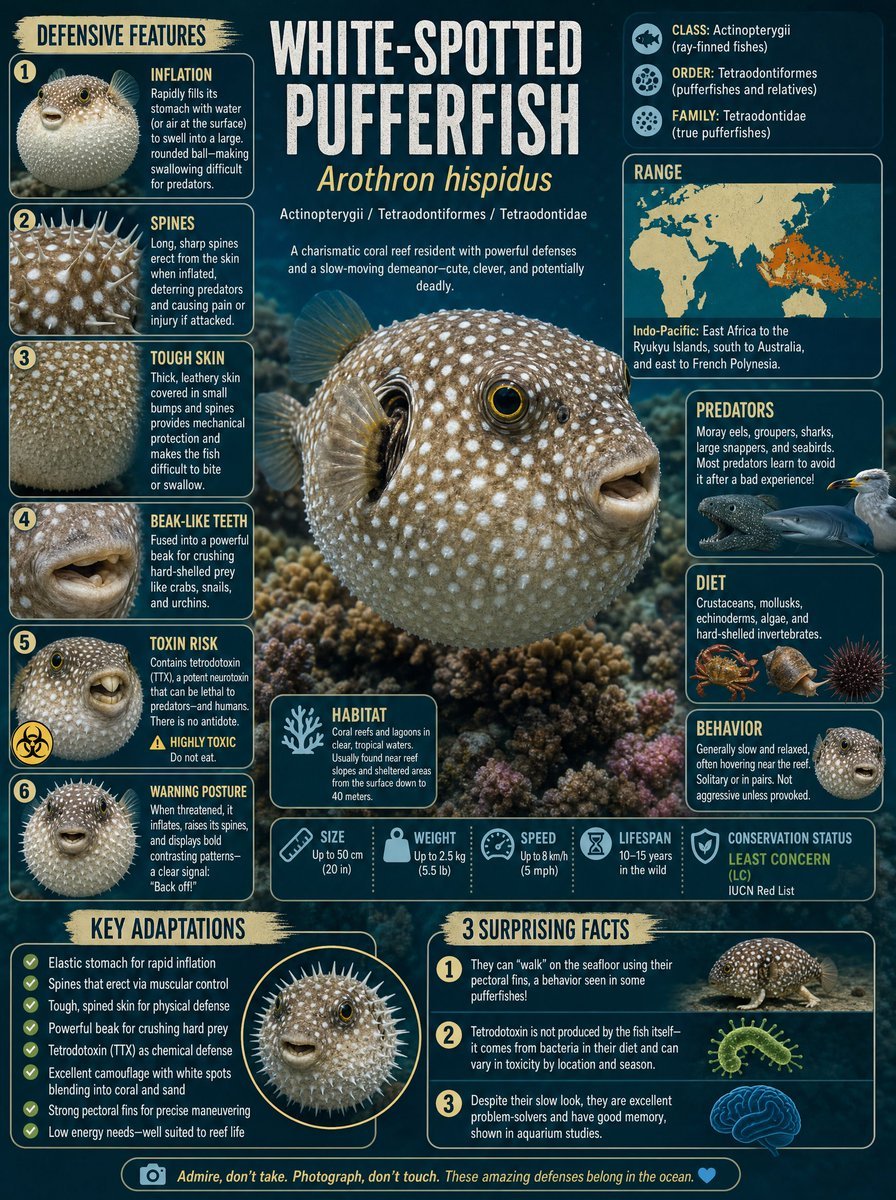
White-Spotted Pufferfish Scientific Plate
Make it yours
Castle Island with White Goose works as-is. These are the safest ways to change it without losing the look.
Change one field
Copy a single group, rewrite it, and generate again so you can see what that field is doing.
Keep the frame, change the subject
Hold the composition and light of Castle Island with White Goose, then swap wardrobe, props or the person for a new take.
| If the result… | Why | Fix |
|---|---|---|
| The result drifts from the preview | Too many fields changed at once. | Reuse Castle Island with White Goose as-is first, then change one group — subject, light, or setting. |
| The model over-stylizes the scene | The prose prompt leaves finish and camera underspecified. | Add one camera or lighting sentence and stay on GPT Image 2. |
More GPT Image 2 templates
Other prompts made for GPT Image 2.

Six VTuber Japanese Logo Sheet

Realistic Portrait of Woman and Deer

The Vista Modular Condo Poster

AI Model Routing Comparison Infographic

2.5D Anime Art Board

Isometric Productivity Desk Scene

New York Double Exposure Poster

Four-Panel AI Landscape Comparison

Japanese Tatami Lifestyle Magazine Cover

NESCAFÉ Coffee Map Poster
More image prompts
Fresh picks from across the catalog.
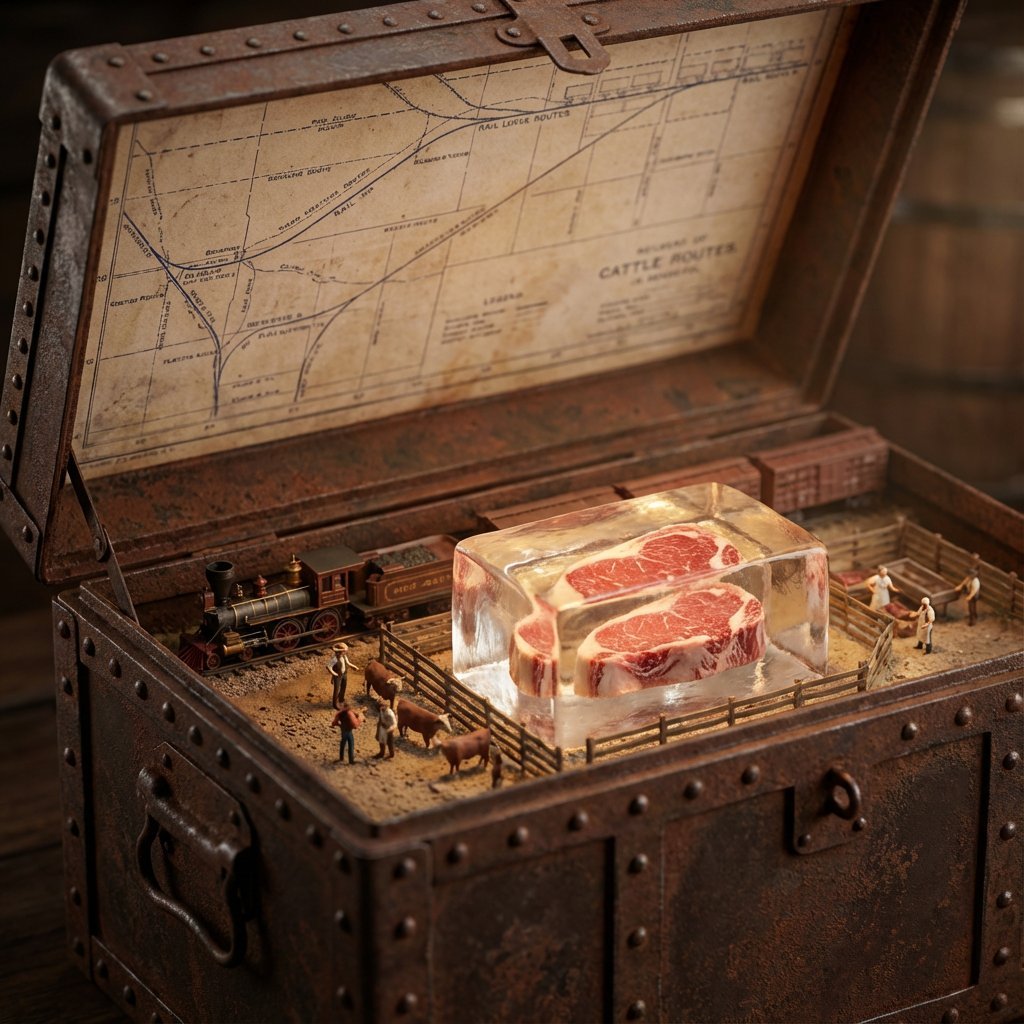
Historical Ingredient Journey Diorama
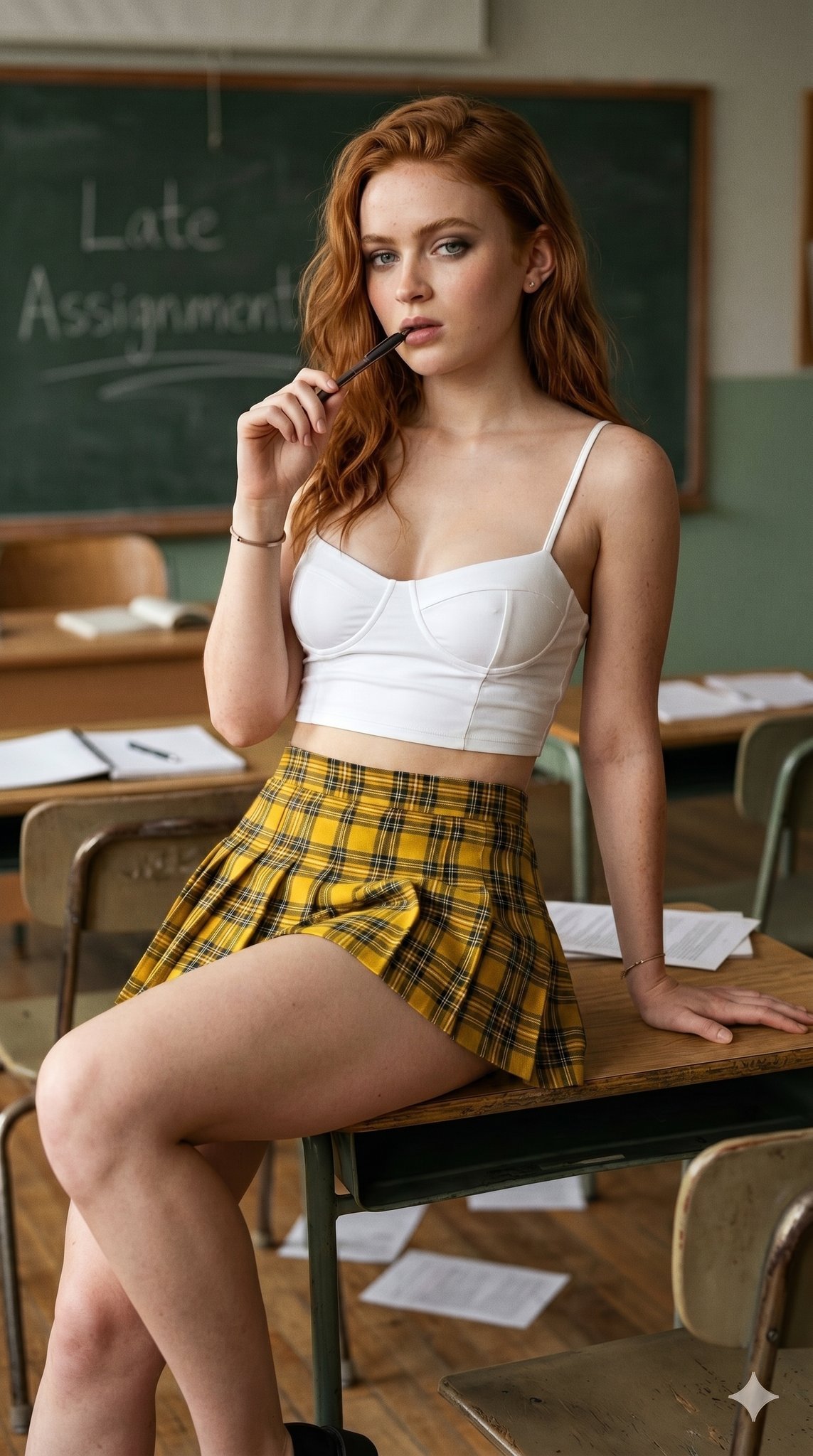
untitled
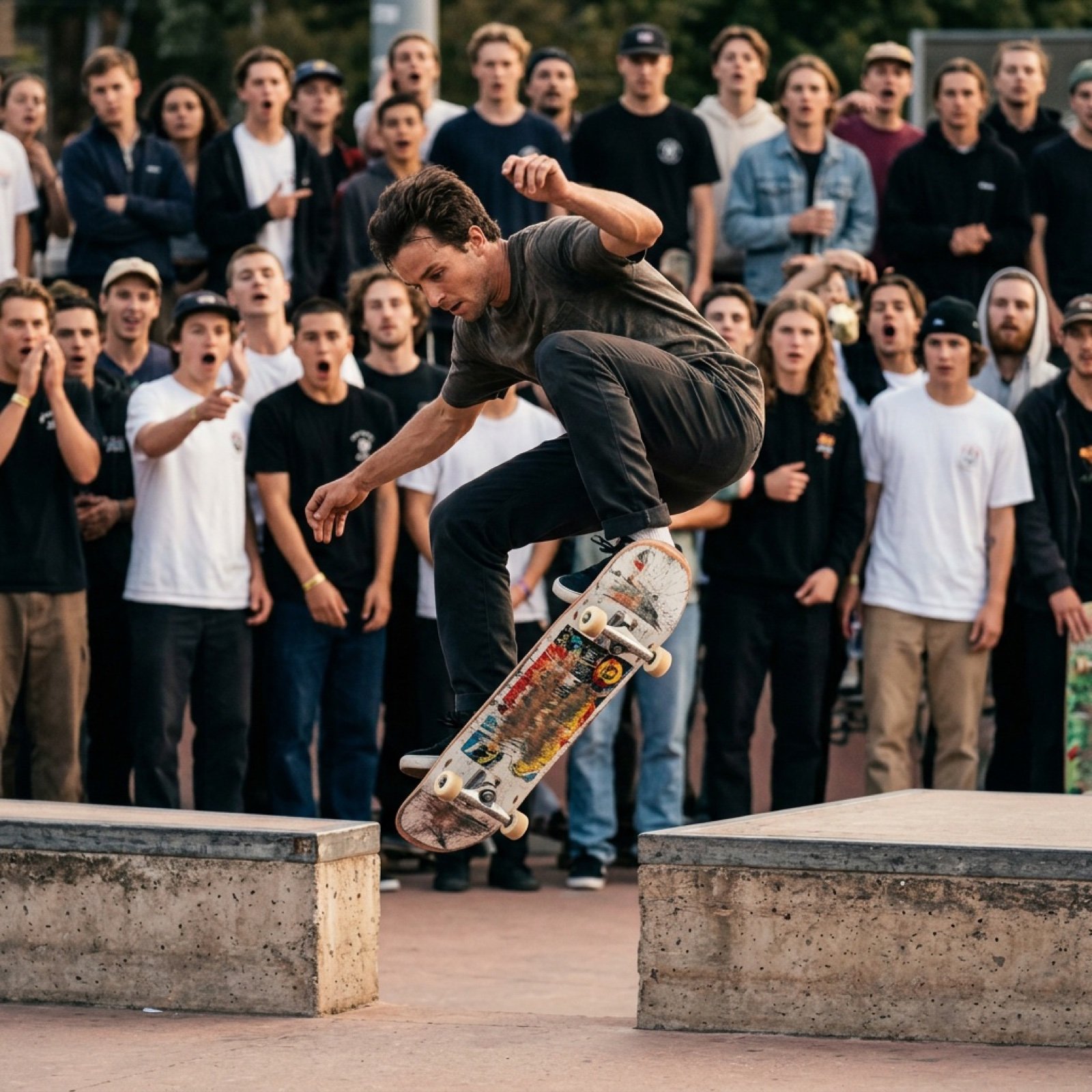
Grok Video Prompt: High-Speed Skateboard Tricks
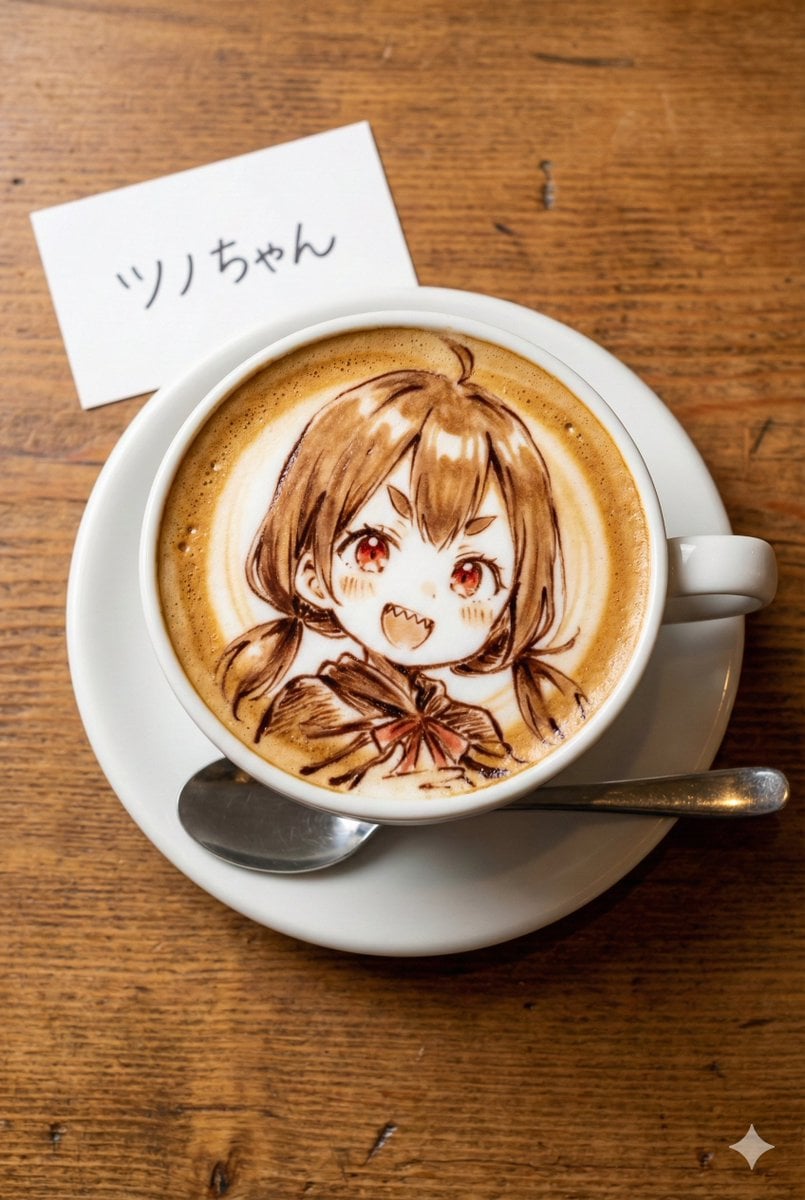
Custom Character Latte Art Generation Prompt
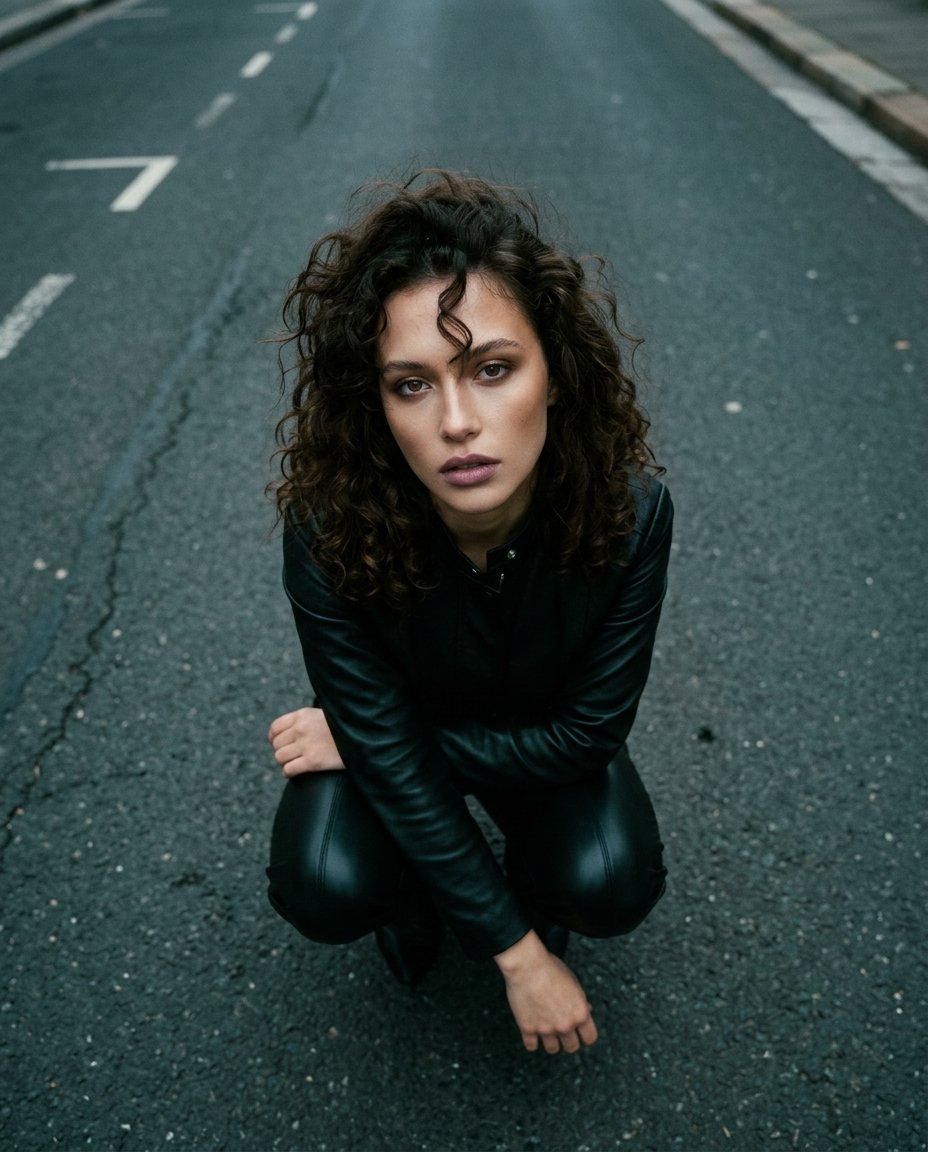
Top-Down Cinematic Portrait
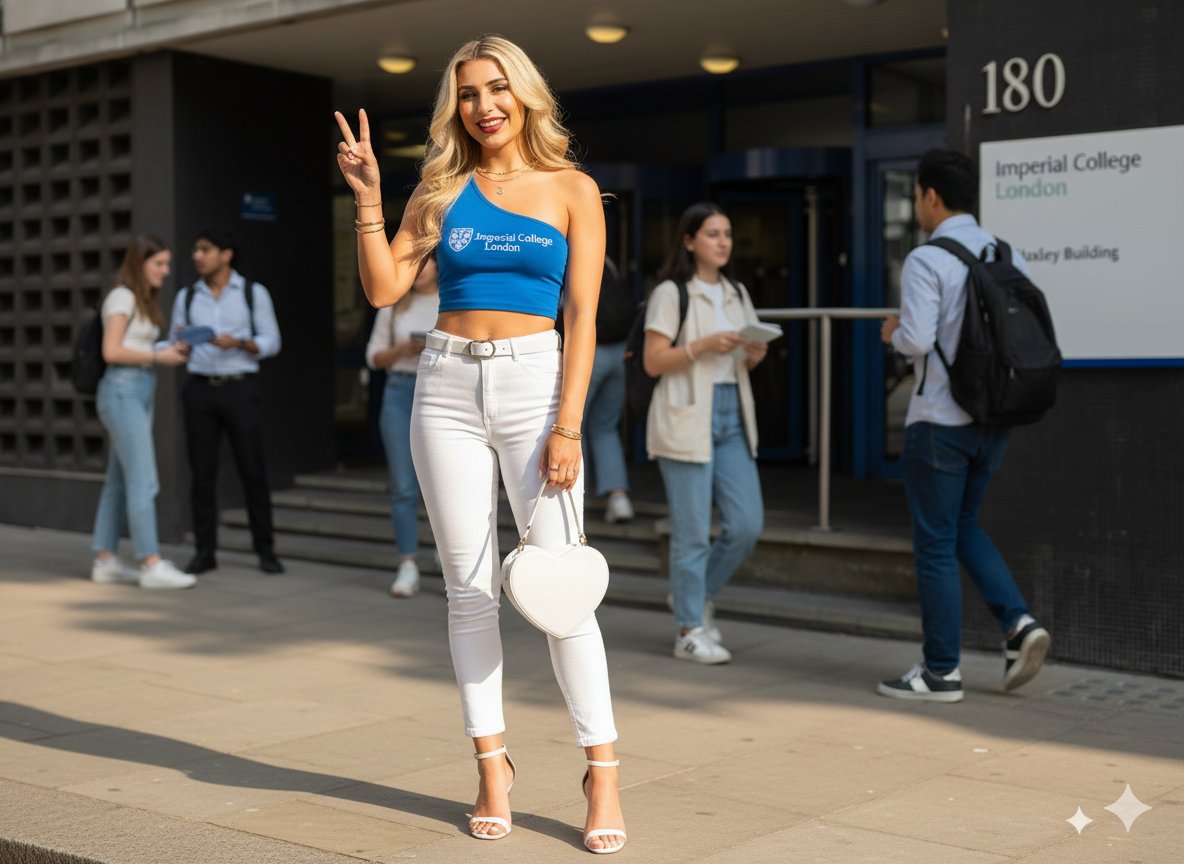
Daytime College Street Style Portrait Prompt
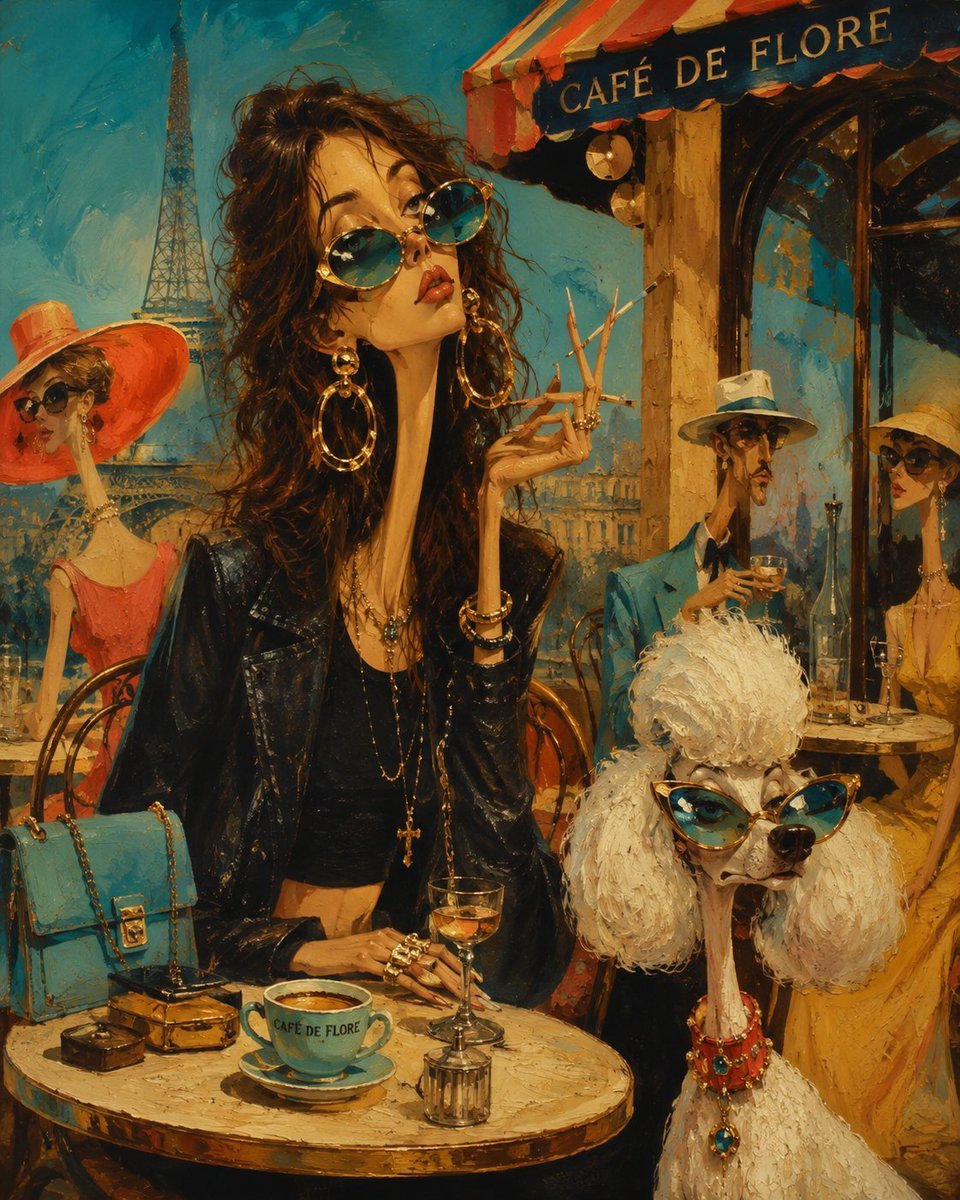
Surreal Mid-Century Editorial Illustration
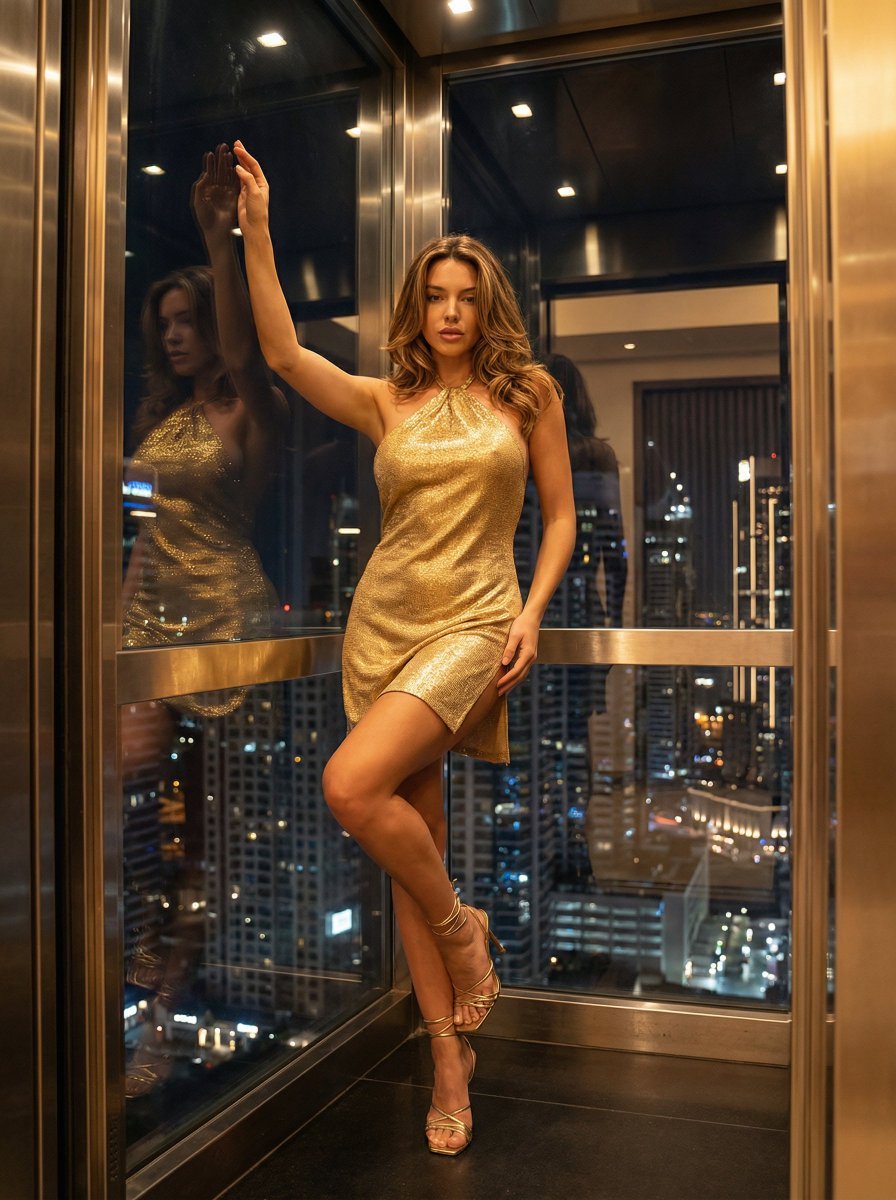
Nightlife Glamour Fashion Shoot in Glass Elevator
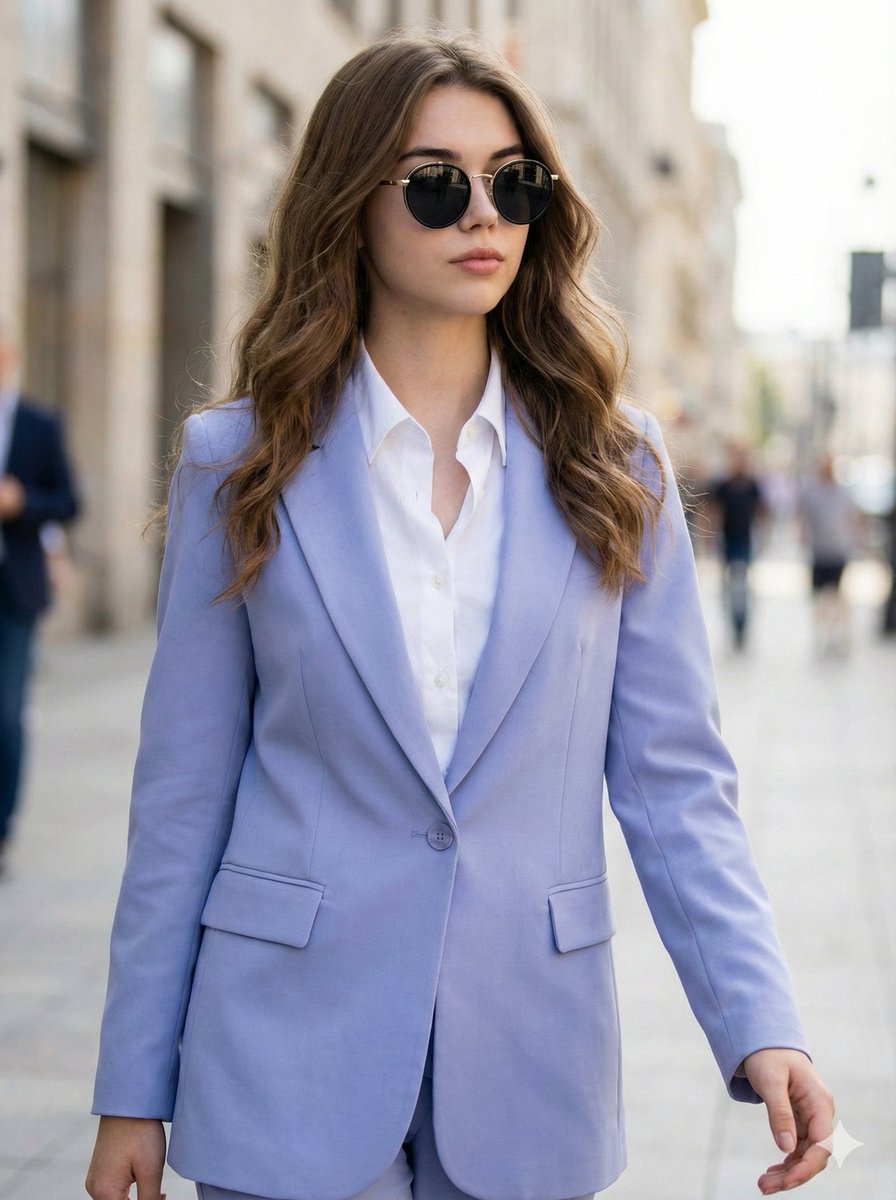
Ultra-Realistic High-Fashion Editorial Prompt
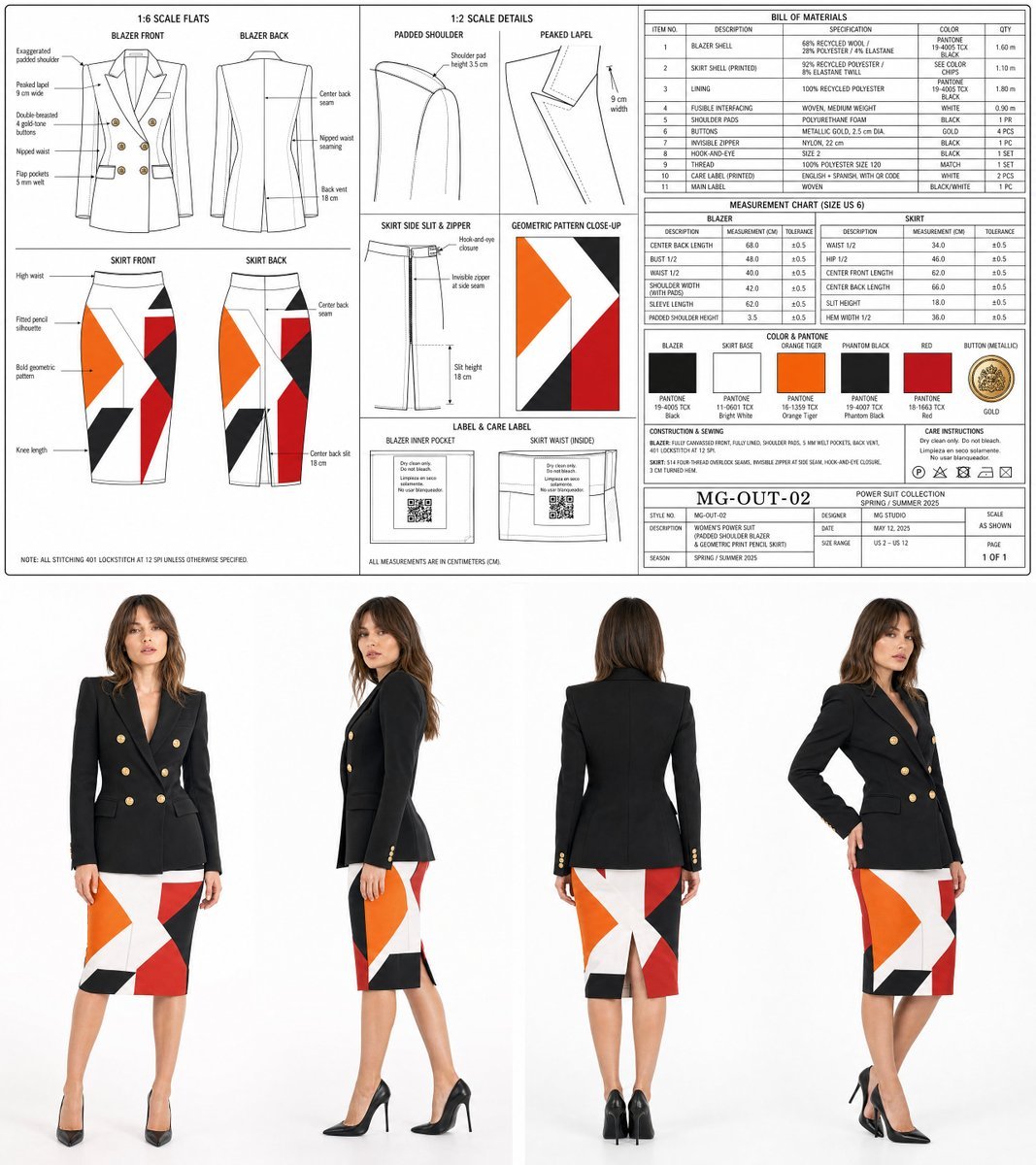
Women's Power Suit Tech Pack
Browse template categories
Castle Island with White Goose questions
How do I use the Castle Island with White Goose template?
Add your photo if the template asks for one, edit the prompt if you like — the template's model and format are already selected — and press Generate. Your version opens in PicX Studio.
Can I customize the Castle Island with White Goose template?
Yes. You can change the subject, setting, lighting, mood, format, and available model controls before creating your image.
Is the Castle Island with White Goose template free?
Opening and editing this template is free. Generating uses credits, shown on the Generate button when you are signed in.
Which AI model should I use?
Start with GPT Image 2, which is the model associated with this template. You can compare another compatible model for a different finish.
Looking for something else? Browse all templates.

Your photo, any look
Thousands of ready templates for every top image and video model, from one credit balance.