
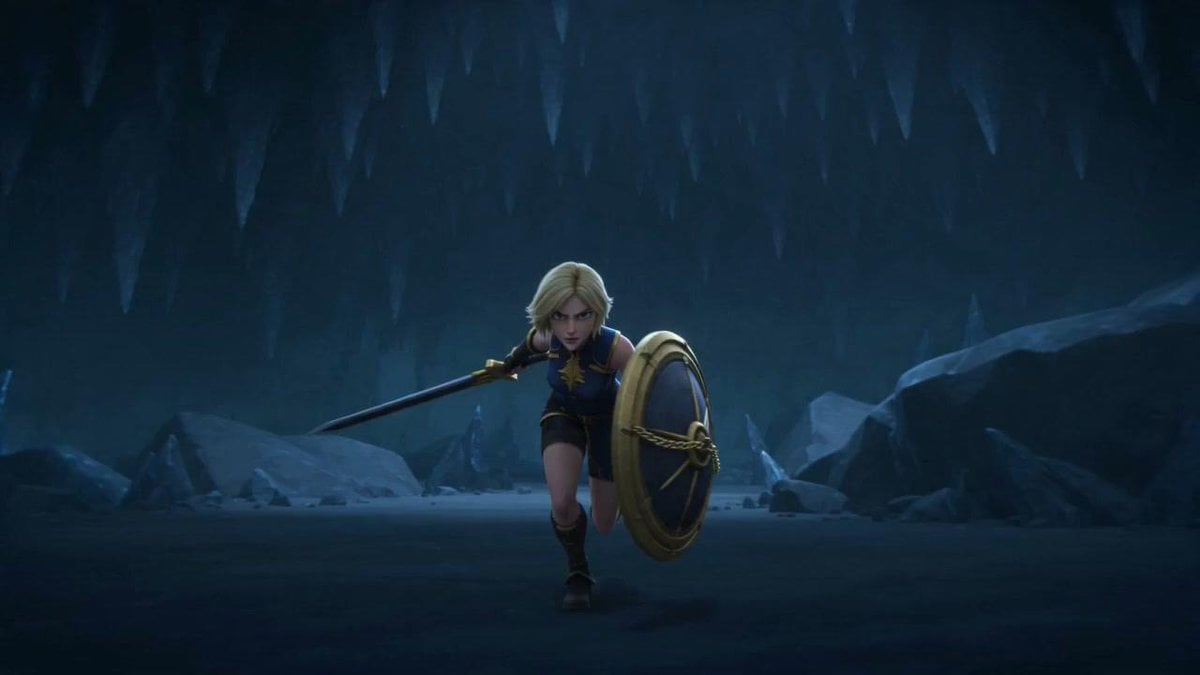
Blonde Warrior in an Icy Cavern
A cinematic fantasy game-style scene of a shield-bearing blonde warrior charging through a dark frozen cave.
- Prompt included
- Model and format preset
- Premium template
The prompt behind this image
Copy the exact prompt behind Blonde Warrior in an Icy Cavern, or open it in the studio and make it yours.
Create a cinematic 3D fantasy action scene in a wide 16:9 frame: a young blonde warrior girl, {argument name="character name" default="female fantasy knight"}, charges forward through a dark icy cavern, centered slightly below the middle of the image, leaning into a run with one knee raised. She wears a blue sleeveless tunic with gold trim and a gold emblem on the chest, dark shorts, leather boots, bracers, and light armor accents. Her short pale-blonde hair frames her head, but her face is intentionally covered by a flat opaque gray square censor block. In her left hand she carries a large round shield with a gold rim, dark blue face, and decorative rope-like gold cross detail; in her right hand she holds a long spear angled diagonally backward to the left. The environment is a vast frozen cave with jagged stalactites hanging from the ceiling, blue-black rock walls, scattered ice formations, a flat icy floor, and large shadowy boulders on both sides. Use moody low-key lighting, cold blue color grading, subtle mist, soft volumetric light from the upper right, and a polished animated-film/game-cinematic look with depth of field and dramatic scale. No text, no watermark, no extra characters.
How to use Blonde Warrior in an Icy Cavern in 3 steps
- 1Upload ImagePNG, JPG or paste
Add your photo
Upload the photo the template builds on. The prompt, model and format are already set.
- 2…a portrait of your subject in softgolden-hour light, 85mm…
Personalize
Edit the subject and creative details for your destination.
- 3Generate
Generate
Press Generate — your image is created in PicX Studio, so you can compare it with the original and refine one variable at a time.
More like this
Templates with the same subject, style or setup. Open one to see its prompt.
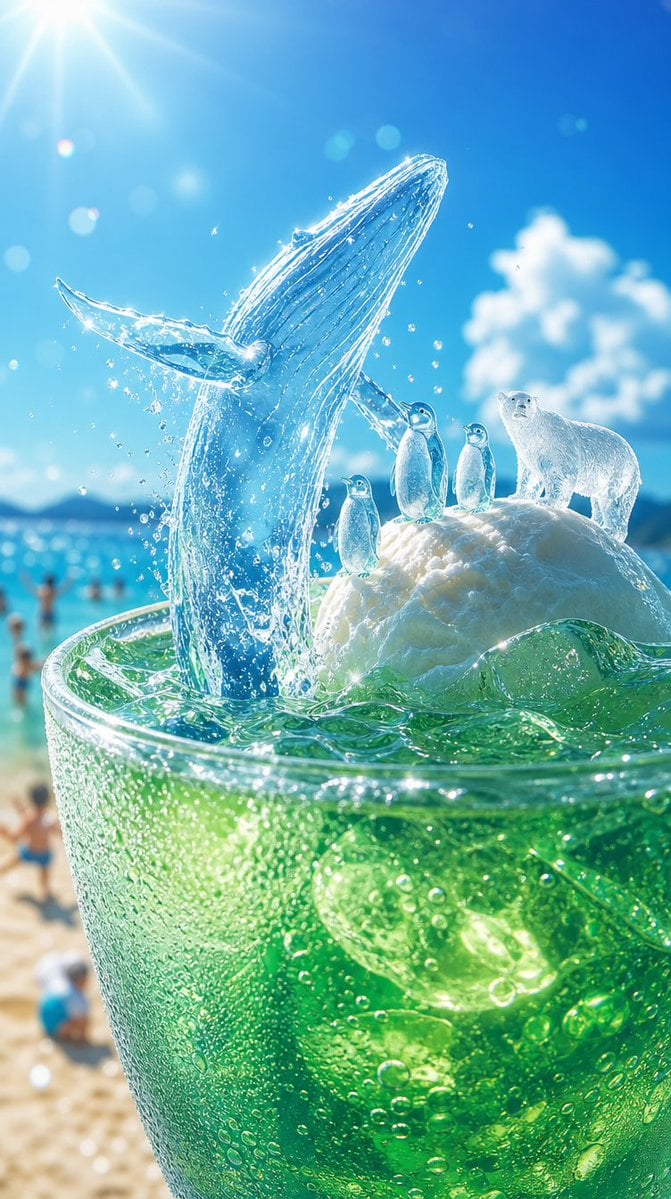
Icy Whale Summer Soda
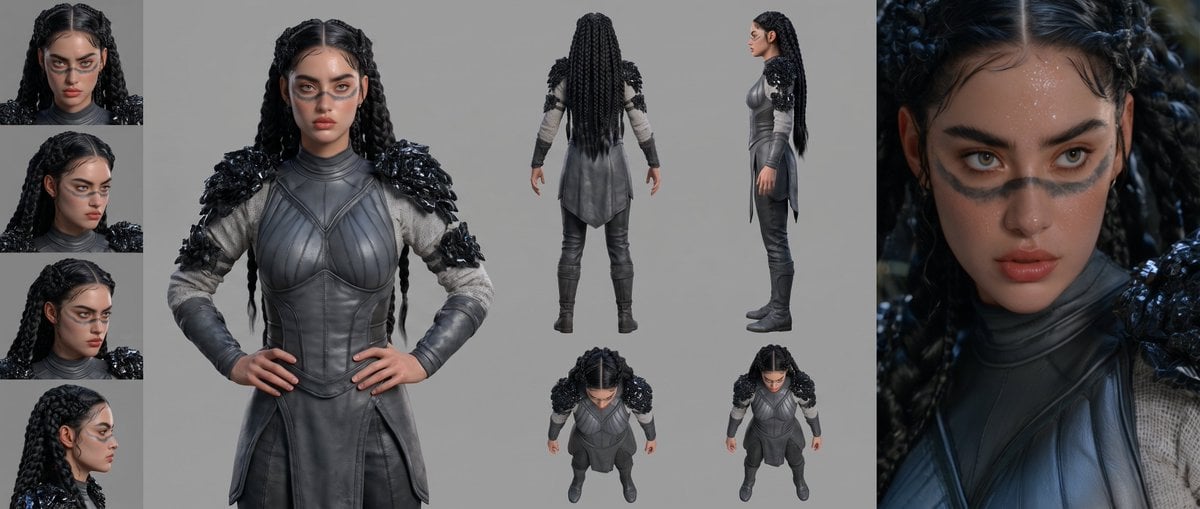
Mesoamerican Warrior Character Sheet
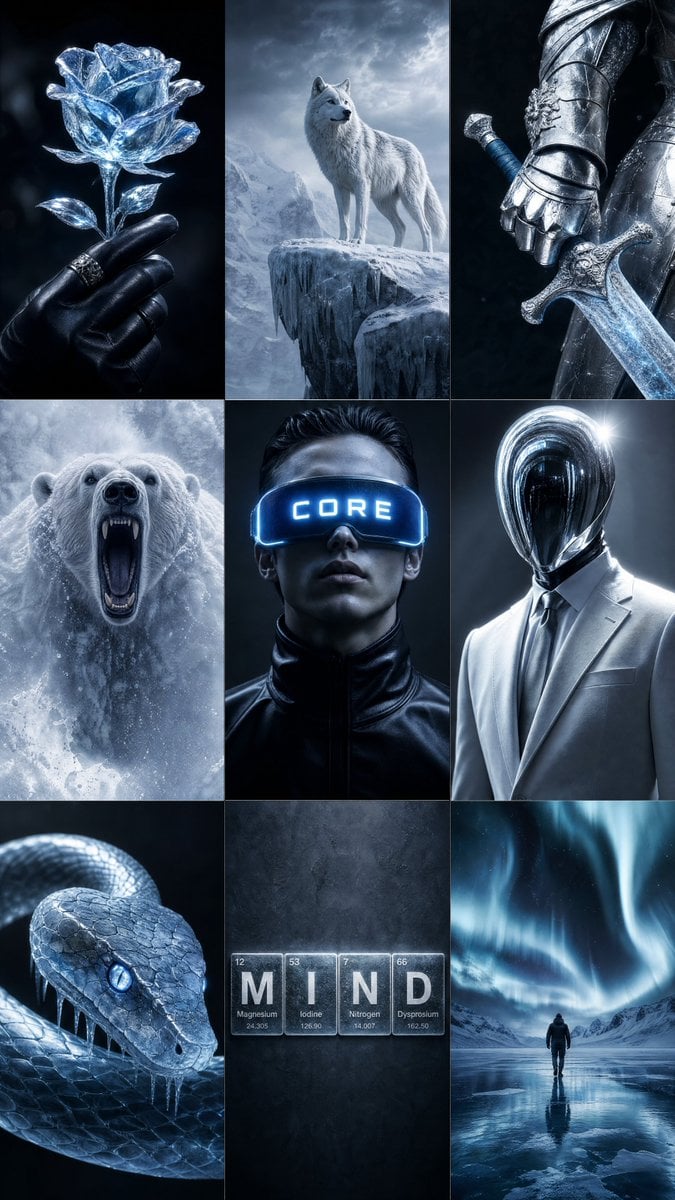
Icy Blue Luxury Mood Board

Tribal Fantasy Warrior with Guardian Owl
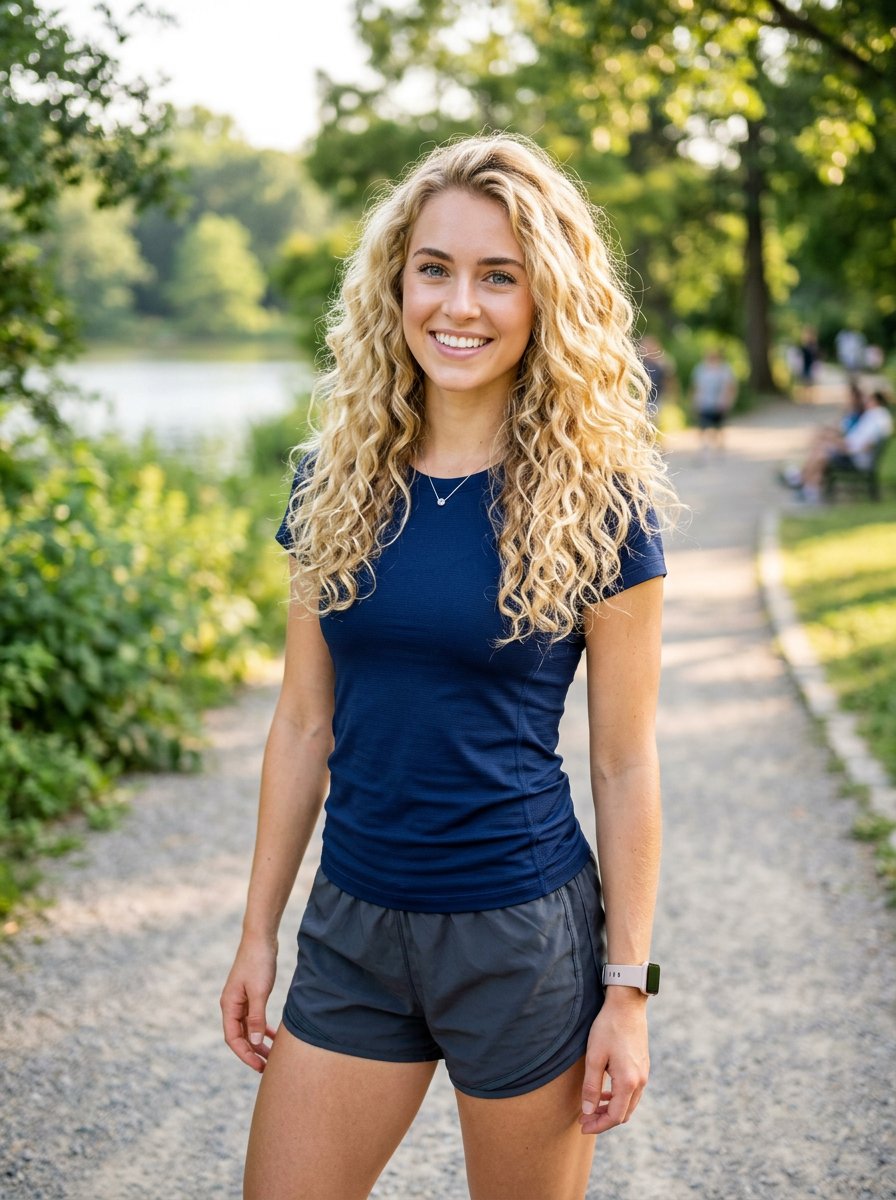
Athletic Blonde Curly Hair Portrait
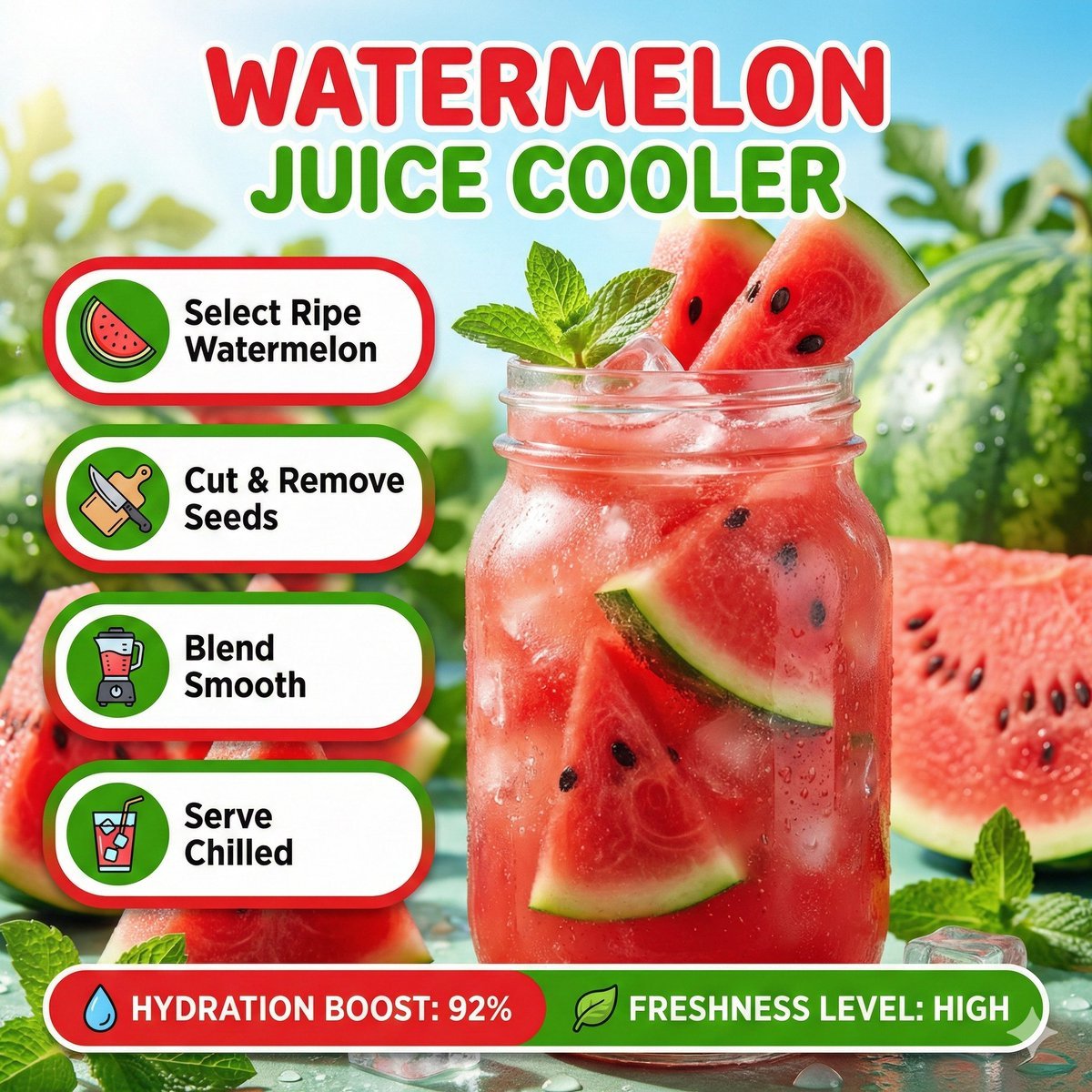
Bright summer infographic showcasing watermelon juice, icy texture
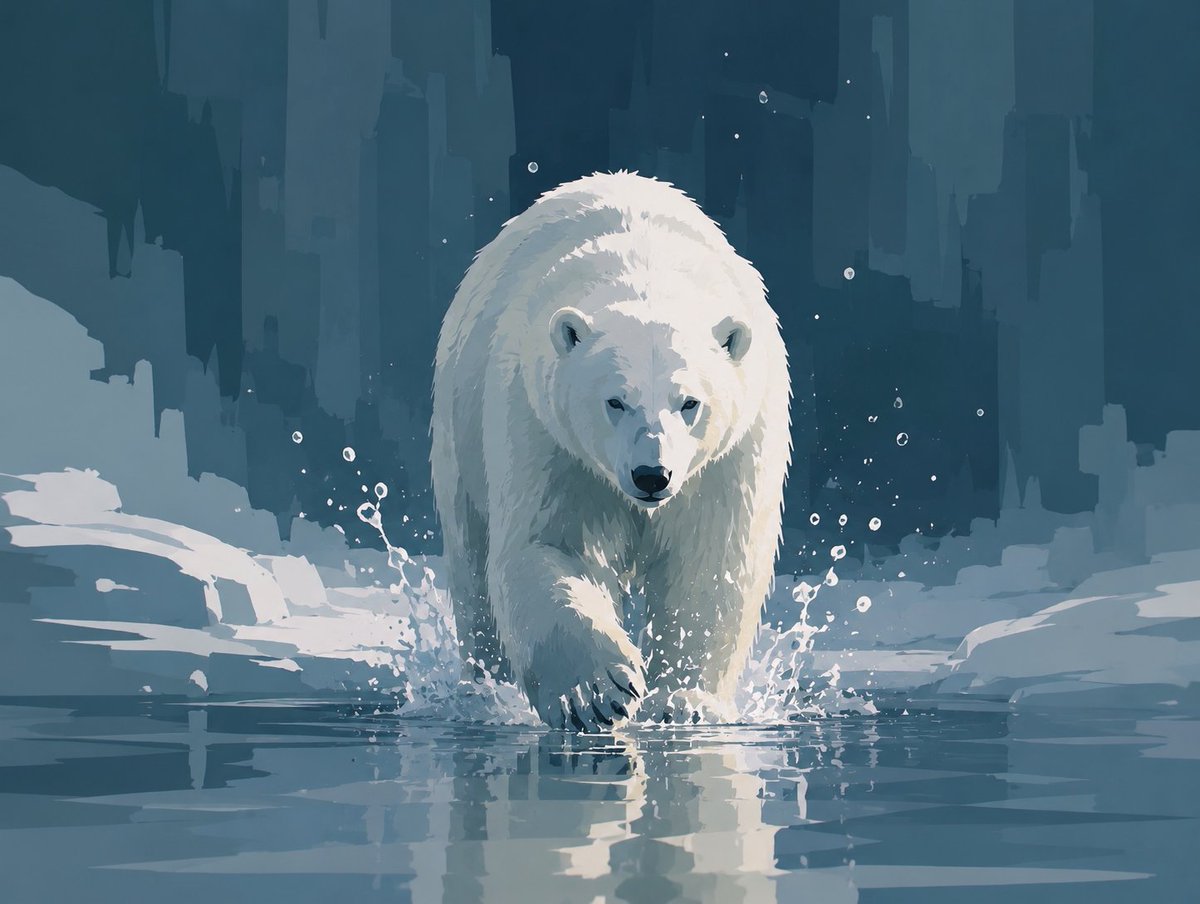
Abstract Polar Bear in Icy Water

Gothic Mecha Sword Warrior
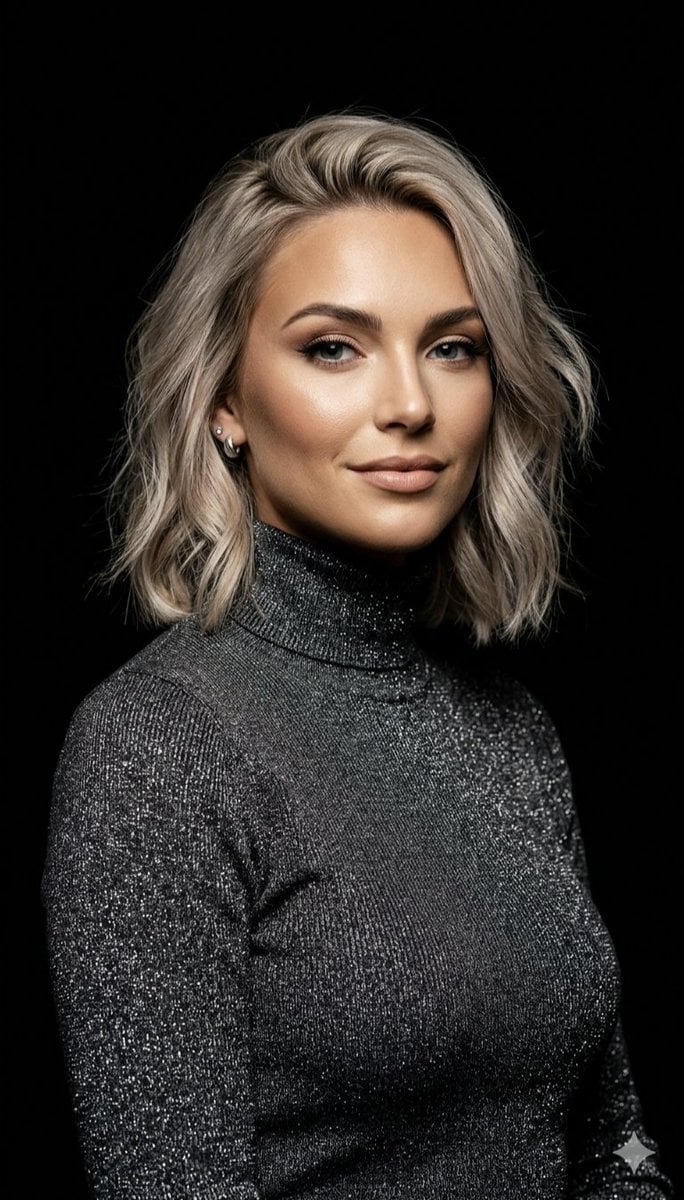
Professional Ash-Blonde Bob Portrait
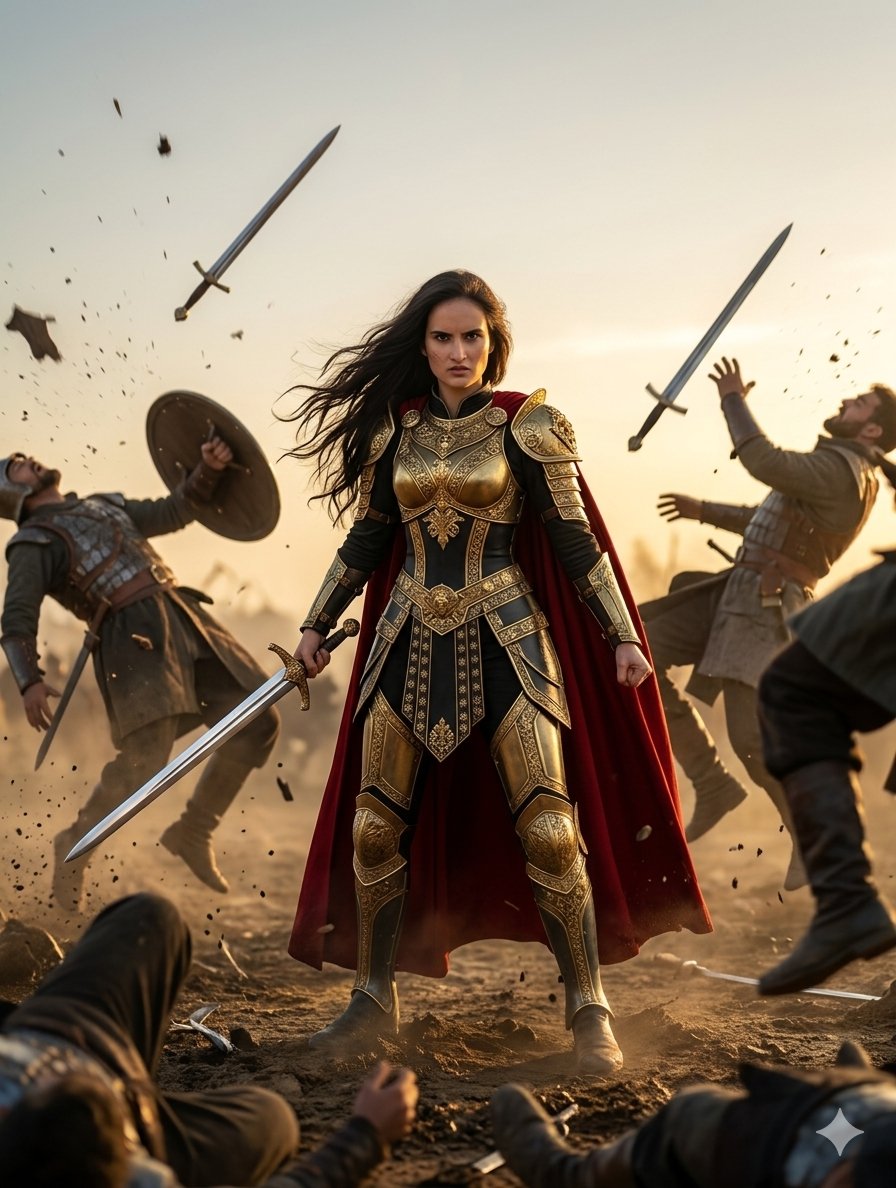
Heroic Fantasy Warrior Portrait
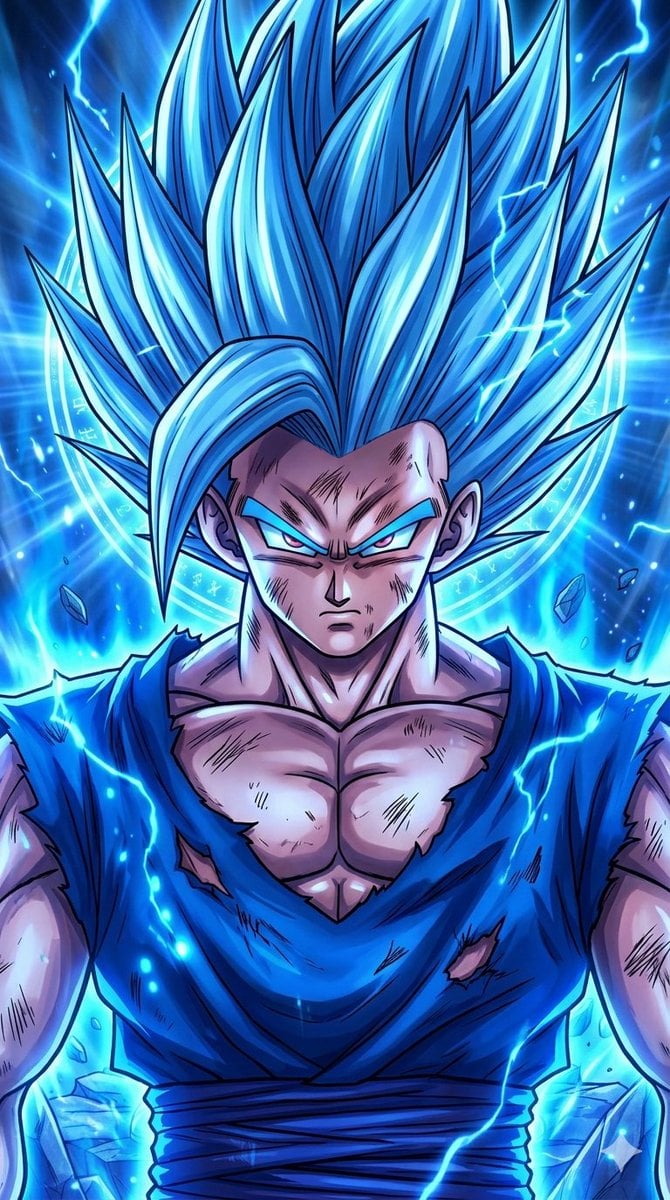
Anime Crossover Warriors Illustration
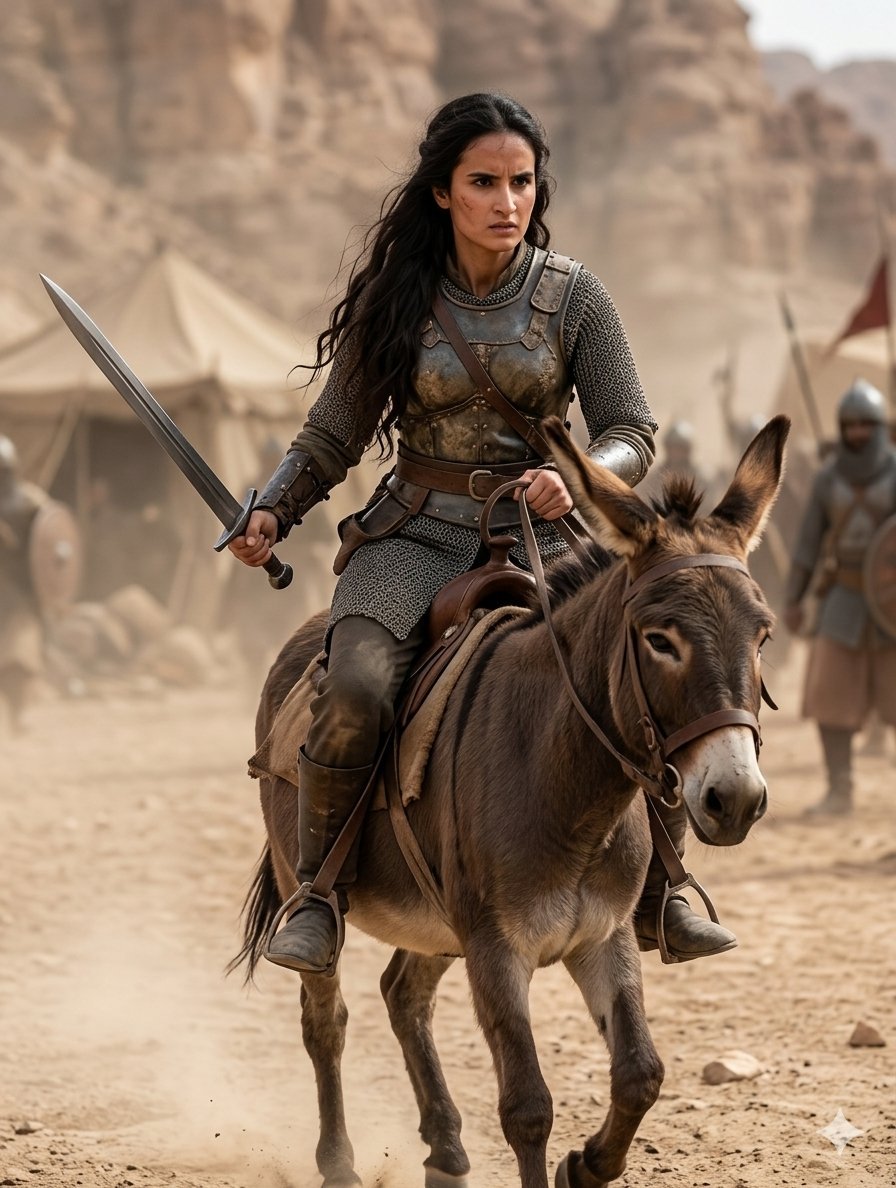
Medieval Desert Battlefield Warrior
Make it yours
Blonde Warrior in an Icy Cavern works as-is. These are the safest ways to change it without losing the look.
Change one field
Copy a single group, rewrite it, and generate again so you can see what that field is doing.
Keep the frame, change the subject
Hold the composition and light of Blonde Warrior in an Icy Cavern, then swap wardrobe, props or the person for a new take.
| If the result… | Why | Fix |
|---|---|---|
| The result drifts from the preview | Too many fields changed at once. | Reuse Blonde Warrior in an Icy Cavern as-is first, then change one group — subject, light, or setting. |
| The model over-stylizes the scene | The prose prompt leaves finish and camera underspecified. | Add one camera or lighting sentence and stay on GPT Image 2. |
More GPT Image 2 templates
Other prompts made for GPT Image 2.

Six VTuber Japanese Logo Sheet

Realistic Portrait of Woman and Deer

The Vista Modular Condo Poster

AI Model Routing Comparison Infographic

2.5D Anime Art Board

Isometric Productivity Desk Scene

New York Double Exposure Poster

Four-Panel AI Landscape Comparison

Japanese Tatami Lifestyle Magazine Cover

NESCAFÉ Coffee Map Poster
More image prompts
Fresh picks from across the catalog.
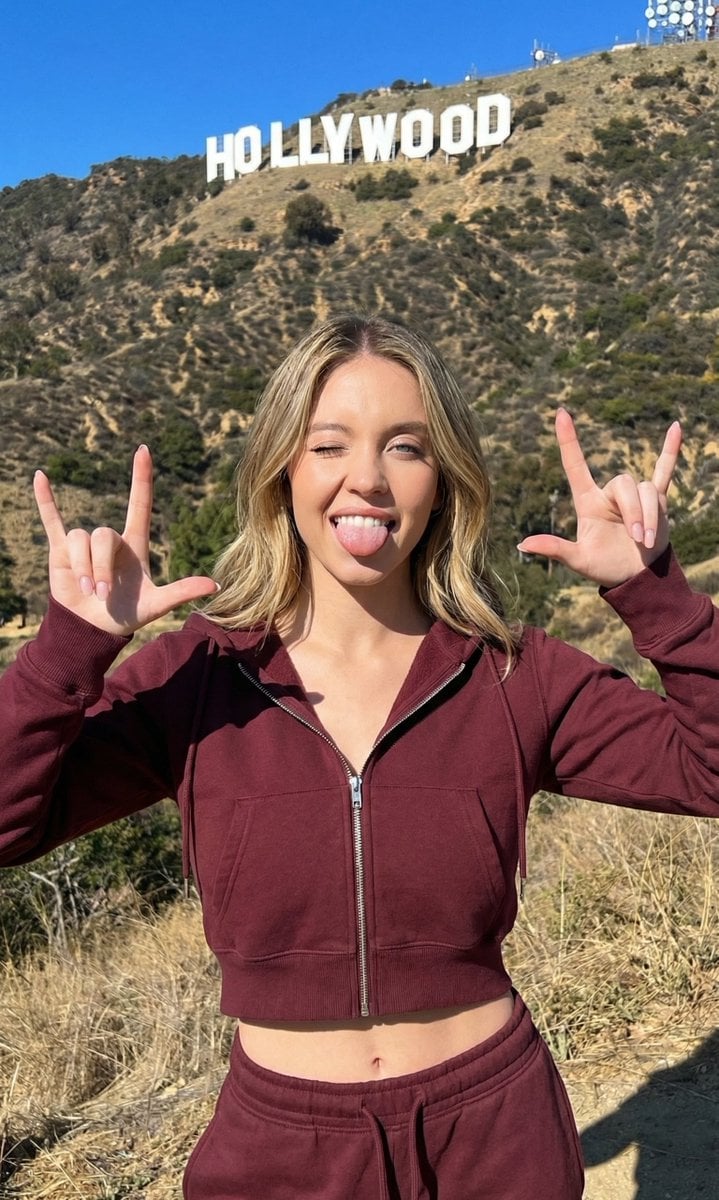
Hollywood Hills Athleisure Lifestyle Photo
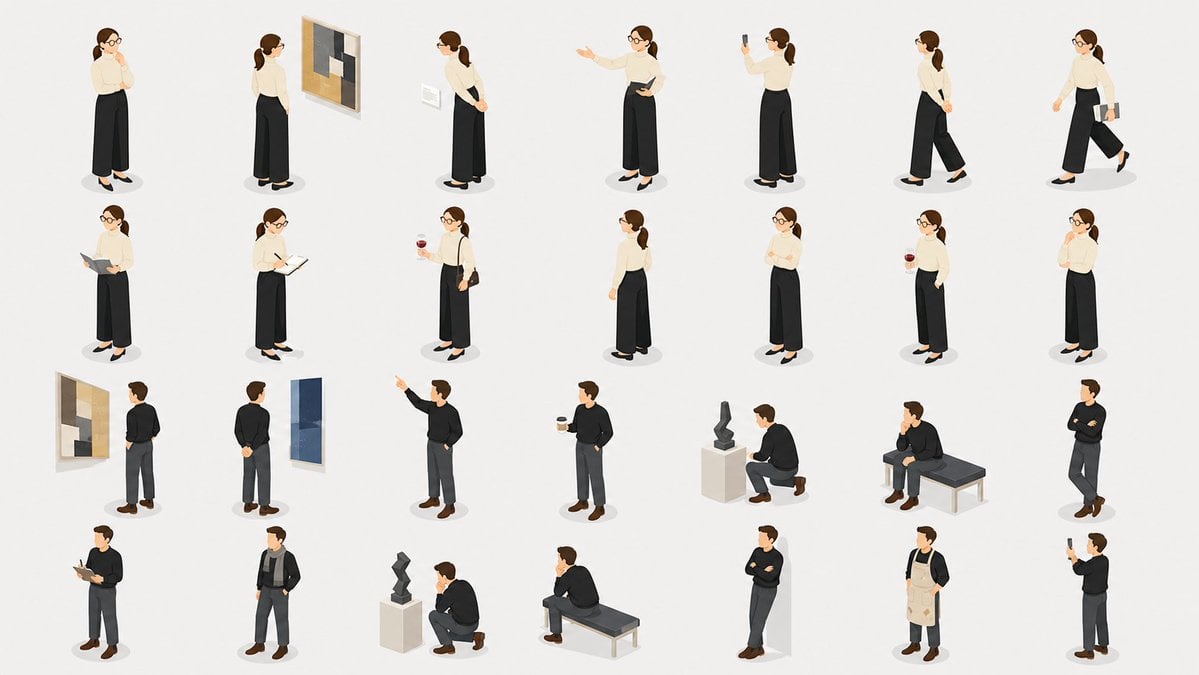
Isometric Gallery People Set
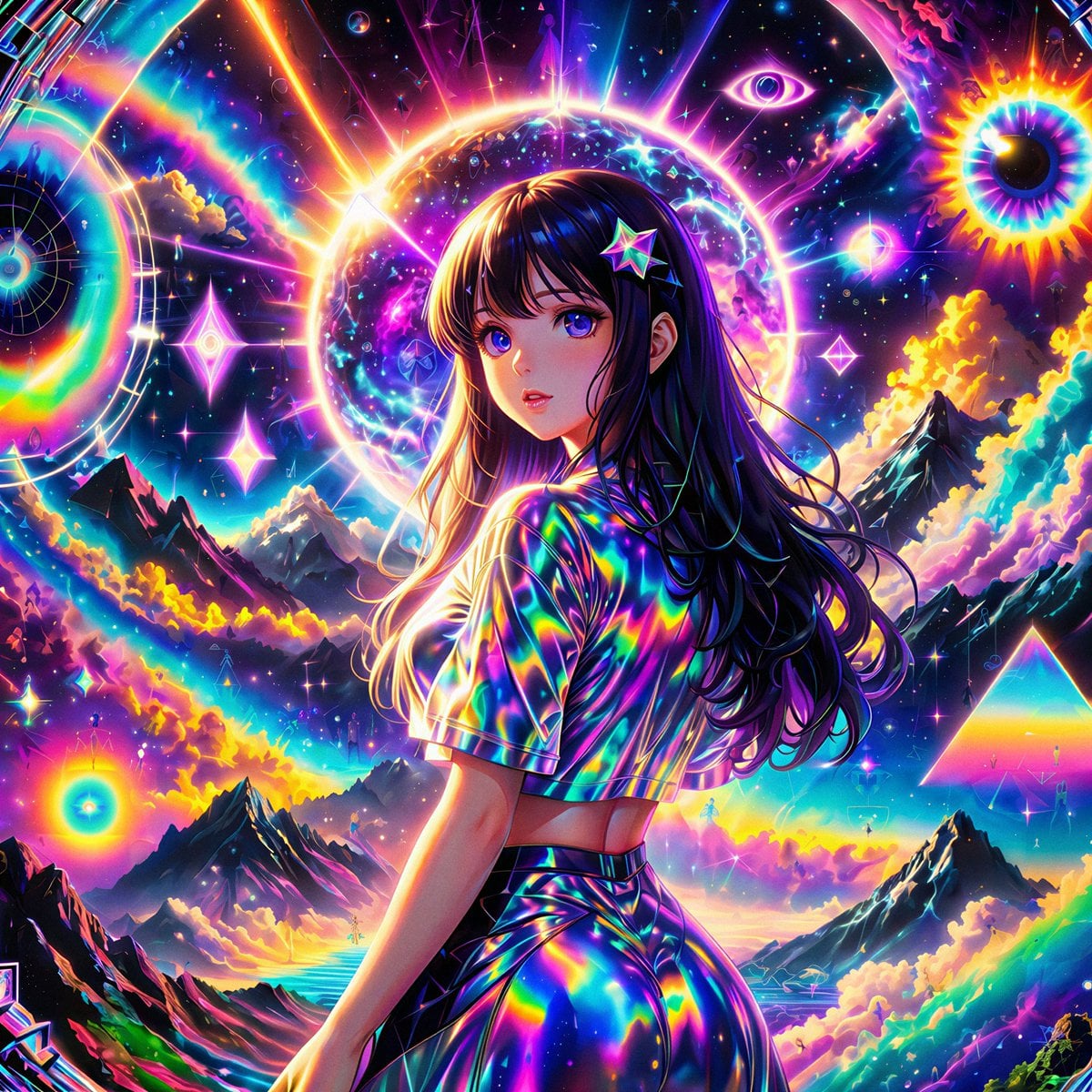
Remake Image Prompt
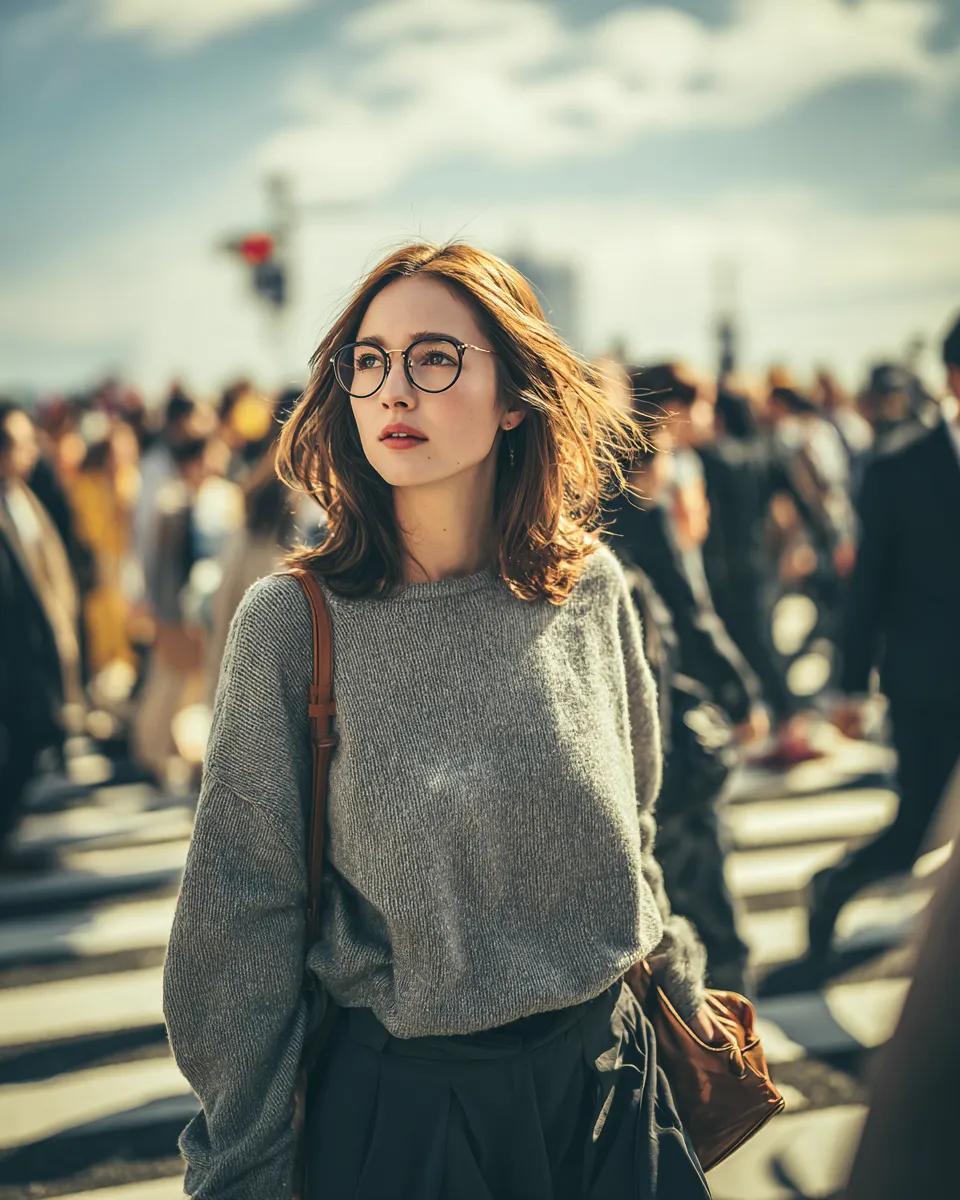
Cinematic Golden Hour Portrait in a City Crosswalk
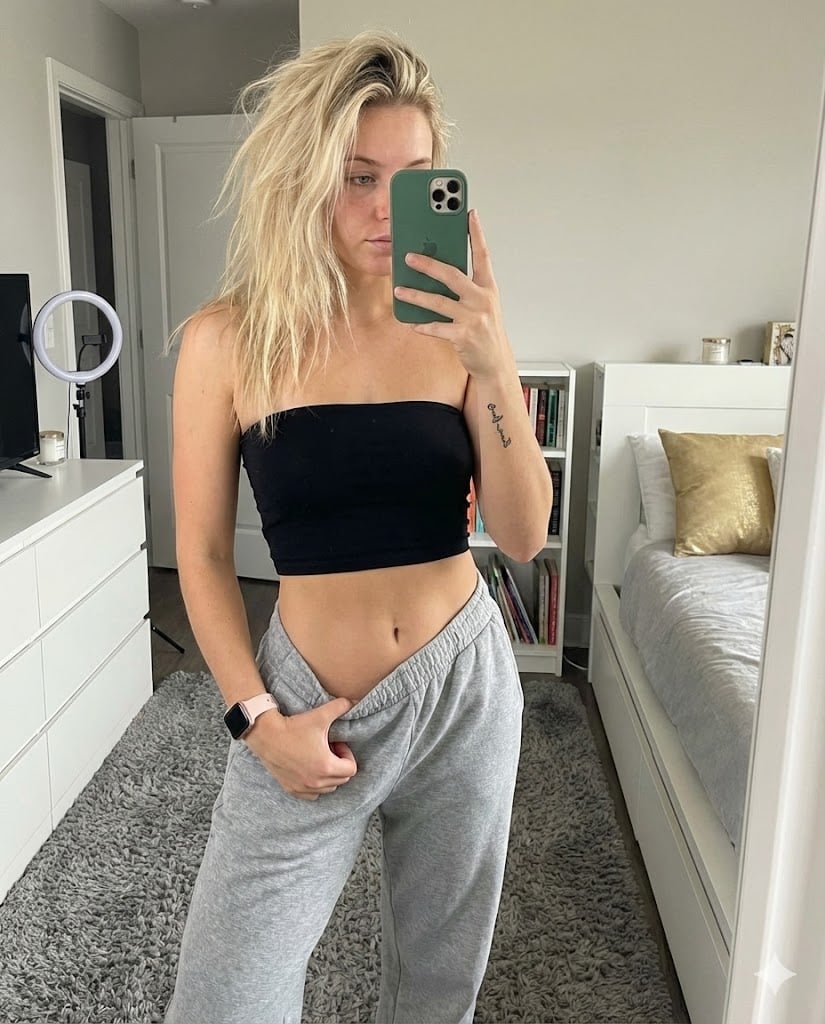
Realistic Mirror Selfie in Bandeau Top and Sweatpants
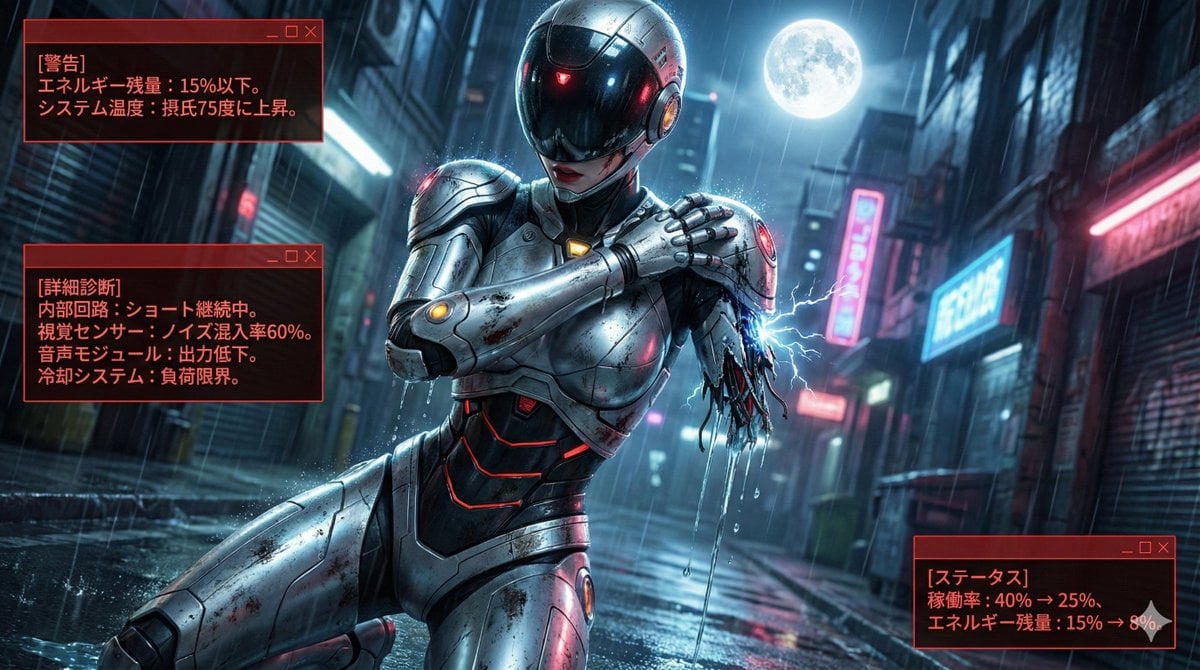
Nano Banana LLM Prompt for System Message Modification
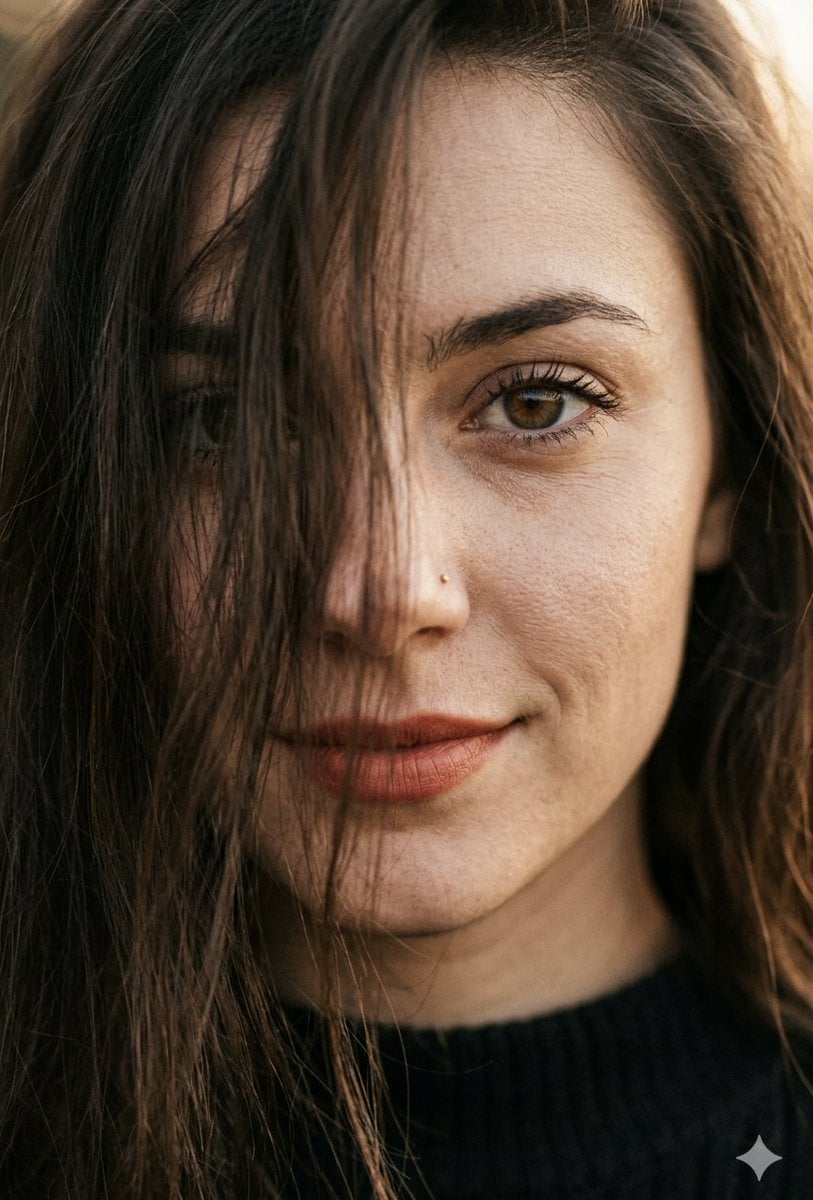
Hyper-Realistic Macro Portrait

Desert Eclipse Sports Car Portrait
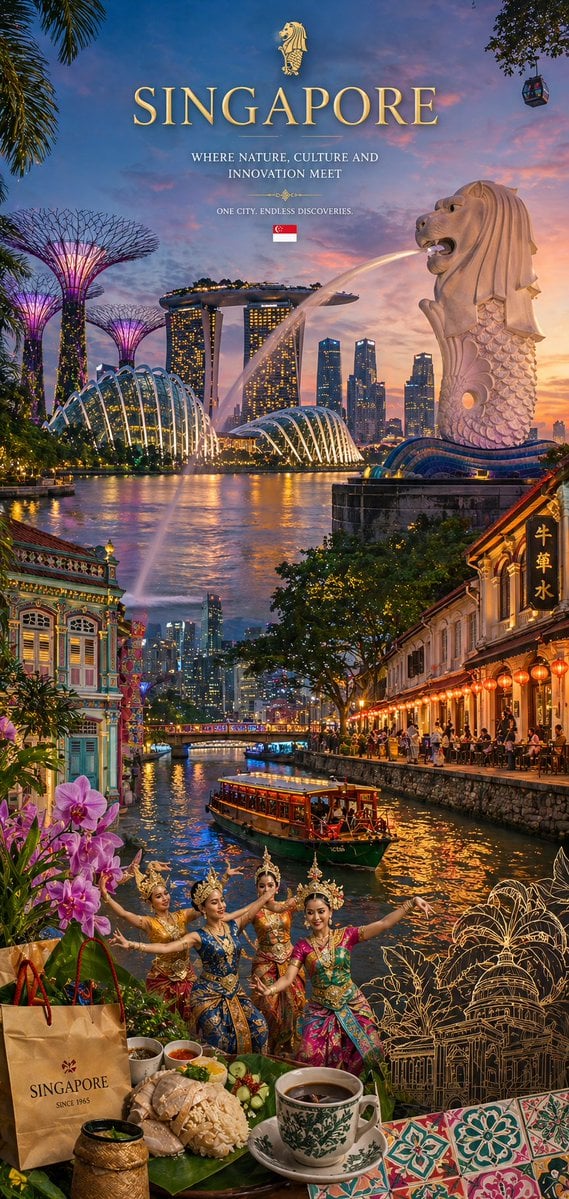
Country Heritage Wallpaper Prompt

E-commerce LED Driver Infographic
Browse template categories
Blonde Warrior in an Icy Cavern questions
How do I use the Blonde Warrior in an Icy Cavern template?
Add your photo if the template asks for one, edit the prompt if you like — the template's model and format are already selected — and press Generate. Your version opens in PicX Studio.
Can I customize the Blonde Warrior in an Icy Cavern template?
Yes. You can change the subject, setting, lighting, mood, format, and available model controls before creating your image.
Is the Blonde Warrior in an Icy Cavern template free?
Opening and editing this template is free. Generating uses credits, shown on the Generate button when you are signed in.
Which AI model should I use?
Start with GPT Image 2, which is the model associated with this template. You can compare another compatible model for a different finish.
Looking for something else? Browse all templates.

Your photo, any look
Thousands of ready templates for every top image and video model, from one credit balance.