
1990s Manga Neo-Retro Street Scene
Creates a cinematic 90s-style anime street scene in Japan featuring a character leaning against a classic Honda NSX, inspired by vintage manga aesthetics.
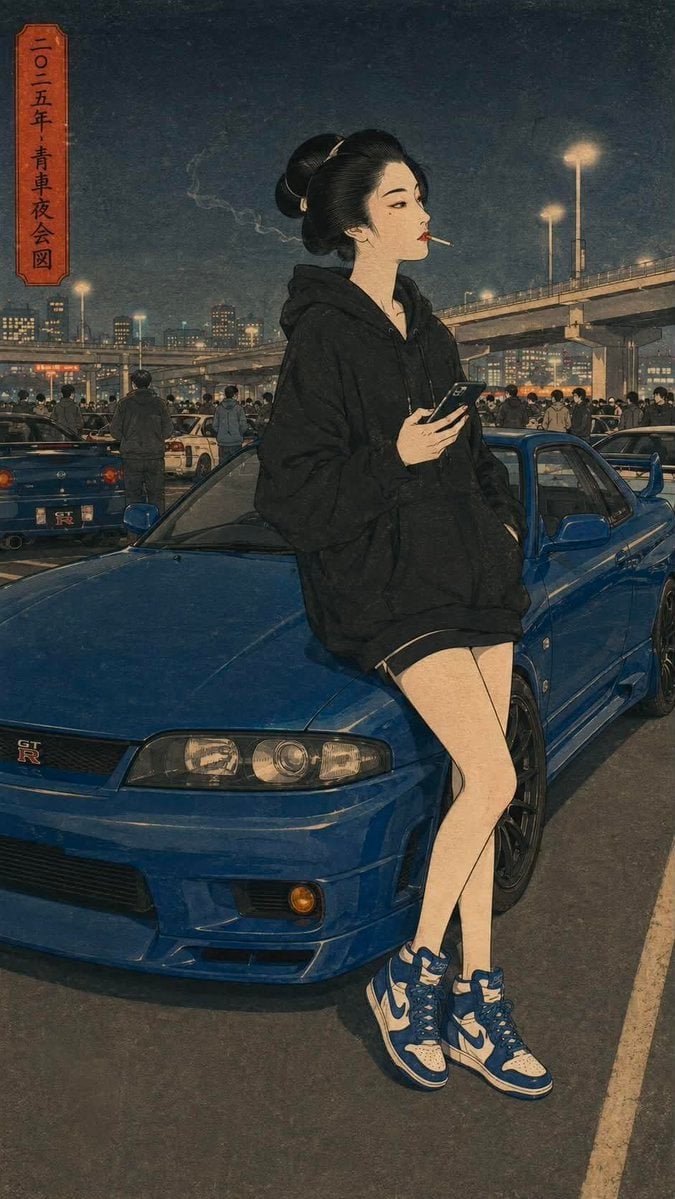
- Prompt included
- Model and format preset
- Free template
The prompt behind this image
Copy the exact prompt behind 1990s Manga Neo-Retro Street Scene, or open it in the studio and make it yours.
Cinematic neo-retro Japanese street scene inspired by 1990s manga and vintage anime aesthetics. A {argument name="character" default="confident young man with slicked-back black hair tied into a small bun"} leans casually against the rear of a {argument name="car" default="bright red Honda NSX (NA1)"}, one hand in his pocket and the other holding a {argument name="prop" default="lit cigarette"}. He tilts his head back while slowly exhaling a dramatic stream of smoke into the evening sky, giving off a calm, rebellious attitude. Wearing a loose black oversized T-shirt, wide-leg black trousers, and polished black leather loafers. Traditional Japanese Edo-style wooden buildings line both sides of a narrow cobblestone street, with warm lantern light glowing from windows and deep atmospheric shadows. Muted earthy color palette with rich reds, charcoal blacks, and warm browns. Highly detailed architectural textures, cinematic composition, moody dusk lighting, subtle film grain, vintage poster aesthetic, ukiyo-e inspired perspective blended with modern manga realism, dramatic depth, nostalgic 1990s Japanese street culture vibe, masterpiece, ultra-detailed, no watermark, no text, no logos.
How to use 1990s Manga Neo-Retro Street Scene in 3 steps
- 1
Open
The prompt is already in the box next to the preview, with the template's model and format selected.
- 2…a portrait of your subject in softgolden-hour light, 85mm…
Personalize
Edit the subject and creative details for your destination.
- 3Generate
Generate
Press Generate — your image is created in PicX Studio, so you can compare it with the original and refine one variable at a time.
More like this
Templates with the same subject, style or setup. Open one to see its prompt.









Make it yours
1990s Manga Neo-Retro Street Scene works as-is. These are the safest ways to change it without losing the look.
Change one field
Copy a single group, rewrite it, and generate again so you can see what that field is doing.
Keep the frame, change the subject
Hold the composition and light of 1990s Manga Neo-Retro Street Scene, then swap wardrobe, props or the person for a new take.
| If the result… | Why | Fix |
|---|---|---|
| The result drifts from the preview | Too many fields changed at once. | Reuse 1990s Manga Neo-Retro Street Scene as-is first, then change one group — subject, light, or setting. |
| The model over-stylizes the scene | The prose prompt leaves finish and camera underspecified. | Add one camera or lighting sentence and stay on GPT Image 2. |
More GPT Image 2 templates
Other prompts made for GPT Image 2.

Six VTuber Japanese Logo Sheet

Realistic Portrait of Woman and Deer

The Vista Modular Condo Poster

AI Model Routing Comparison Infographic

2.5D Anime Art Board

Isometric Productivity Desk Scene

New York Double Exposure Poster

Four-Panel AI Landscape Comparison

Japanese Tatami Lifestyle Magazine Cover

NESCAFÉ Coffee Map Poster
More image prompts
Fresh picks from across the catalog.
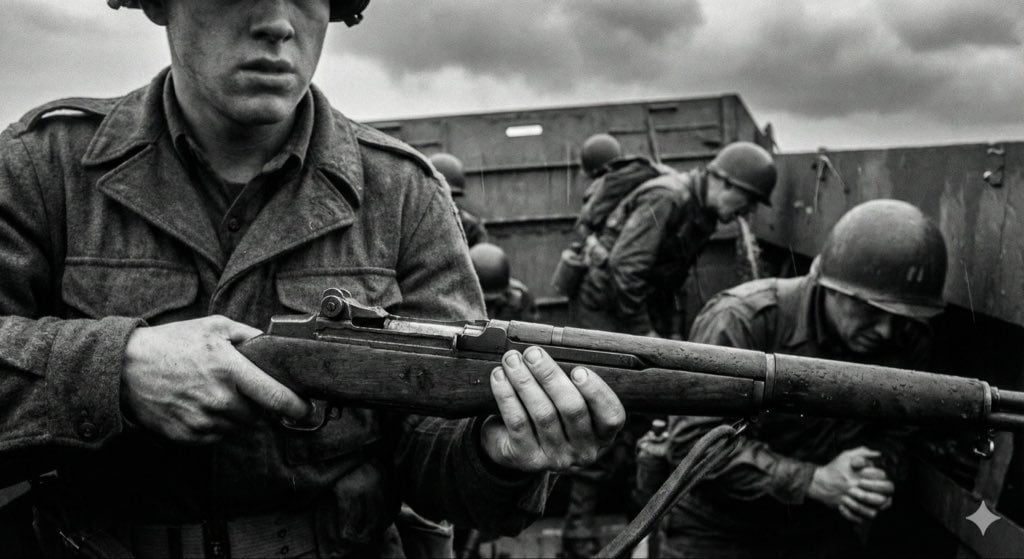
Mid-20th-century war photojournalism style framework
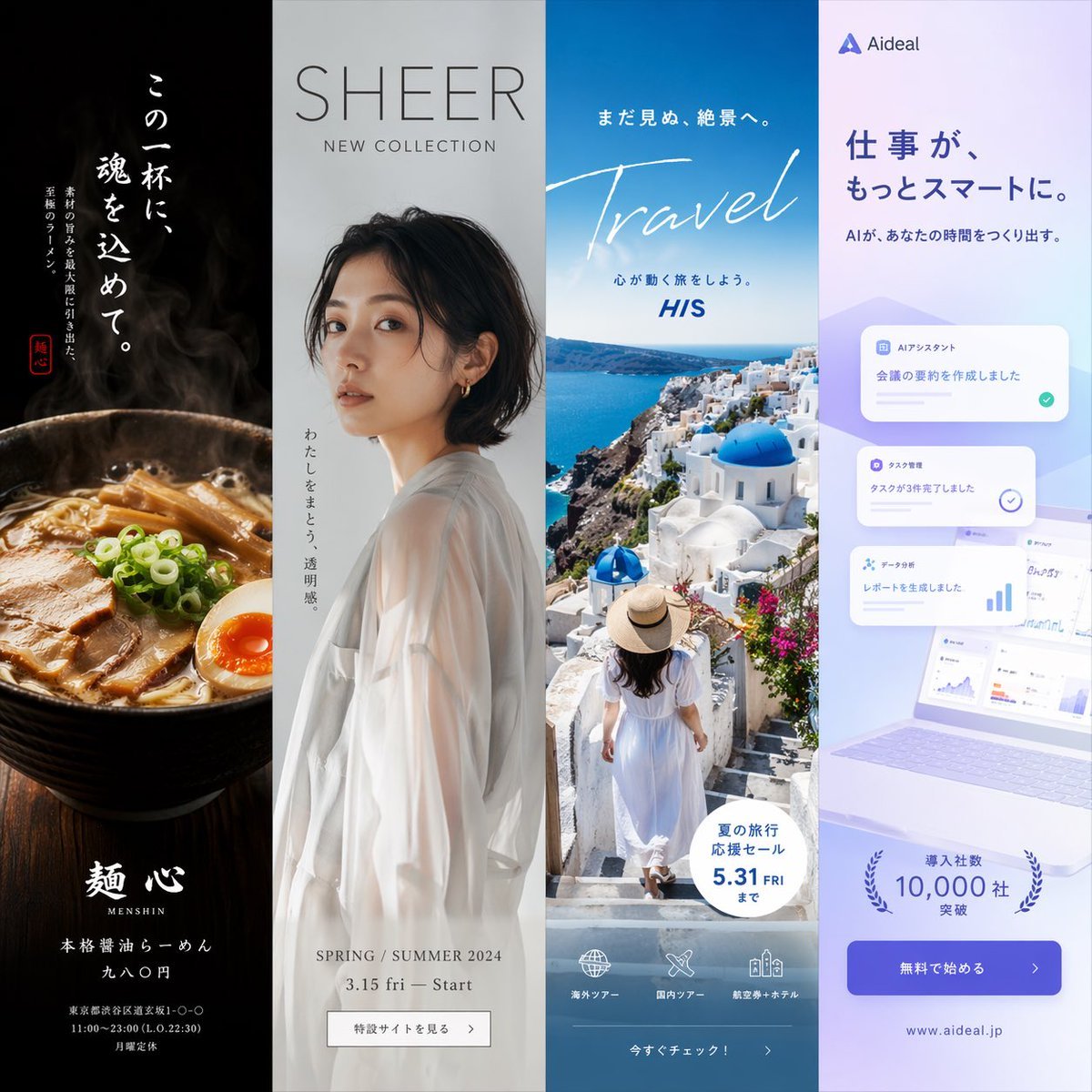
Four-Panel Vertical Advertisement Mockups
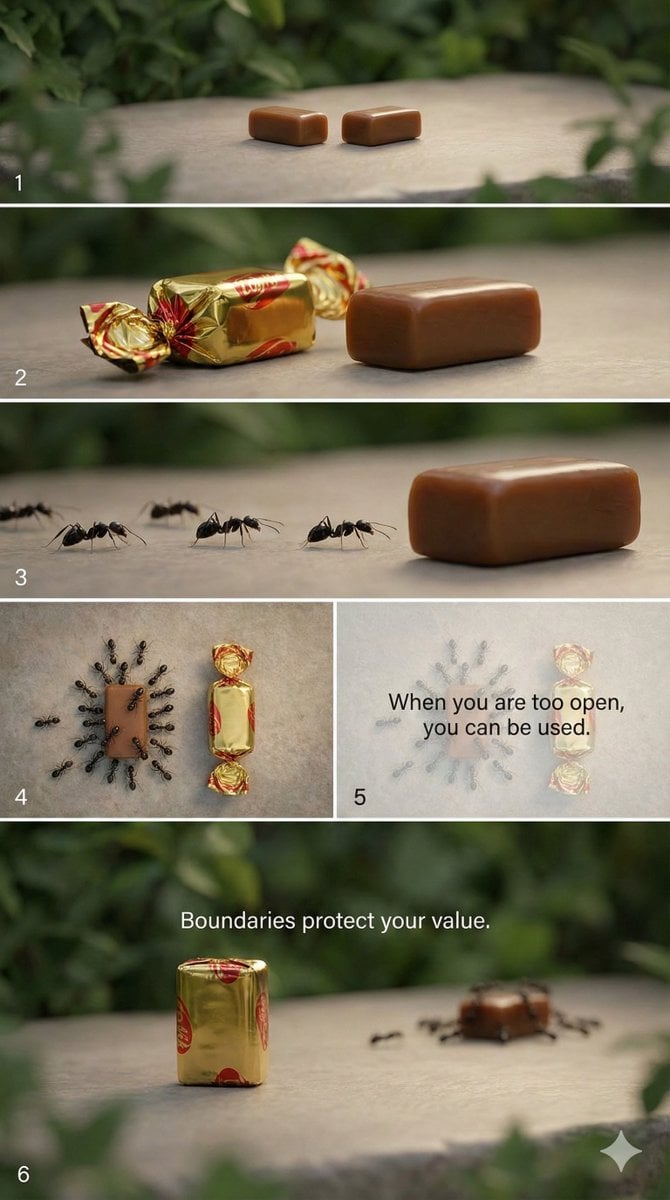
Multi-Scene Cinematic Video Prompt: Boundaries and Value
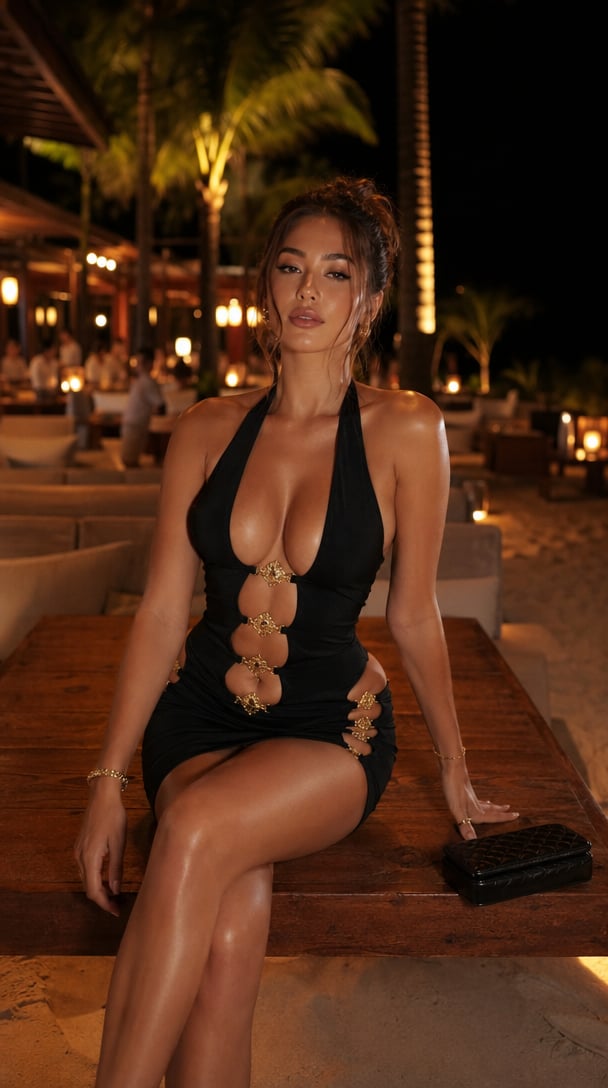
Portrait
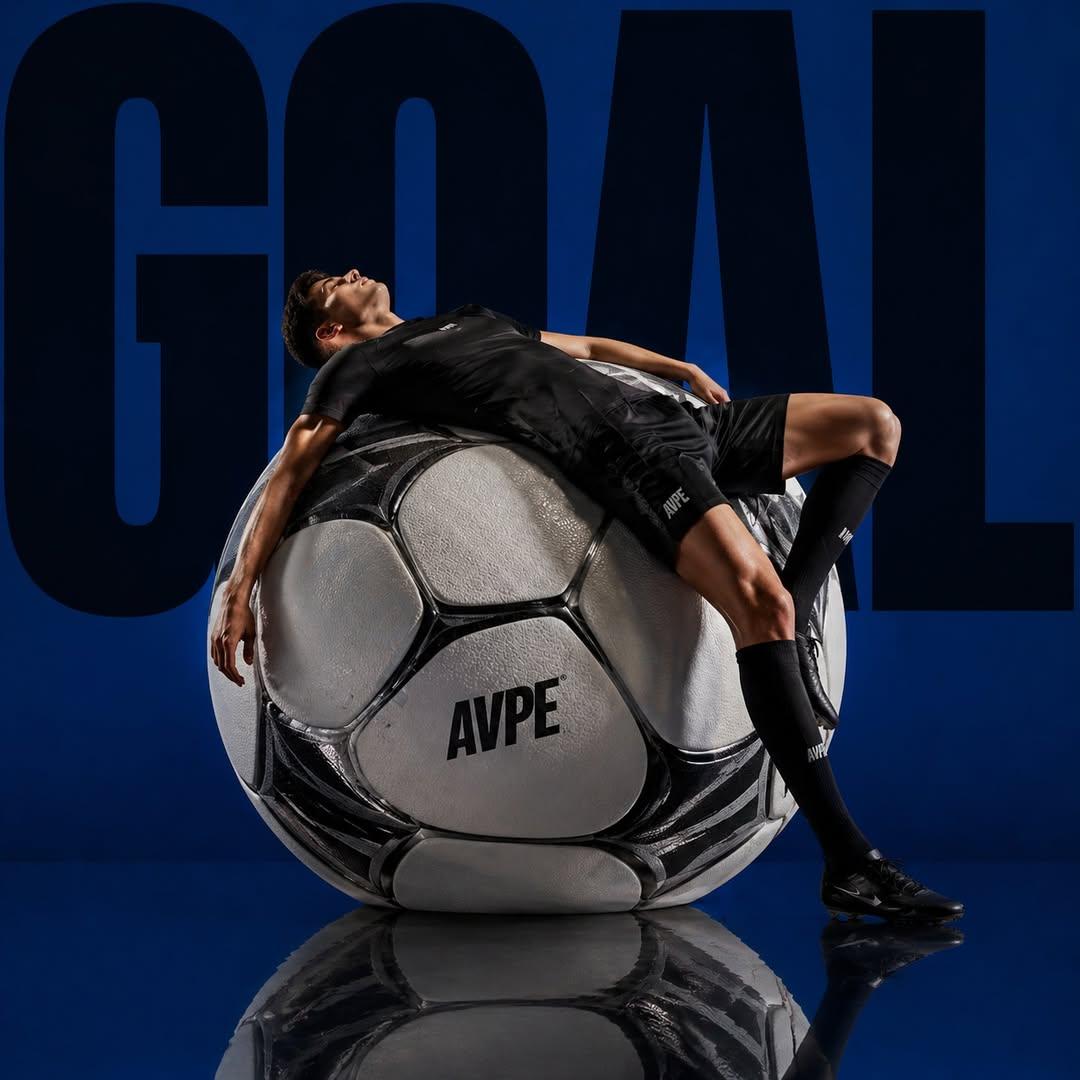
Professional Sports Campaign Portrait

Illustration based on long classical Chinese poem
Y2K Aesthetic Mirror Selfie Prompt
Cinematic Miniature Diorama Animation Prompt
Social Media Profile News Broadcast Transformation
Dua Lipa Cozy Portrait with Maltese Dog Prompt
Browse template categories
1990s Manga Neo-Retro Street Scene questions
How do I use the 1990s Manga Neo-Retro Street Scene template?
Add your photo if the template asks for one, edit the prompt if you like — the template's model and format are already selected — and press Generate. Your version opens in PicX Studio.
Can I customize the 1990s Manga Neo-Retro Street Scene template?
Yes. You can change the subject, setting, lighting, mood, format, and available model controls before creating your image.
Is the 1990s Manga Neo-Retro Street Scene template free?
Opening and editing this template is free. Generating uses credits, shown on the Generate button when you are signed in.
Which AI model should I use?
Start with GPT Image 2, which is the model associated with this template. You can compare another compatible model for a different finish.
Looking for something else? Browse all templates.

Your photo, any look
Thousands of ready templates for every top image and video model, from one credit balance.