How do I use the Cinematic Café Portrait at Blue Hour template?
Choose the primary action to open PicX Studio with the available template settings. Review the model and format, personalize the creative direction, and generate when ready.
A moody urban photography prompt capturing a woman in a retro diner through a window with city light reflections.

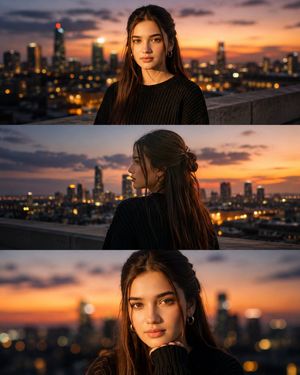
Ultra-cinematic lifestyle portrait photographed through a {argument name="setting" default="café window"} at blue hour, {argument name="subject" default="beautiful young woman"} seated alone in a cozy retro diner booth, relaxed and contemplative expression, long dark slightly messy hair framing the face, minimal natural makeup, {argument name="clothing" default="oversized cream sweatshirt"}, one hand resting on the table beside a ceramic coffee cup. Shot entirely through reflective glass with layered reflections of city lights, passing cars, glowing neon signs, soft lens flares, light streaks, and subtle ghosting. Warm tungsten café lighting mixed with cool dusk ambient light creates a dreamy cinematic contrast. Rich bokeh, shallow depth of field, realistic skin texture, soft highlights on the face, moody urban atmosphere, reflections partially obscuring the subject for an editorial storytelling look. Kodak Portra 400 film aesthetic, subtle film grain, soft bloom, muted color palette, natural imperfections, Leica M11, 50mm Summilux f/1.4, photorealistic, high-end fashion editorial, intimate composition, 8K ultra-detailed, award-winning street photography, authentic candid moment.
Choose the primary action to open PicX Studio with the available template settings. Review the model and format, personalize the creative direction, and generate when ready.
Yes. You can change the subject, setting, lighting, mood, format, and available model controls before creating your image.
This template is free to open and customize. Generation usage is shown in PicX Studio before you create.
Start with GPT Image 2, which is the model associated with this template. You can compare another compatible model for a different finish.
Follow a topic to a crawlable collection of related PicX Studio templates.