How do I use the Romantic Couple Park Photography template?
Choose the primary action to open PicX Studio with the available template settings. Review the model and format, personalize the creative direction, and generate when ready.
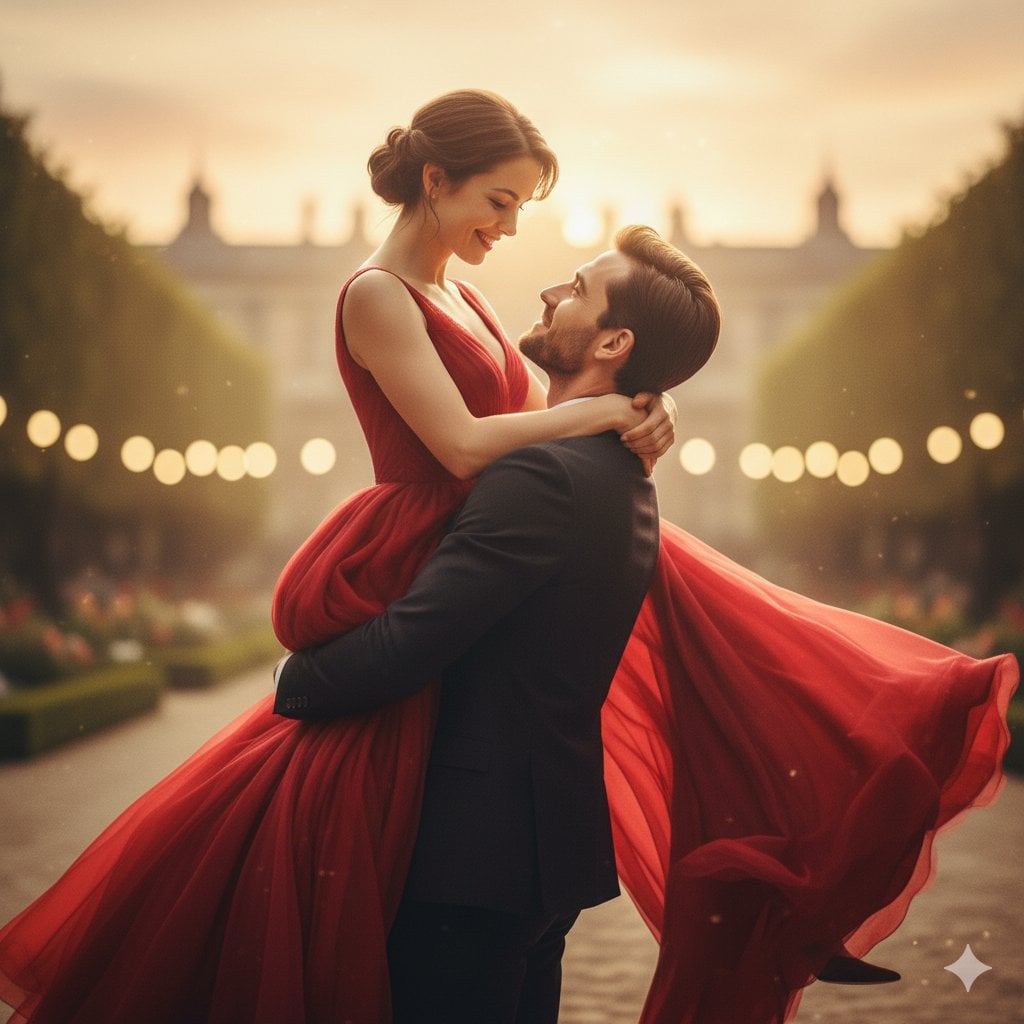
A lifestyle photography prompt for creating natural and romantic scenes of a young couple laughing in a park during golden hour, ideal for editorial use.

Ultra-realistic lifestyle photography of a happy young couple walking hand in hand through a beautiful park during golden hour. Both are smiling naturally, laughing together, making eye contact, and enjoying each other's company. Blooming flowers, lush green trees, warm sunlight, and a peaceful atmosphere create a romantic setting. Soft cinematic lighting, vibrant colors, premium editorial photography, ultra-detailed, photorealistic, 8K, authentic emotions, shallow depth of field, elegant composition, clean negative space for branding or text, portrait aspect ratio 4:5. Ultra-realistic lifestyle photography of a young couple sitting apart on a park bench after an argument. Both look sad and emotionally distant, avoiding eye contact, with thoughtful expressions and subtle body language showing tension. The atmosphere is calm with an overcast sky, muted colors, gentle breeze, and a few fallen leaves, creating an emotional yet respectful mood. Cinematic natural lighting, premium editorial photography, ultra-detailed, photorealistic, 8K, realistic facial expressions, shallow depth of field, elegant composition, clean negative space for branding or text, portrait aspect ratio 4:5.
Choose the primary action to open PicX Studio with the available template settings. Review the model and format, personalize the creative direction, and generate when ready.
Yes. You can change the subject, setting, lighting, mood, format, and available model controls before creating your image.
This template is free to open and customize. Generation usage is shown in PicX Studio before you create.
Start with GPT Image 2, which is the model associated with this template. You can compare another compatible model for a different finish.
Follow a topic to a crawlable collection of related PicX Studio templates.