
Woman Cycling With Dog in Park
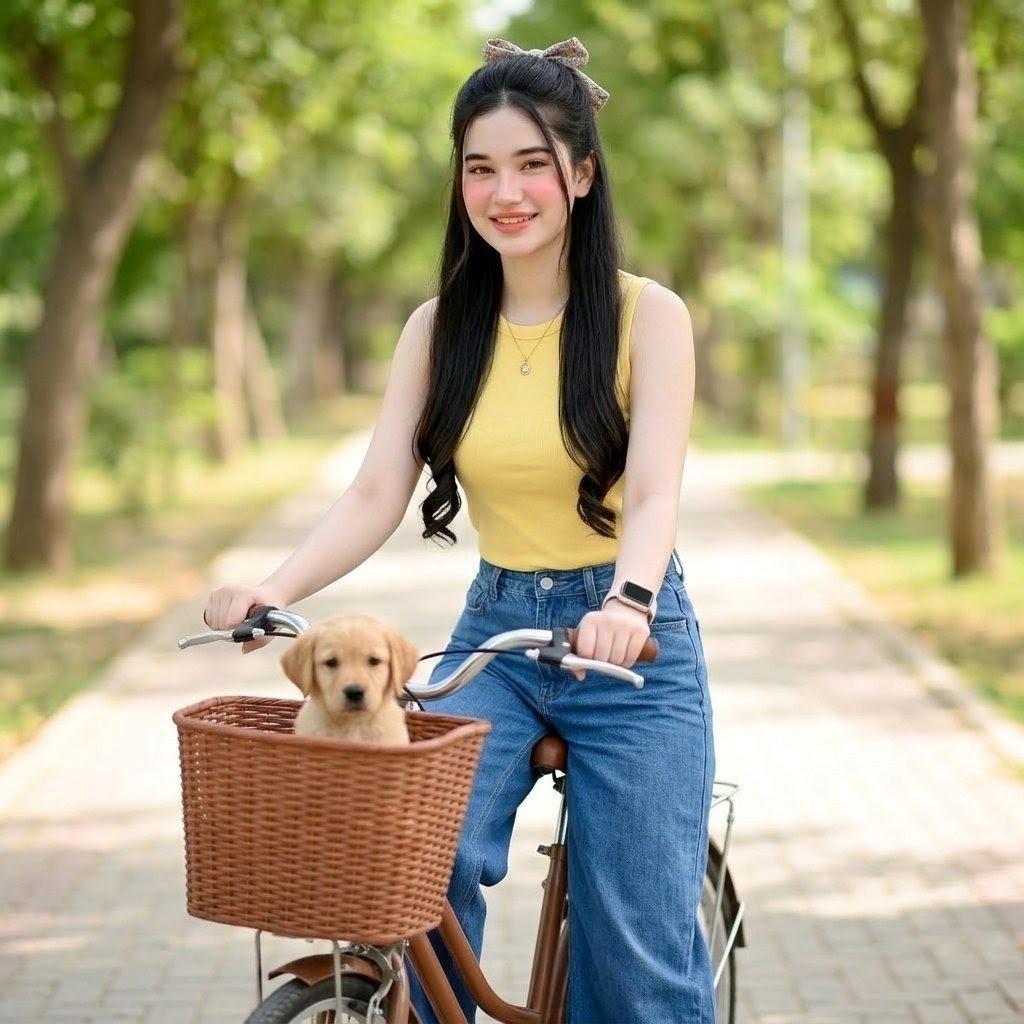
A realistic lifestyle portrait prompt for creating a young woman riding a bicycle with a dog in a wicker basket on a sunny park path.
- Prompt included
- Model and format preset
- Free template
The prompt behind this image
Copy the exact prompt behind Woman Cycling With Dog in Park, or open it in the studio and make it yours.
Create a realistic full-body outdoor lifestyle portrait of a young woman with a softly blurred anonymous face, fair rosy skin, long straight {argument name="hair color" default="black"} hair with curled ends, styled half-up and tied with a cute beige bow. She is smiling sweetly and riding a vintage city bicycle along a sunlit tree-lined park path. She wears a fitted {argument name="top color" default="yellow"} sleeveless ribbed top, high-waisted {argument name="pants style" default="blue wide-leg jeans"}, a small pendant necklace, and a smartwatch on one wrist. The bicycle has curved silver handlebars, a brown frame, and a large woven wicker basket mounted on the front. Inside the basket is exactly 1 small dog with a softly blurred face, sitting upright and looking forward. Use a bright natural daytime setting with lush green trees on both sides, a paved pathway receding into the background, warm soft sunlight, shallow depth of field, creamy bokeh, and realistic photography details. Center the woman and bicycle, shoot from slightly below eye level with a 50mm portrait-lens feel, natural colors, clean wholesome mood, no text, no watermark, no extra people or animals.
How to use Woman Cycling With Dog in Park in 3 steps
- 1Upload ImagePNG, JPG or paste
Add your photo
Upload the photo the template builds on. The prompt, model and format are already set.
- 2…a portrait of your subject in softgolden-hour light, 85mm…
Personalize
Edit the subject and creative details for your destination.
- 3Generate
Generate
Press Generate — your image is created in PicX Studio, so you can compare it with the original and refine one variable at a time.
More like this
Templates with the same subject, style or setup. Open one to see its prompt.
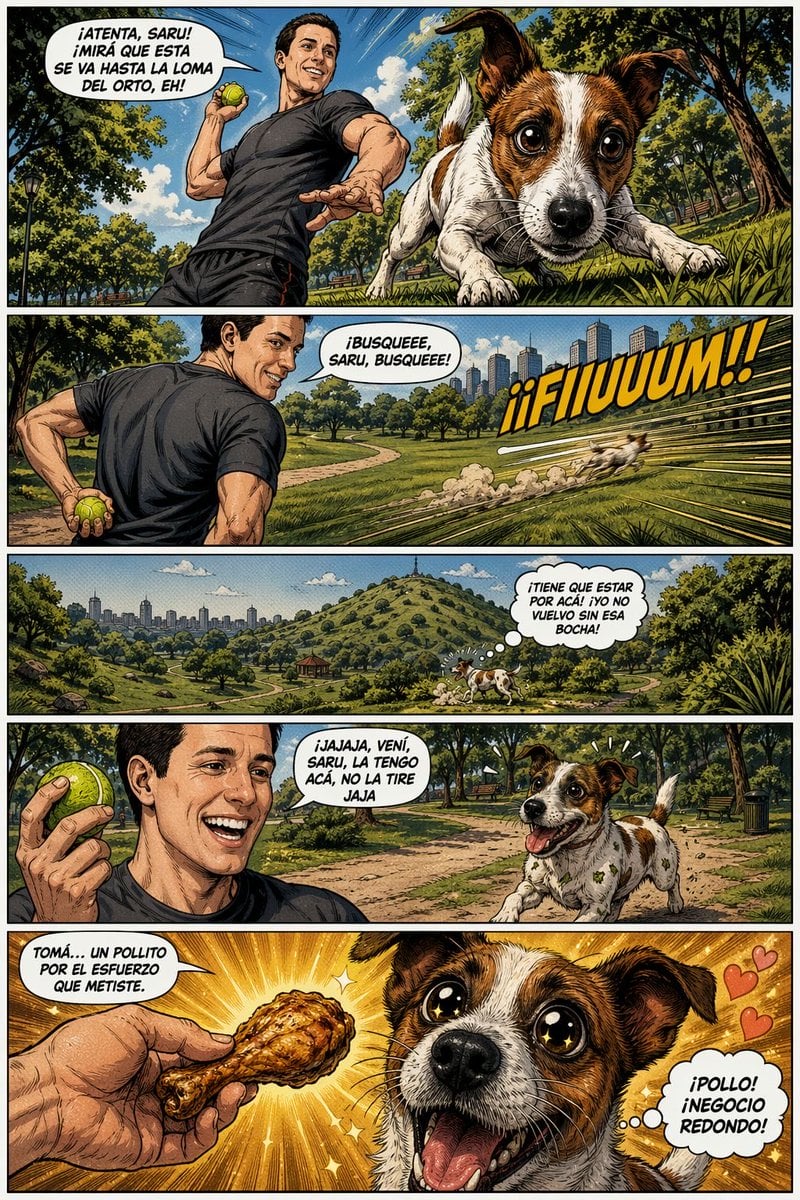
Funny Dog Park Comic Page
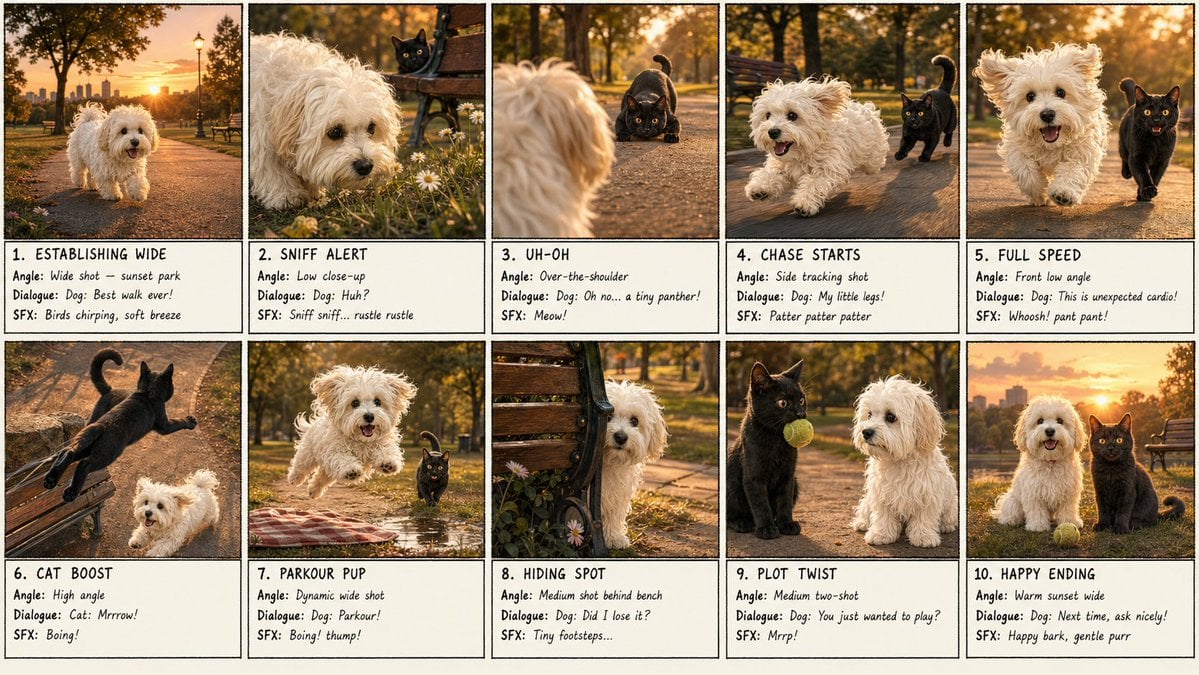
Panel Dog and Cat Park Storyboard
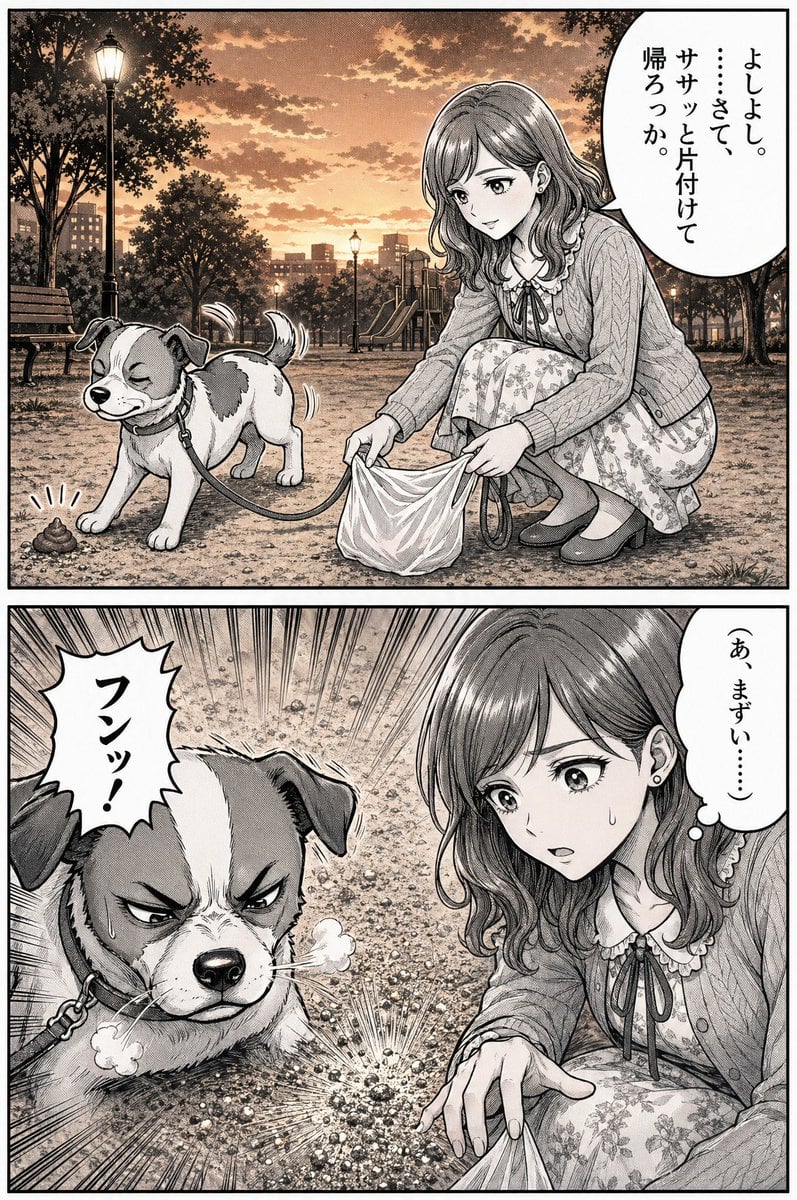
Manga Dog Kick at Sunset Park

Woman in Mall with Chanel Bag - Heart Gesture

Floating Woman Above Cityscape with Notifications
Ultra-Realistic Portrait of Woman Hugging a Maltese Dog
Fashionable Young Woman in Park Setting Prompt
Nano Banana Pet Portrait Dog

Japanese Jungle Theme Park Parody Poster
Riverside Dog Walk Character Expansion
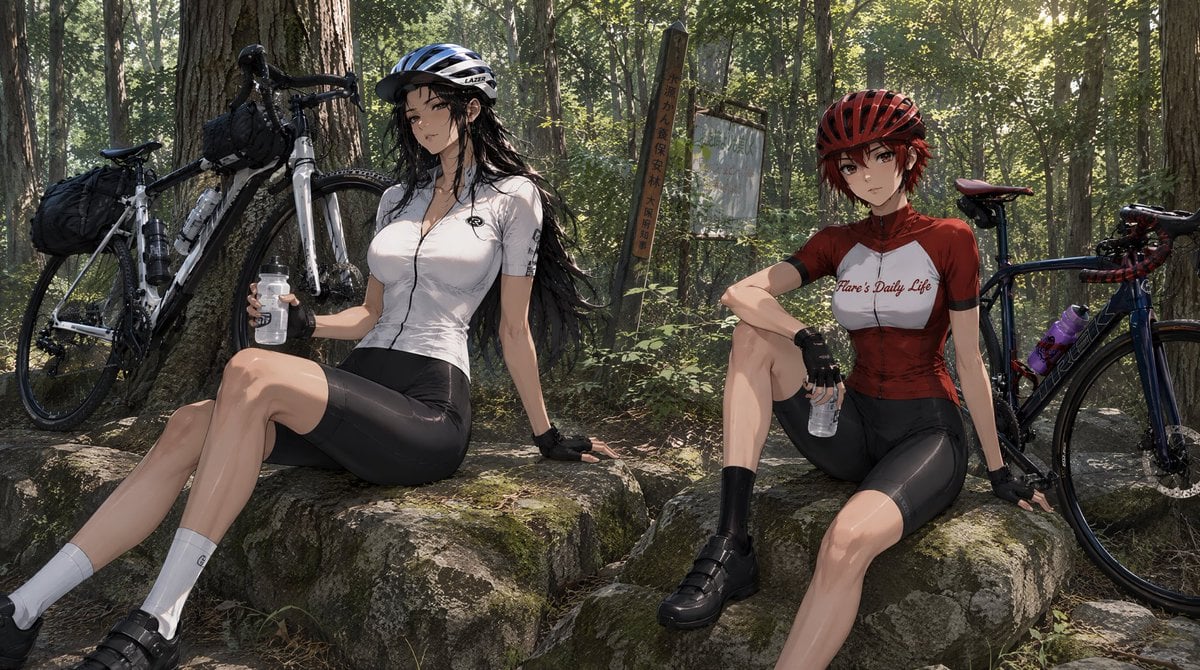
Forest Cycling Rest Scene

Anthropomorphic Dog Streetwear Character
Make it yours
Woman Cycling With Dog in Park works as-is. These are the safest ways to change it without losing the look.
Change one field
Copy a single group, rewrite it, and generate again so you can see what that field is doing.
Keep the frame, change the subject
Hold the composition and light of Woman Cycling With Dog in Park, then swap wardrobe, props or the person for a new take.
| If the result… | Why | Fix |
|---|---|---|
| The result drifts from the preview | Too many fields changed at once. | Reuse Woman Cycling With Dog in Park as-is first, then change one group — subject, light, or setting. |
| The model over-stylizes the scene | The prose prompt leaves finish and camera underspecified. | Add one camera or lighting sentence and stay on GPT Image 2. |
More GPT Image 2 templates
Other prompts made for GPT Image 2.

Six VTuber Japanese Logo Sheet

The Vista Modular Condo Poster

AI Model Routing Comparison Infographic

2.5D Anime Art Board

Isometric Productivity Desk Scene

New York Double Exposure Poster

Four-Panel AI Landscape Comparison

Japanese Tatami Lifestyle Magazine Cover

NESCAFÉ Coffee Map Poster

Brutalist Cogito Chinese Typography Poster
More image prompts
Fresh picks from across the catalog.

Indie Cartoon Illustration Template

Distressed Rock Festival Artist Poster

Generating a Magazine Cover for Edogawa Ward Tourism

Breaking Bad Stylized Poster Design
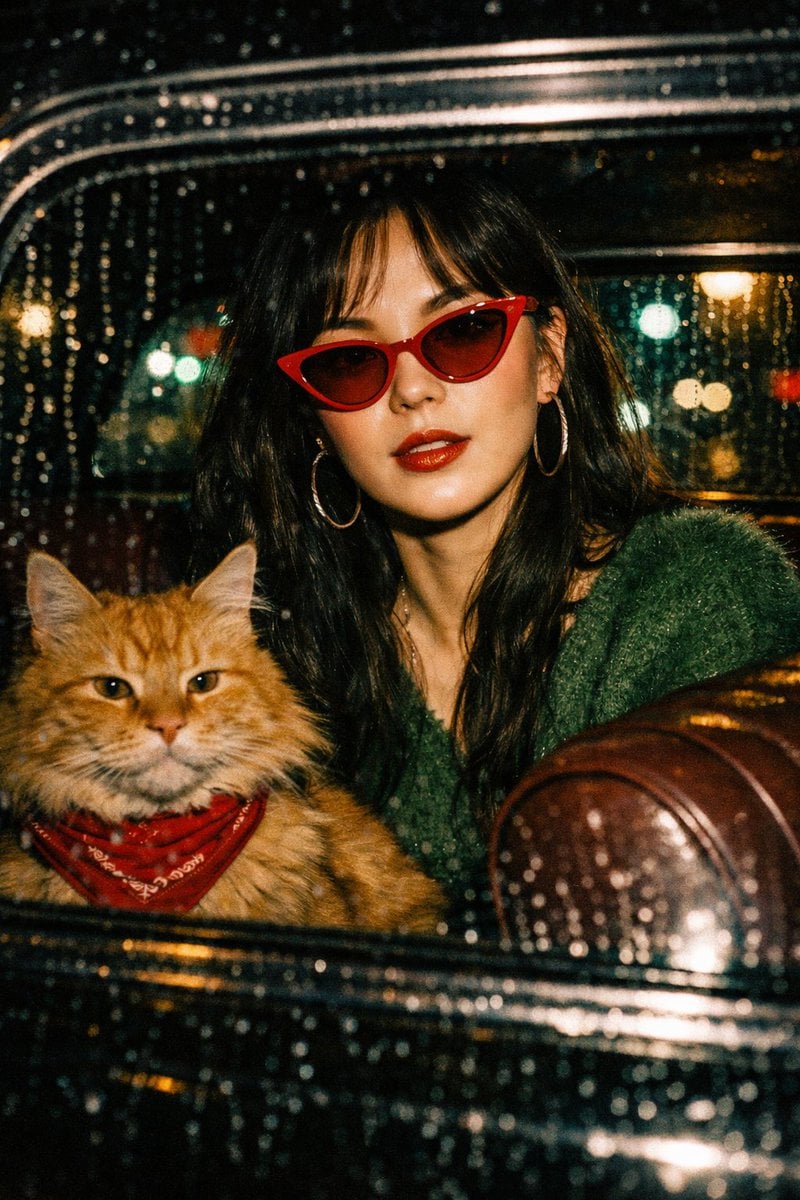
Wong Kar-wai Cinematic Flash Photography Prompt

Retro Constructivist Fight Poster
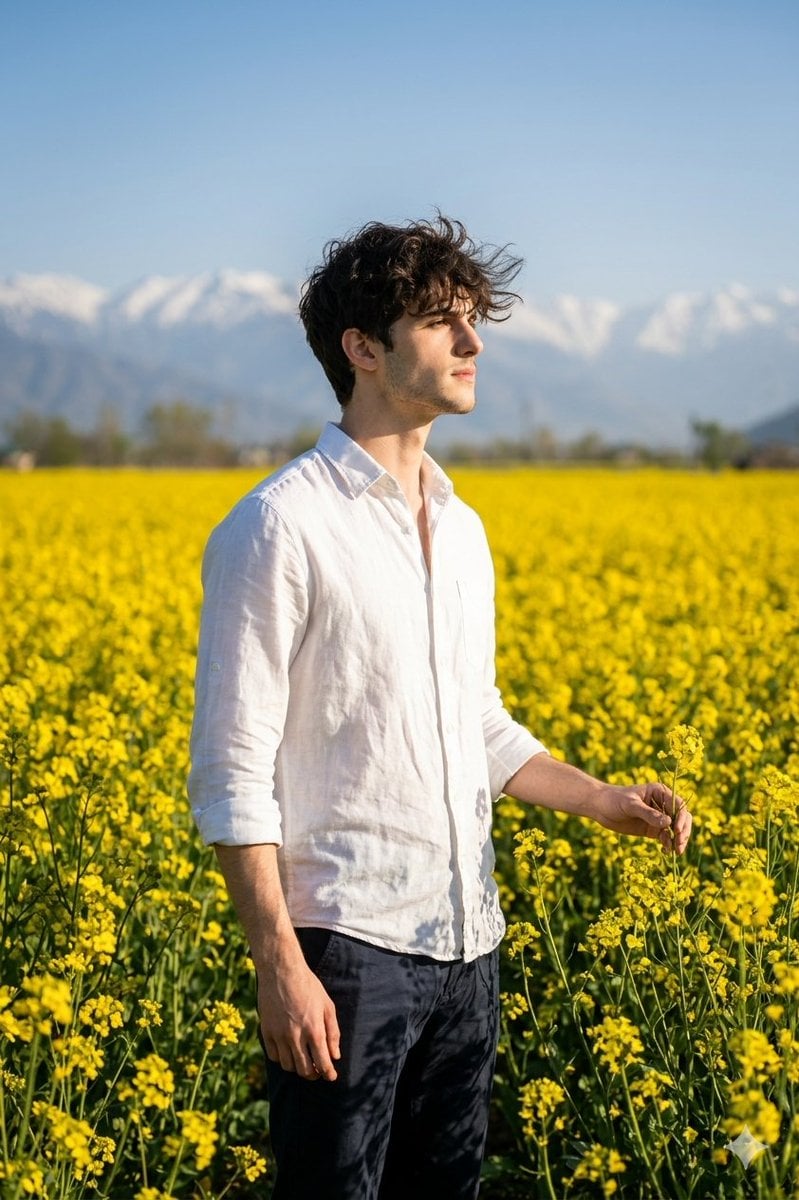
Cinematic Portrait in Kashmir Mustard Field

Vector-Style Character Illustration Portrait
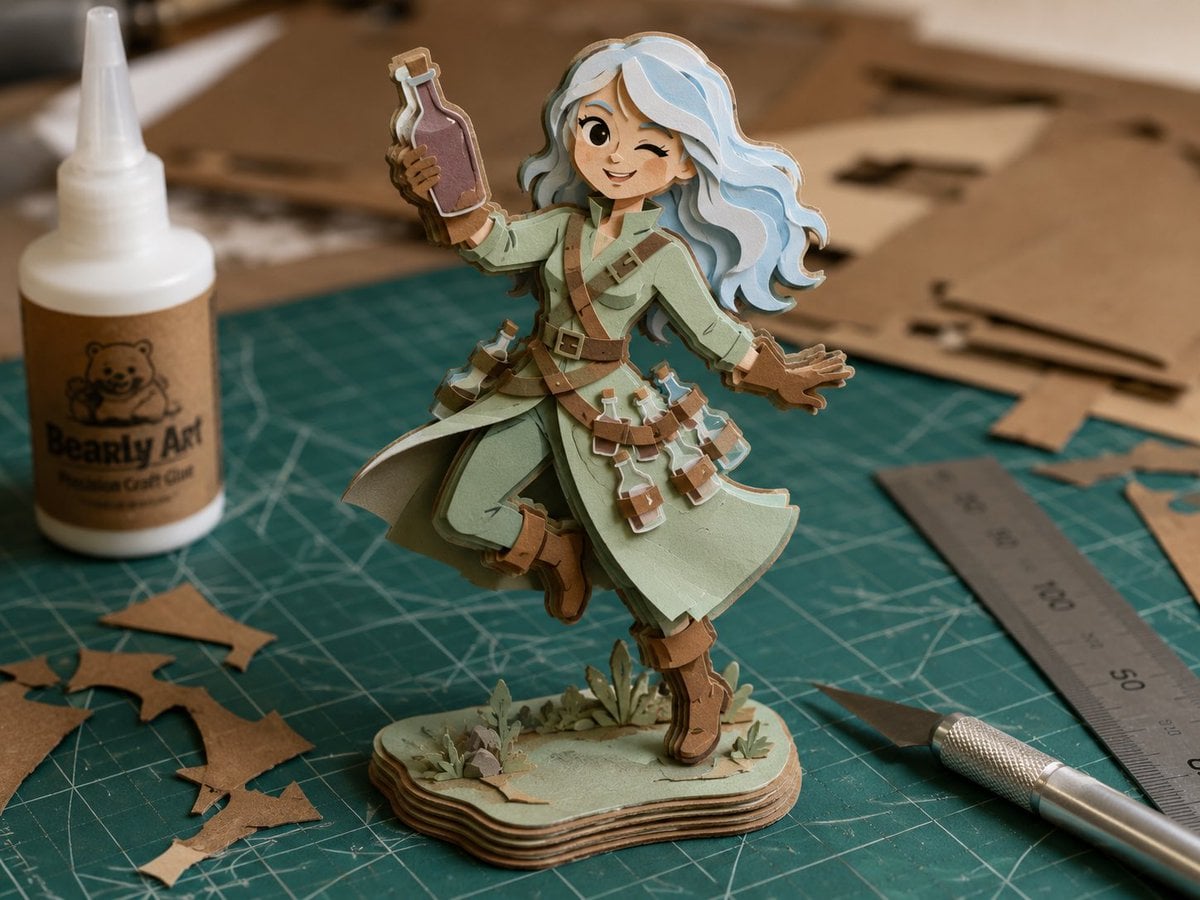
Layered Paper Alchemist Figurine
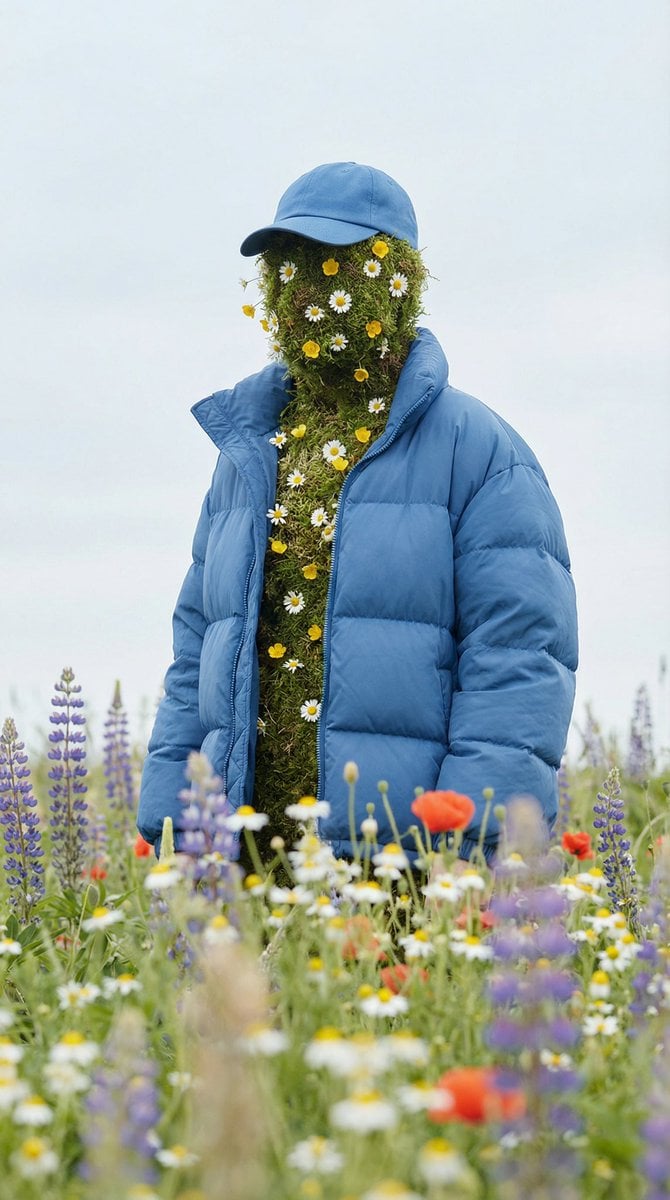
Surreal Nature Fashion Fusion Portrait
Browse template categories
Woman Cycling With Dog in Park questions
How do I use the Woman Cycling With Dog in Park template?
Add your photo if the template asks for one, edit the prompt if you like — the template's model and format are already selected — and press Generate. Your version opens in PicX Studio.
Can I customize the Woman Cycling With Dog in Park template?
Yes. You can change the subject, setting, lighting, mood, format, and available model controls before creating your image.
Is the Woman Cycling With Dog in Park template free?
Opening and editing this template is free. Generating uses credits, shown on the Generate button when you are signed in.
Which AI model should I use?
Start with GPT Image 2, which is the model associated with this template. You can compare another compatible model for a different finish.
Looking for something else? Browse all templates.

Your photo, any look
Thousands of ready templates for every top image and video model, from one credit balance.