
Forest Cycling Rest Scene
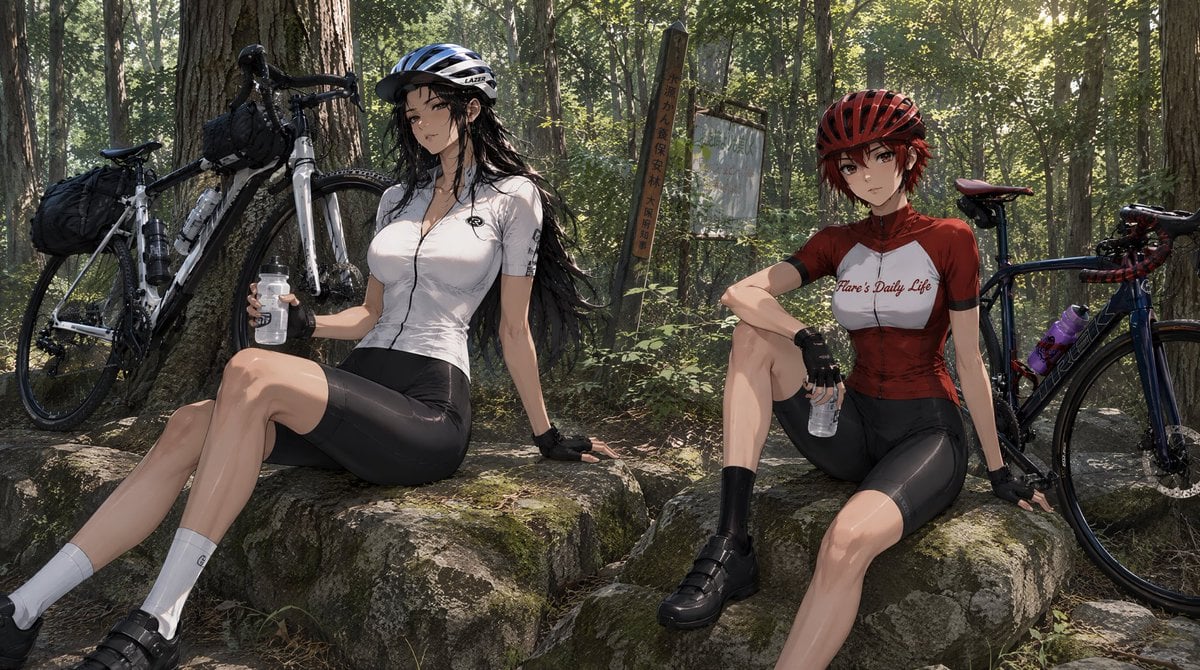
Transforms a cyclist character reference sheet into a cinematic anime forest rest-stop scene with a companion, bicycles, rocks, and trail signage.
- Prompt included
- Model and format preset
- Free template
The prompt behind this image
Copy the exact prompt behind Forest Cycling Rest Scene, or open it in the studio and make it yours.
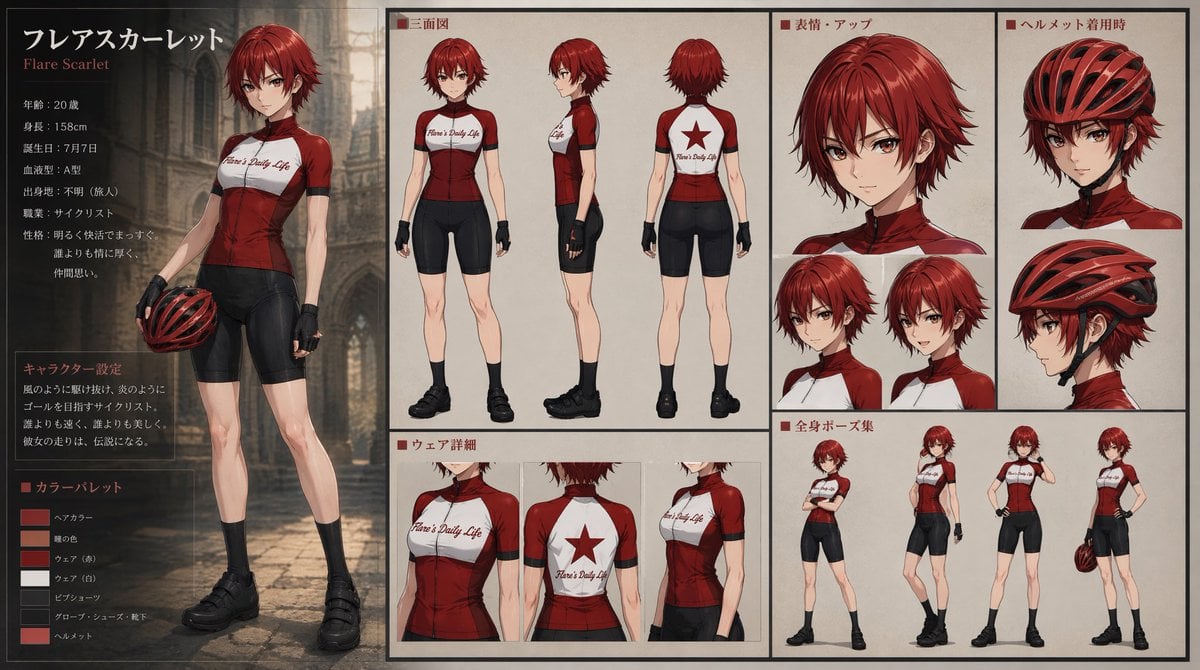
Using REFERENCE_0 as the character base, turn the character sheet into a cinematic anime storyboarding scene set during a cycling rest stop. Keep the red-haired cyclist’s identity, red helmet, red-and-white cycling jersey, black shorts, gloves, socks, and shoes consistent with the reference, but place her in a relaxed seated pose on a mossy boulder, holding a clear water bottle and leaning back with one hand. Scene: Create a wide 16:9 horizontal composition in a sun-dappled forest trail rest area, with tall trees, dense green foliage, natural rocks, and realistic shafts of afternoon light. Add weathered trail signage in the background, including exactly 2 signs: one vertical wooden signpost and one faded rectangular signboard. Additional character: Add exactly 1 new companion cyclist beside her: a tall, long black-haired woman wearing a blue-and-white helmet, white cycling jersey, black cycling shorts, fingerless gloves, white socks, and black cycling shoes. She should sit on a neighboring rock, relaxed, also holding a clear water bottle. Props and layout: Include exactly 2 road bicycles leaning nearby: one white touring-style bike on the left against a tree with visible handlebar bags and frame bottles, and one dark blue/black bike on the right behind the red-haired character with a purple bottle on the frame. The two cyclists should feel like they have paused mid-ride to rest and hydrate. Style: High-detail anime illustration with semi-realistic lighting, cinematic depth, natural forest textures, and a calm travel-video storyboard mood. Avoid the multi-panel character sheet layout, avoid UI labels, and do not add extra characters. Customizable subject: portray this as a forest cycling break for {argument name="character name" default="Flare Scarlet"} at {argument name="location" default="a wooded mountain trail rest area"}, with the companion’s jersey color as {argument name="companion jersey color" default="white"} and the overall mood as {argument name="mood" default="peaceful after-ride rest"}.
Reference images included
Forest Cycling Rest Scene needs input media to work. They load alongside the prompt when you open it in the studio.
How to use Forest Cycling Rest Scene in 3 steps
- 1Upload ImagePNG, JPG or paste
Add your photo
Upload the photo the template builds on. The prompt, model and format are already set.
- 2…a portrait of your subject in softgolden-hour light, 85mm…
Personalize
Edit the subject and creative details for your destination.
- 3Generate
Generate
Press Generate — your image is created in PicX Studio, so you can compare it with the original and refine one variable at a time.
More like this
Templates with the same subject, style or setup. Open one to see its prompt.

Layered Paper Cut Forest Diorama
Woman Cycling With Dog in Park
Girl Cycling City Illustration
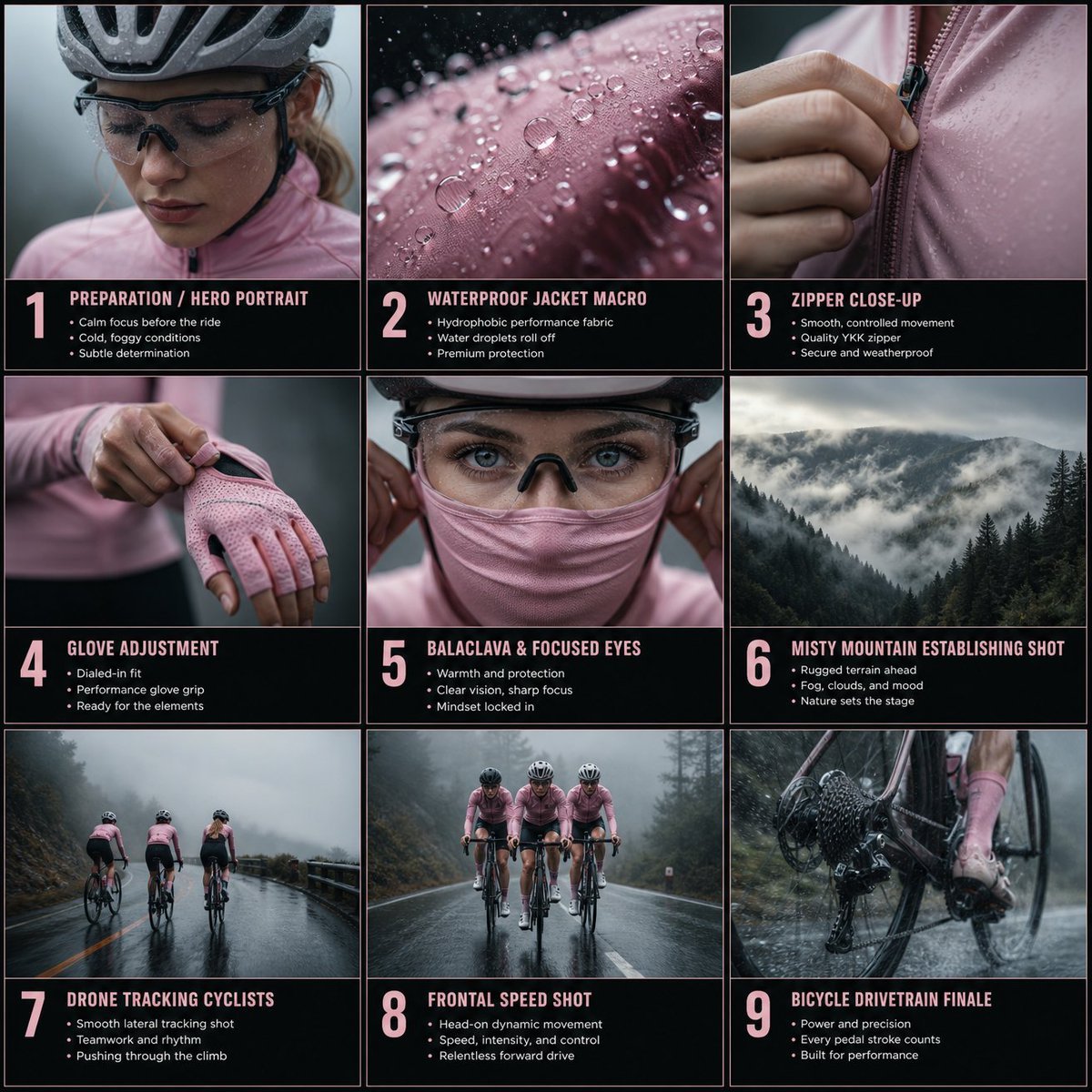
Cinematic Cycling Storyboard
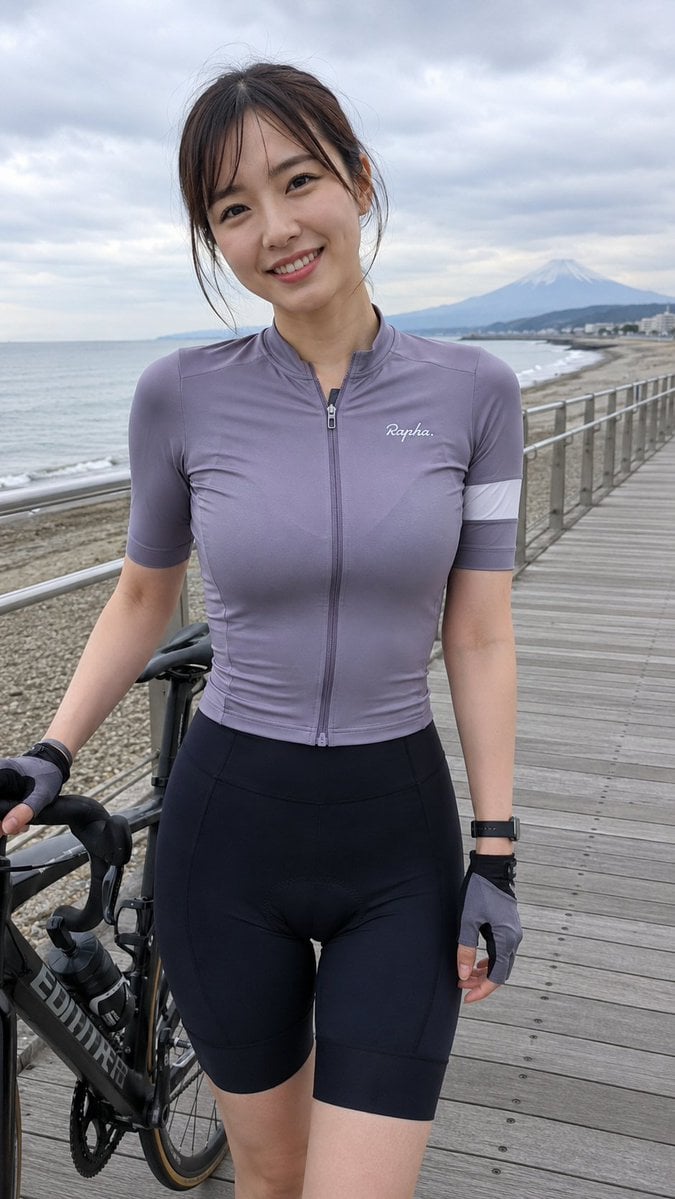
Coastal Cycling Break with Fuji
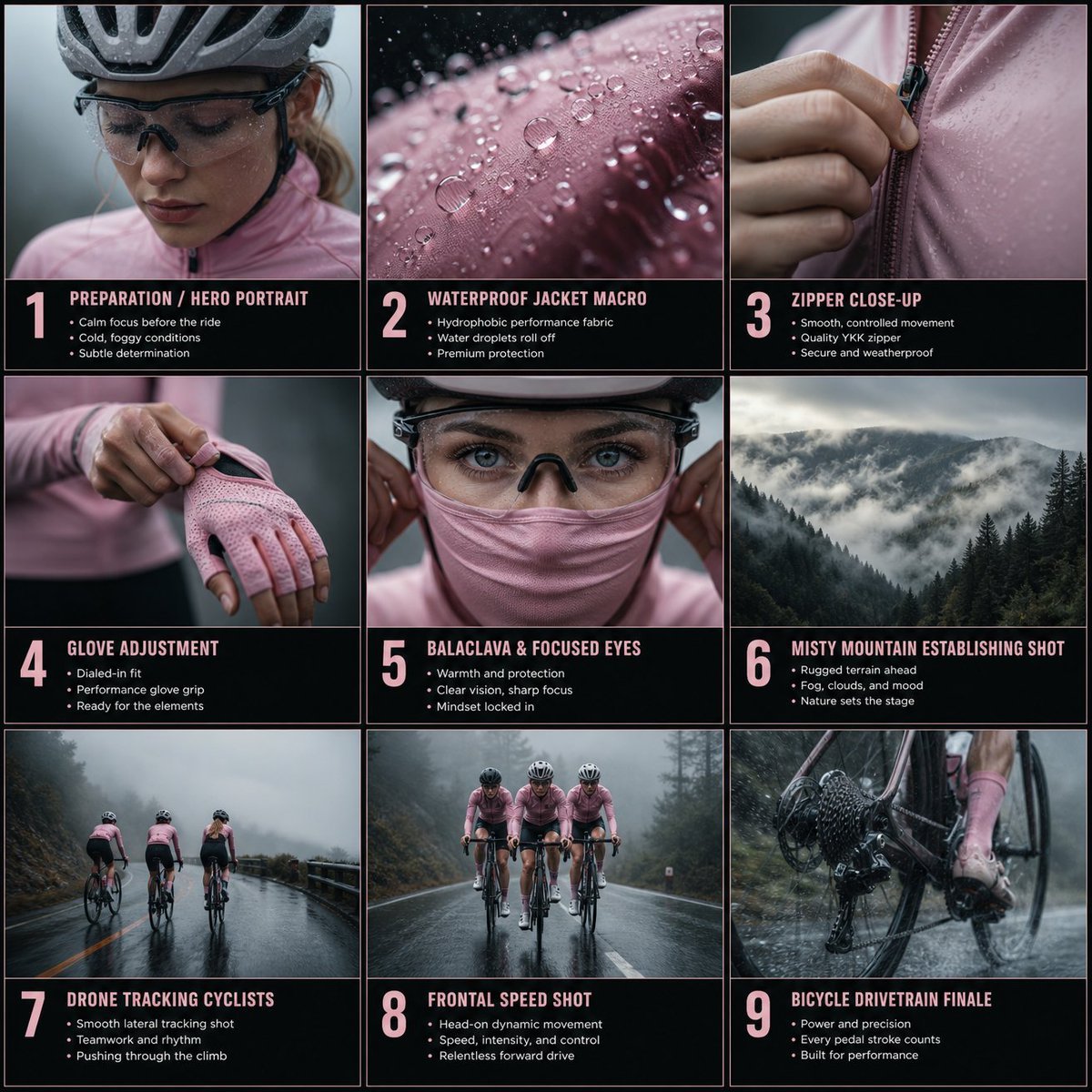
Rain Cycling Storyboard Grid
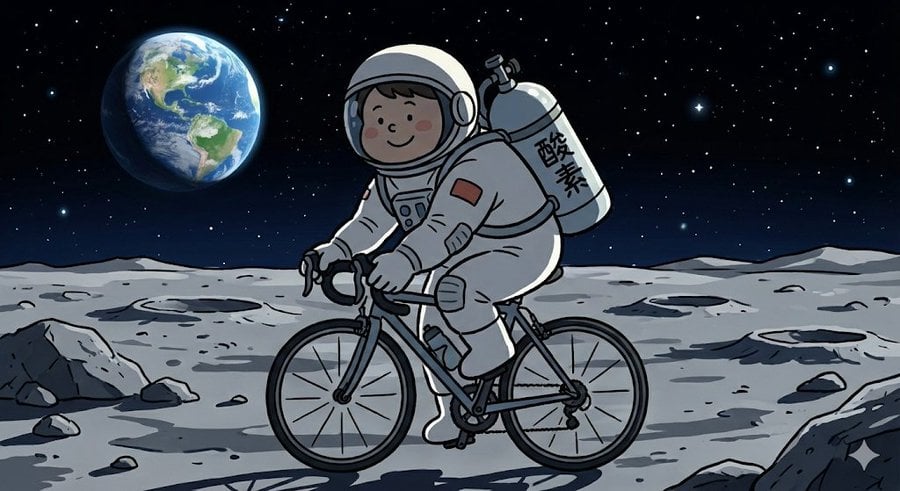
Complex Illustration Prompt: Cycling on the Moon
Mischievous Forest Faun Girl
Enchanted Forest Grave Spring
Enchanted Hanfu Forest Goddess
Goblin Stampede Forest Charge
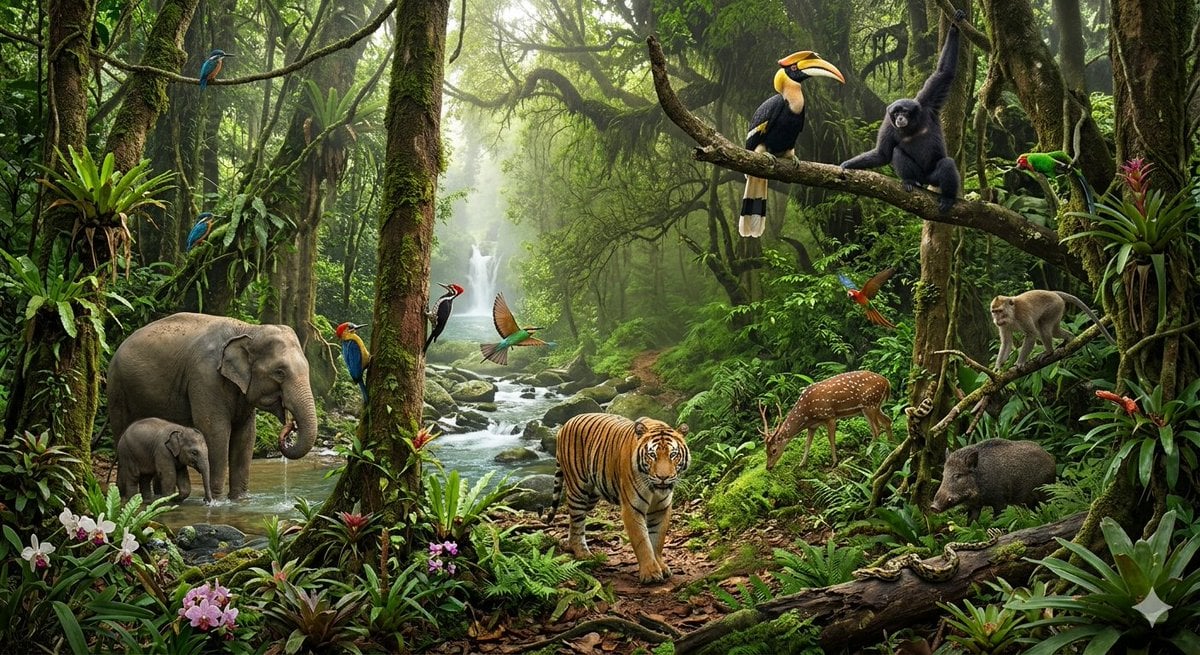
Tropical Rainforest Wildlife Ecosystem
Make it yours
Forest Cycling Rest Scene works as-is. These are the safest ways to change it without losing the look.
Change one field
Copy a single group, rewrite it, and generate again so you can see what that field is doing.
Keep the frame, change the subject
Hold the composition and light of Forest Cycling Rest Scene, then swap wardrobe, props or the person for a new take.
| If the result… | Why | Fix |
|---|---|---|
| The result drifts from the preview | Too many fields changed at once. | Reuse Forest Cycling Rest Scene as-is first, then change one group — subject, light, or setting. |
| The model over-stylizes the scene | The prose prompt leaves finish and camera underspecified. | Add one camera or lighting sentence and stay on GPT Image 2. |
More GPT Image 2 templates
Other prompts made for GPT Image 2.

Six VTuber Japanese Logo Sheet

Realistic Portrait of Woman and Deer

The Vista Modular Condo Poster

AI Model Routing Comparison Infographic

2.5D Anime Art Board

Isometric Productivity Desk Scene

New York Double Exposure Poster

Four-Panel AI Landscape Comparison

Japanese Tatami Lifestyle Magazine Cover

NESCAFÉ Coffee Map Poster
More image prompts
Fresh picks from across the catalog.
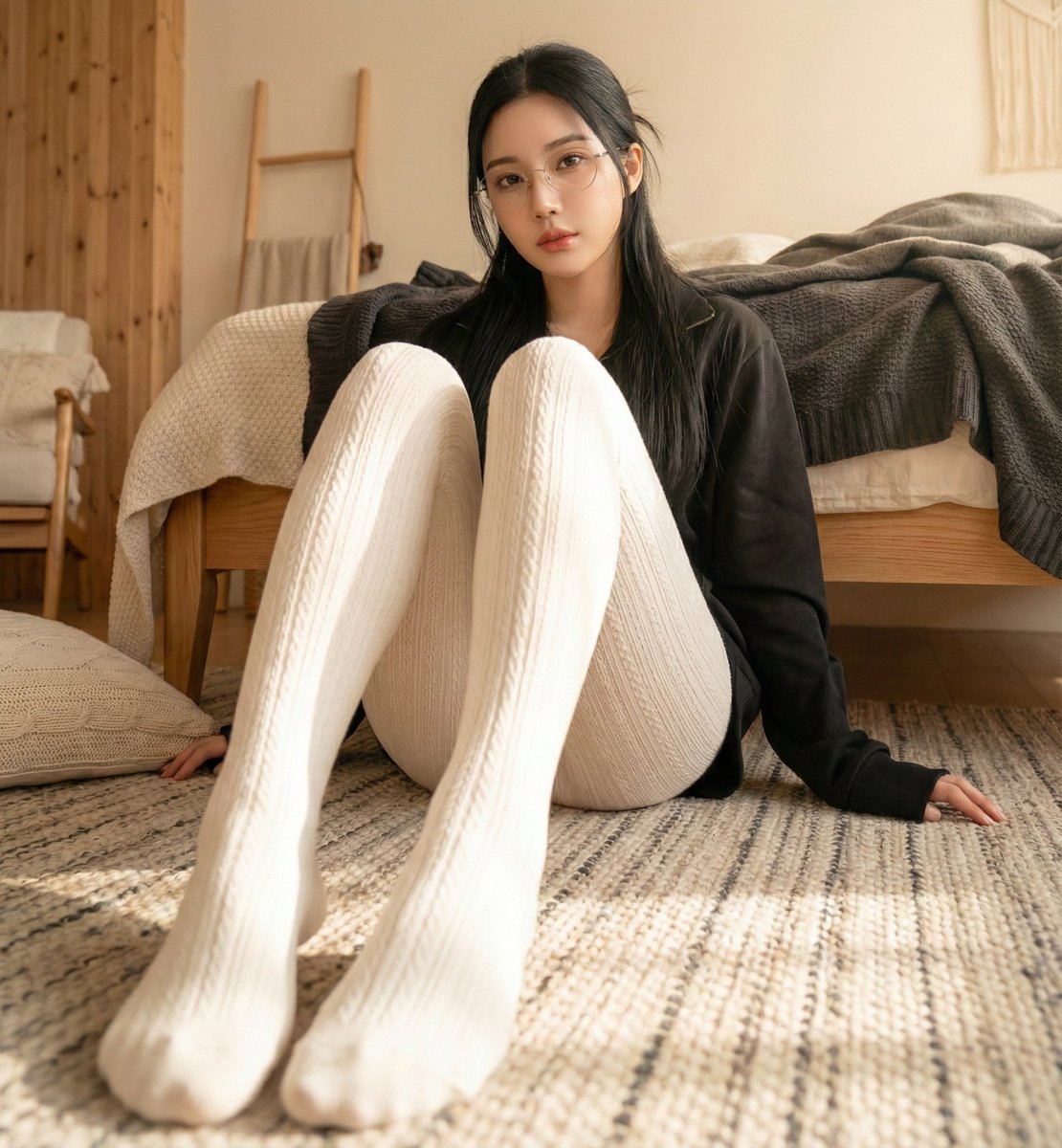
High-Resolution Realistic Lifestyle Photography with Face Lock
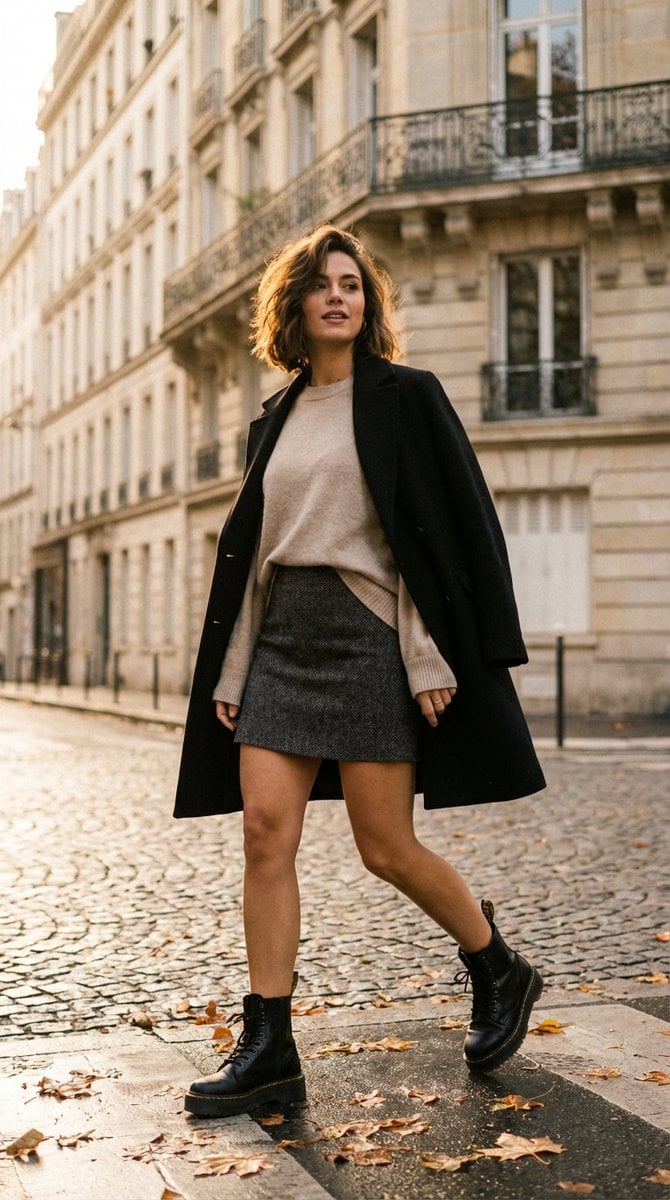
French-Chic Street Photography in Paris Golden Hour

Japanese AI App Promo Banner
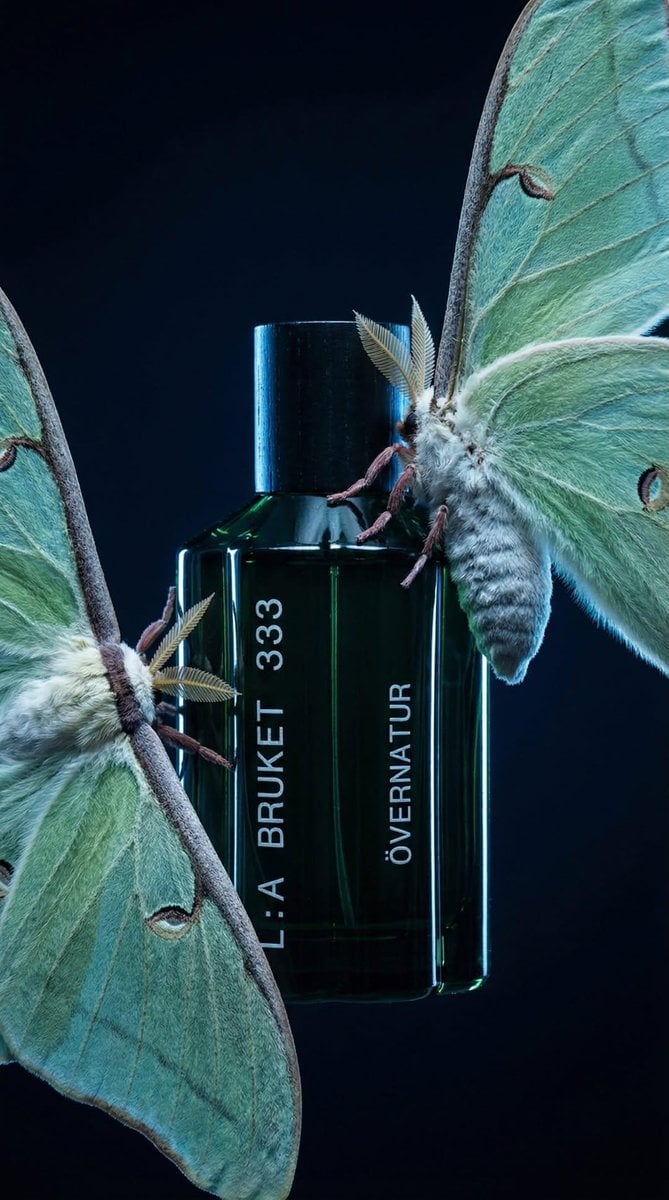
Luxury Perfume Bottle in Mystical Forest Product Shot
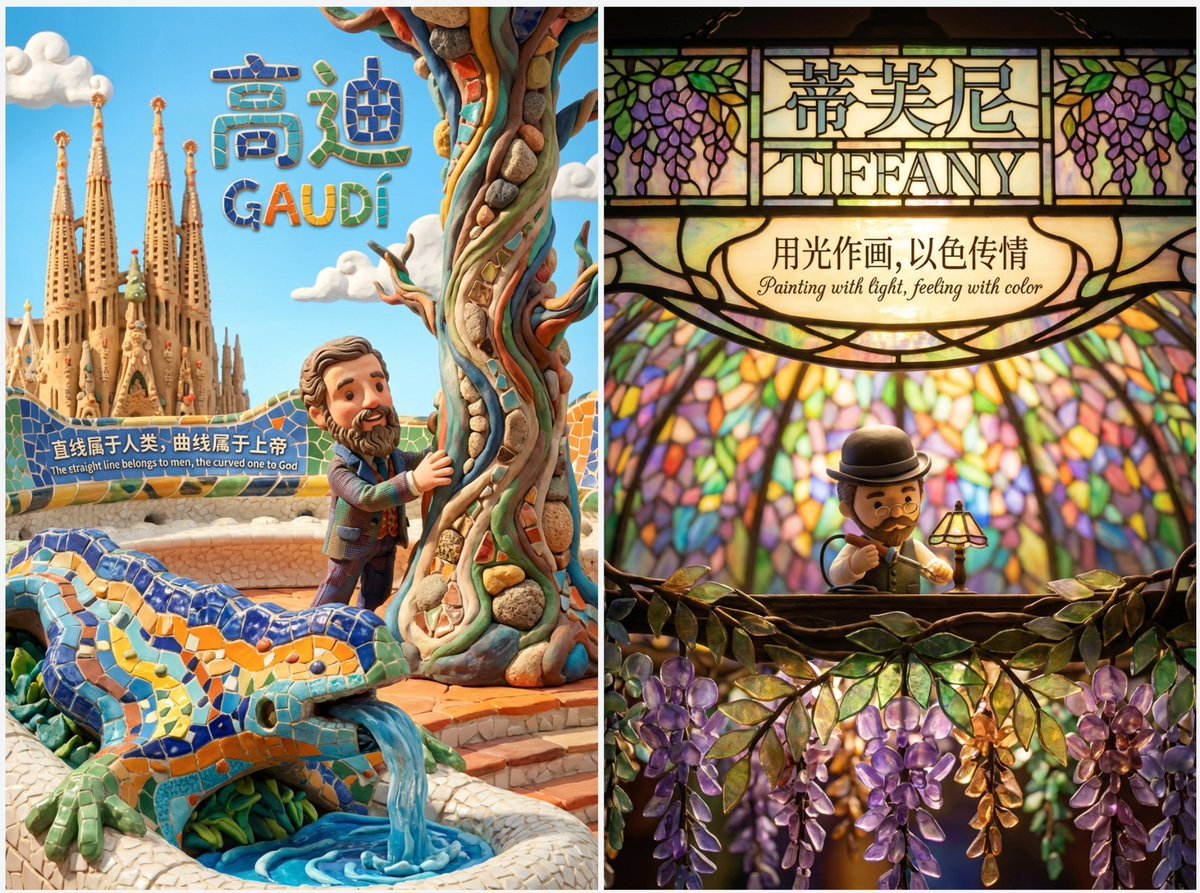
Cute Clay Style Theme Poster Template

Anime Chibi Character in a Photorealistic Christmas Snow Globe

Stunning Photo Prompt for Gemini Nano Banana (Generic)
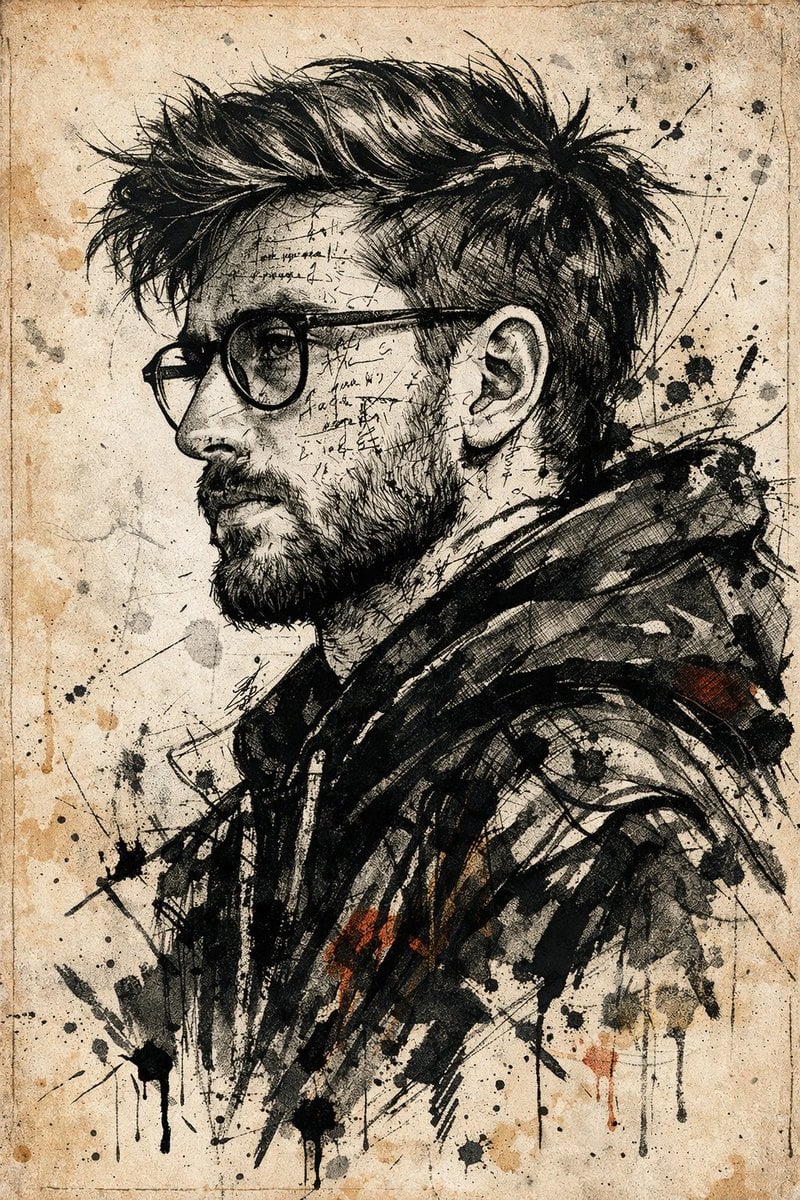
Expressive Ink Manuscript Portrait
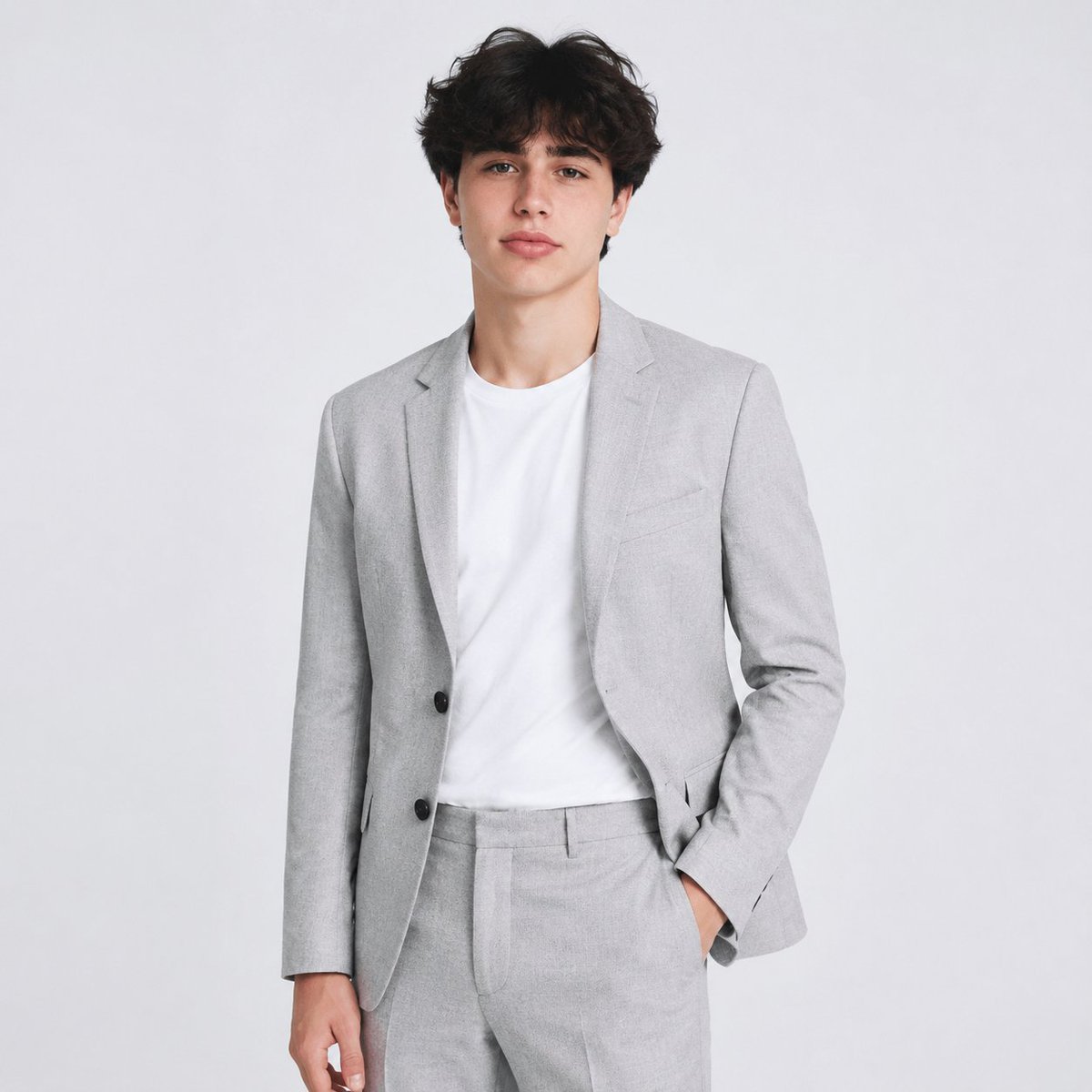
Professional AI Headshot Transformation
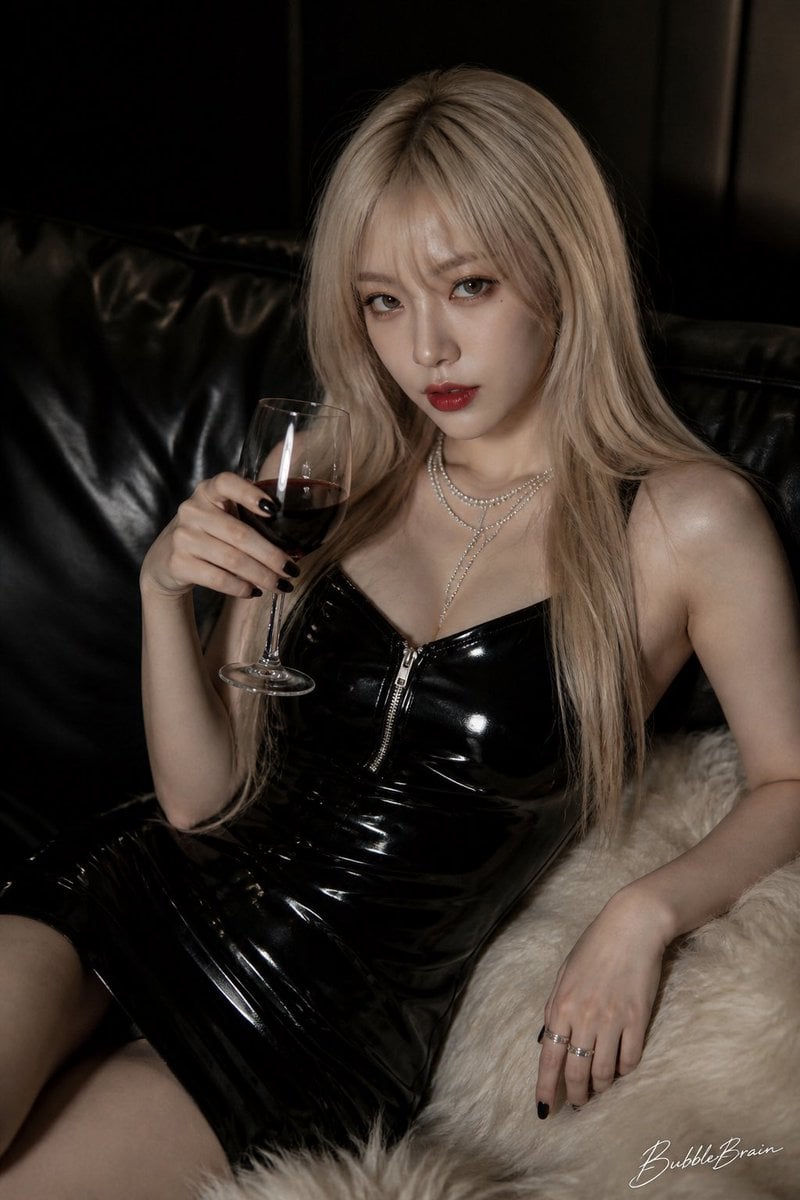
Luxury Asian Fashion Editorial
Browse template categories
Forest Cycling Rest Scene questions
How do I use the Forest Cycling Rest Scene template?
Add your photo if the template asks for one, edit the prompt if you like — the template's model and format are already selected — and press Generate. Your version opens in PicX Studio.
Can I customize the Forest Cycling Rest Scene template?
Yes. You can change the subject, setting, lighting, mood, format, and available model controls before creating your image.
Is the Forest Cycling Rest Scene template free?
Opening and editing this template is free. Generating uses credits, shown on the Generate button when you are signed in.
Which AI model should I use?
Start with GPT Image 2, which is the model associated with this template. You can compare another compatible model for a different finish.
Looking for something else? Browse all templates.

Your photo, any look
Thousands of ready templates for every top image and video model, from one credit balance.