How do I use the Crouching Park Portrait template?
Choose the primary action to open PicX Studio with the available template settings. Review the model and format, personalize the creative direction, and generate when ready.
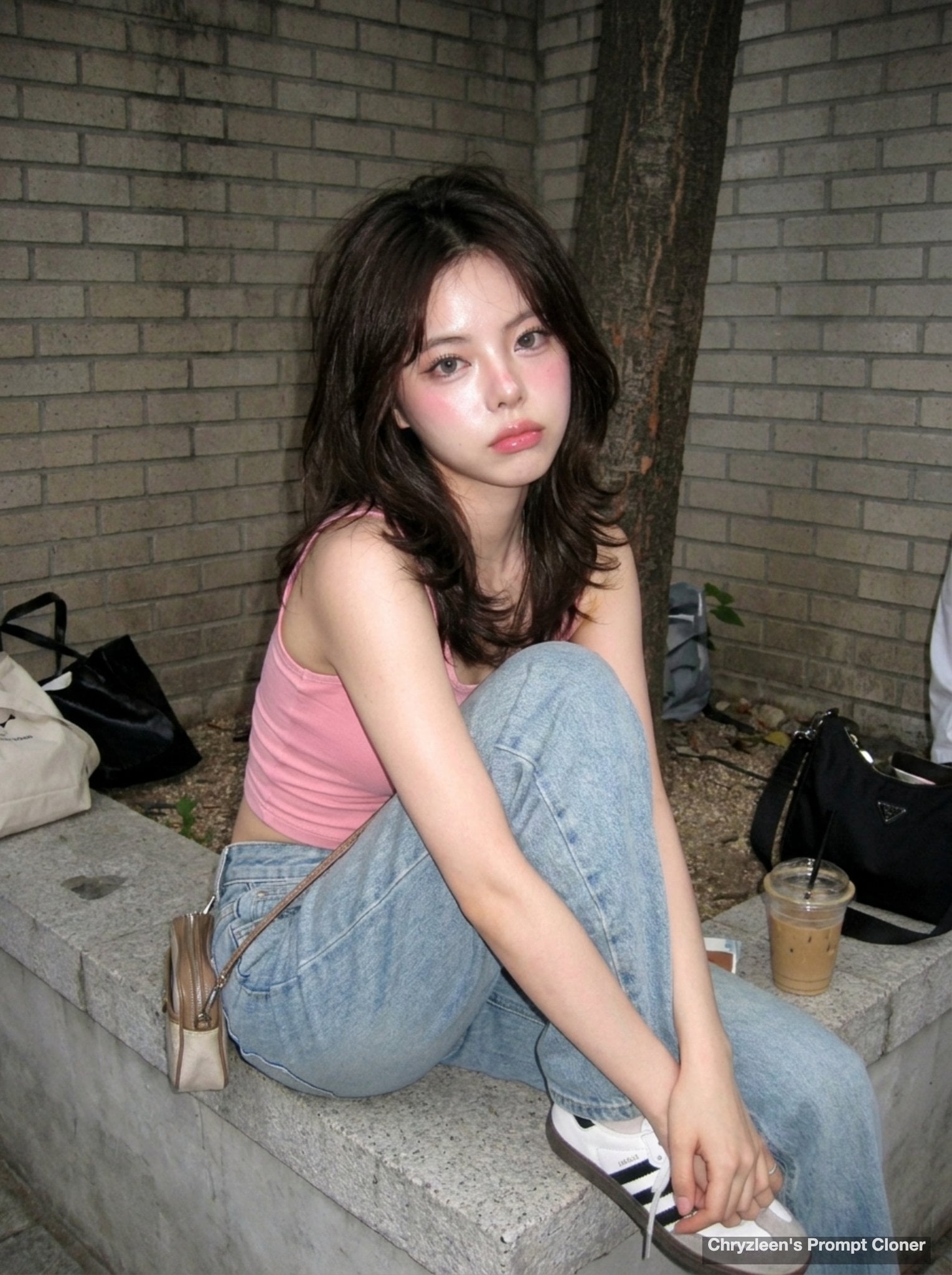
A realistic fashion portrait prompt for generating a young woman crouching beside a park bench in soft summer daylight.

Create a realistic vertical outdoor portrait photo of a young East Asian woman with {argument name="hair color" default="long dark brown-black hair with soft bangs"} crouching beside a wooden park bench on a paved walkway. She has a delicate oval face, fair skin, subtle natural makeup, soft pink lips, and a calm slightly wistful expression while looking directly at the camera. She wears a sleeveless cream lace-trimmed top with small colorful floral embroidery, a short layered white ruffled skirt, white low-heeled strappy sandals, and a beige woven straw shoulder bag with a long braided strap hanging at her side. Her pose is low and compact, knees bent, arms extended downward with relaxed hands near the ground. The bench sits diagonally along the left side with dark wooden slats and metal supports, and the path recedes into a green leafy park background on the right. Use bright natural summer daylight with dappled shadows from trees, shallow depth of field, soft bokeh foliage, crisp facial detail, realistic skin texture, and a gentle fashion-magazine photography style. No text, no watermark, no extra people, no distorted hands or feet.
Choose the primary action to open PicX Studio with the available template settings. Review the model and format, personalize the creative direction, and generate when ready.
Yes. You can change the subject, setting, lighting, mood, format, and available model controls before creating your image.
This template is free to open and customize. Generation usage is shown in PicX Studio before you create.
Start with GPT Image 2, which is the model associated with this template. You can compare another compatible model for a different finish.
Follow a topic to a crawlable collection of related PicX Studio templates.