How do I use the Realistic Restaurant Employee Lifestyle Photo template?
Choose the primary action to open PicX Studio with the available template settings. Review the model and format, personalize the creative direction, and generate when ready.
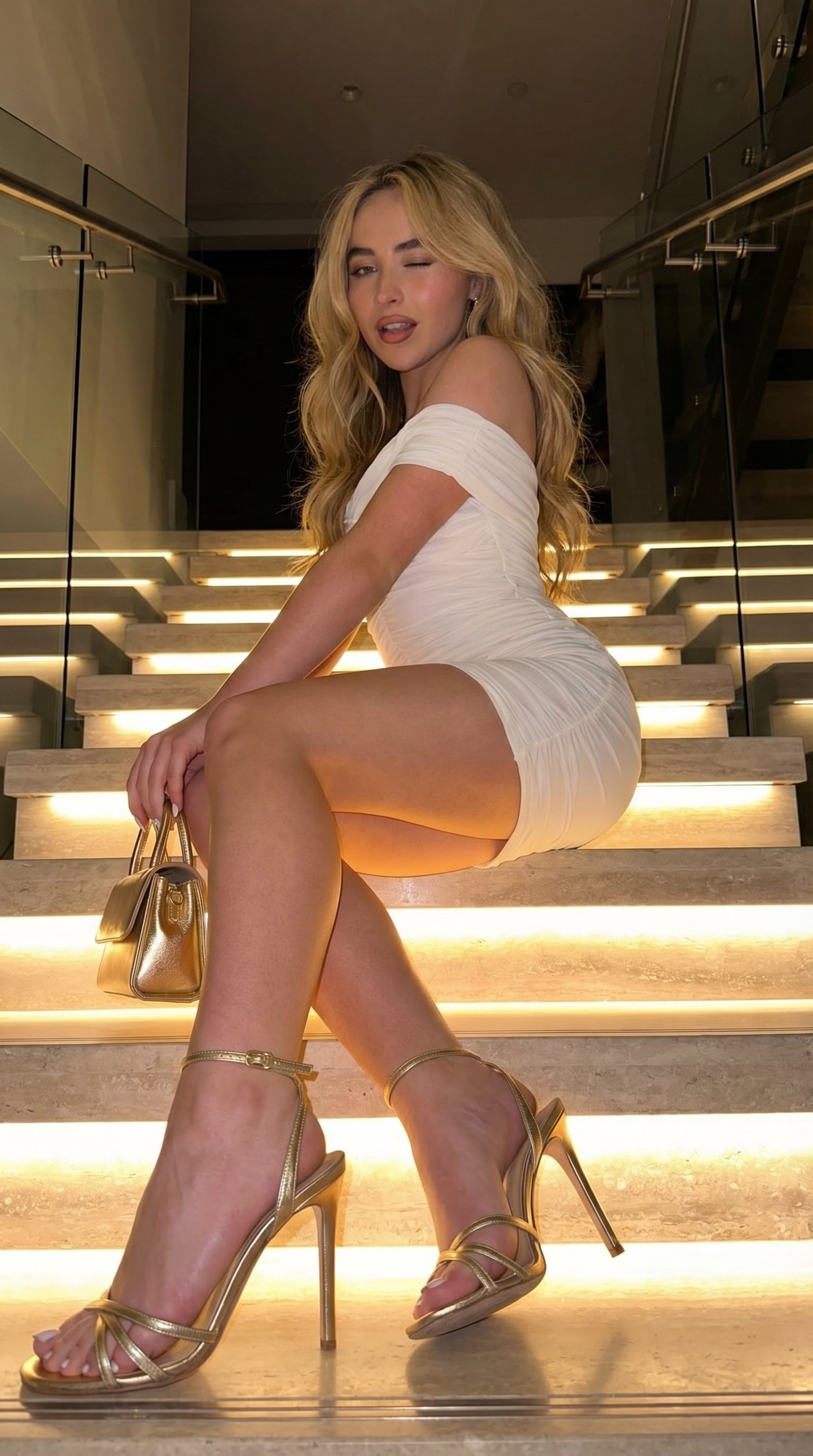
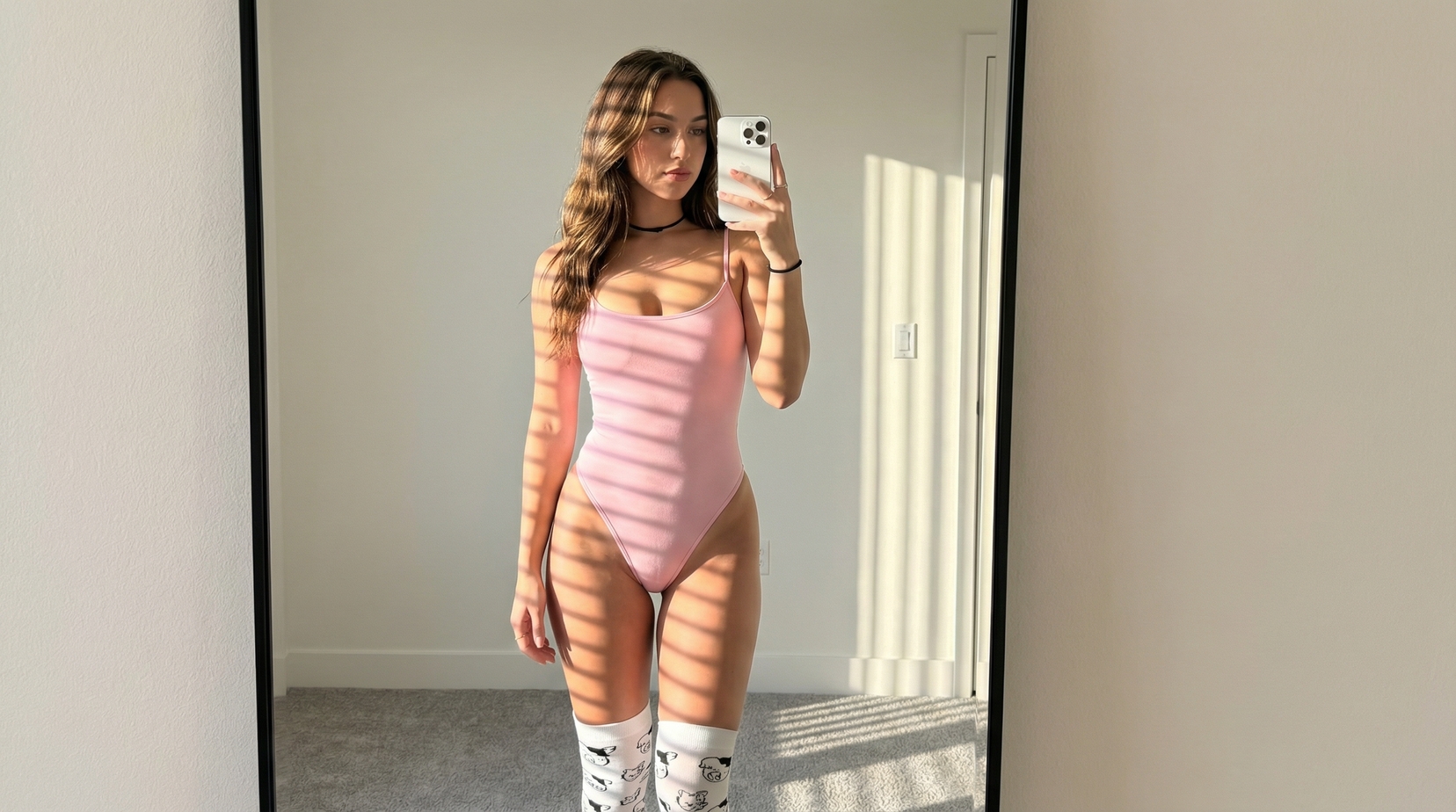
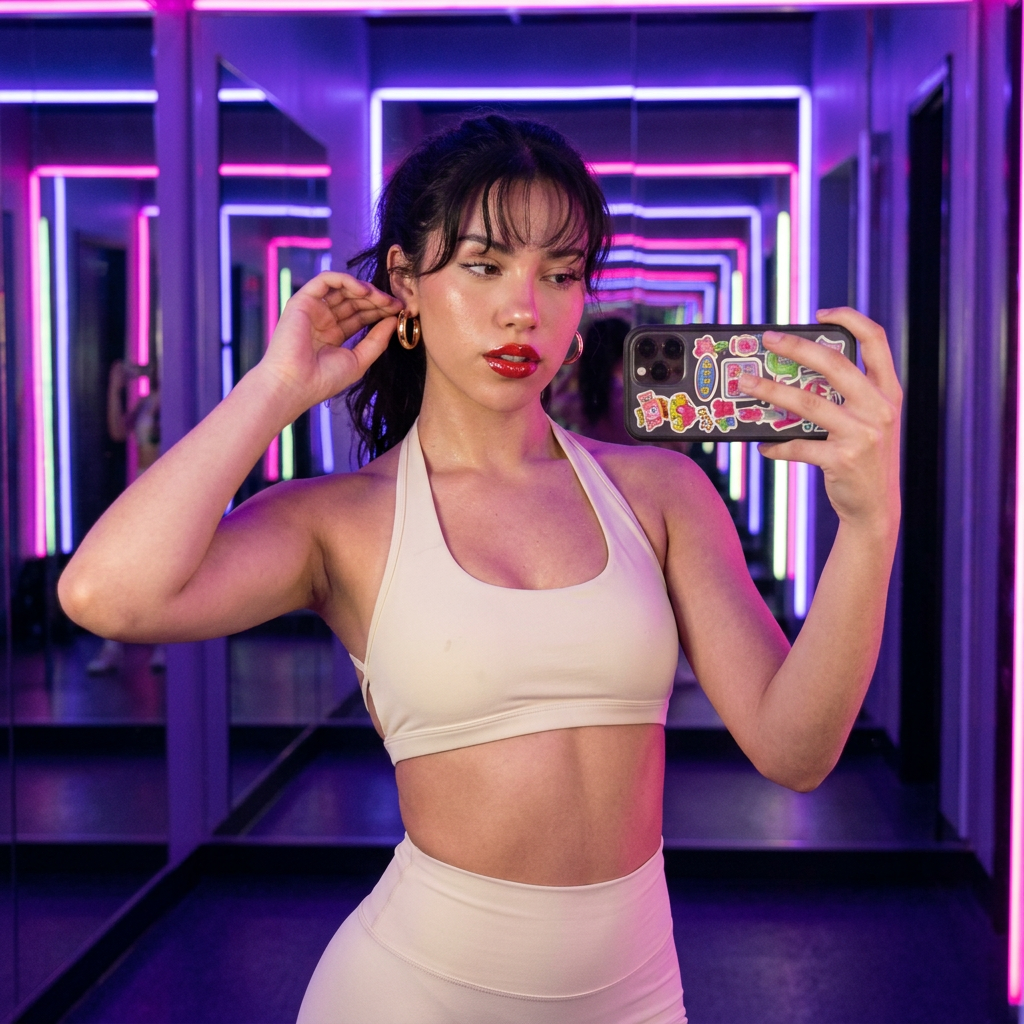
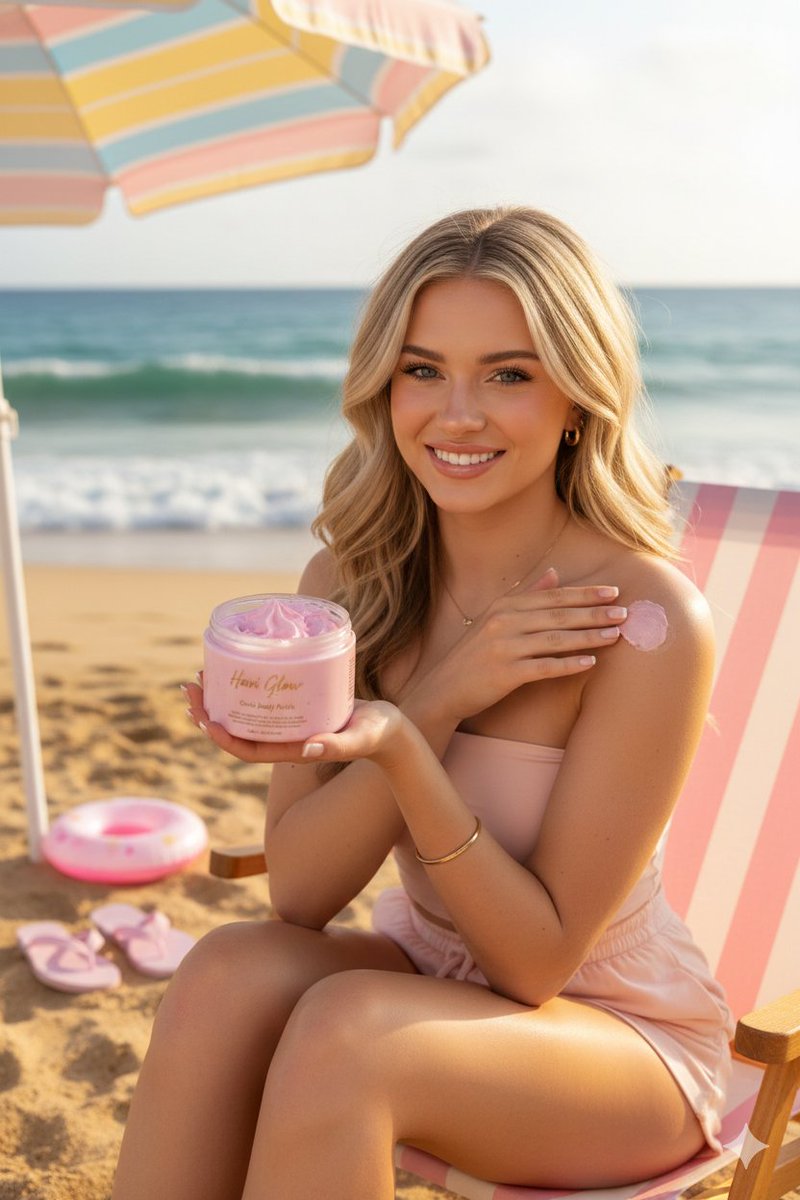
A highly detailed lifestyle prompt for GPT Image 2 capturing a young restaurant worker in a modern café with vibrant colors and natural movement.
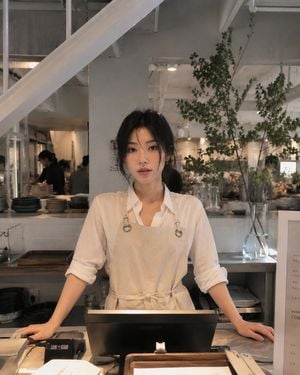
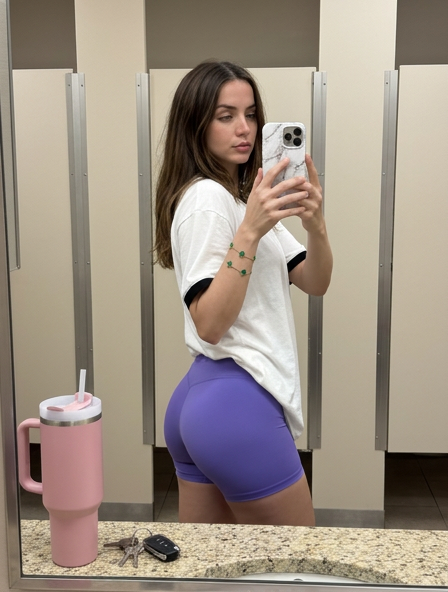
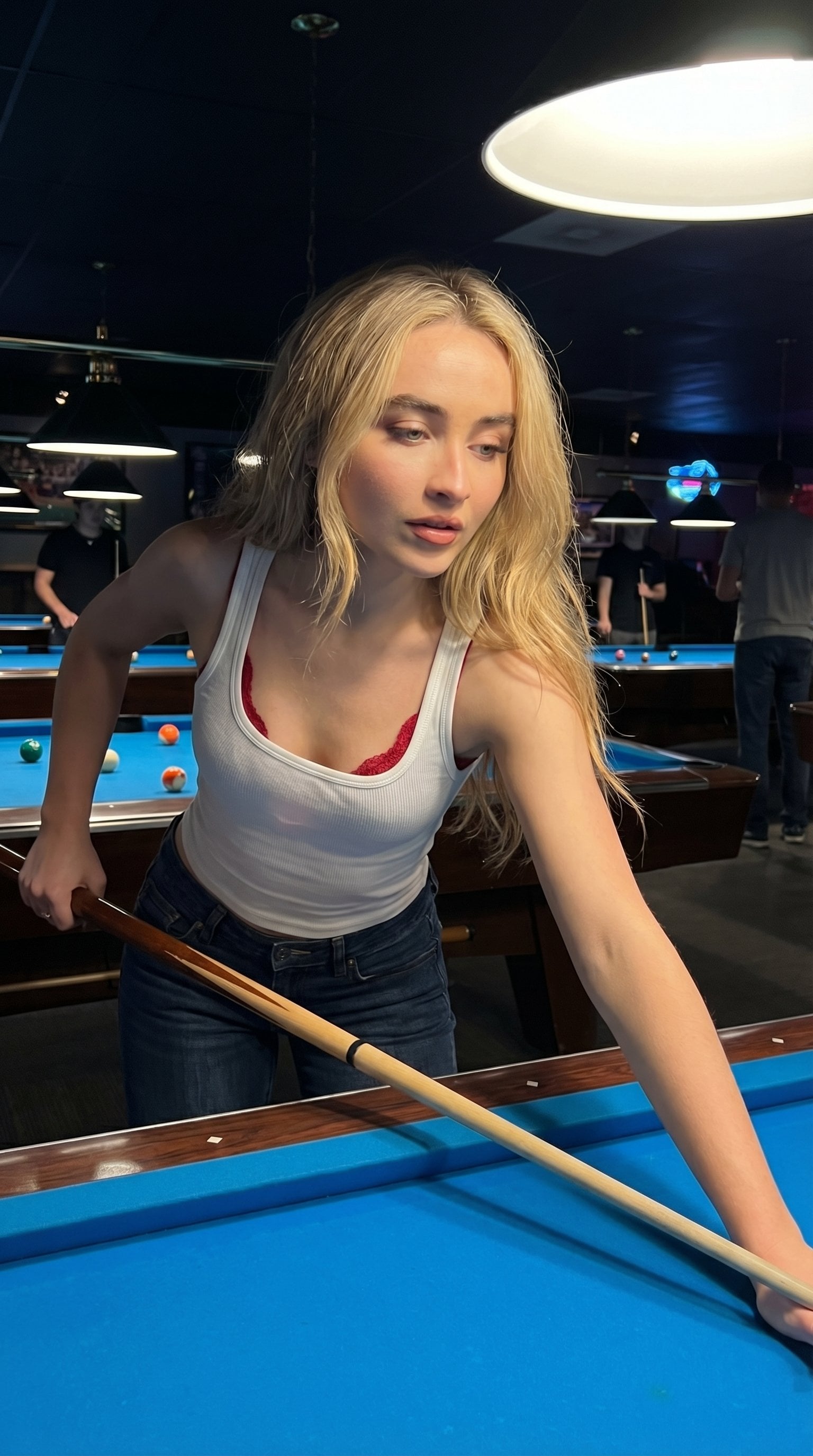
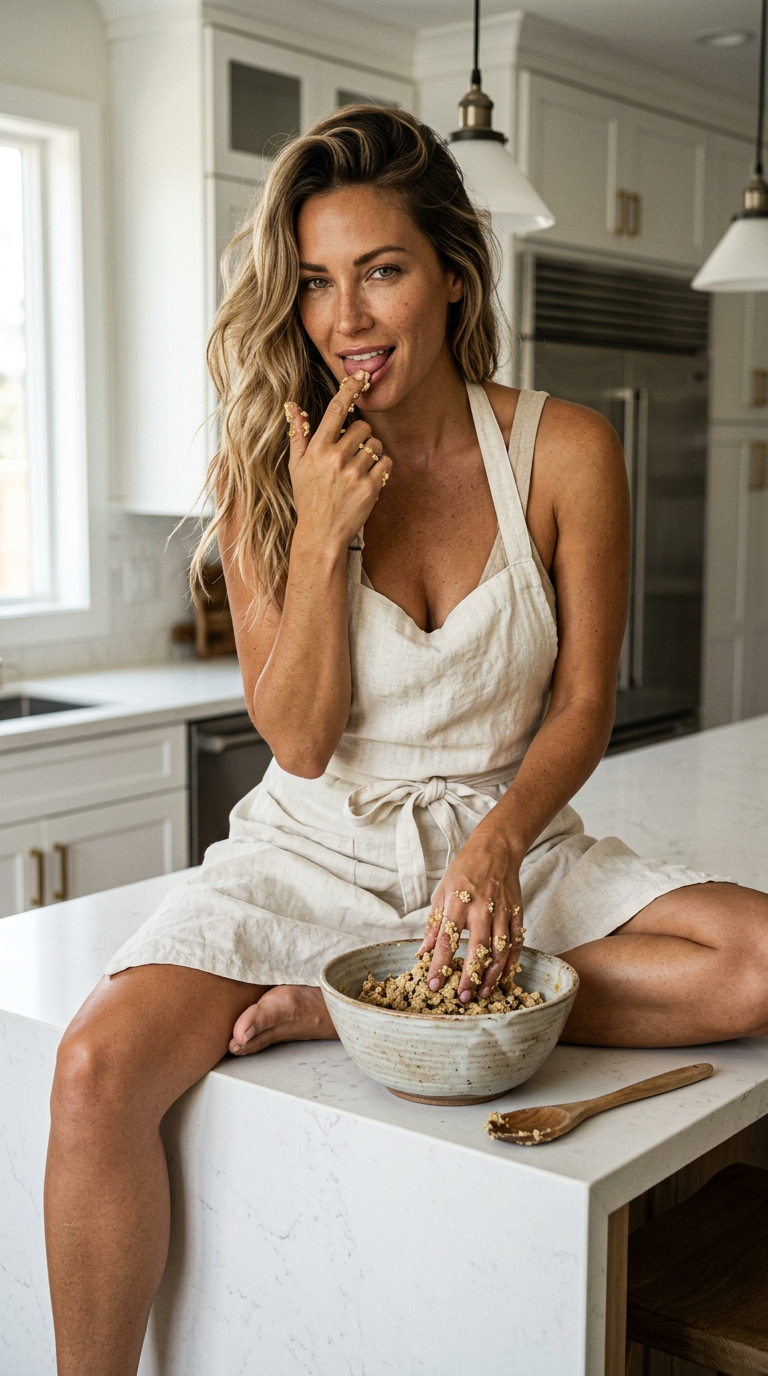
Ultra-realistic cinematic lifestyle photograph of a {argument name="subject" default="beautiful young woman working as a restaurant employee"} in a {argument name="setting" default="trendy modern café"}. Captured from a dynamic side angle behind the counter while reaching forward to serve a customer, natural working moment, focused expression, elegant messy bun hairstyle, white oversized shirt with rolled sleeves, beige apron, minimal makeup, natural skin texture. Bright and airy restaurant interior with shock colors and vibrant accents, colorful flowers, neon menu boards, pastel furniture, warm sunlight pouring through large windows, energetic yet premium atmosphere. Customers chatting in the background, coffee machines, pastries, glassware, and restaurant details visible. Shot on {argument name="camera" default="iPhone 16 Pro"}, shallow depth of field, cinematic lighting, realistic candid photography, Vogue-style lifestyle editorial, authentic employee-at-work moment, vibrant color grading, highly detailed, aesthetic Instagram photography, 9:16 vertical composition, no AI look, no posing, natural documentary realism.
Choose the primary action to open PicX Studio with the available template settings. Review the model and format, personalize the creative direction, and generate when ready.
Yes. You can change the subject, setting, lighting, mood, format, and available model controls before creating your image.
This template is free to open and customize. Generation usage is shown in PicX Studio before you create.
Start with GPT Image 2, which is the model associated with this template. You can compare another compatible model for a different finish.
Follow a topic to a crawlable collection of related PicX Studio templates.