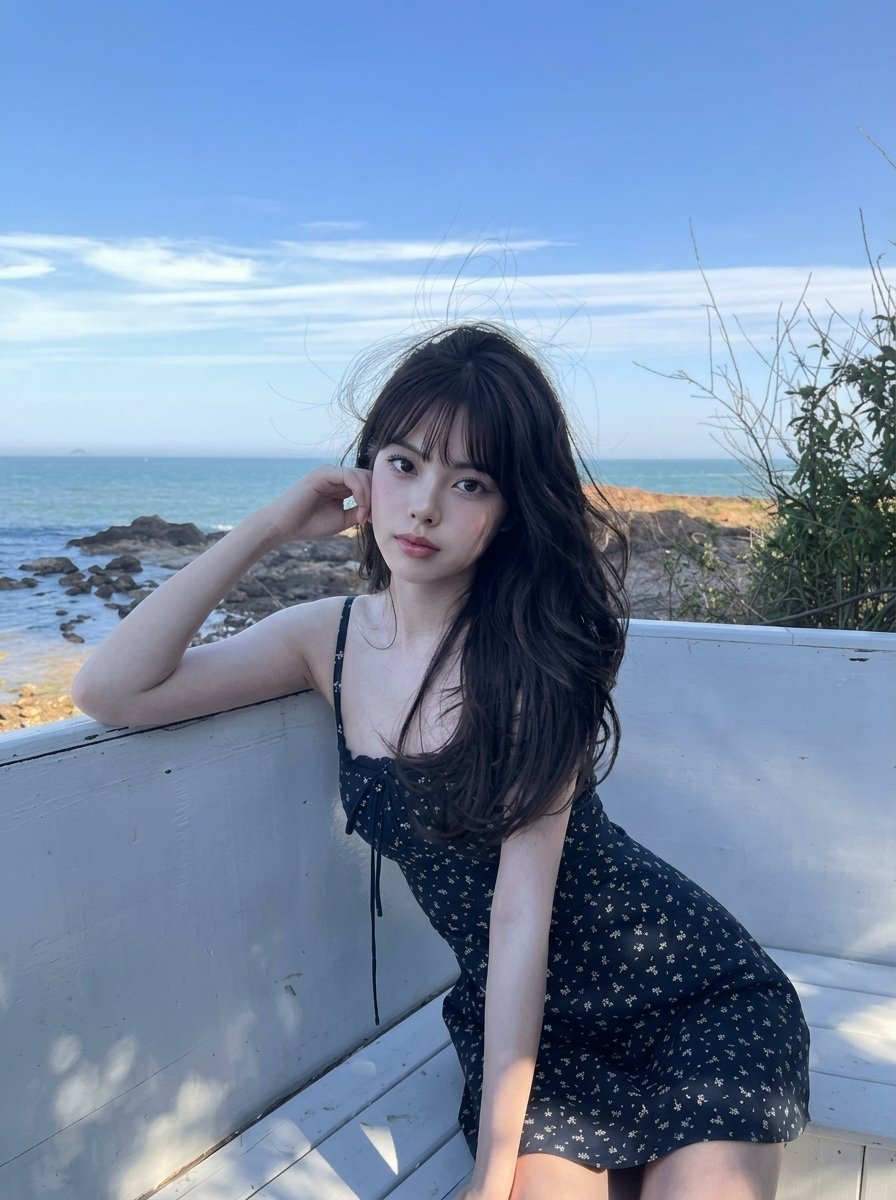
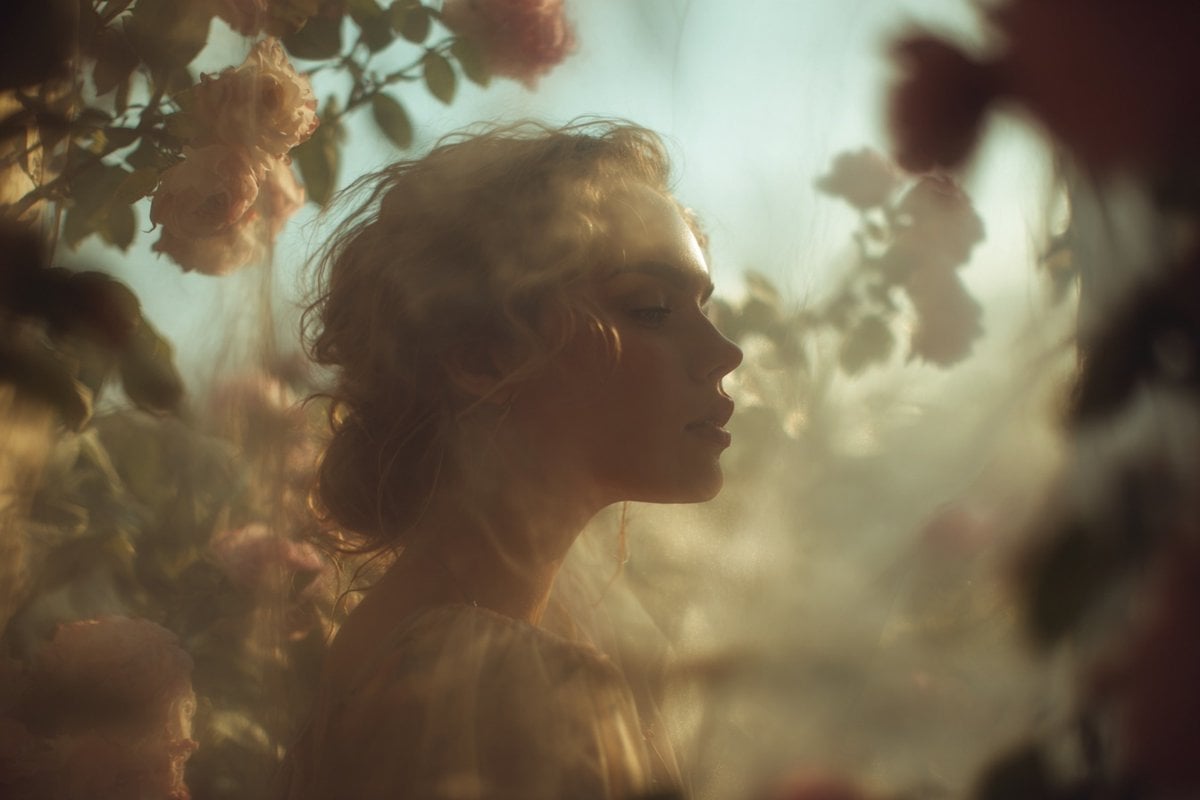
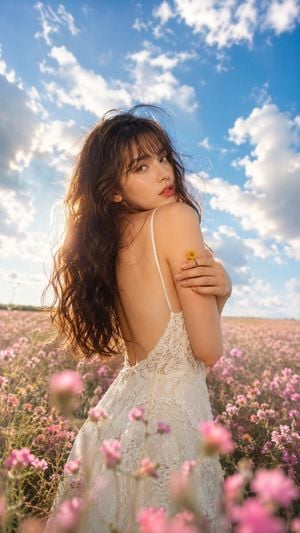
How do I use the Ethereal Portrait in a Floral Meadow template?
Edit the prompt in the box under the preview — the template's model and format are already selected — and press Generate. Your version appears right on this page.
A photorealistic portrait of a woman in an elegant maxi dress standing in a lush meadow with a rainbow and golden hour lighting.

A beautiful {argument name="subject" default="young woman"} with long, voluminous, wavy black hair looking back over her shoulder with a gentle smile. She is wearing an {argument name="outfit" default="elegant cream-colored, flowing maxi dress"} featuring sheer bishop sleeves and delicate floral embroidery on the bodice. She is standing umair in a vast, {argument name="environment" default="lush meadow"} filled with blooming white daisies and scattered red poppies. A beautiful young woman with long, voluminous, wavy black hair looking back over her shoulder with a gentle smile. She is wearing an elegant cream-colored, flowing maxi dress featuring sheer bishop sleeves and delicate floral embroidery on the bodice. She is standing umair in a vast, lush meadow filled with blooming white daisies and scattered red poppies.The foreground shows blurred white daisies creating a soft depth-of-field effect. In the background, a soft, vibrant rainbow stretches across a warm, hazy golden hour sky. Photorealistic, cinematic lighting, ethereal atmosphere, 8k resolution.
A beautiful {argument name="subject" default="young woman"} with long, voluminous, wavy black hair looking back over her shoulder with a gentle smile. She is wearing an {argument name="outfit" default="elegant cream-colored, flowing maxi dress"} featuring sheer bishop sleeves and delicate floral embroidery on the bodice. She is standing umair in a vast, {argument name="environment" default="lush meadow"} filled with blooming white daisies and scattered red poppies. A beautiful young woman with long, voluminous, wavy black hair looking back over her shoulder with a gentle smile. She is wearing an elegant cream-colored, flowing maxi dress featuring sheer bishop sleeves and delicate floral embroidery on the bodice. She is standing umair in a vast, lush meadow filled with blooming white daisies and scattered red poppies.The foreground shows blurred white daisies creating a soft depth-of-field effect. In the background, a soft, vibrant rainbow stretches across a warm, hazy golden hour sky. Photorealistic, cinematic lighting, ethereal atmosphere, 8k resolution.
Edit the prompt in the box under the preview — the template's model and format are already selected — and press Generate. Your version appears right on this page.
Yes. You can change the subject, setting, lighting, mood, format, and available model controls before creating your image.
Opening and editing this template is free. Generating uses credits, shown on the Generate button when you are signed in.
Start with GPT Image 2, which is the model associated with this template. You can compare another compatible model for a different finish.
Follow a topic to a crawlable collection of related PicX Studio templates.