
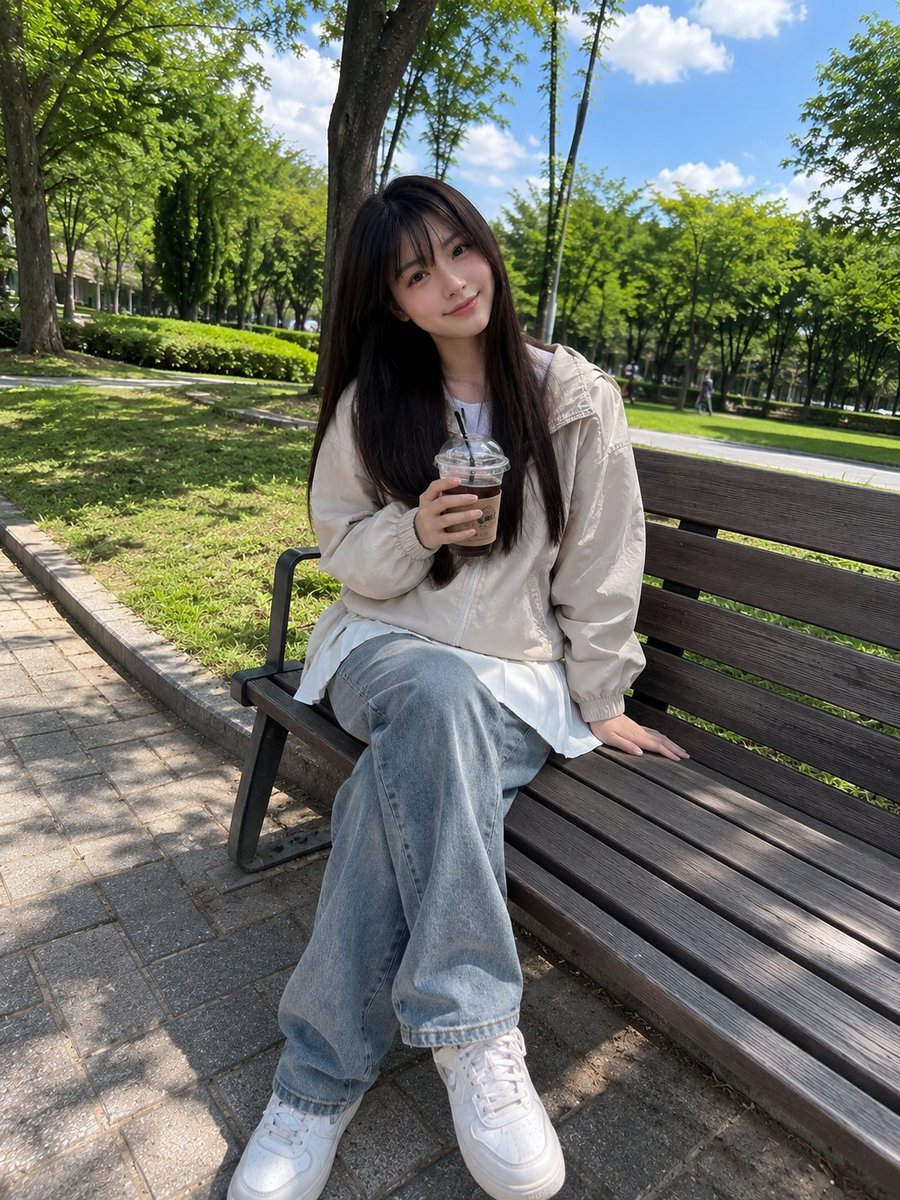
Japanese Girl Park Snapshot
A prompt designed to create a casual, candid smartphone-style photo of a Japanese girl in a park setting with realistic textures.
- Prompt included
- Model and format preset
- Free template
The prompt behind this image
Copy the exact prompt behind Japanese Girl Park Snapshot, or open it in the studio and make it yours.
Beautiful young Japanese girl with {argument name="hair style" default="long straight dark brown hair and soft full bangs"}, fair skin, bright natural smile, sitting casually on a wooden park bench while holding an {argument name="drink" default="iced coffee cup"}. Wearing a {argument name="outerwear" default="light beige windbreaker jacket"} and a {argument name="clothing" default="white pleated mini skirt"}, relaxed posture, one hand resting on the bench. Surrounded by a lush green park with tall trees, fresh grass, and a bright blue sky with soft clouds. Captured with a smartphone camera in portrait mode, casual everyday snapshot, natural daylight, handheld iPhone photo, slightly imperfect framing, realistic skin texture, natural colors, soft HDR phone processing, candid social-media aesthetic, no professional modeling, no studio lighting, no cinematic color grading, authentic mobile photography, ordinary park outing vibe, spontaneous moment, realistic shadows, subtle lens softness, photorealistic, high-quality phone camera image.
How to use Japanese Girl Park Snapshot in 3 steps
- 1
Open
The prompt is already in the box next to the preview, with the template's model and format selected.
- 2…a portrait of your subject in softgolden-hour light, 85mm…
Personalize
Edit the subject and creative details for your destination.
- 3Generate
Generate
Press Generate — your image is created in PicX Studio, so you can compare it with the original and refine one variable at a time.
More like this
Templates with the same subject, style or setup. Open one to see its prompt.
Japanese Jungle Theme Park Parody Poster

Minecraft Japanese Research Lab Exploration

Teen Girl Alpine Lake Mountain View

Japanese Architectural Concrete Studio Fashion Campaign

Japanese Minimalist Concrete Studio Fashion Editorial

Blue Backdrop Luxury Fashion Portrait Campaign

Nostalgic Digicam Café Afternoon Portrait
Chibi Girl Holding Japanese Notice Sign
Japanese Schoolgirls Ultra Wide Wallpaper
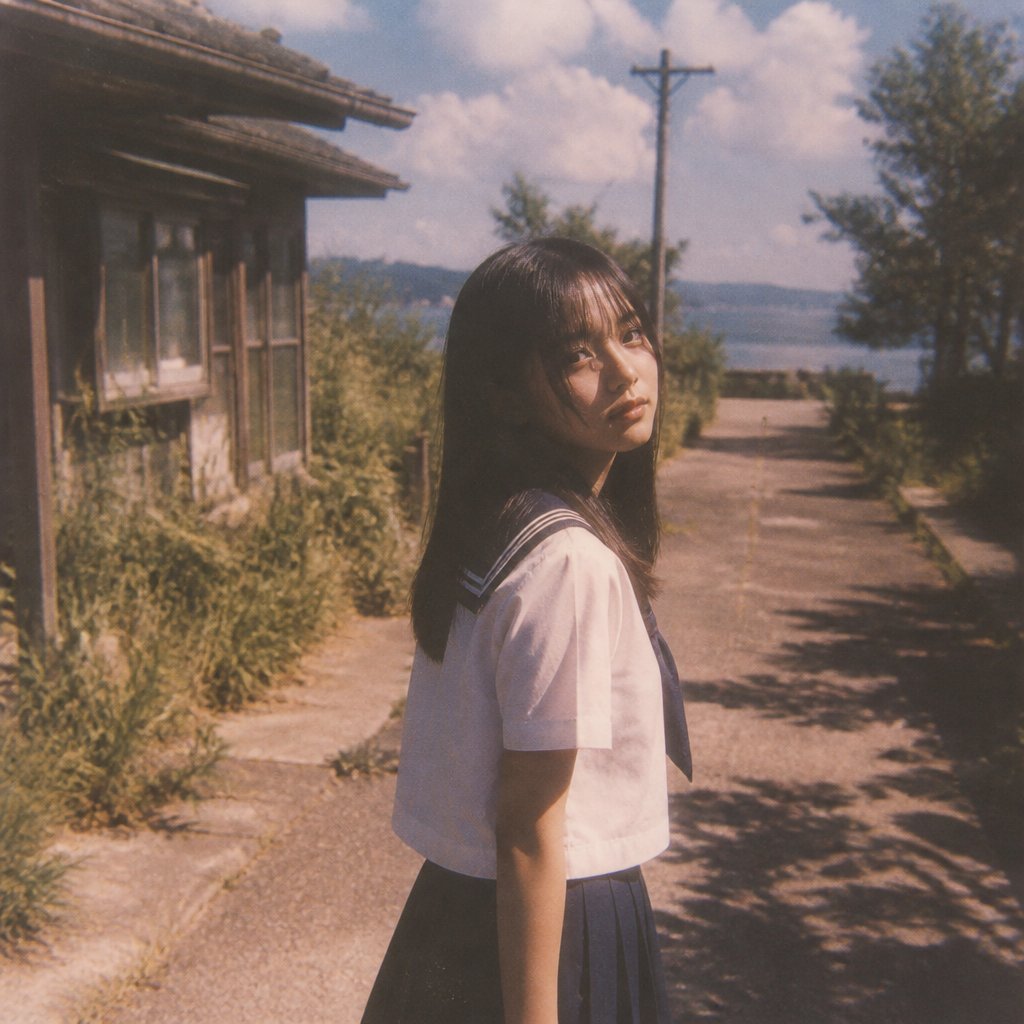
Nostalgic Summer Schoolgirl Snapshot

Japanese Film Reflection Idol

Consistent Series Character Street Snapshot
Make it yours
Japanese Girl Park Snapshot works as-is. These are the safest ways to change it without losing the look.
Change one field
Copy a single group, rewrite it, and generate again so you can see what that field is doing.
Keep the frame, change the subject
Hold the composition and light of Japanese Girl Park Snapshot, then swap wardrobe, props or the person for a new take.
| If the result… | Why | Fix |
|---|---|---|
| The result drifts from the preview | Too many fields changed at once. | Reuse Japanese Girl Park Snapshot as-is first, then change one group — subject, light, or setting. |
| The model over-stylizes the scene | The prose prompt leaves finish and camera underspecified. | Add one camera or lighting sentence and stay on GPT Image 2. |
More GPT Image 2 templates
Other prompts made for GPT Image 2.

Realistic Portrait of Woman and Deer

The Vista Modular Condo Poster

AI Model Routing Comparison Infographic

2.5D Anime Art Board

Isometric Productivity Desk Scene

New York Double Exposure Poster

Four-Panel AI Landscape Comparison

NESCAFÉ Coffee Map Poster

Brutalist Cogito Chinese Typography Poster

Cinematic Luxury Terrace Portrait
More image prompts
Fresh picks from across the catalog.

Anime Romance Promotional Poster

Exploding Fanta Goiaba Soda Can Product Shot
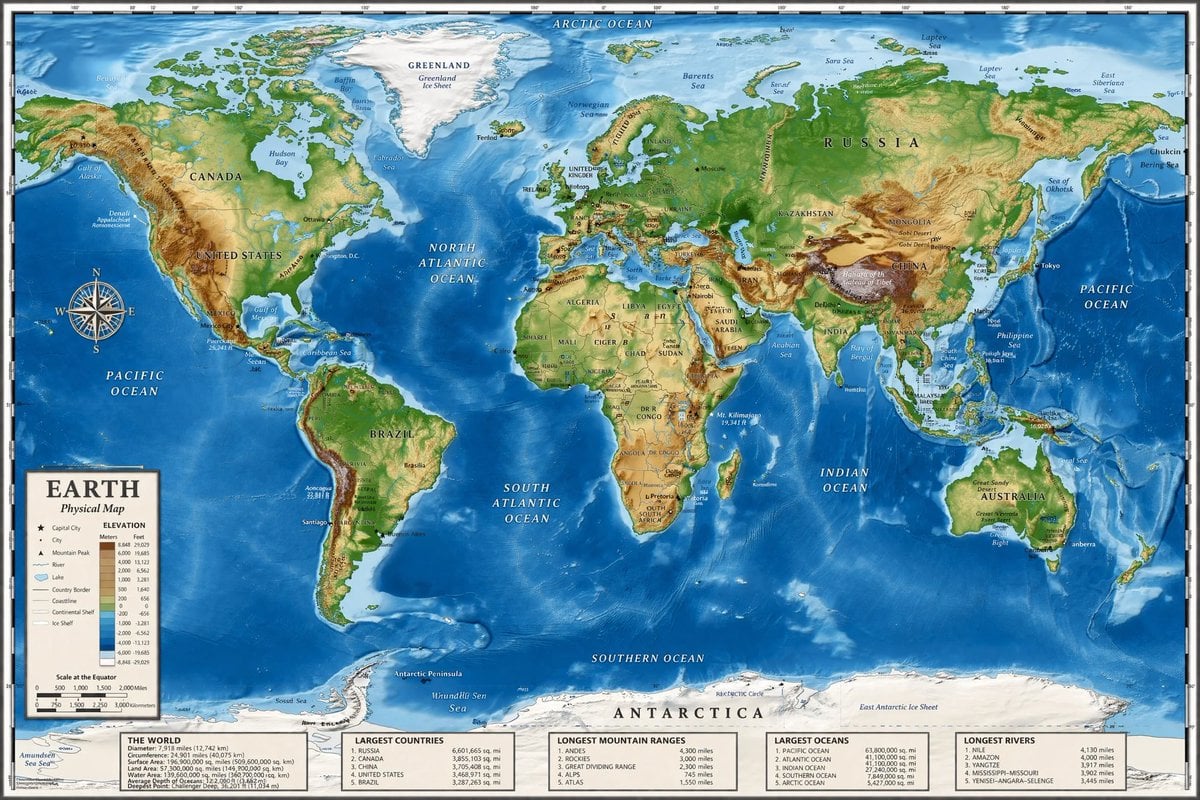
Detailed Physical World Map with Info Panels
8K Chiaroscuro Portrait JSON
Ancient Fantasy Red Gold Portrait
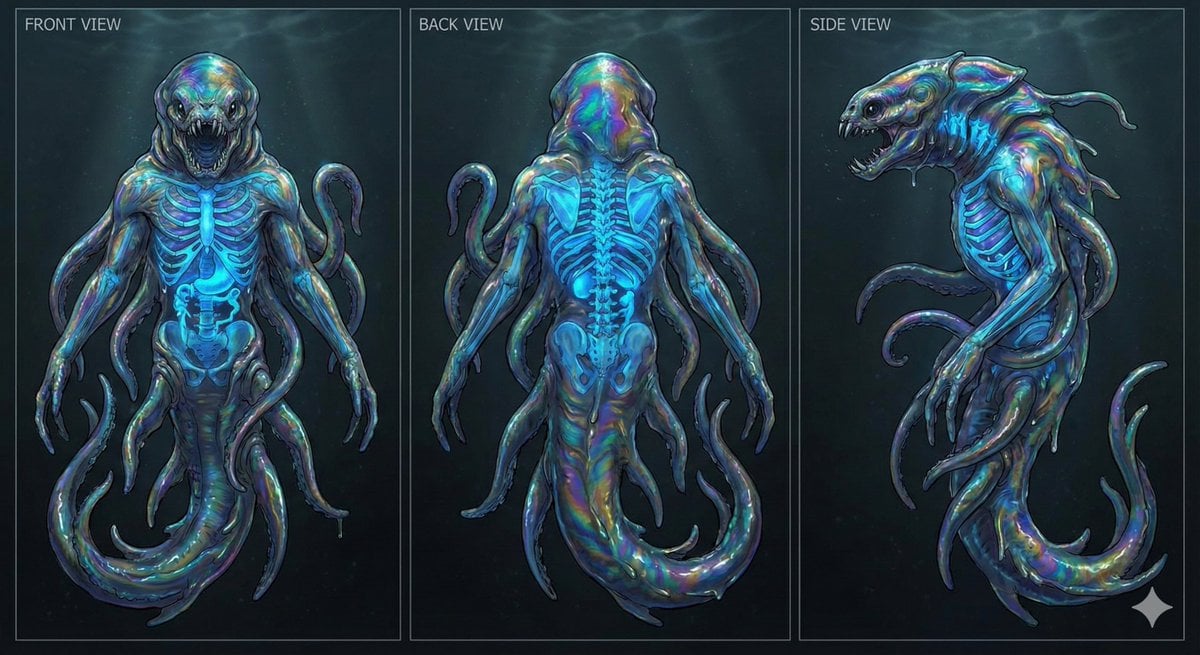
Character Sheet for Deep-Sea Creature with Bioluminescent Skeleton
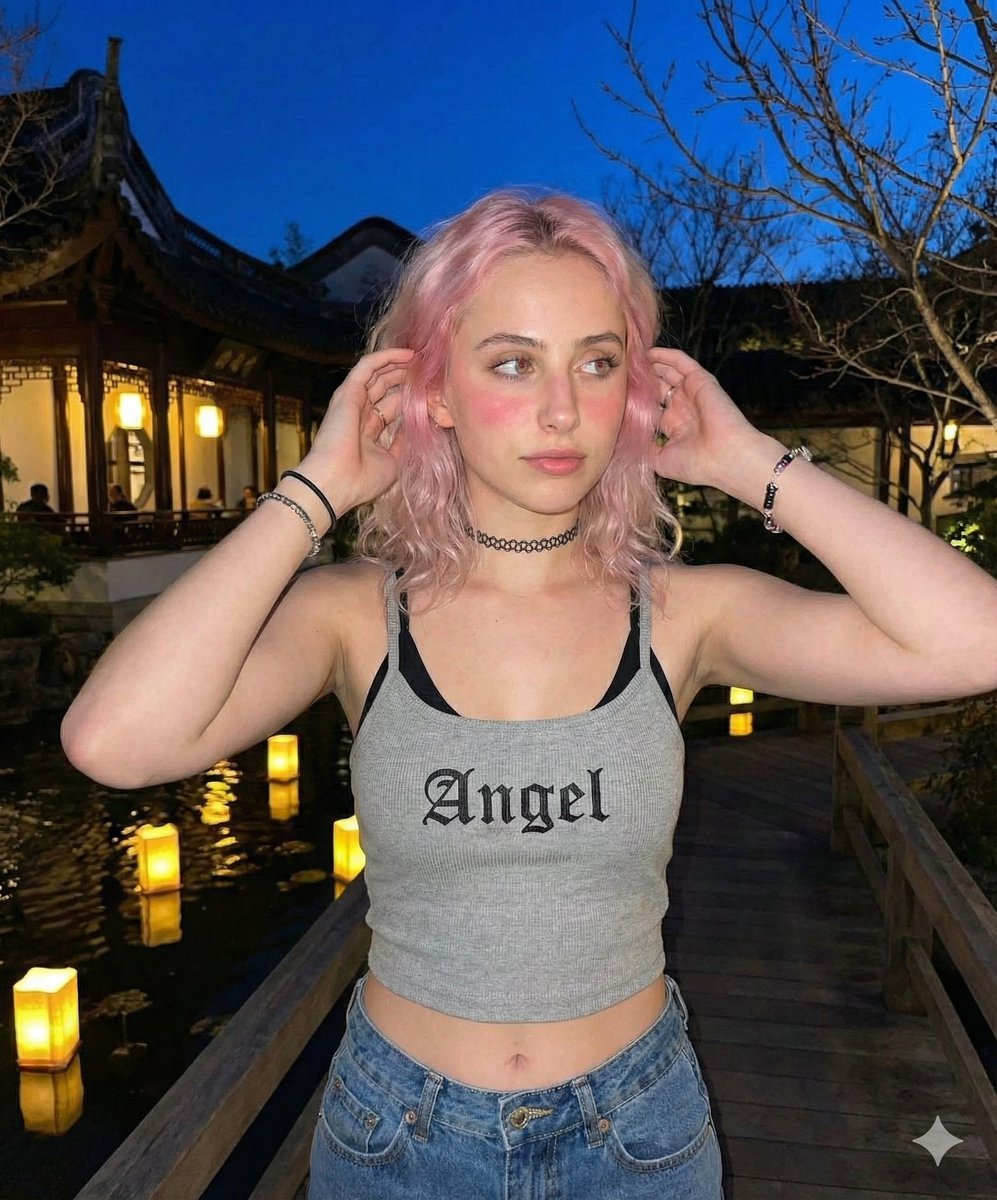
Nighttime Lifestyle Portrait Prompt

Character Emerging from Smartphone Screen (Forced Perspective)

Amateur Smartphone Selfie Black Cat

Monochrome Paparazzi Fashion Poster
Browse template categories
Japanese Girl Park Snapshot questions
How do I use the Japanese Girl Park Snapshot template?
Add your photo if the template asks for one, edit the prompt if you like — the template's model and format are already selected — and press Generate. Your version opens in PicX Studio.
Can I customize the Japanese Girl Park Snapshot template?
Yes. You can change the subject, setting, lighting, mood, format, and available model controls before creating your image.
Is the Japanese Girl Park Snapshot template free?
Opening and editing this template is free. Generating uses credits, shown on the Generate button when you are signed in.
Which AI model should I use?
Start with GPT Image 2, which is the model associated with this template. You can compare another compatible model for a different finish.
Looking for something else? Browse all templates.

Your photo, any look
Thousands of ready templates for every top image and video model, from one credit balance.