How do I use the Cinematic Forest Runner template?
Choose the primary action to open PicX Studio with the available template settings. Review the model and format, personalize the creative direction, and generate when ready.
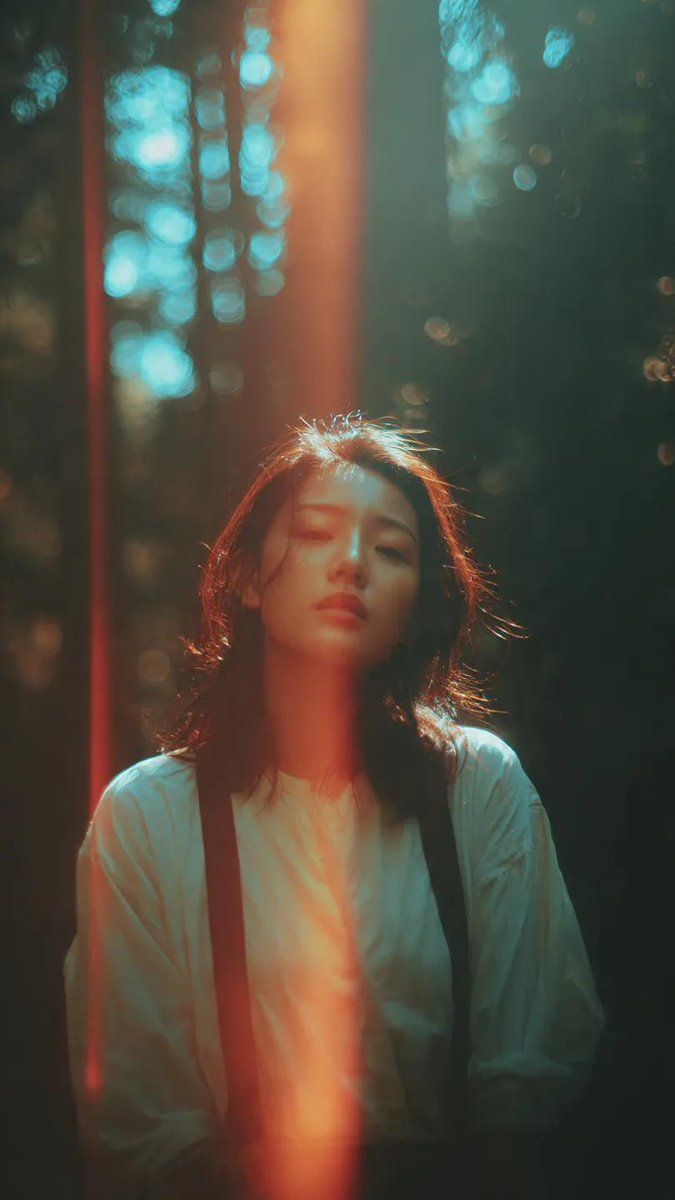
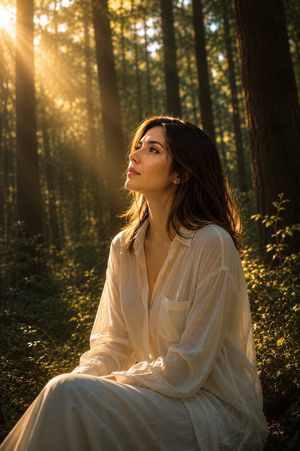
A dreamy widescreen film still of a white-clad figure running through a misty green forest, ideal for music-video storyboards or cinematic scene concepts.
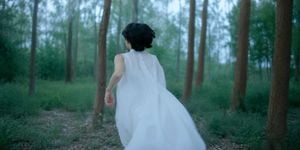
Create a cinematic widescreen film still of {argument name="character" default="a young person with short black hair"} running away from the camera through a quiet forest. The subject is centered slightly left, seen from behind, mid-stride, with one bare arm bent and visible, wearing a flowing {argument name="outfit" default="sleeveless translucent white dress or robe"} that trails dramatically to the right like a soft veil caught by motion. The forest contains tall, straight tree trunks receding into depth, dense green undergrowth, and a faint dirt path on the left foreground. Use cool teal-green color grading, early morning mist, soft diffused natural light, shallow depth of field, gentle motion blur on the fabric and background, and an emotional dreamlike music-video atmosphere. Compose in a 2.39:1 cinematic aspect ratio, low-to-mid camera height following behind the runner, with realistic photography, soft focus edges, no text, no logos, no extra people.
Choose the primary action to open PicX Studio with the available template settings. Review the model and format, personalize the creative direction, and generate when ready.
Yes. You can change the subject, setting, lighting, mood, format, and available model controls before creating your image.
This template is free to open and customize. Generation usage is shown in PicX Studio before you create.
Start with GPT Image 2, which is the model associated with this template. You can compare another compatible model for a different finish.
Follow a topic to a crawlable collection of related PicX Studio templates.