How do I use the Rugged Sophisticated Male Portrait template?
Choose the primary action to open PicX Studio with the available template settings. Review the model and format, personalize the creative direction, and generate when ready.
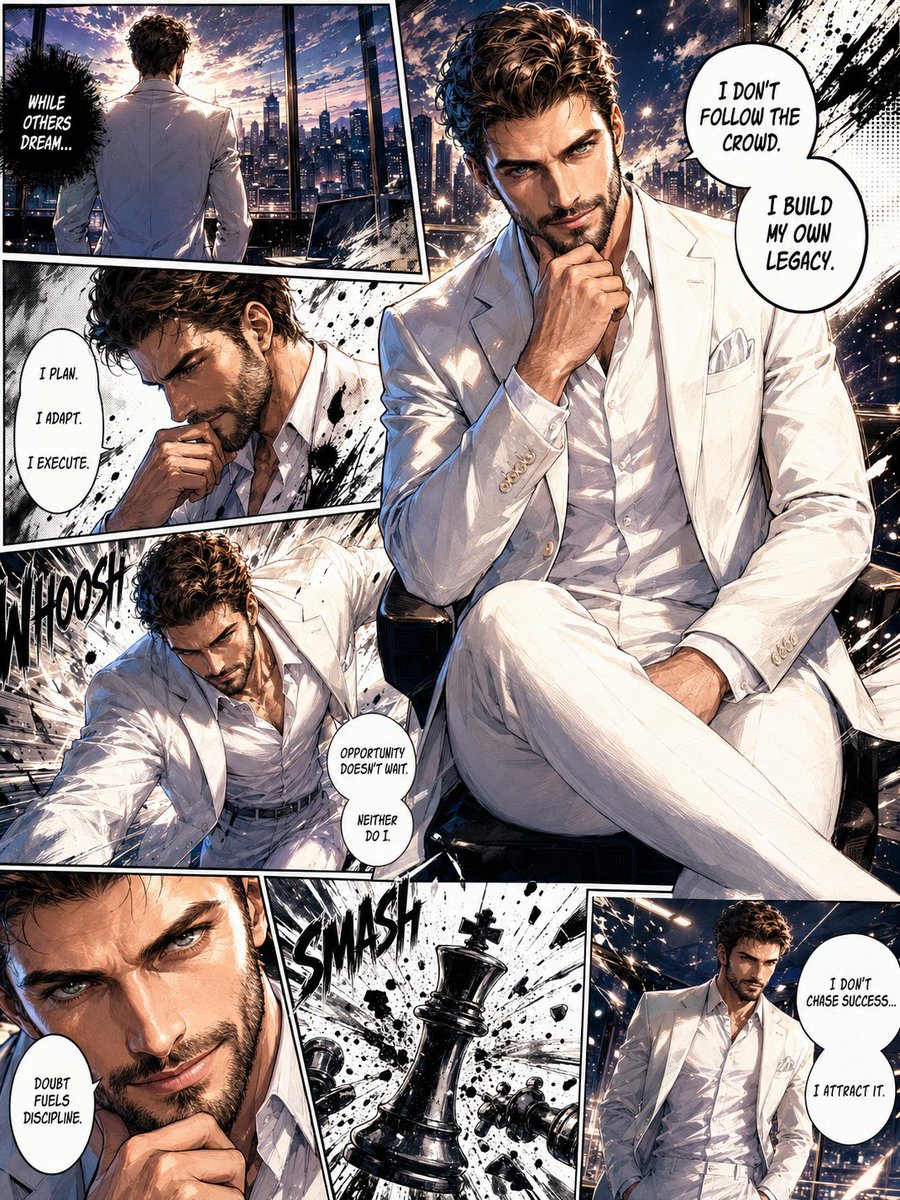
A cinematic close-up prompt for a middle-aged man with premium fashion elements, utilizing 85mm lens characteristics for a moody luxury aesthetic.
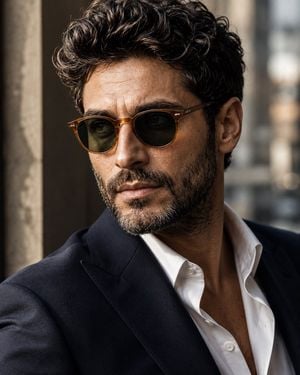
A cinematic close-up portrait of a rugged, sophisticated middle-aged man with thick wavy dark brown hair streaked with subtle gray, a full well-groomed salt-and-pepper beard, wearing premium {argument name="eyewear style" default="translucent amber acetate round sunglasses"} with {argument name="lens color" default="dark green"} lenses, dressed in a {argument name="outfit" default="tailored navy blazer over a crisp white open-collar shirt"}. Soft natural window light from the side creates gentle contrast, highlighting skin texture and facial details. Moody luxury editorial aesthetic, timeless European style, shallow depth of field, blurred urban background, rich earthy color grading, ultra-realistic skin, premium fashion campaign, photorealistic, 85mm lens, f/1.8, high dynamic range, razor-sharp focus on the face and sunglasses, subtle film grain, luxury eyewear advertisement, 8K, highly detailed.
Choose the primary action to open PicX Studio with the available template settings. Review the model and format, personalize the creative direction, and generate when ready.
Yes. You can change the subject, setting, lighting, mood, format, and available model controls before creating your image.
This template is free to open and customize. Generation usage is shown in PicX Studio before you create.
Start with GPT Image 2, which is the model associated with this template. You can compare another compatible model for a different finish.
Follow a topic to a crawlable collection of related PicX Studio templates.