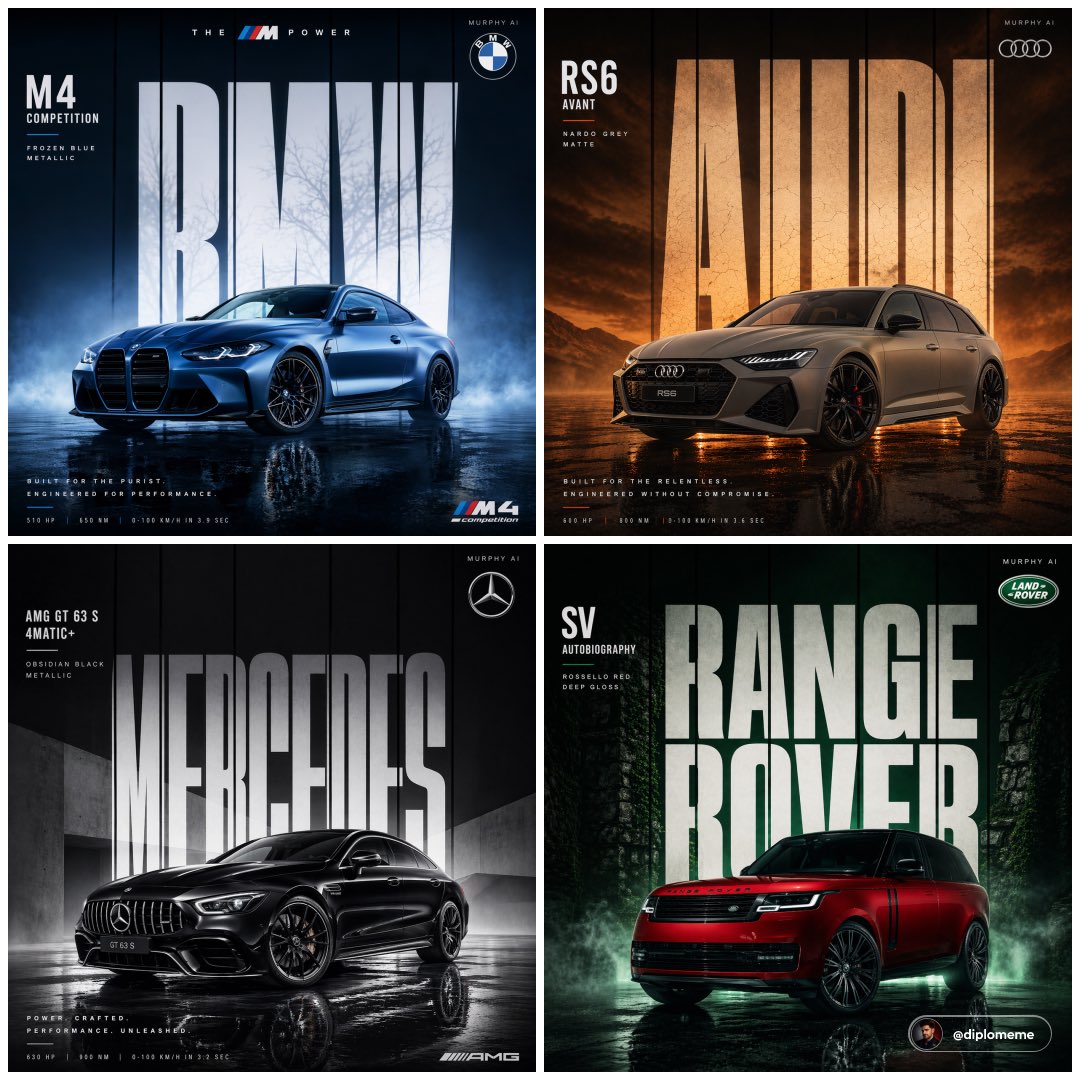
How do I use the Minimalist Automotive Editorial Poster template?
Choose the primary action to open PicX Studio with the available template settings. Review the model and format, personalize the creative direction, and generate when ready.
A structured prompt for creating a minimalist car poster with professional magazine styling and customizable elements.
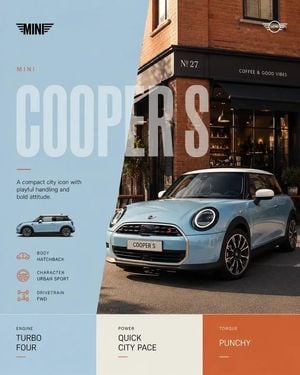
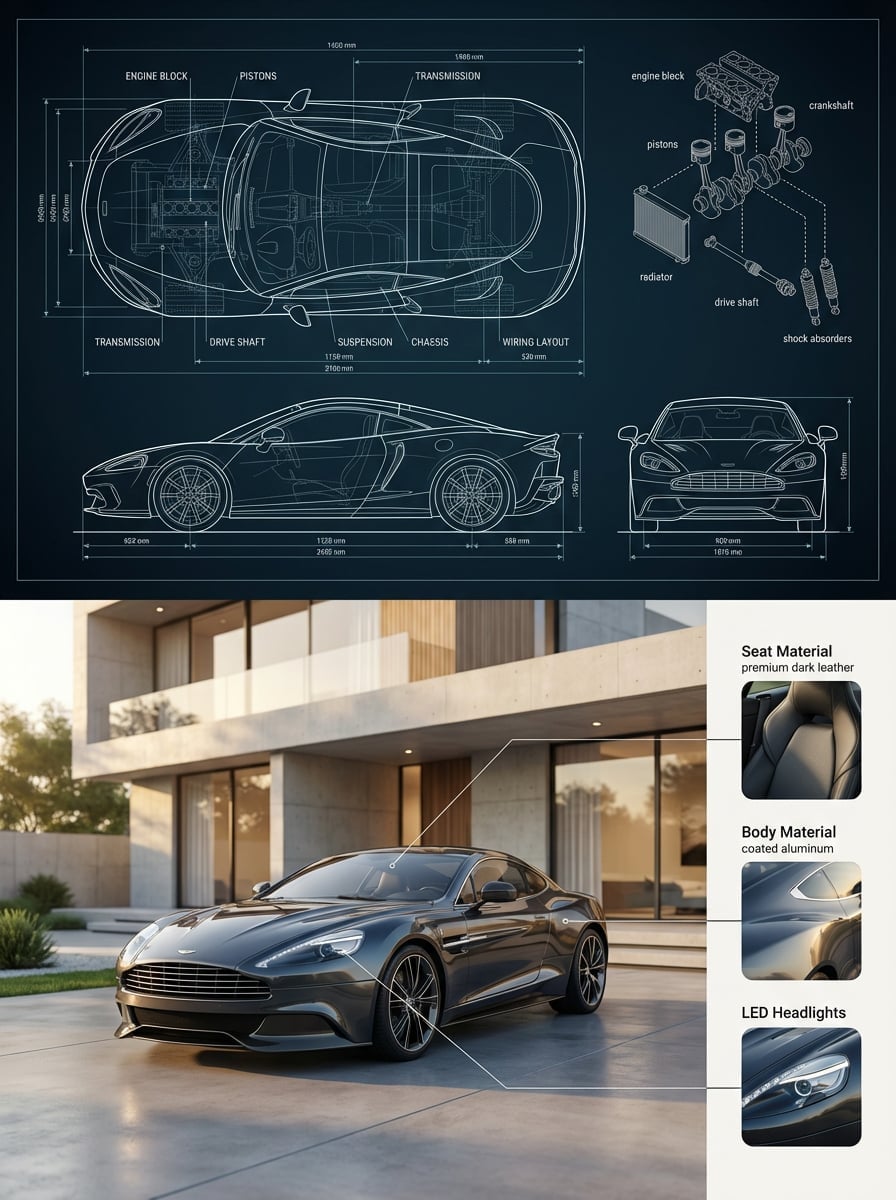
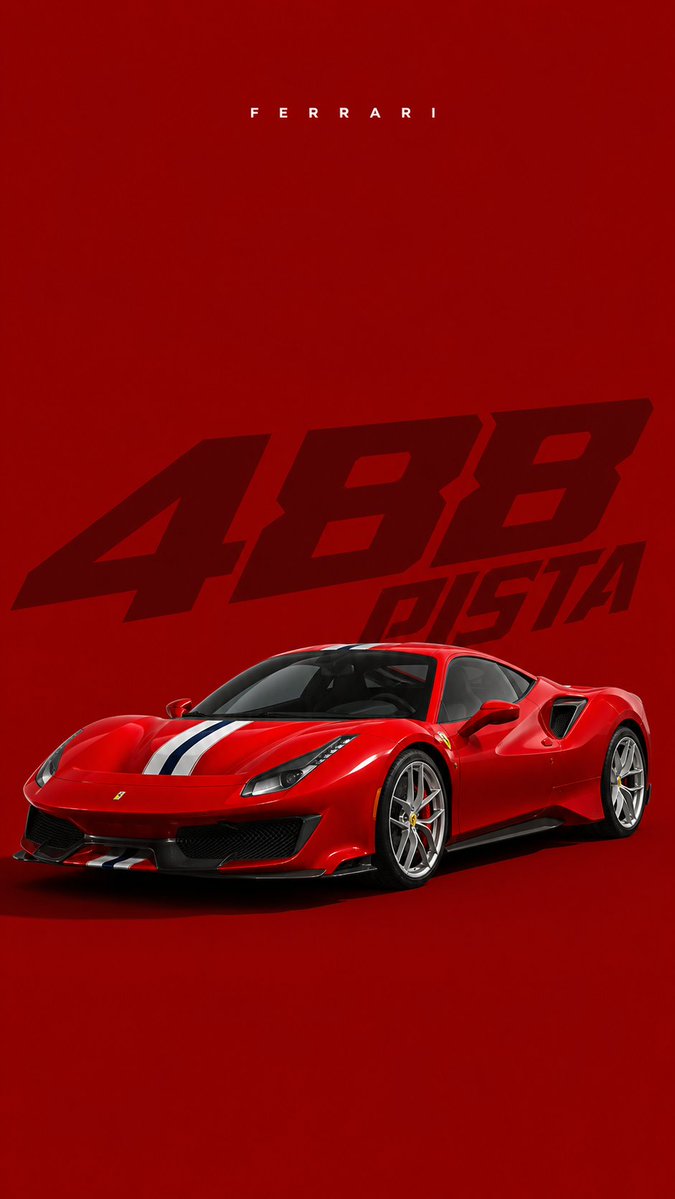
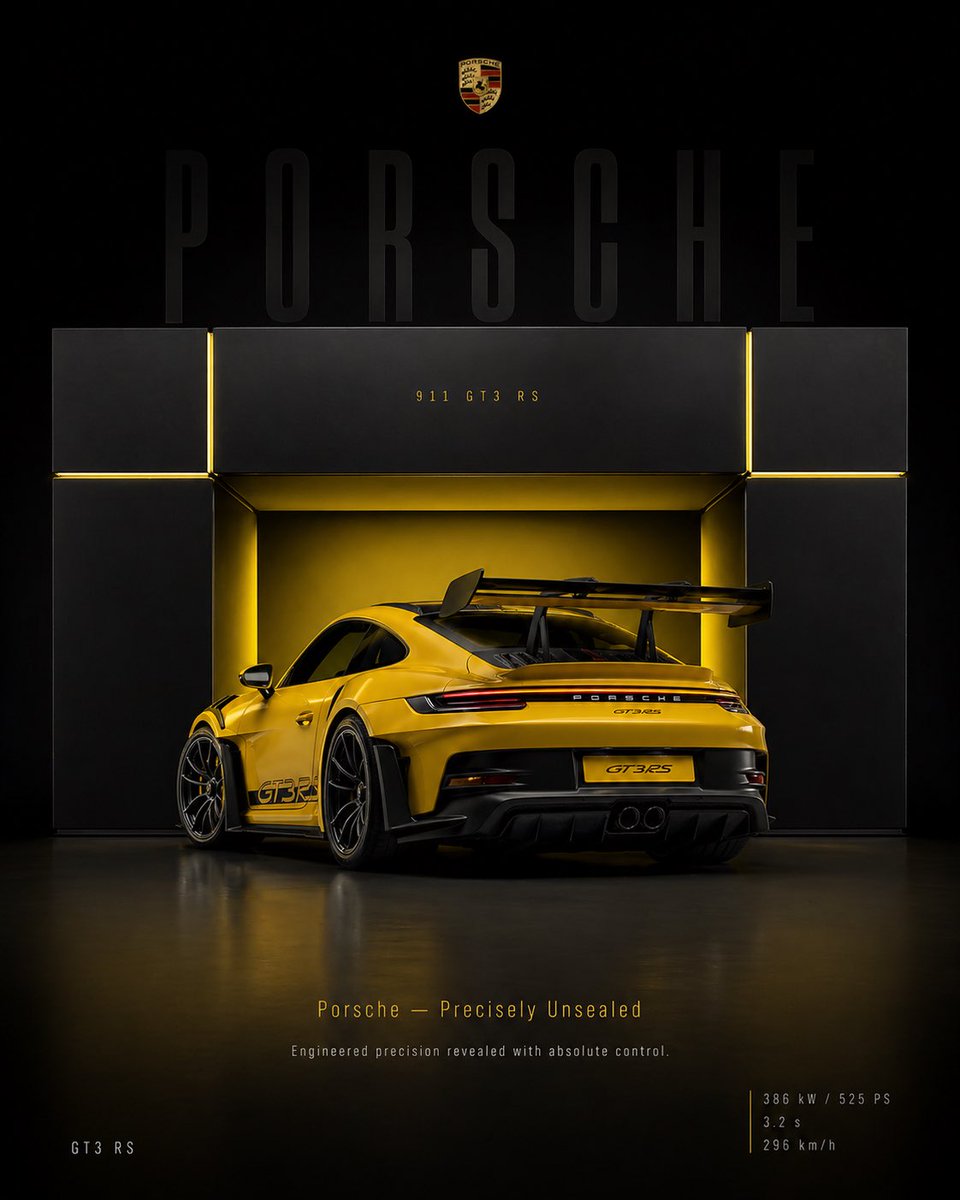
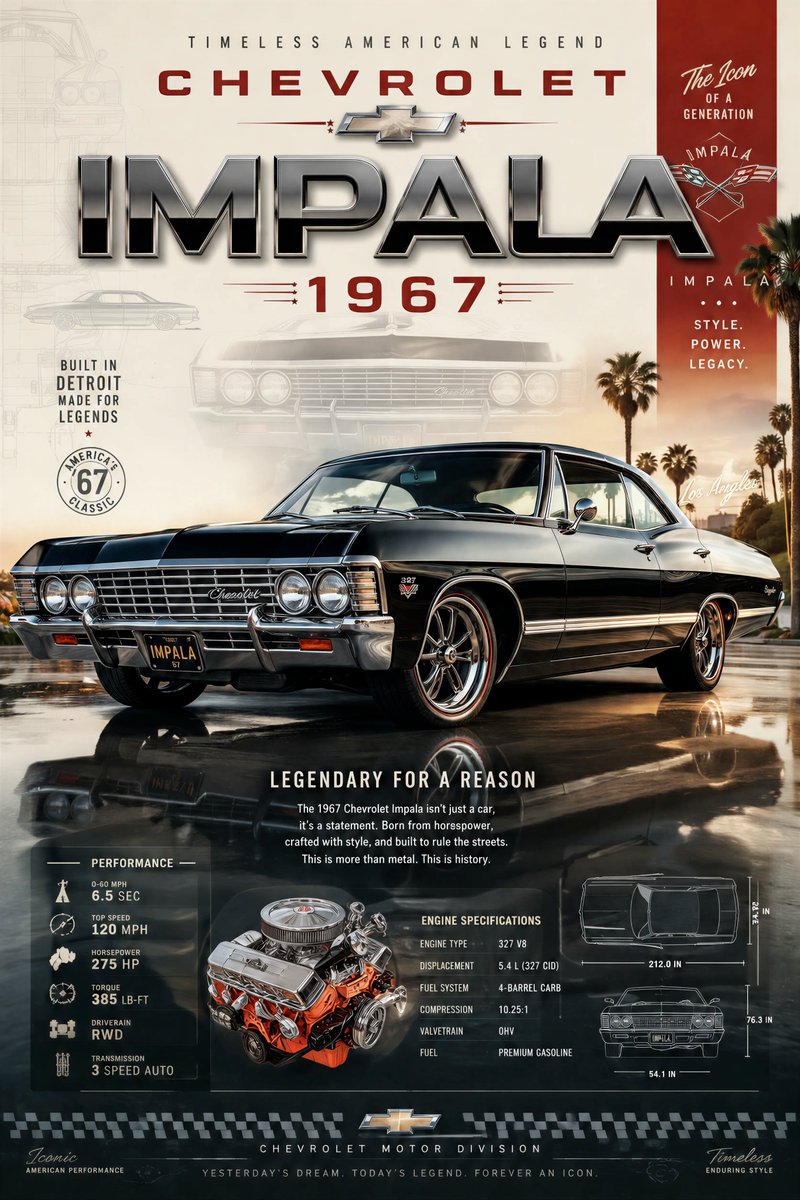
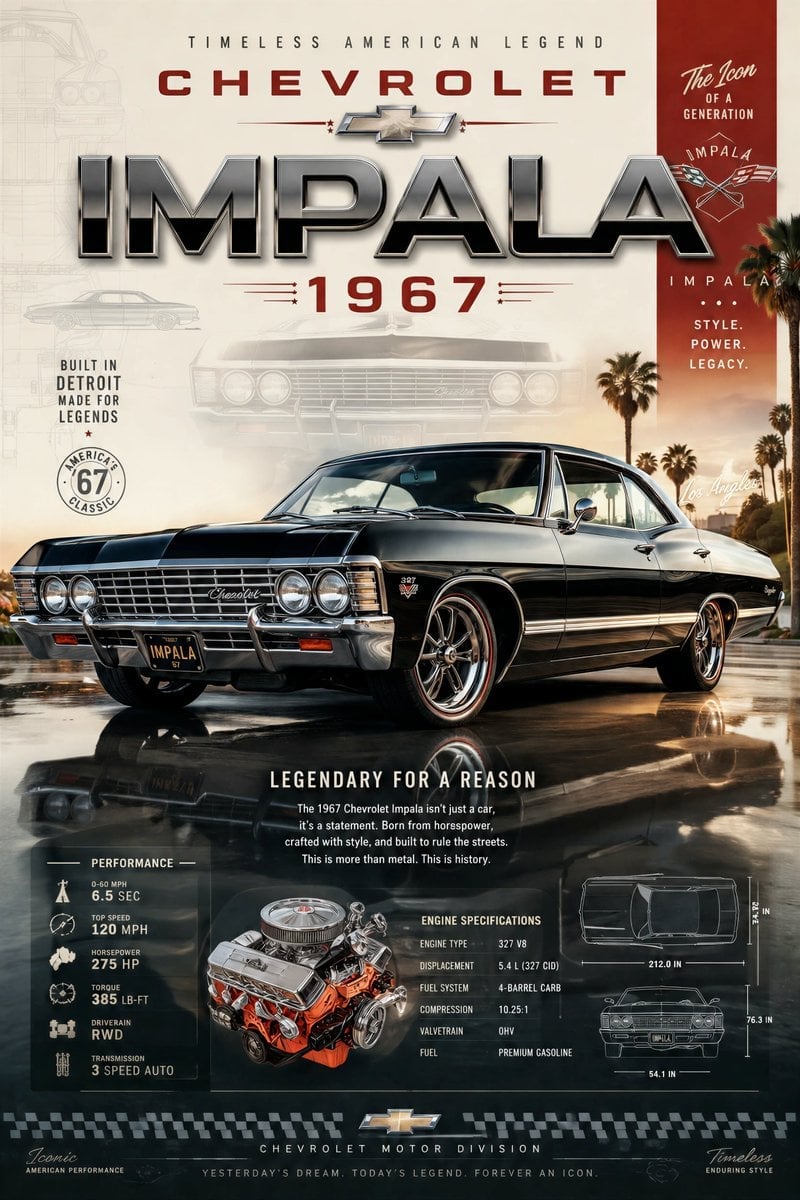
Minimalist automotive editorial poster for {argument name="car model" default="[CAR]"}, 4:5. Show the car in {argument name="color" default="[COLOR]"}, front three-quarter view on the lower right, parked in {argument name="scene" default="[SCENE]"}. Use a clean split-layout design with a distinct graphic color palette, realistic commercial photography, crisp reflections, clean shadows, and premium magazine styling. Add the matching manufacturer wordmark at the top left, a small matching logo at the top right, and a huge translucent model text reading “[MODEL]” behind the composition. Include one short editorial sentence reading “[LINE]”. Add one tiny side-profile car thumbnail, three compact info labels, and three bottom spec blocks: ENGINE, POWER, TORQUE. Modern sparse typography, lots of negative space, clean automotive brochure aesthetic.
Choose the primary action to open PicX Studio with the available template settings. Review the model and format, personalize the creative direction, and generate when ready.
Yes. You can change the subject, setting, lighting, mood, format, and available model controls before creating your image.
This template is free to open and customize. Generation usage is shown in PicX Studio before you create.
Start with GPT Image 2, which is the model associated with this template. You can compare another compatible model for a different finish.
Follow a topic to a crawlable collection of related PicX Studio templates.