How do I use the Emerald Suit Fashion Snake Portrait template?
Choose the primary action to open PicX Studio with the available template settings. Review the model and format, personalize the creative direction, and generate when ready.
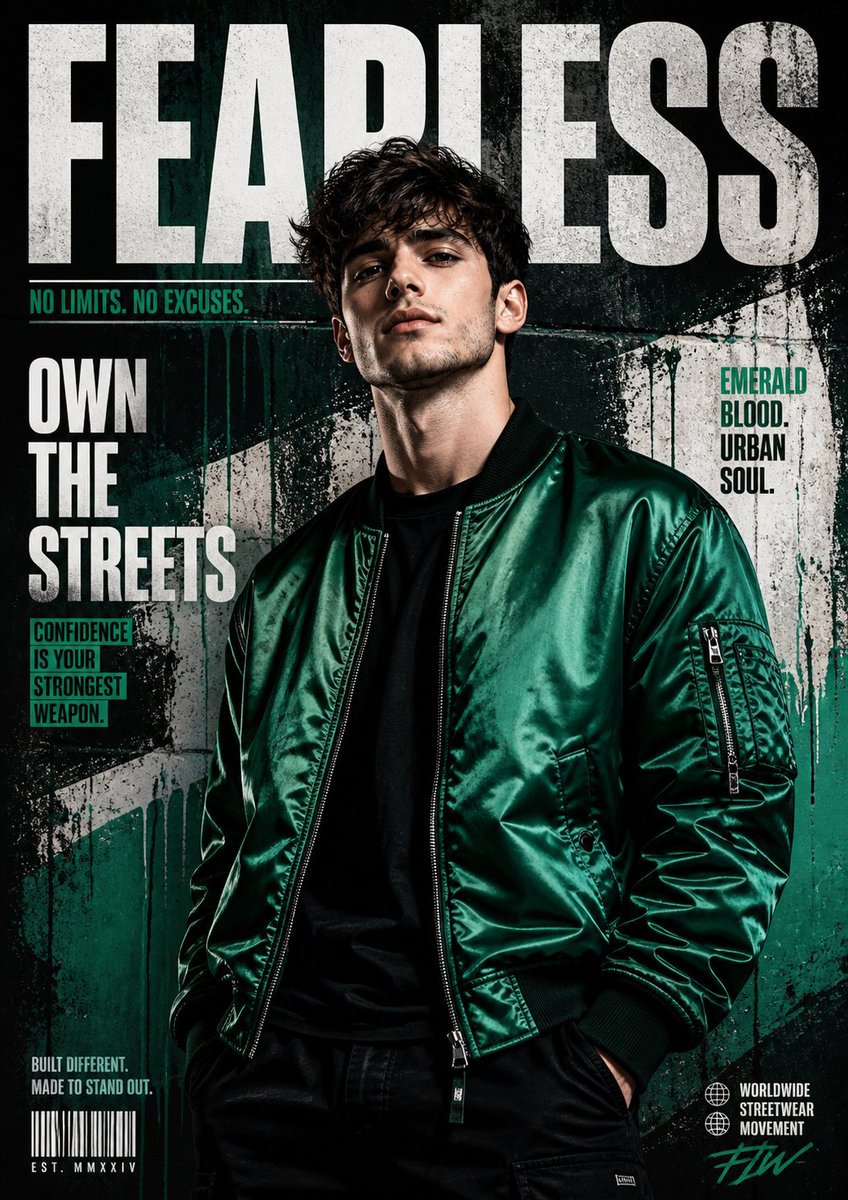
An ultra-realistic fashion editorial portrait featuring a boy in a green suit with a large snake and high-end brand typography.

Ultra-realistic high-fashion editorial portrait of a {argument name="subject" default="stylish boy"} in a {argument name="suit color" default="deep emerald green"} double-breasted suit with a burgundy tie and pocket square, wearing thin gold-rimmed glasses. He is posed front-facing with a confident, intense expression against a solid luxury red studio background. A large patterned red-and-green snake is draped elegantly around his shoulders and arms, coiling across his torso in a symmetrical composition.Cinematic studio lighting, sharp focus, hyper-detailed skin and fabric texture, luxury fashion magazine aesthetic. At the top of the image, the word ‘{argument name="brand name" default="GUCCI"}’ appears in large elegant green serif lettering. Dramatic, high contrast, ultra-realistic, 8k editorial photography style.
Choose the primary action to open PicX Studio with the available template settings. Review the model and format, personalize the creative direction, and generate when ready.
Yes. You can change the subject, setting, lighting, mood, format, and available model controls before creating your image.
This template is free to open and customize. Generation usage is shown in PicX Studio before you create.
Start with GPT Image 2, which is the model associated with this template. You can compare another compatible model for a different finish.
Follow a topic to a crawlable collection of related PicX Studio templates.