
Luxury Fashion Magazine Editorial Layout
This prompt creates a sophisticated fashion magazine layout resting on a marble surface, featuring a hero portrait and supporting editorial imagery with realistic paper textures.
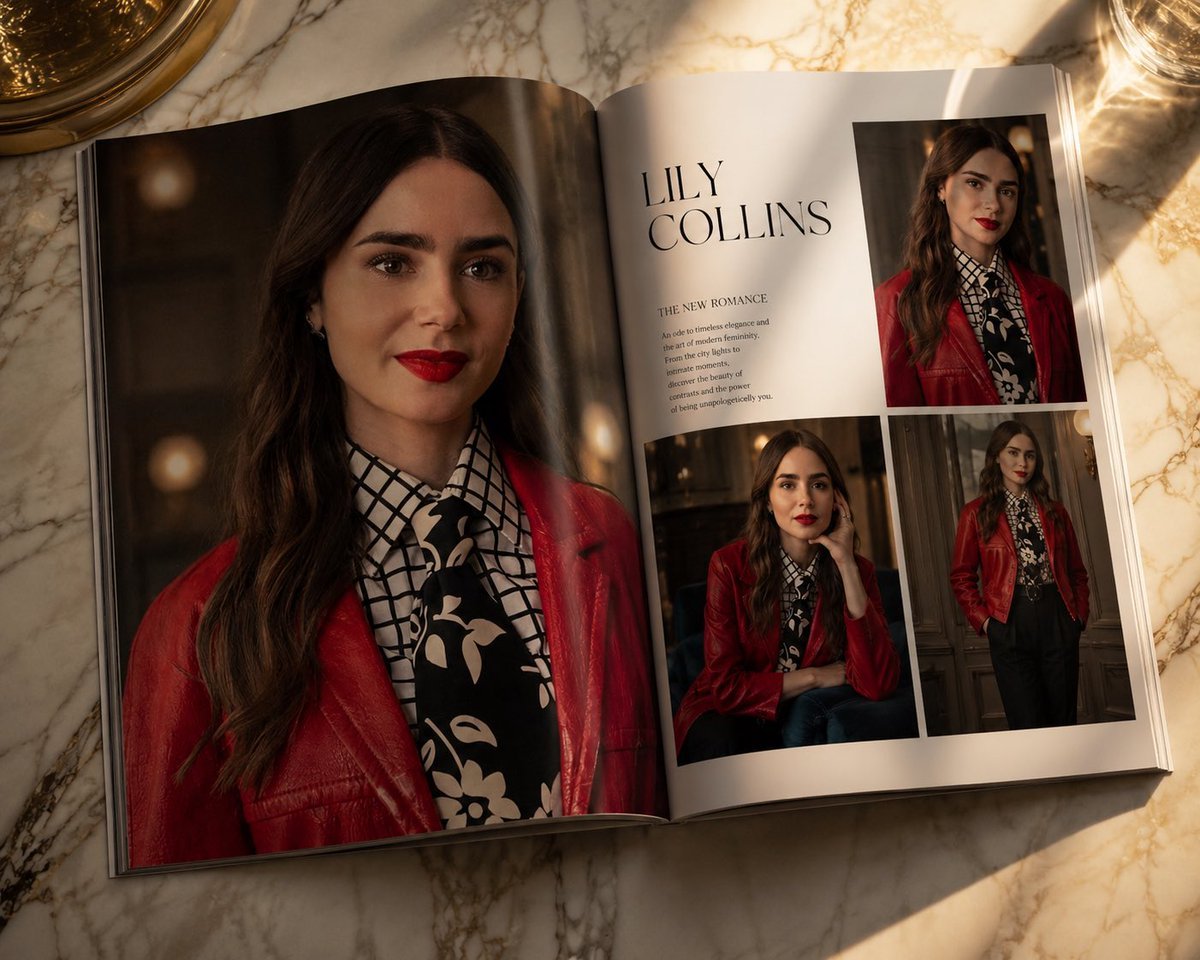
- Prompt included
- Model and format preset
- Free template
The prompt behind this image
Copy the exact prompt behind Luxury Fashion Magazine Editorial Layout, or open it in the studio and make it yours.
An open luxury fashion magazine rests on a premium marble table, featuring an elegant editorial layout rather than an ordinary photo. The left page showcases a stunning full-page hero portrait [image1], while the right page displays three beautifully arranged supporting images, with refined editorial typography, generous white space, premium print texture, subtle paper curl, realistic page fold, and glossy magazine reflections. Warm sunlight falls across the pages, creating rich shadows and luxurious highlights. Inspired by {argument name="fashion publications" default="Vogue Italia, Harper's Bazaar, and Dior campaign photography"}. Surreal fashion editorial, cinematic lighting, photorealistic masterpiece, 4K.
How to use Luxury Fashion Magazine Editorial Layout in 3 steps
- 1Upload ImagePNG, JPG or paste
Add your photo
Upload the photo the template builds on. The prompt, model and format are already set.
- 2…a portrait of your subject in softgolden-hour light, 85mm…
Personalize
Edit the subject and creative details for your destination.
- 3Generate
Generate
Press Generate — your image is created in PicX Studio, so you can compare it with the original and refine one variable at a time.
More like this
Templates with the same subject, style or setup. Open one to see its prompt.

19 Luxury Helicopter Travel — California Series

08 Rodeo Drive Luxury Exit — California Series

Google Gemini Nano Banana Pro

Conceptual Fashion Portrait in Spider We

01 Skincare Split Portrait — Nano Banana 2

24 The Getty Center — California Series

21 Glass Floor Skyscraper — California Series

03 Beverly Hills Convertible — California Series

Gpt Image 2 Fashion Portrait

Caution Tape Fashion — Industrial Editorial

Nano Banana - Paris Cafe Editorial

Luxury Fashion Editorial Portrait
Make it yours
Luxury Fashion Magazine Editorial Layout works as-is. These are the safest ways to change it without losing the look.
Change one field
Copy a single group, rewrite it, and generate again so you can see what that field is doing.
Keep the frame, change the subject
Hold the composition and light of Luxury Fashion Magazine Editorial Layout, then swap wardrobe, props or the person for a new take.
| If the result… | Why | Fix |
|---|---|---|
| The result drifts from the preview | Too many fields changed at once. | Reuse Luxury Fashion Magazine Editorial Layout as-is first, then change one group — subject, light, or setting. |
| The model over-stylizes the scene | The prose prompt leaves finish and camera underspecified. | Add one camera or lighting sentence and stay on GPT Image 2. |
More GPT Image 2 templates
Other prompts made for GPT Image 2.

Six VTuber Japanese Logo Sheet

Realistic Portrait of Woman and Deer

The Vista Modular Condo Poster

AI Model Routing Comparison Infographic

2.5D Anime Art Board

Isometric Productivity Desk Scene

New York Double Exposure Poster

Four-Panel AI Landscape Comparison

Japanese Tatami Lifestyle Magazine Cover

NESCAFÉ Coffee Map Poster
More image prompts
Fresh picks from across the catalog.
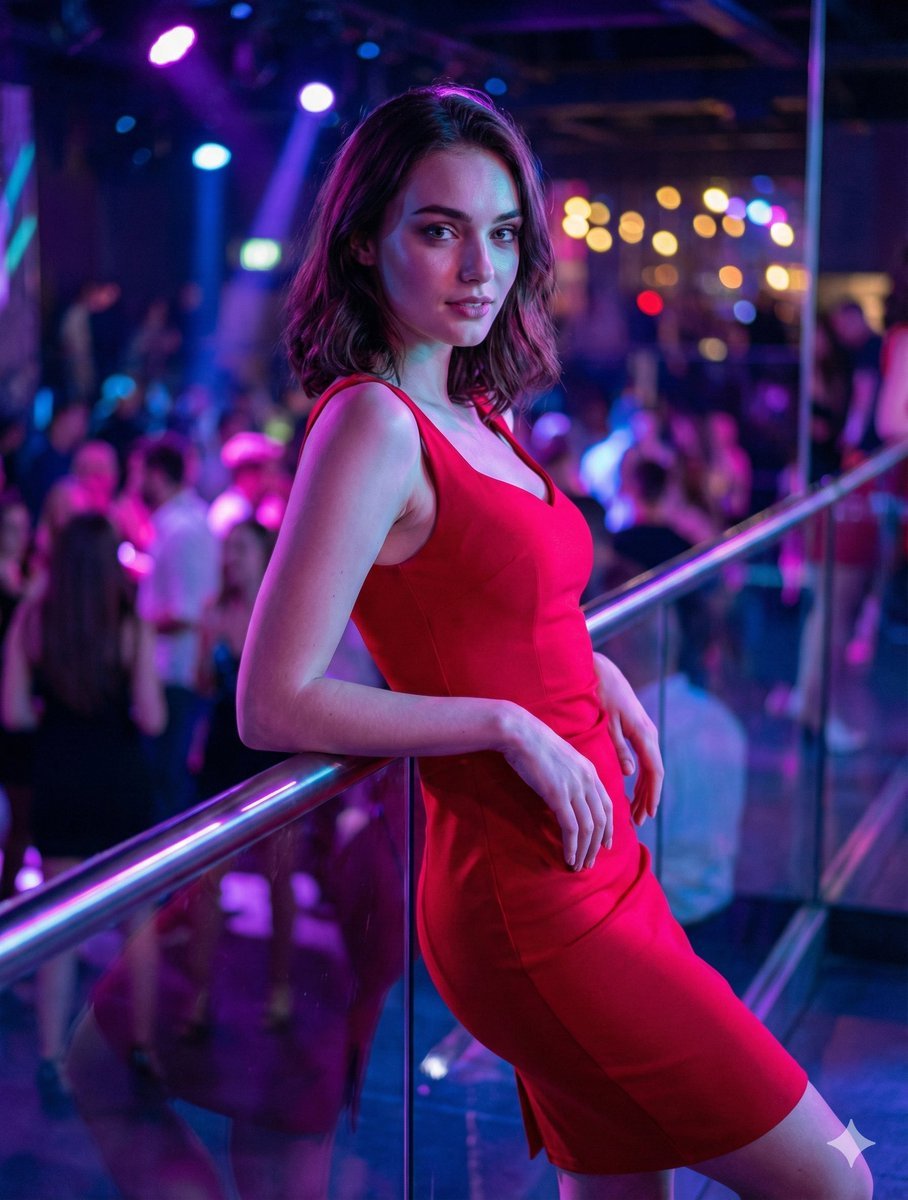
Identity-Preserving Portrait Prompts for Nightclub and Festive Scenes
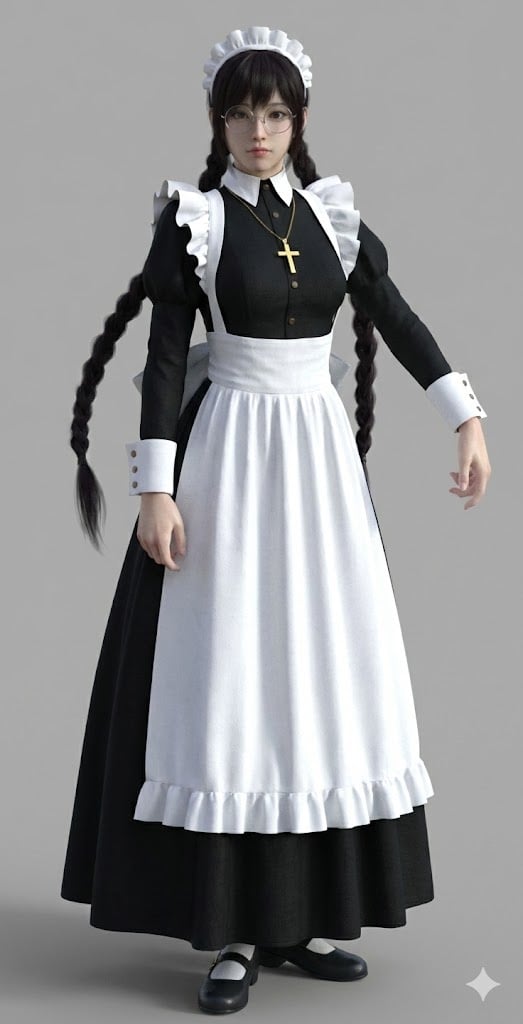
Anime Character to 3DCG Figure Prompt
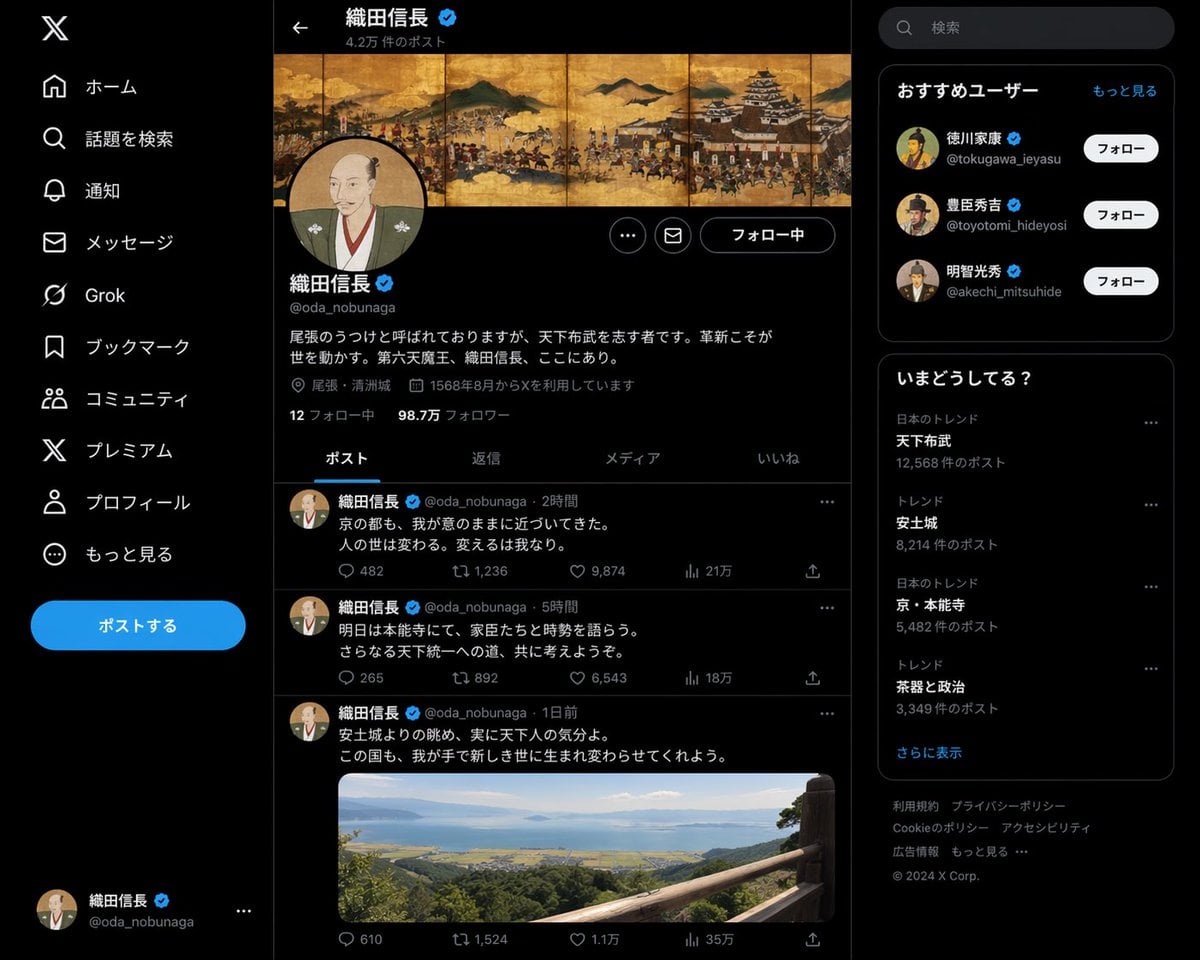
Historical Figure Social Media Page
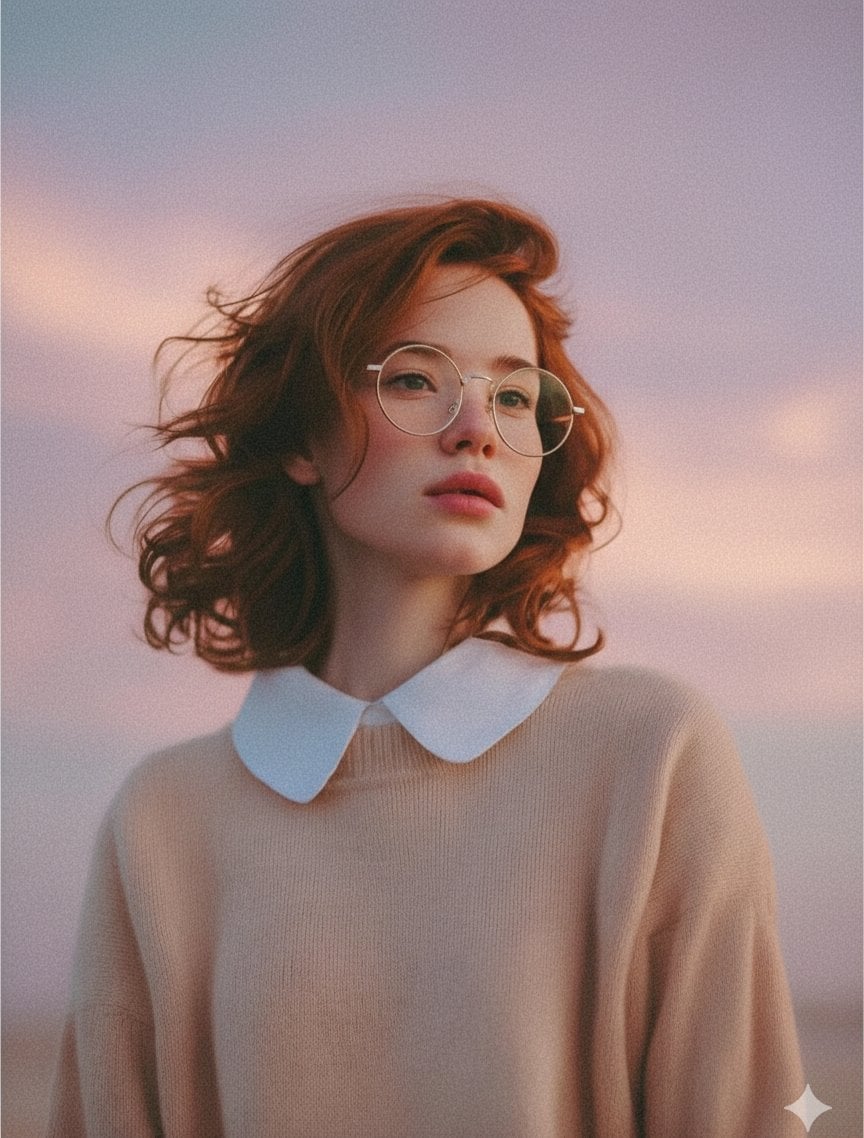
Photorealistic Portrait Prompt (Young Woman)
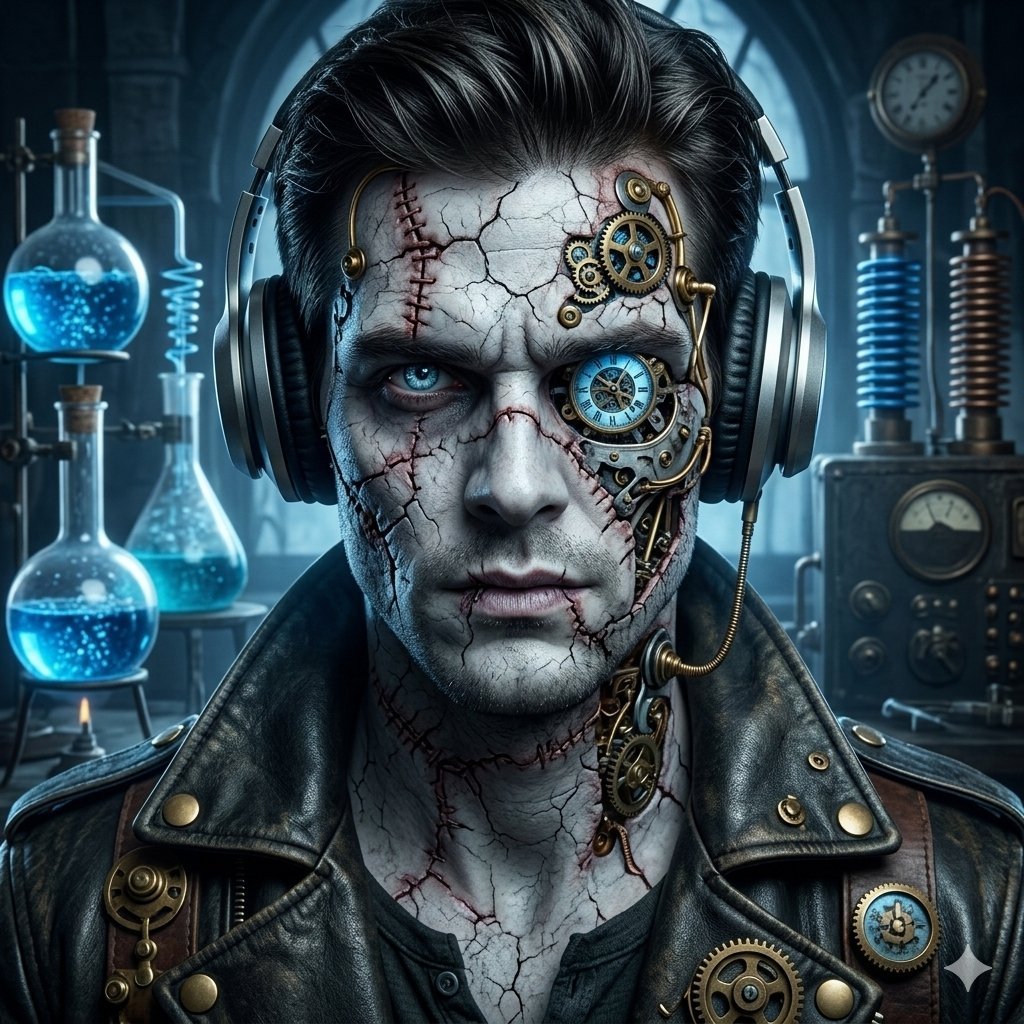
Steampunk Frankenstein Cyborg Concept Art
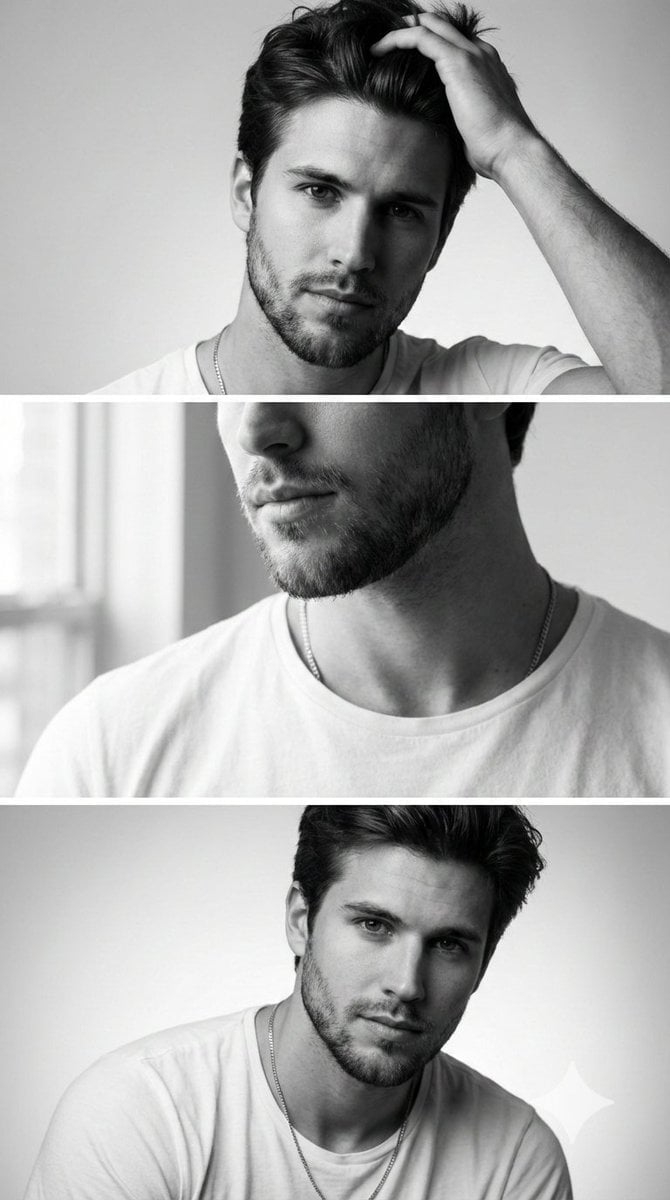
Modern Sculpture Monochrome Triptych Prompt
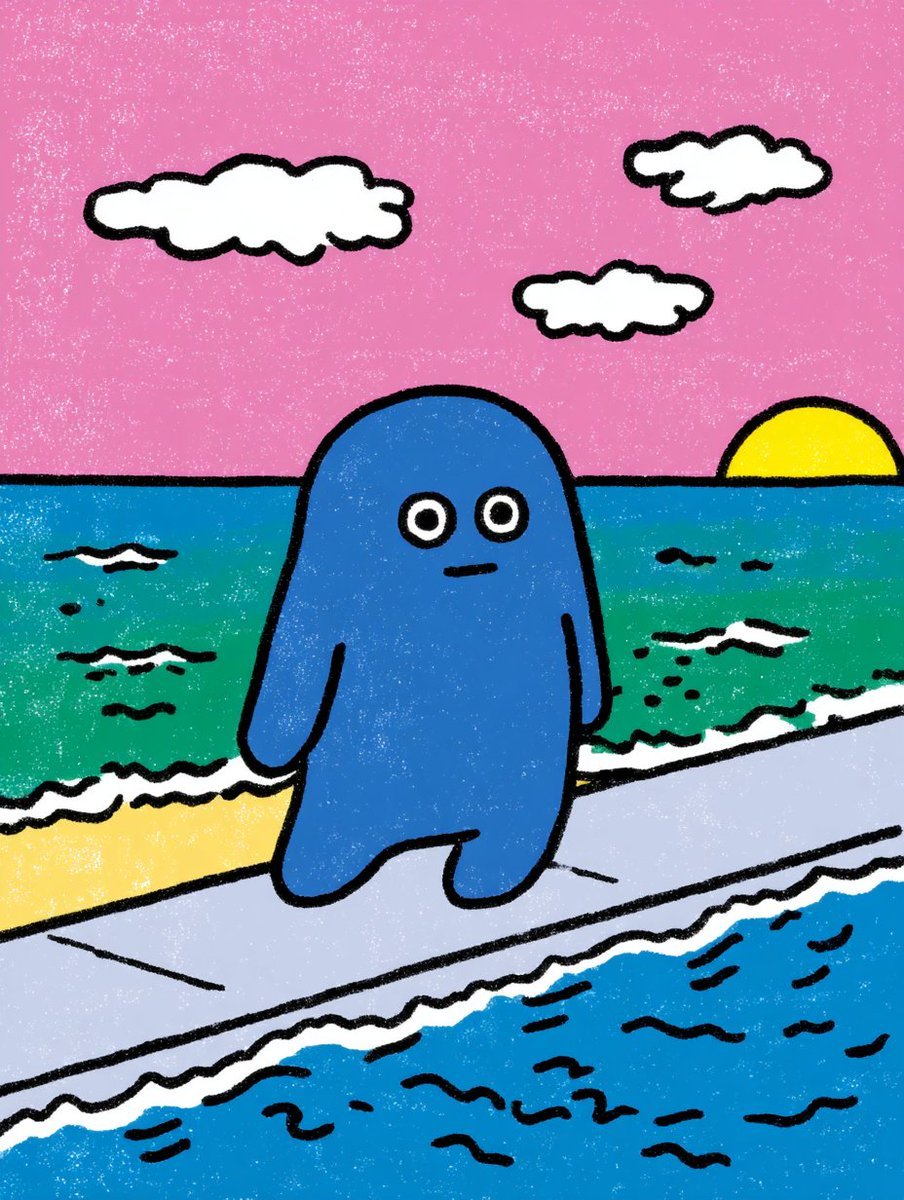
Contextual Image Generation Prompt
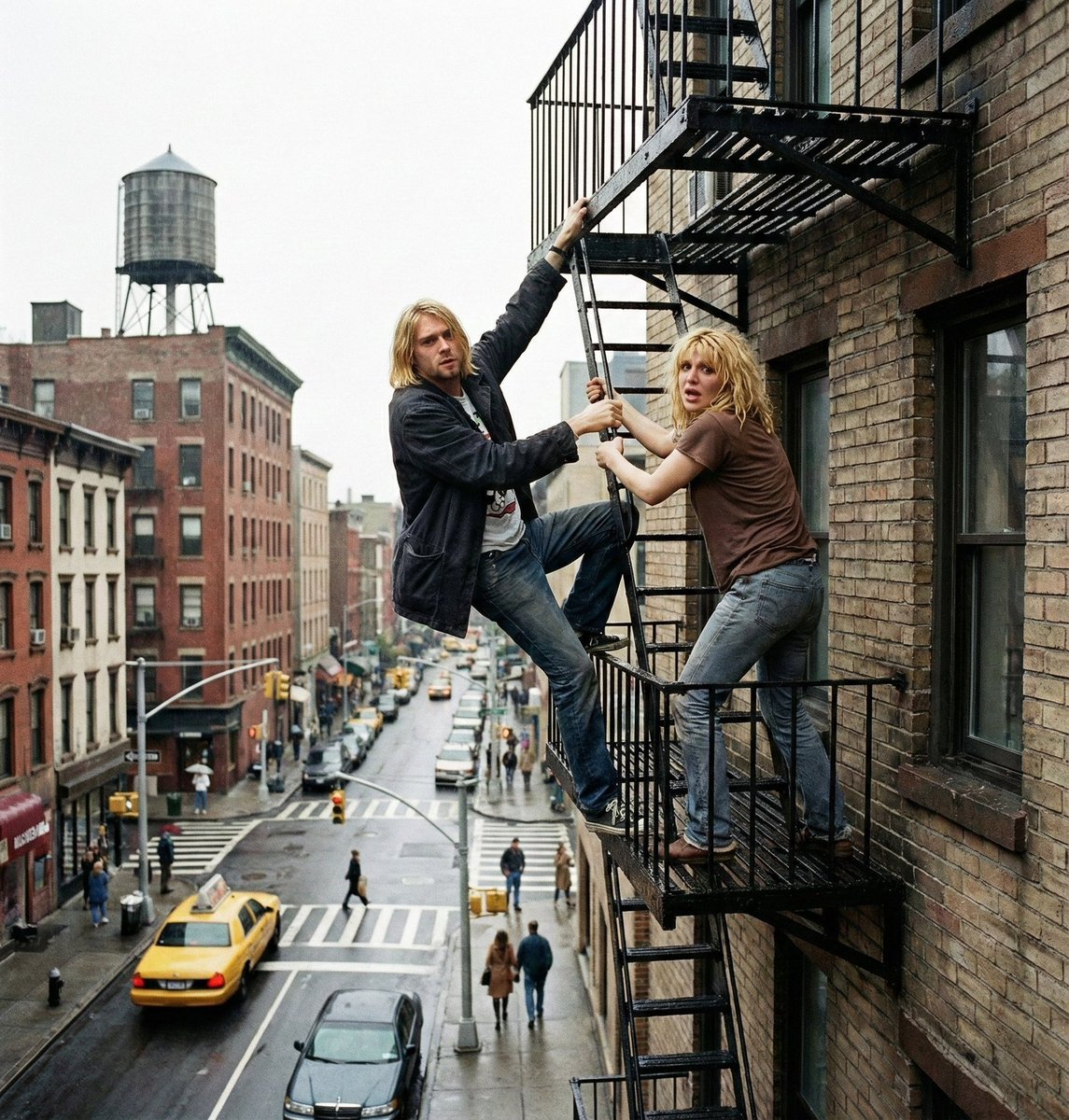
Action scene from reference photos and sketch
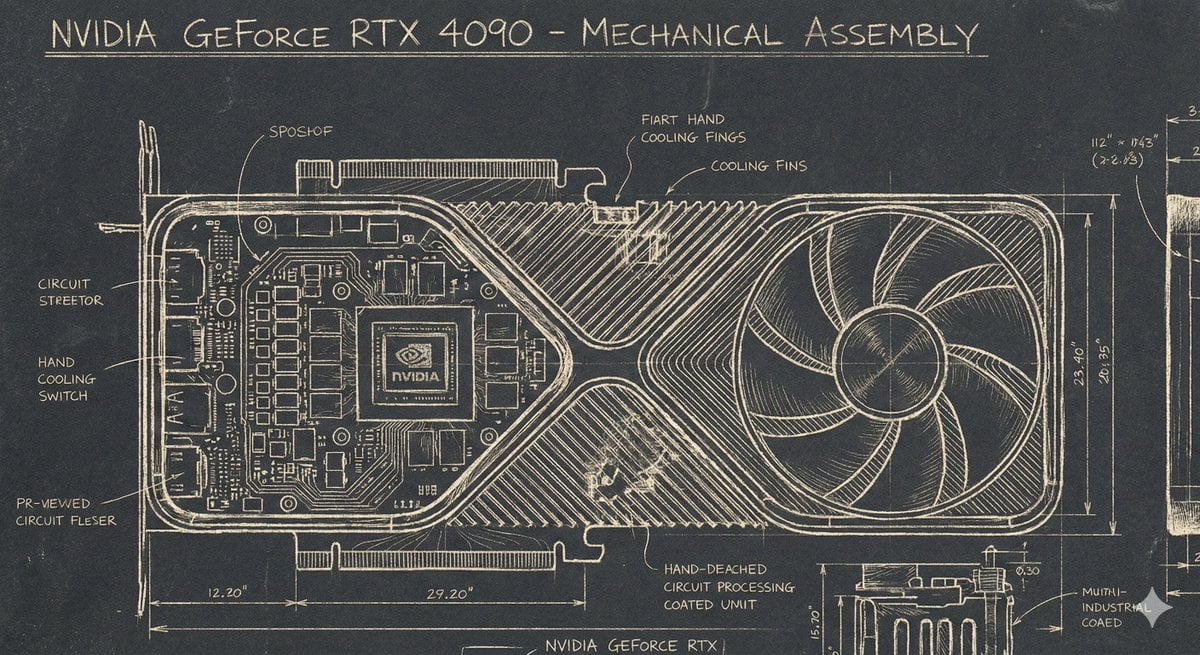
Sgraffito Mechanical Blueprint of NVIDIA 4090 GPU
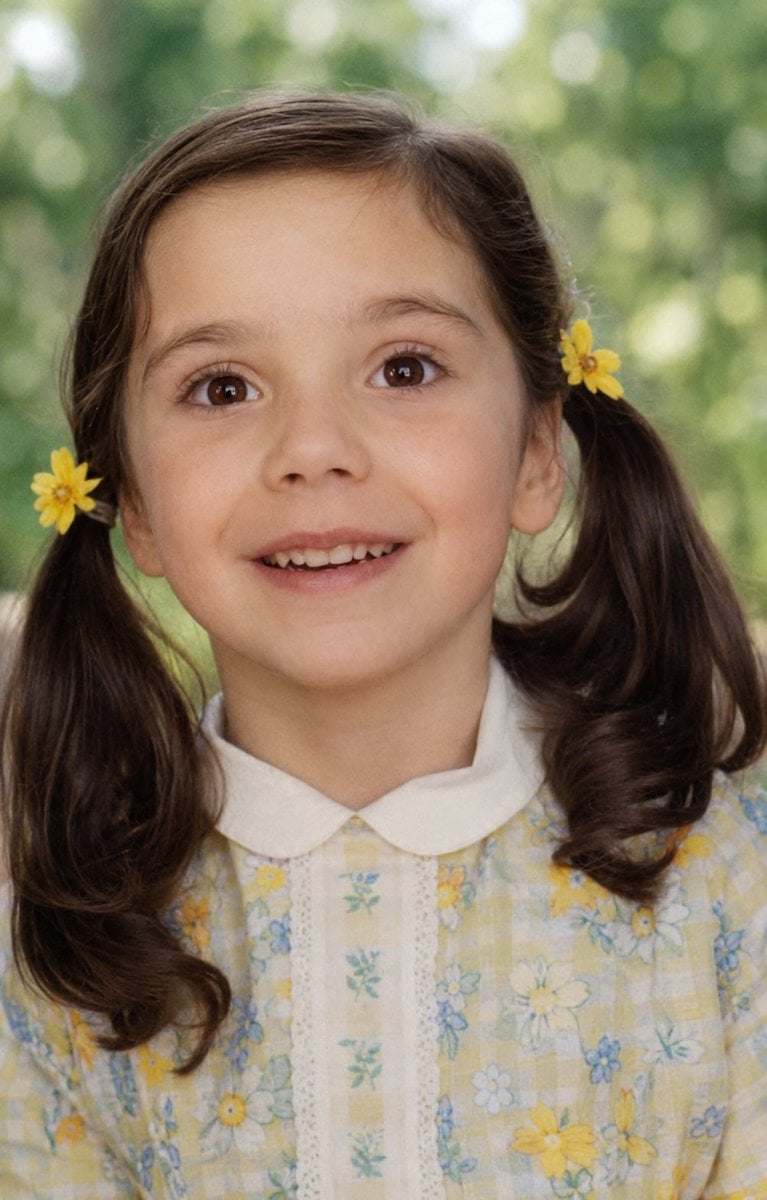
Old Photo Restoration
Browse template categories
Luxury Fashion Magazine Editorial Layout questions
How do I use the Luxury Fashion Magazine Editorial Layout template?
Add your photo if the template asks for one, edit the prompt if you like — the template's model and format are already selected — and press Generate. Your version opens in PicX Studio.
Can I customize the Luxury Fashion Magazine Editorial Layout template?
Yes. You can change the subject, setting, lighting, mood, format, and available model controls before creating your image.
Is the Luxury Fashion Magazine Editorial Layout template free?
Opening and editing this template is free. Generating uses credits, shown on the Generate button when you are signed in.
Which AI model should I use?
Start with GPT Image 2, which is the model associated with this template. You can compare another compatible model for a different finish.
Looking for something else? Browse all templates.

Your photo, any look
Thousands of ready templates for every top image and video model, from one credit balance.