
Chinese Fashion Magazine Portrait
A comprehensive, high-quality prompt for generating sophisticated Chinese fashion magazine portraits in the style of Esquire Korea.
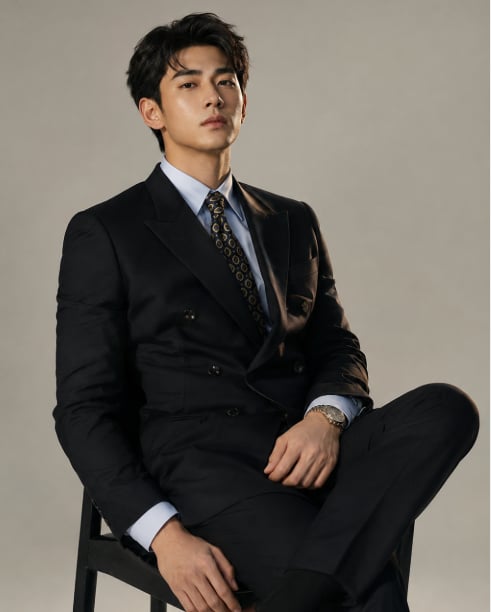
- Prompt included
- Model and format preset
- Free template
The prompt behind this image
Copy the exact prompt behind Chinese Fashion Magazine Portrait, or open it in the studio and make it yours.
中国高级时尚杂志人像摄影,参考《Esquire Korea》/《Arena Homme+》风格。浓眉大眼,鼻梁高挺,下颌线清晰,面部轮廓立体,眼神沉稳自信。浅灰渐变背景,柔和电影布光,主灯+侧逆光强化轮廓,保留真实皮肤纹理。全画幅相机,85mm f/1.4镜头,9:16竖构图,8K超高清。{argument name="人像描述" default="20岁中国男性,浓眉大眼,眉峰平缓,深邃眼眸沉稳自信,眼型偏长,显得有力量。鼻梁高挺笔直,山根立体。下颌线分明,面部形成硬朗。深棕色短发,侧分,发丝有自然光泽,面部利落。皮肤真实轮廓,保留轮廓与细小纹理,自然肤色不过度修饰。"} 服装:{argument name="服装搭配" default="黑色双排扣西装(羊毛混纺,哑光面料,戗驳领或平驳领,修身剪裁),内搭浅色府绸衬衫(浅蓝色),藏蓝底金色几何花纹领带。深棕色牛津鞋或德比鞋。手腕佩戴简约金属手表。"} 人像照,半身照,图片比例3:4。 通用负向提示词:卡通,二次元,插画,3D渲染,CG建模,塑料质感,蜡像感,过度磨皮,无毛孔,AI假脸,表情僵硬,假笑,高饱和艳色块,比例失调,肢体畸形,影楼风,过度摆拍,杂乱背景,过曝,过度锐化,冷色调过冷,油头,厚重发胶感,浓妆,花哨配饰。 场景:{argument name="场景背景" default="浅褐色背景(#D0D0D0至#F0F0F0),地面与背景自然过渡。"}
How to use Chinese Fashion Magazine Portrait in 3 steps
- 1Upload ImagePNG, JPG or paste
Add your photo
Upload the photo the template builds on. The prompt, model and format are already set.
- 2…a portrait of your subject in softgolden-hour light, 85mm…
Personalize
Edit the subject and creative details for your destination.
- 3Generate
Generate
Press Generate — your image is created in PicX Studio, so you can compare it with the original and refine one variable at a time.
More like this
Templates with the same subject, style or setup. Open one to see its prompt.

Nano Banana 2 High Fashion Sports Campai

Couture Fashion Editorial Woman and Drag

Ive Yujin Fashion Portrait in Blue

Nano Banana 2 Editorial Fashion Portrait

Caution Tape Fashion — Industrial Editorial

High-Fashion Magazine Cover Portrait

Miniature Self Portrait Collage

Found Photograph: Us, 1970

80s Couple Studio Portrait

80s College Gate

1988 Mall Style

80s Polka Dot Saree
Make it yours
Chinese Fashion Magazine Portrait works as-is. These are the safest ways to change it without losing the look.
Change one field
Copy a single group, rewrite it, and generate again so you can see what that field is doing.
Keep the frame, change the subject
Hold the composition and light of Chinese Fashion Magazine Portrait, then swap wardrobe, props or the person for a new take.
| If the result… | Why | Fix |
|---|---|---|
| The result drifts from the preview | Too many fields changed at once. | Reuse Chinese Fashion Magazine Portrait as-is first, then change one group — subject, light, or setting. |
| The model over-stylizes the scene | The prose prompt leaves finish and camera underspecified. | Add one camera or lighting sentence and stay on GPT Image 2. |
More GPT Image 2 templates
Other prompts made for GPT Image 2.

Six VTuber Japanese Logo Sheet

Realistic Portrait of Woman and Deer

The Vista Modular Condo Poster

AI Model Routing Comparison Infographic

2.5D Anime Art Board

Isometric Productivity Desk Scene

New York Double Exposure Poster

Four-Panel AI Landscape Comparison

Japanese Tatami Lifestyle Magazine Cover

NESCAFÉ Coffee Map Poster
More image prompts
Fresh picks from across the catalog.
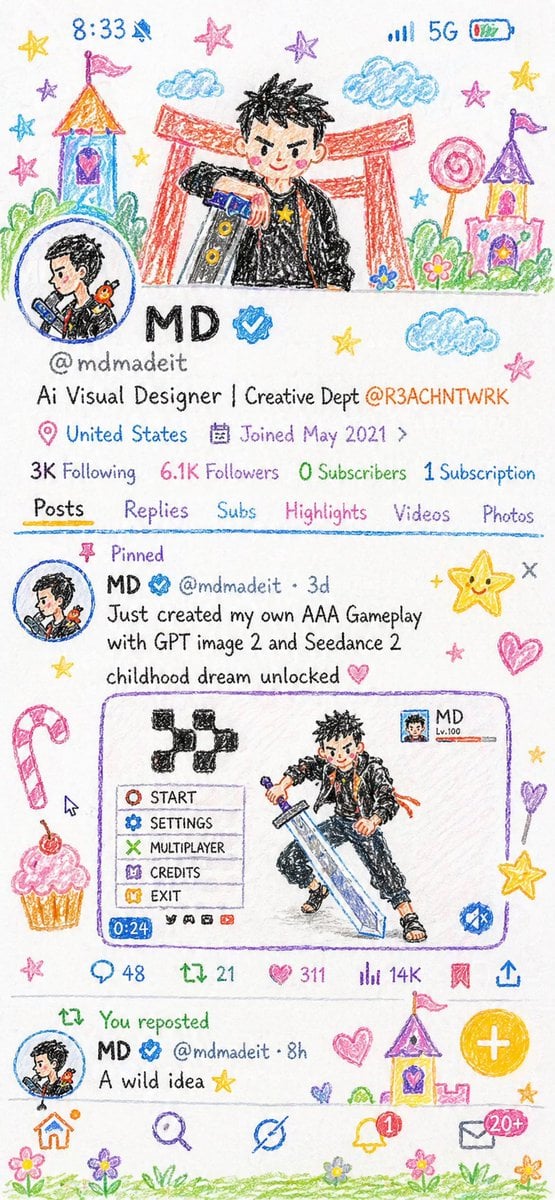
Crayon Style Illustration Profile Picture
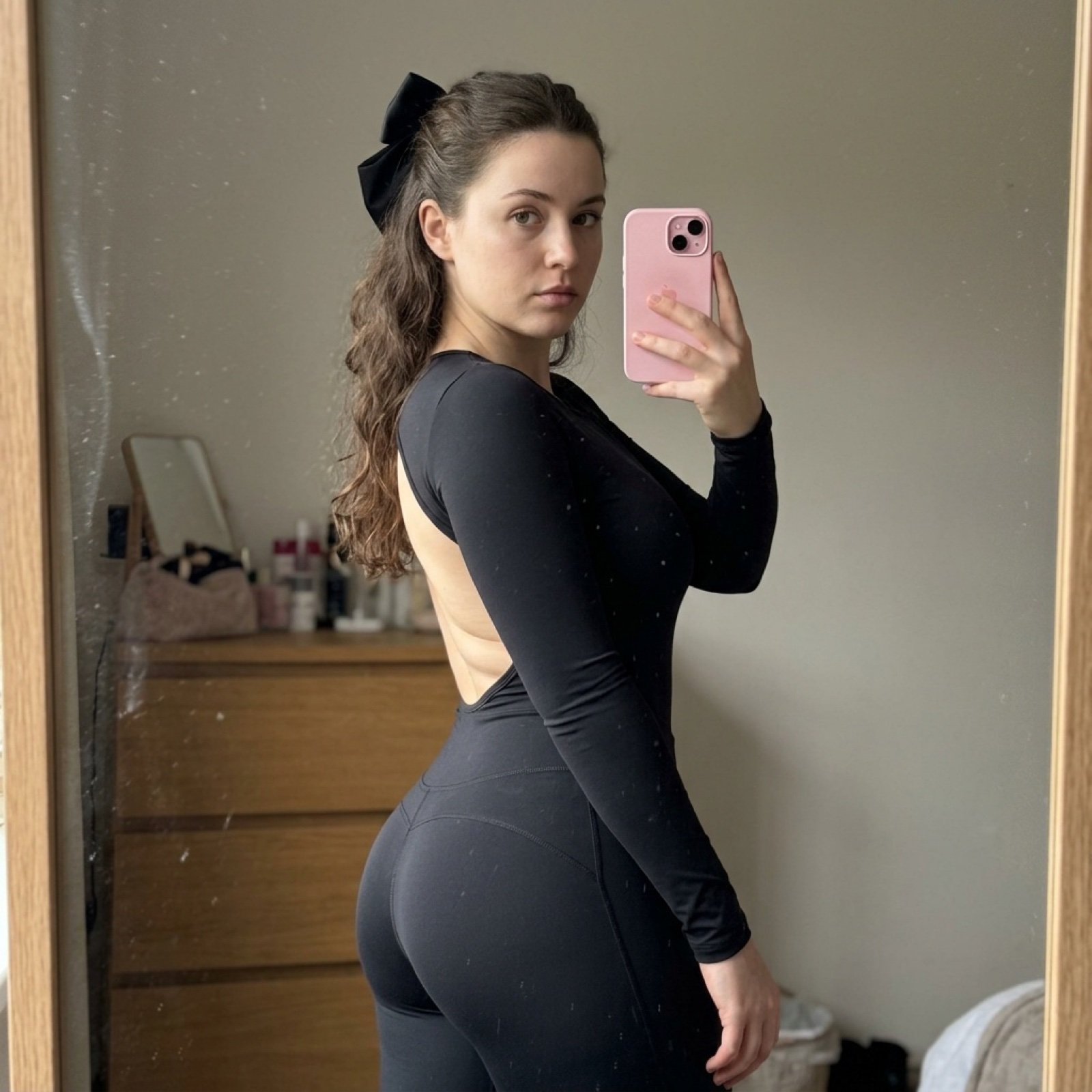
Detailed Side-Profile Mirror Selfie in Bodysuit
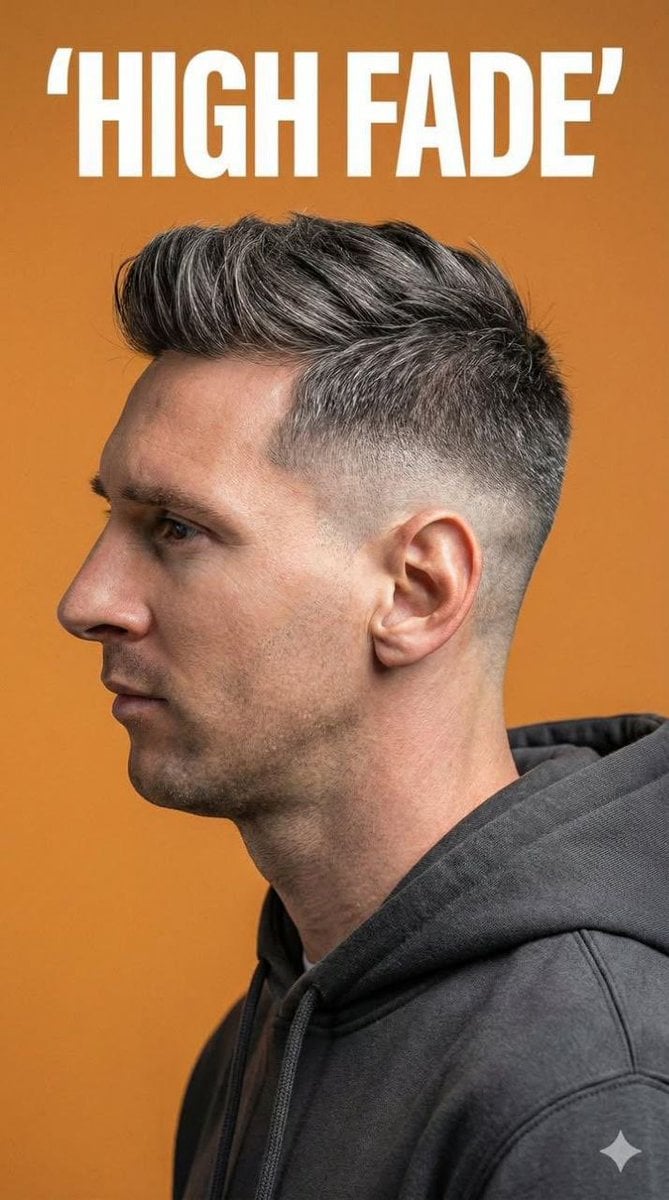
Ultra-Realistic Studio Portrait for Men's Hairstyles
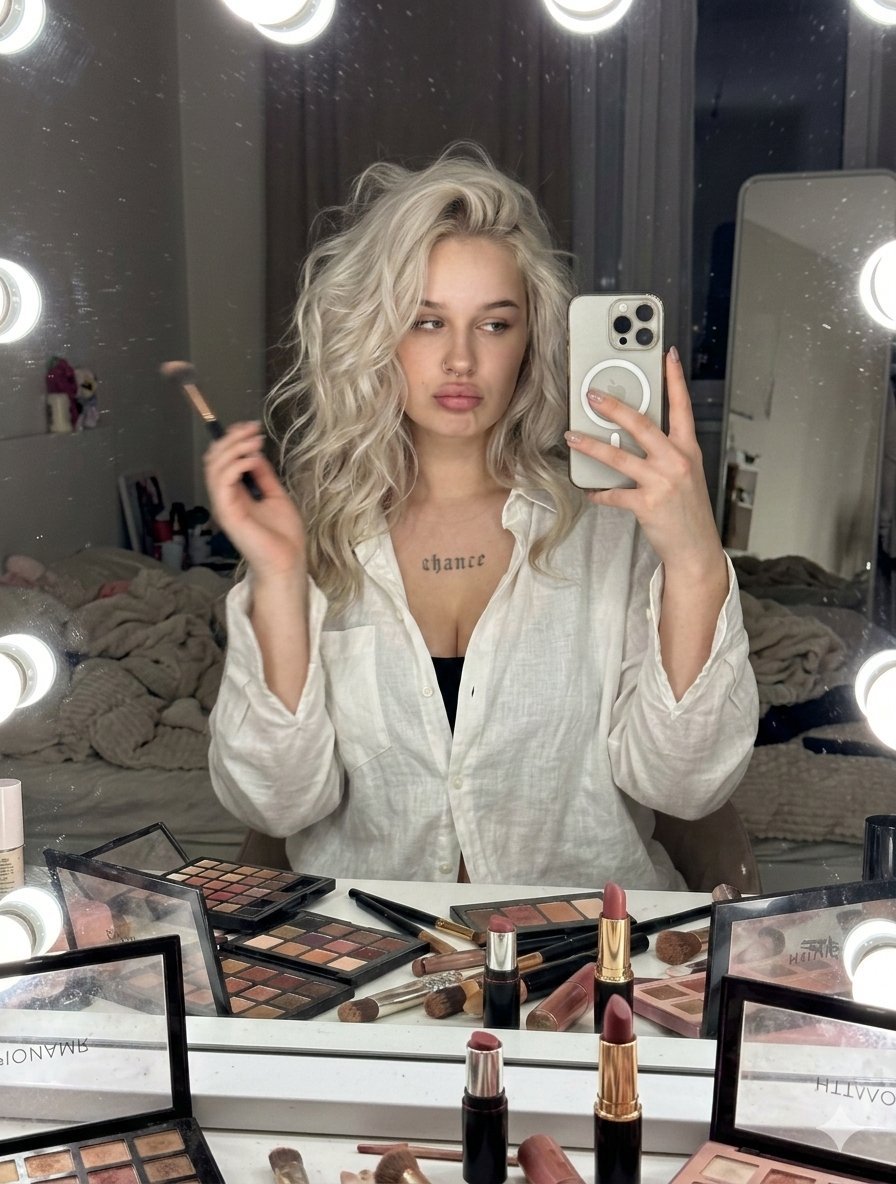
Raw iPhone Candid Vanity Mirror Selfie
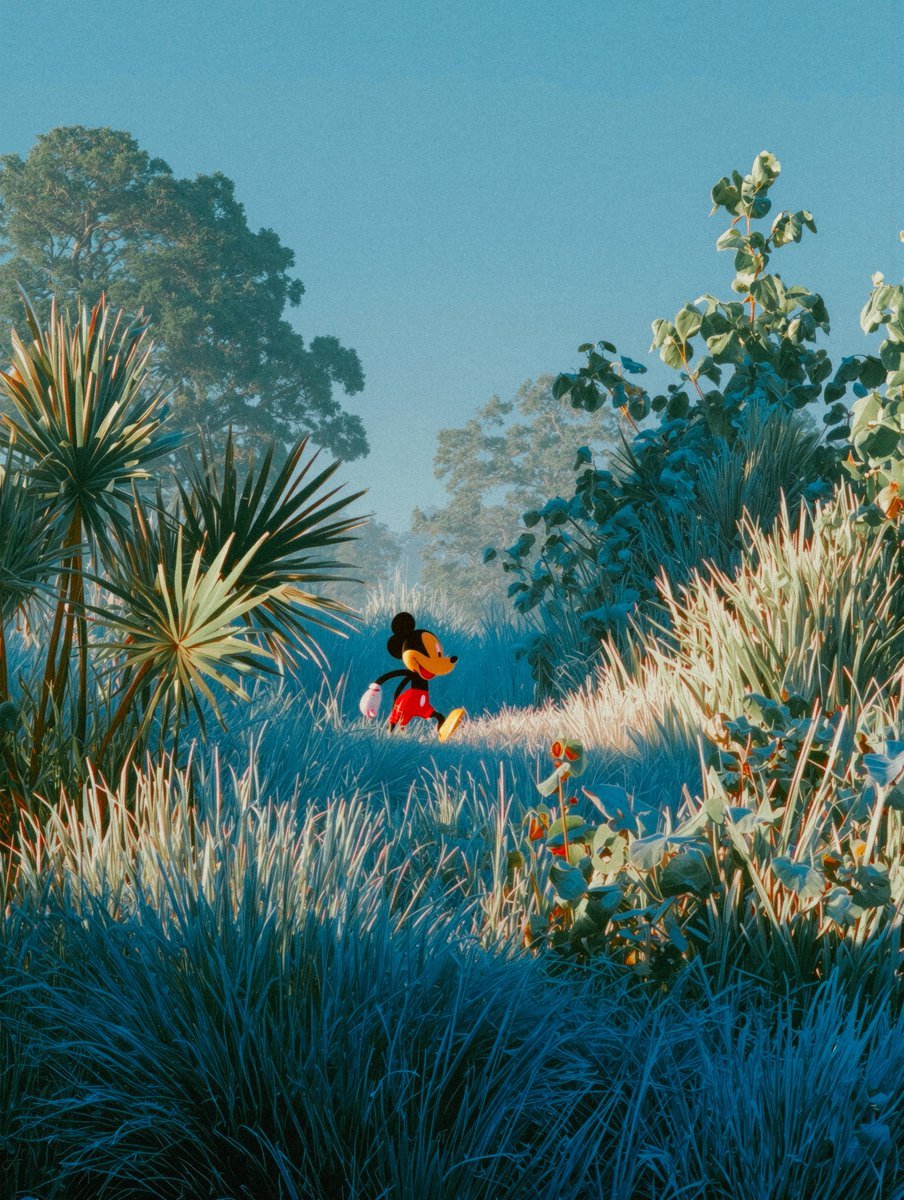
Image Editing Prompt: Add Playhouse Behind Character
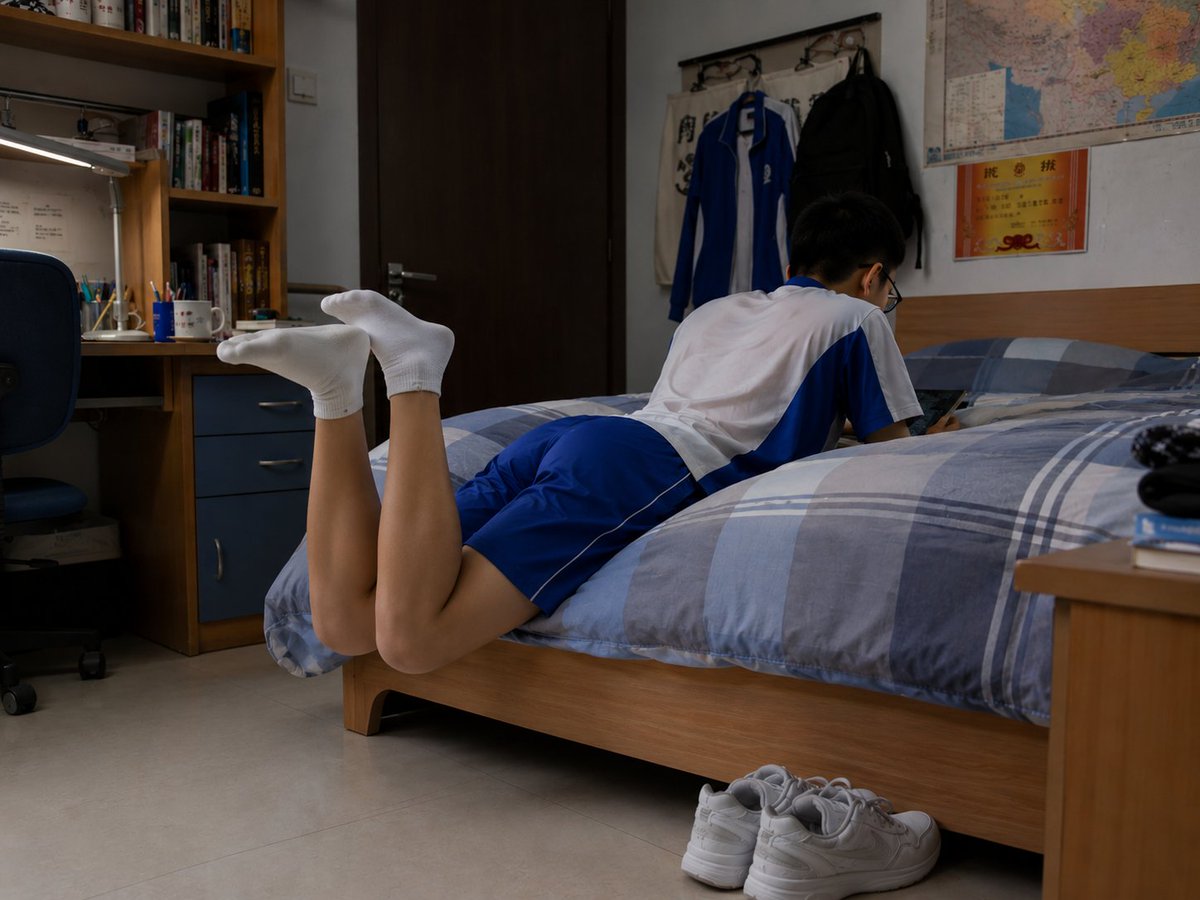
Photorealistic Student Dorm Room Scene
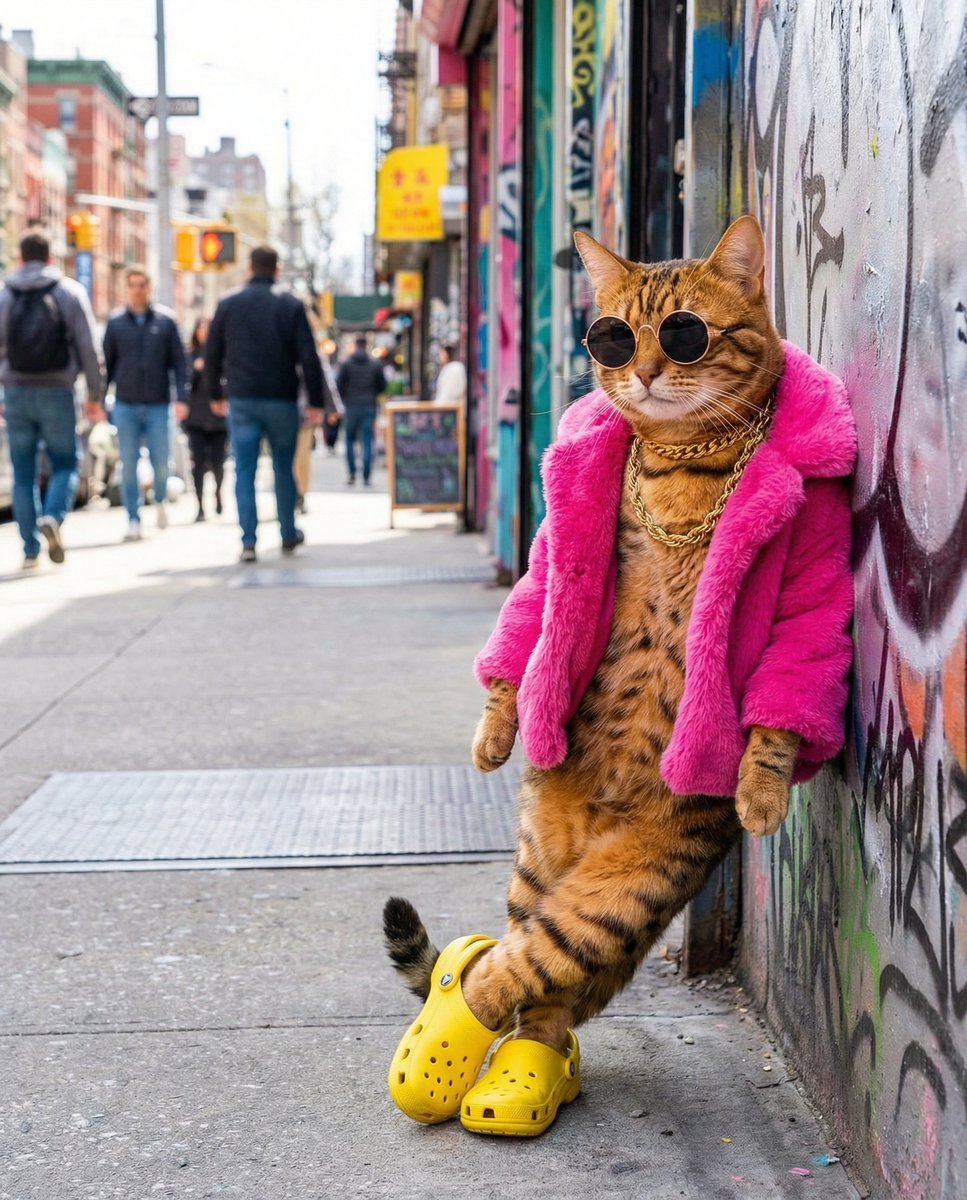
Freepik prompt for a futuristic nano banana
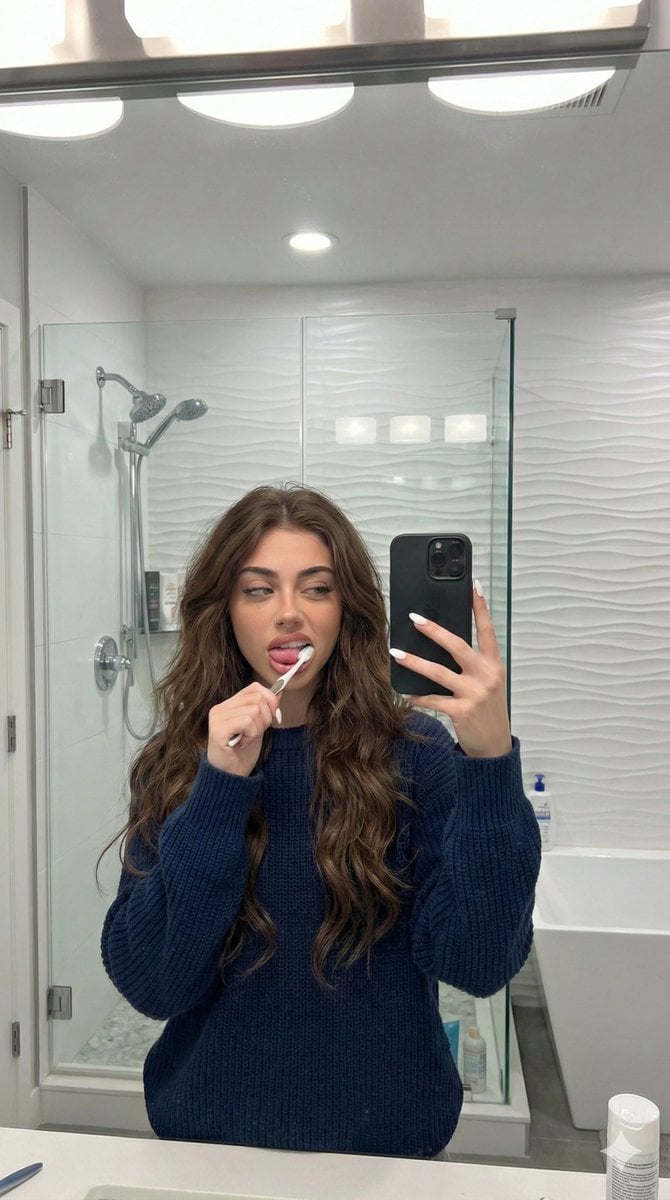
Candid Mirror Selfie Prompt for Image Generation
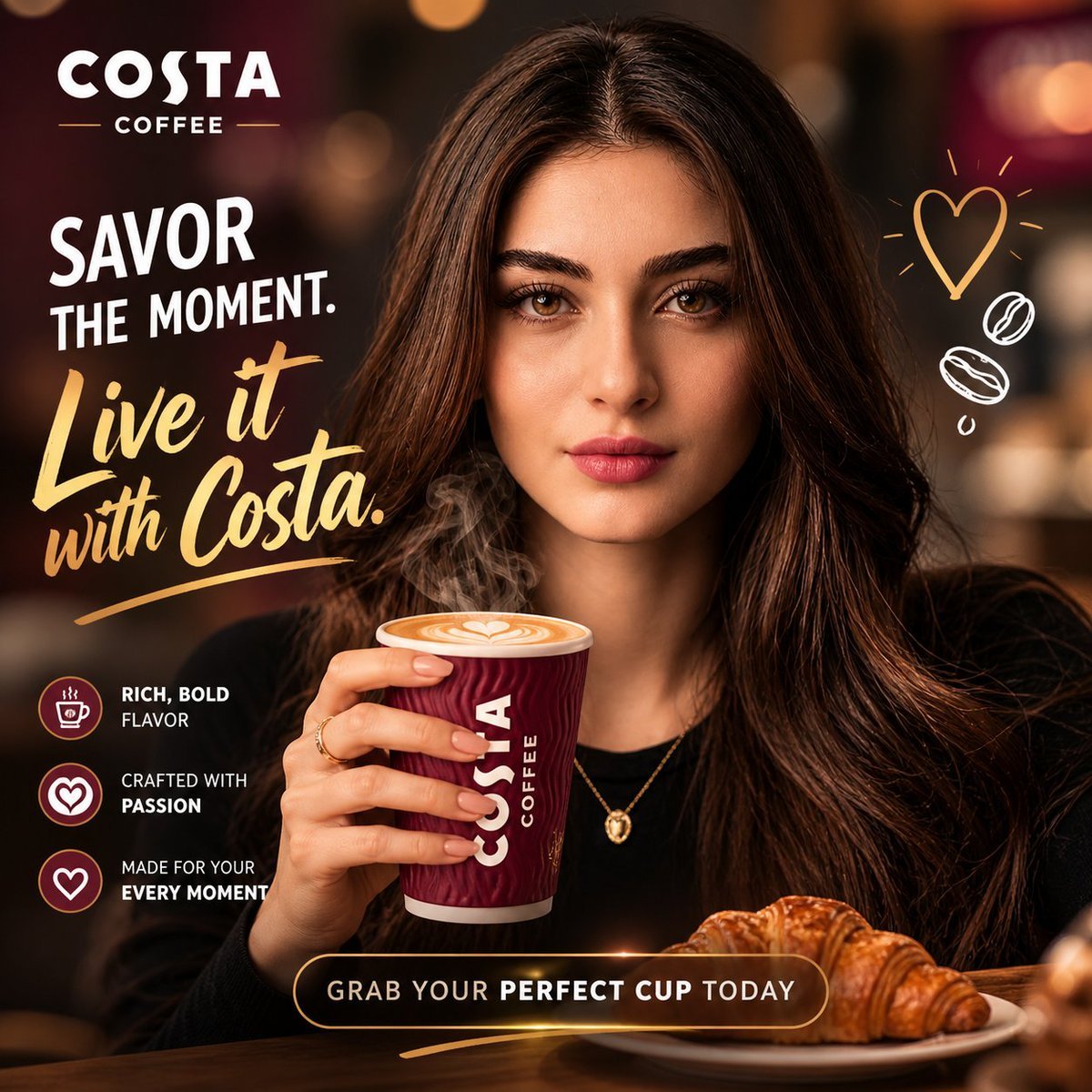
Commercial Product Ad Portrait
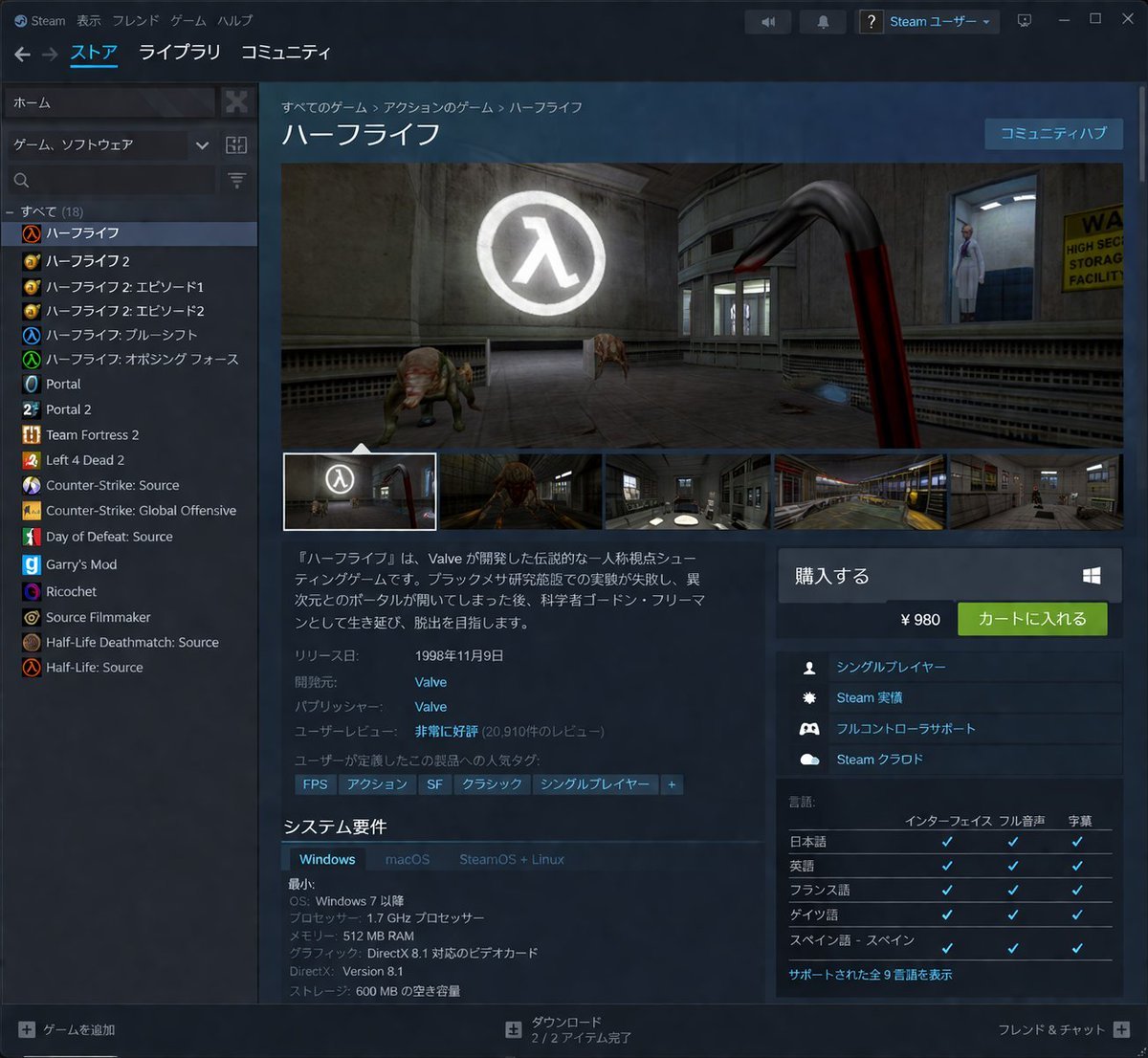
Steam Store Page UI Mockup
Browse template categories
Chinese Fashion Magazine Portrait questions
How do I use the Chinese Fashion Magazine Portrait template?
Add your photo if the template asks for one, edit the prompt if you like — the template's model and format are already selected — and press Generate. Your version opens in PicX Studio.
Can I customize the Chinese Fashion Magazine Portrait template?
Yes. You can change the subject, setting, lighting, mood, format, and available model controls before creating your image.
Is the Chinese Fashion Magazine Portrait template free?
Opening and editing this template is free. Generating uses credits, shown on the Generate button when you are signed in.
Which AI model should I use?
Start with GPT Image 2, which is the model associated with this template. You can compare another compatible model for a different finish.
Looking for something else? Browse all templates.

Your photo, any look
Thousands of ready templates for every top image and video model, from one credit balance.