
Architectural Poster Design with Landscape View
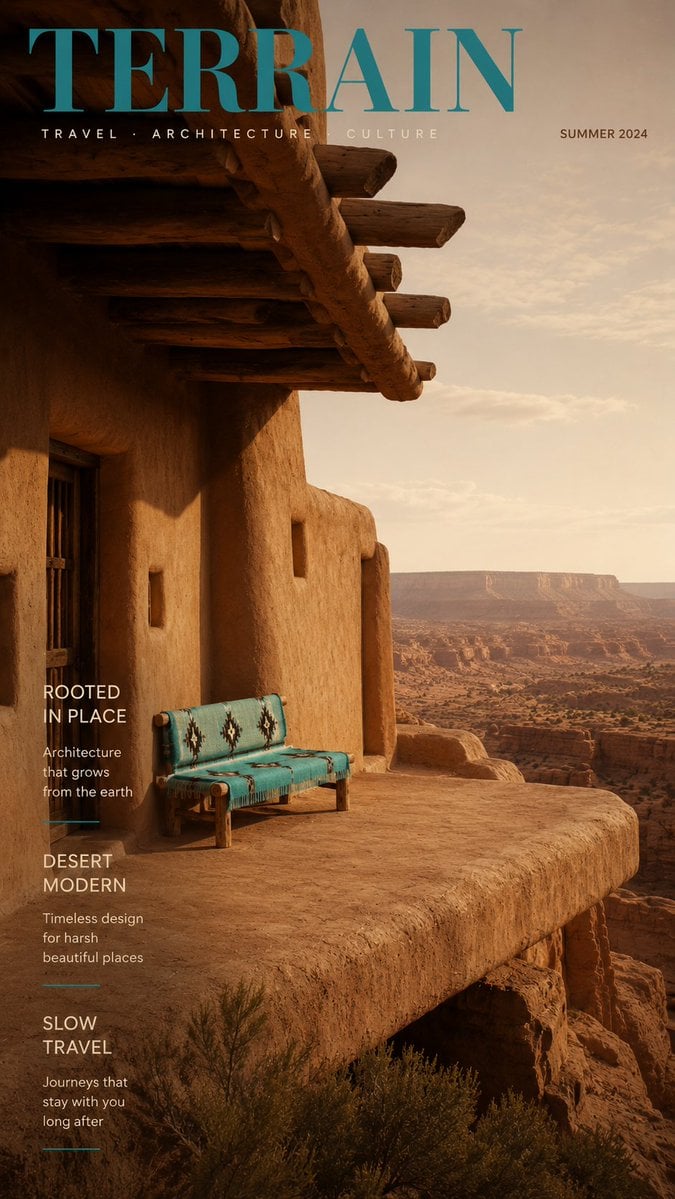
An editorial photography prompt for modern architectural structures featuring long cantilevered platforms overlooking dramatic natural landscapes.
- Prompt included
- Model and format preset
- Premium template
The prompt behind this image
Copy the exact prompt behind Architectural Poster Design with Landscape View, or open it in the studio and make it yours.
Editorial architecture photography of a {argument name="architecture style" default="Japanese Minimalist"} structure on a long cantilevered platform extending over a dramatic natural landscape, refined material details, elegant flooring, atmospheric light, shot in the style of a design-magazine cover, clean negative space, muted natural palette, vertical framing --ar 9:16. Composition: one striking accent furniture piece as the sole furniture piece and focal point, positioned precisely at the left third intersection
How to use Architectural Poster Design with Landscape View in 3 steps
- 1
Open
The prompt is already in the box next to the preview, with the template's model and format selected.
- 2…a portrait of your subject in softgolden-hour light, 85mm…
Personalize
Edit the subject and creative details for your destination.
- 3Generate
Generate
Press Generate — your image is created in PicX Studio, so you can compare it with the original and refine one variable at a time.
More like this
Templates with the same subject, style or setup. Open one to see its prompt.
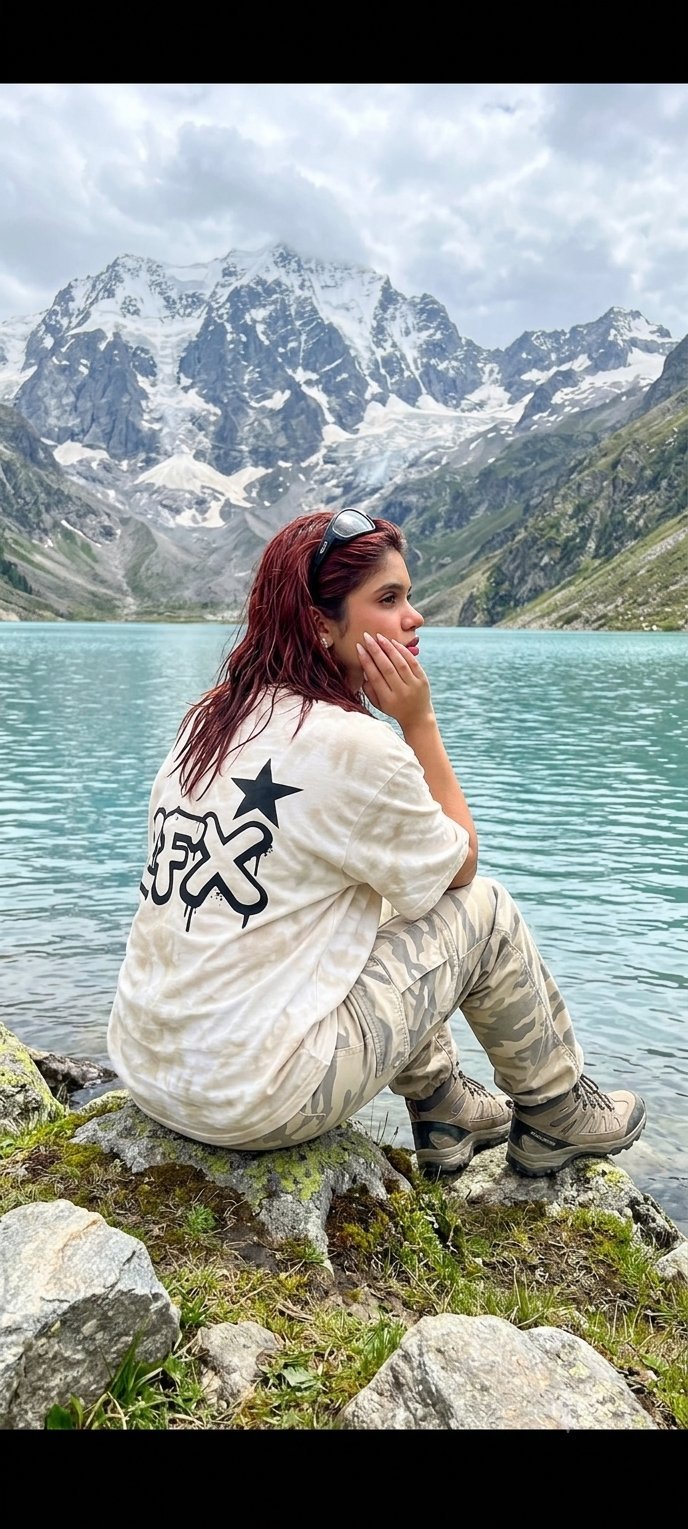
Teen Girl Alpine Lake Mountain View
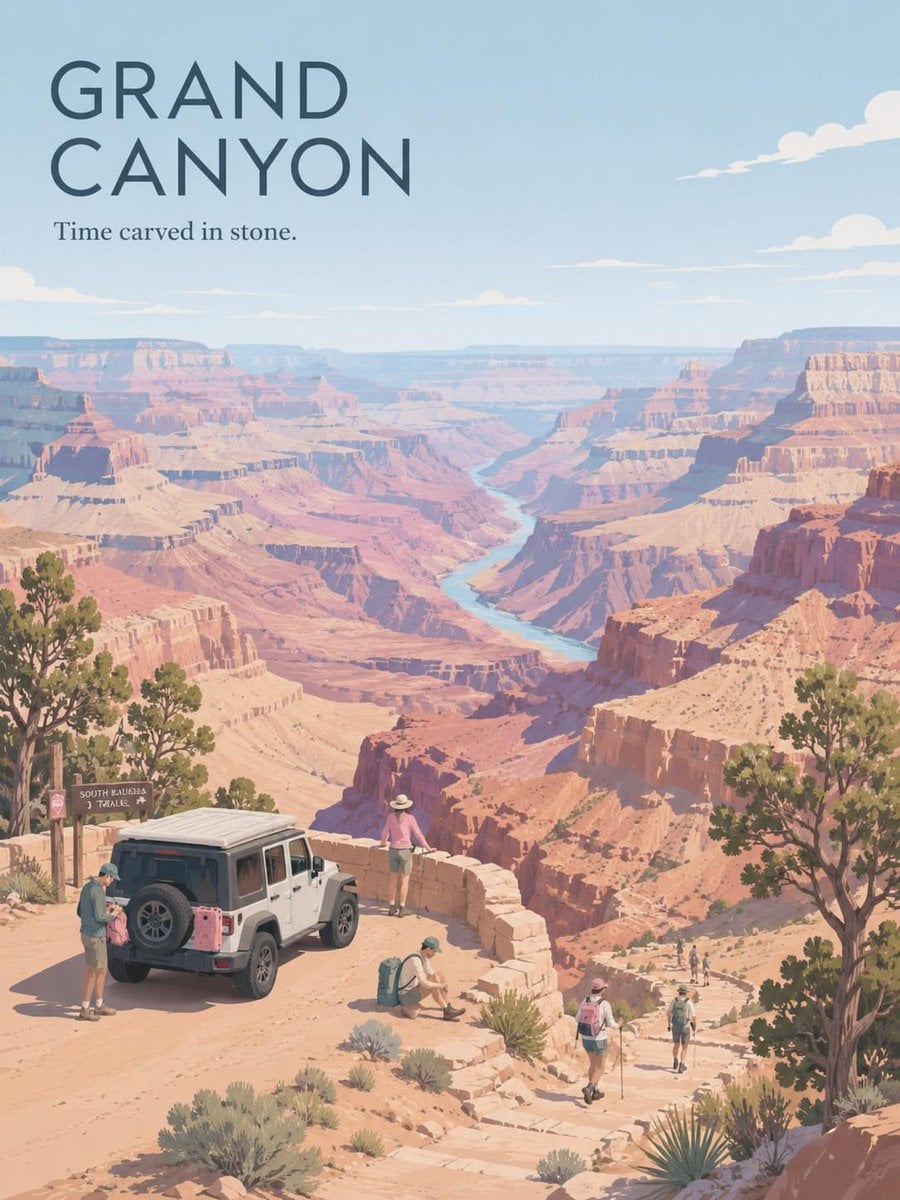
Premium Vintage Travel Poster Landscape
Premium Vintage Travel Poster Landscape
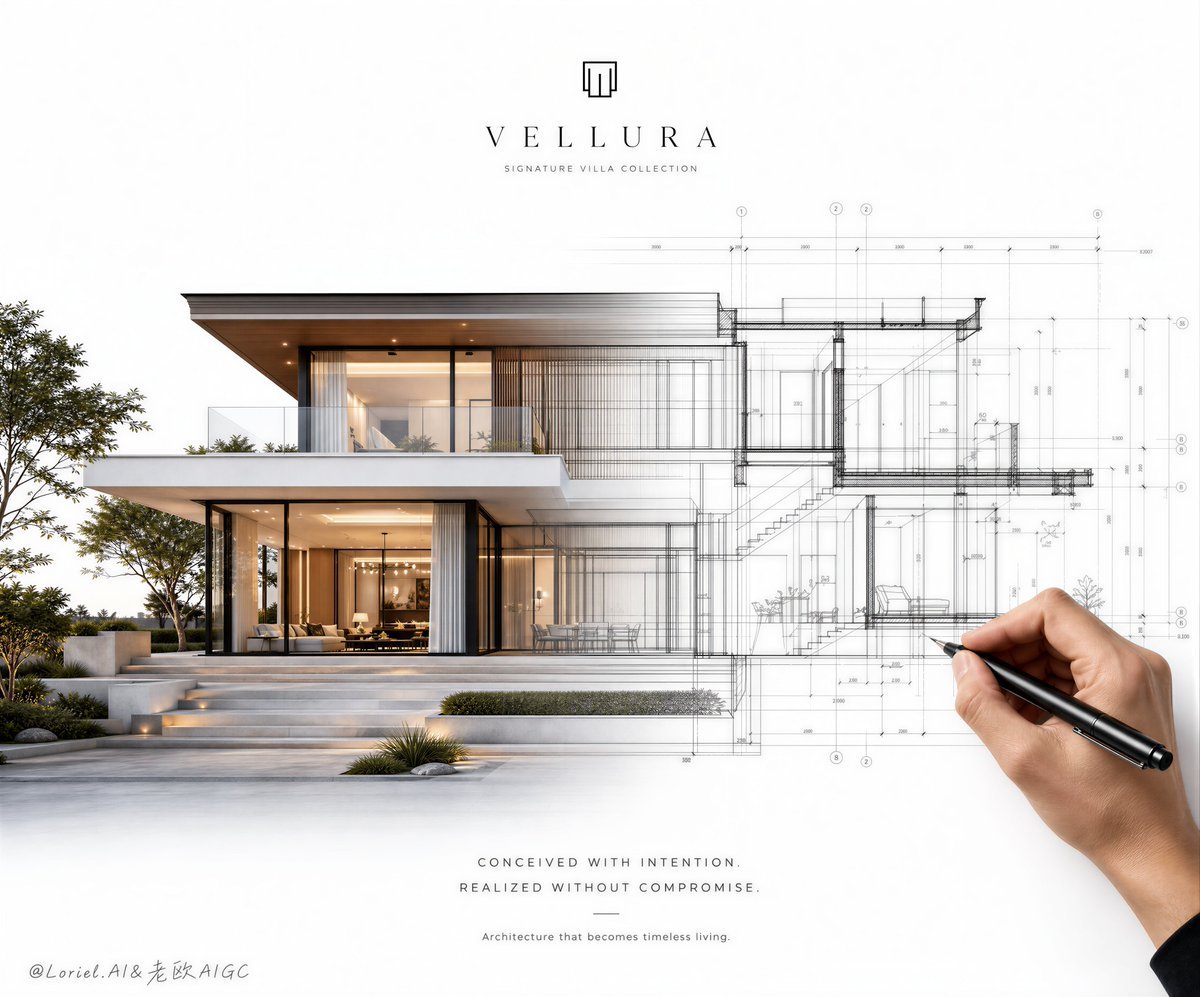
Architectural Villa Blueprint Poster
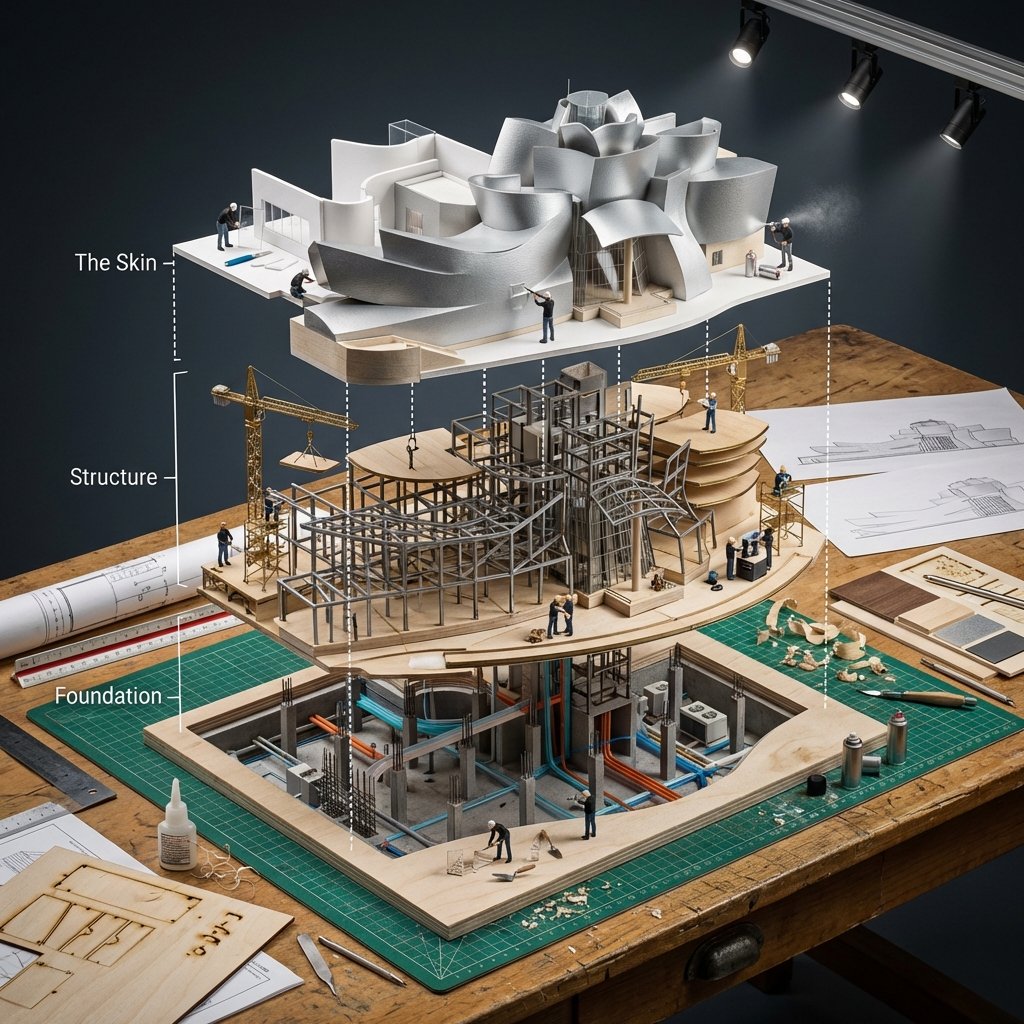
Building Exploded View Architectural Diorama
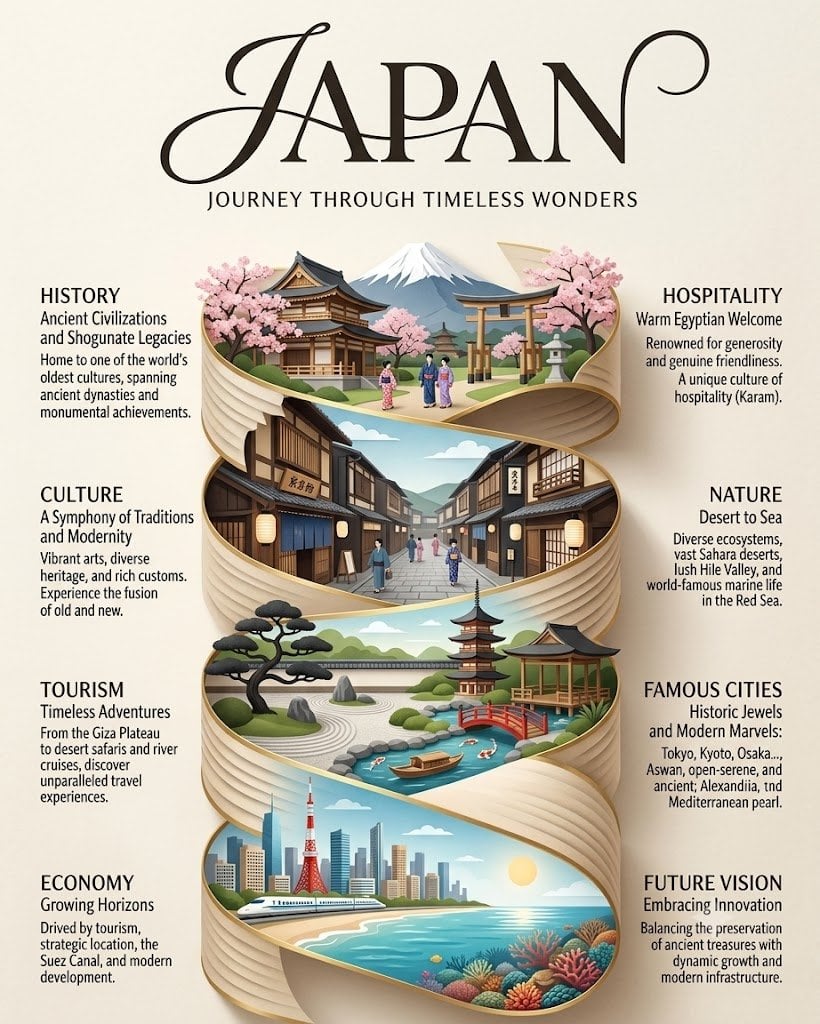
Japan Travel Brochure Poster

Ghibli Final Takeoff Field

Ghibli Rainy Tram Interior

Ghibli Star Observatory

Ghibli Tiny House On Back

Ghibli Lantern River Festival

Ghibli Whale Bone Beach
Make it yours
Architectural Poster Design with Landscape View works as-is. These are the safest ways to change it without losing the look.
Change one field
Copy a single group, rewrite it, and generate again so you can see what that field is doing.
Keep the frame, change the subject
Hold the composition and light of Architectural Poster Design with Landscape View, then swap wardrobe, props or the person for a new take.
| If the result… | Why | Fix |
|---|---|---|
| The result drifts from the preview | Too many fields changed at once. | Reuse Architectural Poster Design with Landscape View as-is first, then change one group — subject, light, or setting. |
| The model over-stylizes the scene | The prose prompt leaves finish and camera underspecified. | Add one camera or lighting sentence and stay on GPT Image 2. |
More GPT Image 2 templates
Other prompts made for GPT Image 2.

Six VTuber Japanese Logo Sheet
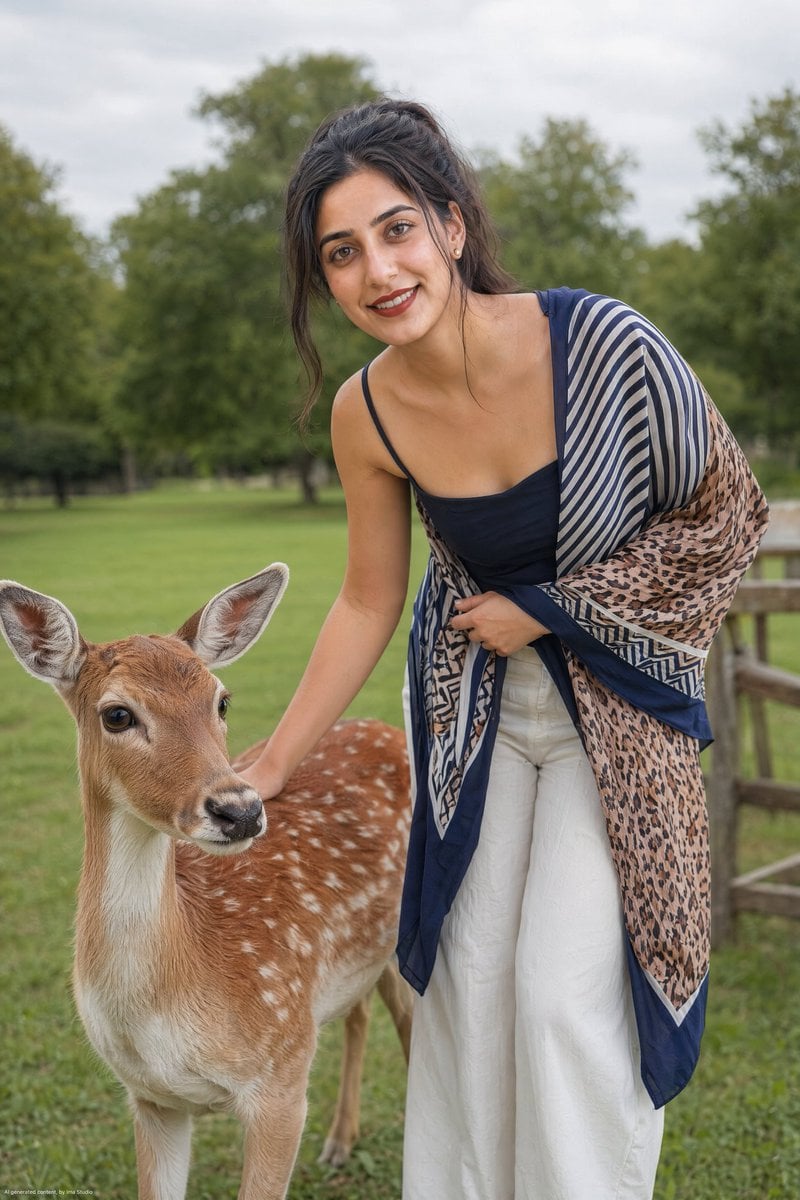
Realistic Portrait of Woman and Deer
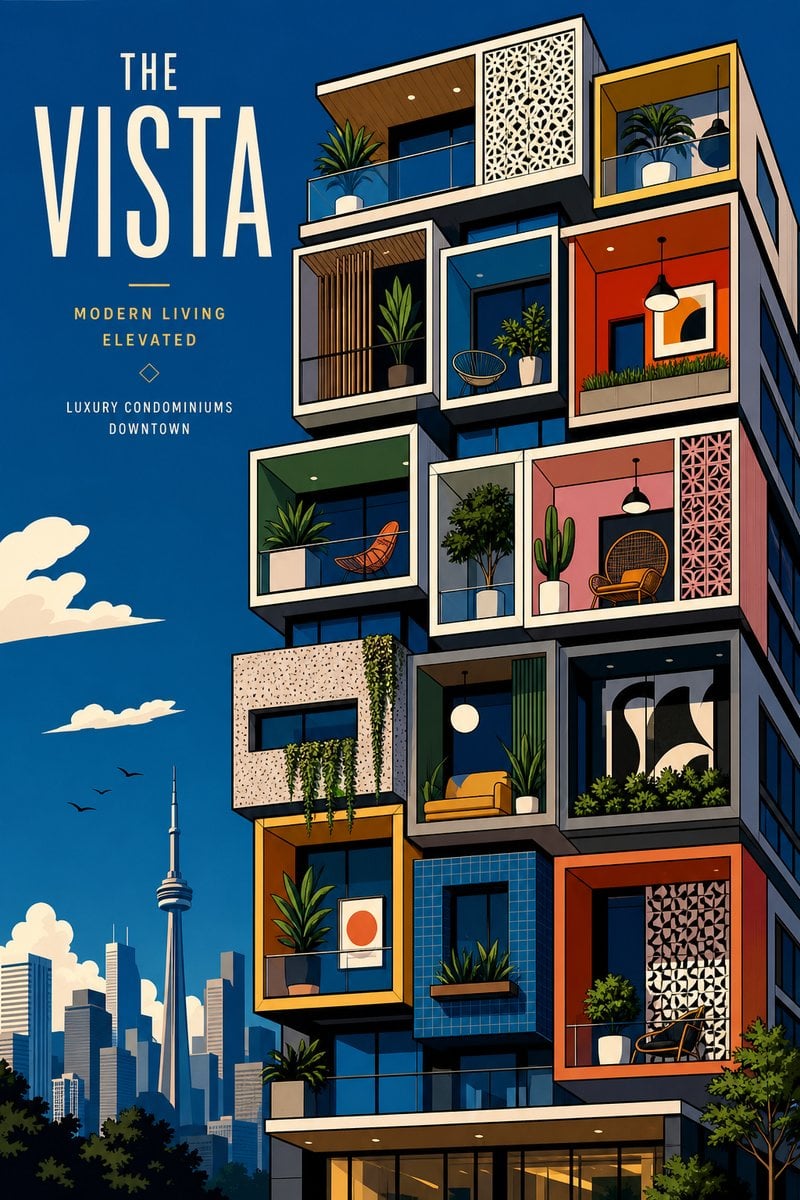
The Vista Modular Condo Poster
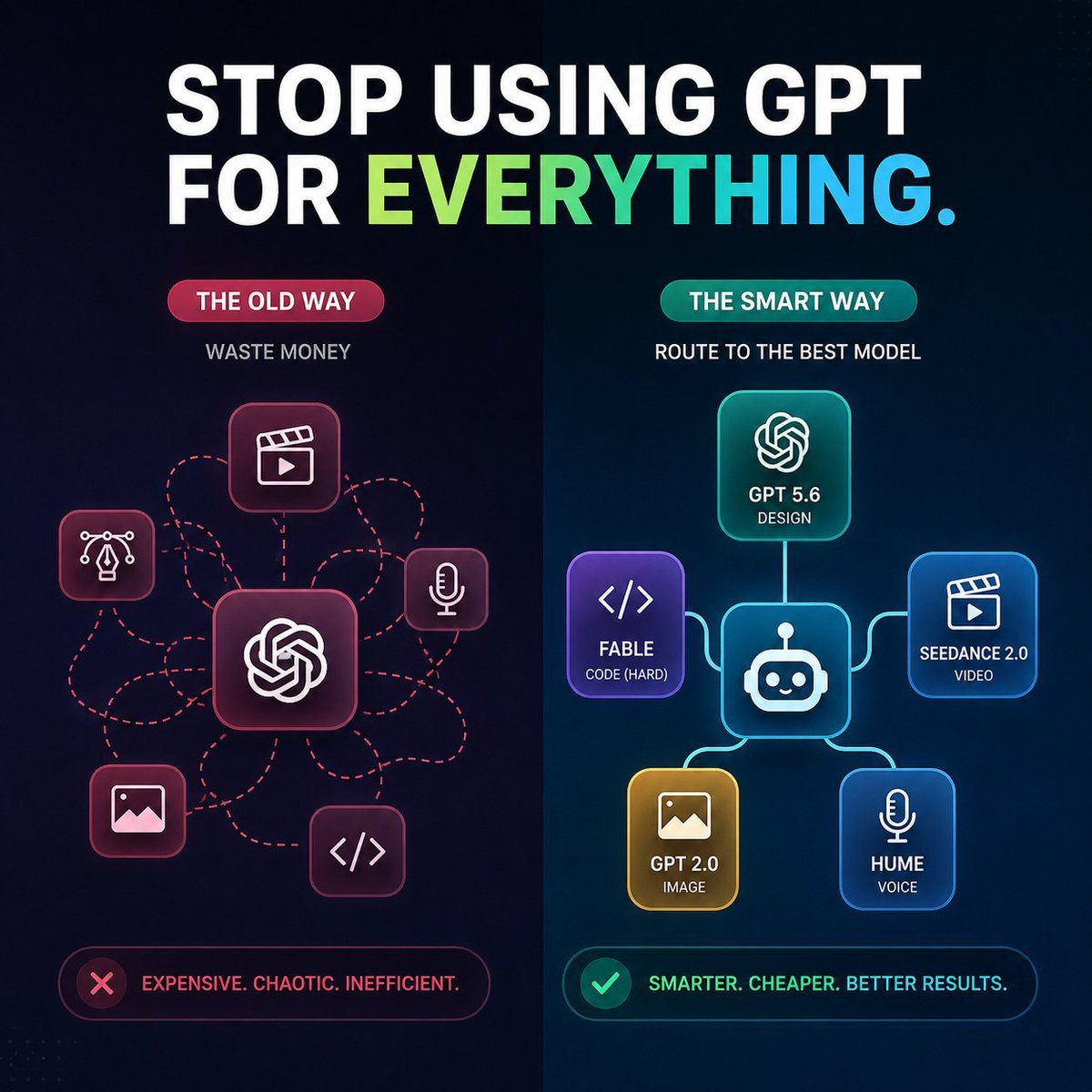
AI Model Routing Comparison Infographic

2.5D Anime Art Board

Isometric Productivity Desk Scene
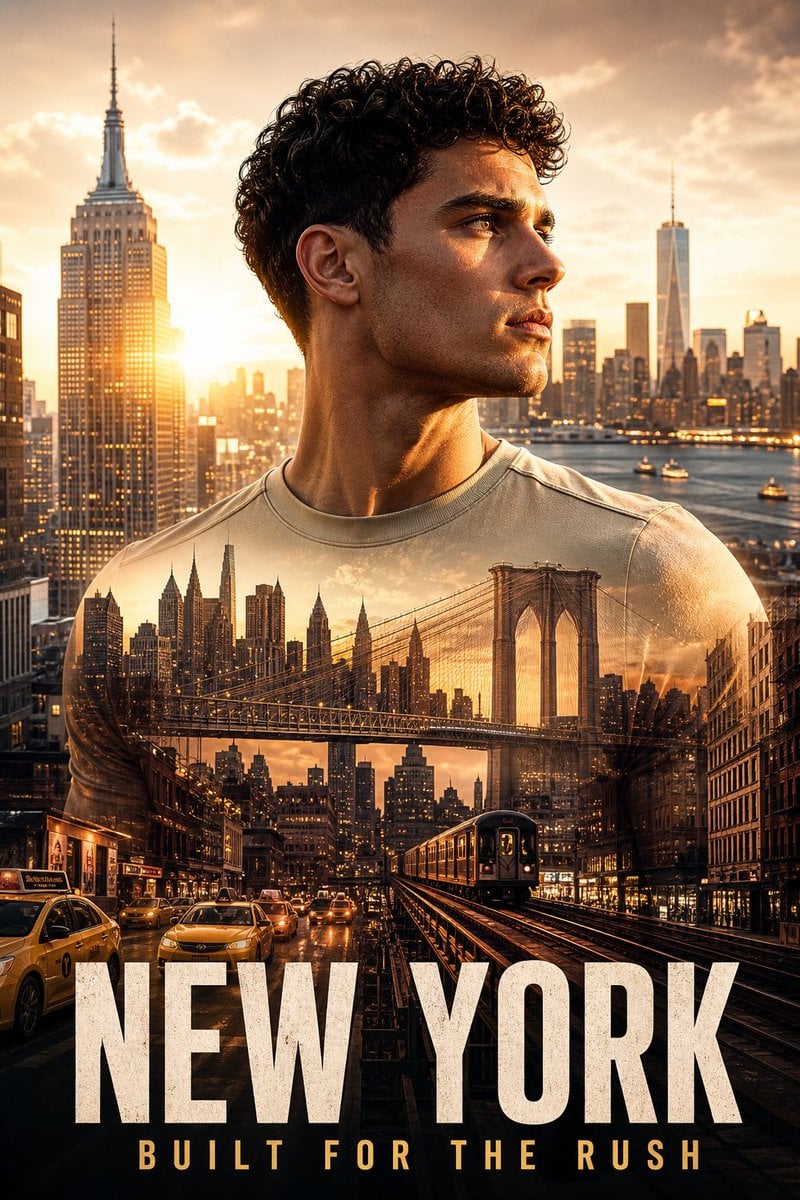
New York Double Exposure Poster
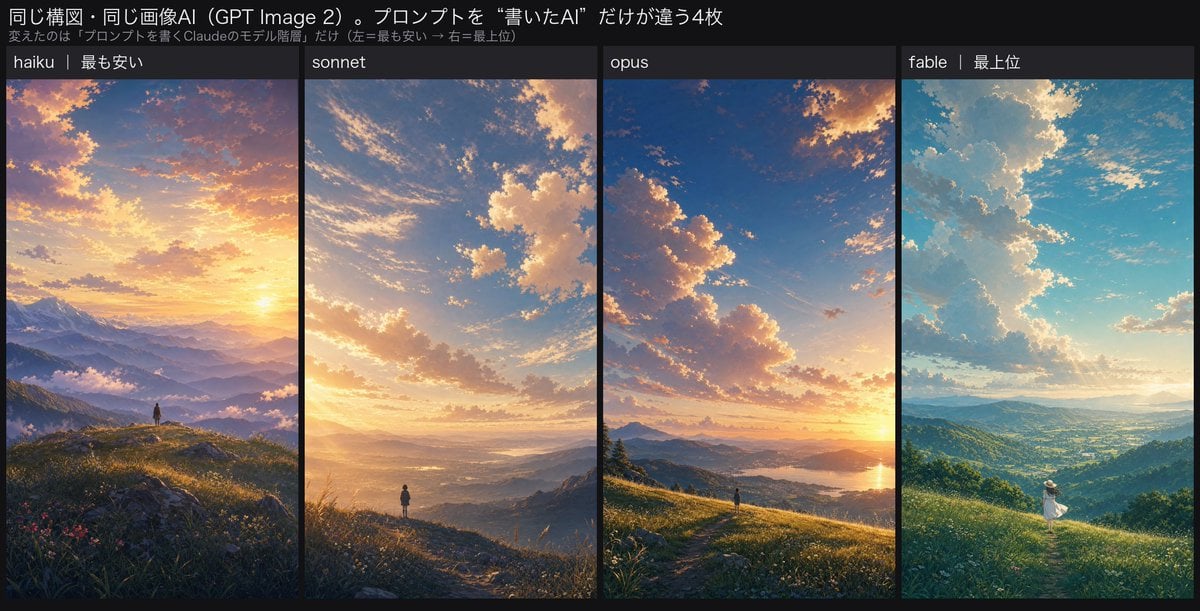
Four-Panel AI Landscape Comparison
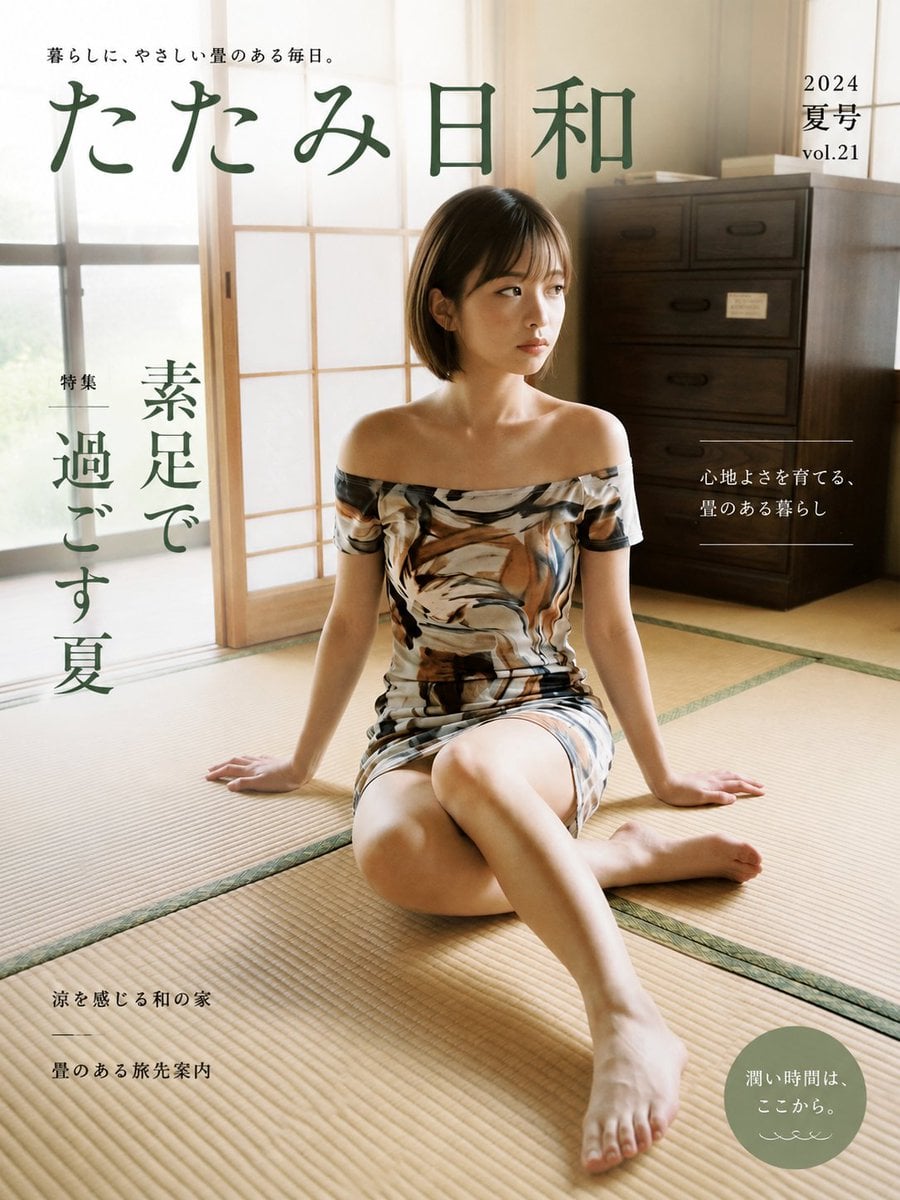
Japanese Tatami Lifestyle Magazine Cover

NESCAFÉ Coffee Map Poster
More image prompts
Fresh picks from across the catalog.
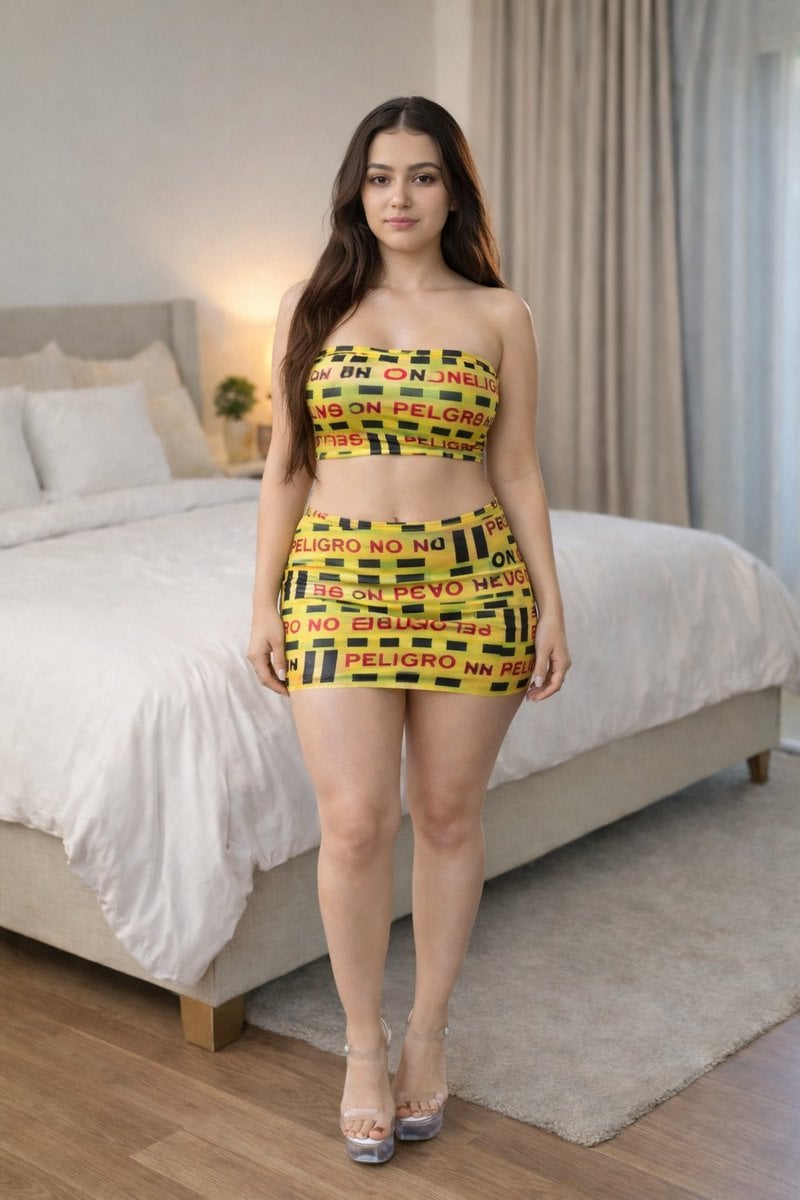
Caution Tape Fashion Photography Prompt
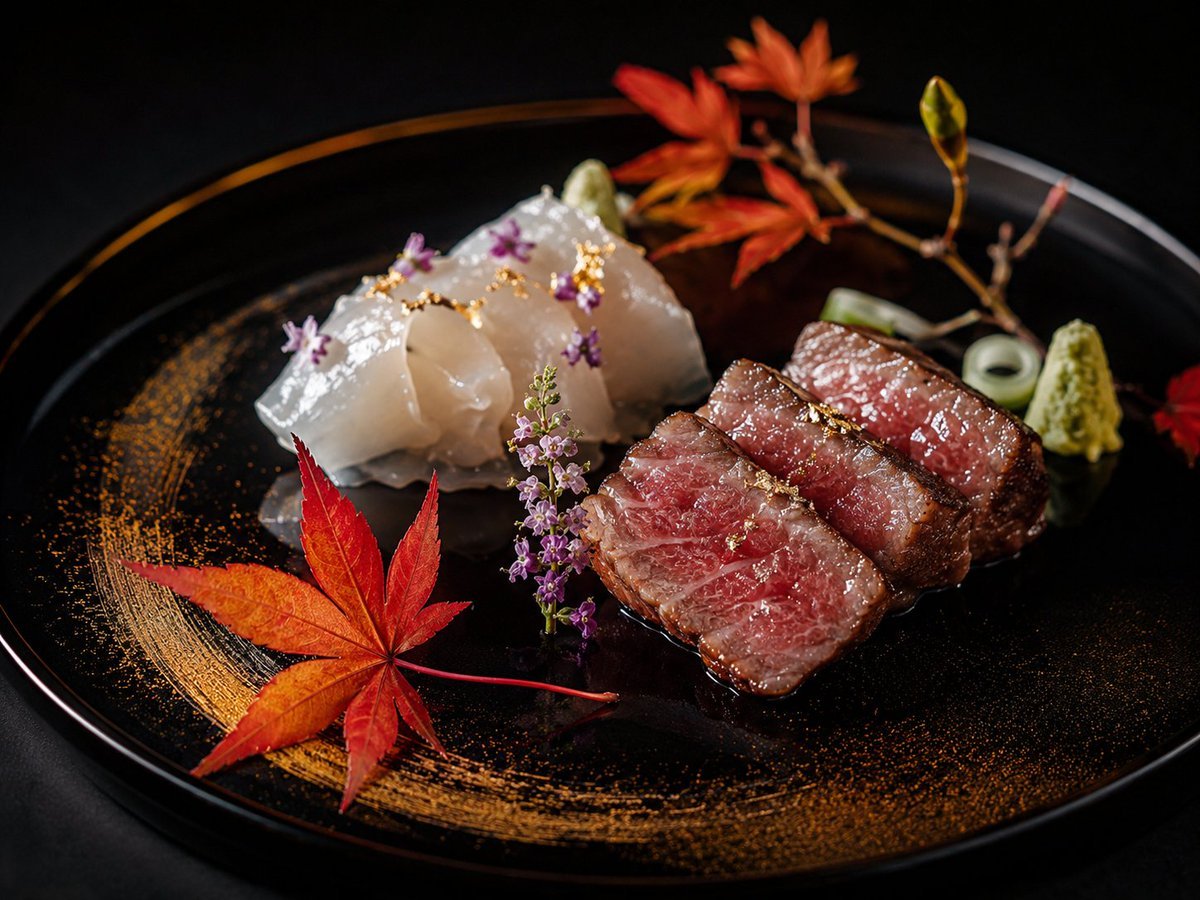
Luxury Kaiseki Wagyu and Sashimi Plate
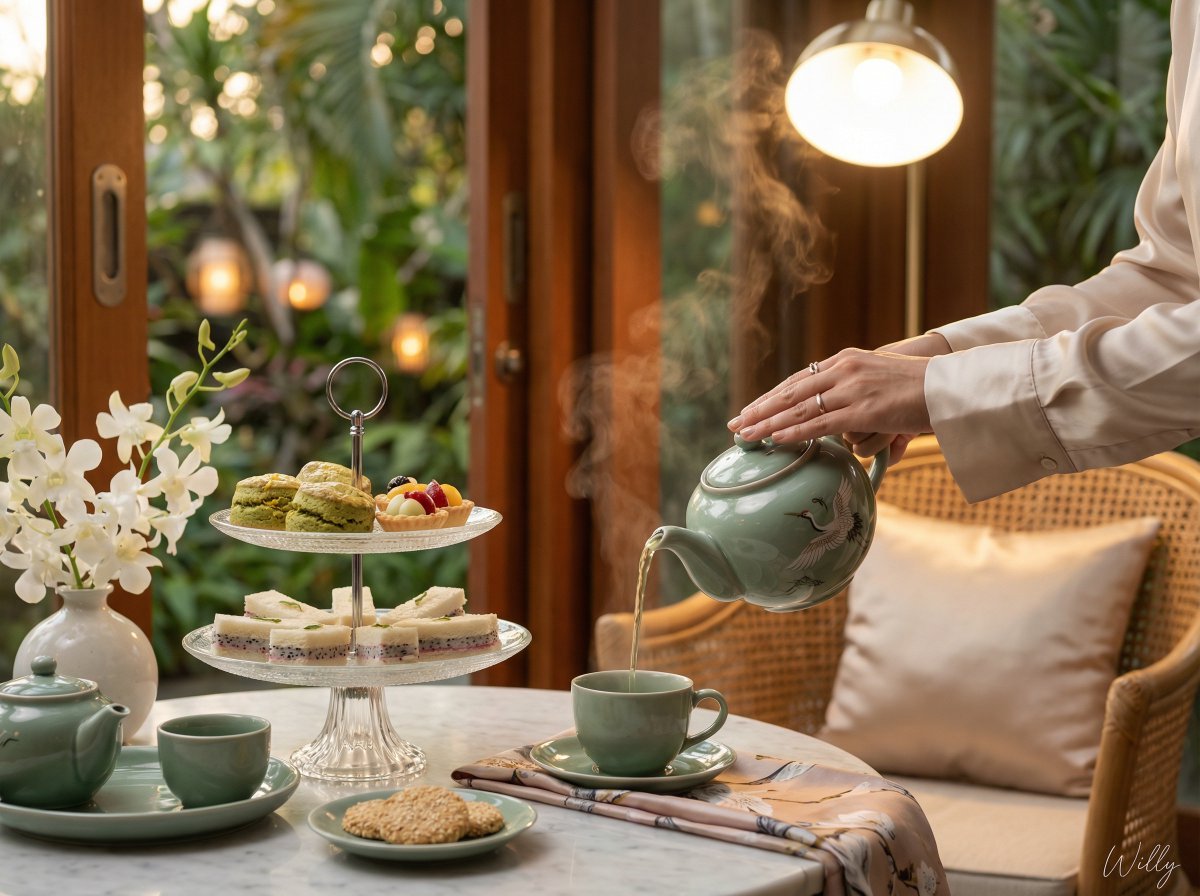
Photorealistic Vietnamese Afternoon Tea Scene

Cozy Night Café Portrait

High-Contrast Portrait with Direct Flash and Faux Fur
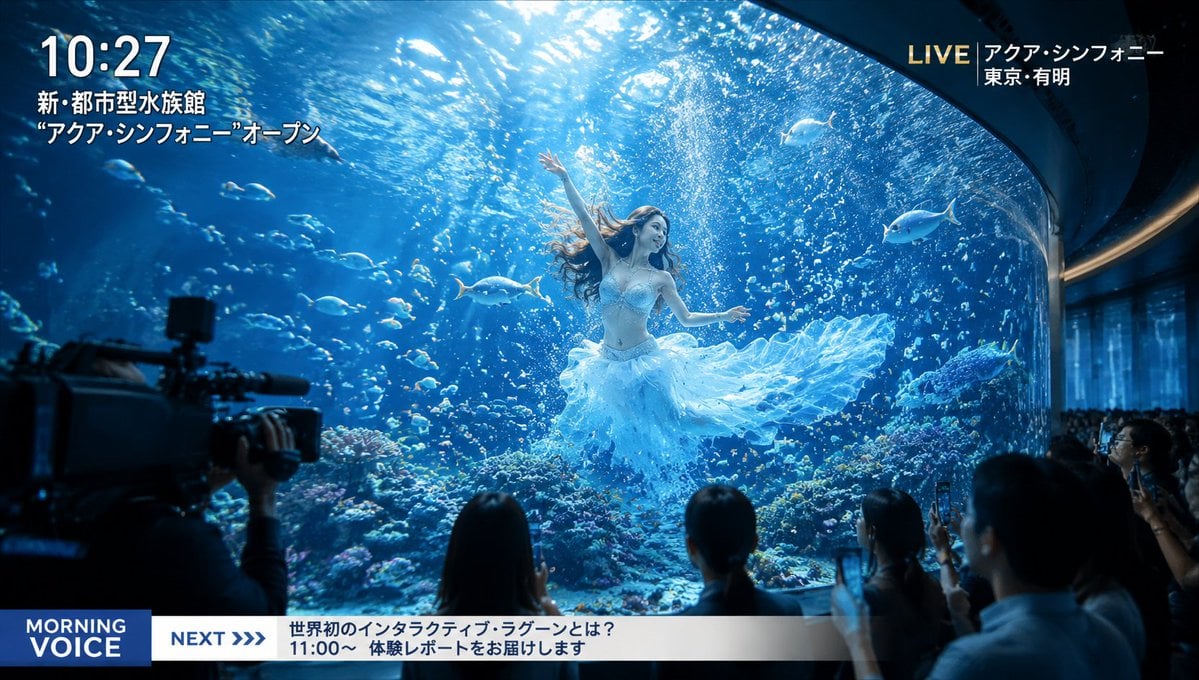
Futuristic Aquarium Mermaid Scene

Turn Food Photo Into Japanese Poster
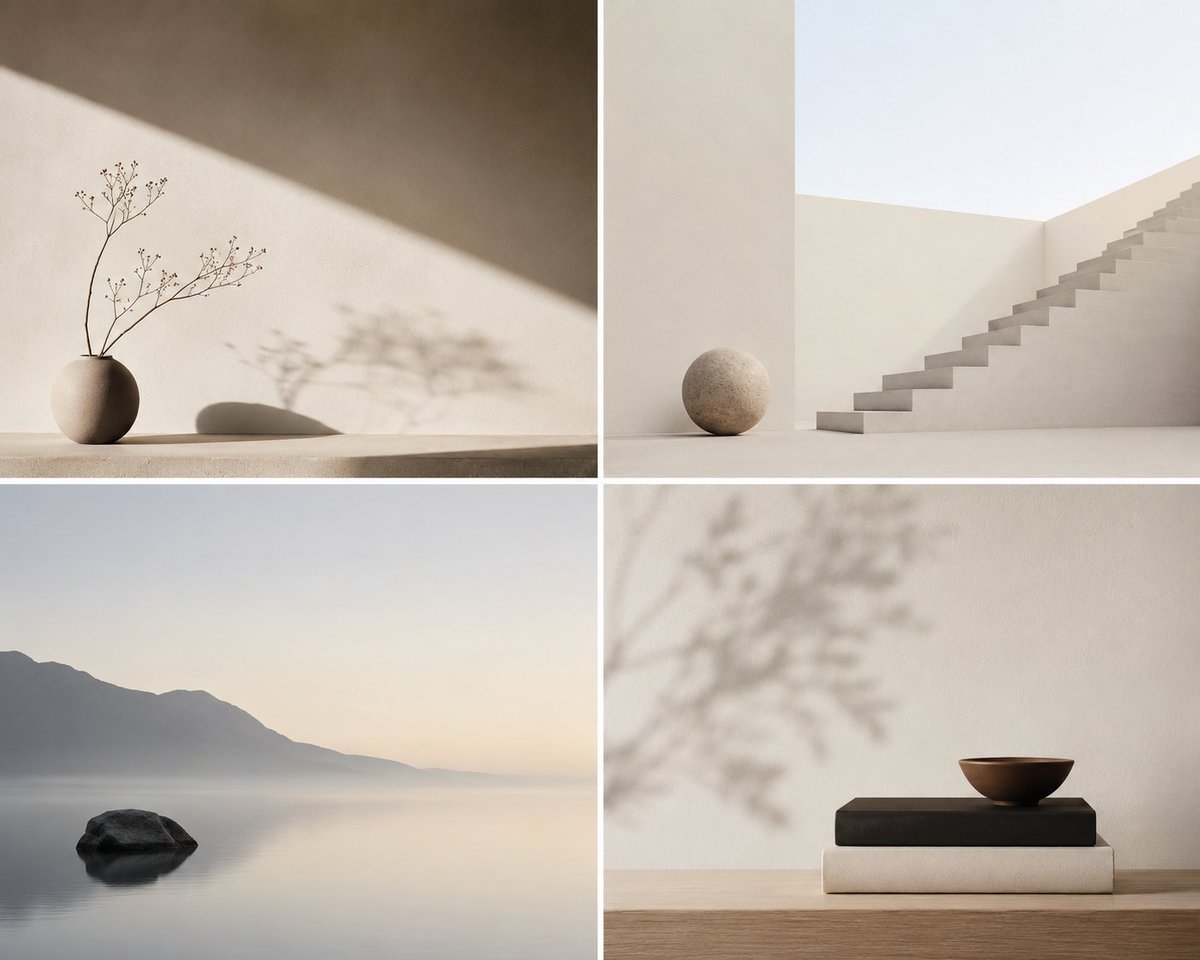
Minimalist Conceptual Scene Description
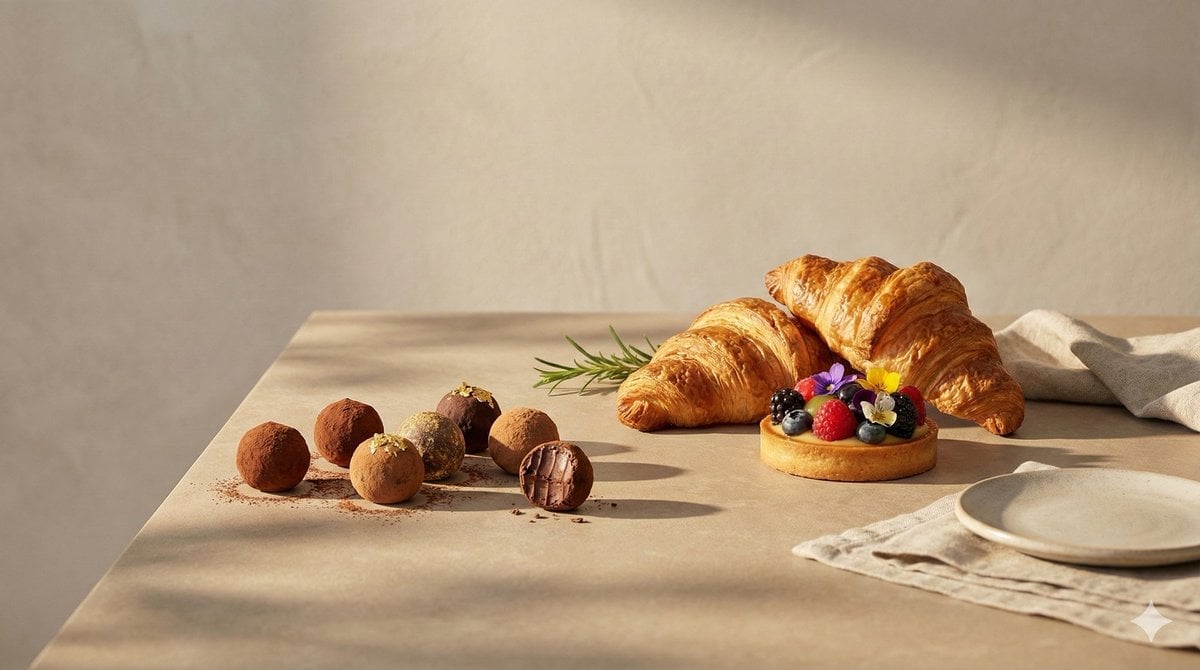
Luxury food advertising hero frame prompt
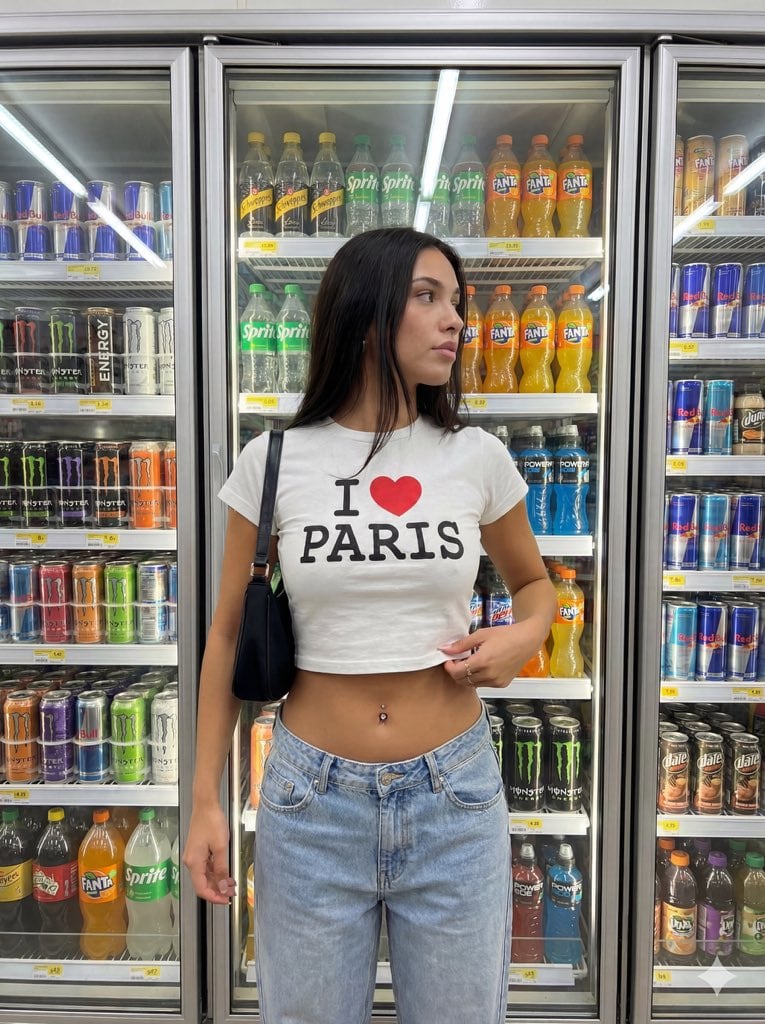
Convenience Store Aisle Portrait with Fluorescent Lighting
Browse template categories
Architectural Poster Design with Landscape View questions
How do I use the Architectural Poster Design with Landscape View template?
Add your photo if the template asks for one, edit the prompt if you like — the template's model and format are already selected — and press Generate. Your version opens in PicX Studio.
Can I customize the Architectural Poster Design with Landscape View template?
Yes. You can change the subject, setting, lighting, mood, format, and available model controls before creating your image.
Is the Architectural Poster Design with Landscape View template free?
Opening and editing this template is free. Generating uses credits, shown on the Generate button when you are signed in.
Which AI model should I use?
Start with GPT Image 2, which is the model associated with this template. You can compare another compatible model for a different finish.
Looking for something else? Browse all templates.

Your photo, any look
Thousands of ready templates for every top image and video model, from one credit balance.