
Miniature Mushroom Post Office Scene
A prompt for creating a miniature fairytale world featuring a glowing mushroom post office with detailed wet textures and atmospheric lighting.
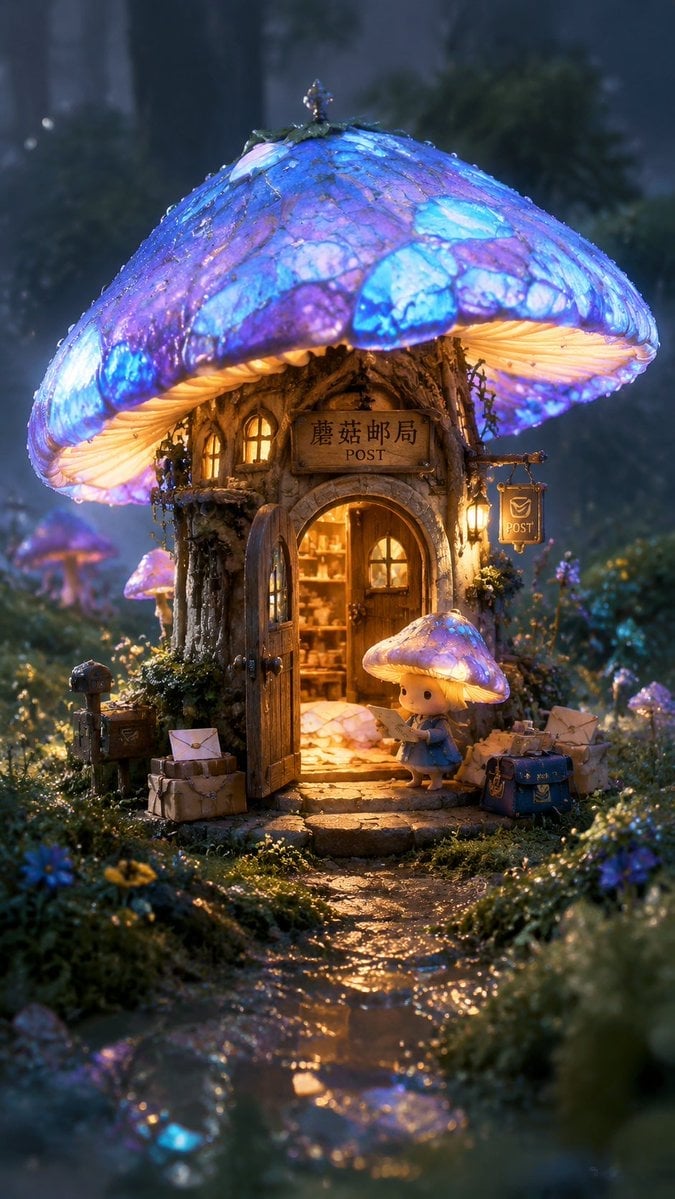
- Prompt included
- Model and format preset
- Free template
The prompt behind this image
Copy the exact prompt behind Miniature Mushroom Post Office Scene, or open it in the studio and make it yours.
{argument name="艺术风格" default="儿童绘本风格"} × {argument name="摄影质感" default="微缩模型摄影"} × {argument name="建筑设计" default="奇幻植物建筑设计"}。一座建在巨大蓝紫色发光蘑菇里的{argument name="主体" default="迷你邮局"},蘑菇伞盖像半透明彩色玻璃,内部透出温暖金色灯光。小木门半开,门口堆着 tiny envelopes、小包裹和湿漉漉的邮袋,石子小路被雨水打湿,反射蘑菇蓝光。周围是低矮苔藓、露珠、细小野花和柔软雾气,背景森林虚化。低机位近景,邮局位于画面中心,浅景深。画面使用柔和手绘边缘、微缩模型般的真实材质、湿润苔藓纹理、半透明蘑菇伞盖、暖金与蓝紫互补色光,整体童话、安静、温暖、微微神秘。
How to use Miniature Mushroom Post Office Scene in 3 steps
- 1
Open
The prompt is already in the box next to the preview, with the template's model and format selected.
- 2…a portrait of your subject in softgolden-hour light, 85mm…
Personalize
Edit the subject and creative details for your destination.
- 3Generate
Generate
Press Generate — your image is created in PicX Studio, so you can compare it with the original and refine one variable at a time.
More like this
Templates with the same subject, style or setup. Open one to see its prompt.
Miniature Suitcase Travel Poster

Paper Tunnel Book Architecture

Isometric Brand Store Diorama
Office Transfer Announcement Poster
Glass Mushroom Gown in Cosmic Nebula
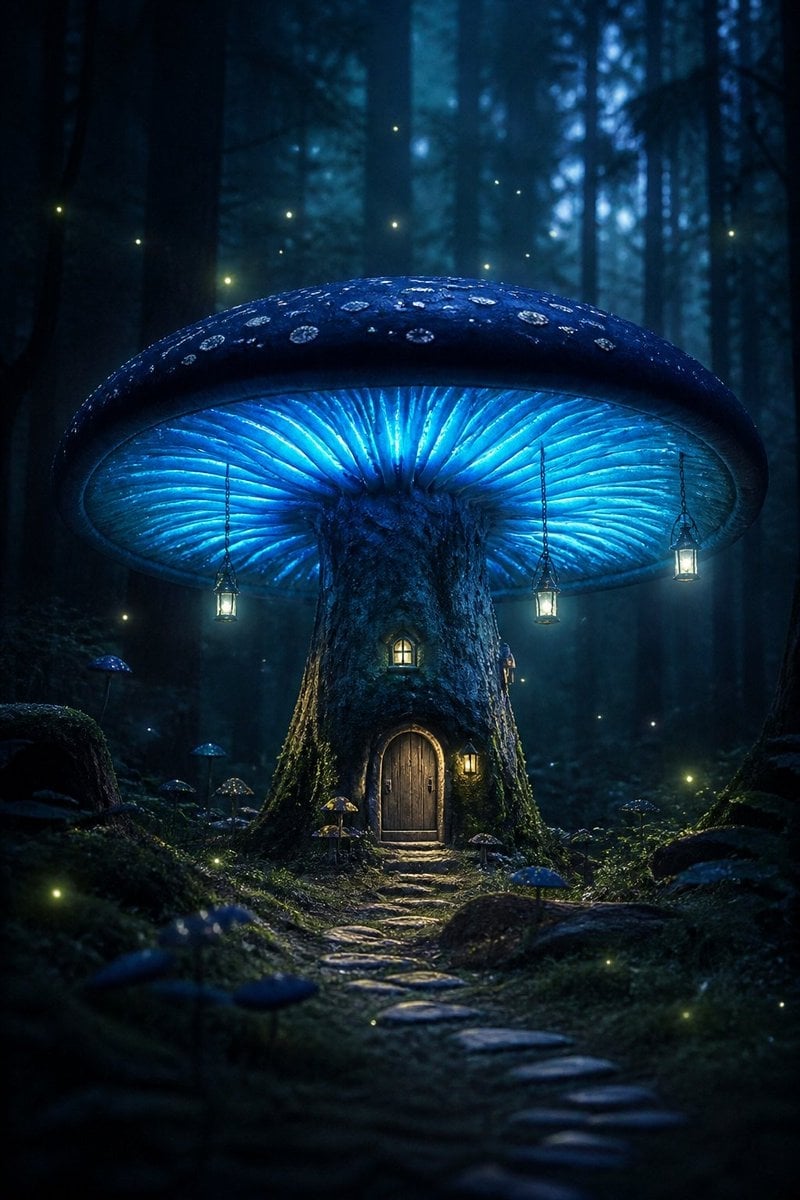
Bioluminescent Giant Mushroom in Dark Forest

Miniature Sick Day Diorama
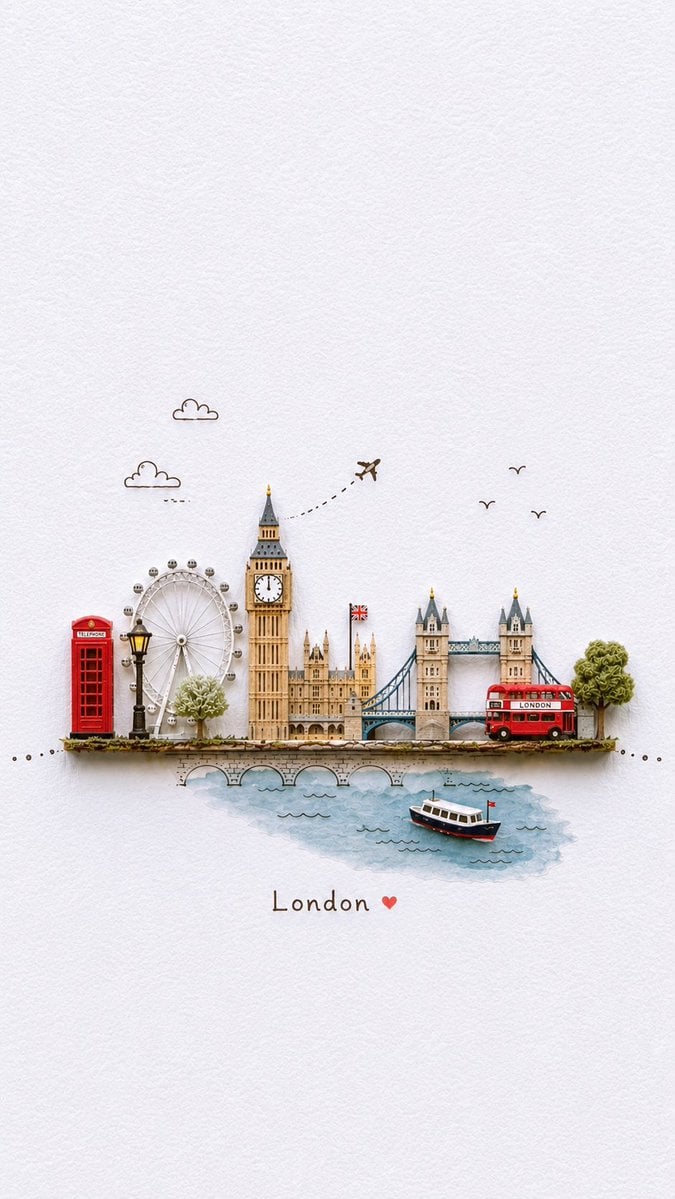
Miniature Paper-Craft Travel Illustration

Creative Character in Pink Office

Mushroom Still Life Composition

Stylized Miniature 3D Diorama Craft

Human with Miniature 3D Self Portrait
Make it yours
Miniature Mushroom Post Office Scene works as-is. These are the safest ways to change it without losing the look.
Change one field
Copy a single group, rewrite it, and generate again so you can see what that field is doing.
Keep the frame, change the subject
Hold the composition and light of Miniature Mushroom Post Office Scene, then swap wardrobe, props or the person for a new take.
| If the result… | Why | Fix |
|---|---|---|
| The result drifts from the preview | Too many fields changed at once. | Reuse Miniature Mushroom Post Office Scene as-is first, then change one group — subject, light, or setting. |
| The model over-stylizes the scene | The prose prompt leaves finish and camera underspecified. | Add one camera or lighting sentence and stay on GPT Image 2. |
More GPT Image 2 templates
Other prompts made for GPT Image 2.

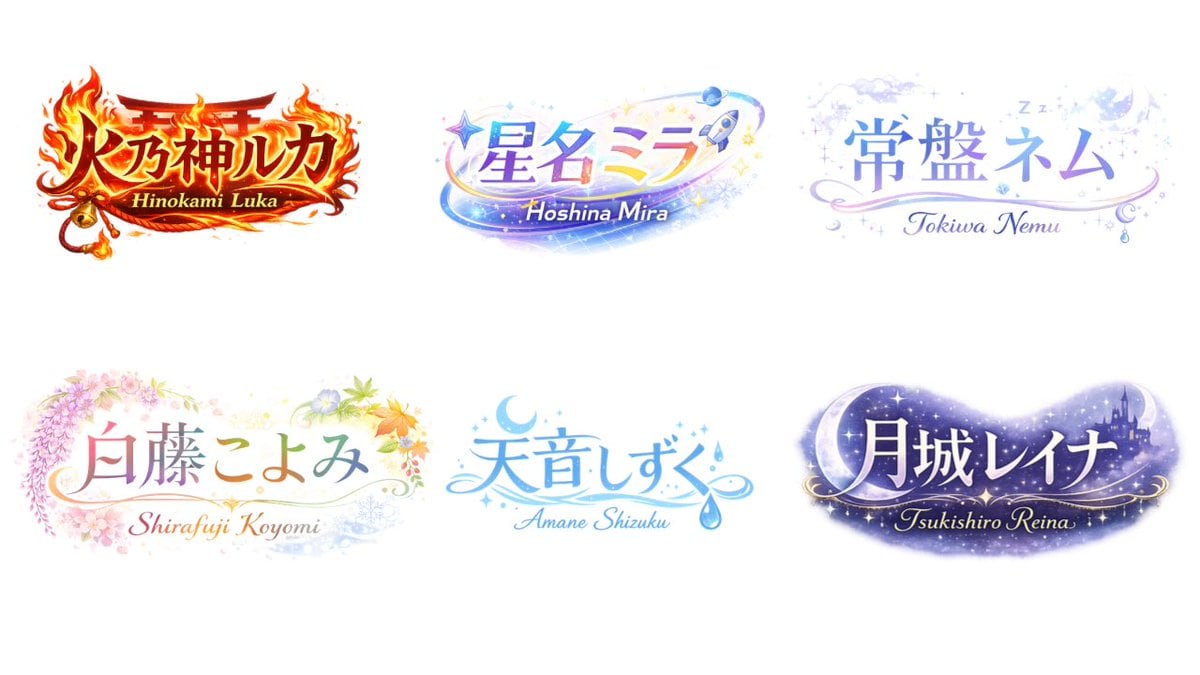
Six VTuber Japanese Logo Sheet

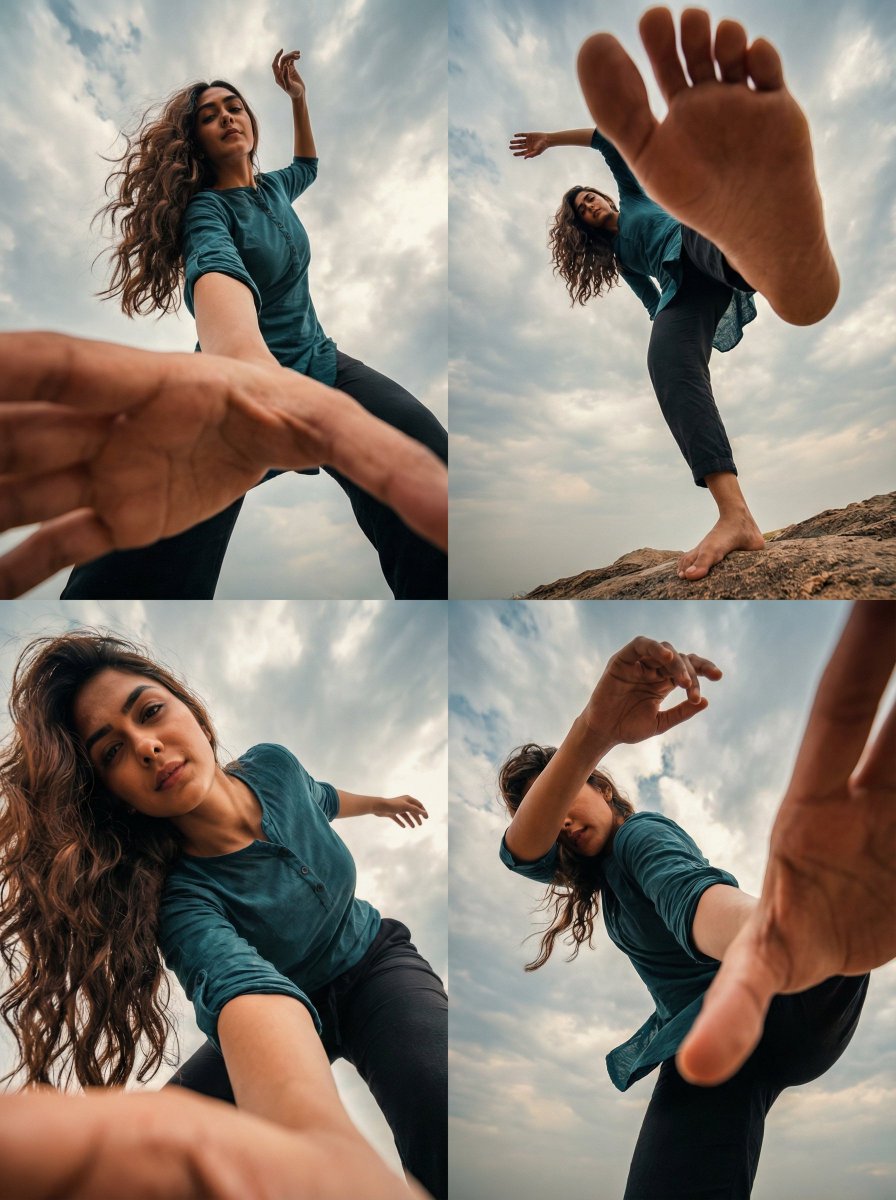
Realistic Portrait of Woman and Deer

The Vista Modular Condo Poster

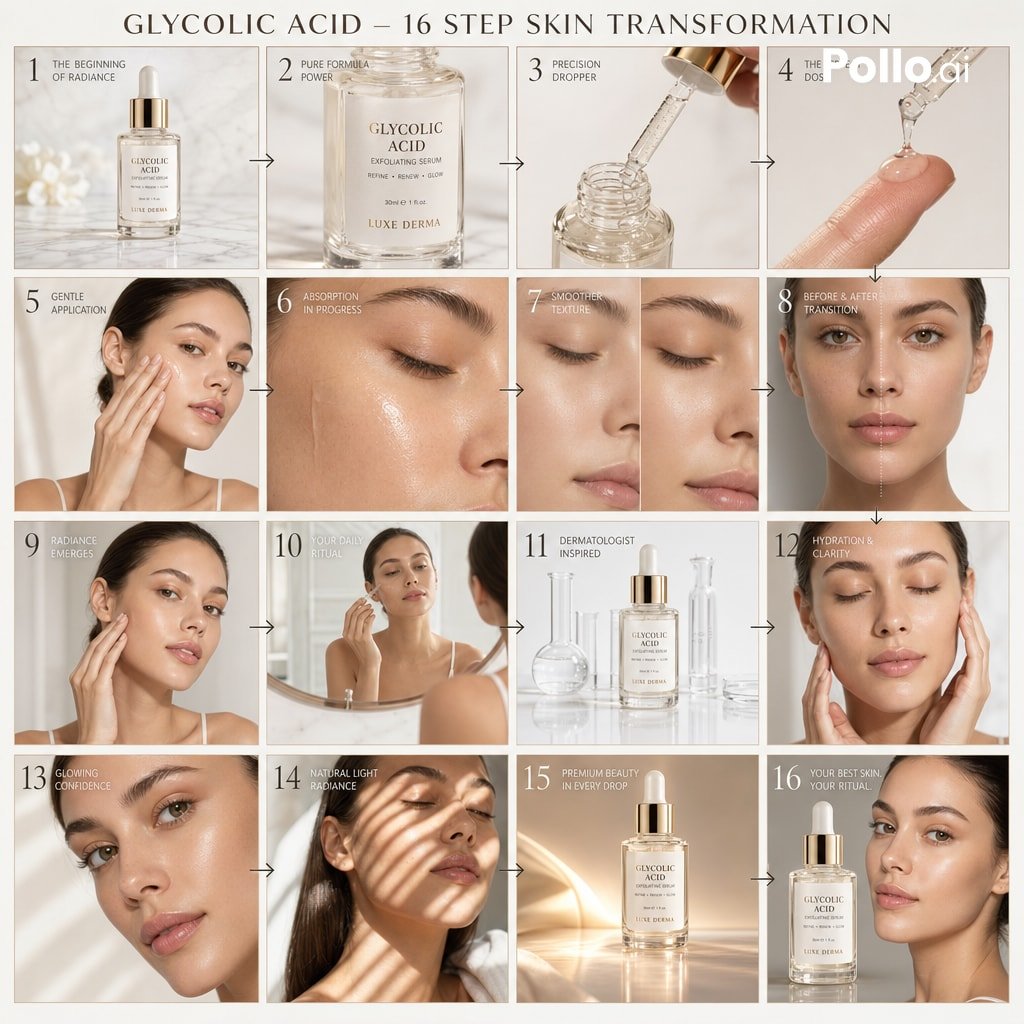
AI Model Routing Comparison Infographic

2.5D Anime Art Board

Isometric Productivity Desk Scene

New York Double Exposure Poster

Four-Panel AI Landscape Comparison

Japanese Tatami Lifestyle Magazine Cover

NESCAFÉ Coffee Map Poster
More image prompts
Fresh picks from across the catalog.

Browse template categories
Miniature Mushroom Post Office Scene questions
How do I use the Miniature Mushroom Post Office Scene template?
Add your photo if the template asks for one, edit the prompt if you like — the template's model and format are already selected — and press Generate. Your version opens in PicX Studio.
Can I customize the Miniature Mushroom Post Office Scene template?
Yes. You can change the subject, setting, lighting, mood, format, and available model controls before creating your image.
Is the Miniature Mushroom Post Office Scene template free?
Opening and editing this template is free. Generating uses credits, shown on the Generate button when you are signed in.
Which AI model should I use?
Start with GPT Image 2, which is the model associated with this template. You can compare another compatible model for a different finish.
Looking for something else? Browse all templates.

Your photo, any look
Thousands of ready templates for every top image and video model, from one credit balance.