
Traditional Chinese Opera Setup Sketch
Generates a visual of a traditional Chinese opera costume design sketch on a drawing board, with a realistic character seemingly rising out of the paper.
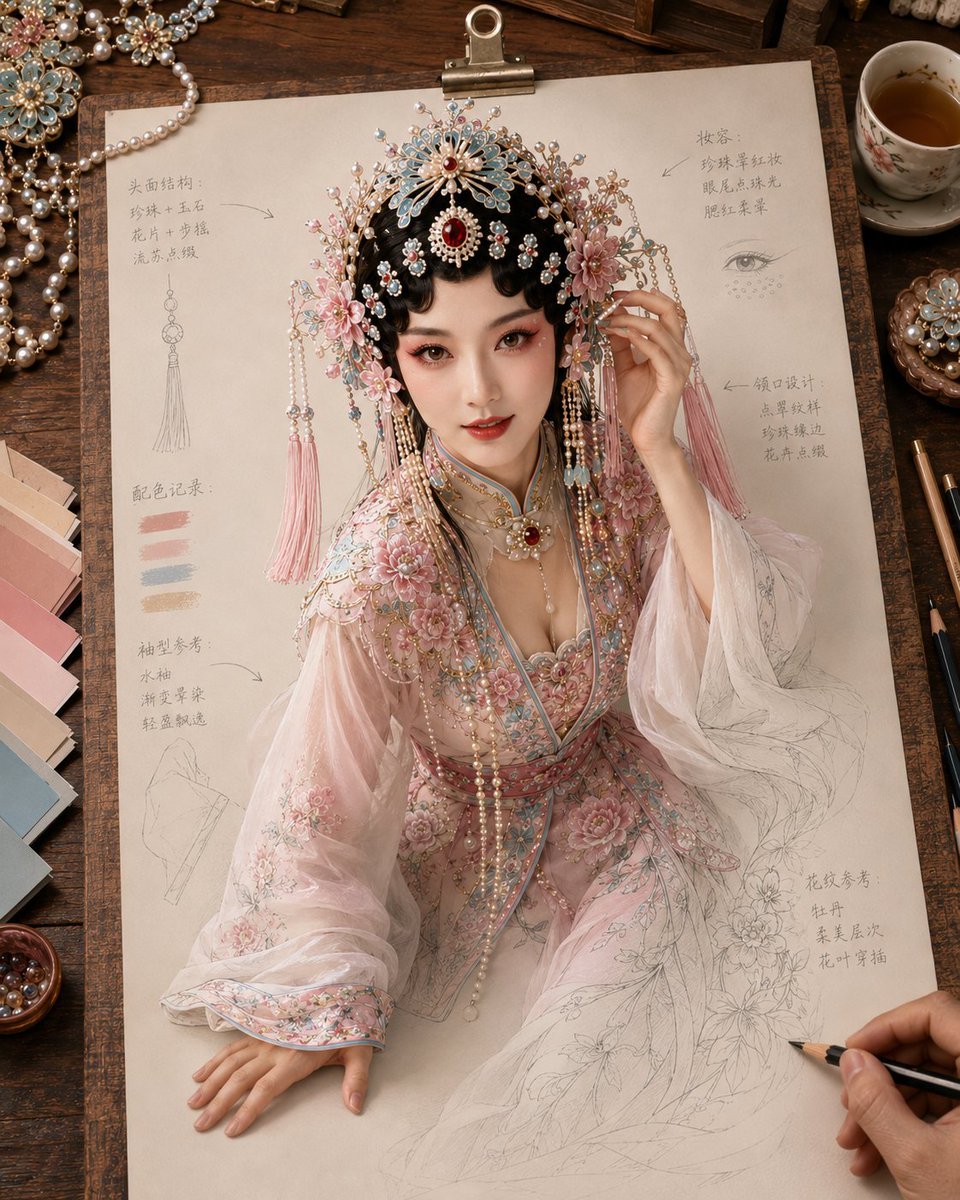
- Prompt included
- Model and format preset
- Free template
The prompt behind this image
Copy the exact prompt behind Traditional Chinese Opera Setup Sketch, or open it in the studio and make it yours.
生成一张《纸上成真 · 戏韵妆造稿》风格图片,4:5 竖版。 主题为【{argument name="主题" default="京剧花旦"}】。画面是一张米白色戏曲妆造设定稿纸夹在木质画板上,置于温暖木色工作台。一位写实成年中国女性从纸上自然立起,形成“纸上成真”的视觉效果。
How to use Traditional Chinese Opera Setup Sketch in 3 steps
- 1
Open
The prompt is already in the box next to the preview, with the template's model and format selected.
- 2…a portrait of your subject in softgolden-hour light, 85mm…
Personalize
Edit the subject and creative details for your destination.
- 3Generate
Generate
Press Generate — your image is created in PicX Studio, so you can compare it with the original and refine one variable at a time.
More like this
Templates with the same subject, style or setup. Open one to see its prompt.
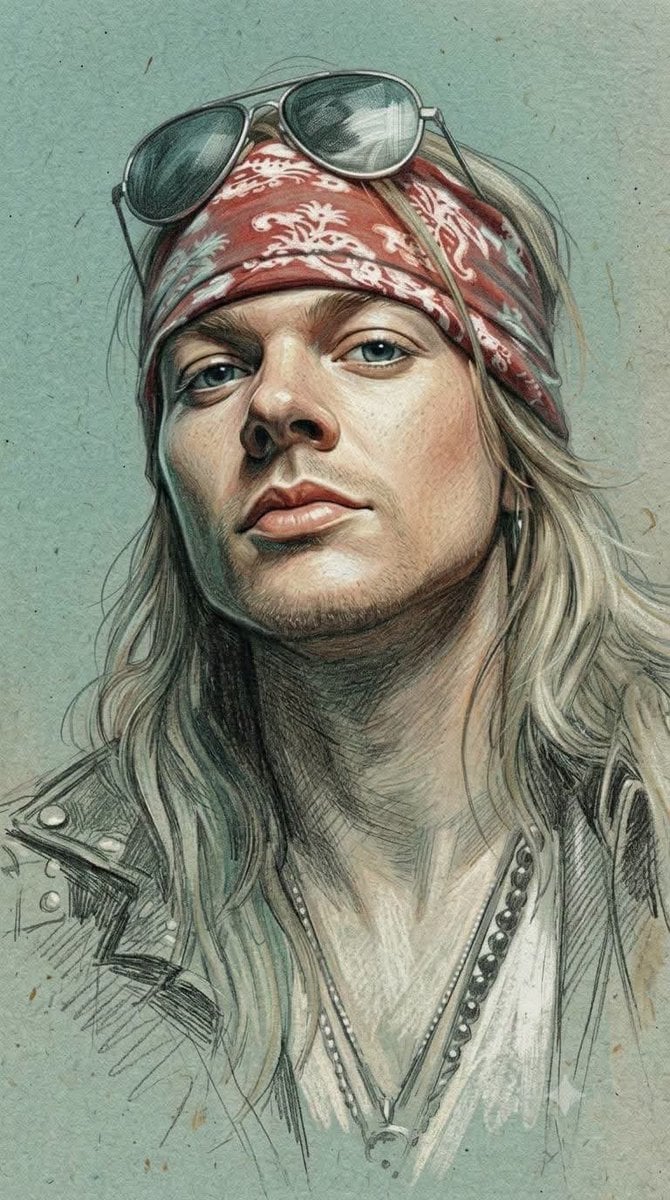
Traditional Colored Pencil Portrait Sketch
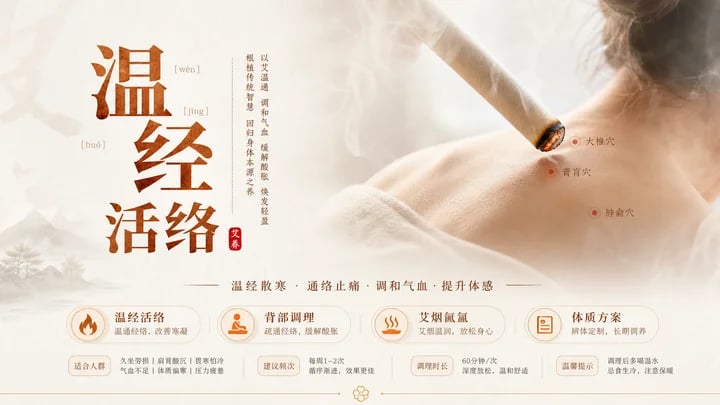
Traditional Chinese Moxibustion Poster

Japanese Café Sketch Duo Illustration

Delicate Japanese Café Lifestyle Illustration
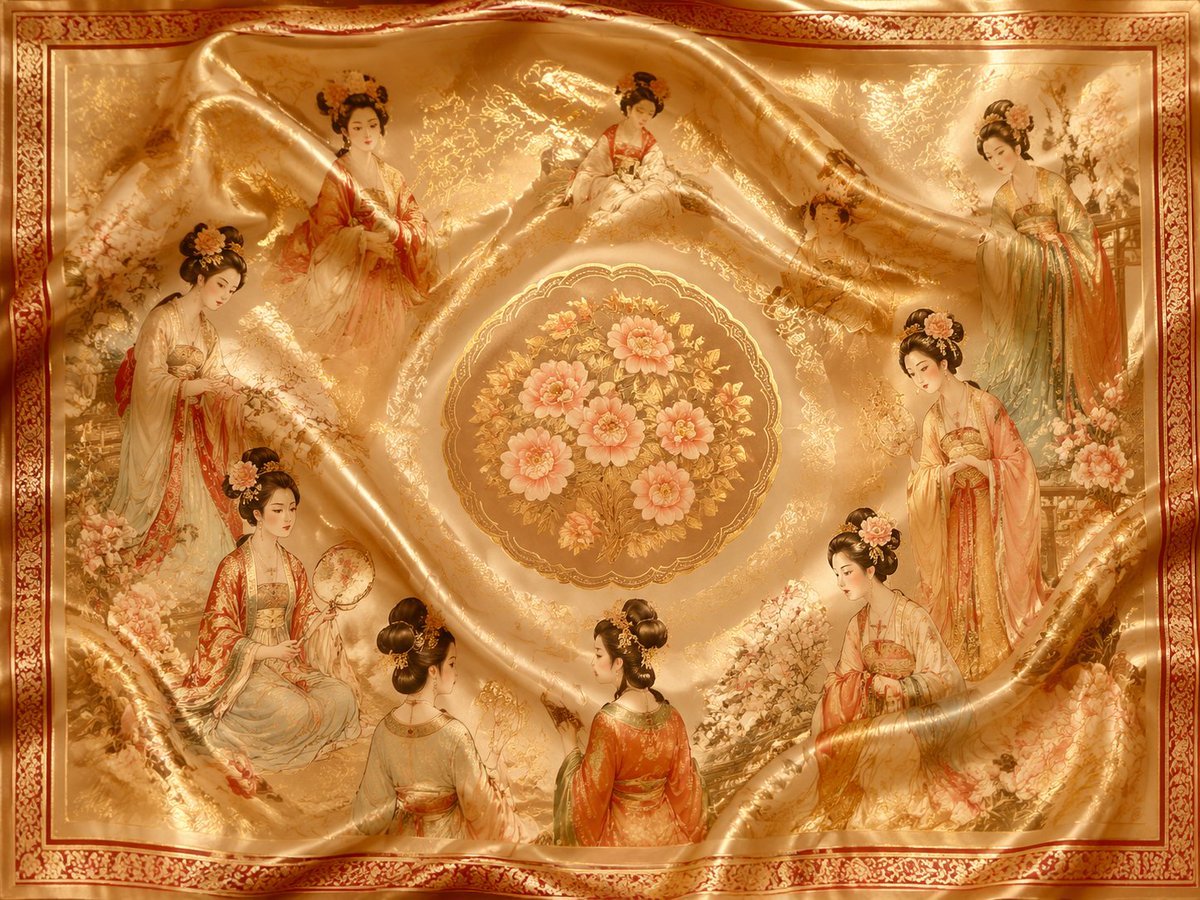
Chinese Traditional Luxury Product Design
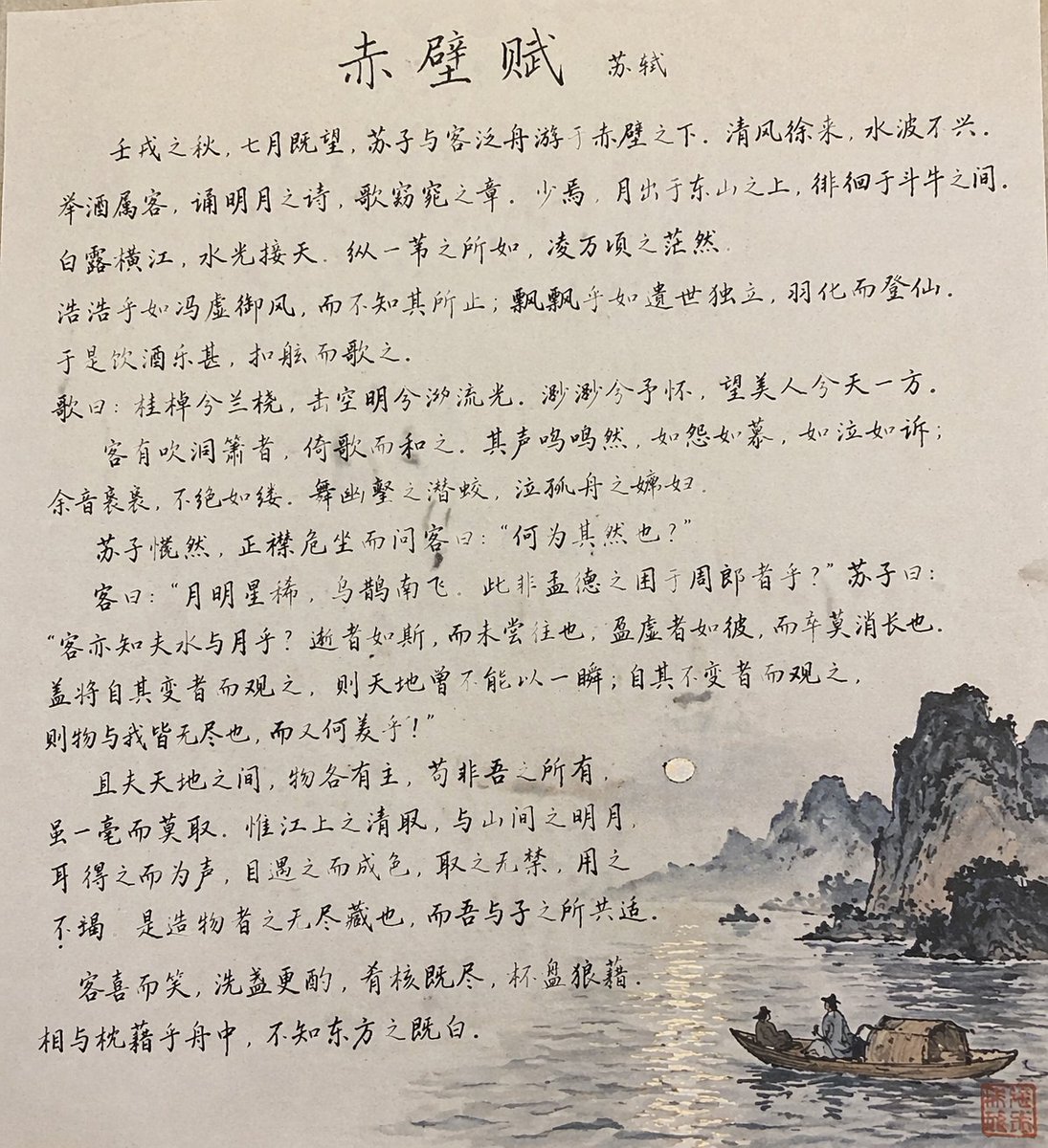
Traditional Chinese Calligraphy and Ink Painting
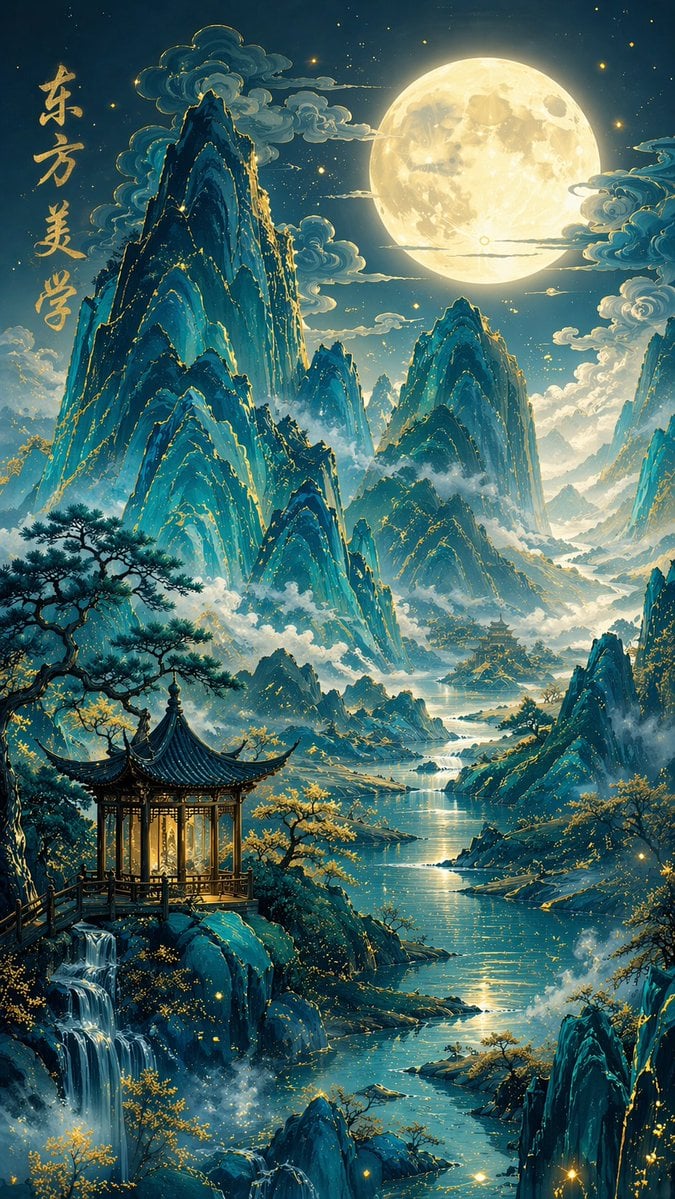
Traditional Chinese Blue-Green Landscape
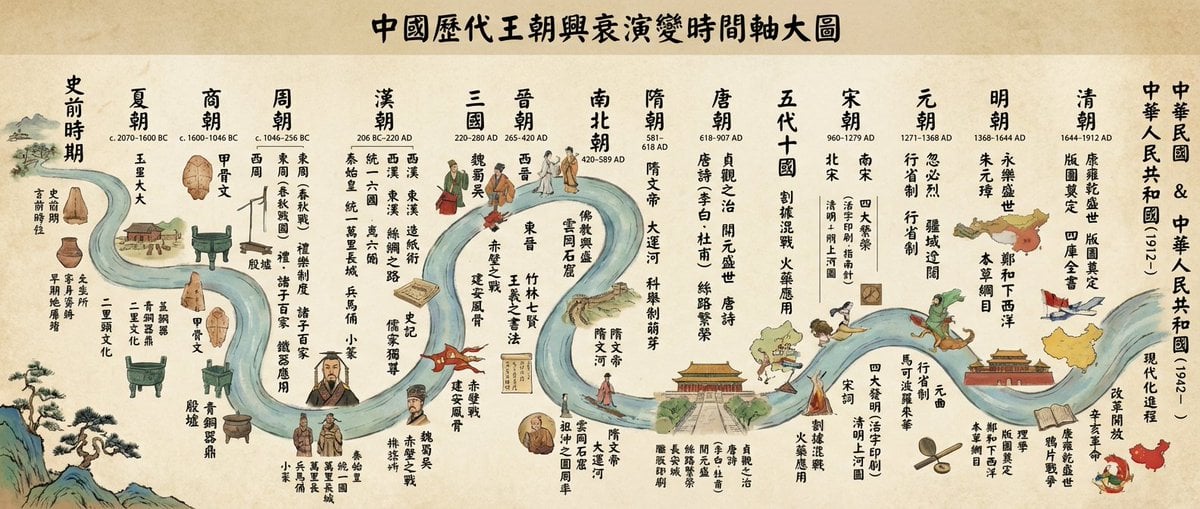
Chinese dynasties infographic timeline in traditional Chinese
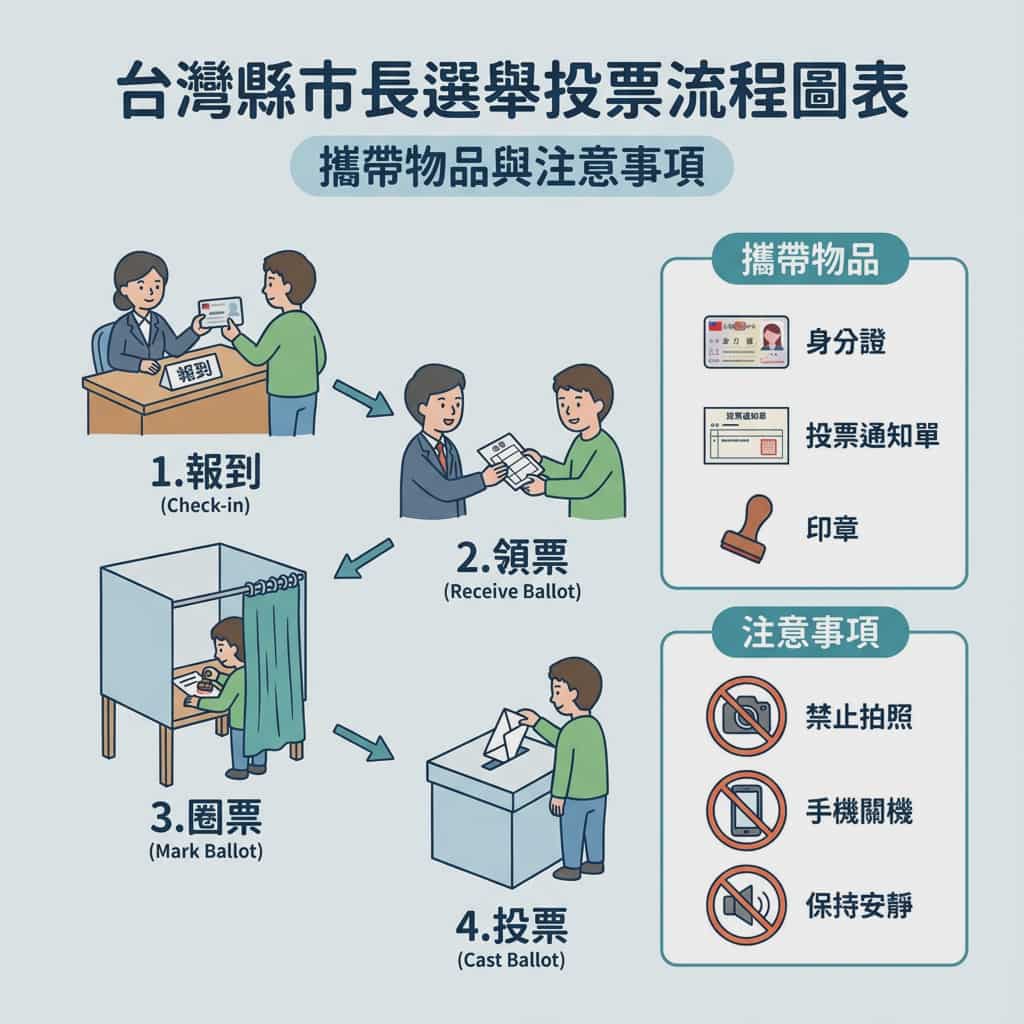
Taiwan election voting flowchart in Traditional Chinese

敦煌纸雕飞天 — 3D Layered Paper Cutout

博物馆图鉴式汉服拆解图 — GPT-image-2
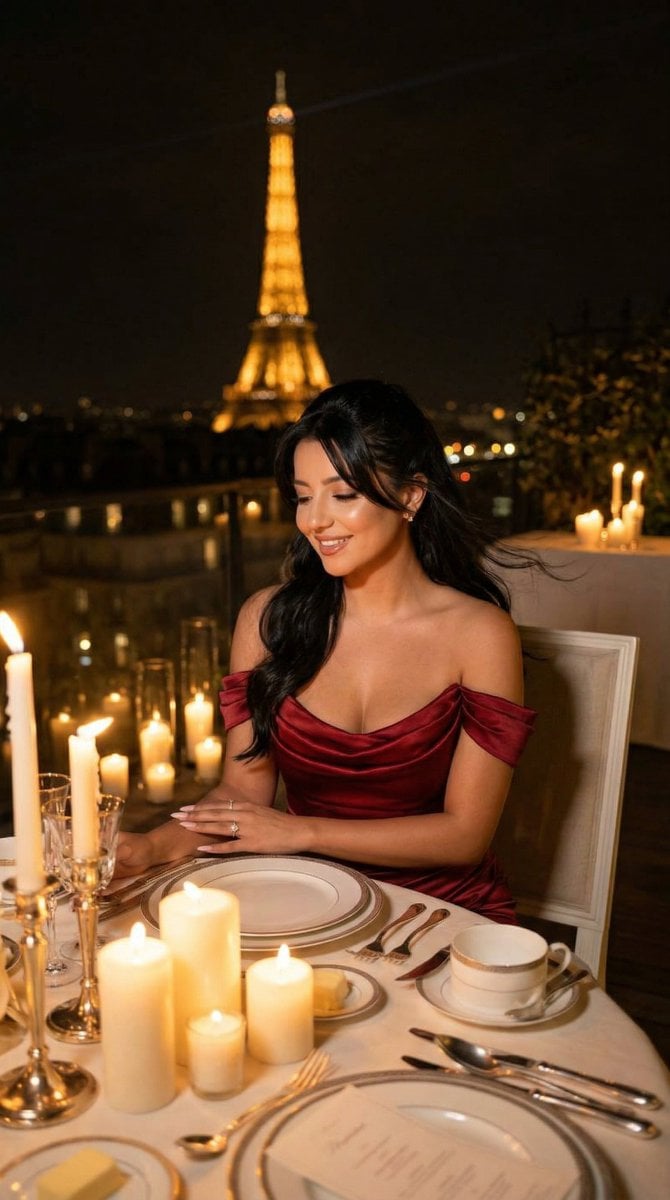
Nano Banana - Opera Red Gown Couture
Make it yours
Traditional Chinese Opera Setup Sketch works as-is. These are the safest ways to change it without losing the look.
Change one field
Copy a single group, rewrite it, and generate again so you can see what that field is doing.
Keep the frame, change the subject
Hold the composition and light of Traditional Chinese Opera Setup Sketch, then swap wardrobe, props or the person for a new take.
| If the result… | Why | Fix |
|---|---|---|
| The result drifts from the preview | Too many fields changed at once. | Reuse Traditional Chinese Opera Setup Sketch as-is first, then change one group — subject, light, or setting. |
| The model over-stylizes the scene | The prose prompt leaves finish and camera underspecified. | Add one camera or lighting sentence and stay on GPT Image 2. |
More GPT Image 2 templates
Other prompts made for GPT Image 2.

Six VTuber Japanese Logo Sheet

Realistic Portrait of Woman and Deer

The Vista Modular Condo Poster

AI Model Routing Comparison Infographic

2.5D Anime Art Board

Isometric Productivity Desk Scene

New York Double Exposure Poster

Four-Panel AI Landscape Comparison

Japanese Tatami Lifestyle Magazine Cover

NESCAFÉ Coffee Map Poster
More image prompts
Fresh picks from across the catalog.
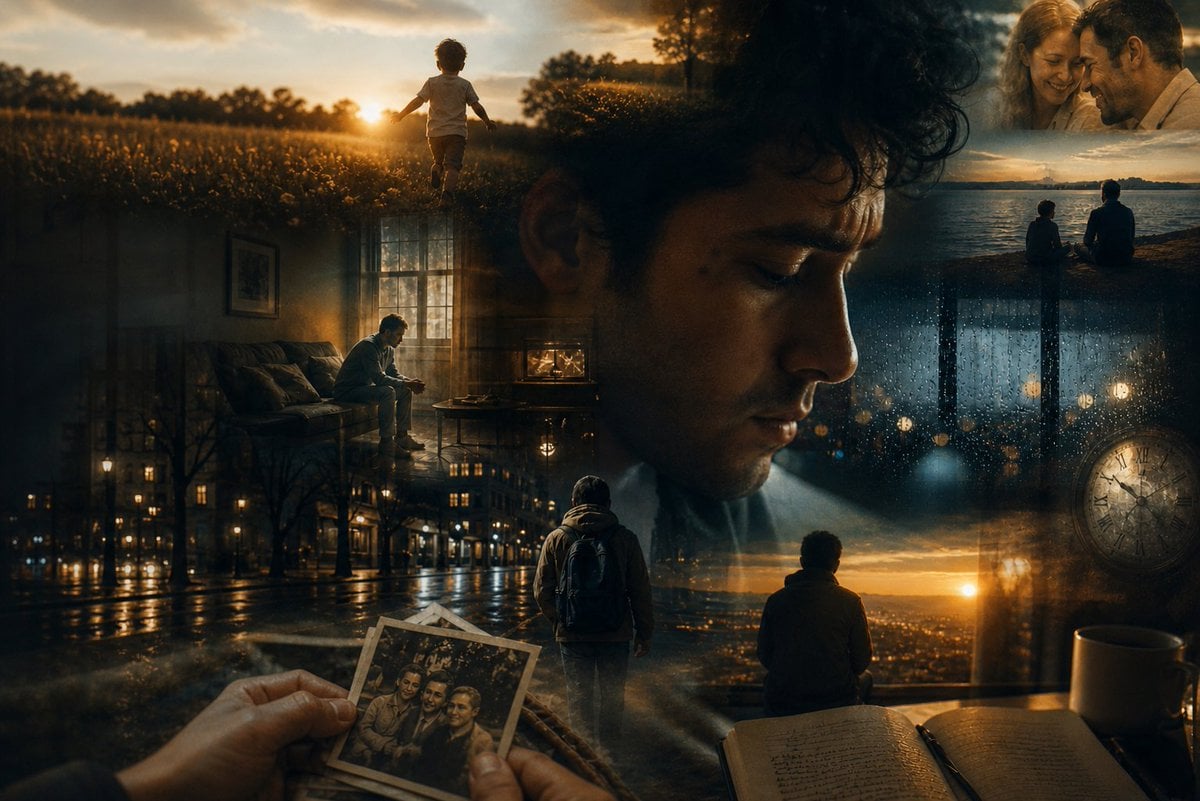
Dreamlike Double Exposure Montage
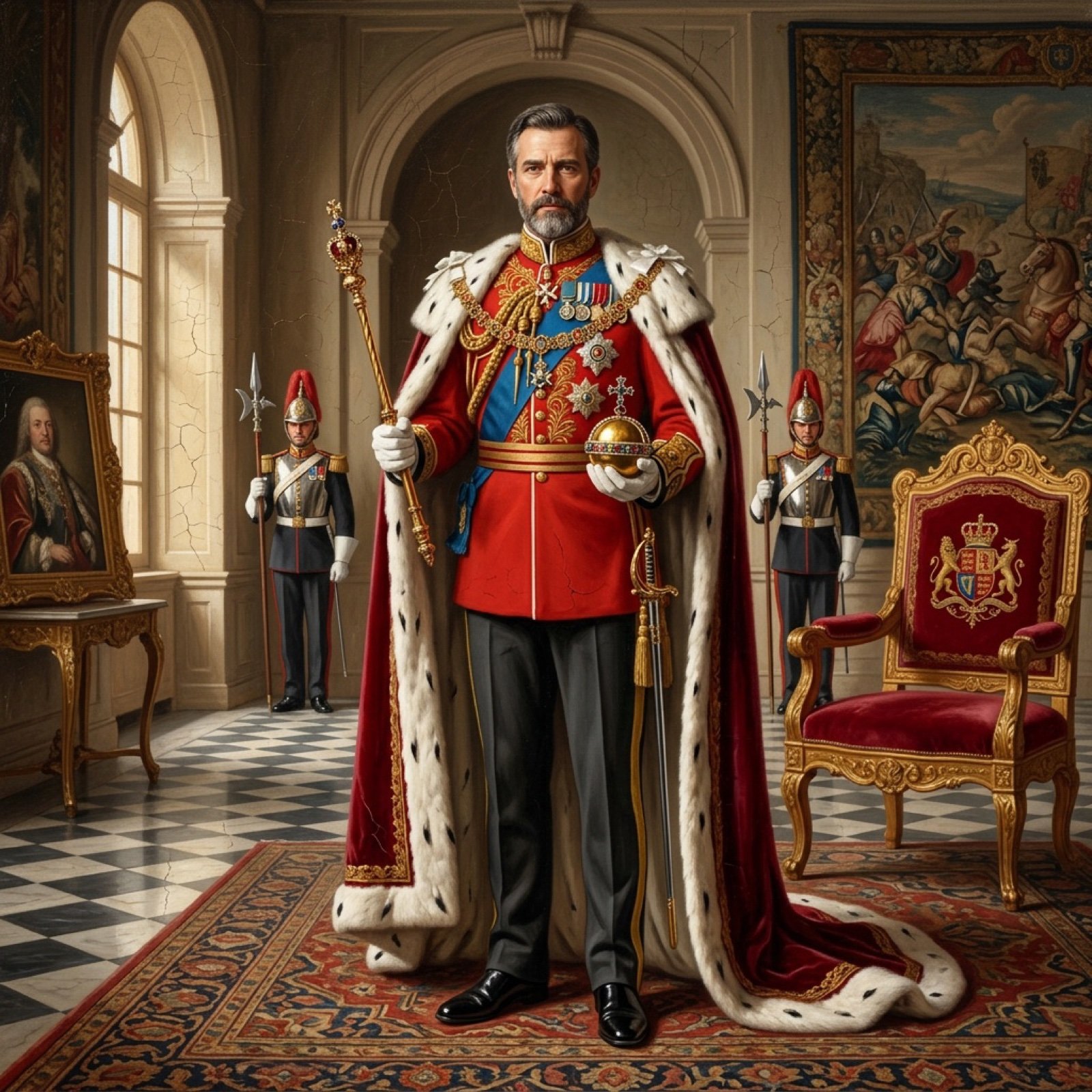
Detailed Oil Painting Prompt for a Regal King Portrait
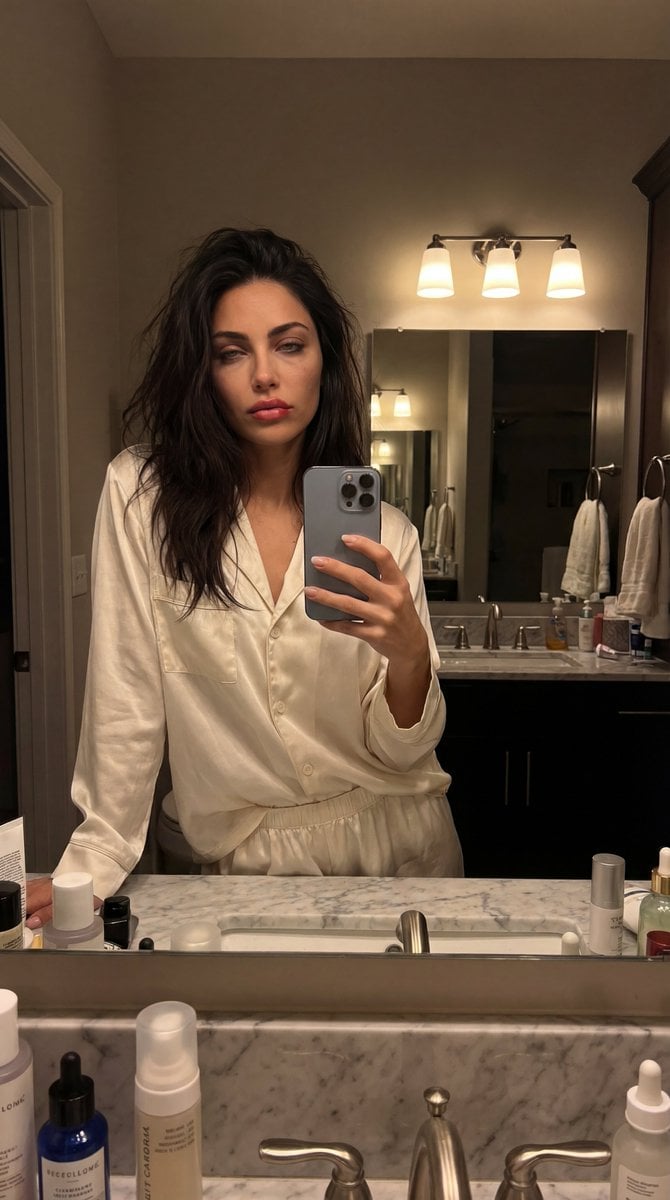
Intimate Bathroom Mirror Selfie
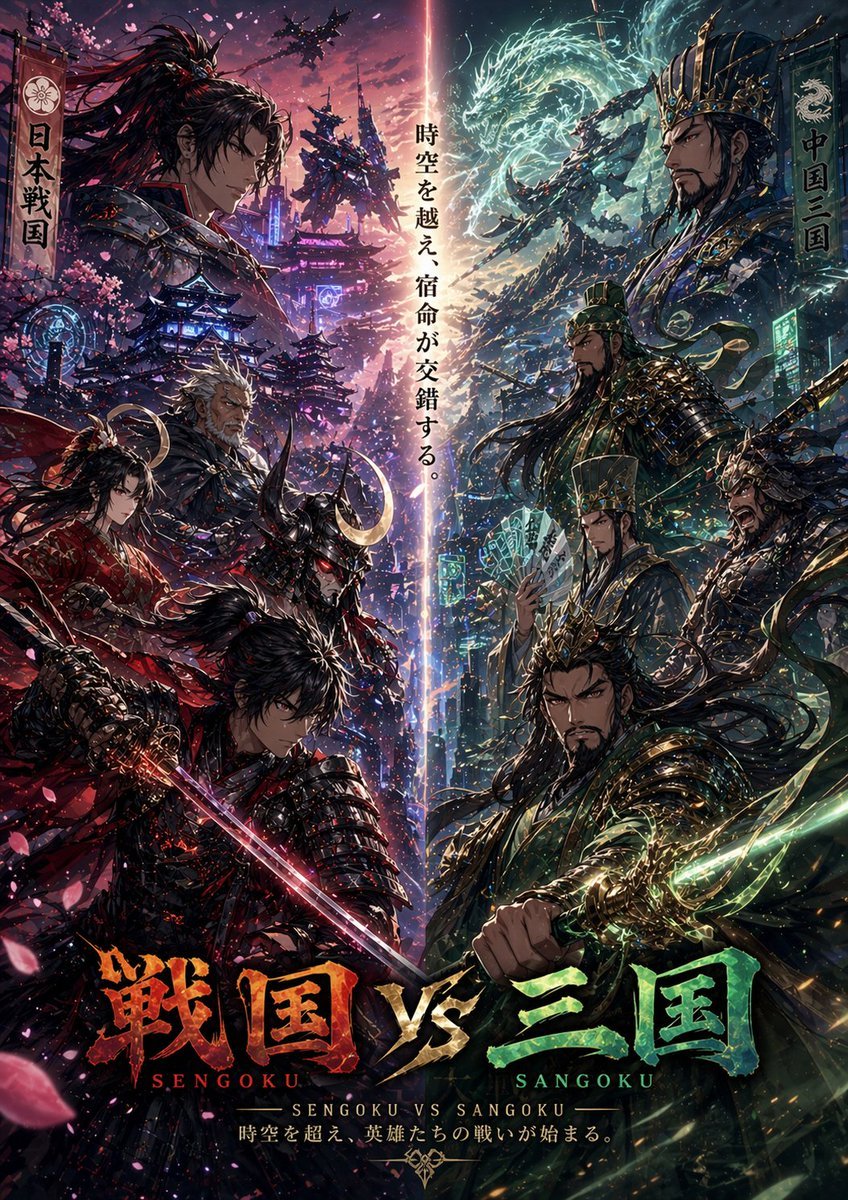
Sengoku vs Sangoku Crossover Poster
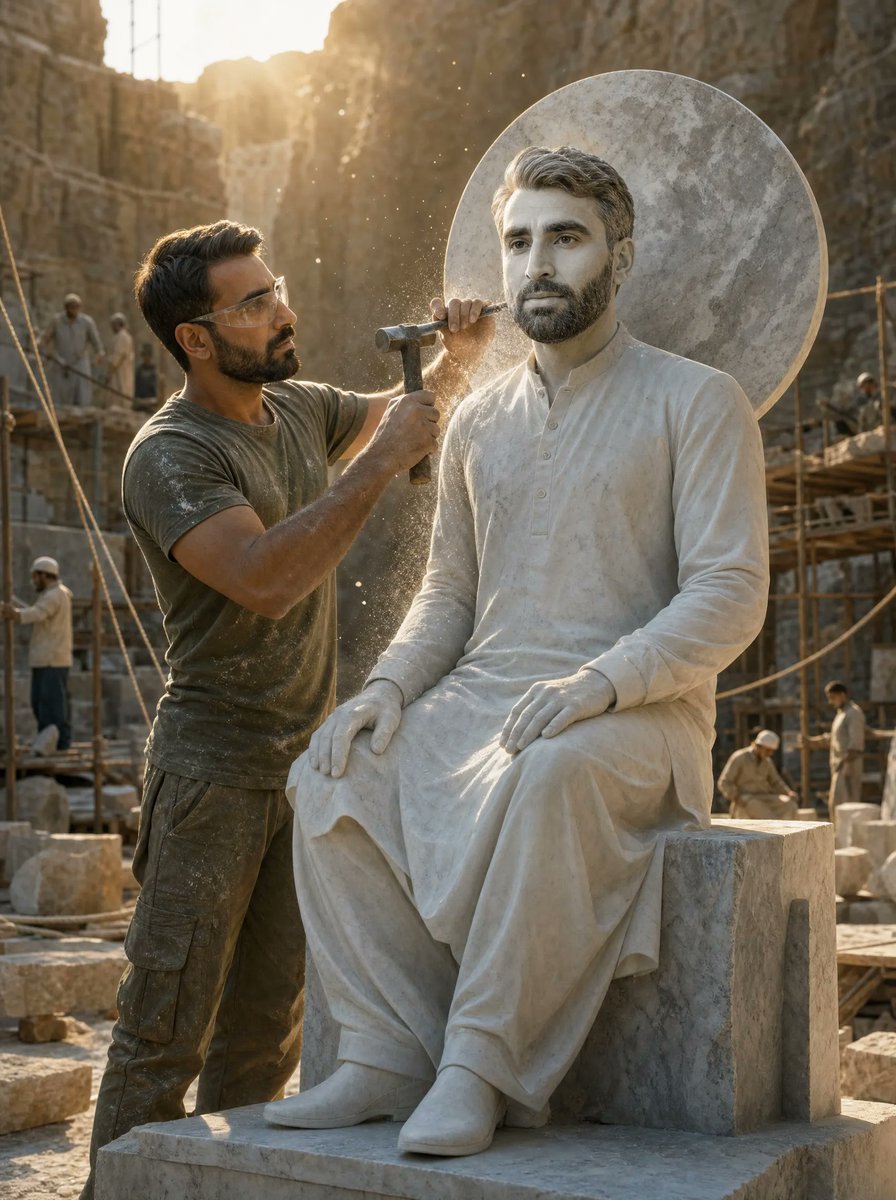
Sculptor Carving His Marble Double
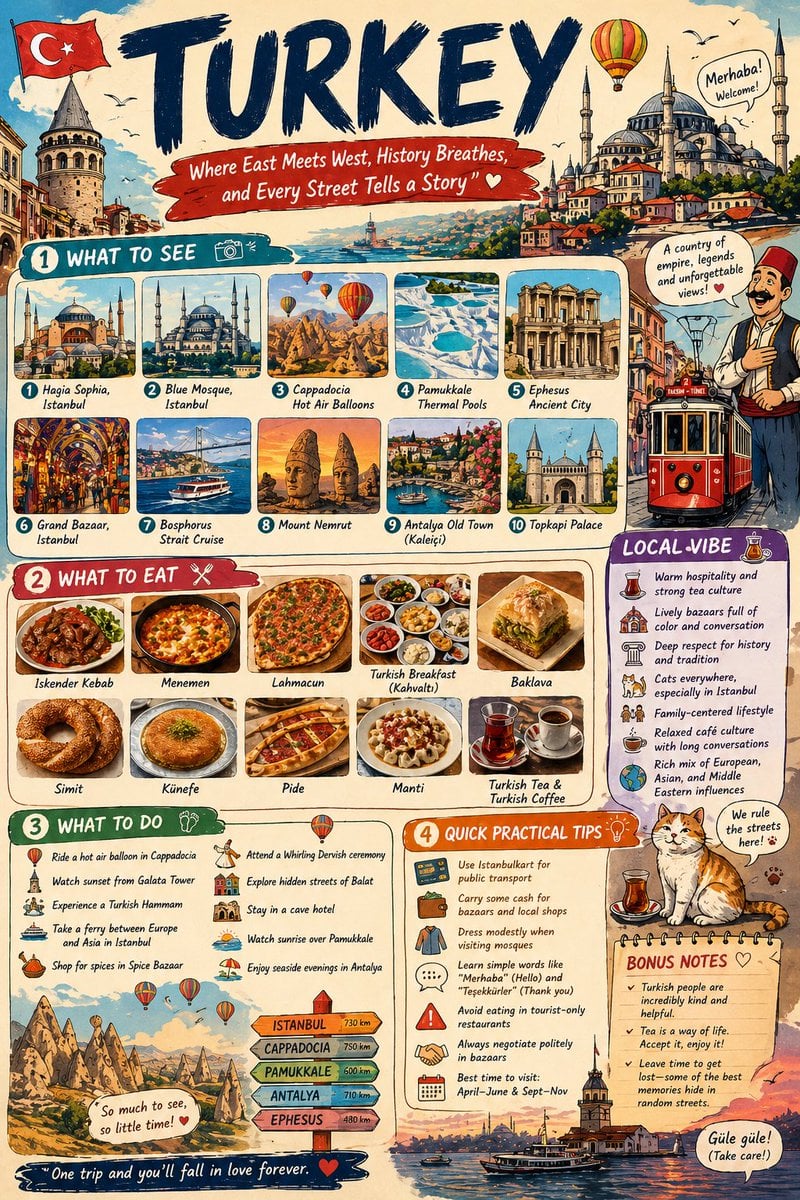
Infographic Travel Guide Poster
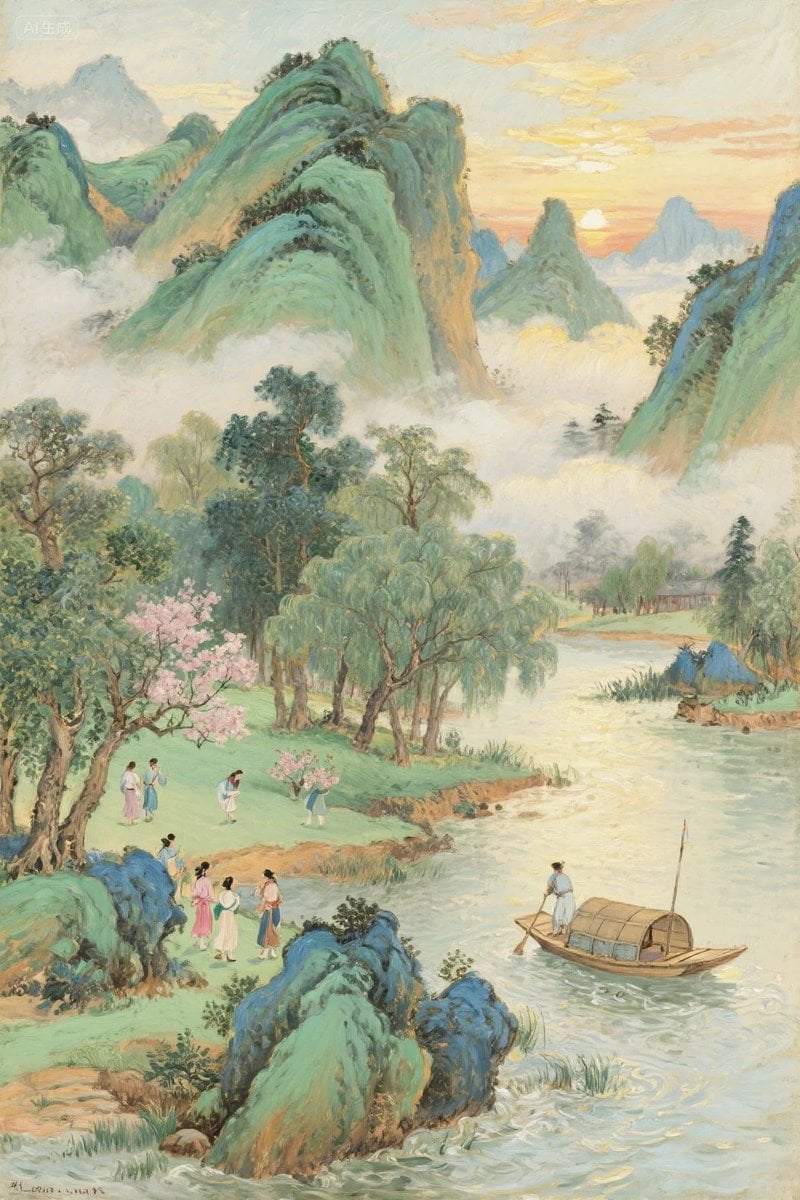
Pastel Chinese Landscape Expansion
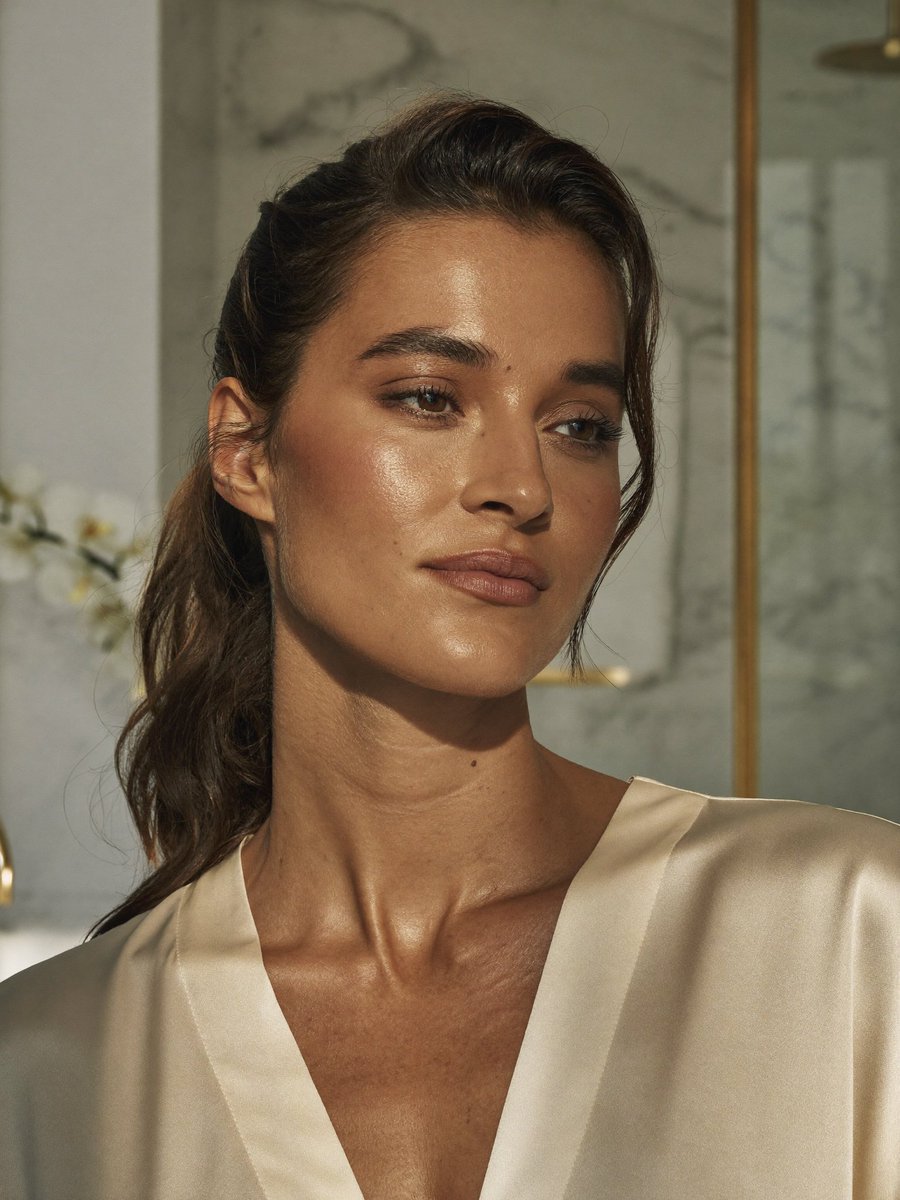
Censored Realistic Spa Portrait
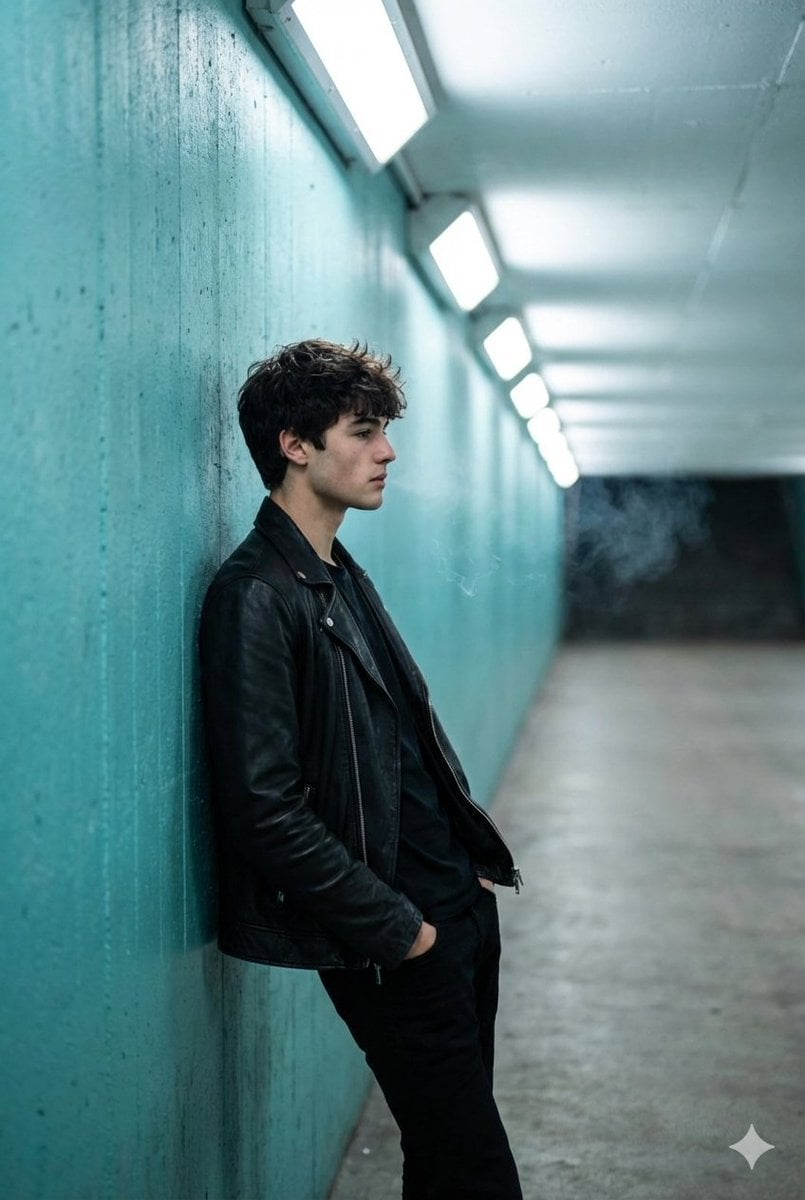
Cinematic Full Shot of a Man in a Turquoise Tunnel
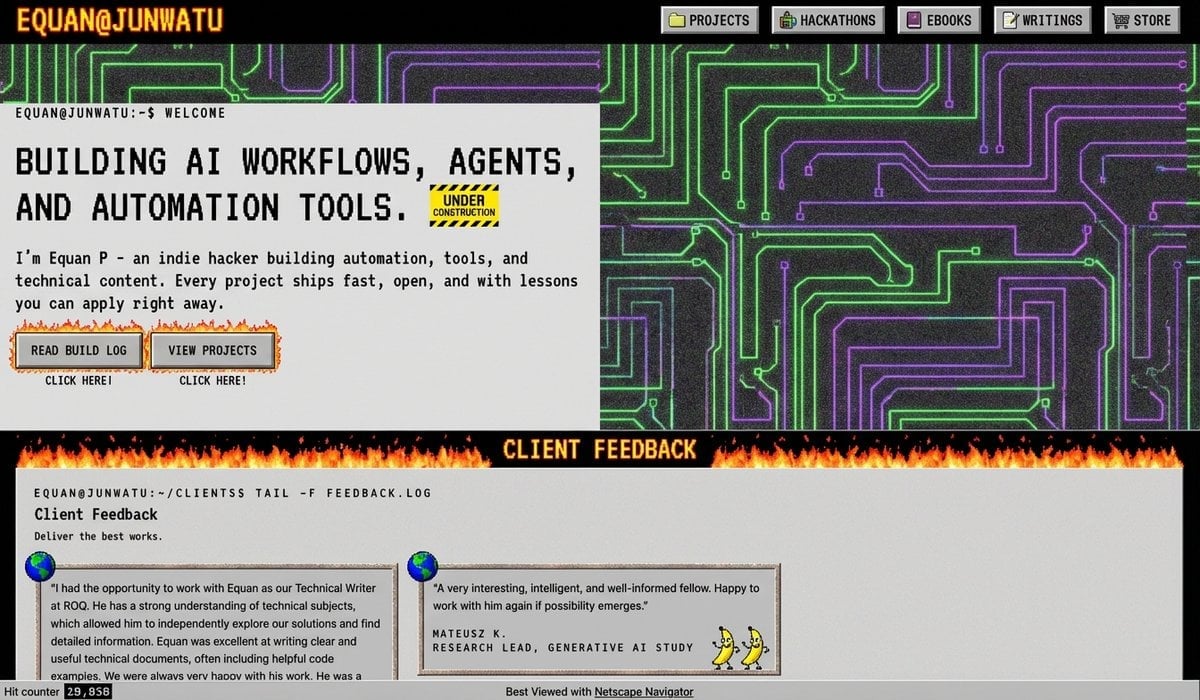
90s version of a website via style transfer
Browse template categories
Traditional Chinese Opera Setup Sketch questions
How do I use the Traditional Chinese Opera Setup Sketch template?
Add your photo if the template asks for one, edit the prompt if you like — the template's model and format are already selected — and press Generate. Your version opens in PicX Studio.
Can I customize the Traditional Chinese Opera Setup Sketch template?
Yes. You can change the subject, setting, lighting, mood, format, and available model controls before creating your image.
Is the Traditional Chinese Opera Setup Sketch template free?
Opening and editing this template is free. Generating uses credits, shown on the Generate button when you are signed in.
Which AI model should I use?
Start with GPT Image 2, which is the model associated with this template. You can compare another compatible model for a different finish.
Looking for something else? Browse all templates.

Your photo, any look
Thousands of ready templates for every top image and video model, from one credit balance.