
Magnetic cap in brushed black titanium with precision-cut edges
{ "master_prompt": { "scene_type": "ultra-realistic luxury perfume commercial photography", "product": { "type": "luxury perfume bottle", "brand_name": "VÉRÉLLE NOIR", "product_name": "Nocturne Élixir — Parfum Intense"…
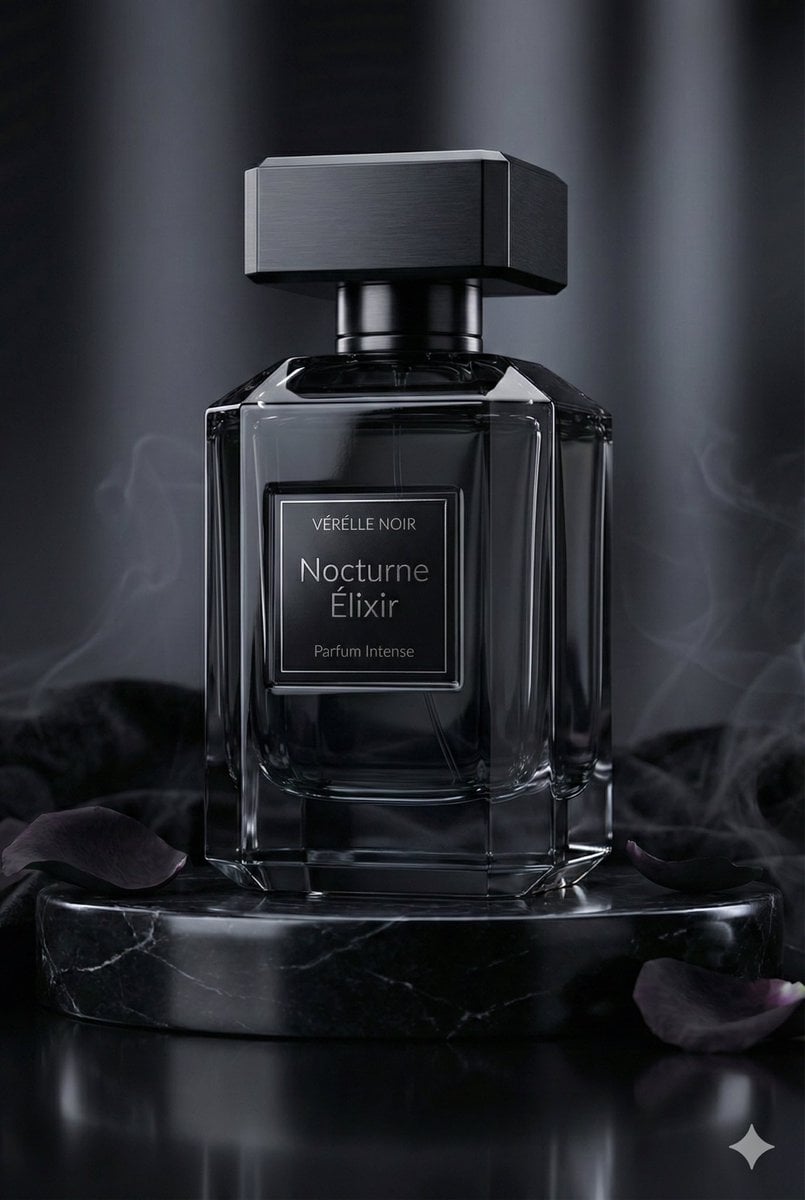
- Prompt included
- Model and format preset
- Premium template
The prompt behind this image
Copy the exact prompt behind Magnetic cap in brushed black titanium with precision-cut edges, or open it in the studio and make it yours.
- Master Prompt › Scene Type
- ultra-realistic luxury perfume commercial photography
- Master Prompt › Product › Type
- luxury perfume bottle
- Master Prompt › Product › Brand Name
- VÉRÉLLE NOIR
- Master Prompt › Product › Product Name
- Nocturne Élixir — Parfum Intense
- Master Prompt › Product › Container Shape
- faceted architectural silhouette with sharp beveled geometry
- Master Prompt › Product › Material
- obsidian-black crystal glass
- Master Prompt › Product › Finish
- deep glossy translucence with mirror-like reflections
- Master Prompt › Product › Cap Design
- magnetic cap in brushed black titanium with precision-cut edges
- Master Prompt › Product › Label Design › Style
- minimal haute couture typography
- Master Prompt › Product › Label Design › Primary Text
- Nocturne Élixir
- Master Prompt › Product › Label Design › Secondary Text
- Parfum Intense
- Master Prompt › Product › Label Design › Finish
- black chrome foil emboss with micro-engraved detailing
- Master Prompt › Product › Liquid Color
- midnight amber with subtle smoky undertones
- Master Prompt › Composition › Placement
- center hero placement
- Master Prompt › Composition › Pedestal
- black marble pedestal with subtle silver veining
- Master Prompt › Composition › Base Surface
- high-gloss reflective onyx surface
- Master Prompt › Composition › Surrounding Elements
- black velvet fabric folds, dark rose petals, polished obsidian stones, faint aromatic smoke wisps
- Master Prompt › Composition › Atmospheric Effect
- soft drifting fragrance vapor creating a mysterious aura
- Master Prompt › Lighting › Style
- dark luxury cinematic lighting
- Master Prompt › Lighting › Key Light
- soft focused glow revealing reflective contours
- Master Prompt › Lighting › Rim Light
- cool silver edge highlights defining silhouette
- Master Prompt › Lighting › Fill Light
- low ambient fill preserving deep shadows
- Master Prompt › Lighting › Reflections
- controlled specular highlights for high-end finish
- Master Prompt › Background › Color
- deep charcoal to black gradient
Raw JSON
{
  "master_prompt": {
    "scene_type": "ultra-realistic luxury perfume commercial photography",

    "product": {
      "type": "luxury perfume bottle",
      "brand_name": "VÉRÉLLE NOIR",
      "product_name": "Nocturne Élixir — Parfum Intense",
      "container_shape": "faceted architectural silhouette with sharp beveled geometry",
      "material": "obsidian-black crystal glass",
      "finish": "deep glossy translucence with mirror-like reflections",
      "cap_design": "magnetic cap in brushed black titanium with precision-cut edges",

      "label_design": {
        "style": "minimal haute couture typography",
        "primary_text": "Nocturne Élixir",
        "secondary_text": "Parfum Intense",
        "finish": "black chrome foil emboss with micro-engraved detailing"
      },

      "liquid_color": "midnight amber with subtle smoky undertones"
    },

    "composition": {
      "placement": "center hero placement",
      "pedestal": "black marble pedestal with subtle silver veining",
      "base_surface": "high-gloss reflective onyx surface",

      "surrounding_elements": [
        "black velvet fabric folds",
        "dark rose petals",
        "polished obsidian stones",
        "faint aromatic smoke wisps"
      ],

      "atmospheric_effect": "soft drifting fragrance vapor creating a mysterious aura"
    },

    "lighting": {
      "style": "dark luxury cinematic lighting",
      "key_light": "soft focused glow revealing reflective contours",
      "rim_light": "cool silver edge highlights defining silhouette",
      "fill_light": "low ambient fill preserving deep shadows",
      "reflections": "controlled specular highlights for high-end finish"
    },

    "background": {
      "color": "deep charcoal to black gradient",
      "style": "editorial noir luxury backdrop",
      "depth": "cinematic shallow depth with soft shadow falloff"
    },

    "camera": {
      "angle": "low dramatic hero angle",
      "focus": "glass texture and metallic detailing",
      "depth_of_field": "cinematic shallow depth",
      "resolution": "8K ultra-detailed clarity"
    },

    "mood_keywords": [
      "dark elegance",
      "noir luxury",
      "sensual sophistication",
      "mysterious allure",
      "modern opulence",
      "timeless night glamour"
    ]
  }
}How to use Magnetic cap in brushed black titanium with precision-cut edges in 3 steps
- 1
Open
The prompt is already in the box next to the preview, with the template's model and format selected.
- 2…a portrait of your subject in softgolden-hour light, 85mm…
Personalize
Edit the subject and creative details for your destination.
- 3Generate
Generate
Press Generate — your image is created in PicX Studio, so you can compare it with the original and refine one variable at a time.
More like this
Templates with the same subject, style or setup. Open one to see its prompt.

A hyper-realistic beauty product photograph of a pink jar placed
ChatGPT Image 1 5 Google Veo 3 1
A premium studio product photograph of a tall, slim red aluminum
Product & Brand Prompt #1444
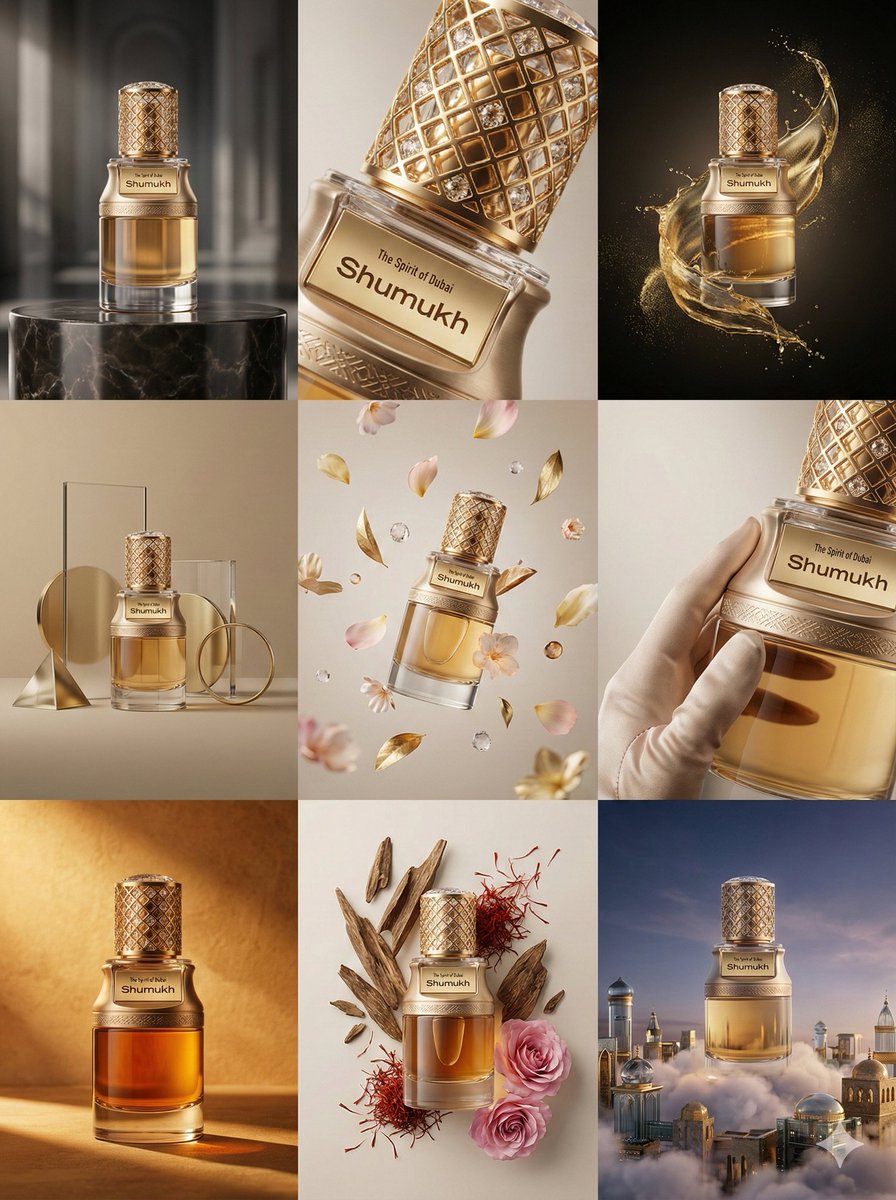
Product & Brand Prompt #569
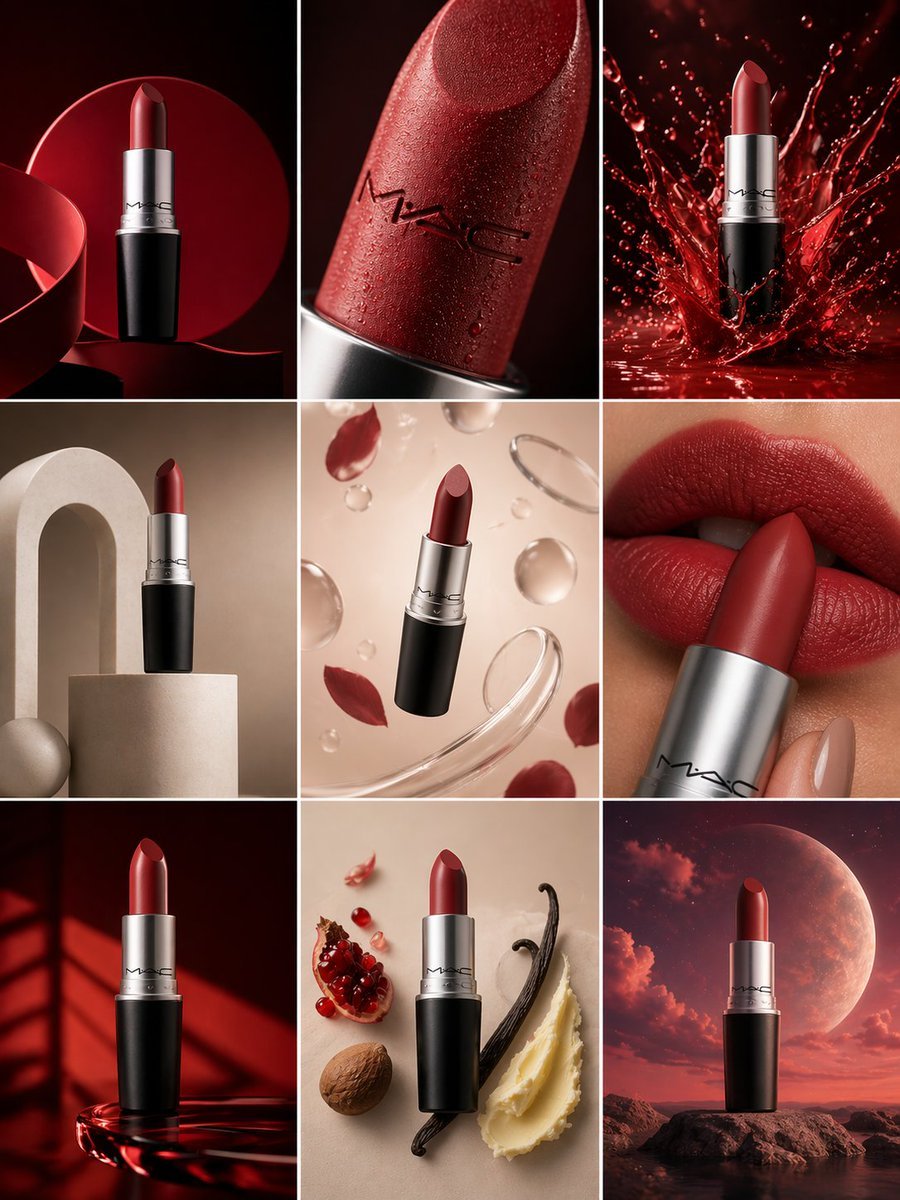
Product & Brand Prompt #285
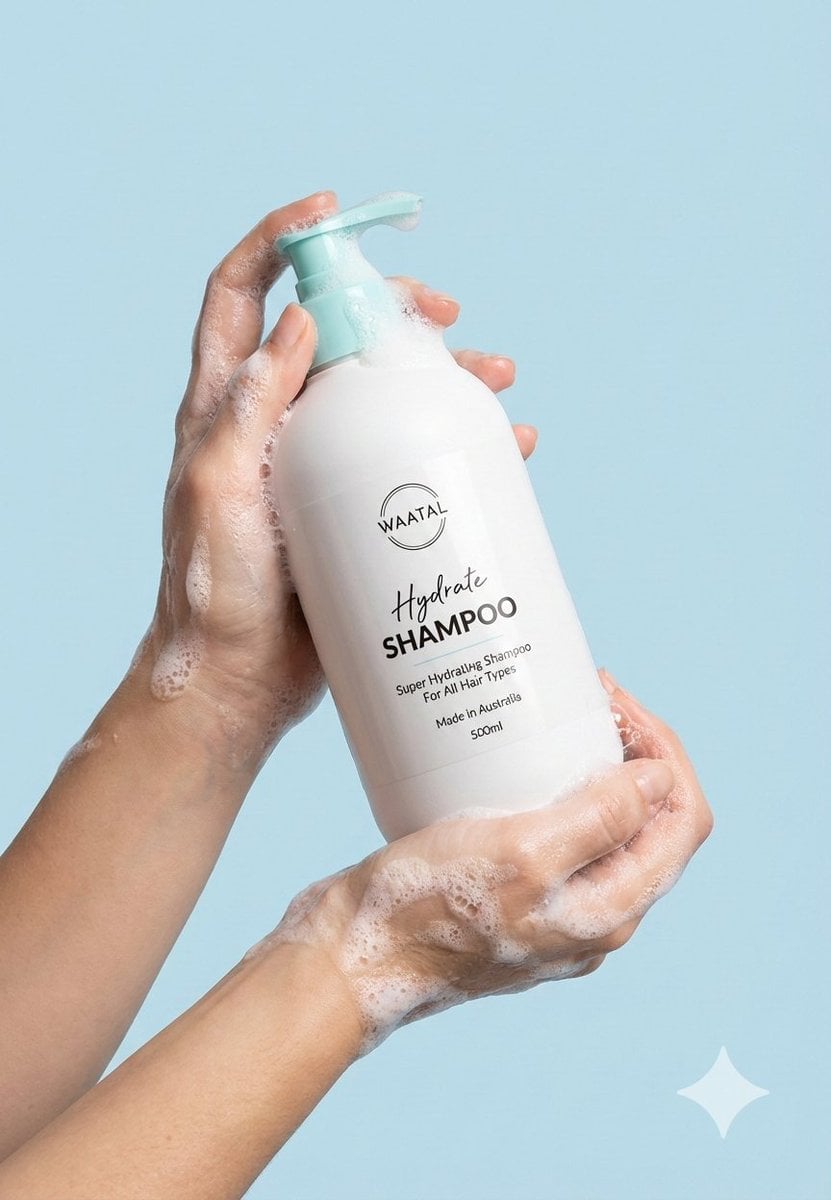
Product & Brand Prompt #953

Act as a Senior Editorial Designer and Typographer
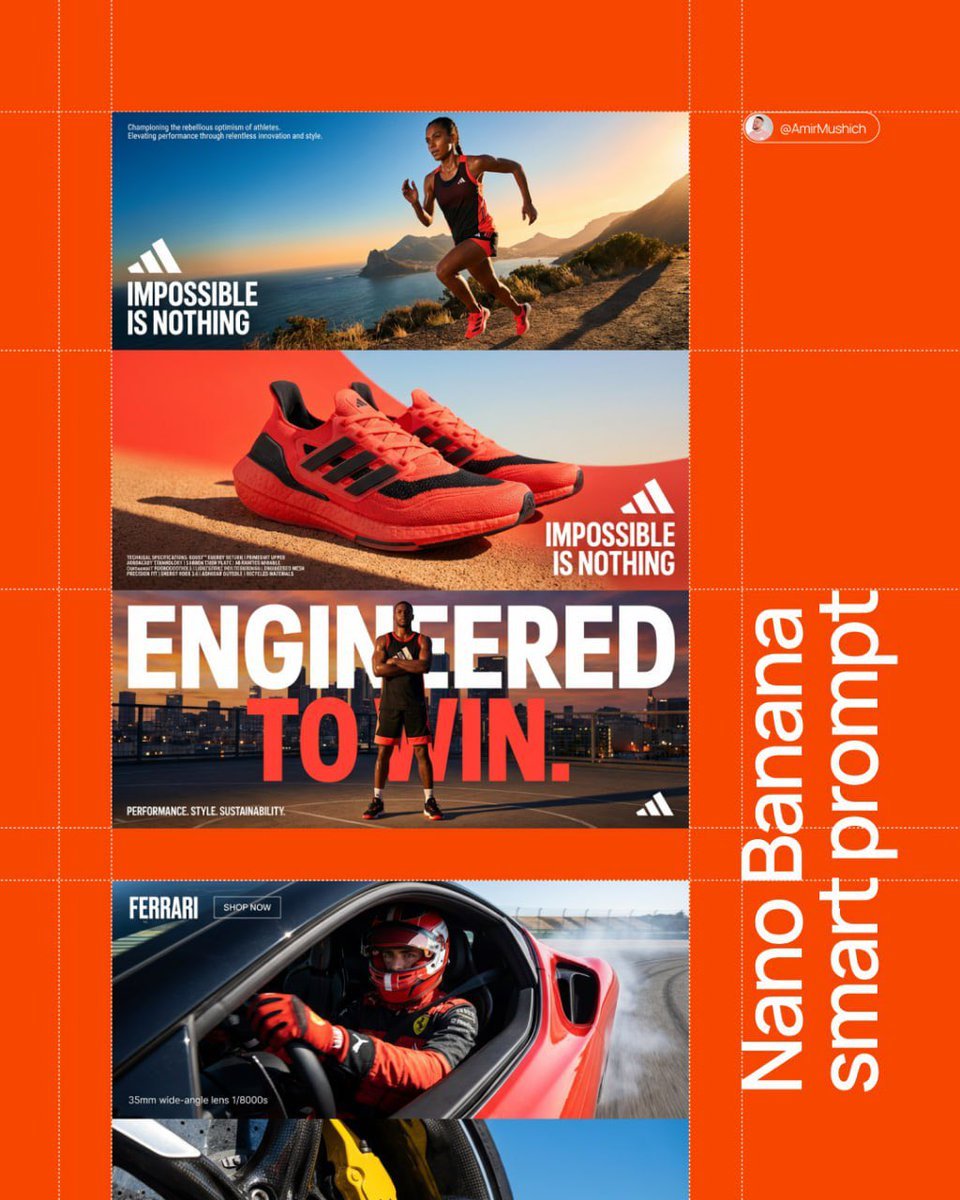
Aesthetic and fill the negative space

Clean, minimalist fashion infographic from an uploaded reference photo
Photograph announcing a limited merchandise drop
Product & Brand Prompt #341
Make it yours
Magnetic cap in brushed black titanium with precision-cut edges works as-is. These are the safest ways to change it without losing the look.
Swap the setting
Keep the rest of the prompt and replace the location block. The current setting is “deep charcoal to black gradient”.
Swap the light
One lighting change is enough to compare takes. Current light: “dark luxury cinematic lighting”.
Change one field
Copy a single group, rewrite it, and generate again so you can see what that field is doing.
| If the result… | Why | Fix |
|---|---|---|
| The result drifts from the preview | Too many fields changed at once. | Reuse Magnetic cap in brushed black titanium with precision-cut edges as-is first, then change one group — subject, light, or setting. |
| GPT Image 2 ignores part of the JSON | Some models flatten or skip nested keys. | Keep the same values and paste them as a short paragraph instead. |
More GPT Image 2 templates
Other prompts made for GPT Image 2.

Six VTuber Japanese Logo Sheet

Realistic Portrait of Woman and Deer

The Vista Modular Condo Poster

AI Model Routing Comparison Infographic

2.5D Anime Art Board

Isometric Productivity Desk Scene

New York Double Exposure Poster

Four-Panel AI Landscape Comparison

Japanese Tatami Lifestyle Magazine Cover

NESCAFÉ Coffee Map Poster
More image prompts
Fresh picks from across the catalog.
Overcast Seaside Car Hood Portrait with Identity Lock Prompt
Funny Video Prompt: Grumpy Banana
Chibi Miner Game Sprite Sheet
untitled

Emotional Mother's Day Comparison Prompt
Minimal Streetwear Merch Moodboard
Beni Haruka Anime Character Sheet
Premium Sports Editorial Collage
Cinematic Pure Joy Splashing Prompt
Dreamy Luxury Perfume Photography in Nature Prompt
Browse template categories
Magnetic cap in brushed black titanium with precision-cut edges questions
How do I use the Magnetic cap in brushed black titanium with precision-cut edges template?
Add your photo if the template asks for one, edit the prompt if you like — the template's model and format are already selected — and press Generate. Your version opens in PicX Studio.
Can I customize the Magnetic cap in brushed black titanium with precision-cut edges template?
Yes. You can change the subject, setting, lighting, mood, format, and available model controls before creating your image.
Is the Magnetic cap in brushed black titanium with precision-cut edges template free?
Opening and editing this template is free. Generating uses credits, shown on the Generate button when you are signed in.
Which AI model should I use?
Start with GPT Image 2, which is the model associated with this template. You can compare another compatible model for a different finish.
Looking for something else? Browse all templates.

Your photo, any look
Thousands of ready templates for every top image and video model, from one credit balance.