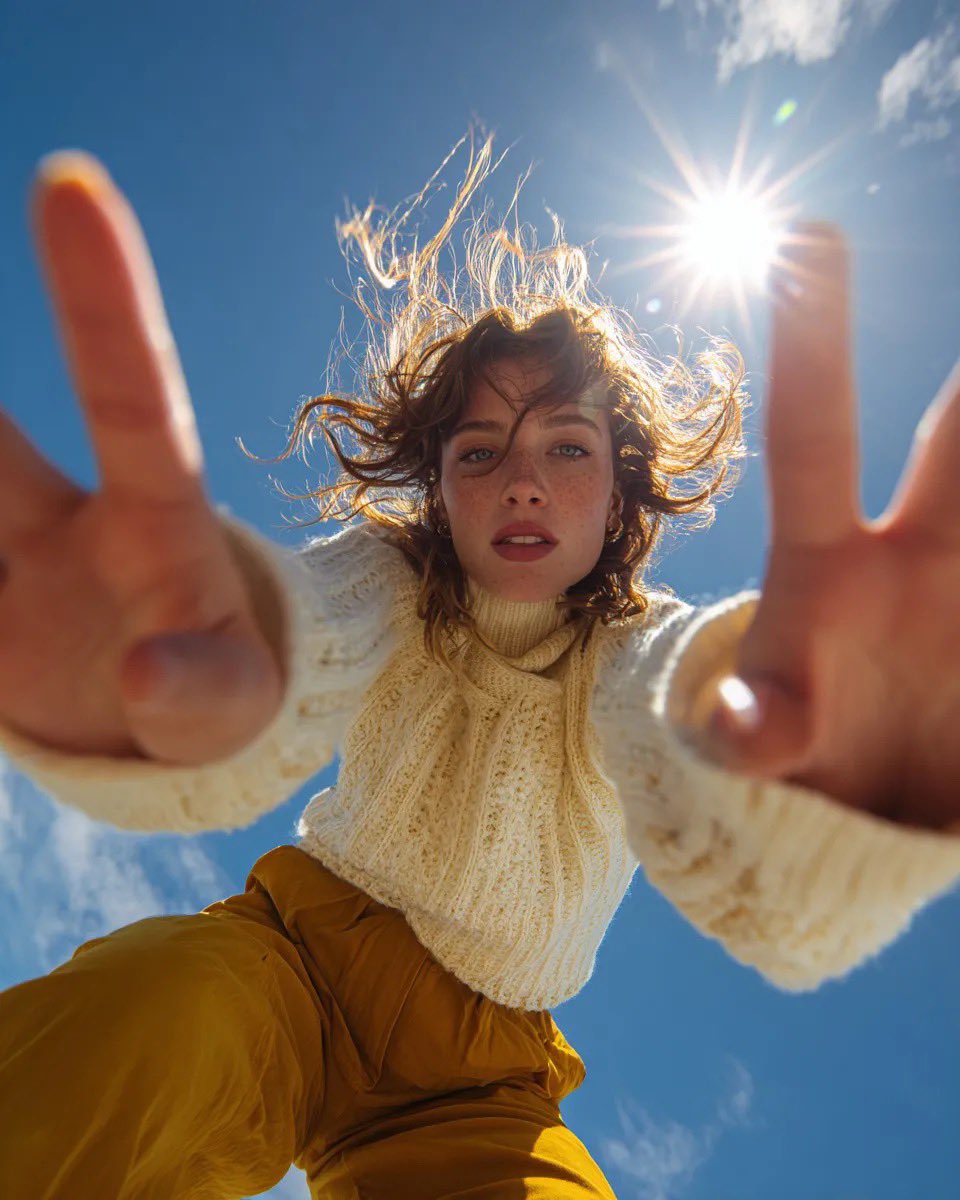
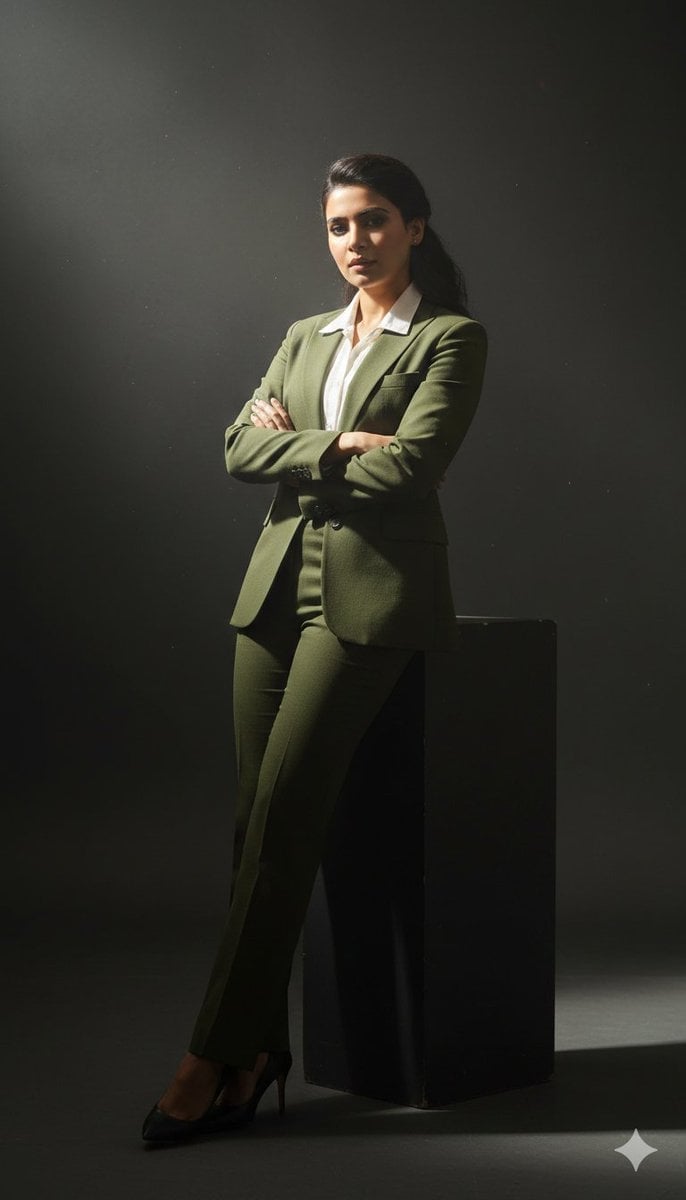
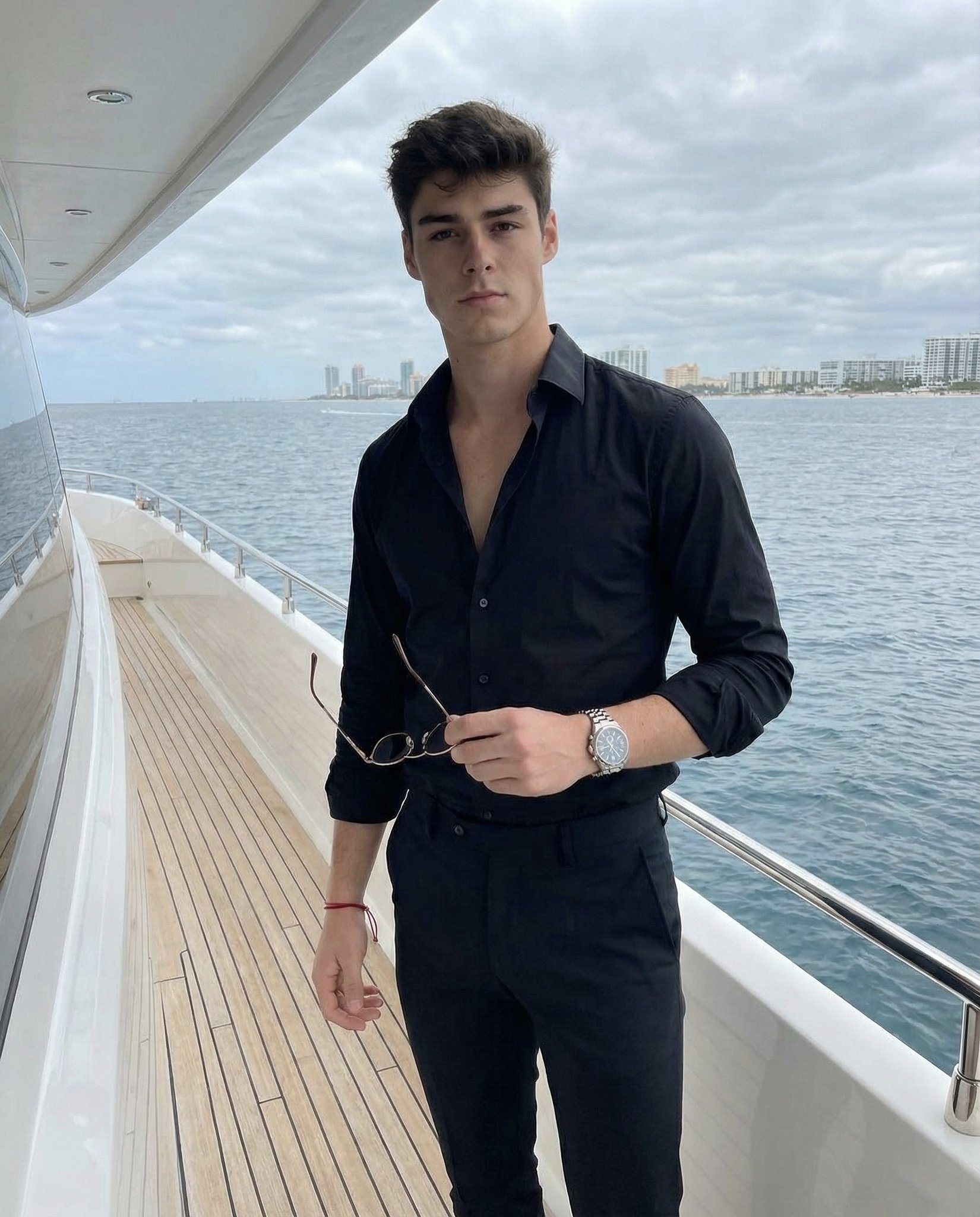
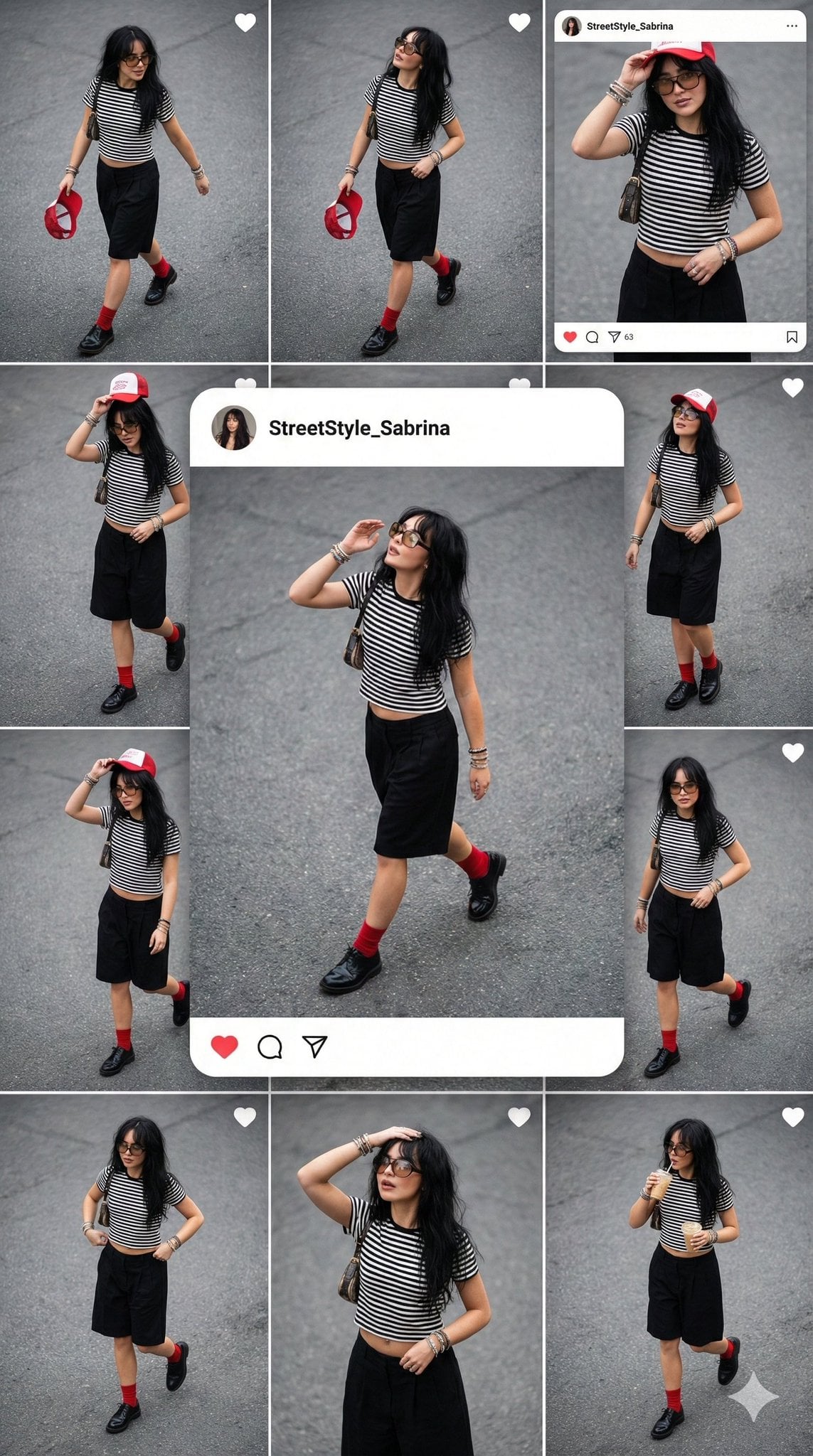
How do I use the Wide shot, subject acts as an anchor against a raging wind template?
Edit the prompt in the box under the preview — the template's model and format are already selected — and press Generate. Your version appears right on this page.
Wide shot, subject acts as an anchor against a raging wind.

This template uses your photo — add one with the + button.
Wide shot, subject acts as an anchor against a raging wind. Standing on a jagged black rock coastline, waves crashing behind in a gray blur. The subject leans forward against the gale. Outfit is a massive, shapeless layers of raw beige wool and distressed knitwear, creating a silhouette that looks like a eroding sculpture. Lighting is overcast, flat, and moody. Desaturated palette, muted earth tones, sharp texture on the fabric, cinematic anamorphic lens. KEEP FACE FEATURES IDENTICAL FROM ATTACHED IMAGE. Negative Prompt: Sunny beach, vacation vibes, swimsuit, smiling, blue sky, vibrant colors, calm water, generic travel photography, face distortion.
Wide shot, subject acts as an anchor against a raging wind. Standing on a jagged black rock coastline, waves crashing behind in a gray blur. The subject leans forward against the gale. Outfit is a massive, shapeless layers of raw beige wool and distressed knitwear, creating a silhouette that looks like a eroding sculpture. Lighting is overcast, flat, and moody. Desaturated palette, muted earth tones, sharp texture on the fabric, cinematic anamorphic lens. KEEP FACE FEATURES IDENTICAL FROM ATTACHED IMAGE. Negative Prompt: Sunny beach, vacation vibes, swimsuit, smiling, blue sky, vibrant colors, calm water, generic travel photography, face distortion.
Edit the prompt in the box under the preview — the template's model and format are already selected — and press Generate. Your version appears right on this page.
Yes. You can change the subject, setting, lighting, mood, format, and available model controls before creating your image.
Opening and editing this template is free. Generating uses credits, shown on the Generate button when you are signed in.
Start with Nano Banana 2, which is the model associated with this template. You can compare another compatible model for a different finish.
Follow a topic to a crawlable collection of related PicX Studio templates.