How do I use the Felt Miniature Character Illustration template?
Edit the prompt in the box under the preview — the template's model and format are already selected — and press Generate. Your version appears right on this page.
Curated from MeiGen gallery (ID: 2011634592810438835) by Duet AI.

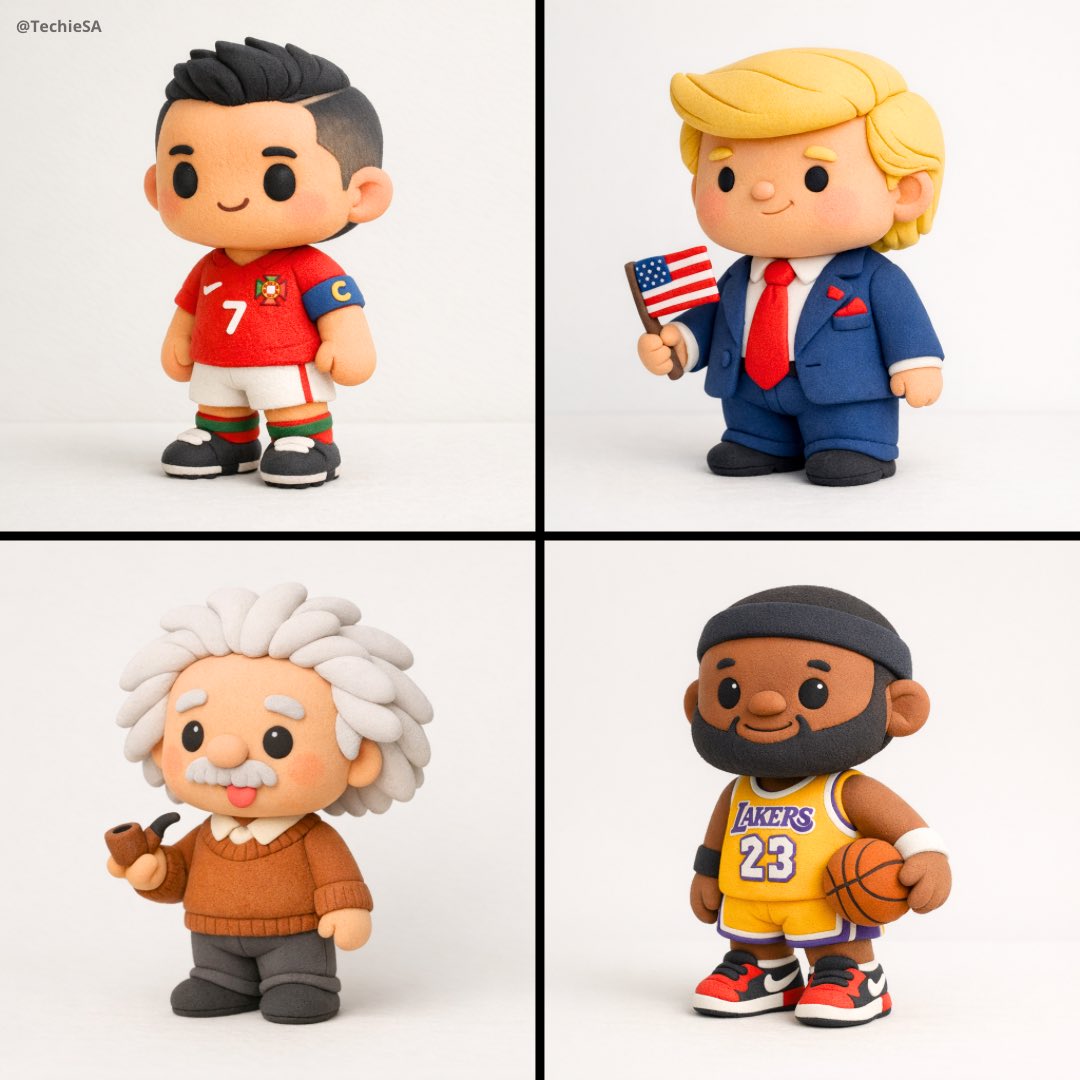
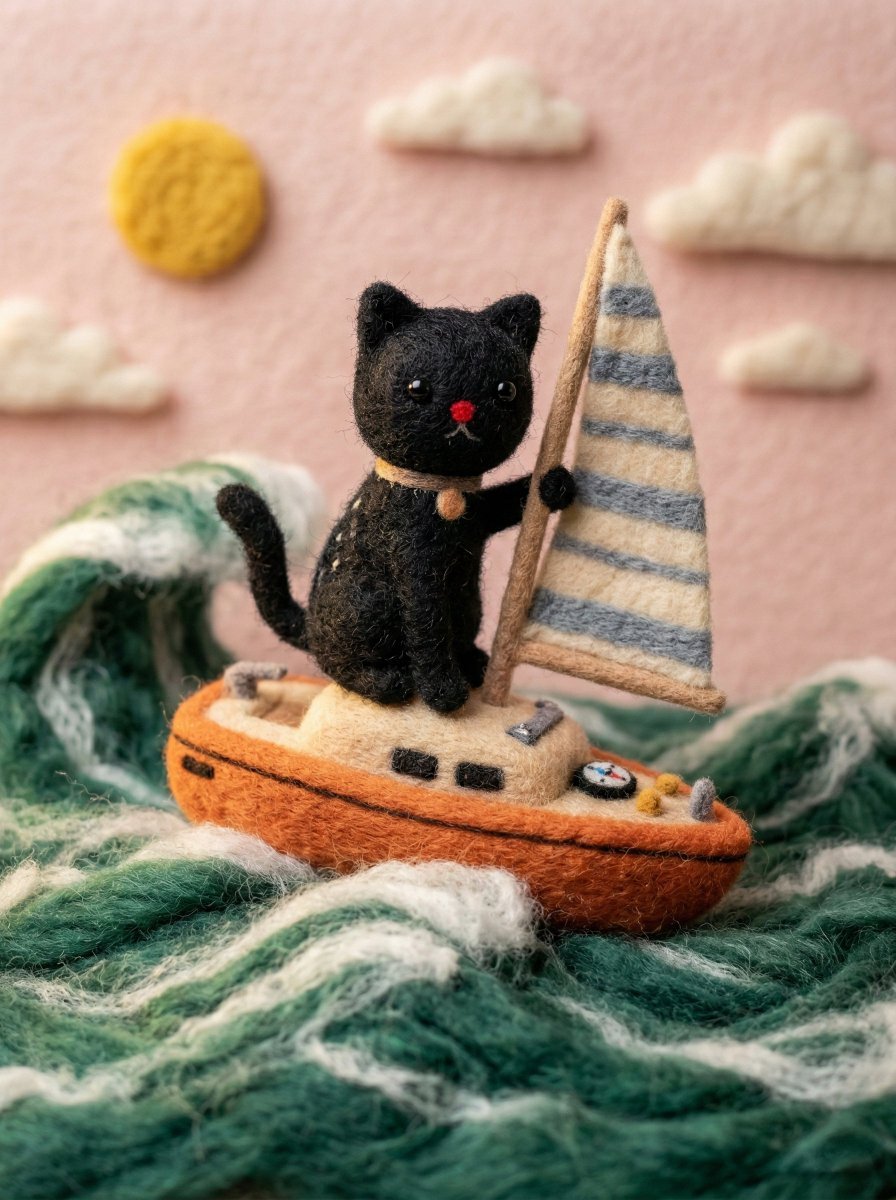
A handcrafted felt miniature illustration of [Celebrity] reimagined as a soft wool doll character. The figure has simplified facial features, button-like eyes, subtle smile, and carefully crafted felt textures. He is wearing an outfit inspired by his iconic casual tech style—dark jacket, simple t-shirt, and trousers—recreated in knitted wool and fabric. The scene has a whimsical, storybook feel with grassy felt terrain, pastel hills, and a bright sky with soft clouds. Macro photography look, shallow depth of field, soft natural lighting, stop-motion animation aesthetic, ultra-detailed fibers and fabric textures, cozy yet futuristic mood, cinematic composition, high quality.
A handcrafted felt miniature illustration of [Celebrity] reimagined as a soft wool doll character. The figure has simplified facial features, button-like eyes, subtle smile, and carefully crafted felt textures. He is wearing an outfit inspired by his iconic casual tech style—dark jacket, simple t-shirt, and trousers—recreated in knitted wool and fabric. The scene has a whimsical, storybook feel with grassy felt terrain, pastel hills, and a bright sky with soft clouds. Macro photography look, shallow depth of field, soft natural lighting, stop-motion animation aesthetic, ultra-detailed fibers and fabric textures, cozy yet futuristic mood, cinematic composition, high quality.
Edit the prompt in the box under the preview — the template's model and format are already selected — and press Generate. Your version appears right on this page.
Yes. You can change the subject, setting, lighting, mood, format, and available model controls before creating your image.
Opening and editing this template is free. Generating uses credits, shown on the Generate button when you are signed in.
Choose a compatible model in PicX Studio based on the style, speed, and output controls your project needs.
Follow a topic to a crawlable collection of related PicX Studio templates.