How do I use the Pixar Expression Sheet Character Grid template?
Edit the prompt in the box under the preview — the template's model and format are already selected — and press Generate. Your version appears right on this page.
Curated from MeiGen gallery (ID: 2046025895941750868) by Austin.

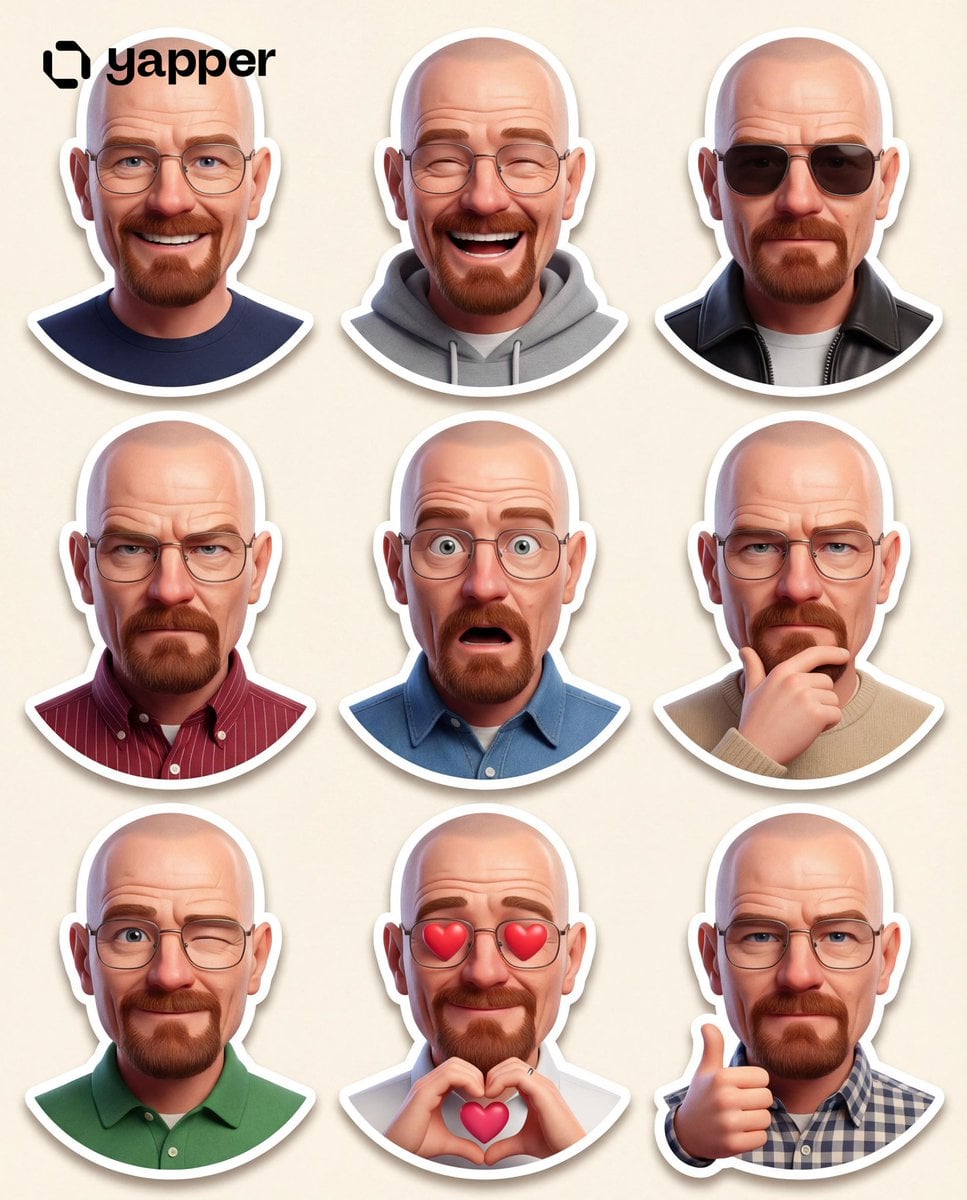
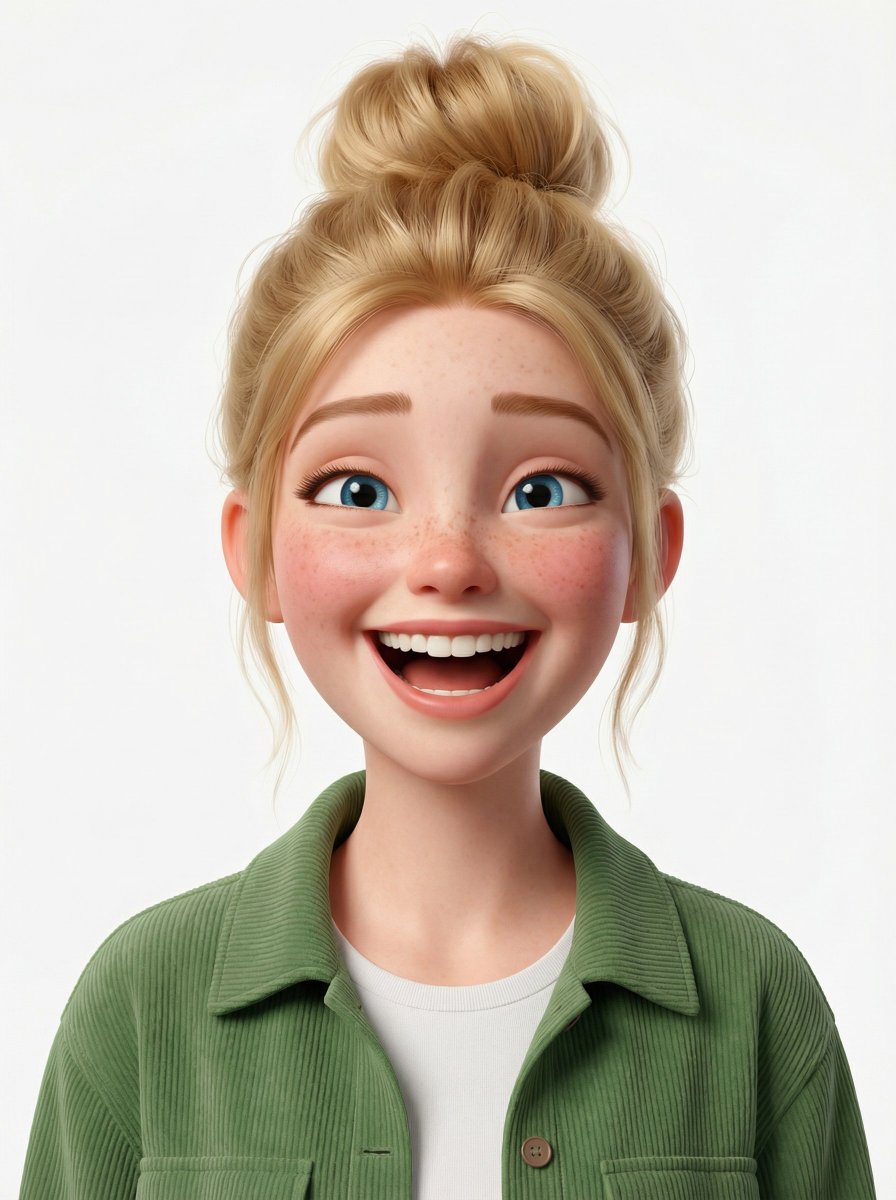
3D Pixar-style expression sheet, cute stylized avatar with wavy dark hair and round glasses, 3x3 grid layout, peeking through torn paper circles, emotions: wink, sunglasses cool, thinking, happy smile, thumbs up, drinking boba tea, friendly wave, laughing, cute pout, different outfits: green sweater, red jacket, yellow hoodie, striped tee, orange shirt, blue top, purple vest, pink cardigan, teal pullover. Soft cinematic lighting, clean white background, vibrant colors, high detail, adorable cartoon character, playful expressions, consistent character design across all poses
3D Pixar-style expression sheet, cute stylized avatar with wavy dark hair and round glasses, 3x3 grid layout, peeking through torn paper circles, emotions: wink, sunglasses cool, thinking, happy smile, thumbs up, drinking boba tea, friendly wave, laughing, cute pout, different outfits: green sweater, red jacket, yellow hoodie, striped tee, orange shirt, blue top, purple vest, pink cardigan, teal pullover. Soft cinematic lighting, clean white background, vibrant colors, high detail, adorable cartoon character, playful expressions, consistent character design across all poses
Edit the prompt in the box under the preview — the template's model and format are already selected — and press Generate. Your version appears right on this page.
Yes. You can change the subject, setting, lighting, mood, format, and available model controls before creating your image.
Opening and editing this template is free. Generating uses credits, shown on the Generate button when you are signed in.
Choose a compatible model in PicX Studio based on the style, speed, and output controls your project needs.
Follow a topic to a crawlable collection of related PicX Studio templates.