How do I use the Retro Suede Boots Brand Concept Film template?
Edit the prompt in the box under the preview — the template's model and format are already selected — and press Generate. Your version appears right on this page.
commercial video direction, product rhythm, and polished visual storytelling.
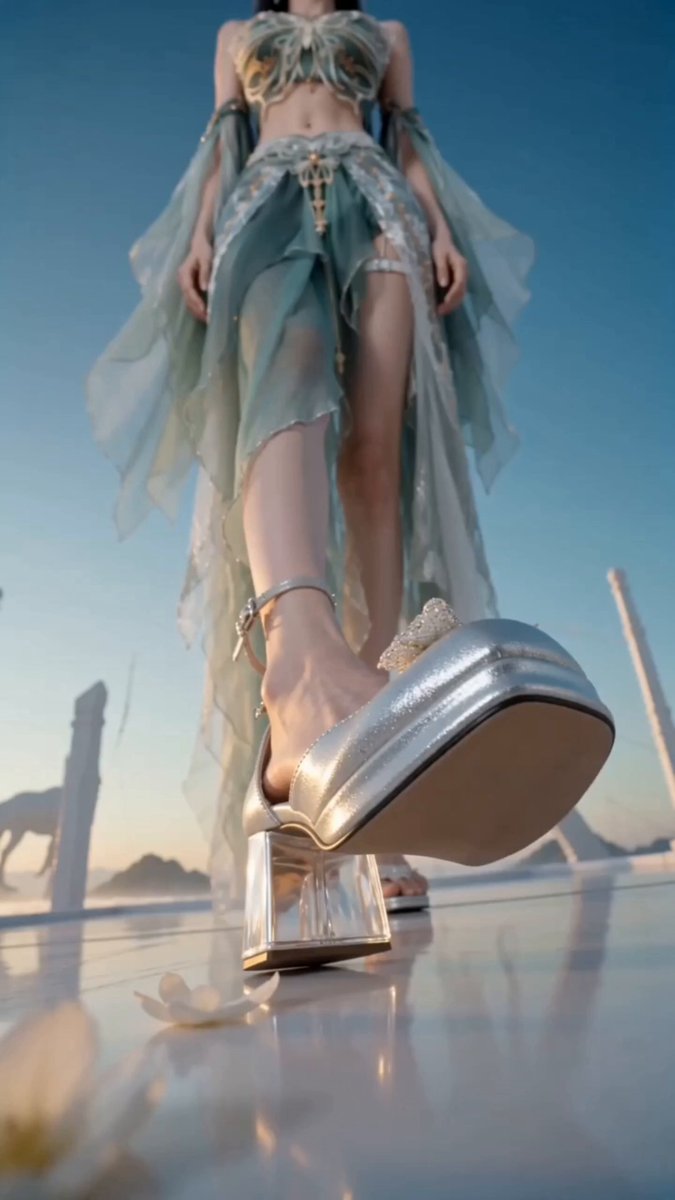
A 30-second premium brand-concept short film with strong visual tension. The opening uses a surreal upside-down perspective. The camera flips with gravity to show a model wearing vintage suede boots stepping lightly across rolling red dunes. Macro close-ups reveal the matte nap of the boot surface and coarse red sand grains clinging to it. Then cut into a montage full of weightlessness and dreamlike color: young male and female models fall backward lightly through amber wind-sand currents and cold edge rim light. The camera rapidly cuts to razor-sharp facial close-ups, where sand passes over eyelashes dusted with tiny gold particles. Fabrics, hair, and sand move in slow motion. The middle section shows boots landing on mirror-like wet sand, footsteps turning into rippling liquid gold. The camera glides along the boot edge, then passes through a swirl of red dust into an abstract desert runway. Final shot: the model stands alone on a dune ridge at sunset. Red sand rises behind the body like a curtain, forming a clean, high-fashion brand silhouette. Use cinematic grading, premium commercial texture, realistic suede and sand detail, elegant rhythm, and no clutter.
A 30-second premium brand-concept short film with strong visual tension. The opening uses a surreal upside-down perspective. The camera flips with gravity to show a model wearing vintage suede boots stepping lightly across rolling red dunes. Macro close-ups reveal the matte nap of the boot surface and coarse red sand grains clinging to it. Then cut into a montage full of weightlessness and dreamlike color: young male and female models fall backward lightly through amber wind-sand currents and cold edge rim light. The camera rapidly cuts to razor-sharp facial close-ups, where sand passes over eyelashes dusted with tiny gold particles. Fabrics, hair, and sand move in slow motion. The middle section shows boots landing on mirror-like wet sand, footsteps turning into rippling liquid gold. The camera glides along the boot edge, then passes through a swirl of red dust into an abstract desert runway. Final shot: the model stands alone on a dune ridge at sunset. Red sand rises behind the body like a curtain, forming a clean, high-fashion brand silhouette. Use cinematic grading, premium commercial texture, realistic suede and sand detail, elegant rhythm, and no clutter.
Edit the prompt in the box under the preview — the template's model and format are already selected — and press Generate. Your version appears right on this page.
Yes. You can change the subject, setting, lighting, mood, format, and available model controls before creating your video.
Opening and editing this template is free. Generating uses credits, shown on the Generate button when you are signed in.
Start with seedance-2.5, which is the model associated with this template. You can compare another compatible model for a different finish.
Follow a topic to a crawlable collection of related PicX Studio templates.