
Polka Dot Outfit Mirror Selfie
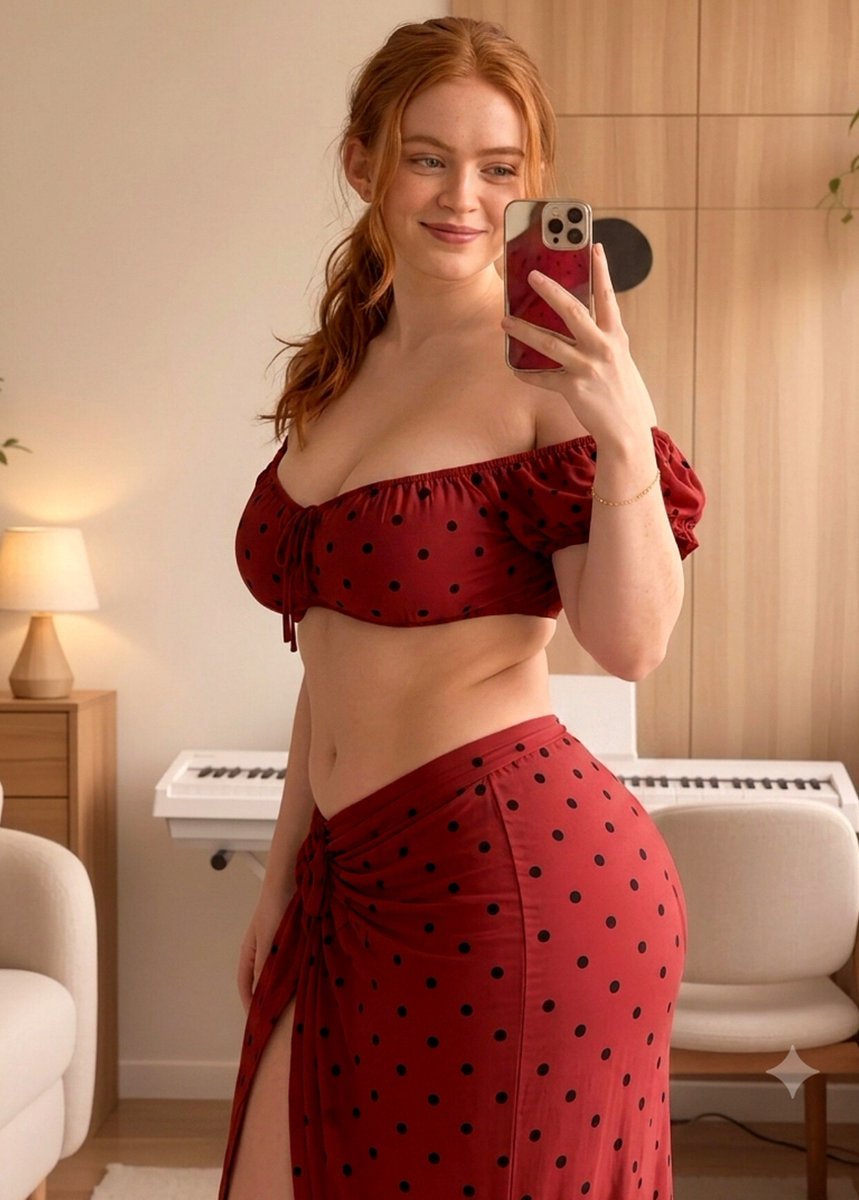
A detailed prompt for generating a photorealistic mirror selfie of a woman wearing a blue and black polka-dot outfit in a modern home studio setting.
- Prompt included
- Model and format preset
- Free template
The prompt behind this image
Copy the exact prompt behind Polka Dot Outfit Mirror Selfie, or open it in the studio and make it yours.
Create a photorealistic lifestyle mirror portrait of {argument name="subject" default="a young woman with fair skin, natural complexion, dark brown hair pulled back into a relaxed ponytail with subtle loose strands around her face, and softly defined facial features. She has a warm, genuine smile and is looking toward the smartphone screen through the mirror"}. Her expression feels relaxed, cheerful, and natural. She is standing comfortably in front of a large rounded-edge mirror, holding a smartphone in one hand while extending the other arm slightly outward, creating an authentic casual mirror-selfie composition.\n\nShe is wearing {argument name="outfit" default="a coordinated light-blue outfit with a black polka-dot pattern: a short-sleeved gathered top with softly puffed sleeves, a central tie detail, and a matching high-waisted skirt with a tied waist detail and a tasteful side opening"}. The clothing should have realistic fabric texture, natural folds, stitching, and believable draping. Add a delicate minimal bracelet and keep other accessories understated.\n\n{argument name="setting" default="The scene is a warm, modern bedroom or home studio with a large wooden wardrobe or wall panel behind her, a white digital piano positioned against the wall, a simple wooden chair, a small potted green plant, a framed minimalist artwork, and a small table lamp producing a cozy glow"}. Include a softly curved mirror frame and subtle reflections throughout the room. Use a combination of gentle natural daylight and warm ambient lamp light, creating soft highlights on the subject and furniture with realistic shadows and a comfortable evening-at-home atmosphere.\n\nShot on a high-quality smartphone camera with a natural 35mm-equivalent perspective, realistic mirror reflection, balanced framing, moderate depth of field, authentic indoor exposure, soft cinematic color grading, high dynamic range, detailed skin texture, individual hair strands, accurate hands and fingers, realistic fabric texture, natural proportions, subtle photographic grain, polished lifestyle photography, high detail, photorealistic rendering.
How to use Polka Dot Outfit Mirror Selfie in 3 steps
- 1
Open
The prompt is already in the box next to the preview, with the template's model and format selected.
- 2…a portrait of your subject in softgolden-hour light, 85mm…
Personalize
Edit the subject and creative details for your destination.
- 3Generate
Generate
Press Generate — your image is created in PicX Studio, so you can compare it with the original and refine one variable at a time.
More like this
Templates with the same subject, style or setup. Open one to see its prompt.
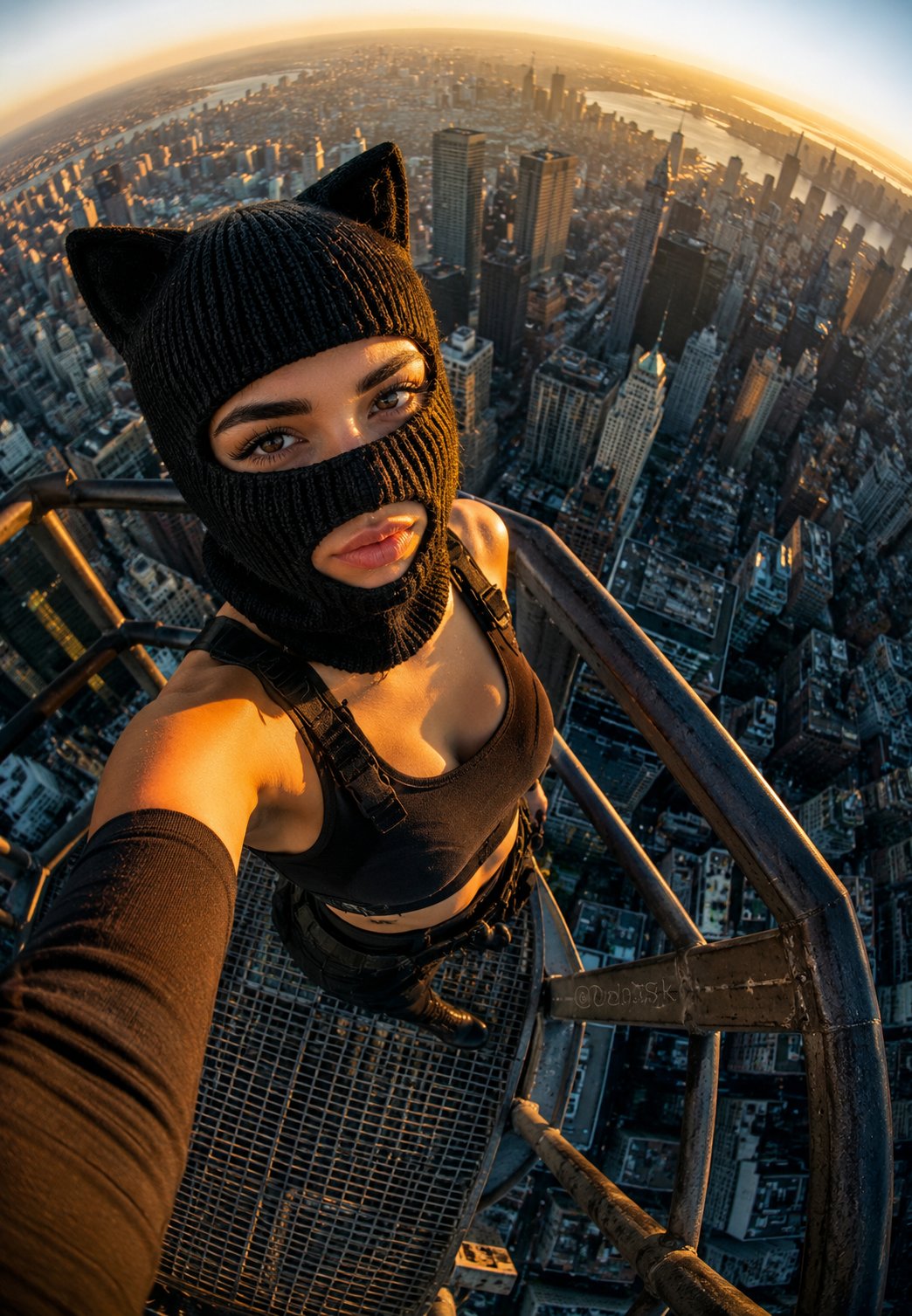
Rooftop Fisheye — Cat-Ear Balaclava at Golden Hour
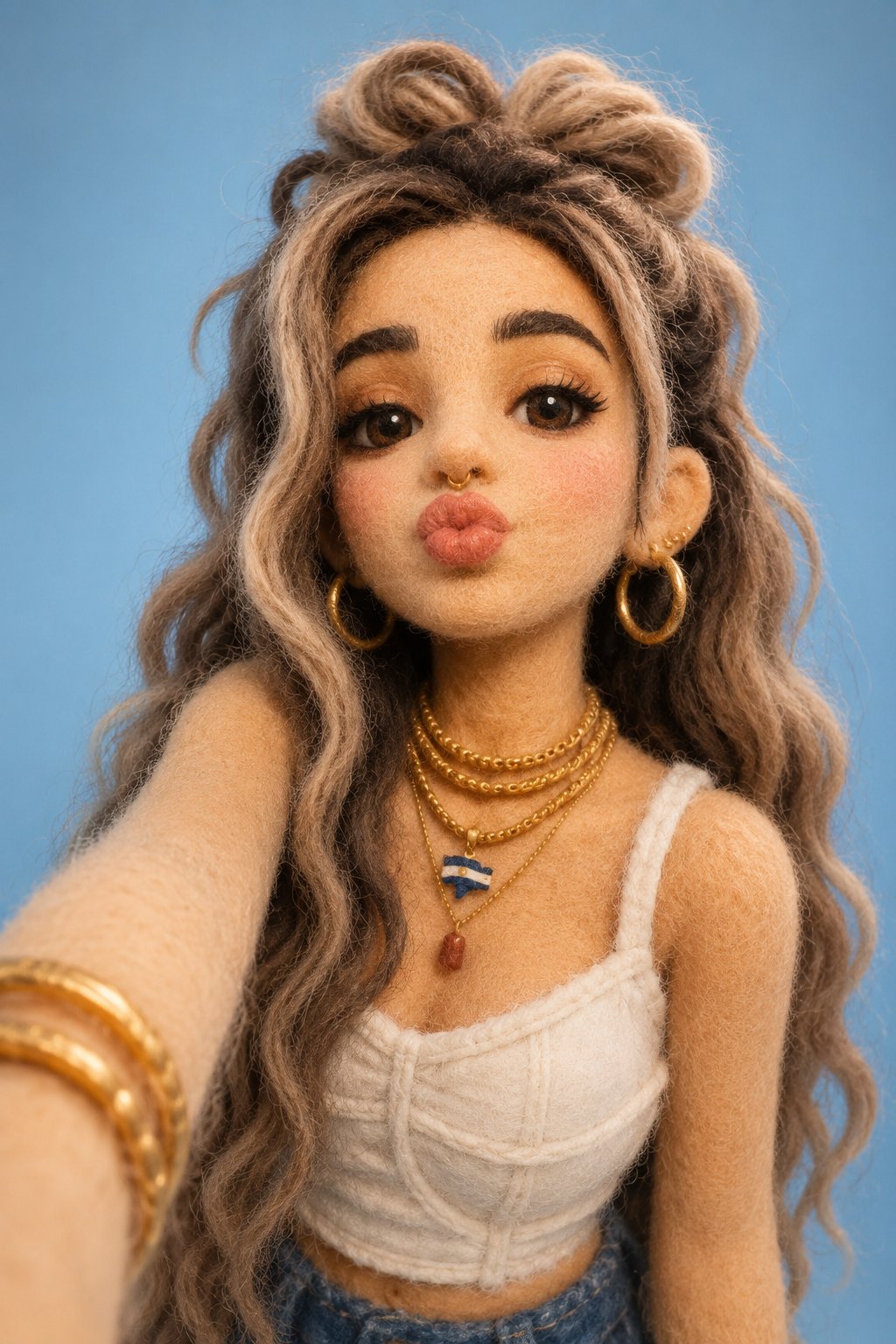
Felt & Knit 3D Character — Photo-Exact Face, Pixar-Quality Plush Figurine
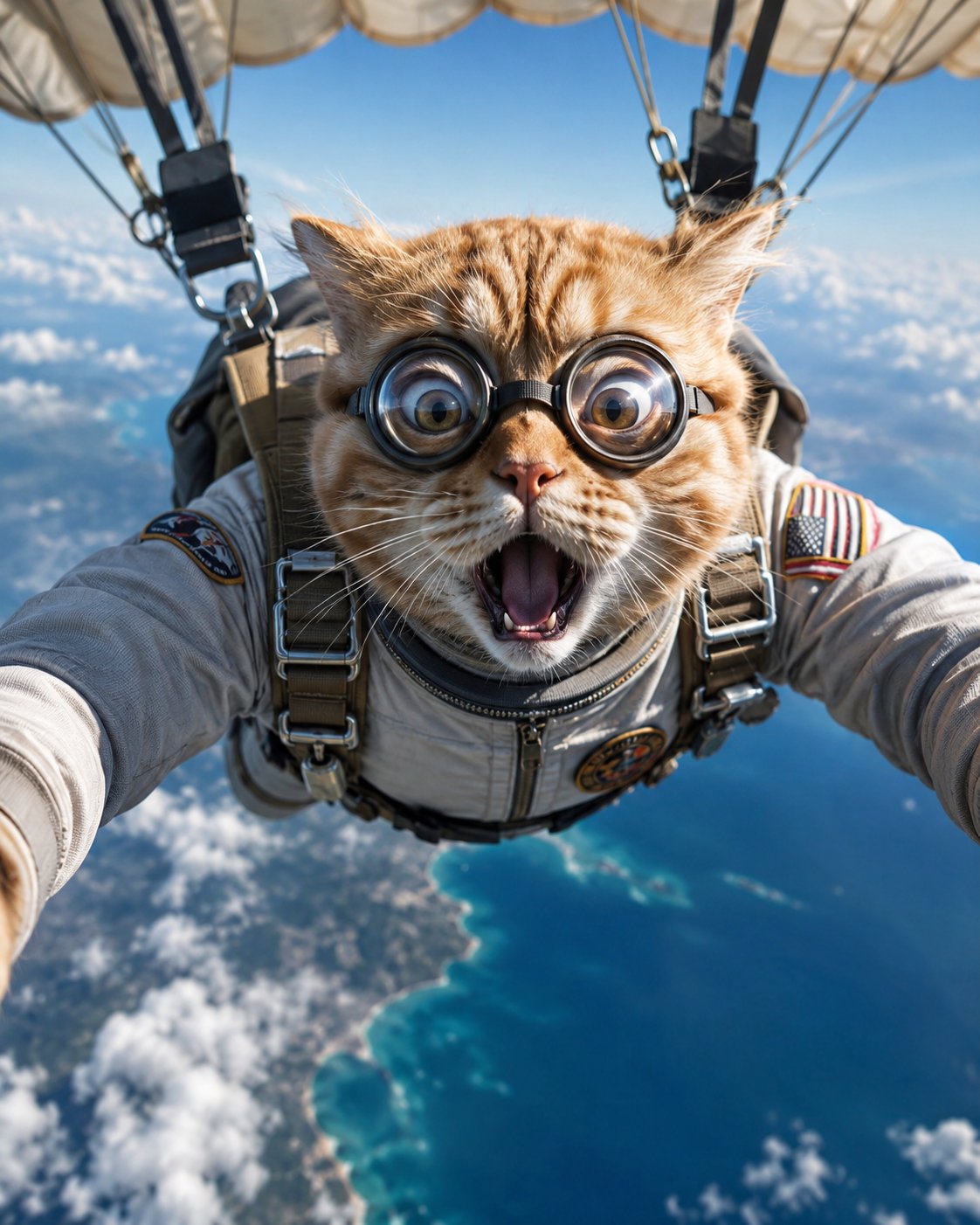
Surreal Cat Astronaut — Humanoid Face Freefall
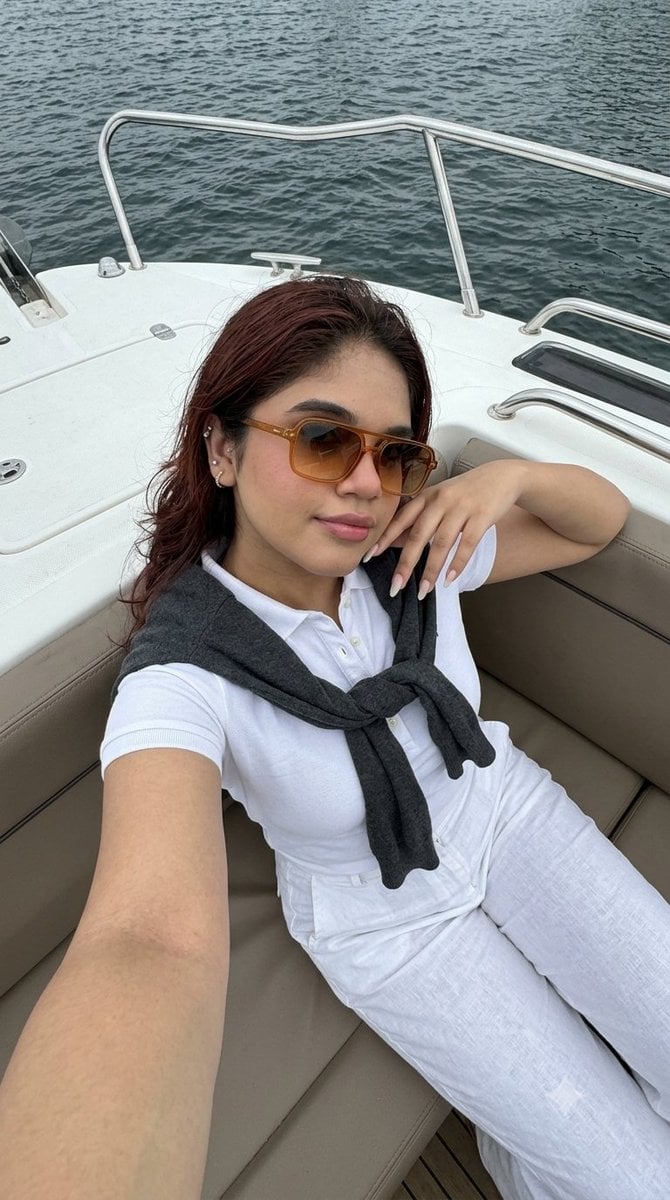
Smartphone Selfie on Motorboat
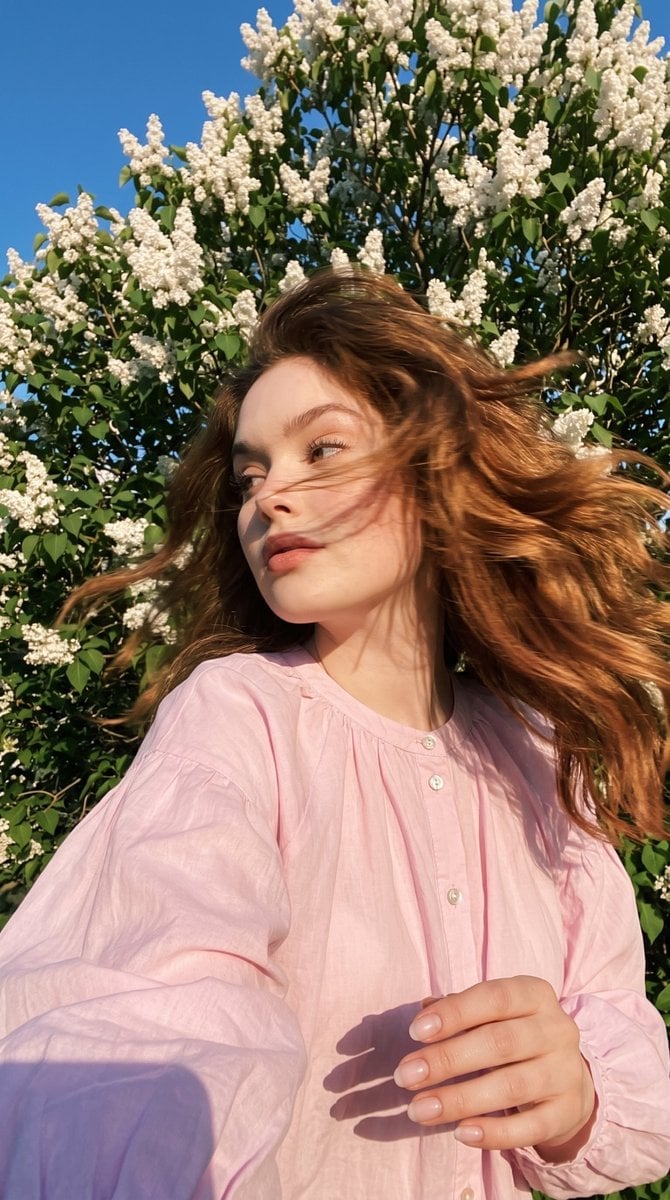
Candid Spring Selfie with Motion Blur
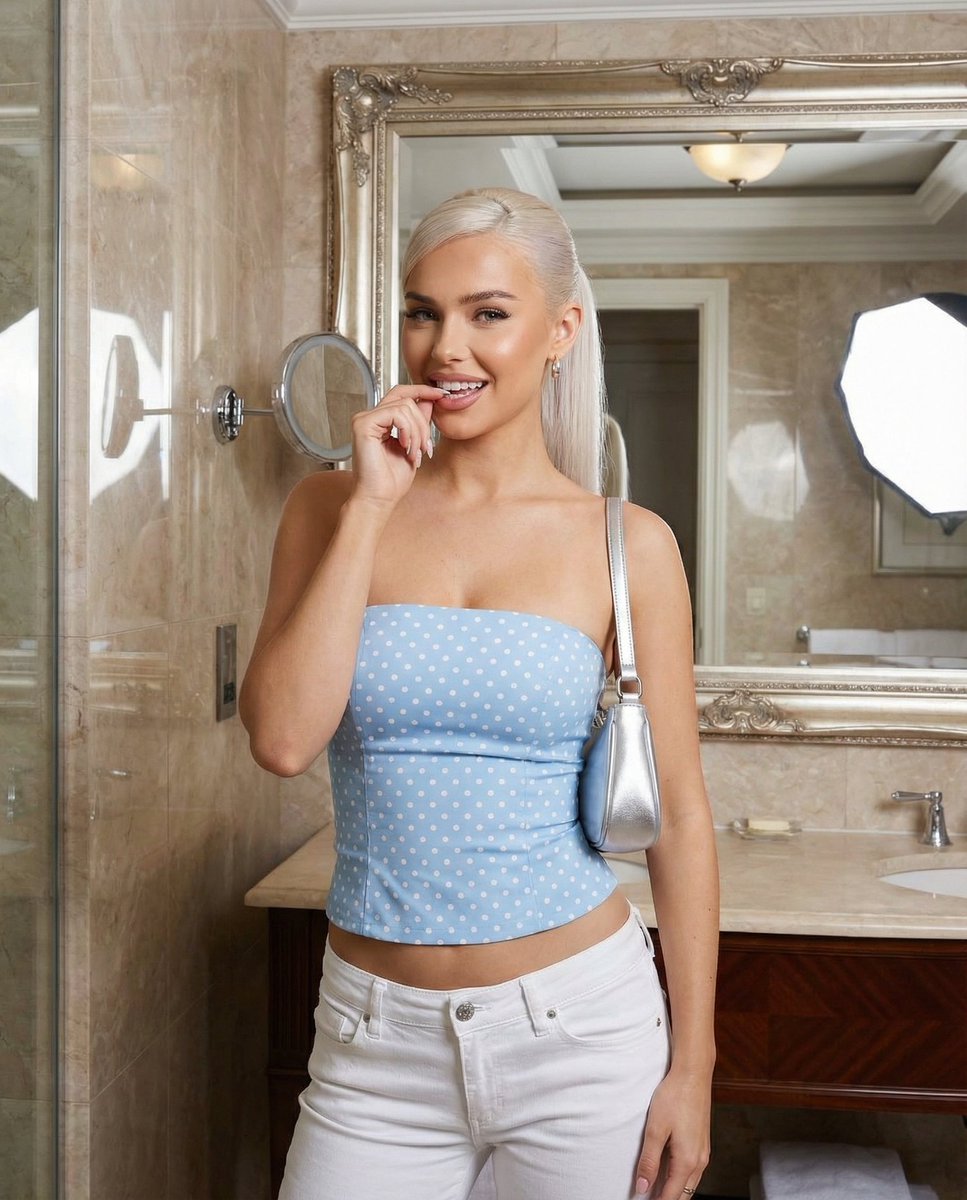
Baby Blue Polka Dot Top Bathroom Selfie Prompt
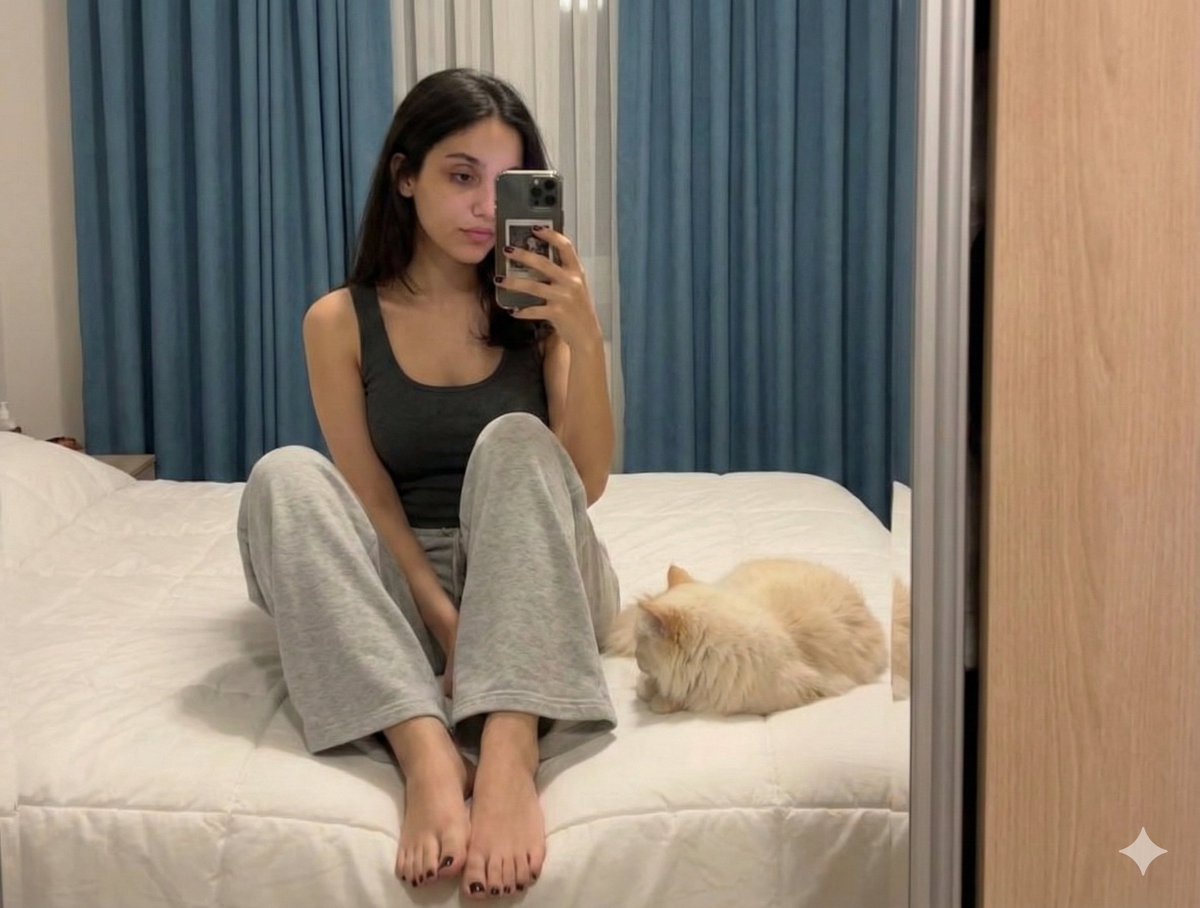
Nano Banana Pro Prompt: Candid Mirror Selfie with Cat
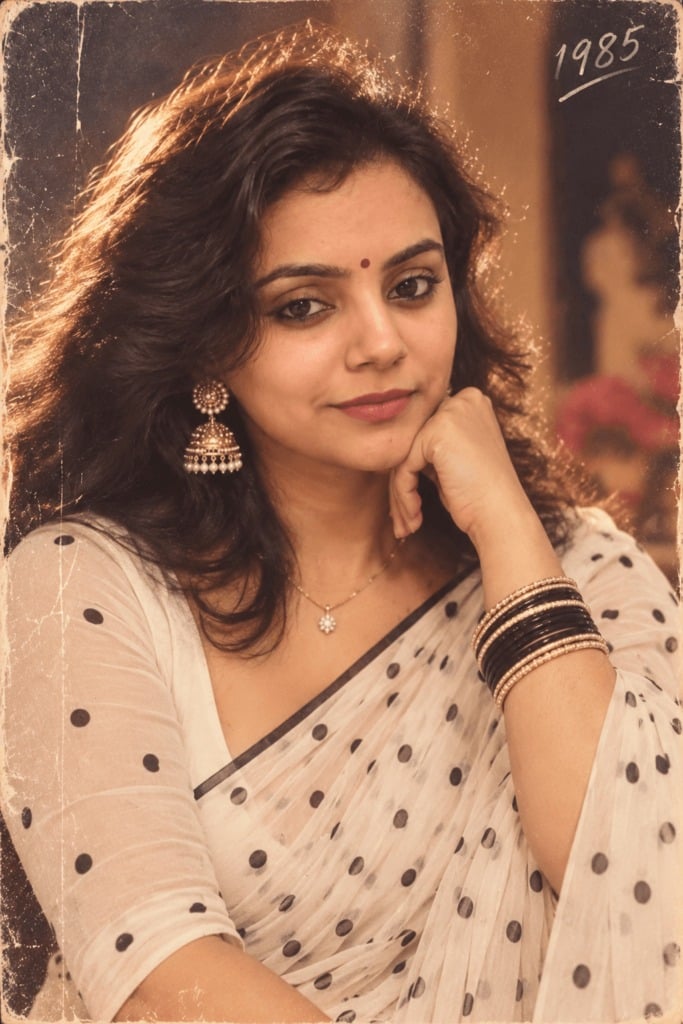
80s Polka Dot Saree
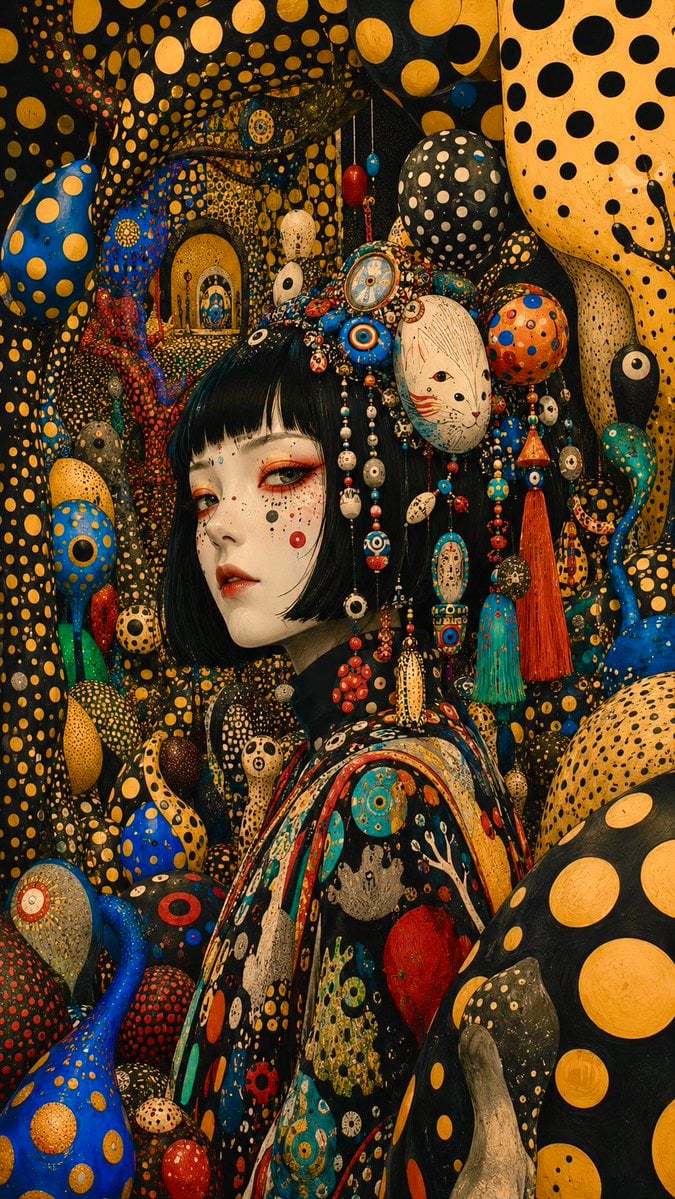
Surreal Polka Dot Portrait
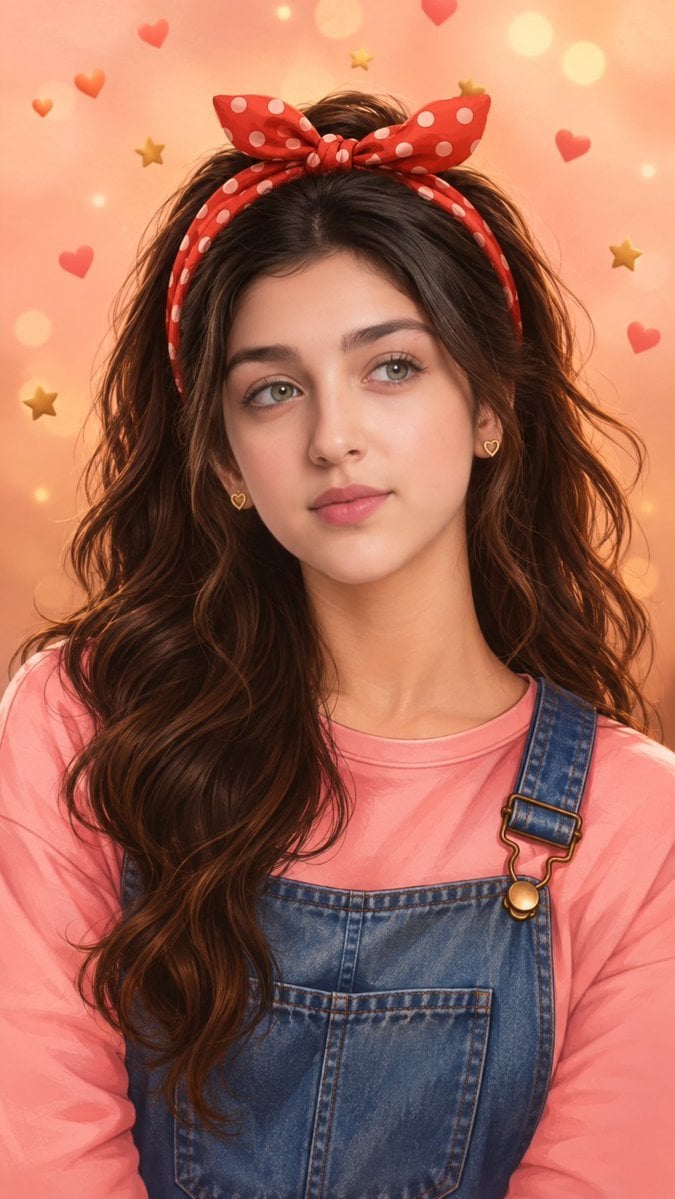
Dreamy Polka-Dot Bow Portrait
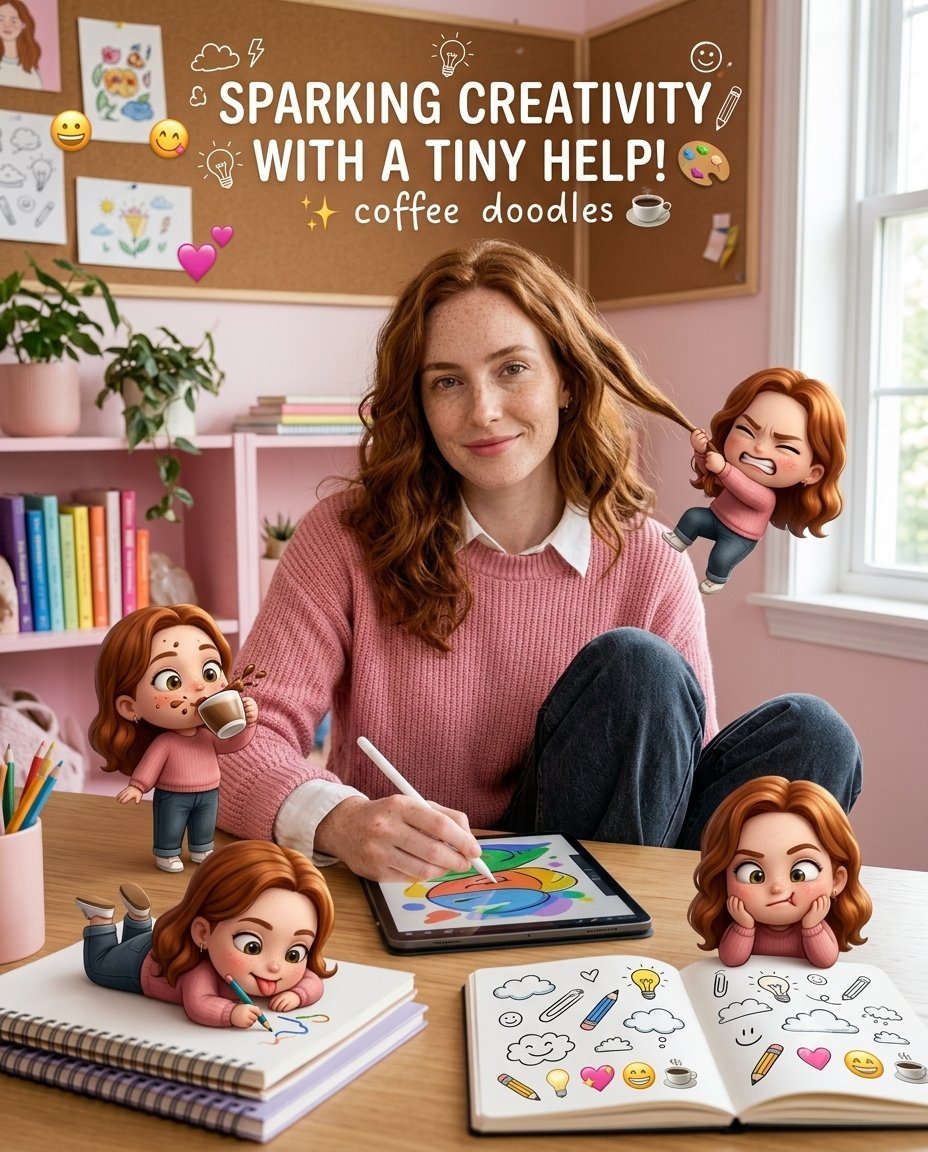
Creative Character in Pink Office
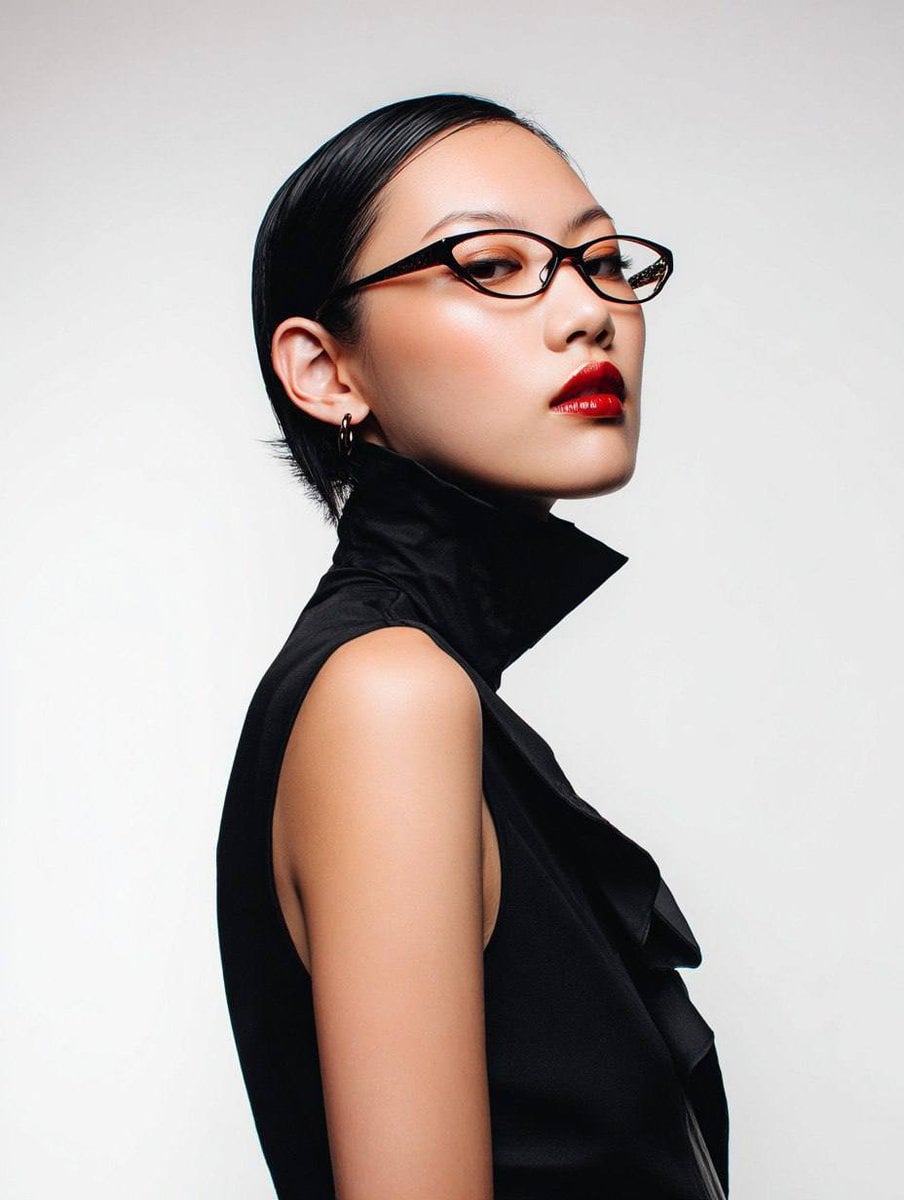
Avant-Garde Asian Fashion Model
Make it yours
Polka Dot Outfit Mirror Selfie works as-is. These are the safest ways to change it without losing the look.
Change one field
Copy a single group, rewrite it, and generate again so you can see what that field is doing.
Keep the frame, change the subject
Hold the composition and light of Polka Dot Outfit Mirror Selfie, then swap wardrobe, props or the person for a new take.
| If the result… | Why | Fix |
|---|---|---|
| The result drifts from the preview | Too many fields changed at once. | Reuse Polka Dot Outfit Mirror Selfie as-is first, then change one group — subject, light, or setting. |
| The model over-stylizes the scene | The prose prompt leaves finish and camera underspecified. | Add one camera or lighting sentence and stay on Gemini 3 Pro Image Preview. |
More Gemini 3 Pro Image Preview templates
Other prompts made for Gemini 3 Pro Image Preview.
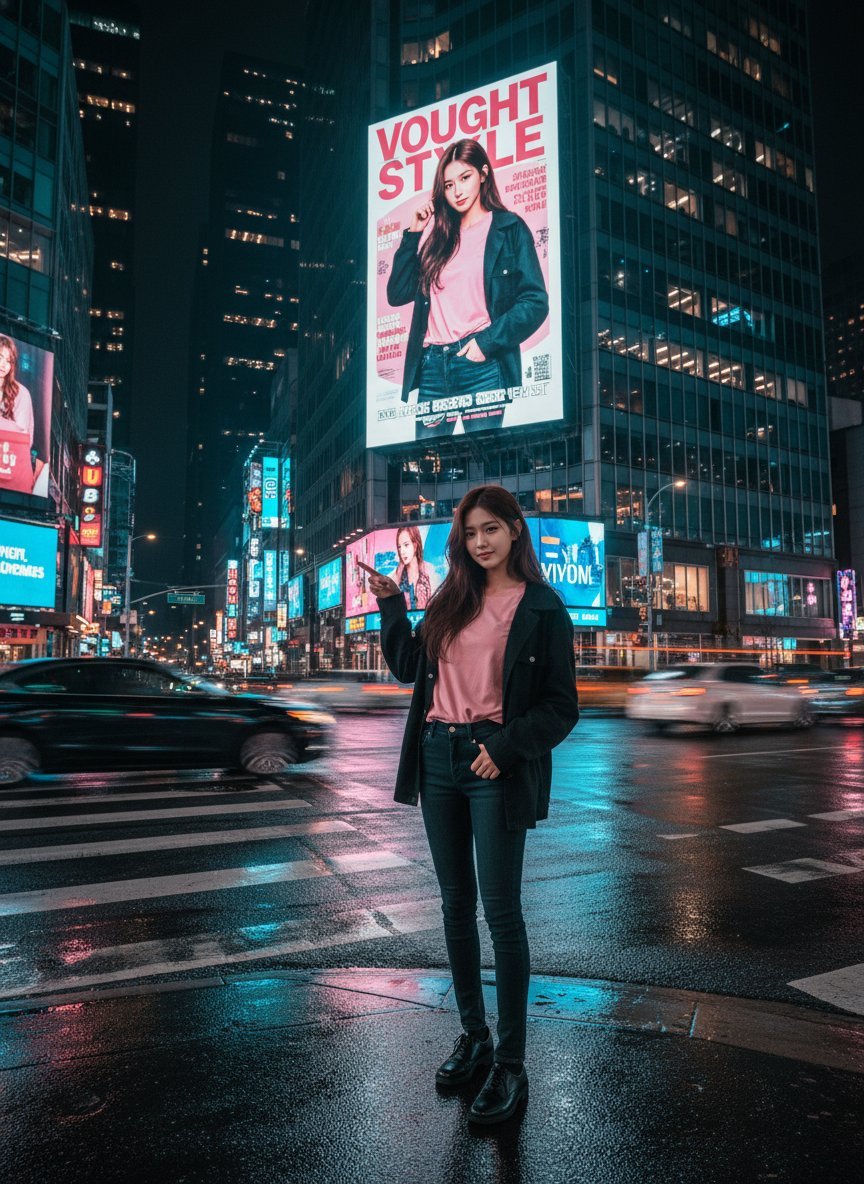
Cinematic Urban Night Billboard Portrait
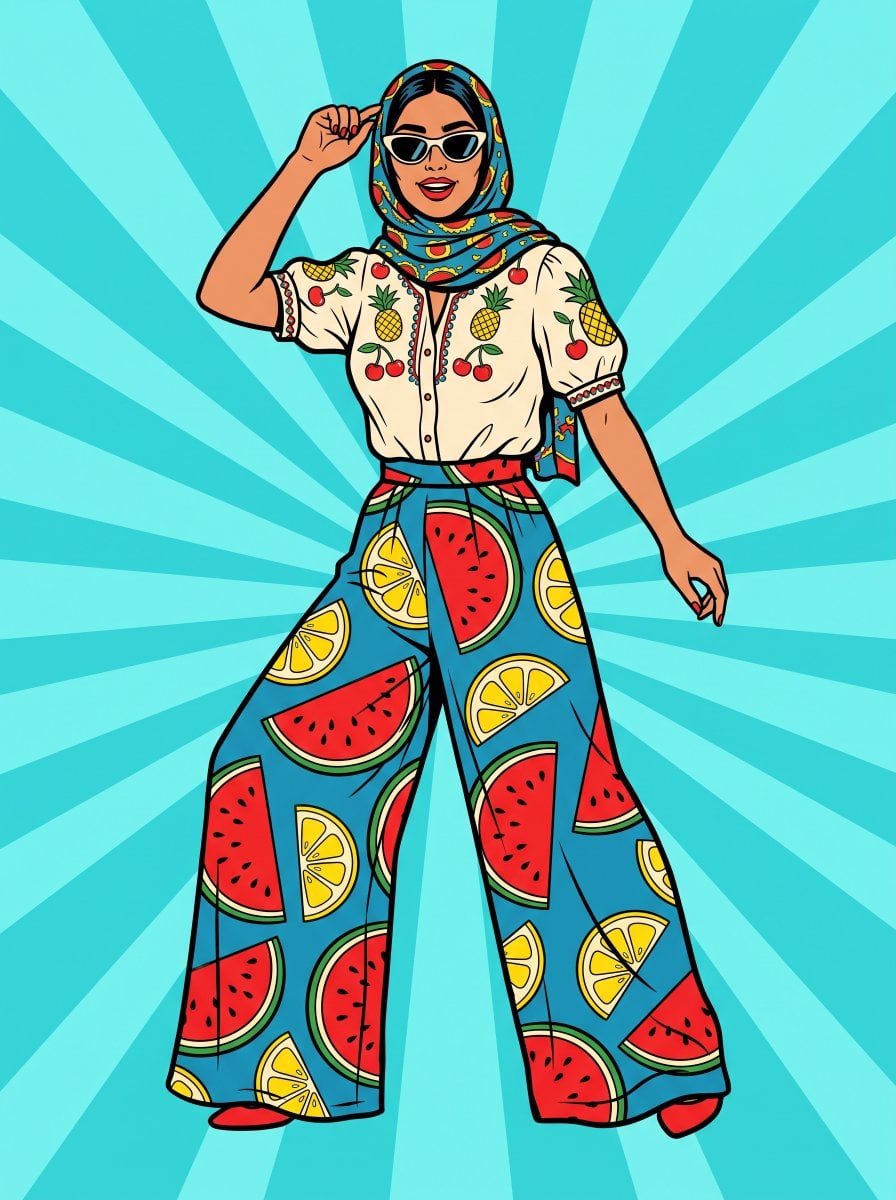
Pop Art Summer Fruit Fashion Illustration
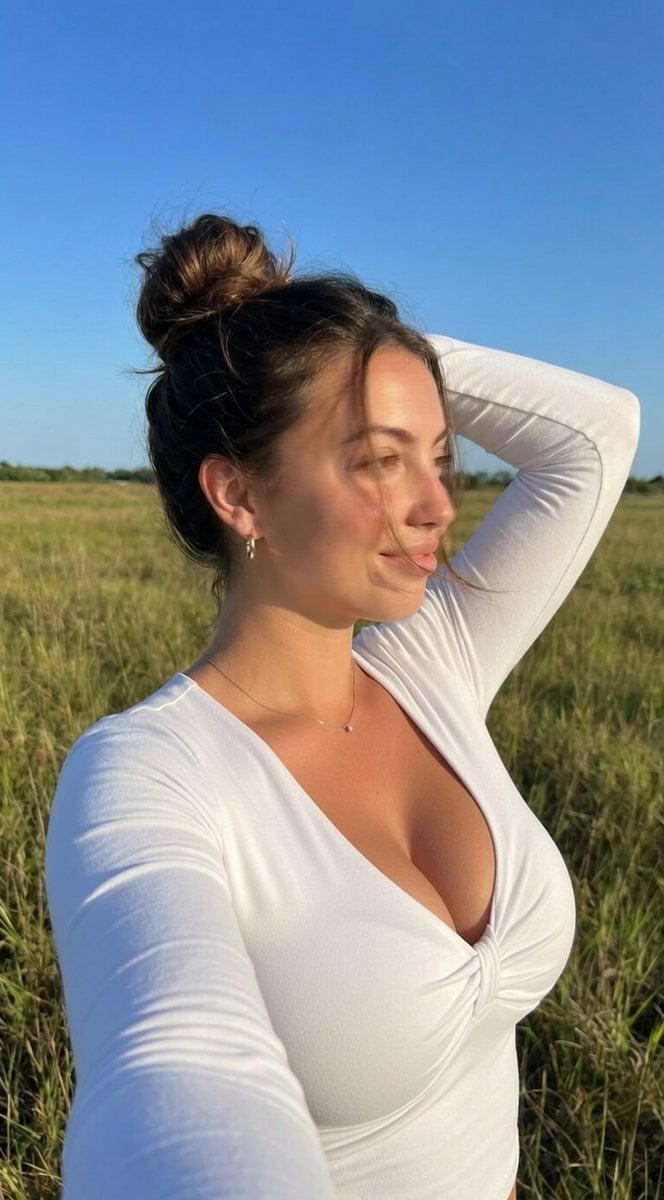
Ultra-Realistic iPhone Selfie with Motion Blur
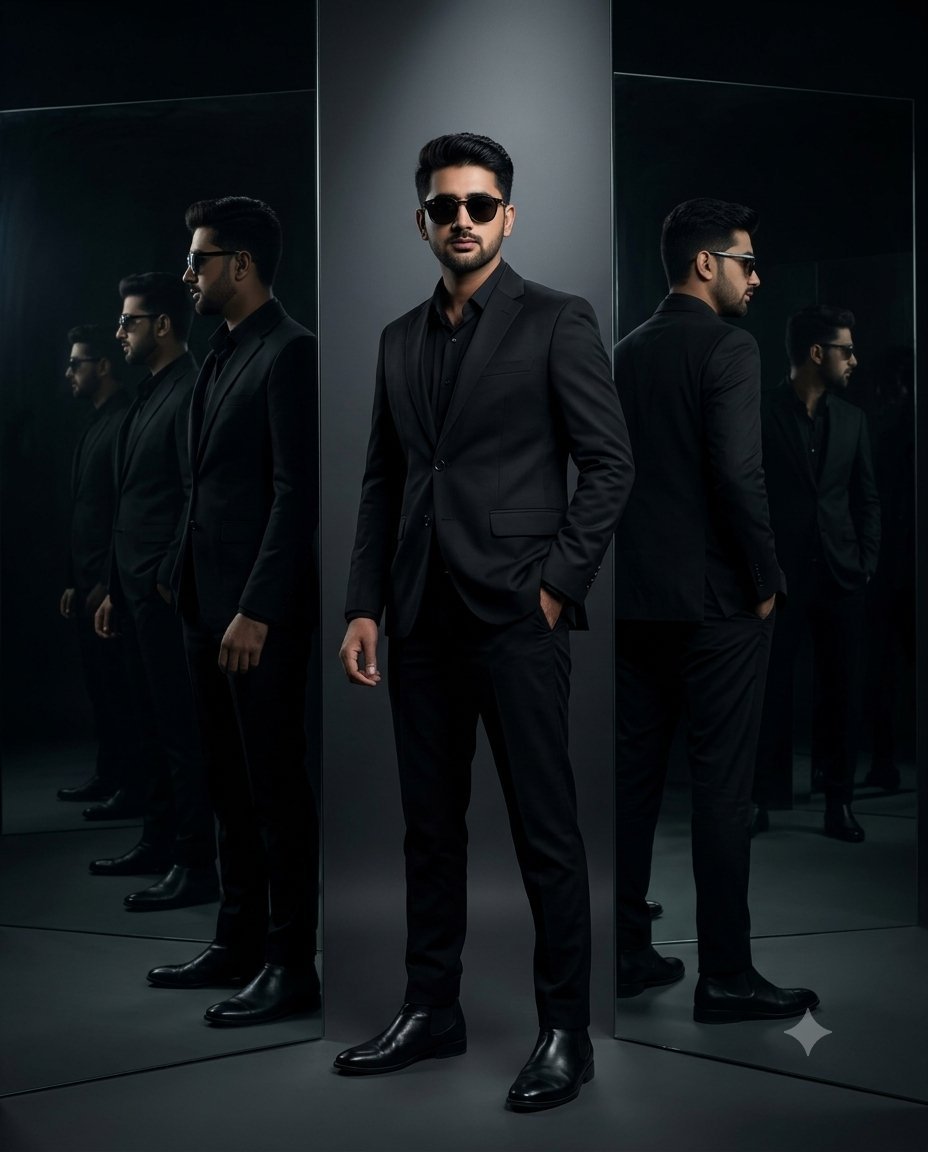
Cinematic Mirror Reflection Portrait
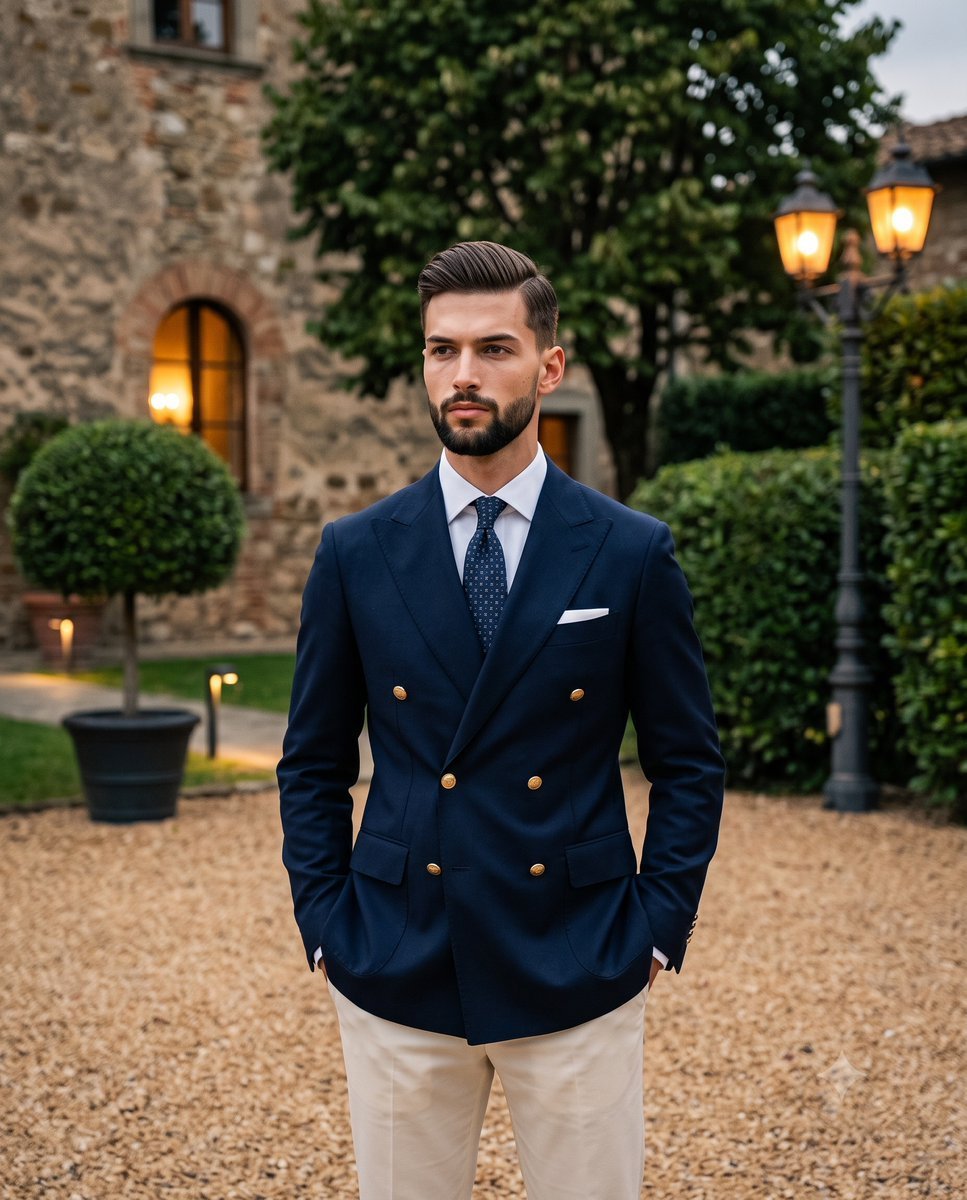
Elegant Men's Twilight Editorial
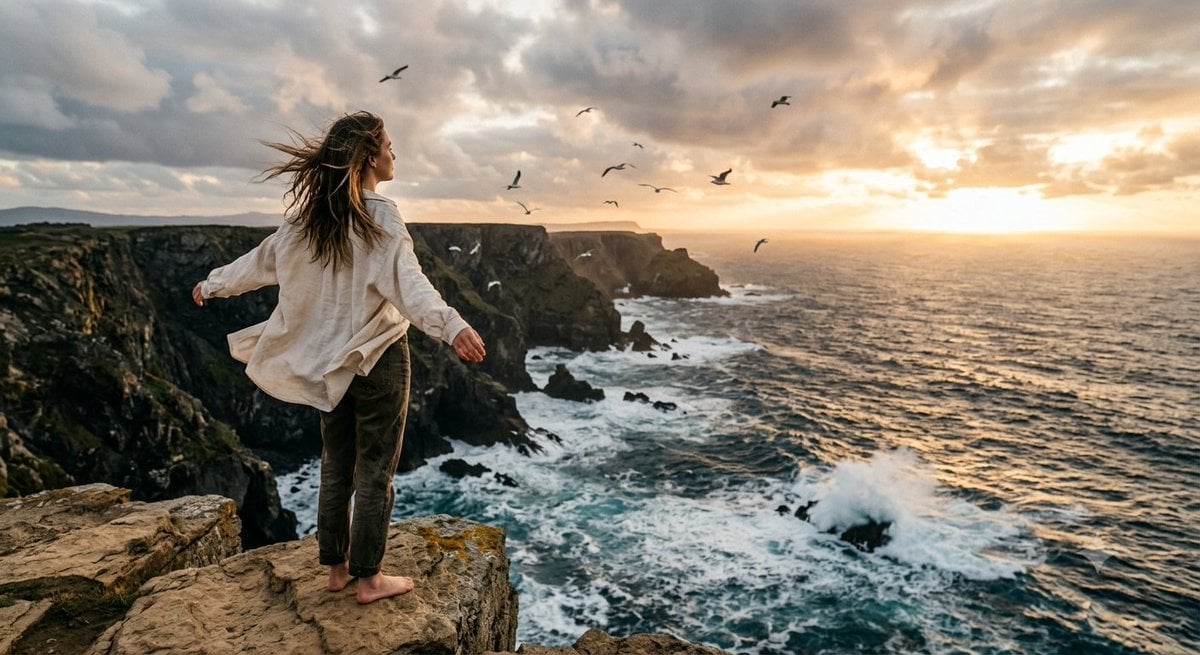
Coastal Freedom Sunset Portrait
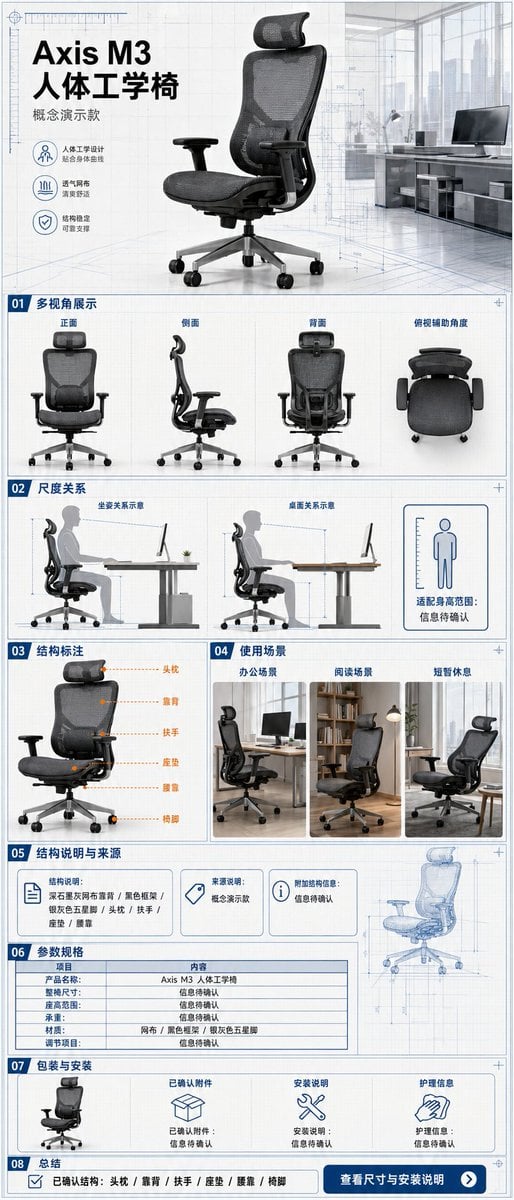
Ergonomic Office Chair E-commerce Mobile Detail Page
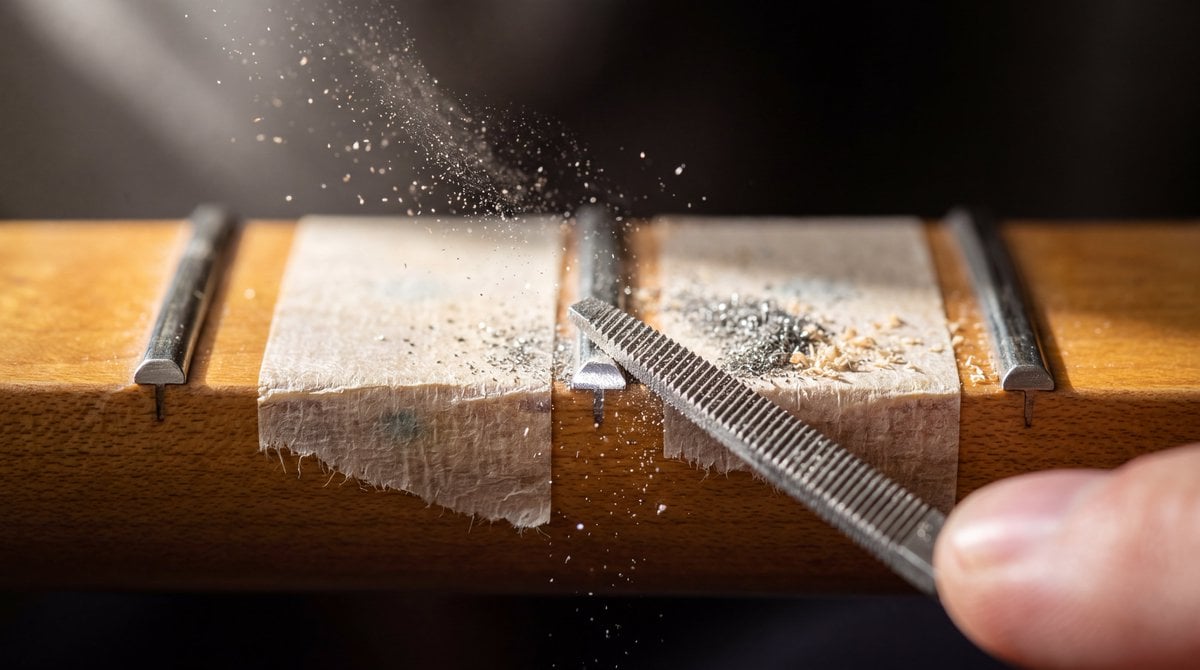
Macro Guitar Fret Dressing
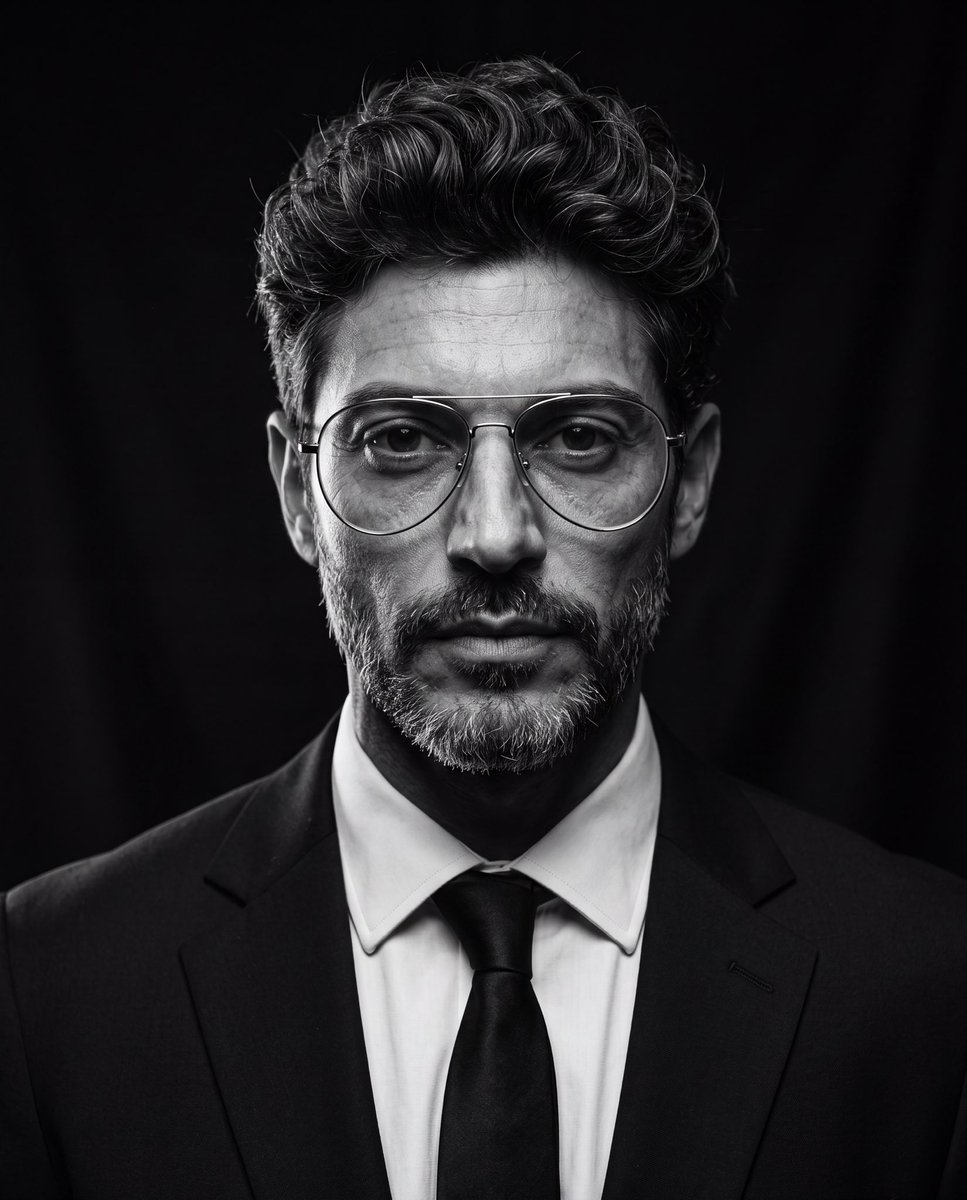
Cinematic Black and White Studio Portrait
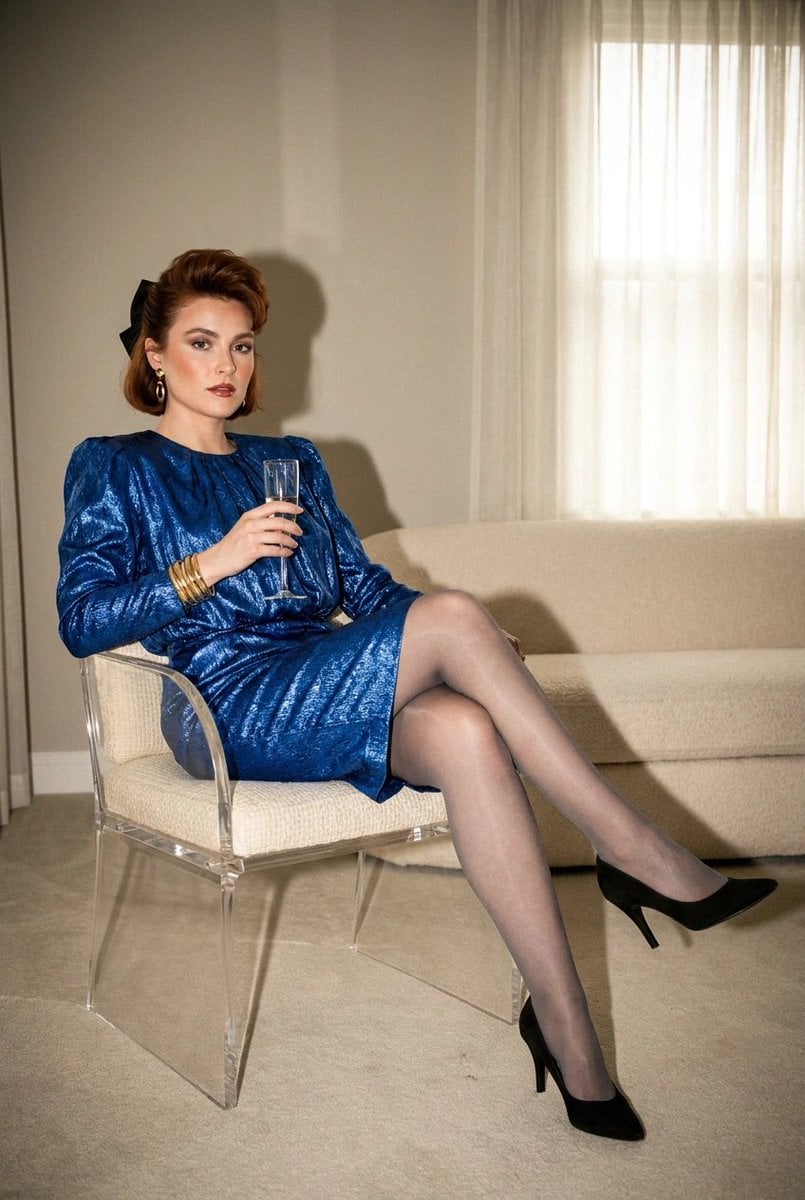
1980s Retro Salon Portrait
More image prompts
Fresh picks from across the catalog.

Prismatic Ocean Teacup Fantasy

Dune Poster in Moebius Style (Multi-Model Test)
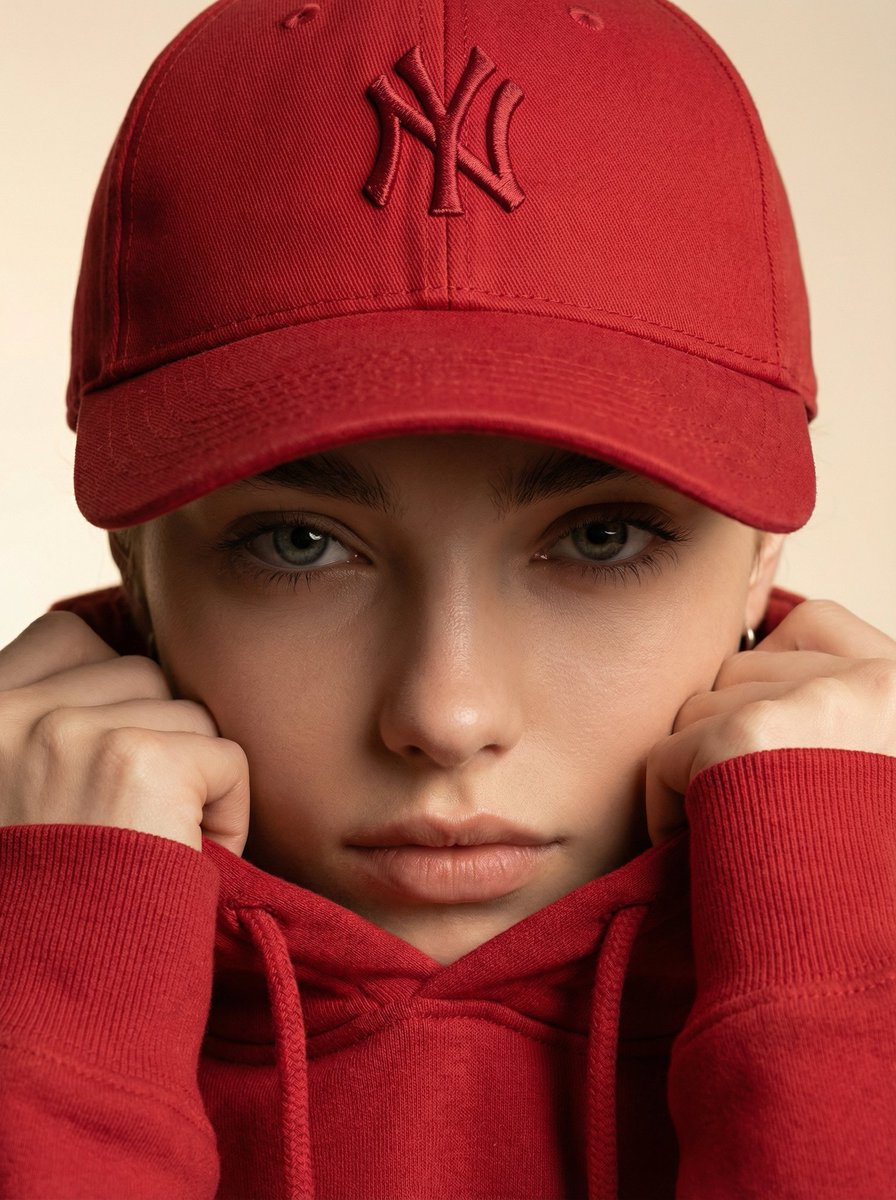
Ultra-Realistic Fashion Beauty Crop
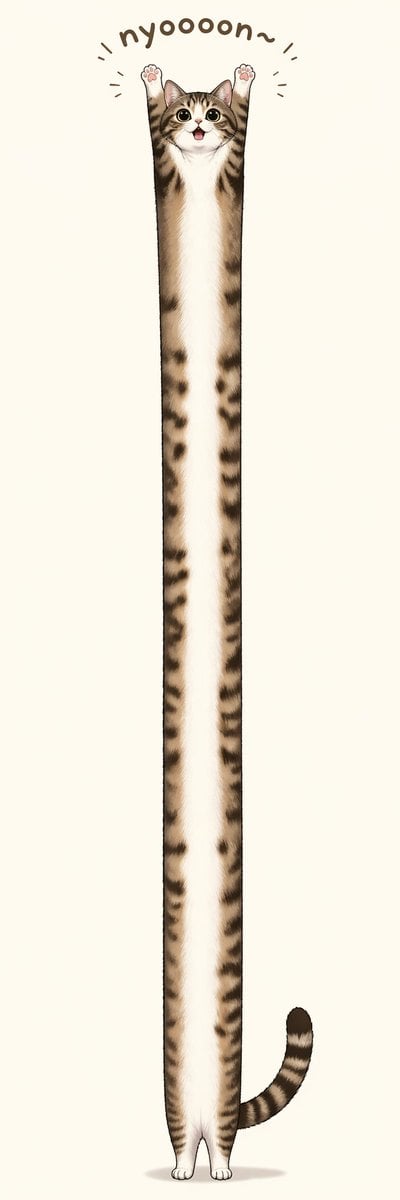
Long Stretching Tabby Cat

Japanese Law & Tax Services LP Hero
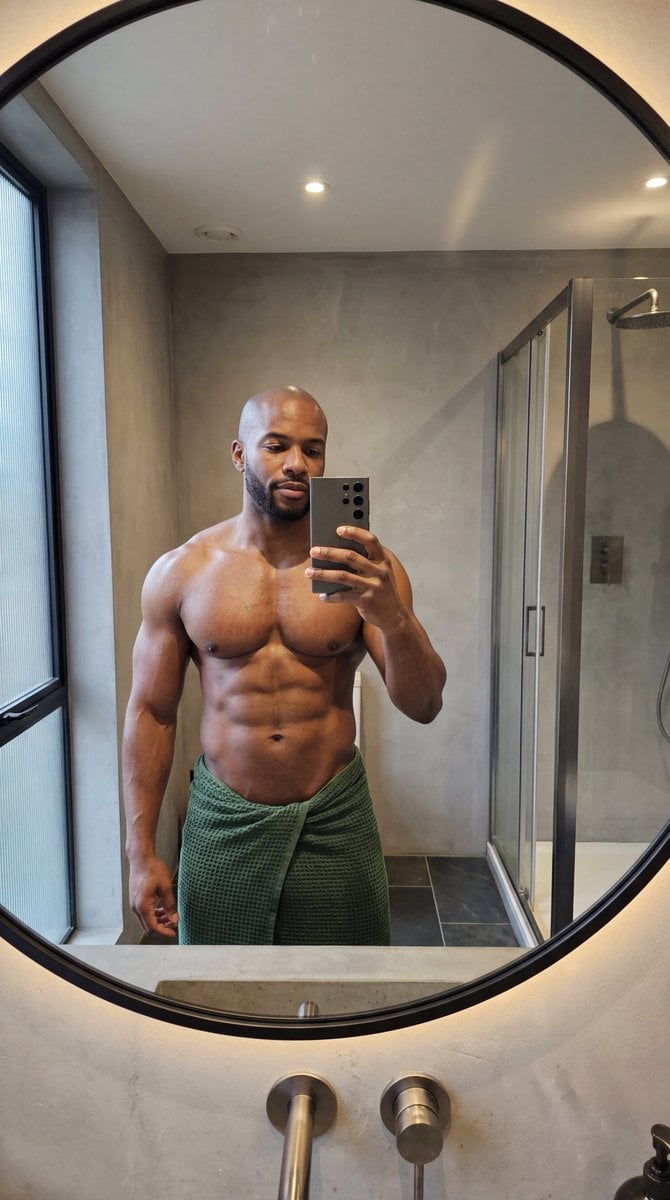
Photorealistic Anatomy-Locked Mirror Selfie Prompt
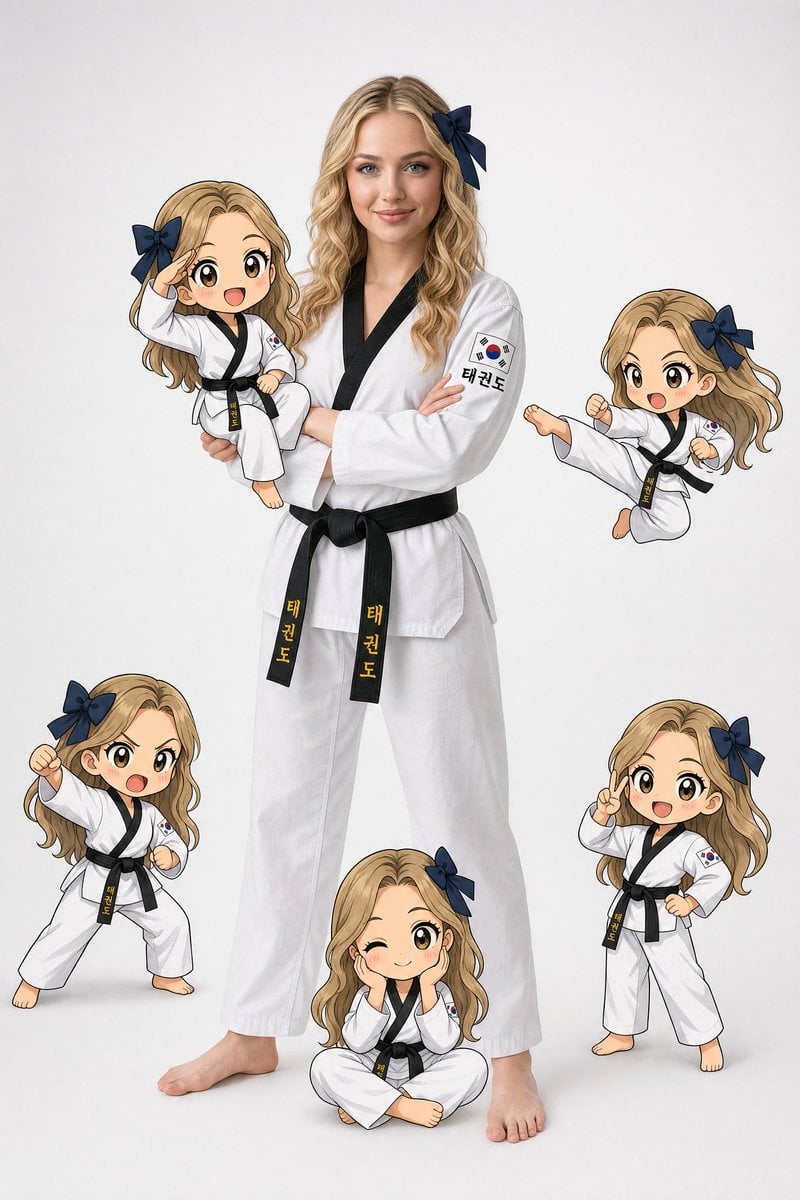
Taekwondo Woman and Chibi Versions
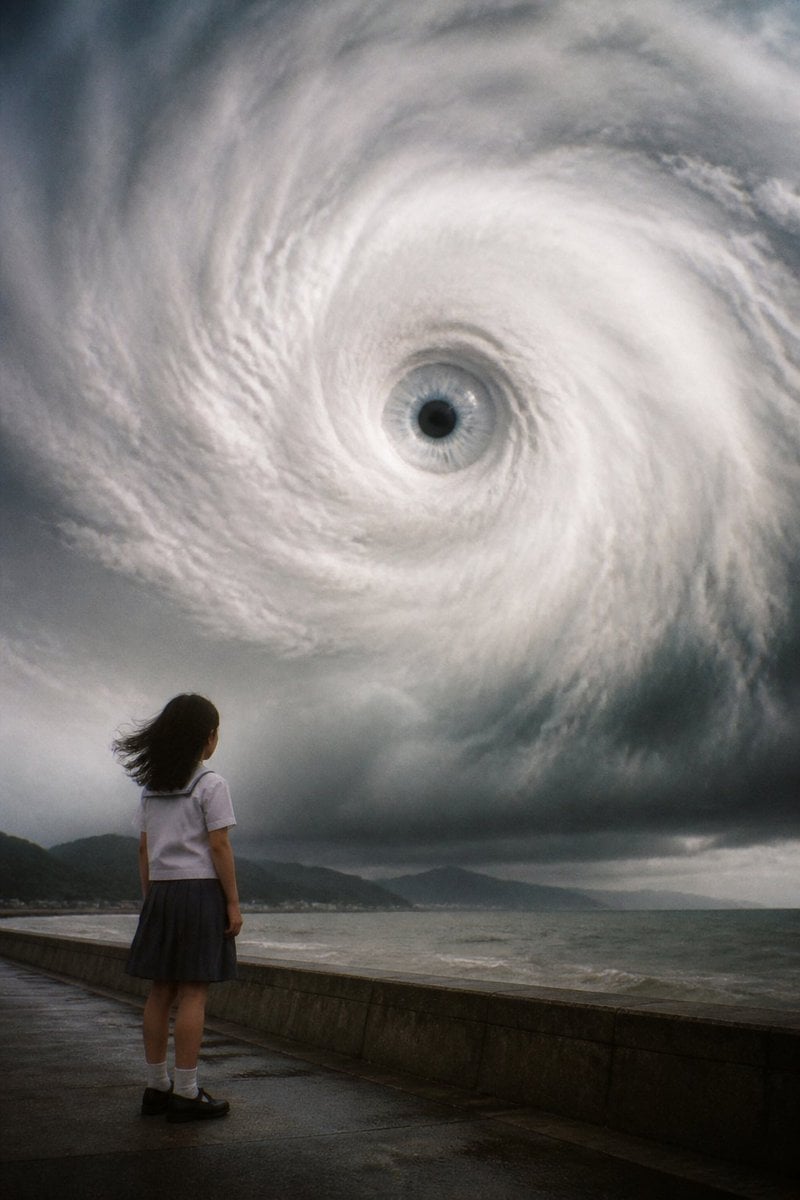
Typhoon Eye Watching Schoolgirl
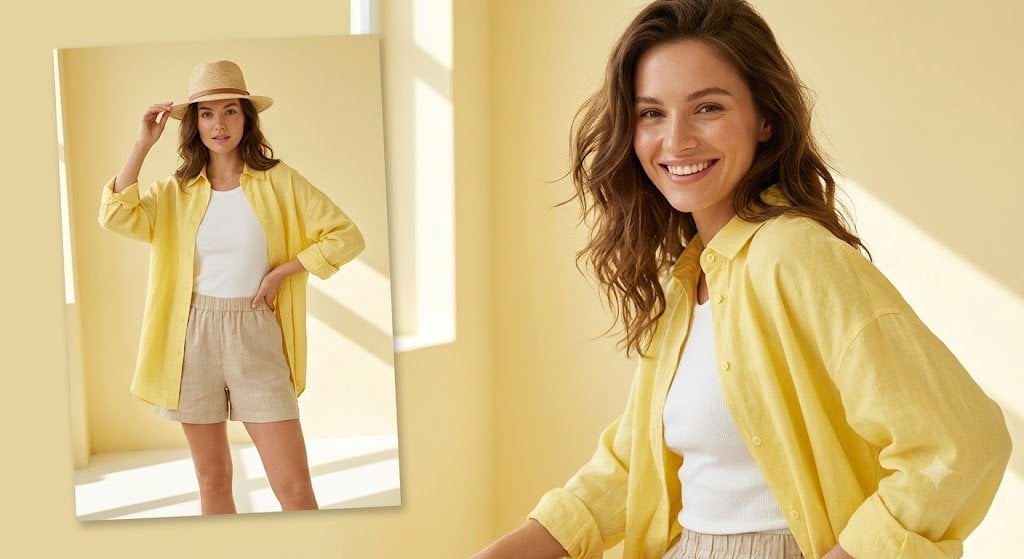
Sunlit Summer Fashion Lookbook
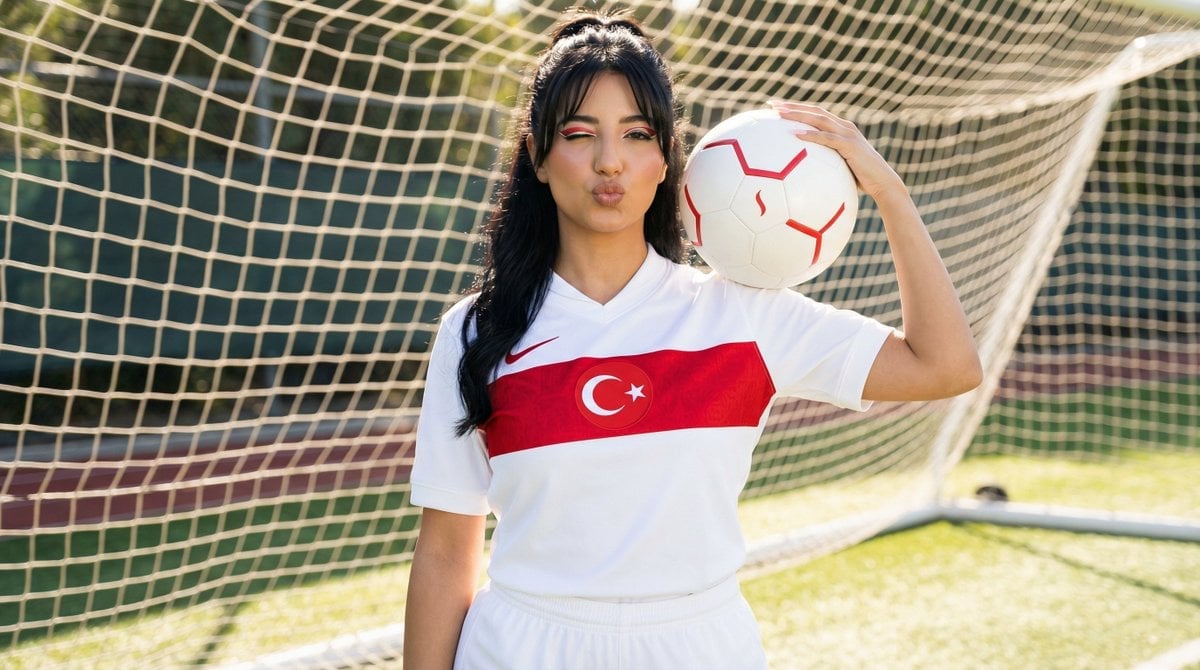
Sporty Outdoor Portrait with Turkey Soccer Kit
Featured in prompt roundups
Hand-picked collections that include this template.
Browse template categories
Polka Dot Outfit Mirror Selfie questions
How do I use the Polka Dot Outfit Mirror Selfie template?
Add your photo if the template asks for one, edit the prompt if you like — the template's model and format are already selected — and press Generate. Your version opens in PicX Studio.
Can I customize the Polka Dot Outfit Mirror Selfie template?
Yes. You can change the subject, setting, lighting, mood, format, and available model controls before creating your image.
Is the Polka Dot Outfit Mirror Selfie template free?
Opening and editing this template is free. Generating uses credits, shown on the Generate button when you are signed in.
Which AI model should I use?
Start with Gemini 3 Pro Image Preview, which is the model associated with this template. You can compare another compatible model for a different finish.
Looking for something else? Browse all templates.

Your photo, any look
Thousands of ready templates for every top image and video model, from one credit balance.