
Urban Streetwear Magazine Editorial
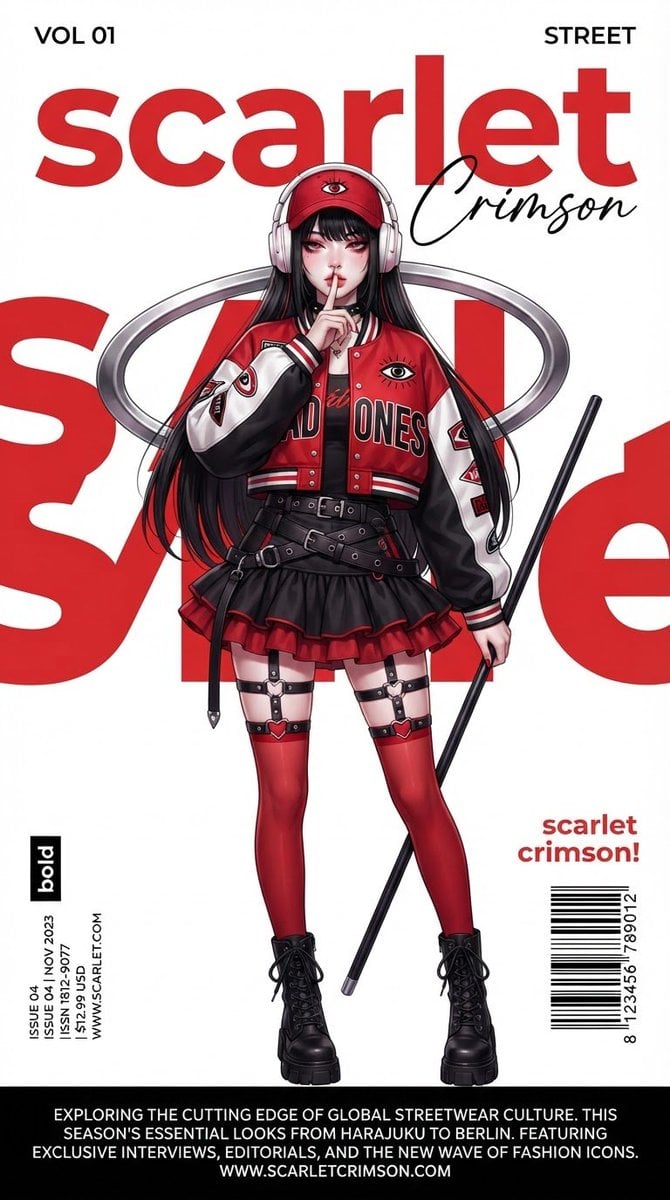
A high-end urban streetwear magazine cover illustration featuring an anime-style character in a bold red-and-white varsity jacket with graphic design elements.
- Prompt included
- Model and format preset
- Free template
The prompt behind this image
Copy the exact prompt behind Urban Streetwear Magazine Editorial, or open it in the studio and make it yours.
A {argument name="style" default="high-end urban streetwear fashion magazine cover"} / editorial poster, clean modern layout, pure white background with bold large-scale red abstract typography partially visible behind the subject. Central figure: beautiful anime-style young woman with long straight black hair with thick bangs, pale skin, sharp features, heavy red eyeshadow and makeup, slightly parted lips, looking directly at the viewer. She has one finger raised to her lips in a quiet/shushing pose. She wears a red baseball cap with white over-ear headphones, a {argument name="outfit" default="cropped oversized red-and-white varsity/baseball jacket"} with black sleeves, bold “BAD ONES” lettering across the chest, an eye logo, and red accents. Underneath is a black top. She wears a short black ruffled mini skirt with red trim, multiple black belts and harness straps around the waist and thighs, red thigh-high stockings with black straps and heart-shaped hardware, and black footwear. A large metallic silver curved ring/halo floats around her upper body. She holds a long thin black rod or pole in her other hand. Typography and design elements: Top left: “VOL 01”; Top right: “STREET”; Large bold red lowercase title “{argument name="text" default="scarlet"}” with elegant black cursive signature “Crimson” overlapping it; Small vertical text box on the left labeled “bold” containing product-style details; “scarlet crimson!” text and barcode-like graphic on the right; Bottom black banner with descriptive paragraph text about the fashion poster. Style: high-detail digital illustration, sharp clean lines, vibrant red-black-white color palette, modern street fashion aesthetic mixed with anime character design, professional magazine layout, Photoshop-quality graphic design, highly polished editorial photography look, volumetric soft lighting, crisp details on clothing textures and metal accessories.
How to use Urban Streetwear Magazine Editorial in 3 steps
- 1
Open
The prompt is already in the box next to the preview, with the template's model and format selected.
- 2…a portrait of your subject in softgolden-hour light, 85mm…
Personalize
Edit the subject and creative details for your destination.
- 3Generate
Generate
Press Generate — your image is created in PicX Studio, so you can compare it with the original and refine one variable at a time.
More like this
Templates with the same subject, style or setup. Open one to see its prompt.
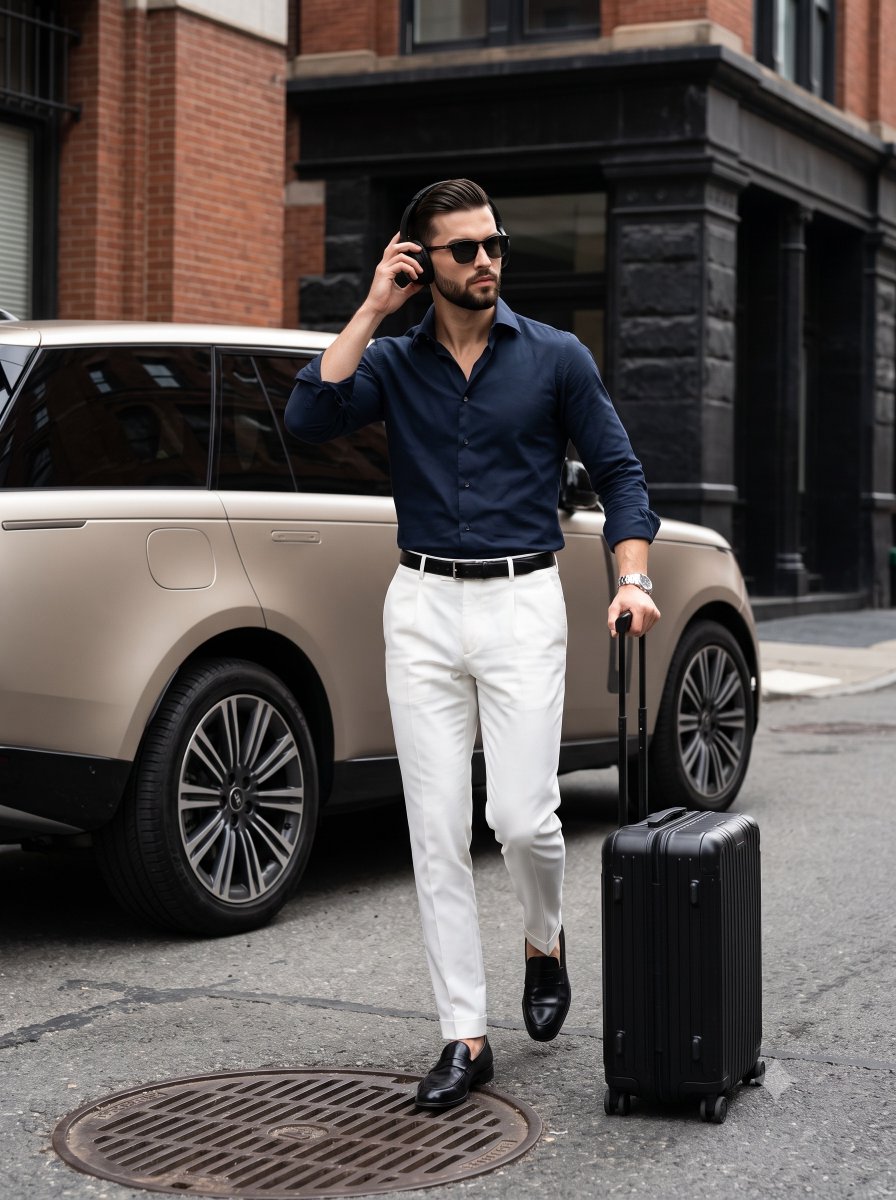
Urban Menswear Lifestyle Editorial
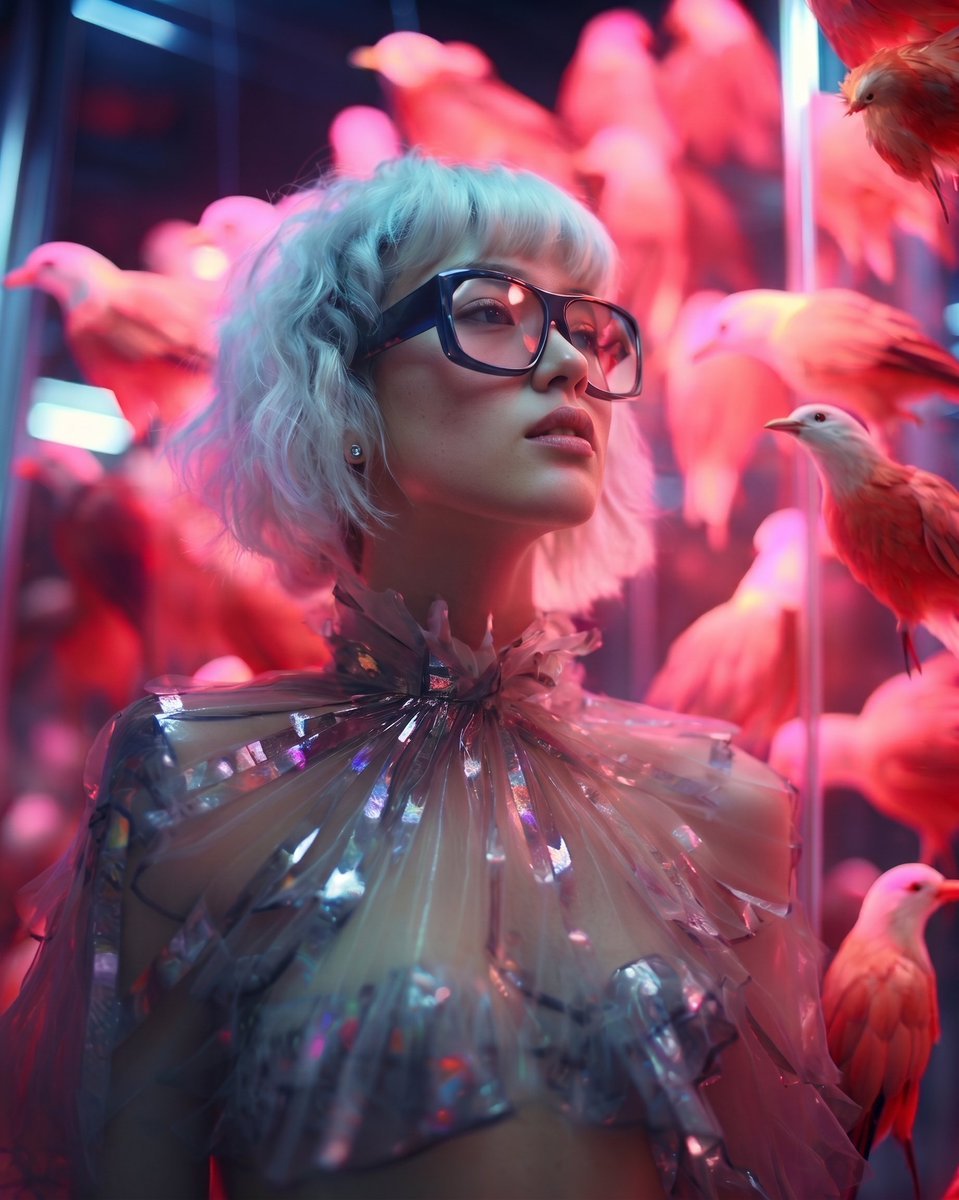
High Fashion Editorial Portrait
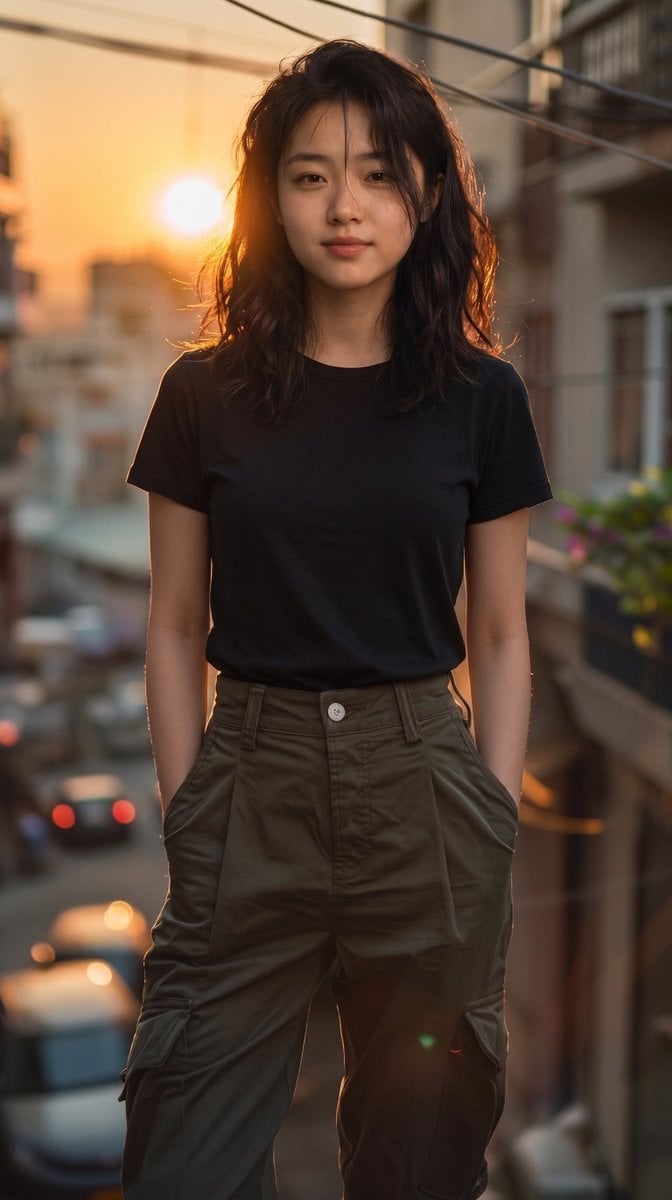
Urban Cinematic Golden Hour Portrait
Cinematic Amateur Fashion Editorial
Korean Streetwear Urban Editorial
Google Gemini Nano Banana Pro

1988 Mall Style
Creative Character in Pink Office
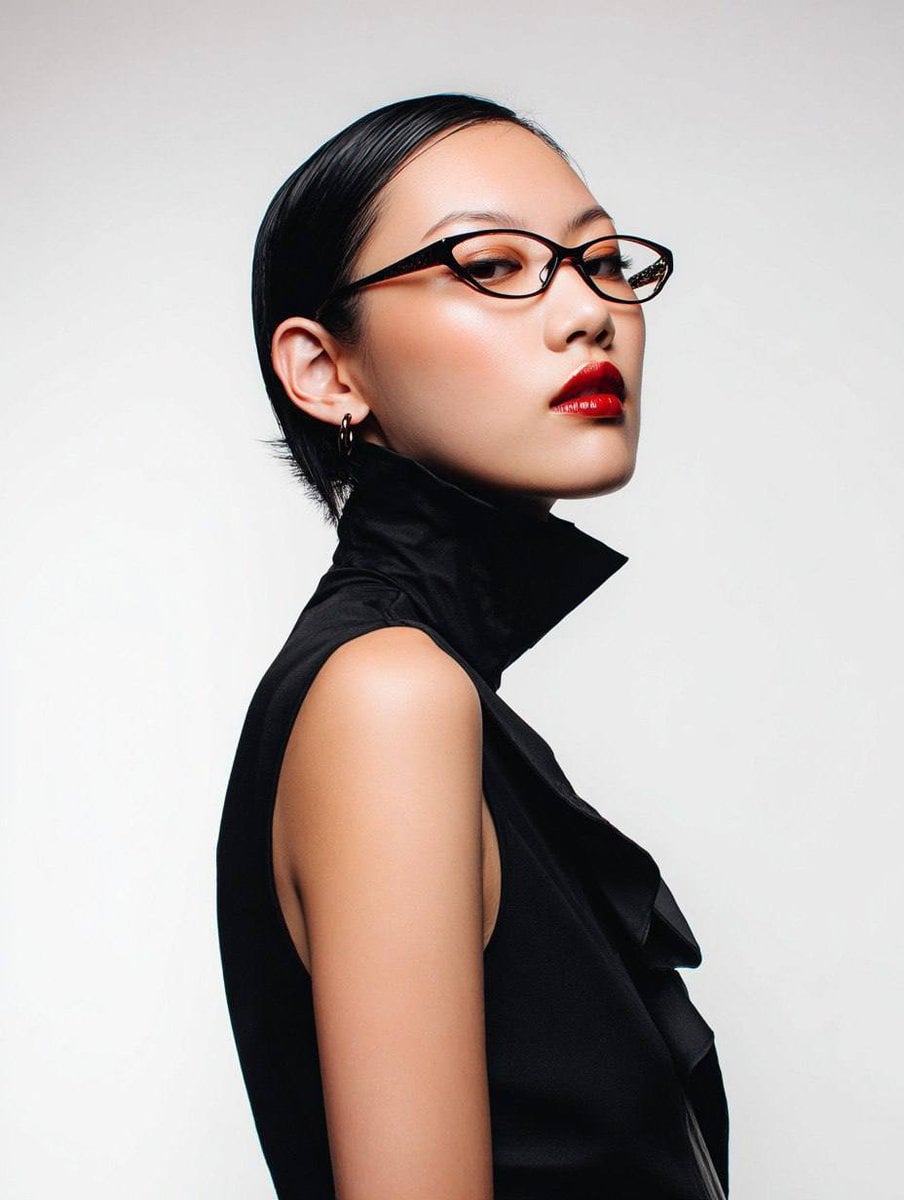
Avant-Garde Asian Fashion Model

Underwater Macro Face Portrait
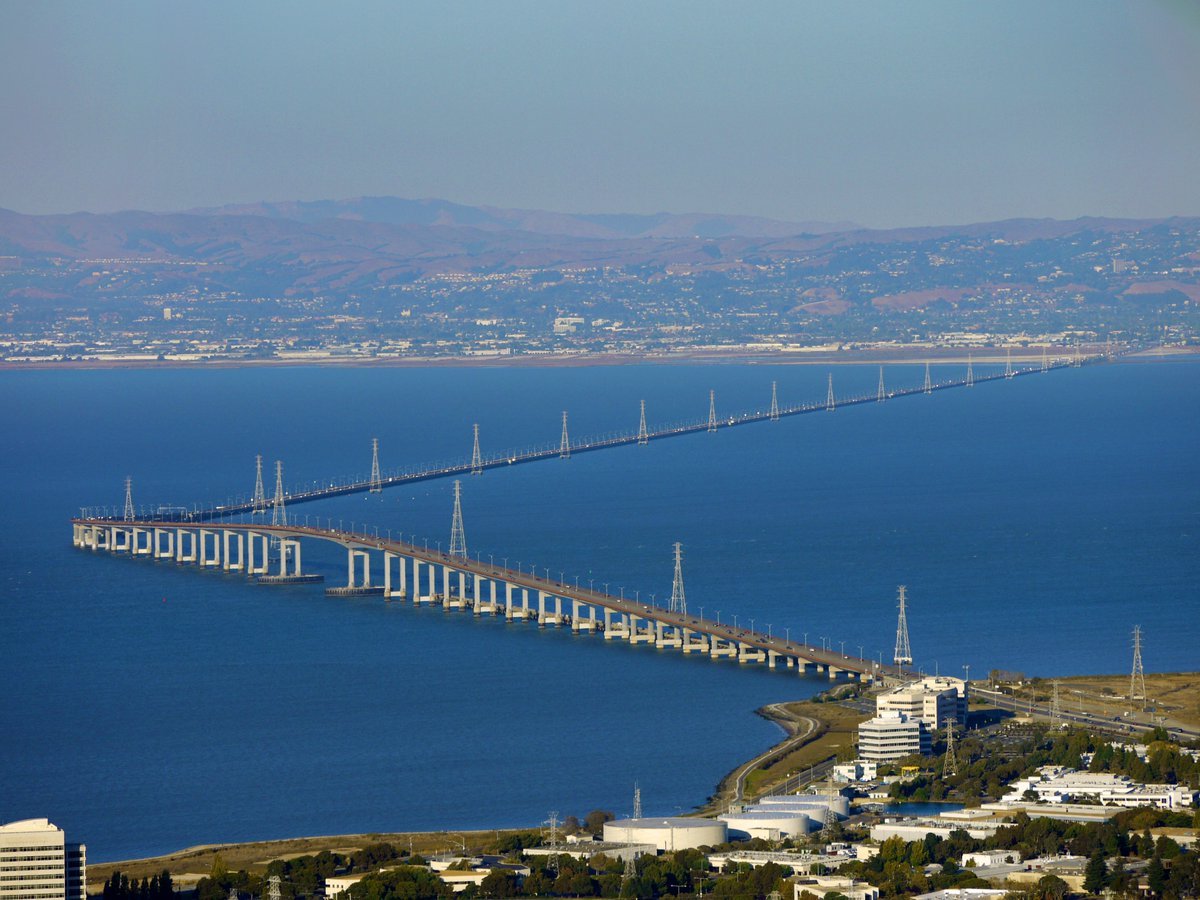
Water-level Bridge Modification
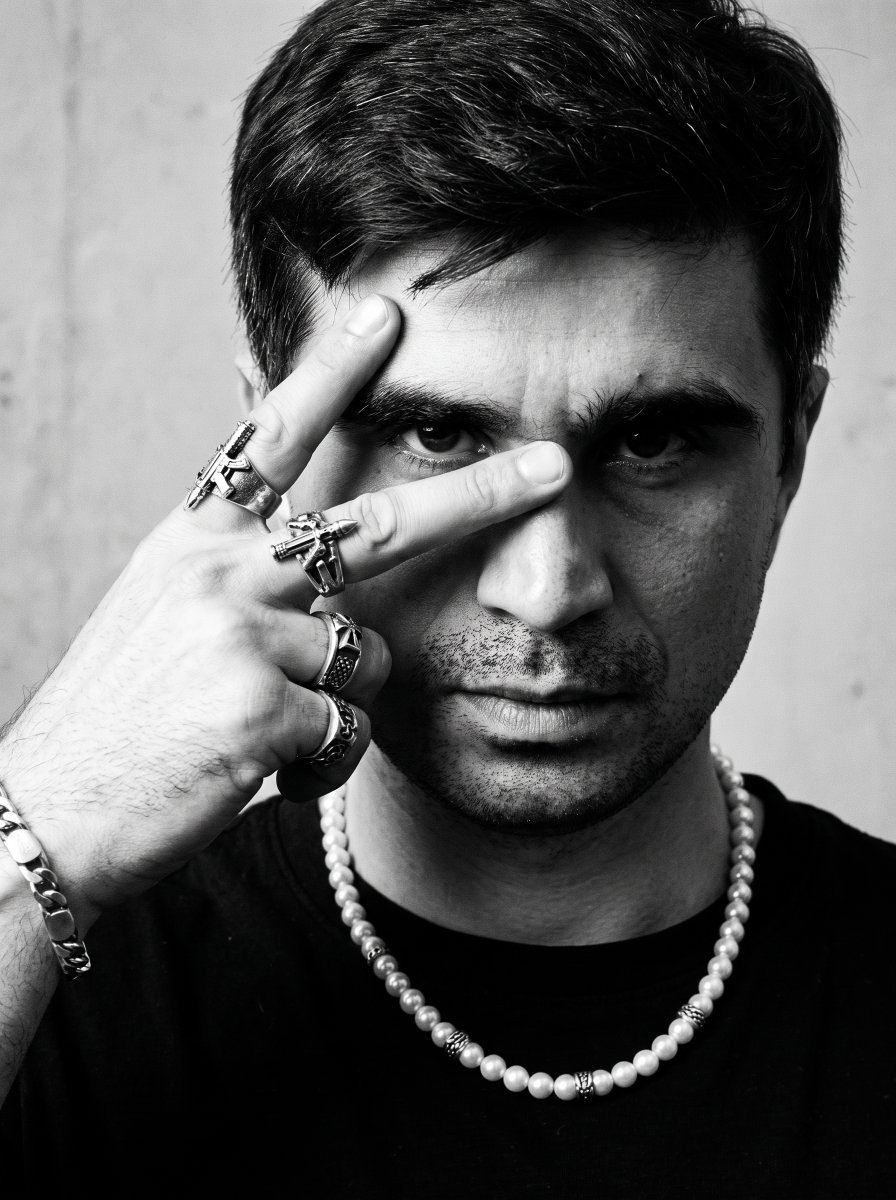
Noir Punk Street Portrait
Make it yours
Urban Streetwear Magazine Editorial works as-is. These are the safest ways to change it without losing the look.
Change one field
Copy a single group, rewrite it, and generate again so you can see what that field is doing.
Keep the frame, change the subject
Hold the composition and light of Urban Streetwear Magazine Editorial, then swap wardrobe, props or the person for a new take.
| If the result… | Why | Fix |
|---|---|---|
| The result drifts from the preview | Too many fields changed at once. | Reuse Urban Streetwear Magazine Editorial as-is first, then change one group — subject, light, or setting. |
| The model over-stylizes the scene | The prose prompt leaves finish and camera underspecified. | Add one camera or lighting sentence and stay on Gemini 3 Pro Image Preview. |
More Gemini 3 Pro Image Preview templates
Other prompts made for Gemini 3 Pro Image Preview.
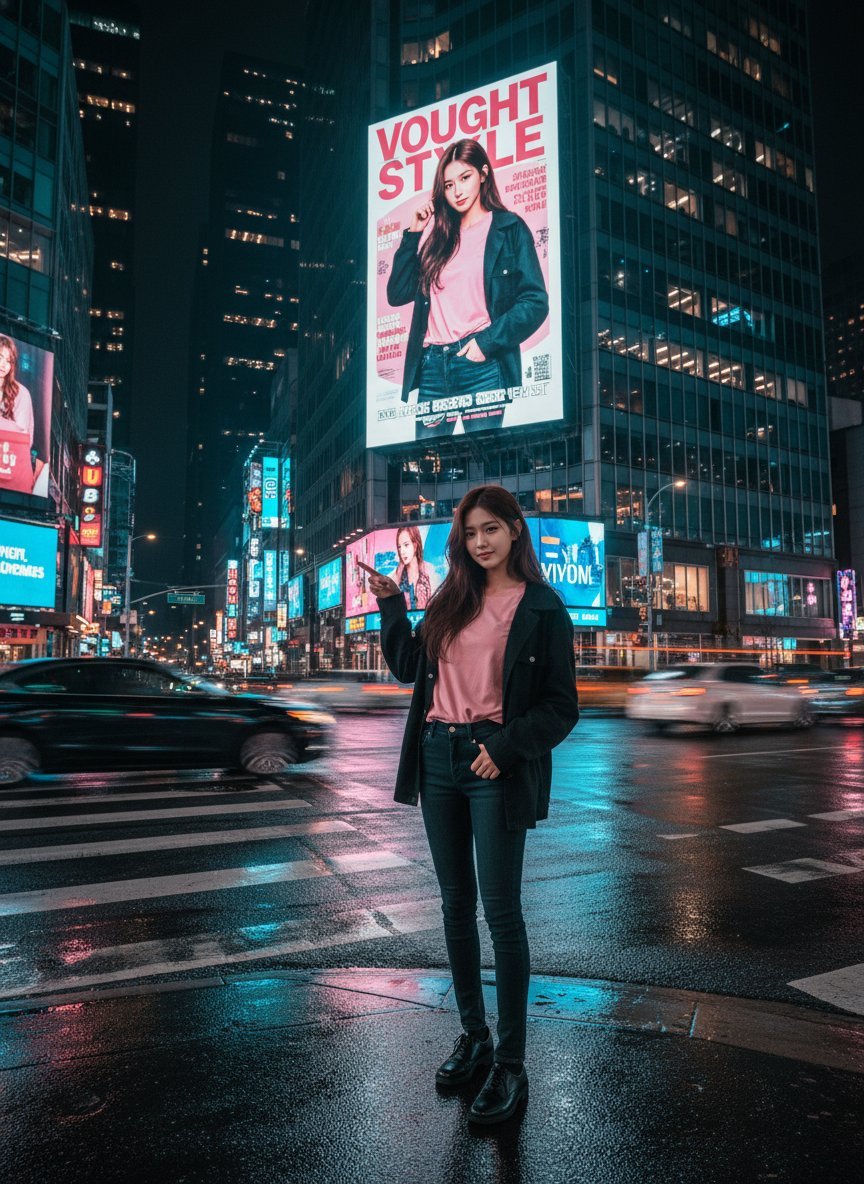
Cinematic Urban Night Billboard Portrait
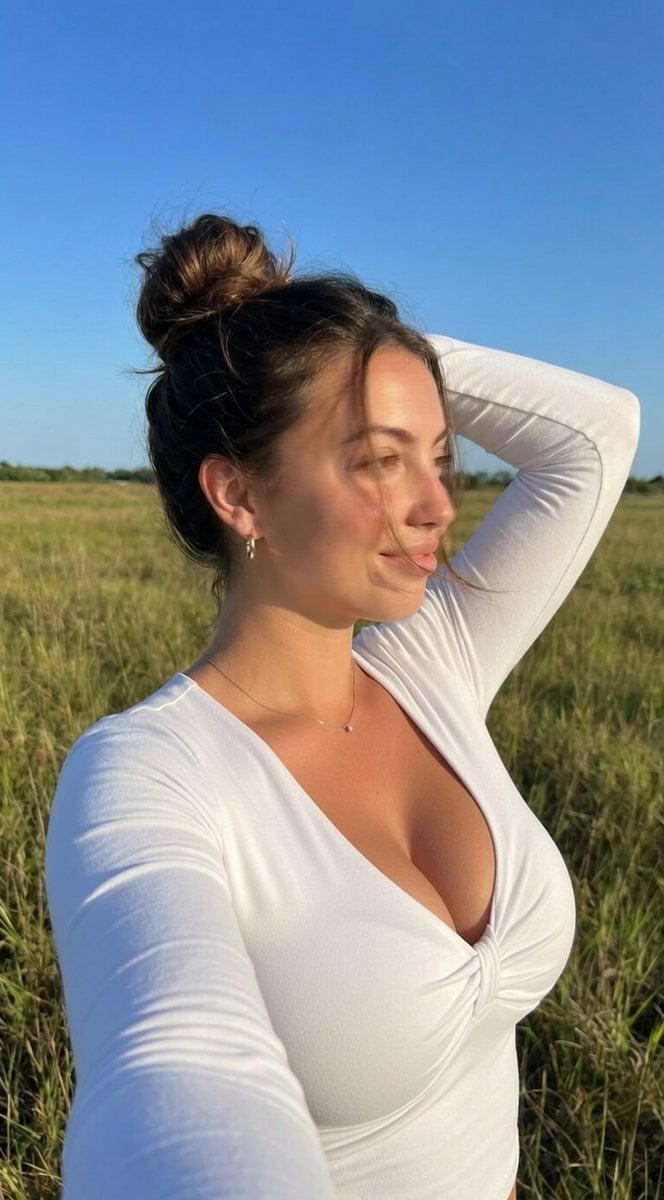
Ultra-Realistic iPhone Selfie with Motion Blur
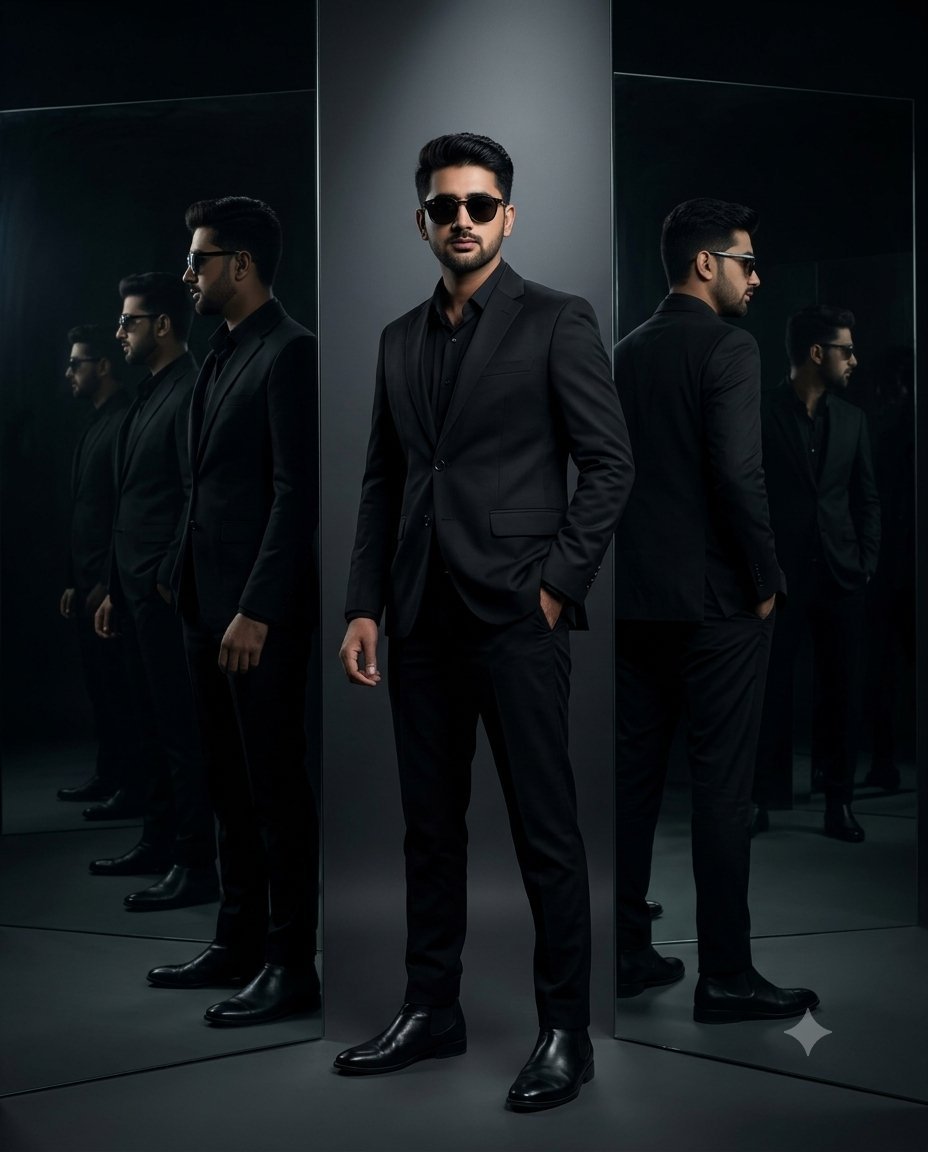
Cinematic Mirror Reflection Portrait
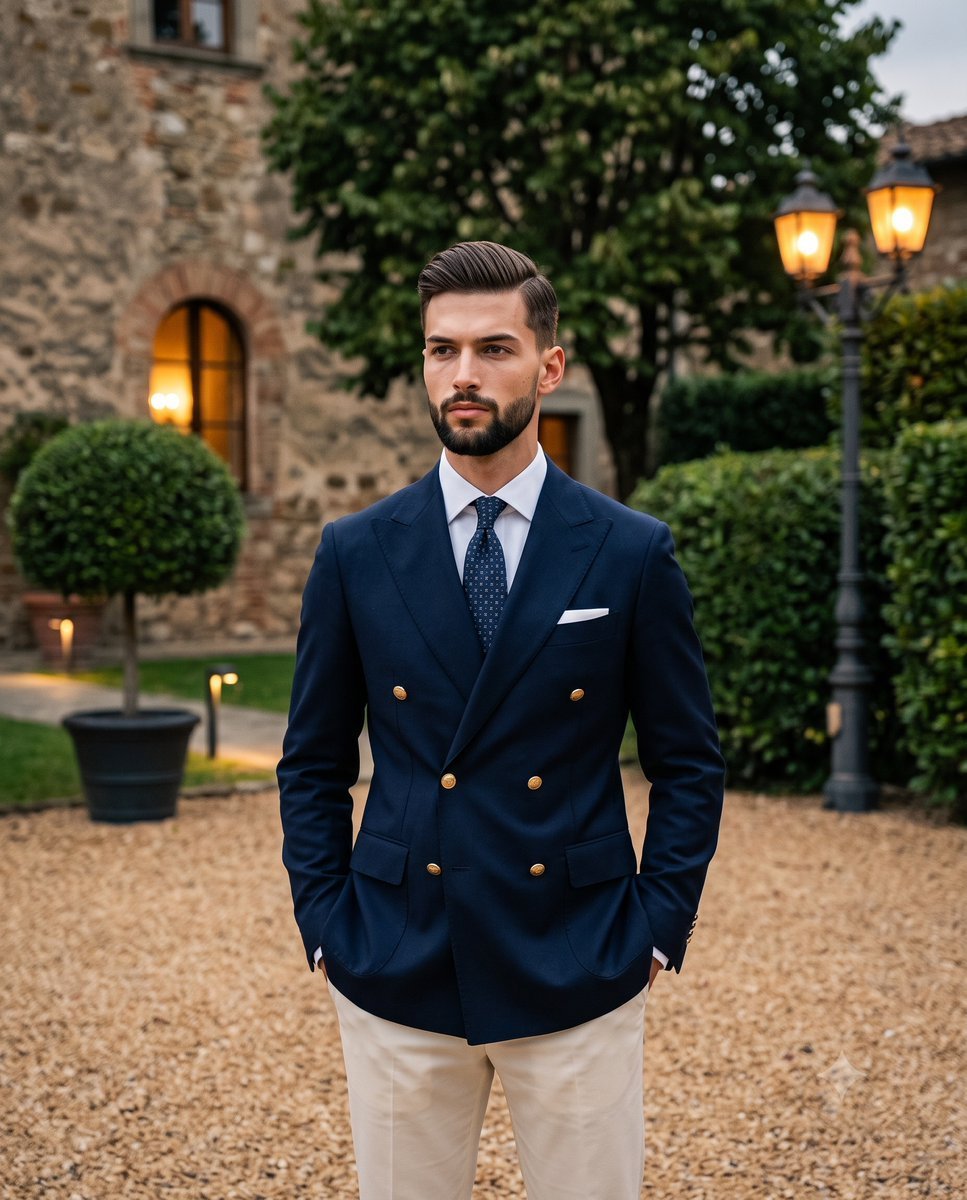
Elegant Men's Twilight Editorial
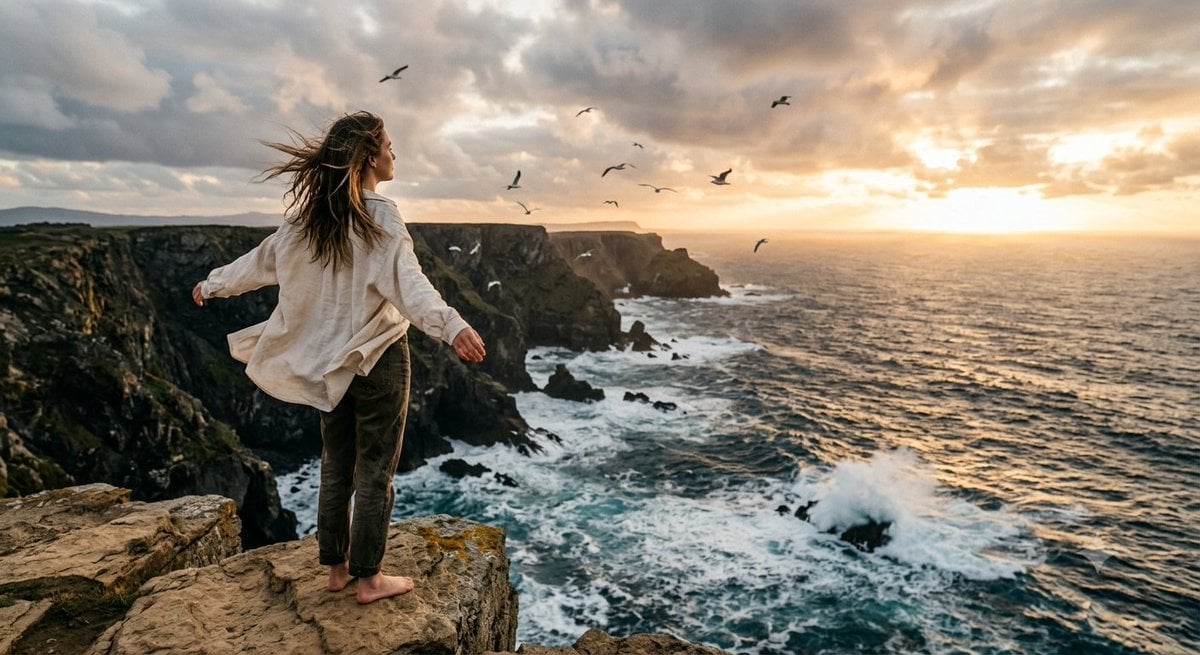
Coastal Freedom Sunset Portrait
Ergonomic Office Chair E-commerce Mobile Detail Page
Macro Guitar Fret Dressing
Cinematic Black and White Studio Portrait
1980s Retro Salon Portrait
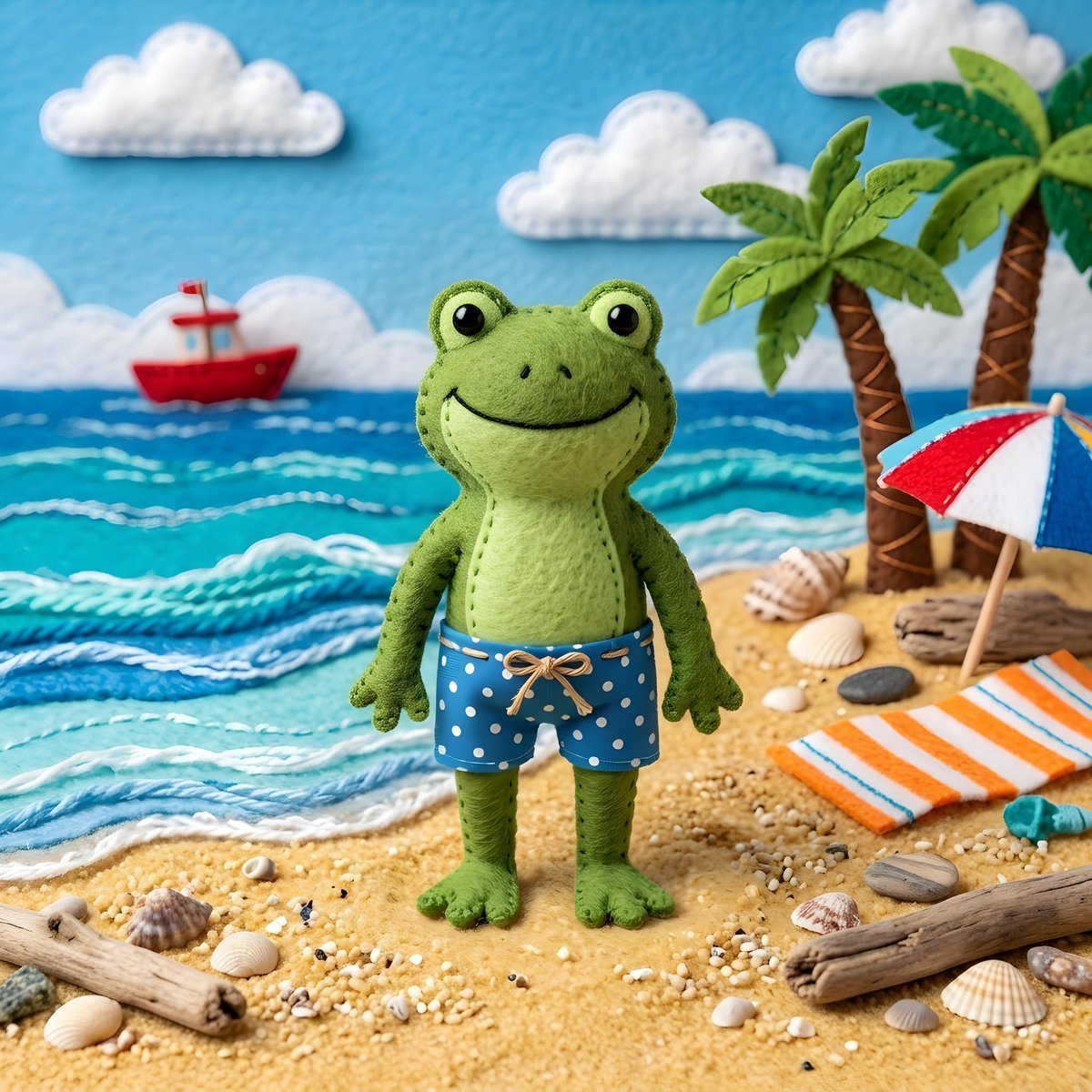
Felt Frog Diorama Beach
More image prompts
Fresh picks from across the catalog.

YouTube Unboxing Thumbnail Prompt
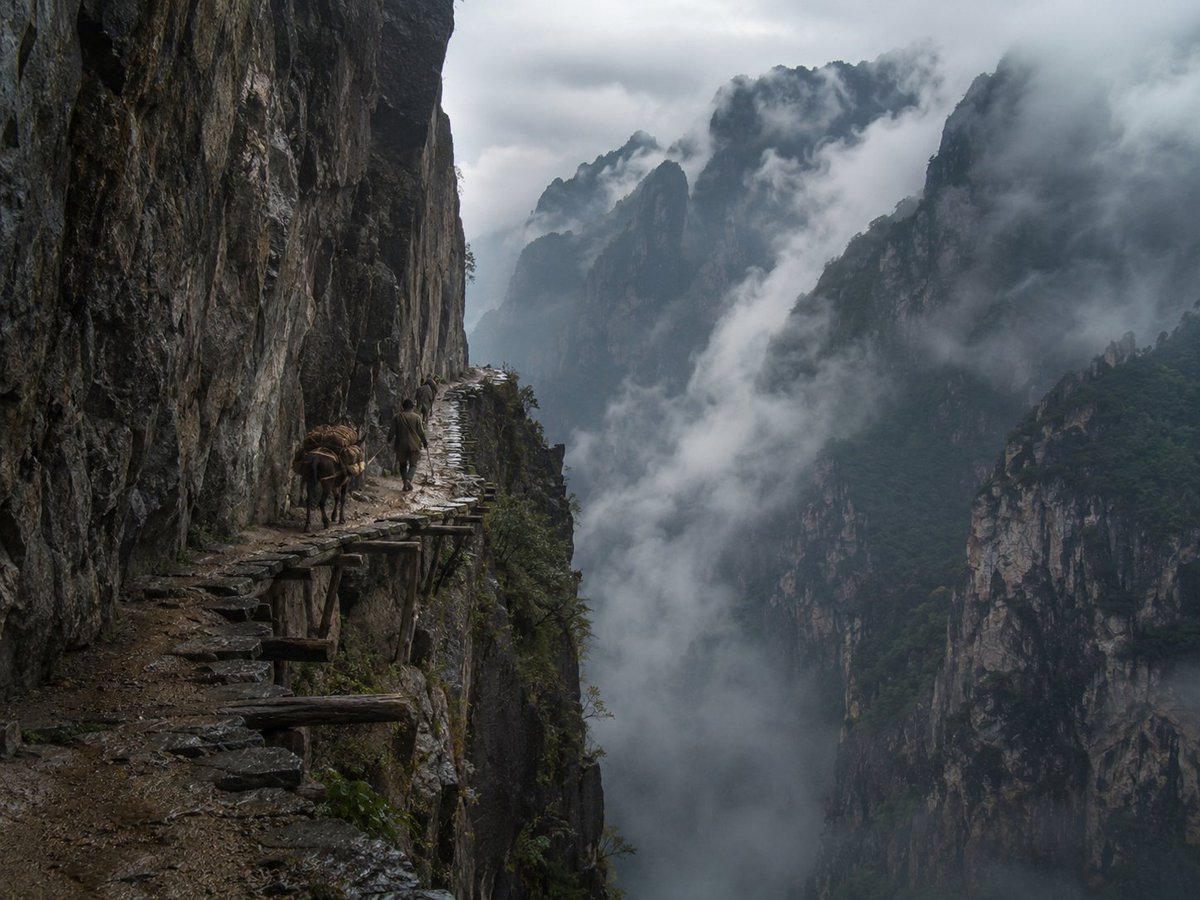
Misty Cliff Plank Road Photograph
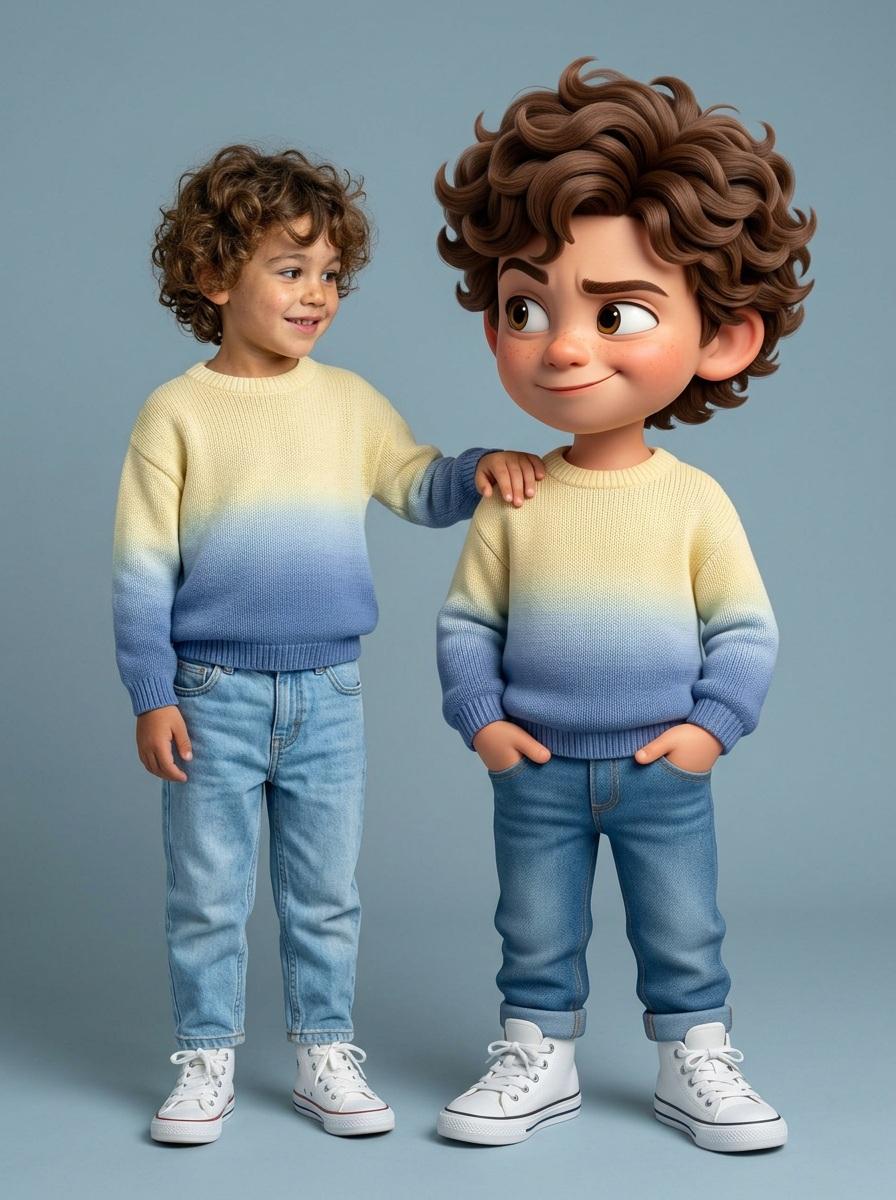
Human and Pixar Character Duplication Prompt
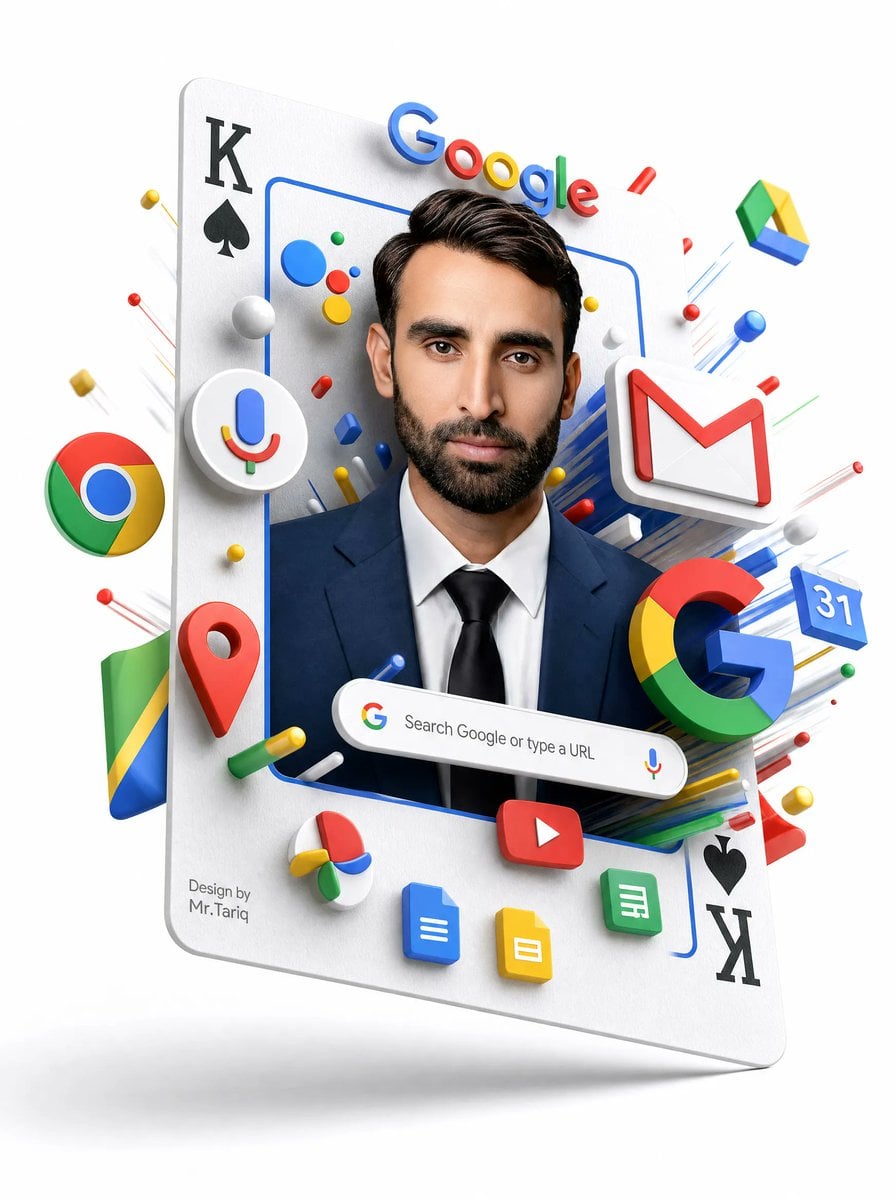
Floating Google Services Portrait Poster
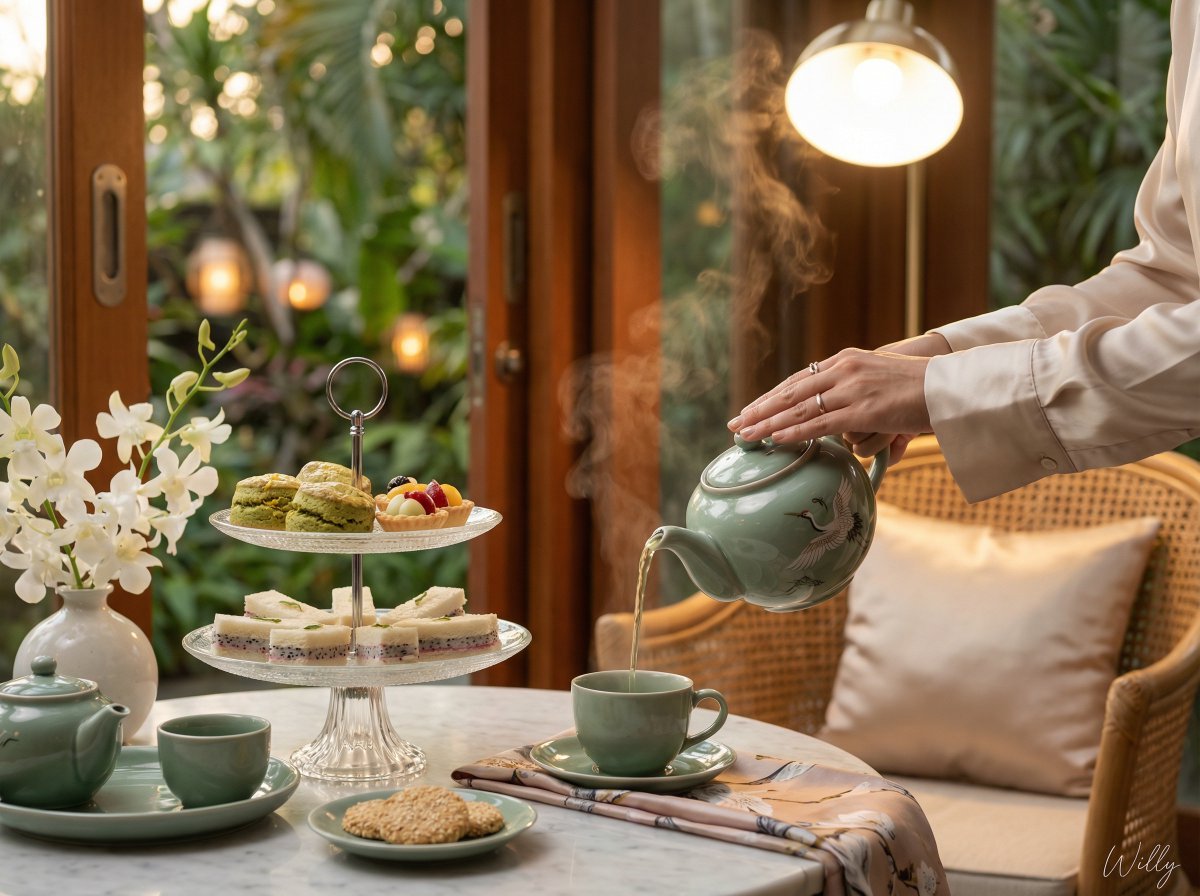
Photorealistic Vietnamese Afternoon Tea Scene
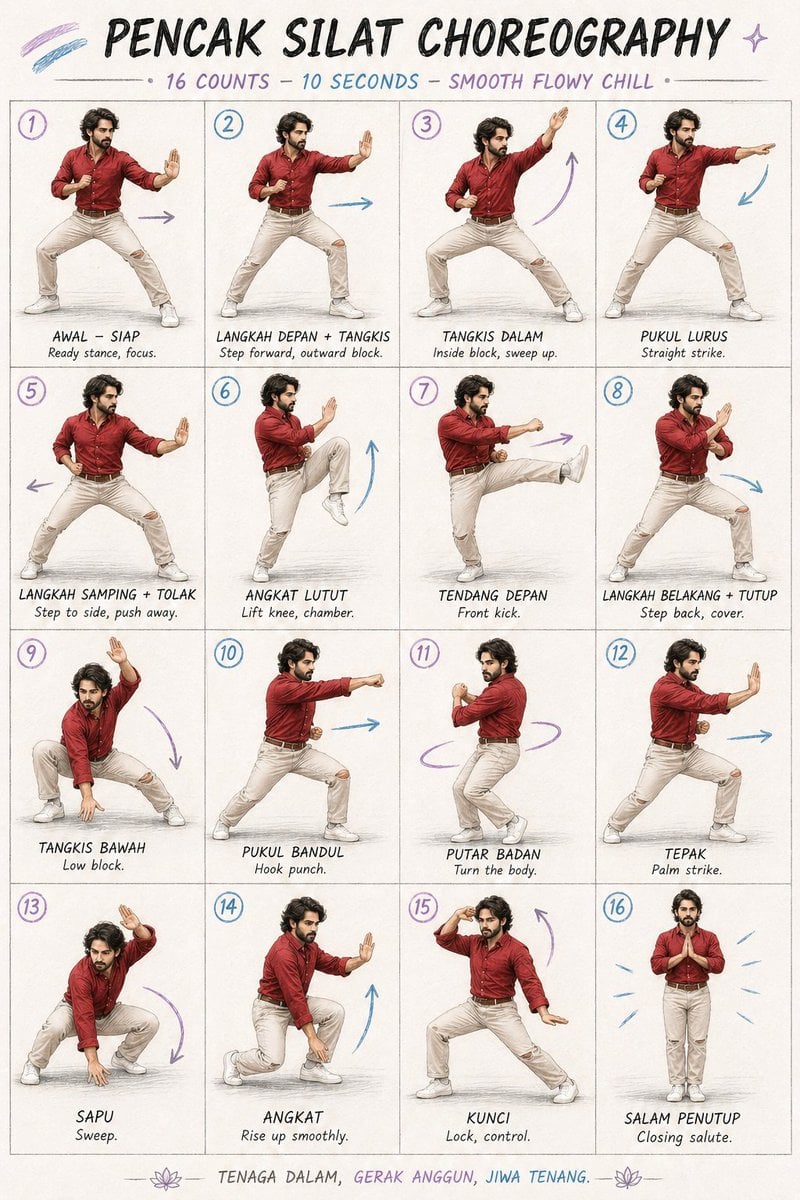
Martial Arts Choreography Poster
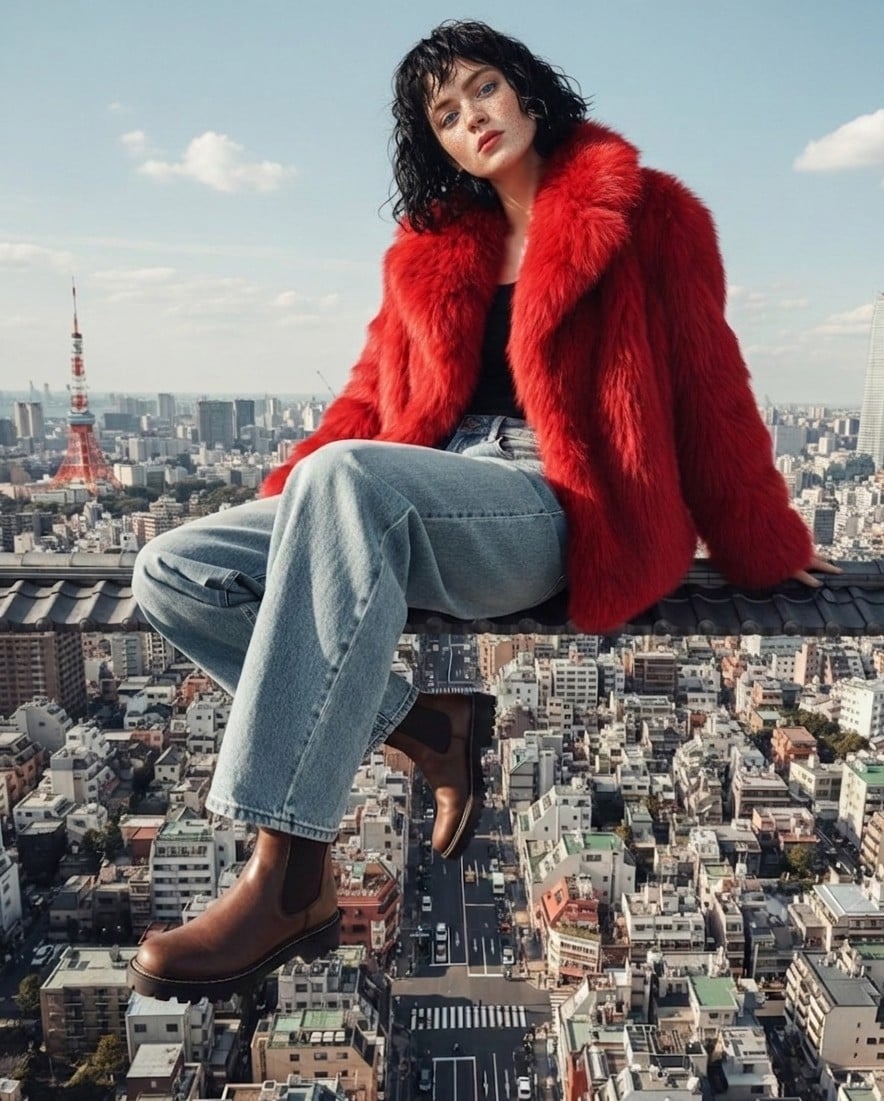
High Fashion Editorial Prompt using Nano Banana 2
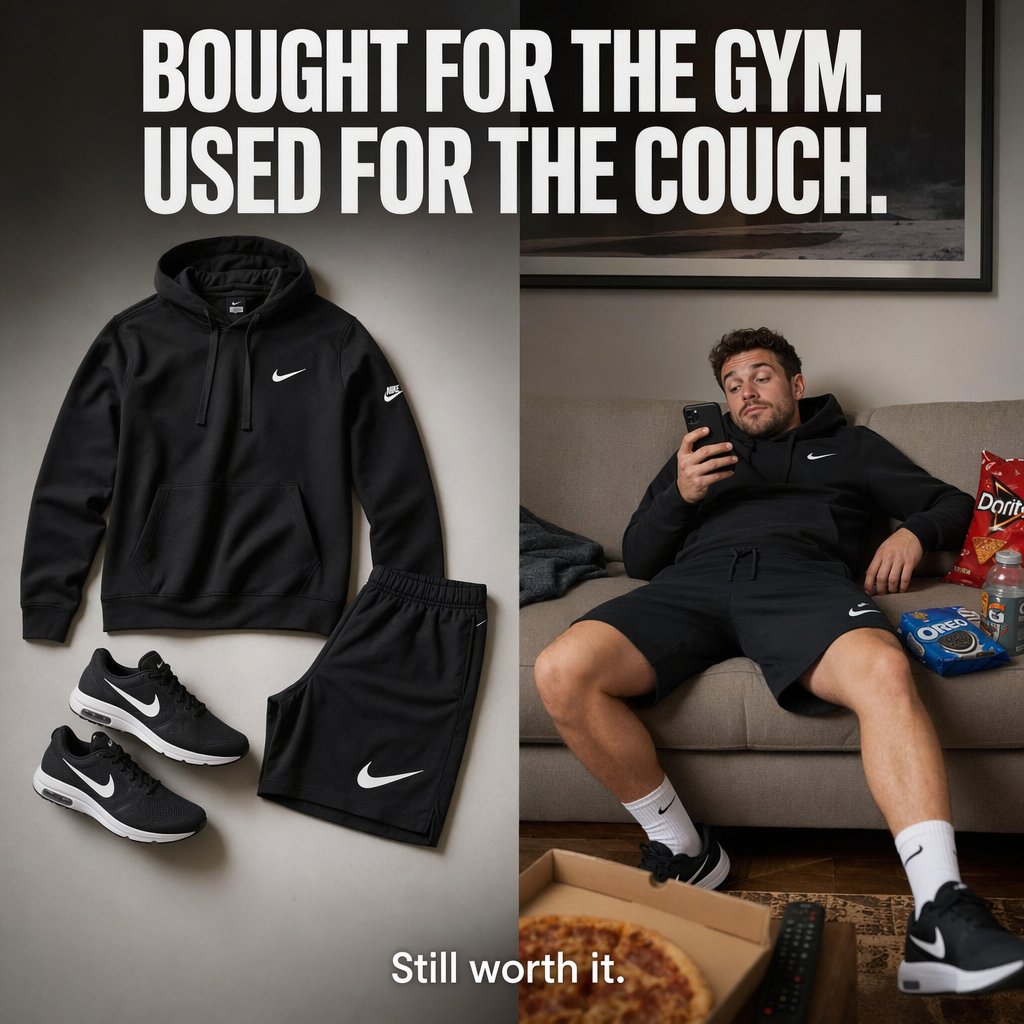
Split-Screen Athleisure Ad
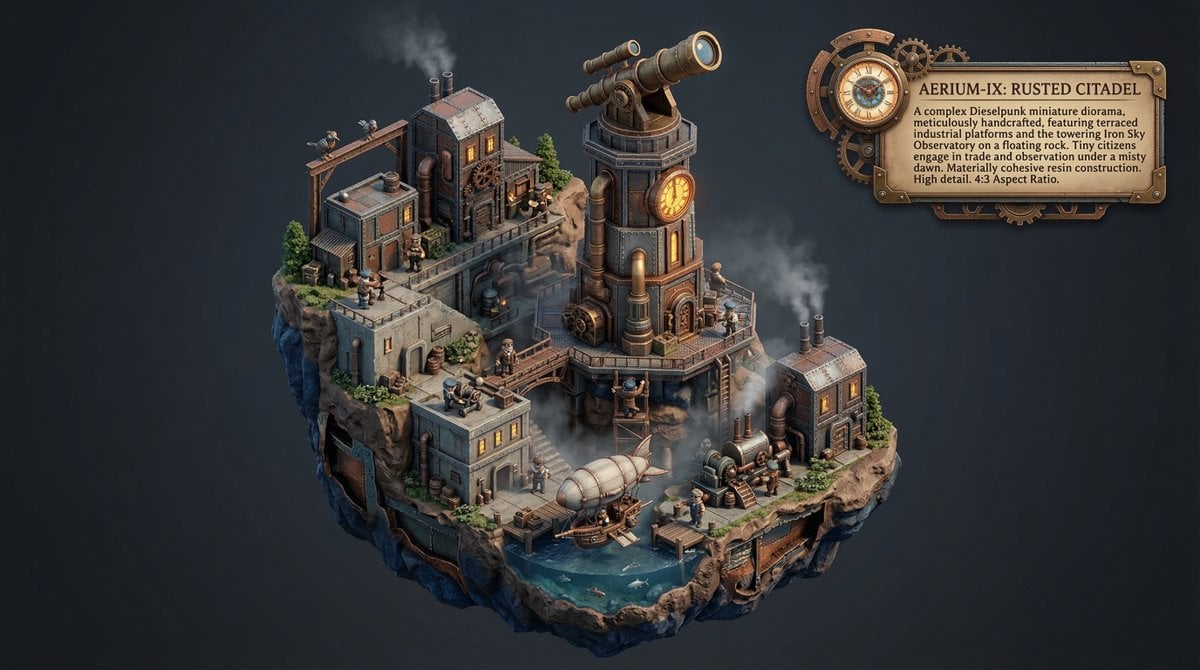
Procedural Whimsical Mono-Punk Floating Miniature Diorama Prompt
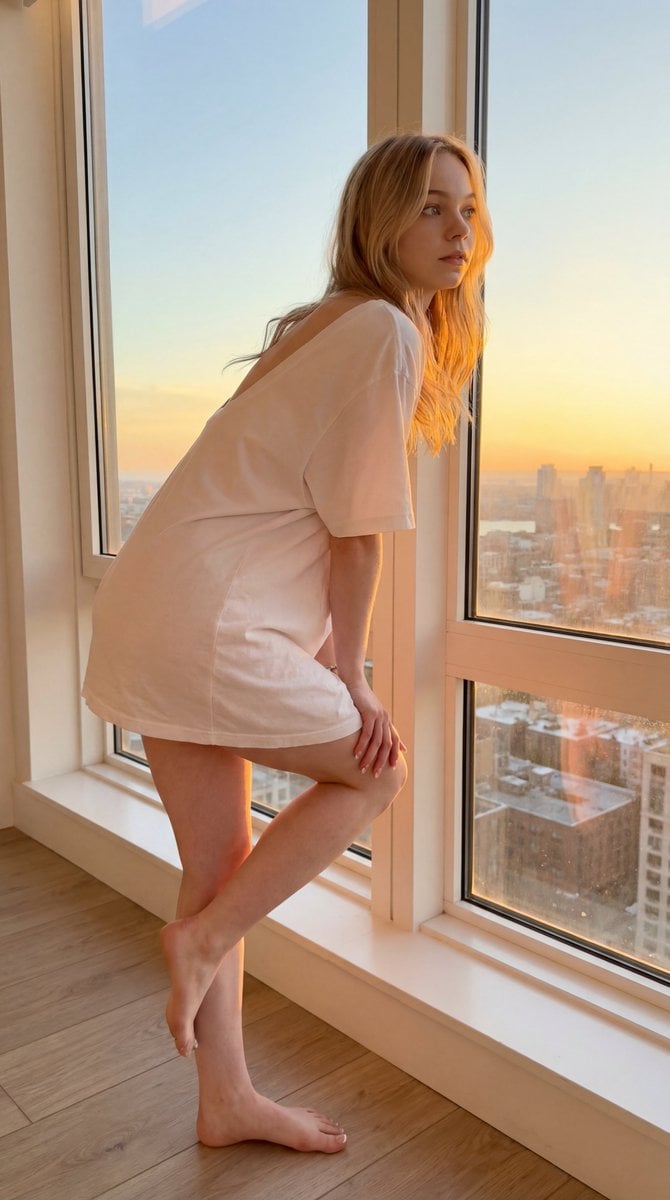
Sunset Window Silhouette
Browse template categories
Urban Streetwear Magazine Editorial questions
How do I use the Urban Streetwear Magazine Editorial template?
Add your photo if the template asks for one, edit the prompt if you like — the template's model and format are already selected — and press Generate. Your version opens in PicX Studio.
Can I customize the Urban Streetwear Magazine Editorial template?
Yes. You can change the subject, setting, lighting, mood, format, and available model controls before creating your image.
Is the Urban Streetwear Magazine Editorial template free?
Opening and editing this template is free. Generating uses credits, shown on the Generate button when you are signed in.
Which AI model should I use?
Start with Gemini 3 Pro Image Preview, which is the model associated with this template. You can compare another compatible model for a different finish.
Looking for something else? Browse all templates.

Your photo, any look
Thousands of ready templates for every top image and video model, from one credit balance.