
Proposal in Grassland Template
Proposal in Grassland Template is a ready photo look.
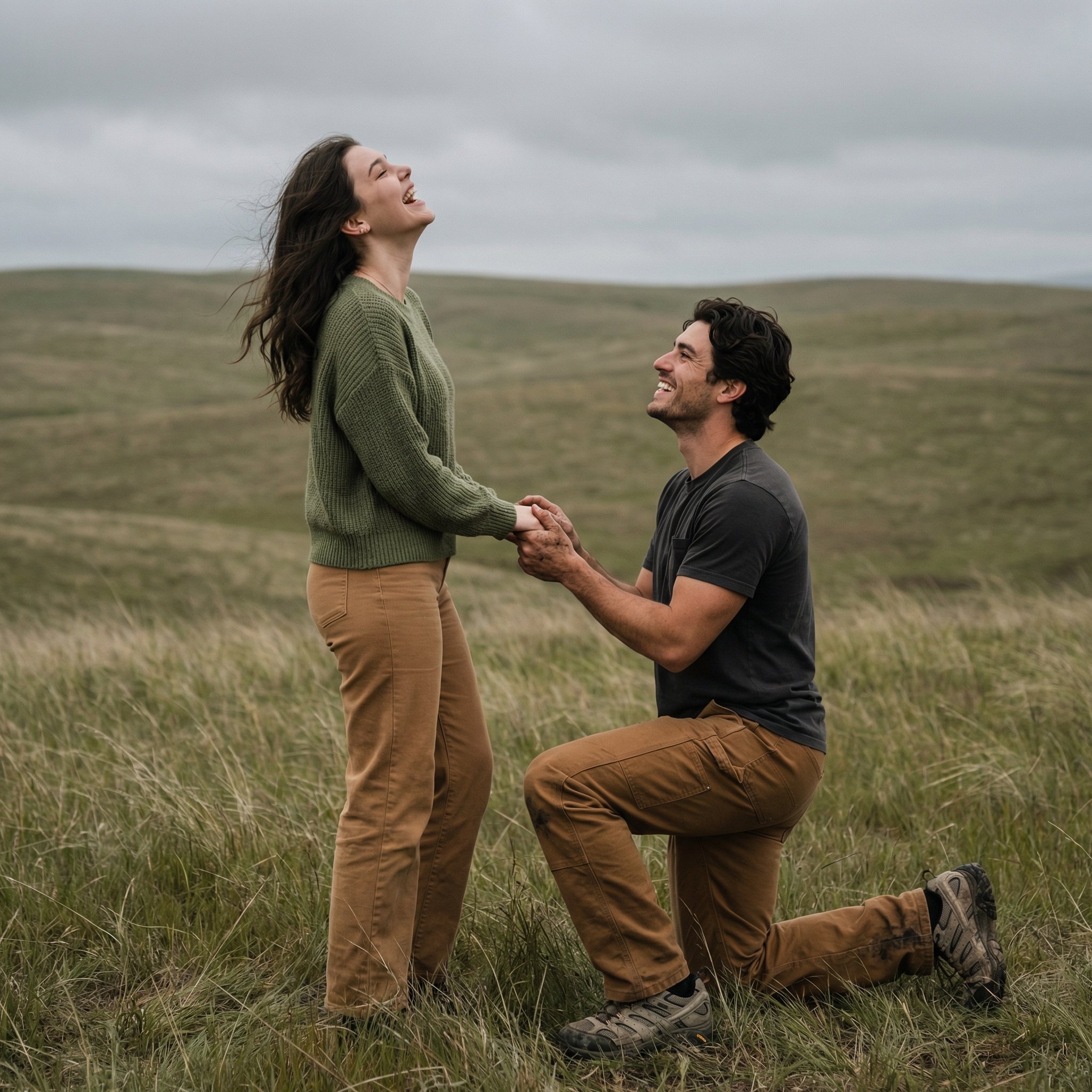
- Prompt included
- Model and format preset
- Premium template
The prompt behind this image
Copy the exact prompt behind Proposal in Grassland Template, or open it in the studio and make it yours.
Ultra-realistic outdoor couple photograph, taking reference from the uploaded image (exact facial features, skin tone, hair texture, body proportions, pose, and emotional expression). A couple in an open grassland landscape with distant hills and mountains in the background. The man is kneeling on one knee, holding the woman’s hands while looking up at her with joy. The woman stands facing him, leaning slightly back with her head tilted upward, laughing freely, hair flowing naturally in the breeze. Natural daylight with soft, diffused sunlight, realistic sky tones, gentle depth in the background. Authentic lifestyle photography — true-to-life skin texture, visible pores, natural facial expressions, realistic hand anatomy, subtle wrinkles in clothing, accurate fabric drape. Earth-toned outfits with realistic textures (cotton pants, casual tops), practical outdoor footwear, no styling exaggeration. Shot on a full-frame DSLR, 50mm lens, shallow depth of field (f/2), handheld, RAW photo realism. Feels like a genuine moment captured during a hike or safari-style outing — emotional, candid, intimate, completely unposed. NEGATIVE PROMPT: AI-generated look, CGI, illustration, cinematic movie still, exaggerated drama, overly smooth skin, beauty filters, plastic faces, fake smiles, distorted hands or arms, incorrect anatomy, HDR glow, artificial color grading, painterly textures, uncanny valley.
How to use Proposal in Grassland Template in 3 steps
- 1Upload ImagePNG, JPG or paste
Add your photo
Upload the photo the template builds on. The prompt, model and format are already set.
- 2…a portrait of your subject in softgolden-hour light, 85mm…
Personalize
Edit the subject and creative details for your destination.
- 3Generate
Generate
Press Generate — your image is created in PicX Studio, so you can compare it with the original and refine one variable at a time.
More like this
Templates with the same subject, style or setup. Open one to see its prompt.
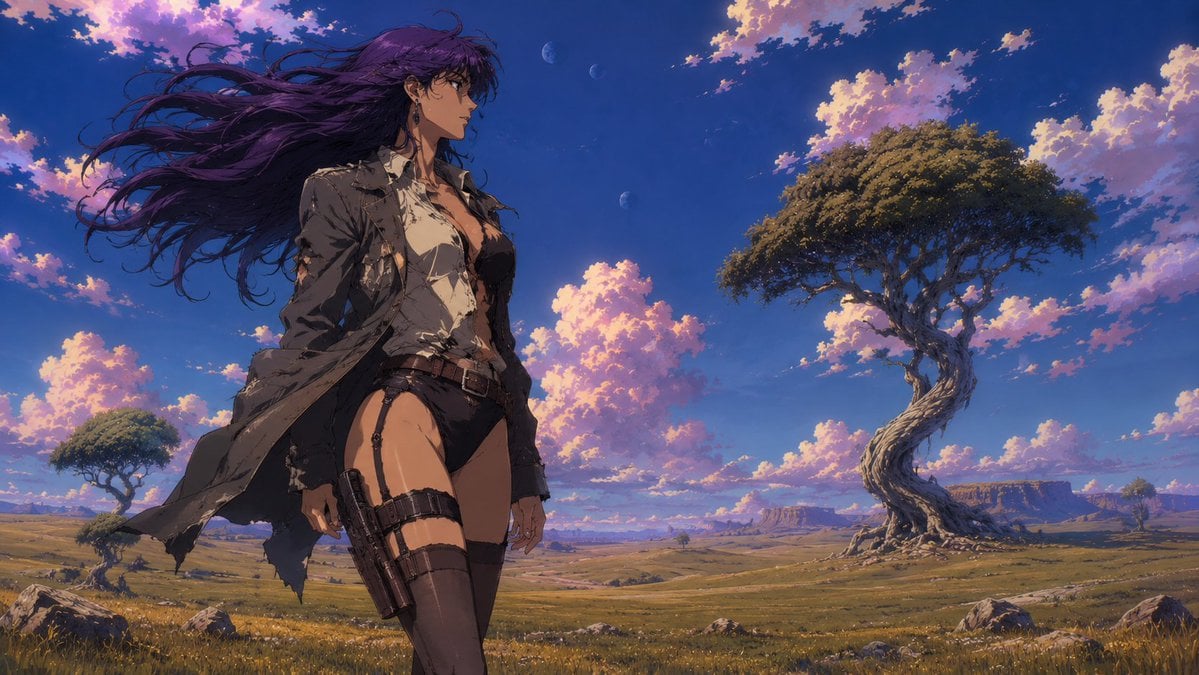
Windblown Anime Warrior in Fantasy Grassland
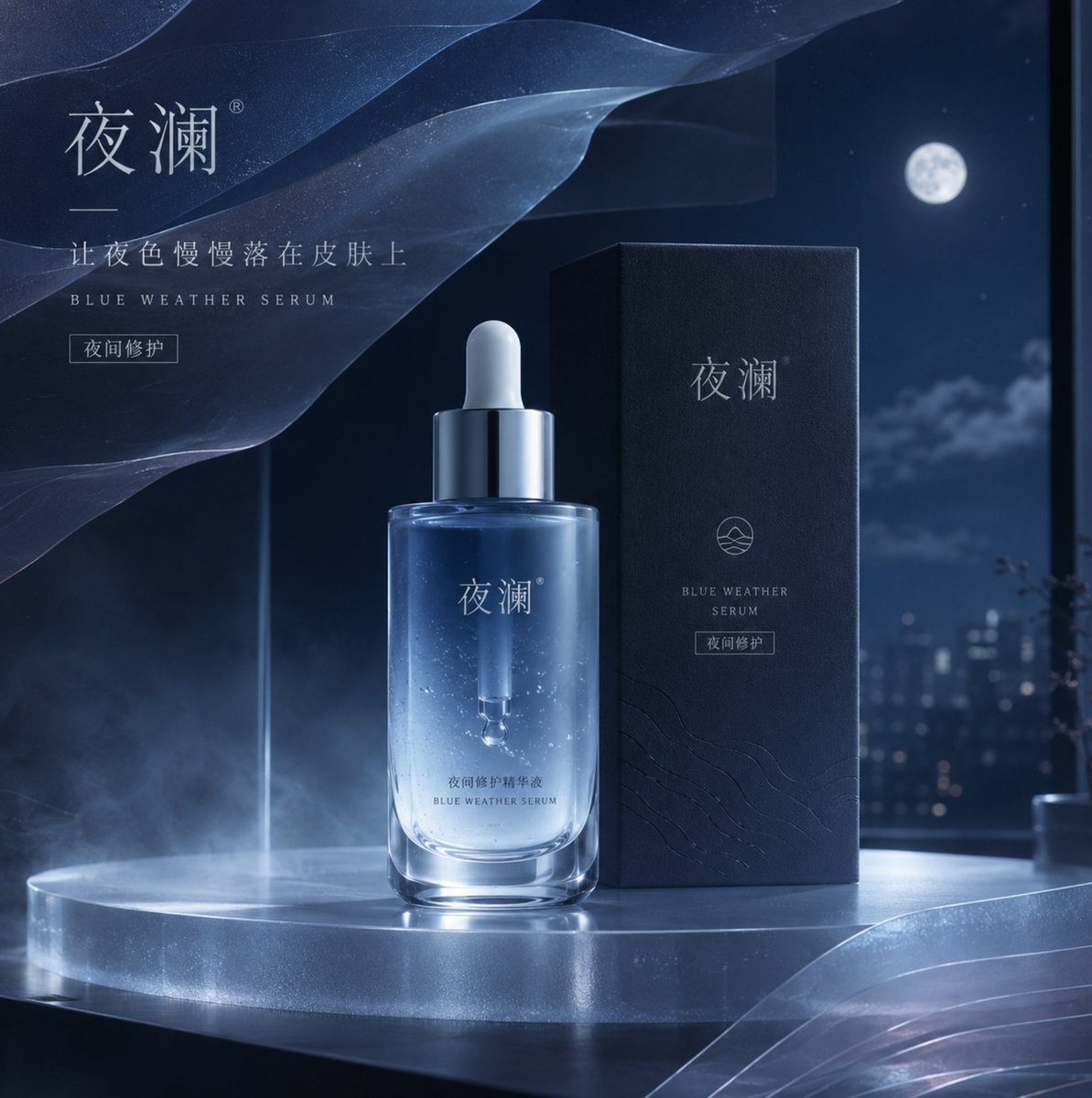
Blue Weather Skincare Visual Proposal

Japanese Industrial Proposal Cover Slide
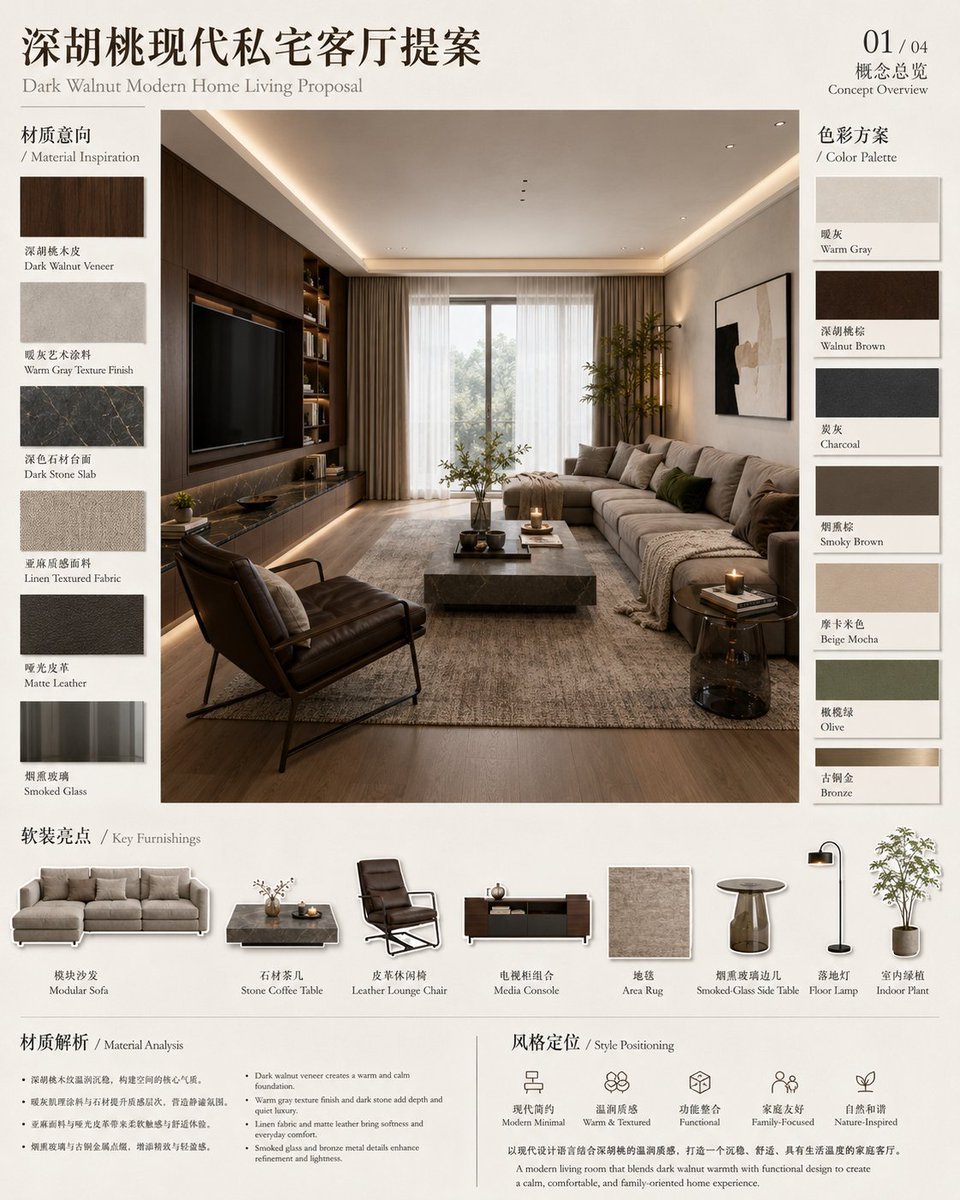
Interior Design Soft Decoration Proposal Set
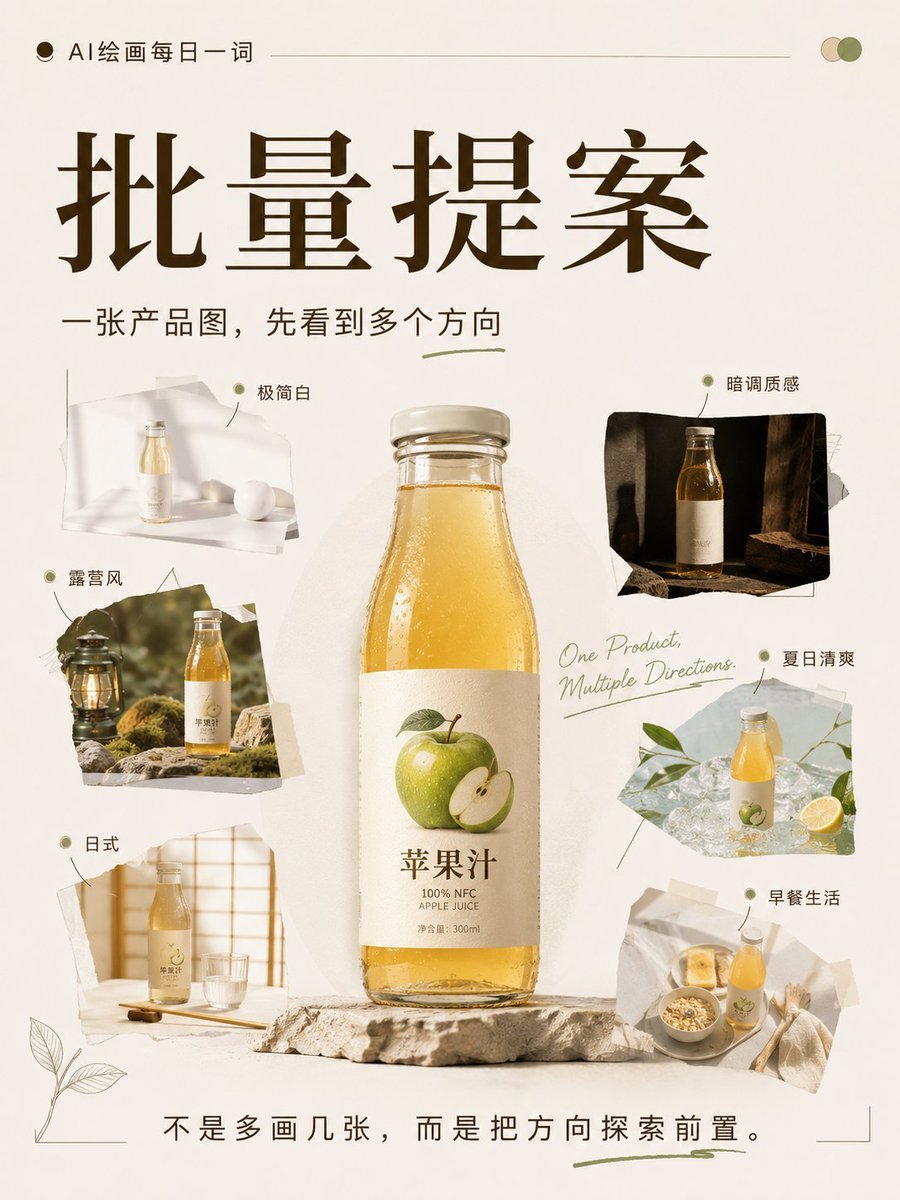
Batch Product Poster Proposal Generator
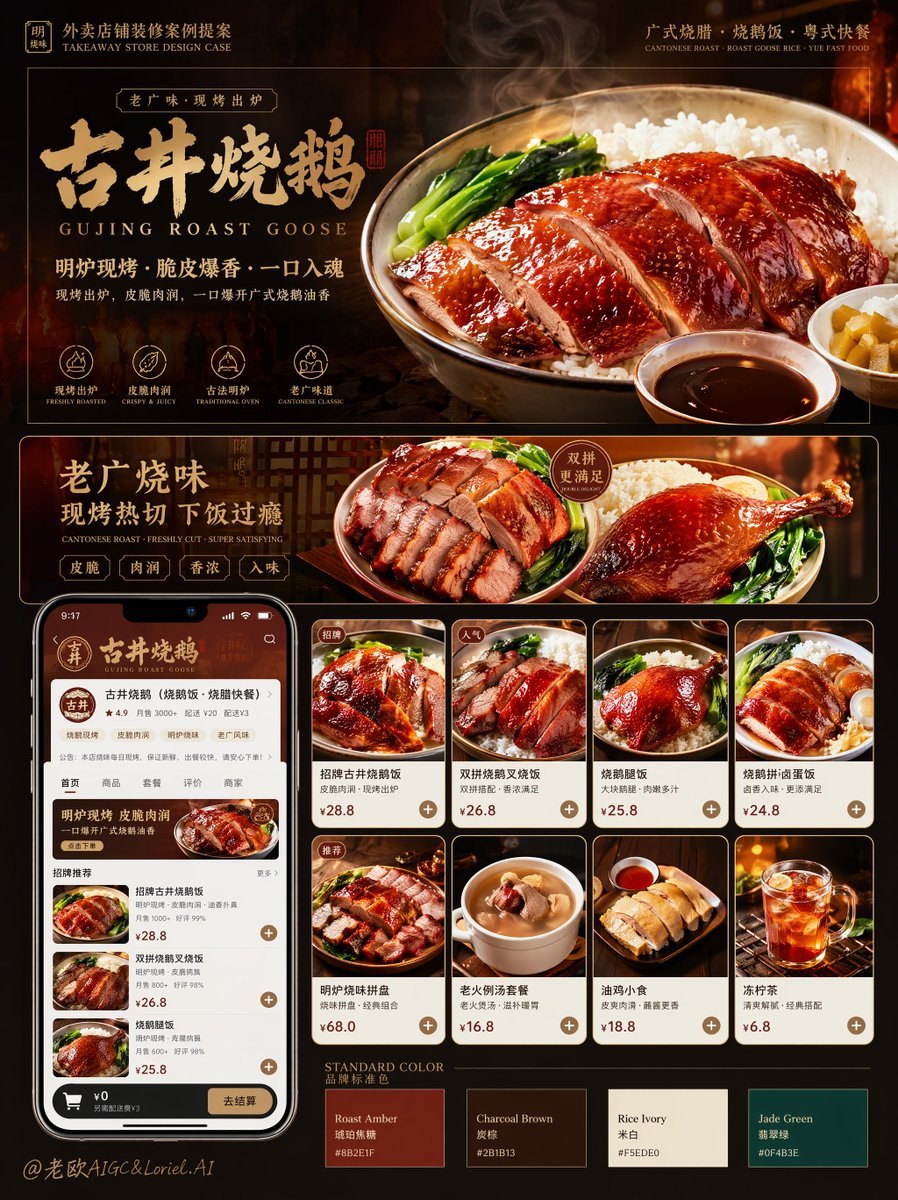
Roast Rice Branding Proposal Board
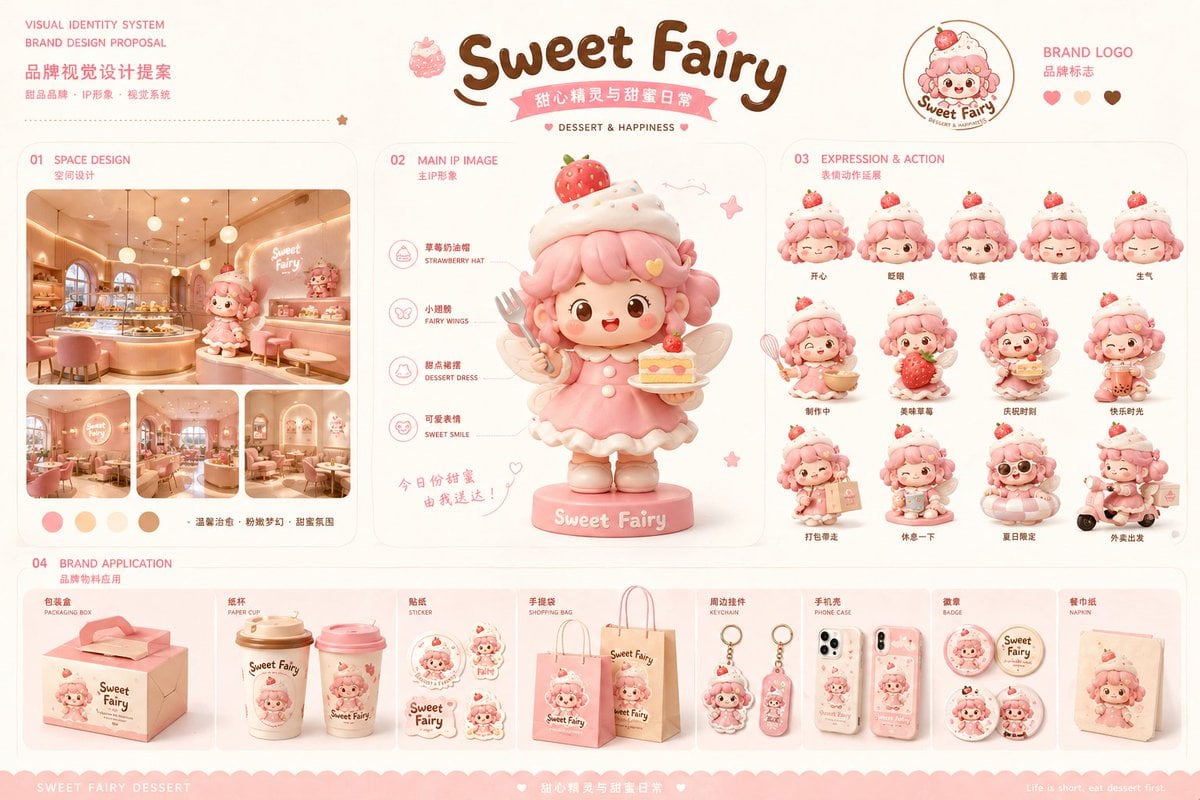
Dessert Brand Visual Identity Proposal Board
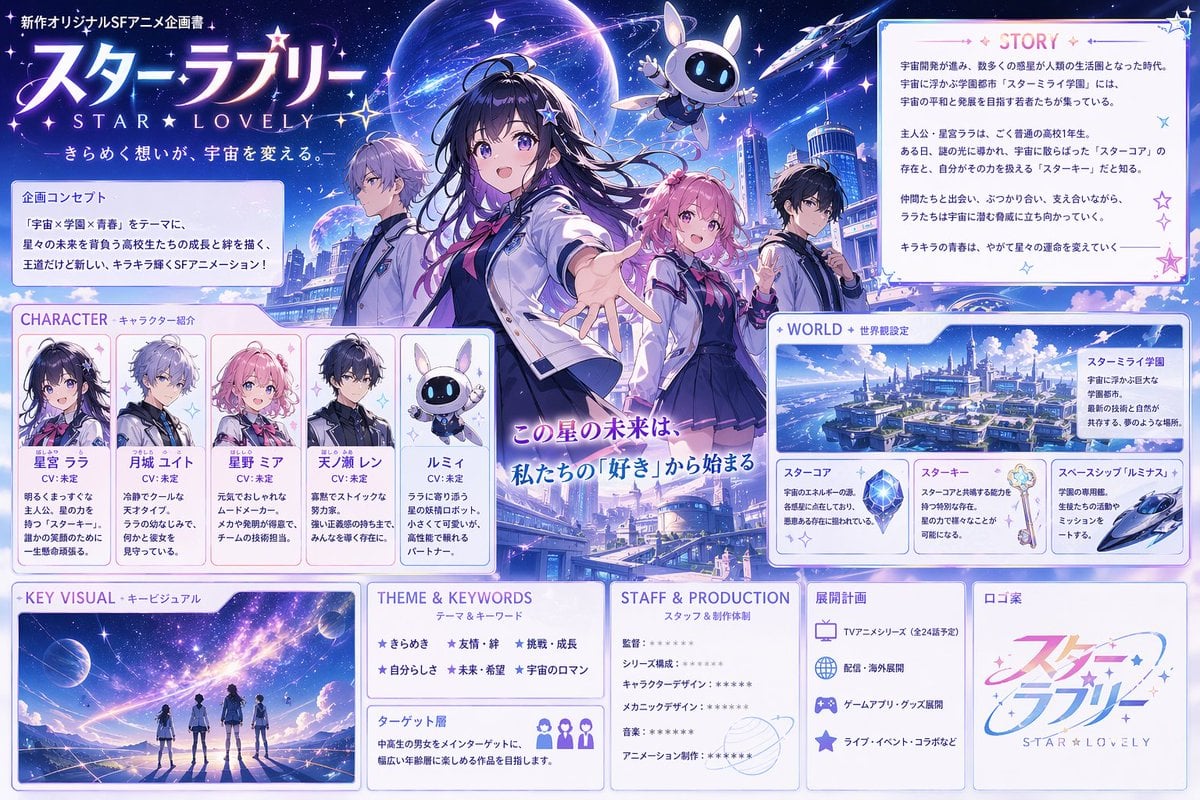
Anime Sci-Fi School Proposal Board
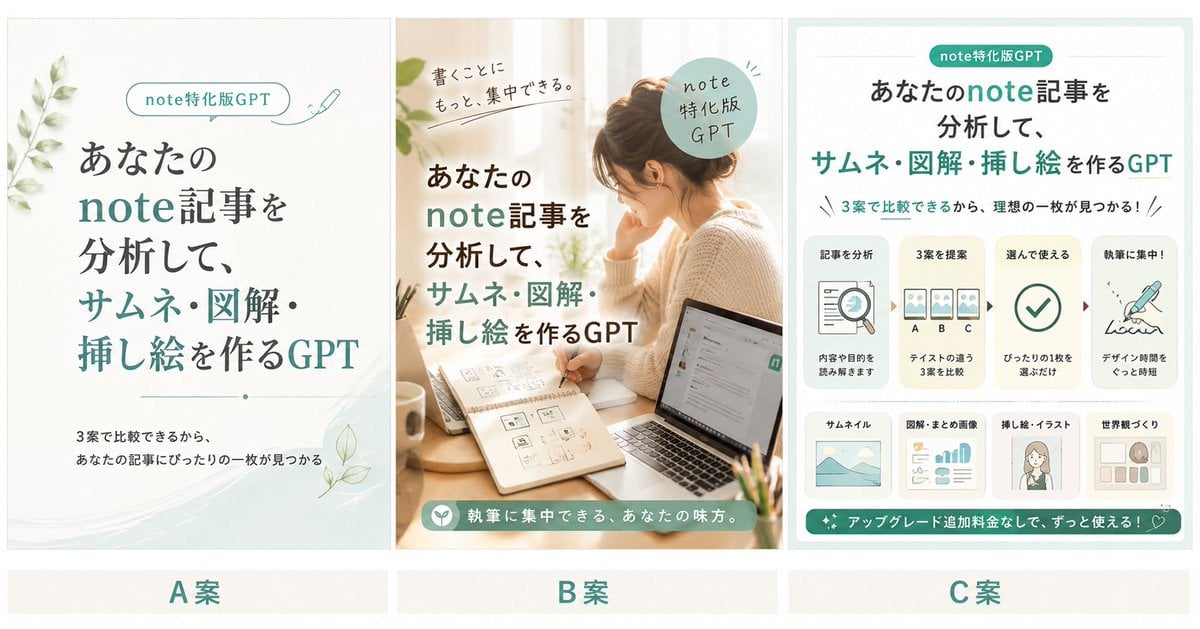
Three Japanese Note GPT Cover Proposals

Mixue Di Mo Campaign Proposal Slide
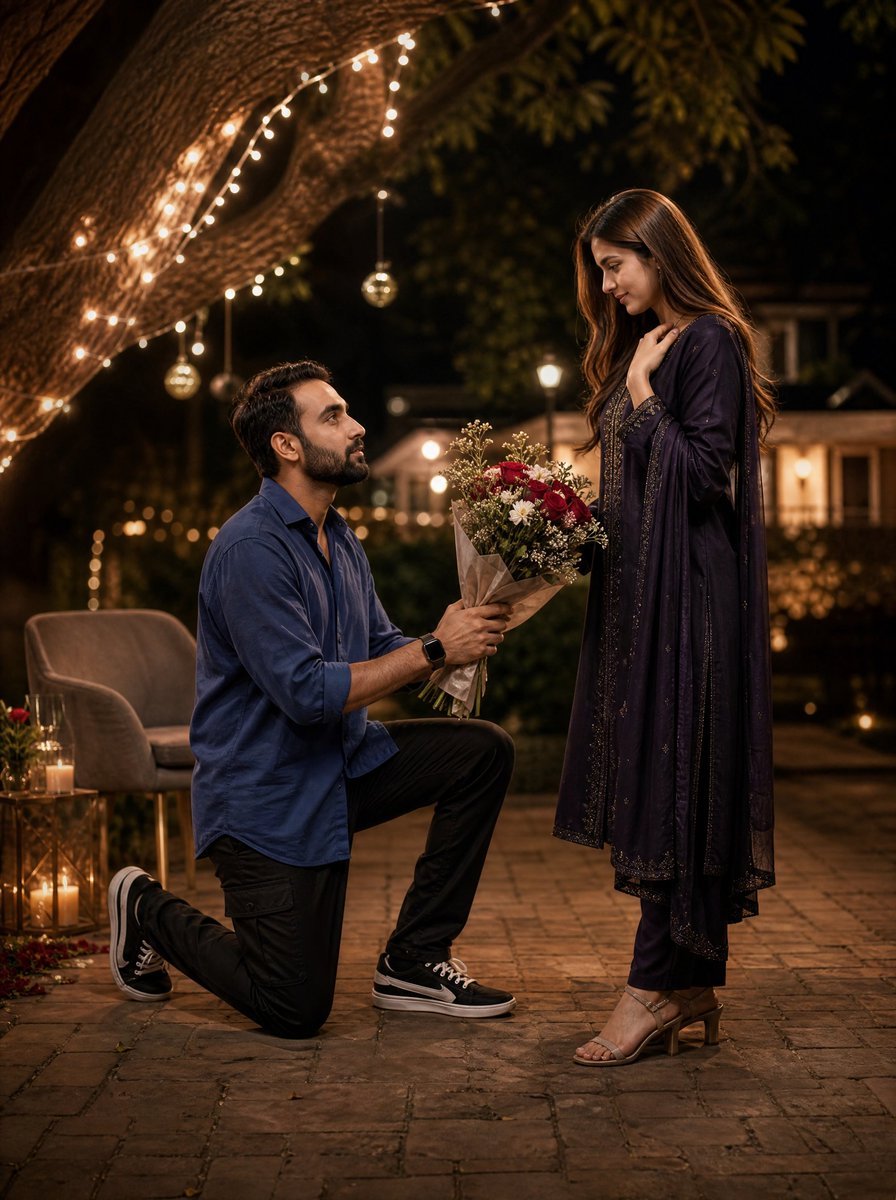
Night Park Proposal Portrait
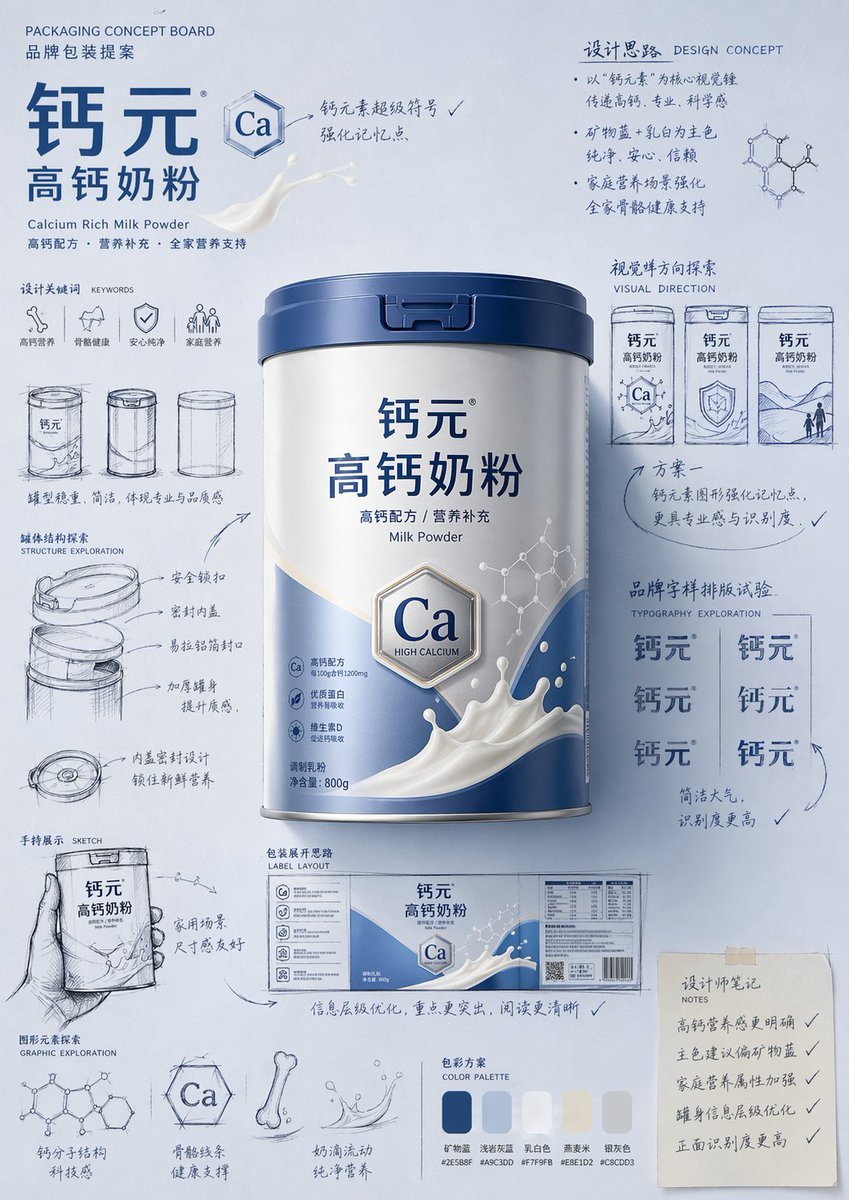
Packaging Design Proposal Board Prompt
Make it yours
Proposal in Grassland Template works as-is. These are the safest ways to change it without losing the look.
Change one field
Copy a single group, rewrite it, and generate again so you can see what that field is doing.
Keep the frame, change the subject
Hold the composition and light of Proposal in Grassland Template, then swap wardrobe, props or the person for a new take.
| If the result… | Why | Fix |
|---|---|---|
| The result drifts from the preview | Too many fields changed at once. | Reuse Proposal in Grassland Template as-is first, then change one group — subject, light, or setting. |
| The model over-stylizes the scene | The prose prompt leaves finish and camera underspecified. | Add one camera or lighting sentence and stay on PicX Studio. |
More image prompts
Fresh picks from across the catalog.
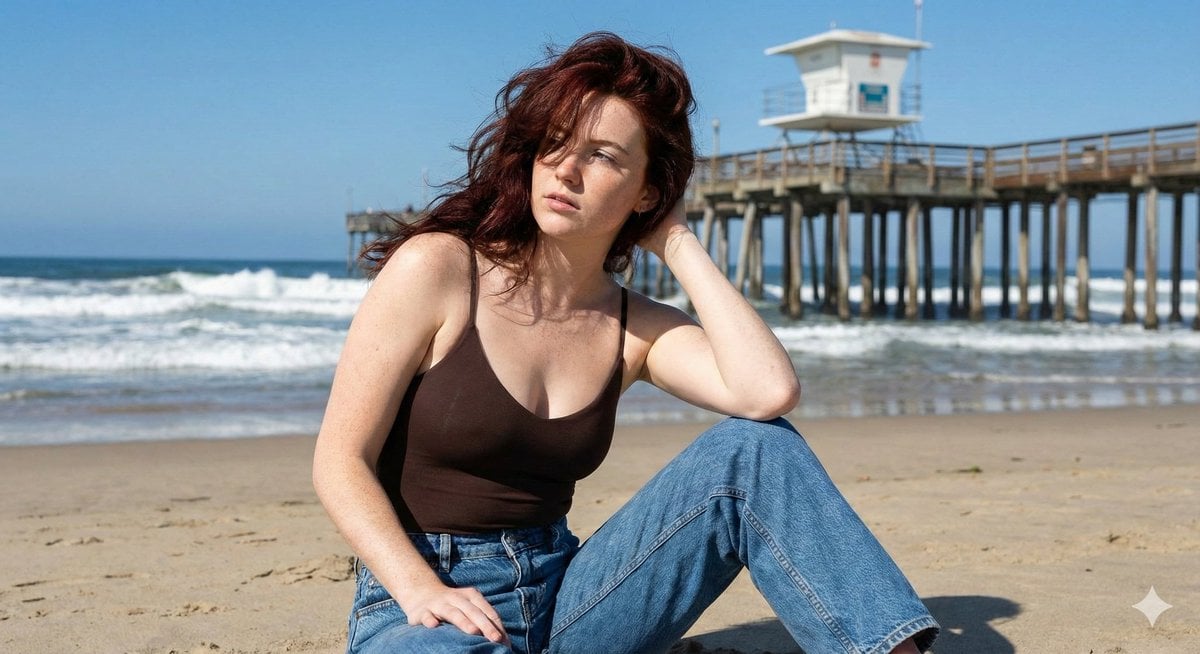
Photorealistic Lifestyle Beach Portrait
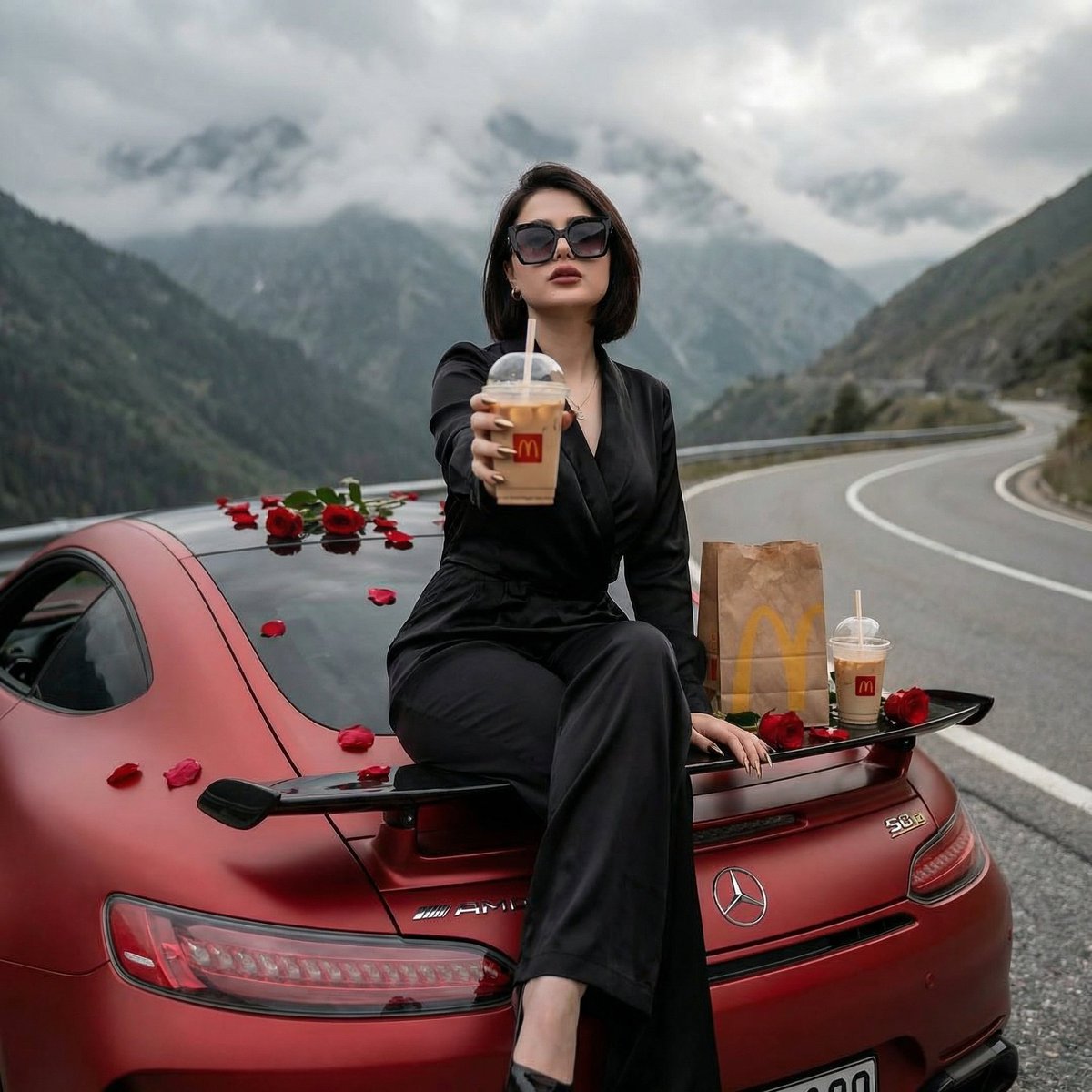
Luxury Ride and Mountain Vibes Editorial
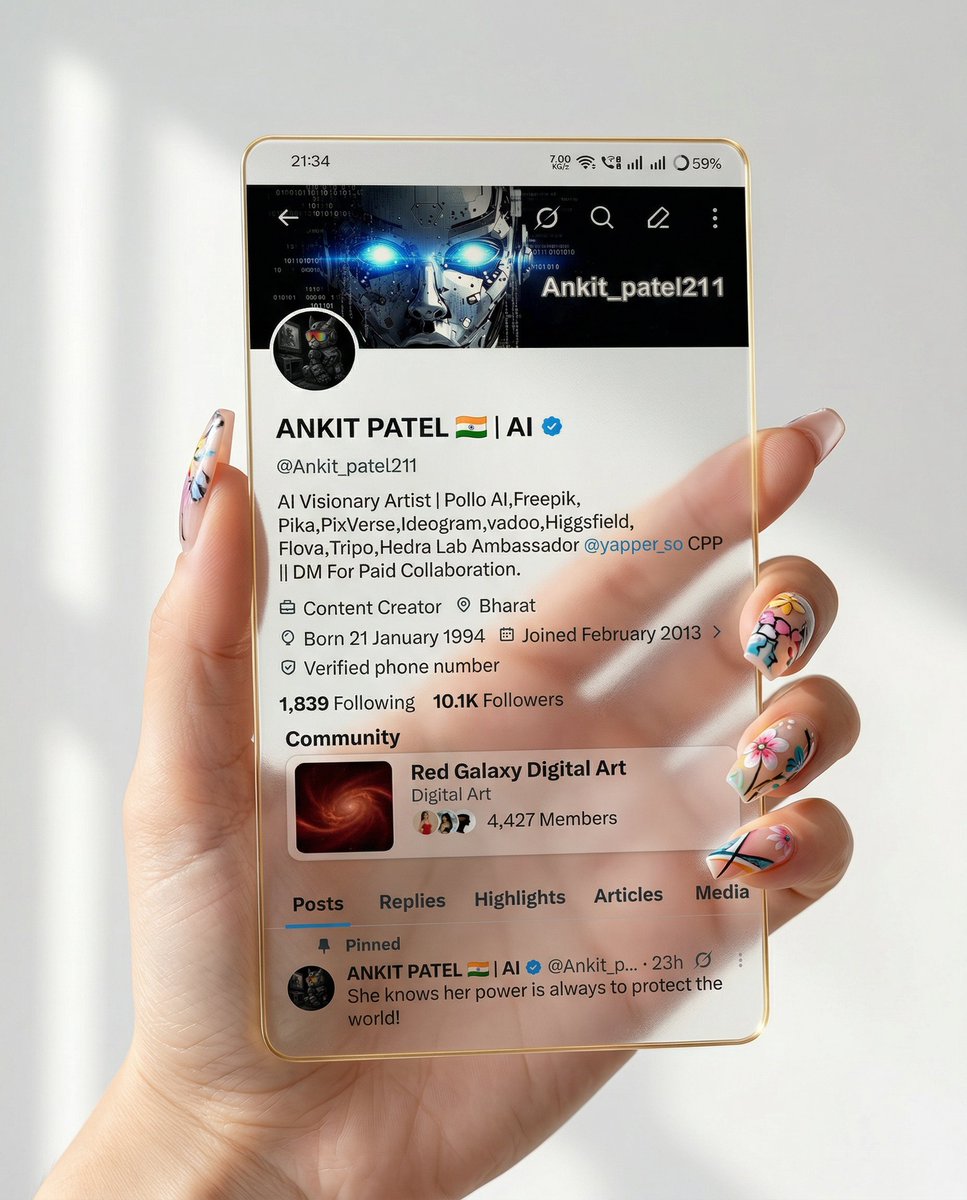
Transparent Glass Social Media Profile Effect
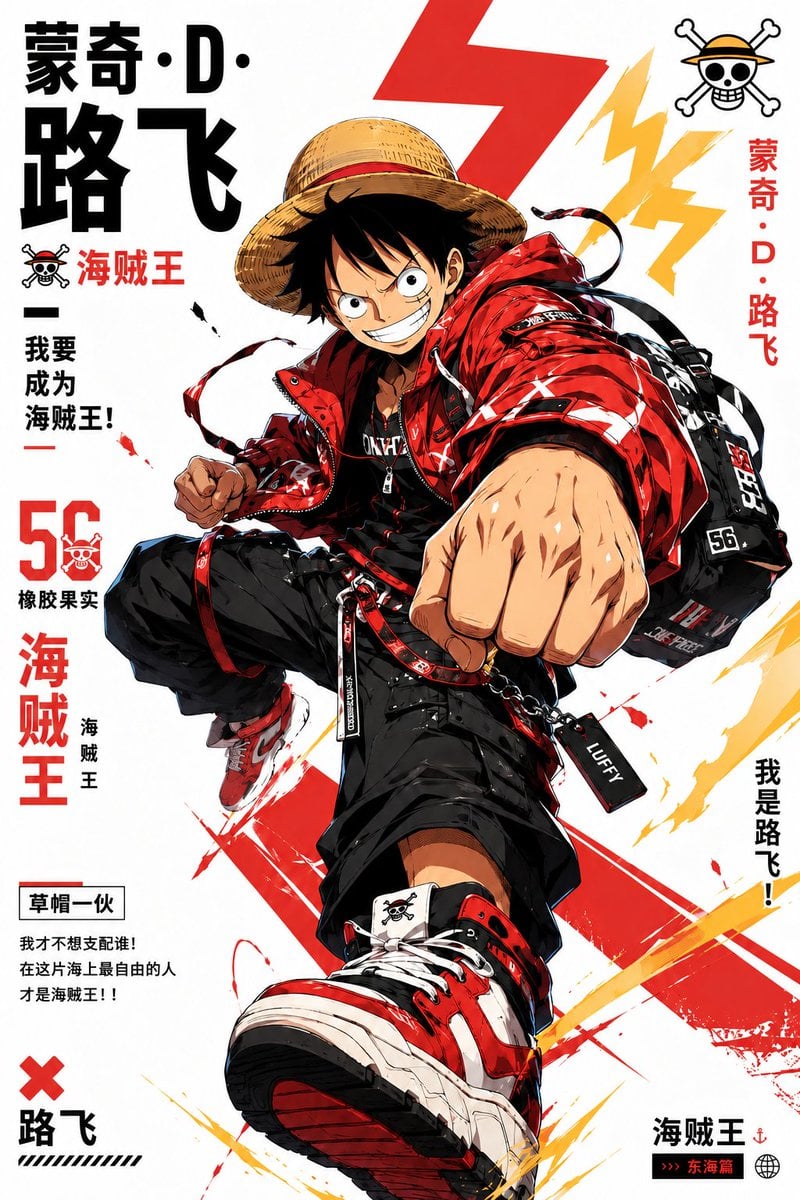
Stylized Character Poster Illustration
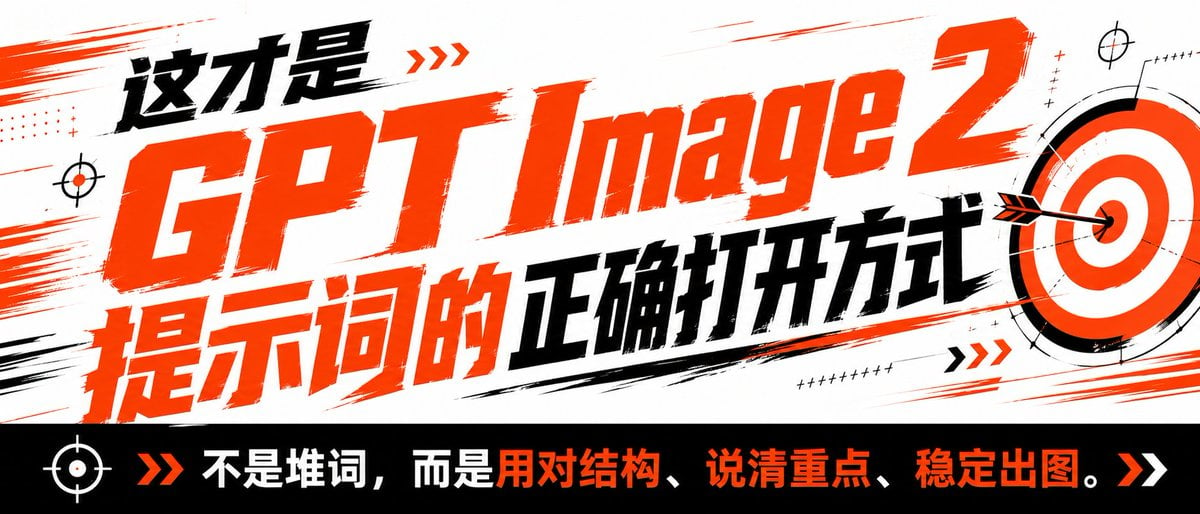
High-Contrast Tactical Magazine Cover
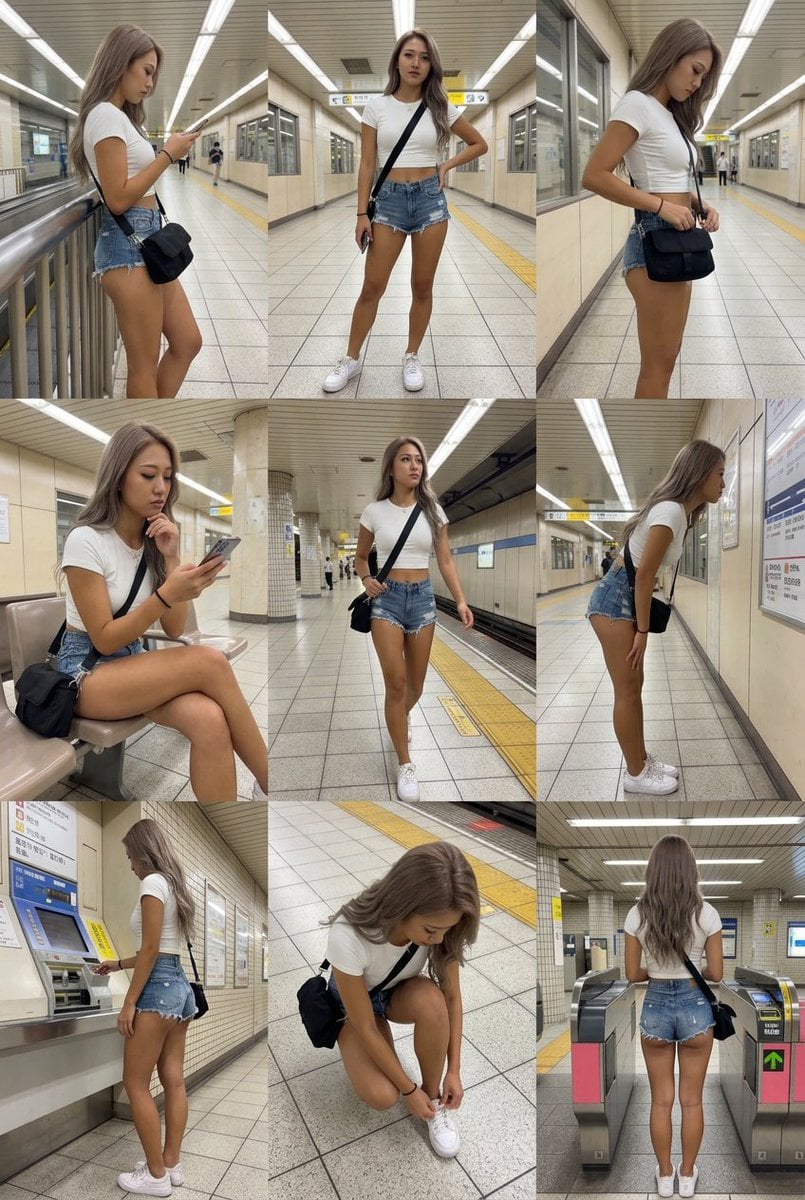
3x3 Grid Character Consistency Prompt
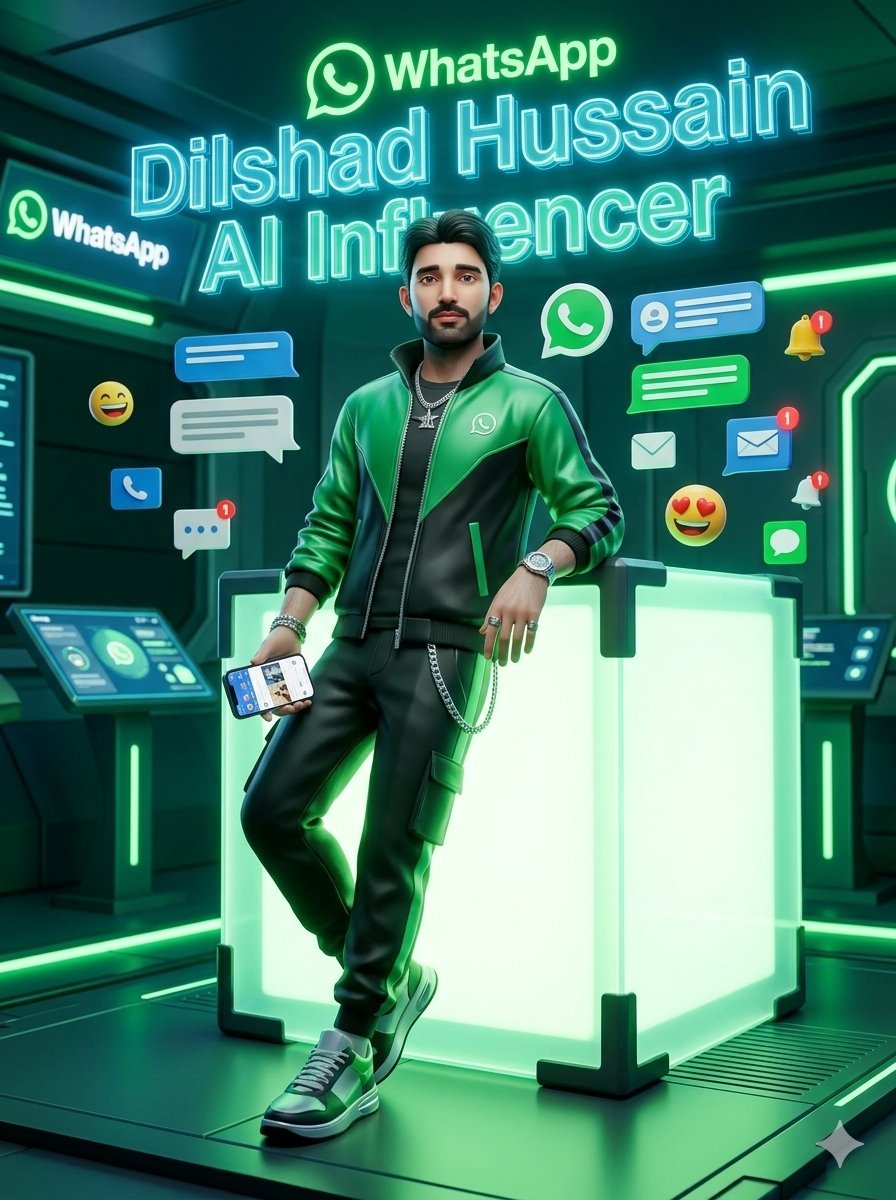
WhatsApp AI Influencer 3D Poster
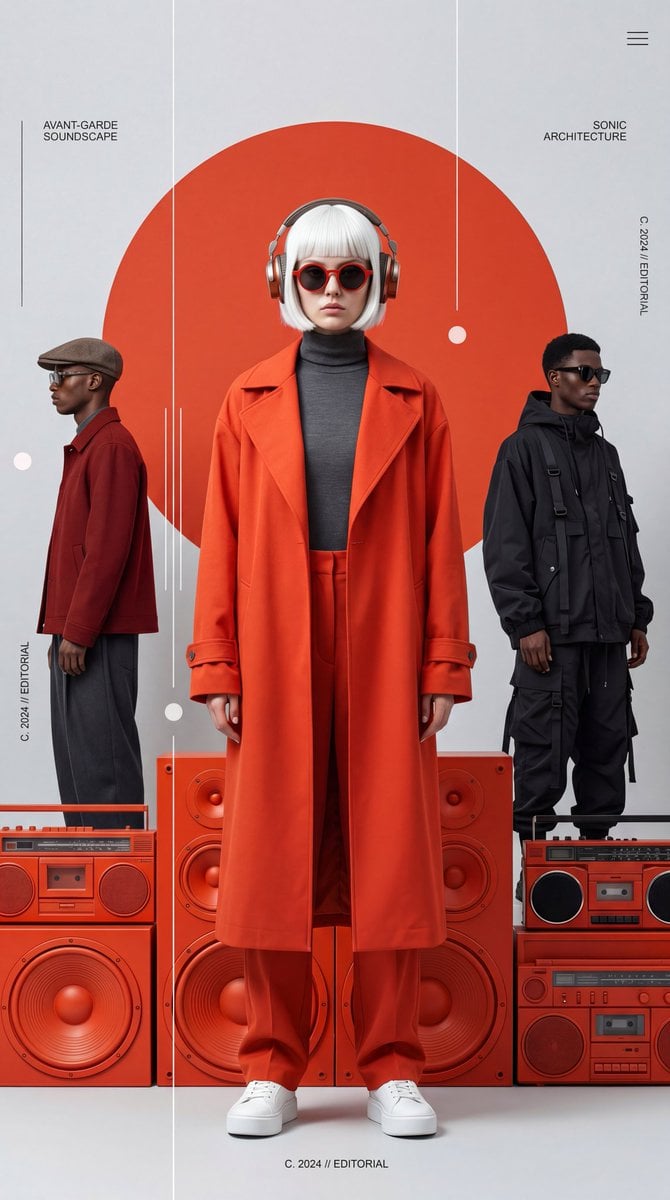
Avant-Garde Electronic Music Poster
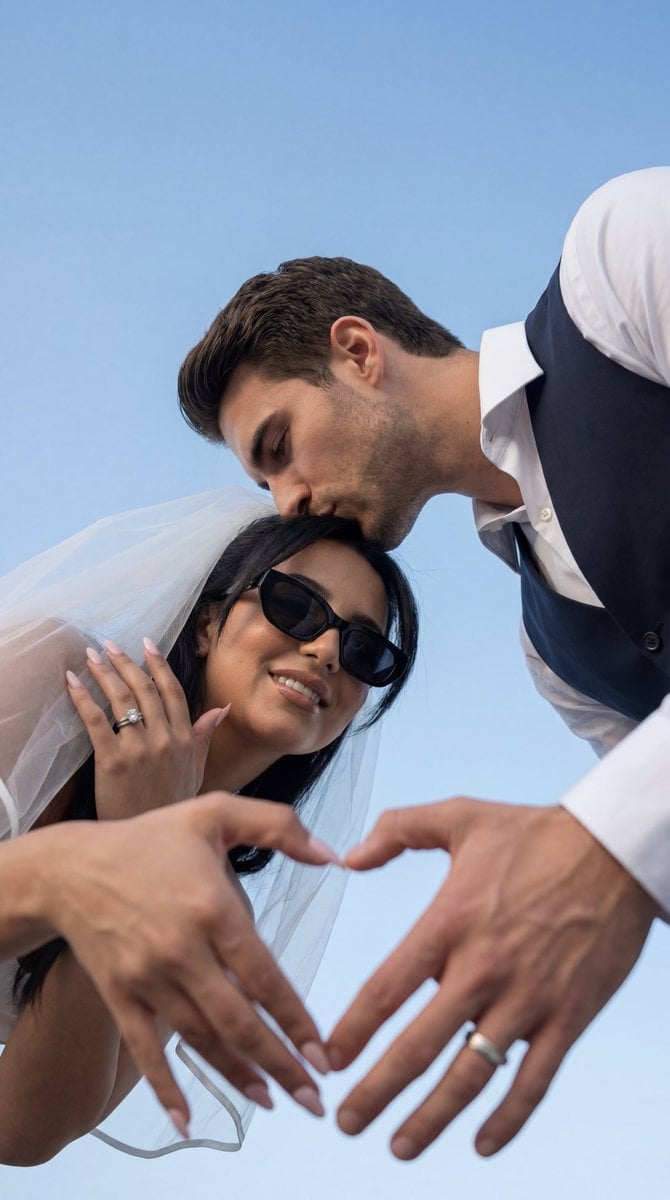
Low-Angle Wedding Editorial with Heart Hands

Lone Sentinel in Ruined City
Browse template categories
Proposal in Grassland Template questions
How do I use the Proposal in Grassland Template template?
Add your photo if the template asks for one, edit the prompt if you like — the template's model and format are already selected — and press Generate. Your version opens in PicX Studio.
Can I customize the Proposal in Grassland Template template?
Yes. You can change the subject, setting, lighting, mood, format, and available model controls before creating your image.
Is the Proposal in Grassland Template template free?
Opening and editing this template is free. Generating uses credits, shown on the Generate button when you are signed in.
Which AI model should I use?
Choose a compatible model in PicX Studio based on the style, speed, and output controls your project needs.
Looking for something else? Browse all templates.

Your photo, any look
Thousands of ready templates for every top image and video model, from one credit balance.