
Batch Product Poster Proposal Generator
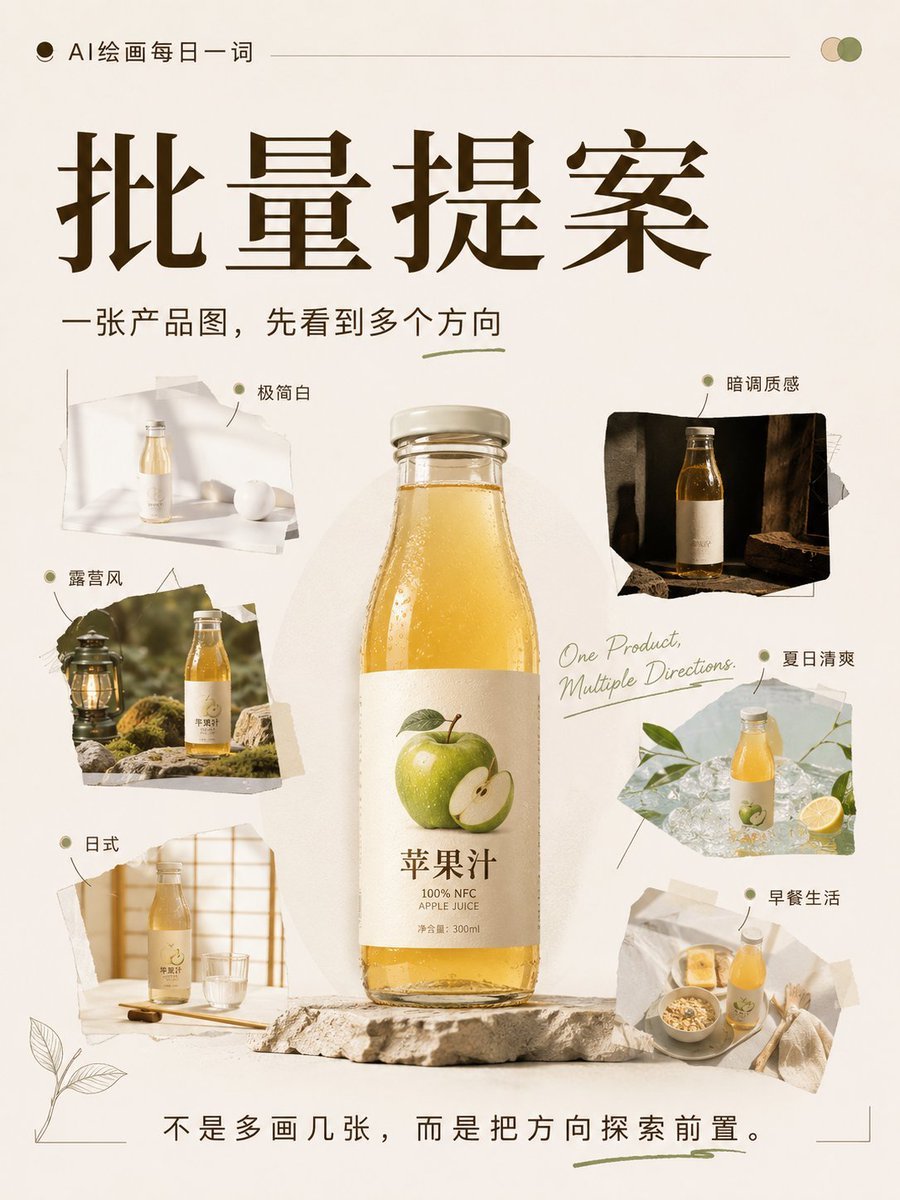
A professional business prompt designed to generate 8 diverse commercial poster options for a single product, ensuring brand consistency while exploring different themes and angles.
- Prompt included
- Model and format preset
- Free template
The prompt behind this image
Copy the exact prompt behind Batch Product Poster Proposal Generator, or open it in the studio and make it yours.
请基于这张产品图,生成8张不同风格的产品海报方案。 产品名称:【{argument name="产品名称" default="填写产品名"}】 使用场景:【{argument name="使用场景" default="填写产品用途"}】 输出数量:{argument name="输出数量" default="8张"} 画面比例:3:4 使用平台:【小红书 / 淘宝 / 公众号 / 抖音图文】 要求: 1. 保持产品本身的外观、包装、颜色和核心识别点准确 2. 每张图都采用不同的场景氛围、构图方式和视觉风格 3. 每张图都要像独立完成的商业海报,不是简单换背景 4. 适合种草传播,有明确视觉重点和氛围感 风格方向可包含: 极简白、露营风、日式、暗调质感、夏日清爽、文艺复古、早餐场景、生活方式感 画面要求: 产品摆放角度不同 场景搭配不同 光线氛围不同 构图节奏不同 整体完成度高,适合直接用于电商提案或社交媒体展示
How to use Batch Product Poster Proposal Generator in 3 steps
- 1Upload ImagePNG, JPG or paste
Add your photo
Upload the photo the template builds on. The prompt, model and format are already set.
- 2…a portrait of your subject in softgolden-hour light, 85mm…
Personalize
Edit the subject and creative details for your destination.
- 3Generate
Generate
Press Generate — your image is created in PicX Studio, so you can compare it with the original and refine one variable at a time.
More like this
Templates with the same subject, style or setup. Open one to see its prompt.

Trendy Cafe Drink Promo Poster

Gpt2 Product Marketing Streetwear Sneaker Poster Ad

Parle Hide and Seek Cookie Campaign Poster
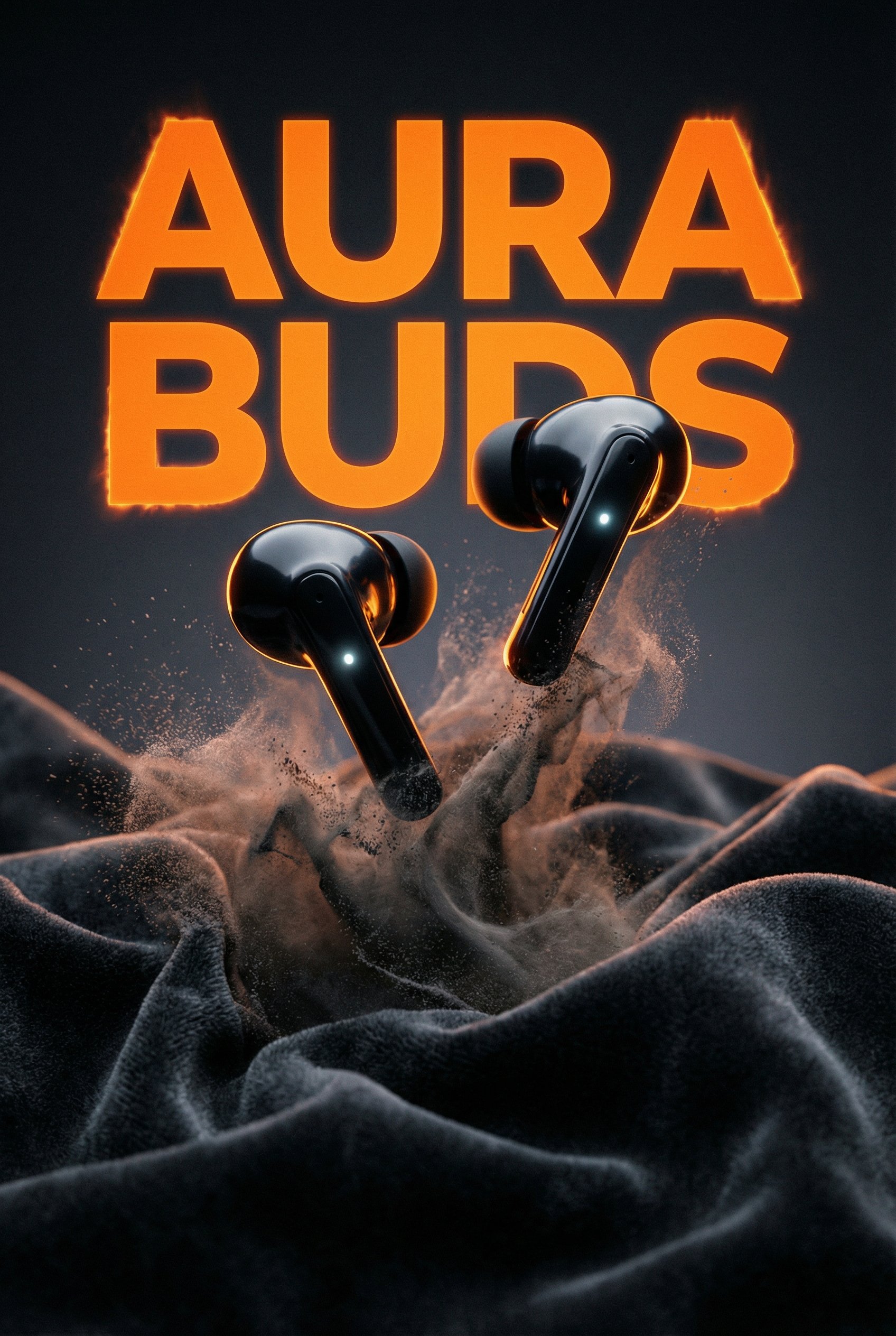
Aura Buds Poster Shoot Creative

Japan Travel Brochure Poster

A k.pop idol on the stage with mic

Cartoon TV Show Poster Pack

Urban Fashion Editorial Collage Streetwear Poster

Premium Fashion Editorial Cover Layout System

Polo Ralph Lauren Luxury American Heritage Fashion Campaign

Monochrome Halftone Editorial Fashion Poster

Retro Mirror Luxury Fashion Campaign Poster
Make it yours
Batch Product Poster Proposal Generator works as-is. These are the safest ways to change it without losing the look.
Change one field
Copy a single group, rewrite it, and generate again so you can see what that field is doing.
Keep the frame, change the subject
Hold the composition and light of Batch Product Poster Proposal Generator, then swap wardrobe, props or the person for a new take.
| If the result… | Why | Fix |
|---|---|---|
| The result drifts from the preview | Too many fields changed at once. | Reuse Batch Product Poster Proposal Generator as-is first, then change one group — subject, light, or setting. |
| The model over-stylizes the scene | The prose prompt leaves finish and camera underspecified. | Add one camera or lighting sentence and stay on GPT Image 2. |
More GPT Image 2 templates
Other prompts made for GPT Image 2.

Six VTuber Japanese Logo Sheet

Realistic Portrait of Woman and Deer

The Vista Modular Condo Poster

AI Model Routing Comparison Infographic

2.5D Anime Art Board

Isometric Productivity Desk Scene

New York Double Exposure Poster

Four-Panel AI Landscape Comparison

Japanese Tatami Lifestyle Magazine Cover

NESCAFÉ Coffee Map Poster
More image prompts
Fresh picks from across the catalog.
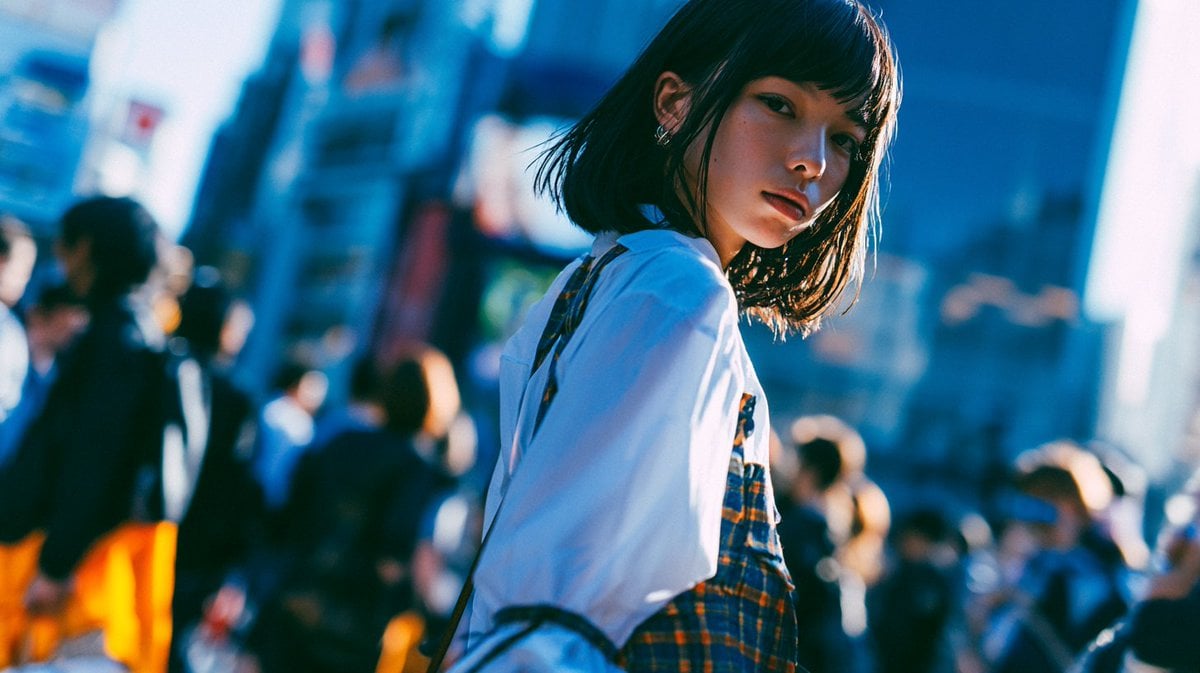
Cinematic Urban Street Portrait
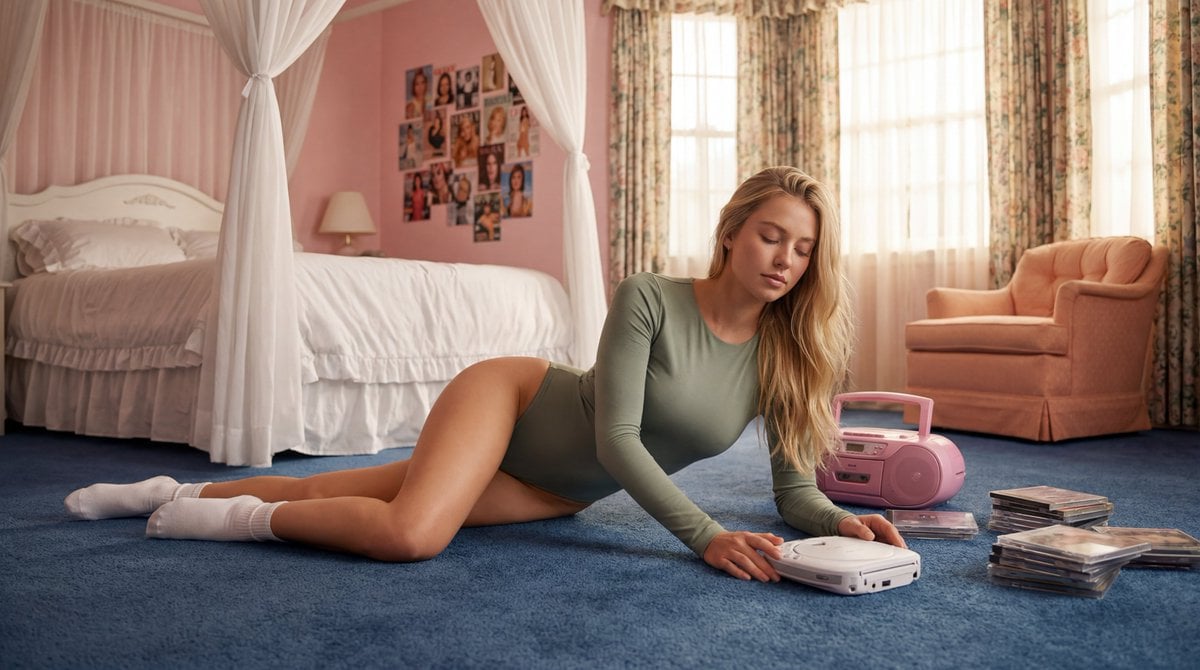
Strictly Controlled Editorial Pose and Anatomy Prompt
Fashion Casting Monochrome Contact Sheet
Dark Cinematic Food Photography Prompt Formula
GPT Image 2 Street Photography
Seven Chibi Samurai Ink Poster
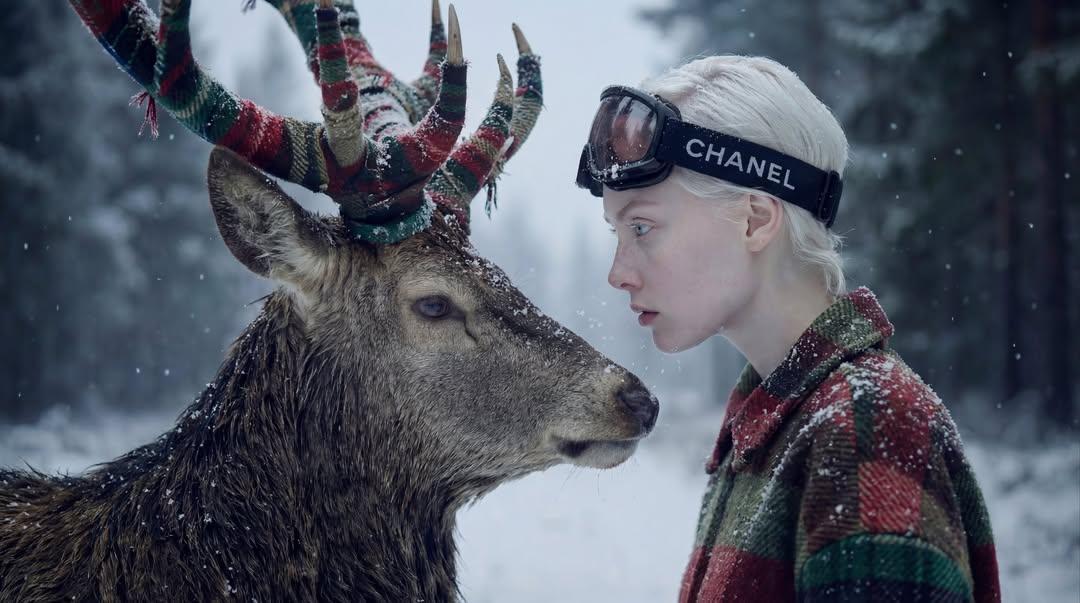
Hyper-Realistic Winter Fantasy Portrait Prompt
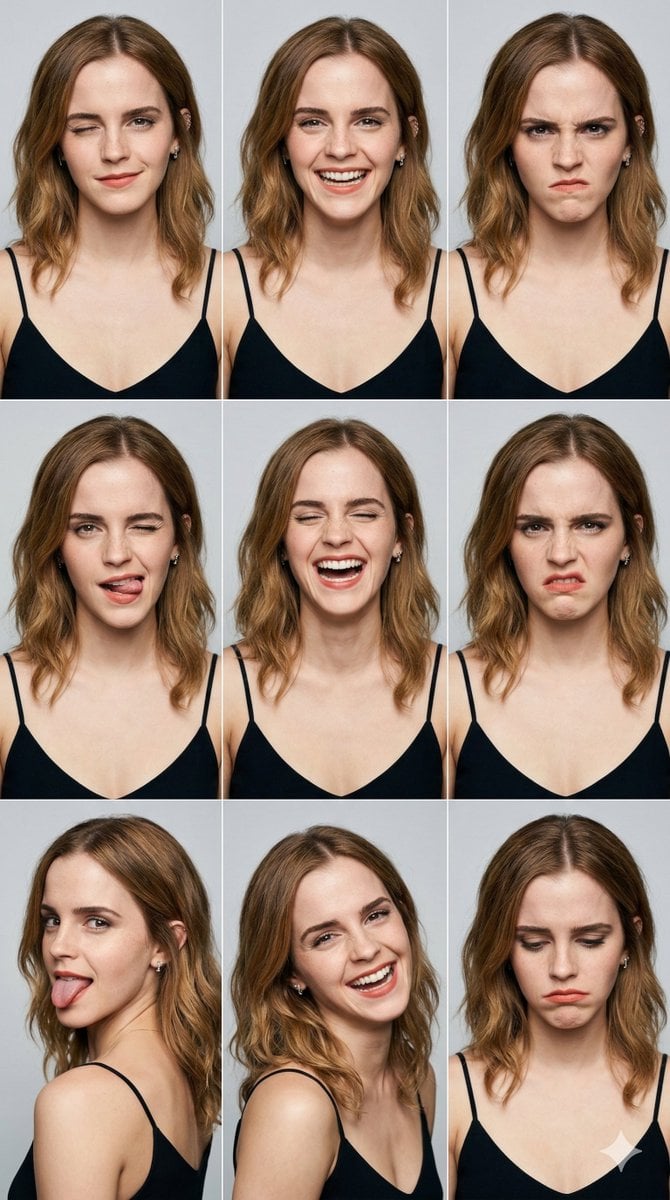
3x3 Grid Portrait Photos with Differentiated Expressions
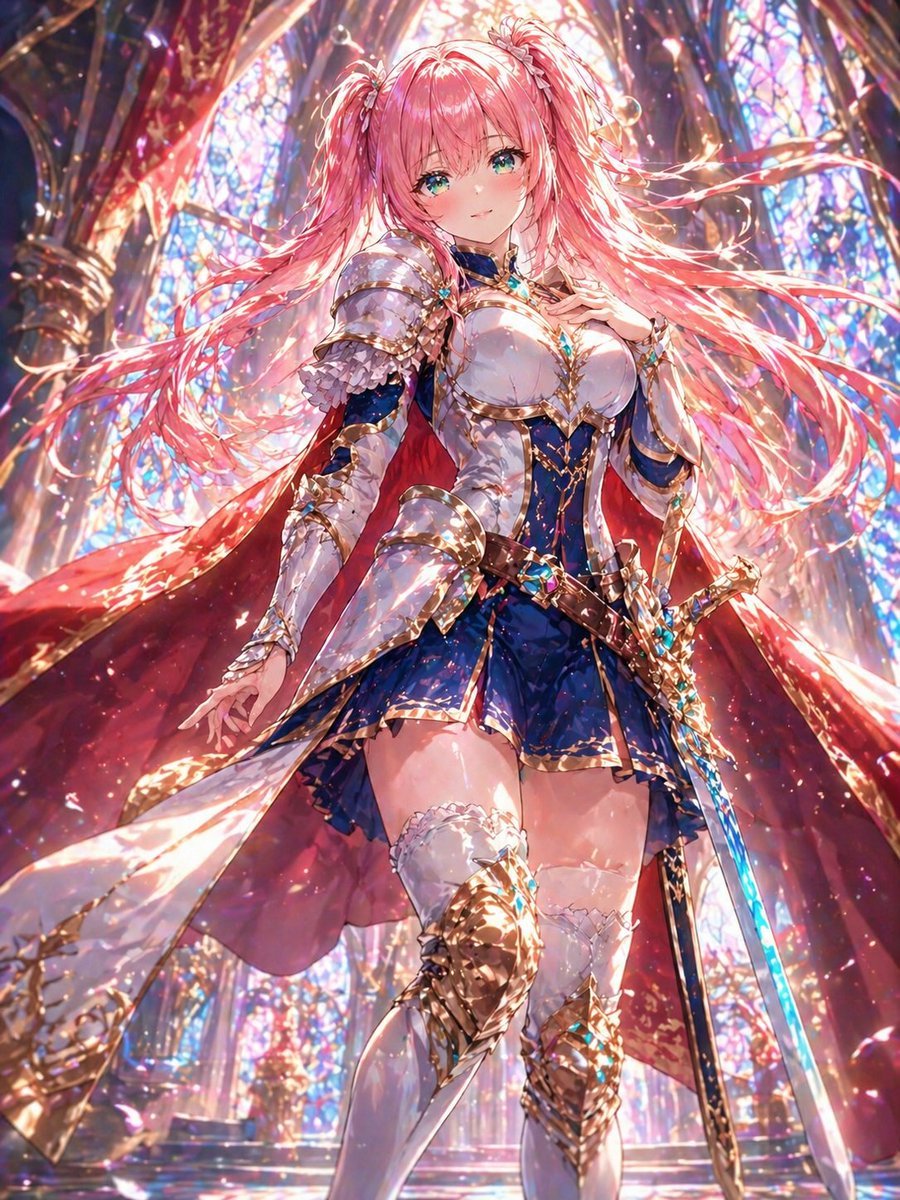
Pink-Haired Cathedral Knight
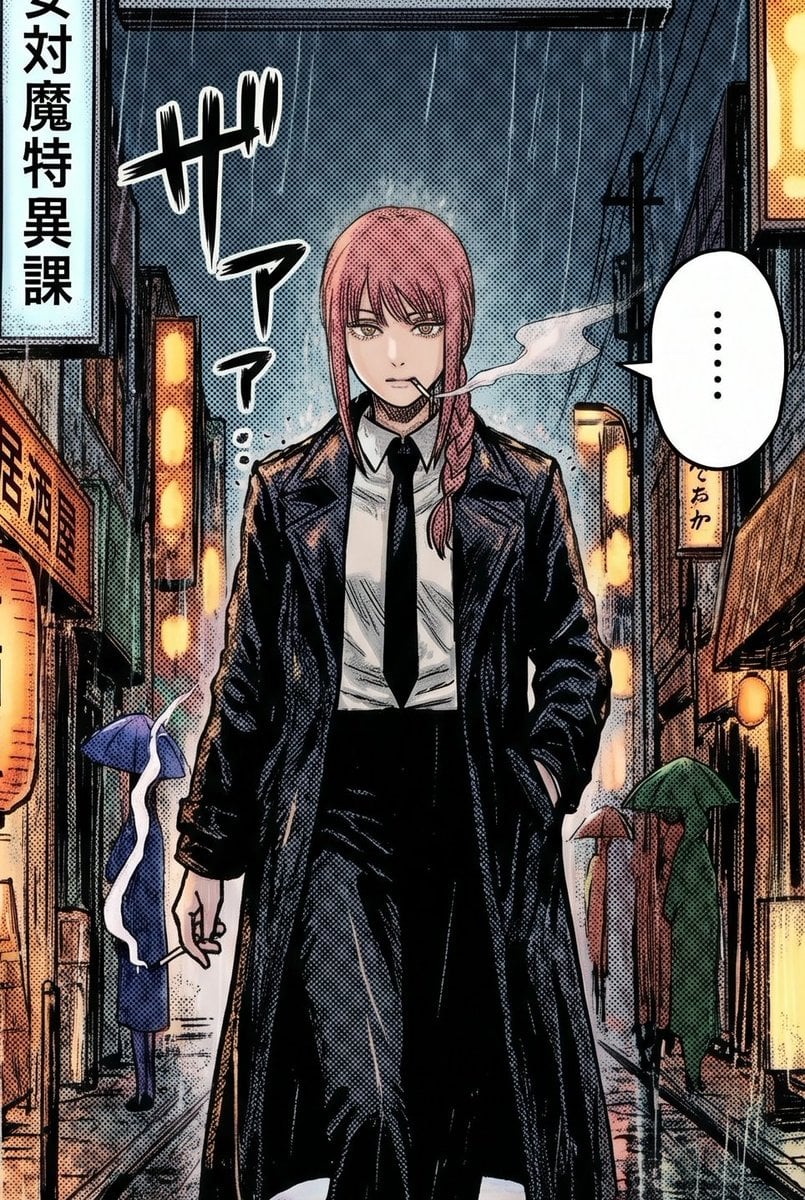
Rainy Manga Alley Woman Portrait
Browse template categories
Batch Product Poster Proposal Generator questions
How do I use the Batch Product Poster Proposal Generator template?
Add your photo if the template asks for one, edit the prompt if you like — the template's model and format are already selected — and press Generate. Your version opens in PicX Studio.
Can I customize the Batch Product Poster Proposal Generator template?
Yes. You can change the subject, setting, lighting, mood, format, and available model controls before creating your image.
Is the Batch Product Poster Proposal Generator template free?
Opening and editing this template is free. Generating uses credits, shown on the Generate button when you are signed in.
Which AI model should I use?
Start with GPT Image 2, which is the model associated with this template. You can compare another compatible model for a different finish.
Looking for something else? Browse all templates.

Your photo, any look
Thousands of ready templates for every top image and video model, from one credit balance.