How do I use the Mixed Media Fashion Studio Art template?
Choose the primary action to open PicX Studio with the available template settings. Review the model and format, personalize the creative direction, and generate when ready.
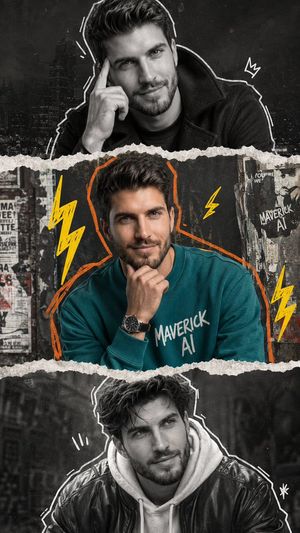
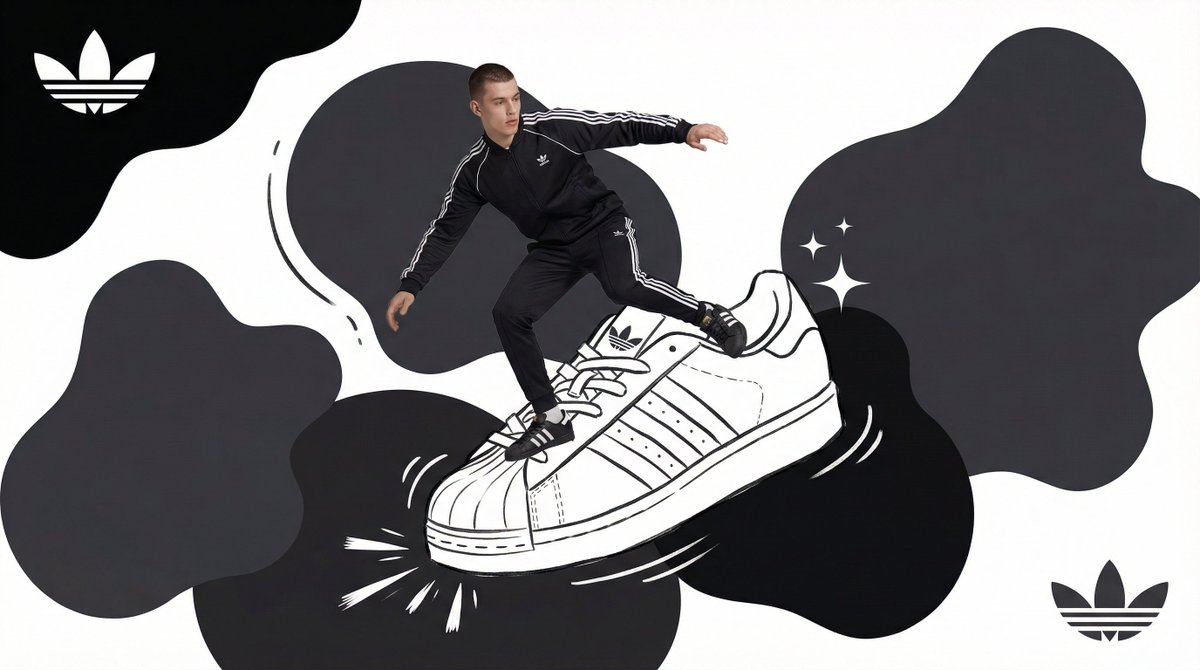
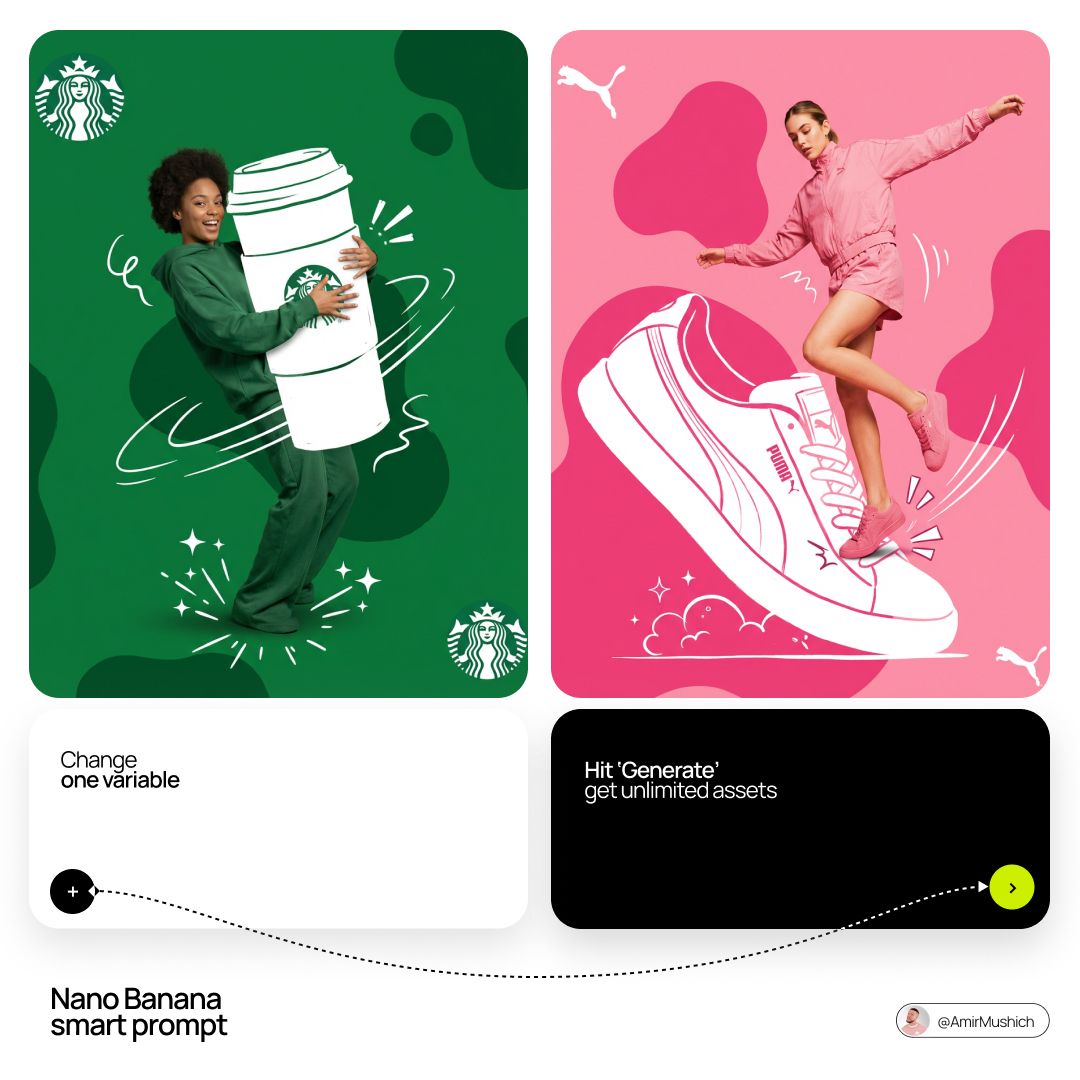
A creative mixed media prompt blending high-end fashion photography with 2D vector art overlays and illustrative elements.
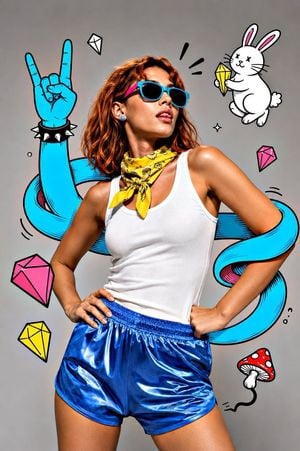
A vibrant mixed media composition blending high-end studio fashion photography with bold 2D vector art overlays, featuring a stylish subject with uploaded face as reference posing dynamically against a clean, {argument name="background" default="neutral grey gradient"} studio background. The subject stands with hands on hips, head tilted slightly back and to the right, with tongue playfully sticking out, wearing {argument name="sunglasses description" default="teal-rimmed sunglasses with pink arms"}, a bright yellow bandana tied loosely around the neck, a white ribbed tank top exhibiting realistic fabric folds, and {argument name="shorts color" default="metallic blue"} satin athletic shorts. Interacting with the realistic figure is a surreal, flat-illustrated cyan-blue cartoon arm that winds like a tentacle around her torso and right arm, terminating in a hand making the "rock on" devil horns gesture, accessorized with a black spiked wristband. Surrounding the figure are scattered illustrative elements including floating geometric diamonds in pink, yellow, and white, a small white cartoon rabbit in the upper right corner holding a yellow crystal, and a red mushroom doodle with a squiggly black line. The lighting is professional high-key studio softbox illumination, highlighting the contrast between the hyper-realistic skin texture and subsurface scattering of the subject against the thick black outlines and flat coloring of the graffiti-style doodle art, 8k resolution, commercial editorial aesthetic.
Choose the primary action to open PicX Studio with the available template settings. Review the model and format, personalize the creative direction, and generate when ready.
Yes. You can change the subject, setting, lighting, mood, format, and available model controls before creating your image.
This template is free to open and customize. Generation usage is shown in PicX Studio before you create.
Start with gemini-3-pro-image-preview, which is the model associated with this template. You can compare another compatible model for a different finish.
Follow a topic to a crawlable collection of related PicX Studio templates.