
Mixed Media Pastel Collage Poster
A sophisticated prompt that transforms uploaded photos into high-end design posters, featuring a split-screen layout with the original photo on top and a creative pastel doodle collage on the bottom.
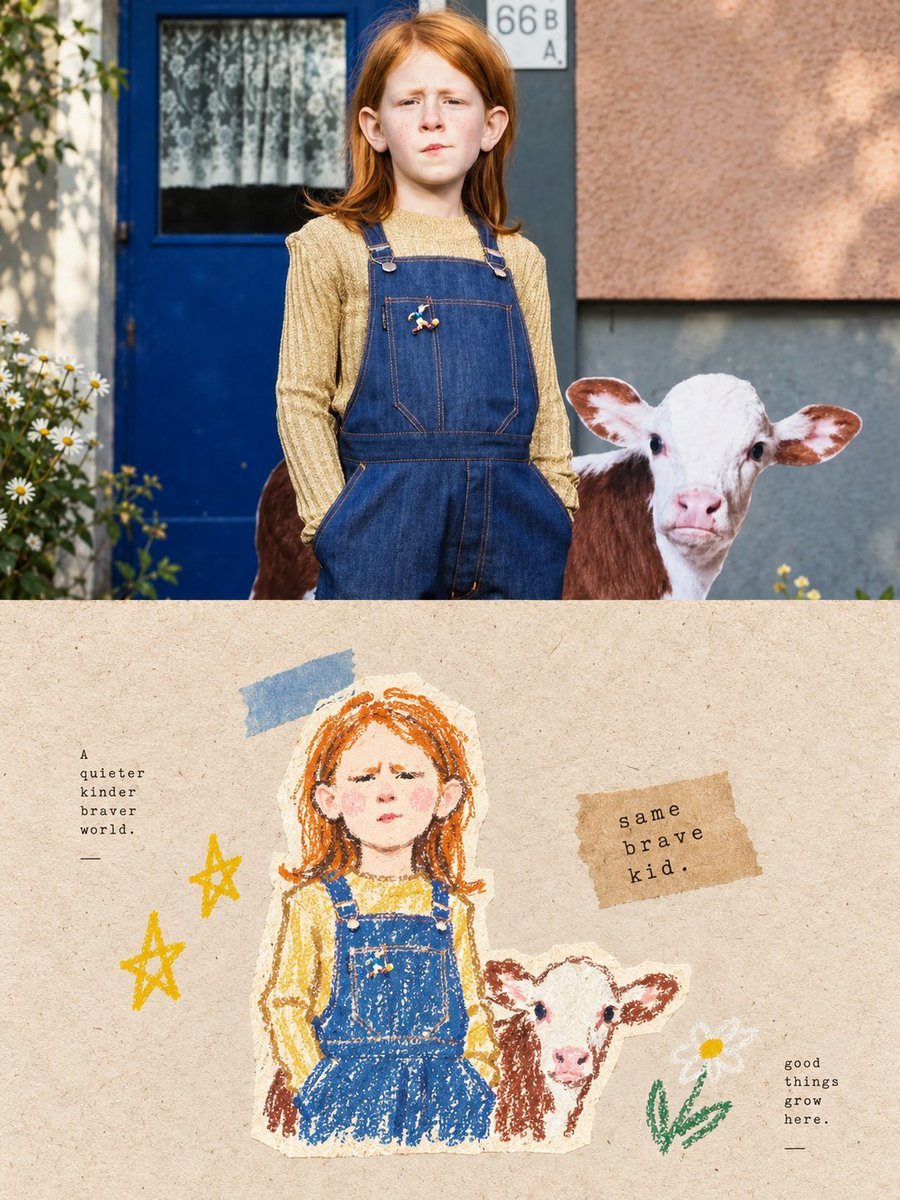
- Prompt included
- Model and format preset
- Free template
The prompt behind this image
Copy the exact prompt behind Mixed Media Pastel Collage Poster, or open it in the studio and make it yours.
请将我上传的每一张照片分别制作成一张独立的高级设计海报...整体采用{argument name="构图比例" default="3:4"}竖版构图,上下两个区域高度严格1:1,各占画面50%。上半部分保留原始照片...下半部分先理解原照片最值得被记住的核心主题...再重构为{argument name="插画风格" default="复古纸张肌理的粉彩手绘涂鸦材料拼贴插画"}...配色从上方照片中提取 {argument name="配色数量" default="2–4 种"}最鲜活、最有亲和力、最能代表画面精神的颜色重新调制。
How to use Mixed Media Pastel Collage Poster in 3 steps
- 1Upload ImagePNG, JPG or paste
Add your photo
Upload the photo the template builds on. The prompt, model and format are already set.
- 2…a portrait of your subject in softgolden-hour light, 85mm…
Personalize
Edit the subject and creative details for your destination.
- 3Generate
Generate
Press Generate — your image is created in PicX Studio, so you can compare it with the original and refine one variable at a time.
More like this
Templates with the same subject, style or setup. Open one to see its prompt.

Urban Fashion Editorial Collage Streetwear Poster

Urban Fashion Editorial Collage Poster

Usa Cinematic Hyperreal Collage Poster
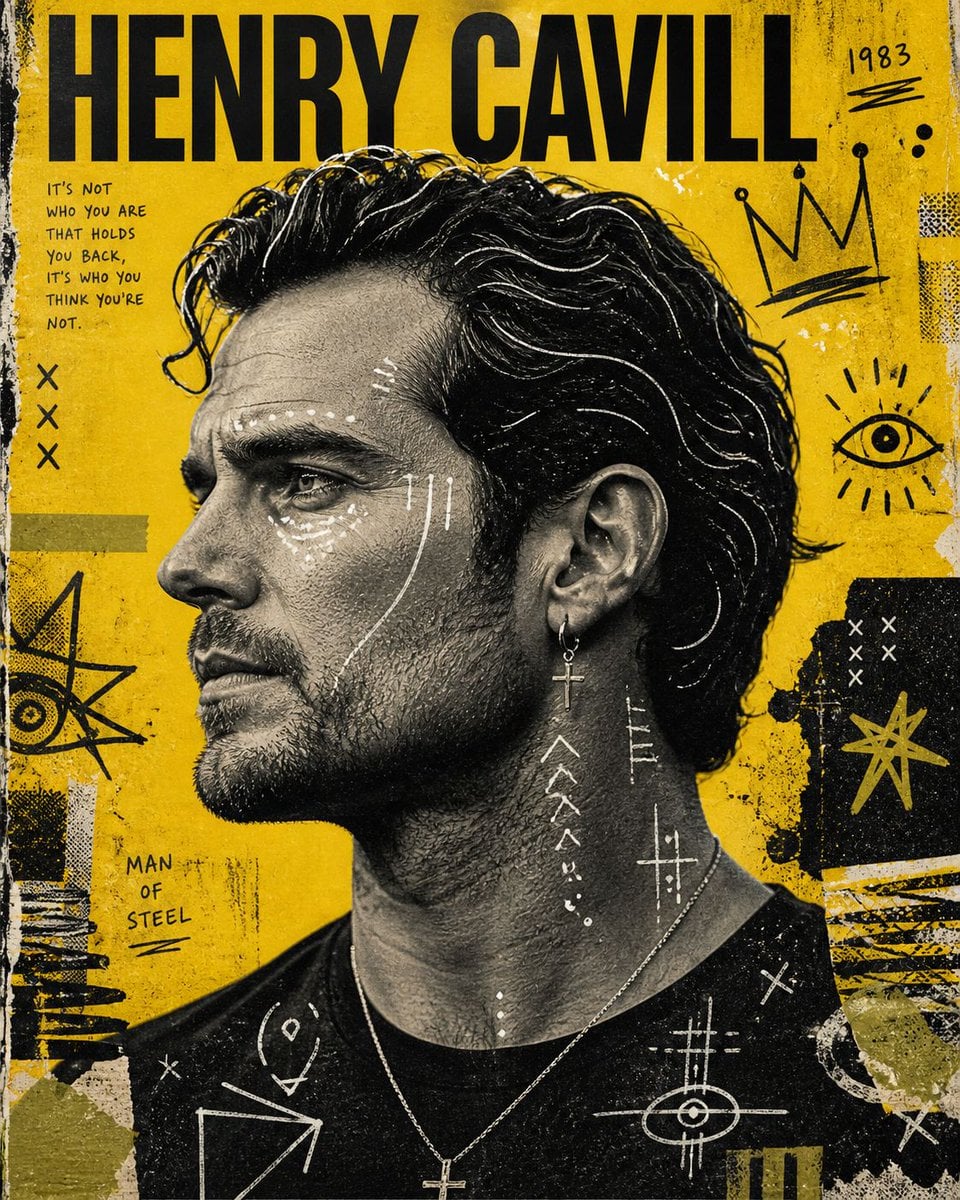
Raw Mixed-Media Street Art Poster
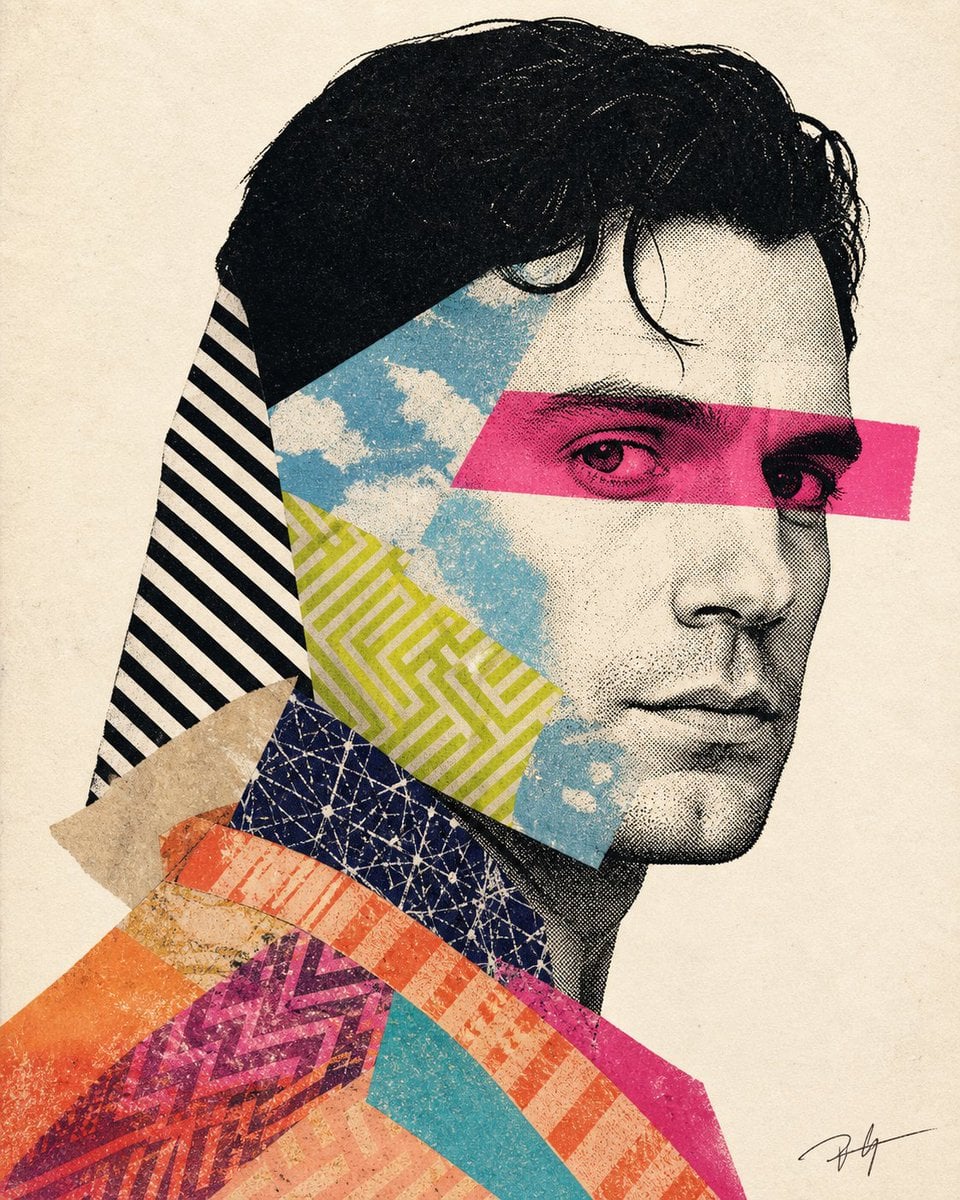
Mixed-media collage portrait illustration

Premium Vintage Travel Poster Landscape
Premium Vintage Travel Poster Landscape
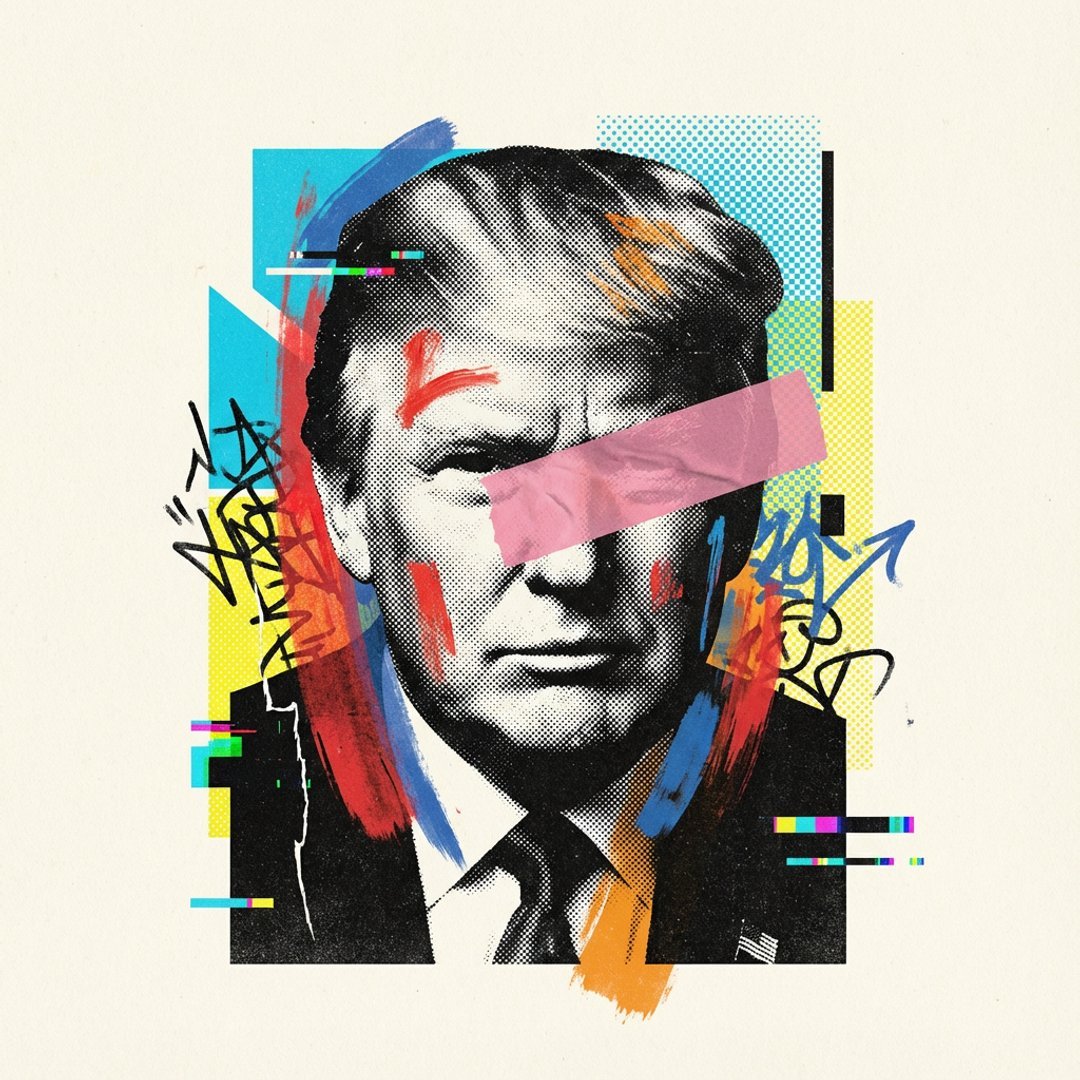
Avant-Garde Mixed Media Risograph Collage
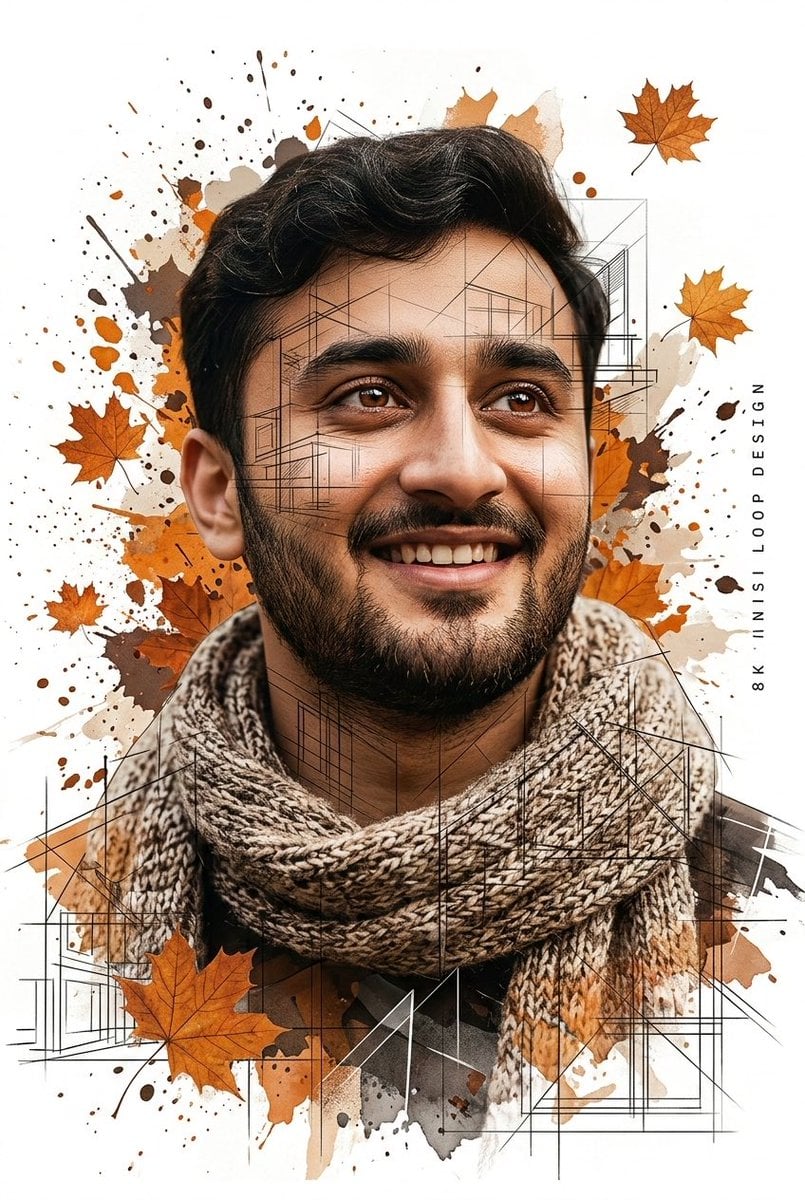
Gentle Autumn Mood Mixed-Media Portrait Poster Prompt

Gpt2 Social Media Post Cinematic Chicken Momos Ad Poster

Gpt2 Social Media Post Bmw Performance Social Poster

Japan Travel Brochure Poster
Make it yours
Mixed Media Pastel Collage Poster works as-is. These are the safest ways to change it without losing the look.
Change one field
Copy a single group, rewrite it, and generate again so you can see what that field is doing.
Keep the frame, change the subject
Hold the composition and light of Mixed Media Pastel Collage Poster, then swap wardrobe, props or the person for a new take.
| If the result… | Why | Fix |
|---|---|---|
| The result drifts from the preview | Too many fields changed at once. | Reuse Mixed Media Pastel Collage Poster as-is first, then change one group — subject, light, or setting. |
| The model over-stylizes the scene | The prose prompt leaves finish and camera underspecified. | Add one camera or lighting sentence and stay on GPT Image 2. |
More GPT Image 2 templates
Other prompts made for GPT Image 2.

Six VTuber Japanese Logo Sheet

Realistic Portrait of Woman and Deer

The Vista Modular Condo Poster

AI Model Routing Comparison Infographic

2.5D Anime Art Board

Isometric Productivity Desk Scene

New York Double Exposure Poster

Four-Panel AI Landscape Comparison

Japanese Tatami Lifestyle Magazine Cover

NESCAFÉ Coffee Map Poster
More image prompts
Fresh picks from across the catalog.
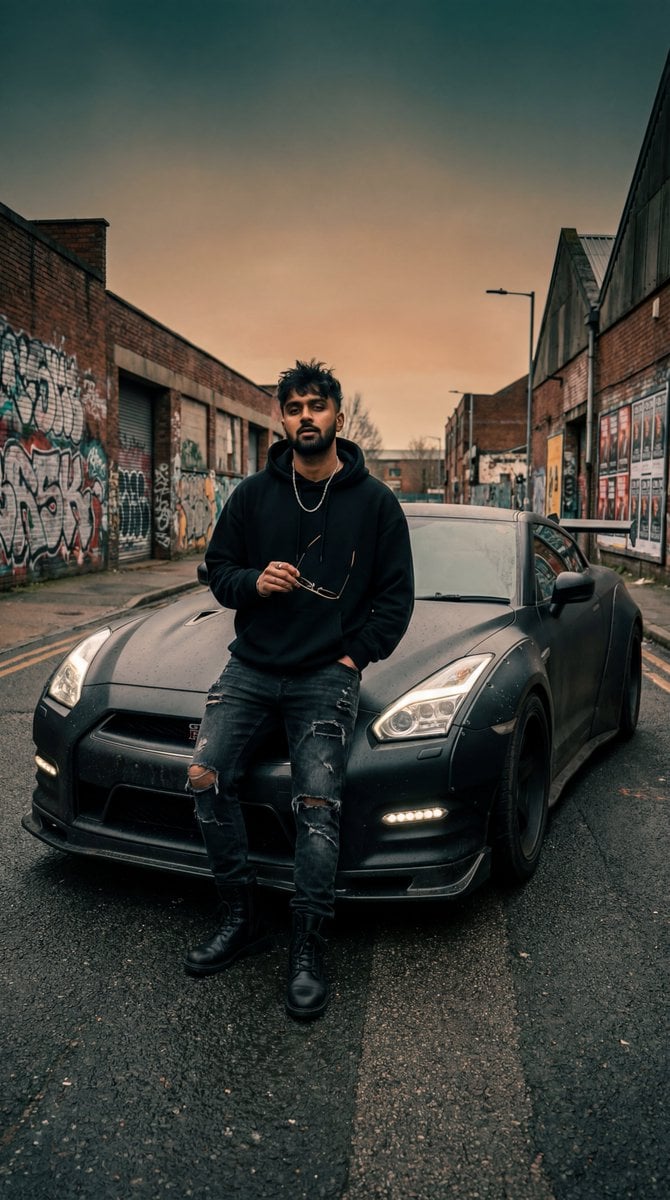
Grunge Street Photography Portrait with a Sports Car
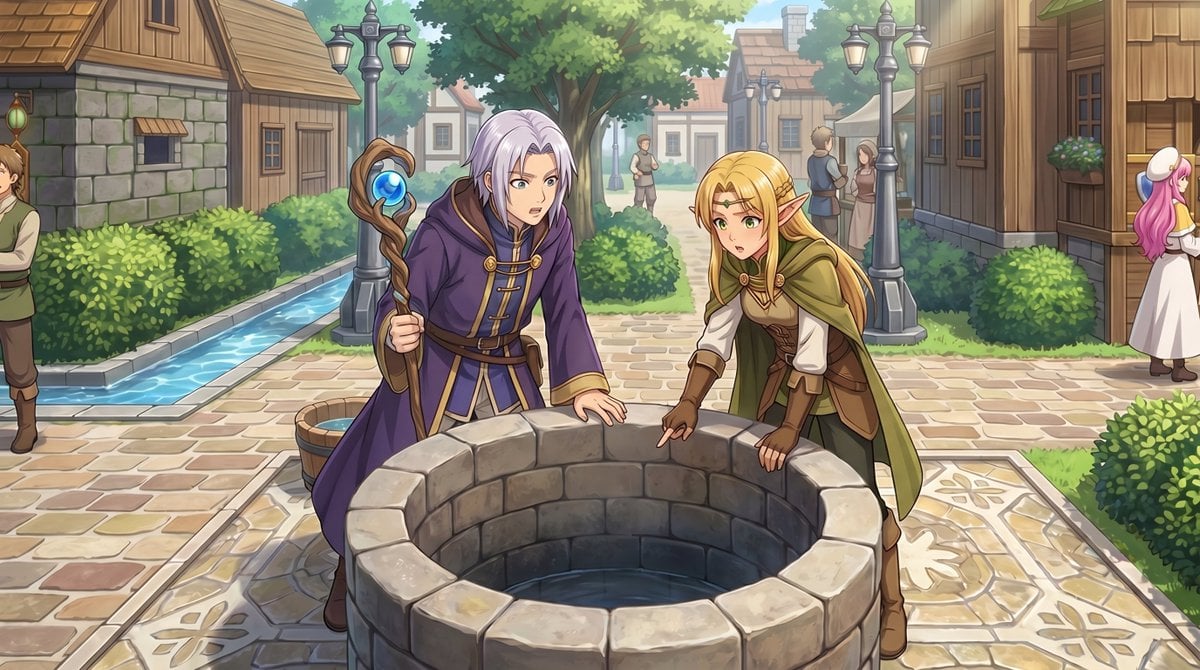
Gpt2 Comic Storyboard Rpg Map to Anime Event Scene

Smirking Anime Man Close-Up
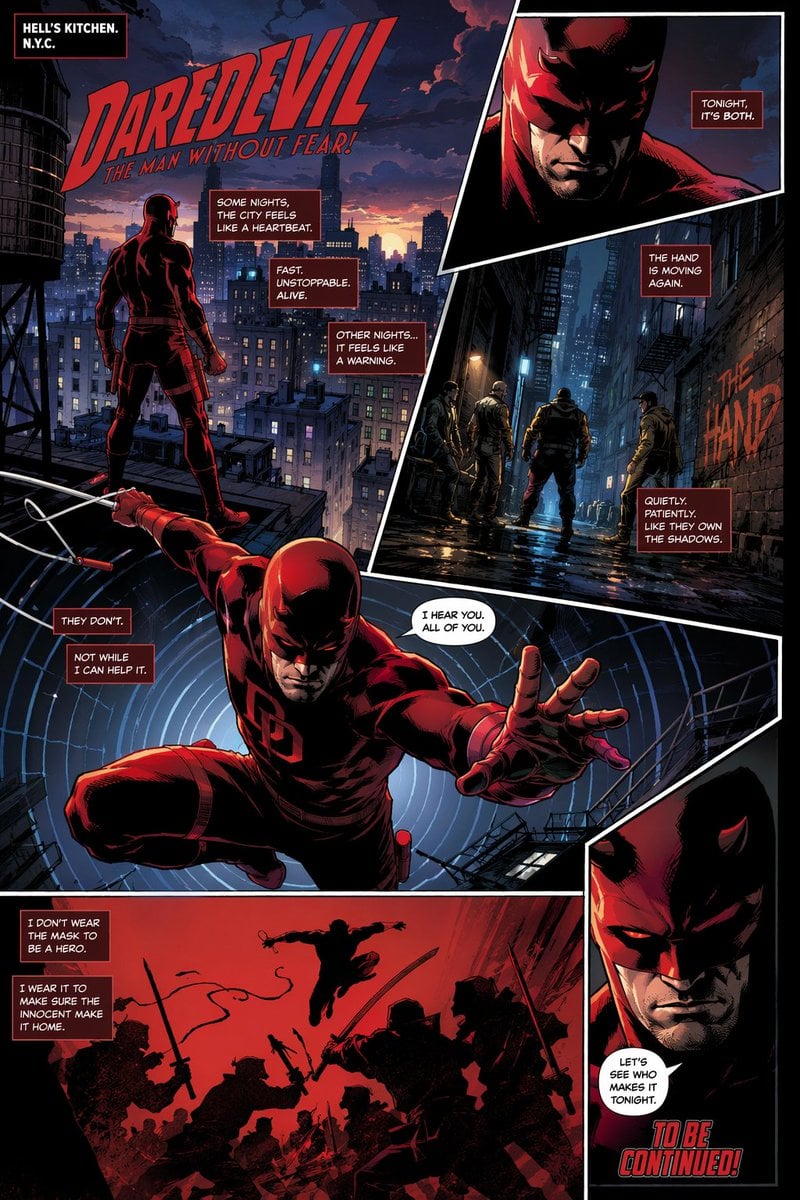
Gritty Superhero Comic Page
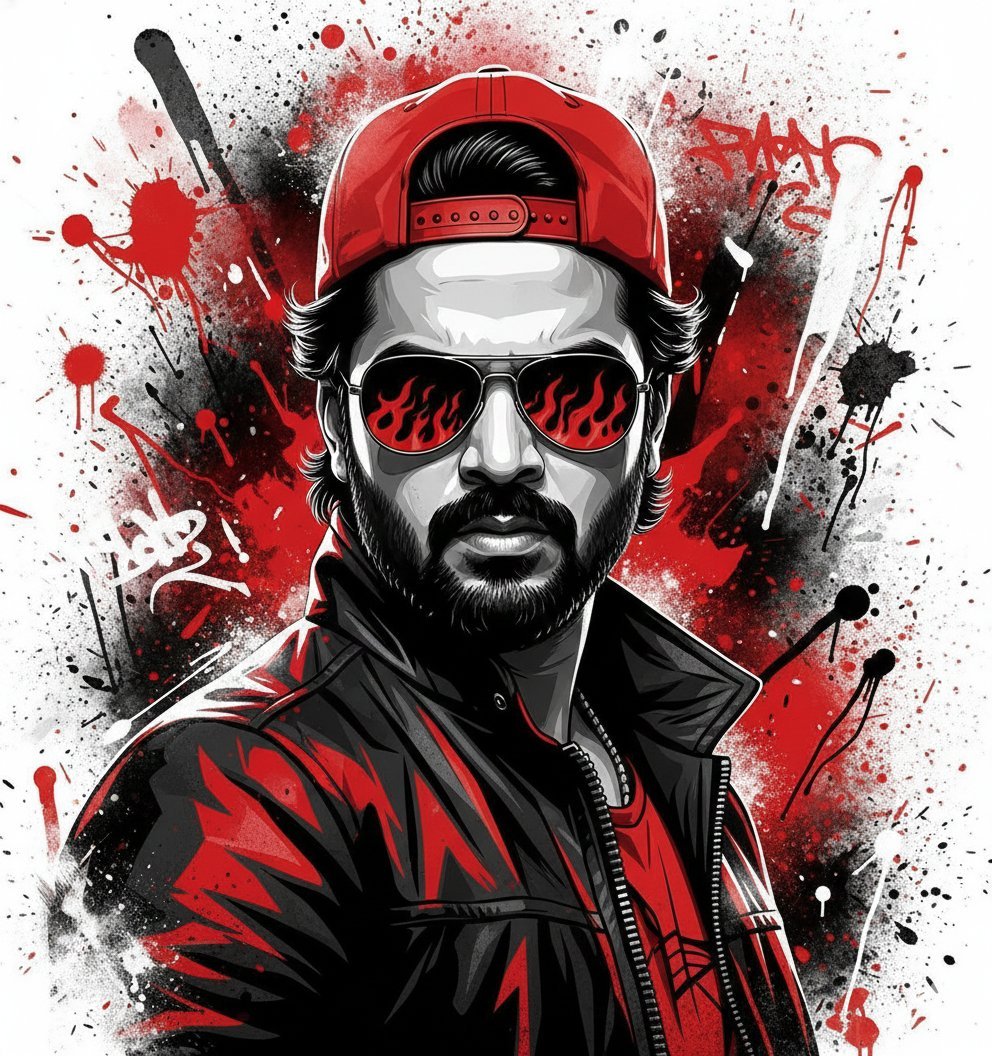
Street Art Style Portrait of a Man with Face Preservation

Manga Sketch Doodle Portrait

Generating Rich 4-Panel Manga with NanoBanana Pro
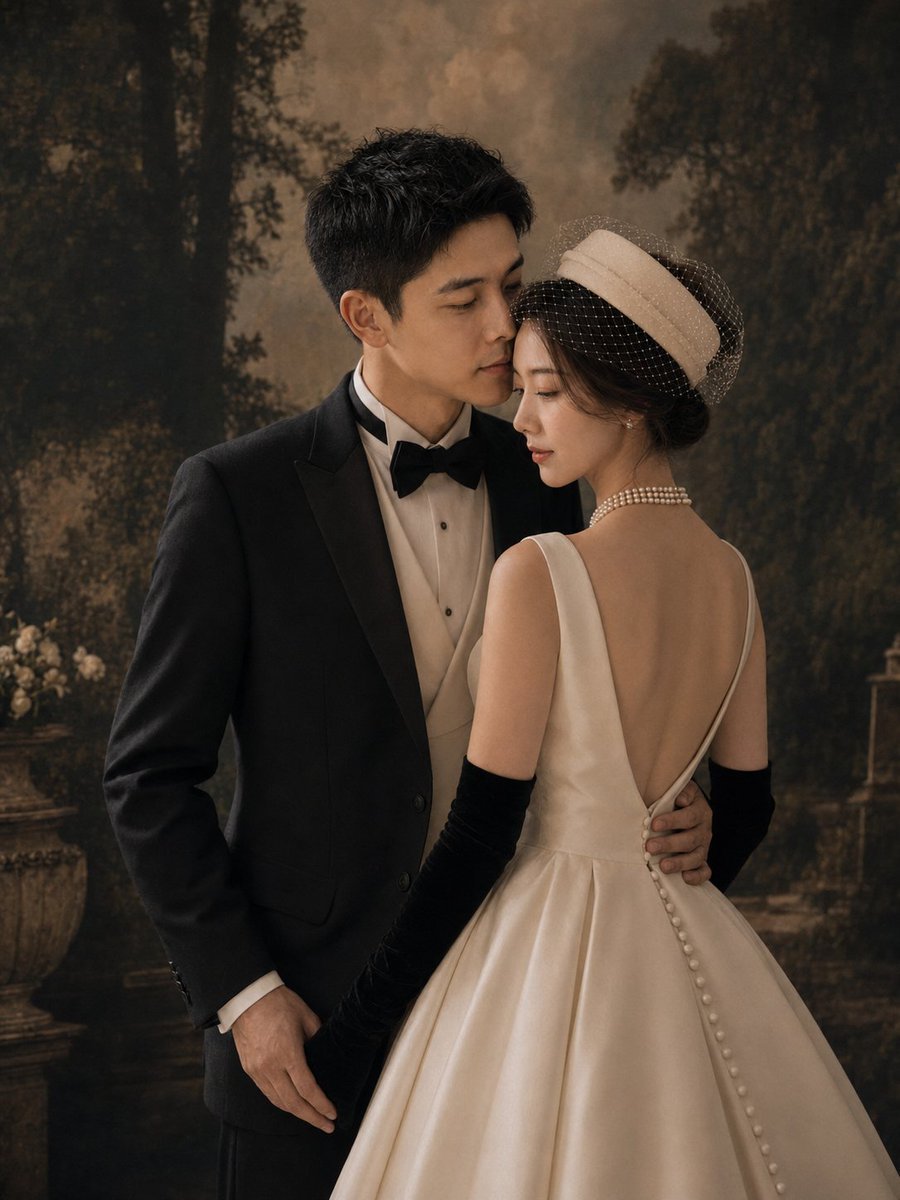
Vintage Garden Wedding Portrait
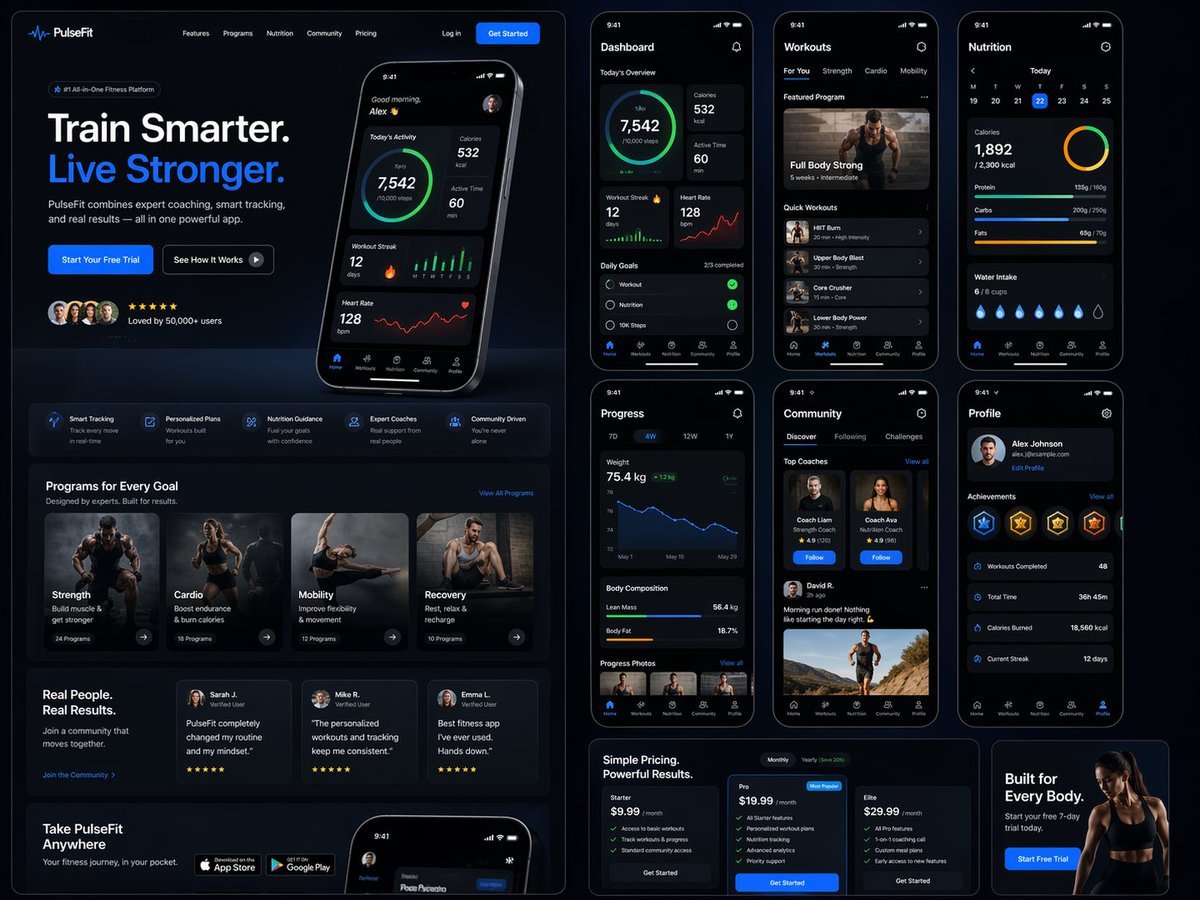
Fitness SaaS Landing Page UI
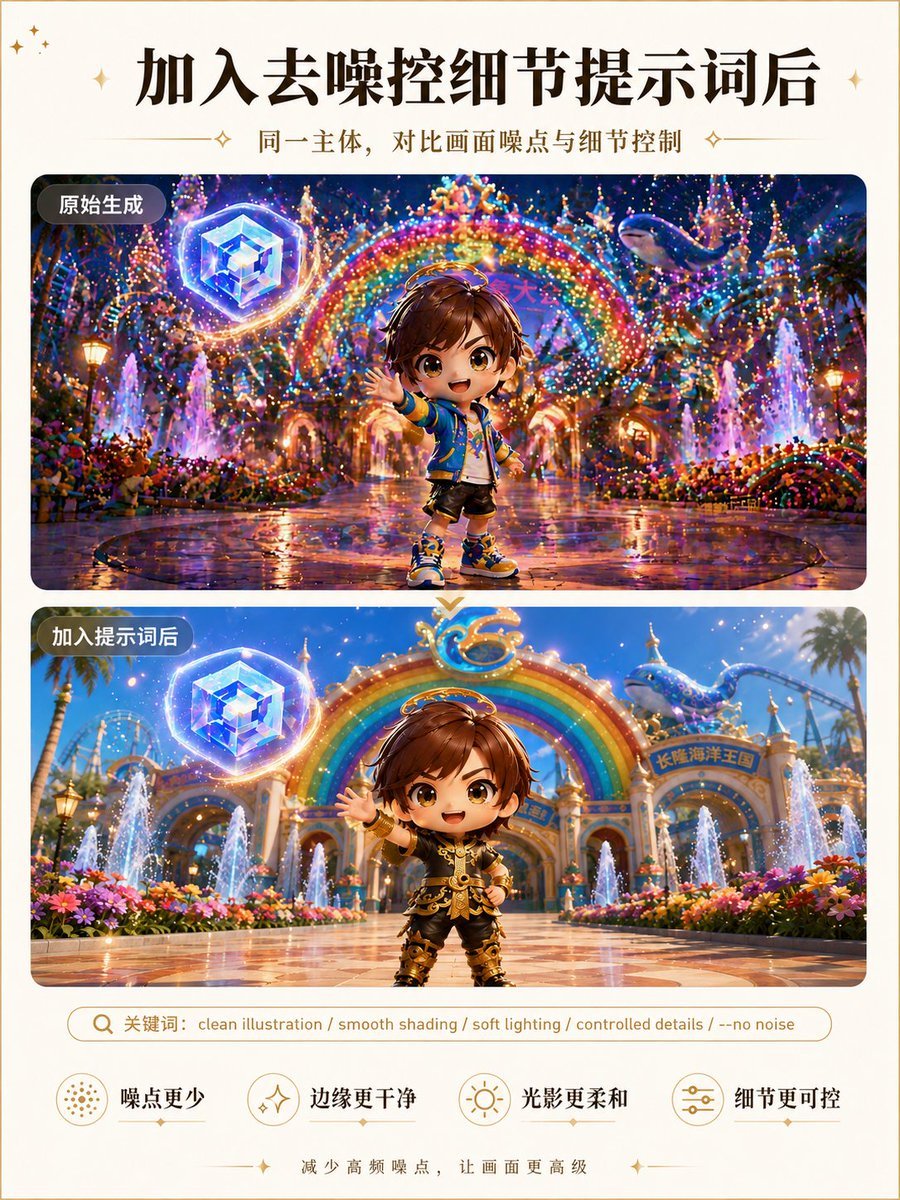
Clean Illustration Smoothing Filter
Browse template categories
Mixed Media Pastel Collage Poster questions
How do I use the Mixed Media Pastel Collage Poster template?
Add your photo if the template asks for one, edit the prompt if you like — the template's model and format are already selected — and press Generate. Your version opens in PicX Studio.
Can I customize the Mixed Media Pastel Collage Poster template?
Yes. You can change the subject, setting, lighting, mood, format, and available model controls before creating your image.
Is the Mixed Media Pastel Collage Poster template free?
Opening and editing this template is free. Generating uses credits, shown on the Generate button when you are signed in.
Which AI model should I use?
Start with GPT Image 2, which is the model associated with this template. You can compare another compatible model for a different finish.
Looking for something else? Browse all templates.

Your photo, any look
Thousands of ready templates for every top image and video model, from one credit balance.