
Contemporary Graphic Design Poster
A sophisticated professional graphic design prompt for creating exhibition posters with flat color shapes and minimalist editorial aesthetics.
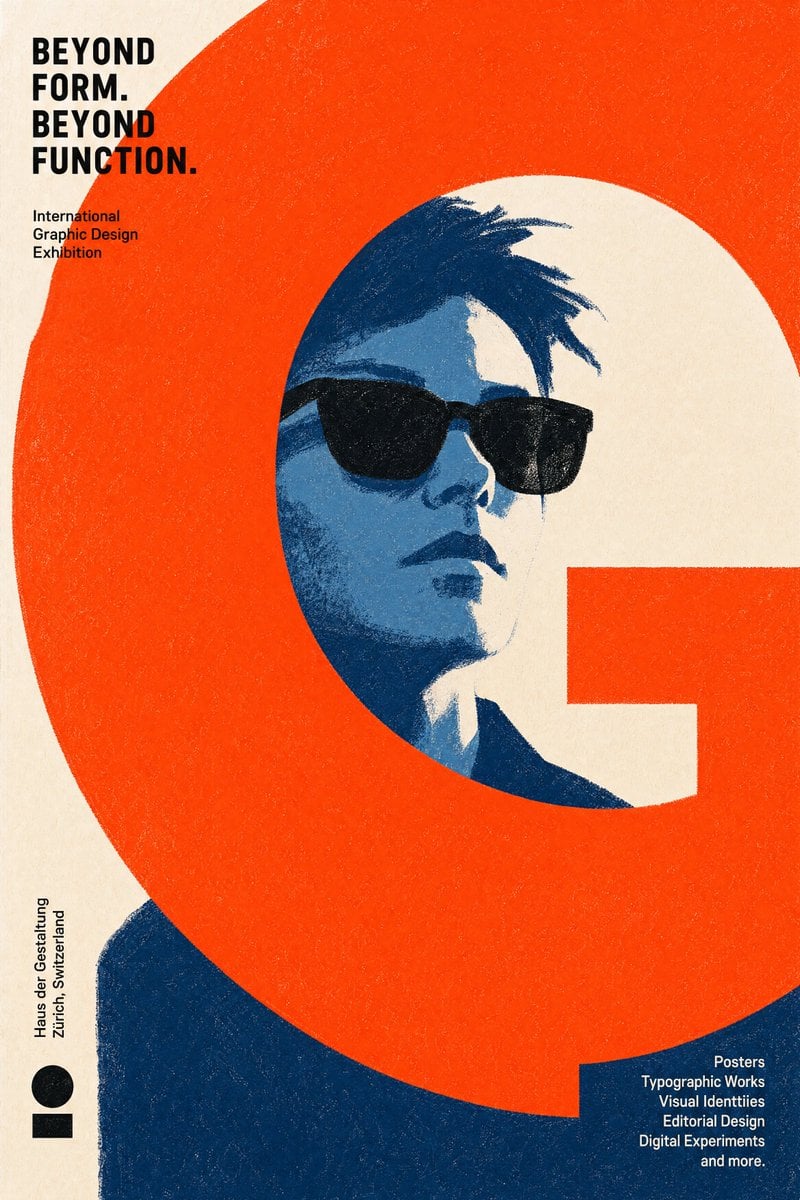
- Prompt included
- Model and format preset
- Free template
The prompt behind this image
Copy the exact prompt behind Contemporary Graphic Design Poster, or open it in the studio and make it yours.
Create an original contemporary graphic design exhibition poster. The poster should feel suitable for an international contemporary graphic design exhibition. Think like a graphic designer, not a portrait painter. The graphic design is the artwork. The illustration exists to support the design. REQUIRED ELEMENTS A recognizable character. Wearing sunglasses. One dominant {argument name="graphic design element" default="graphic design element"}. If a reference image is provided, preserve the person's recognizable identity. Otherwise, use the same character established throughout the conversation. These are the only required visual elements. Everything else should be freely reinvented for every poster. GRAPHIC DESIGN ELEMENT The dominant graphic element may be geometric, typographic, architectural, abstract, organic, or entirely original. It may consist of a single bold shape, oversized typography, bands, frames, grids, blocks, lines, curves, cut-outs, negative space, or any other graphic device. Choose the single visual element that creates the strongest overall graphic composition for this specific poster. VISUAL STYLE No lineart. Construct the image entirely from {argument name="art style" default="flat graphic color shapes"}. Large simplified shapes. Minimal details. Visible dry crayon texture. Limited {argument name="color palette" default="color palette"}. Bold negative space. Minimalist editorial poster. Embrace bold simplification. Reduce details whenever possible. Communicate through shape before texture. Design with confidence, not accuracy. GRAPHIC COMPOSITION The composition should be determined entirely by the art director. The portrait may be cropped, offset, scaled, partially hidden, or extend beyond the frame whenever it strengthens the design. The dominant graphic element may intersect, crop, frame, hide, divide, surround, interrupt, or visually balance the portrait. Treat typography, negative space, geometric balance, and composition as equally important as the portrait. Avoid centered composition. Avoid symmetrical balance. Avoid conventional portrait layouts. Prioritize bold graphic design over realistic illustration. COLOR Use bold, unexpected color combinations inspired by professional color design references rather than natural colors. Avoid realistic color choices. Allow every poster to explore a completely different palette. CREATIVE FREEDOM The illustration style, composition, color palette, graphic language, shape design, texture, typography, and visual storytelling should be freely interpreted by the illustrator. Never repeat the same visual solution twice. Do not establish a recurring signature motif. Each poster should invent its own visual language from scratch. Every poster should look as though it was created by a different world-class graphic designer while still belonging to the same exhibition.
How to use Contemporary Graphic Design Poster in 3 steps
- 1Upload ImagePNG, JPG or paste
Add your photo
Upload the photo the template builds on. The prompt, model and format are already set.
- 2…a portrait of your subject in softgolden-hour light, 85mm…
Personalize
Edit the subject and creative details for your destination.
- 3Generate
Generate
Press Generate — your image is created in PicX Studio, so you can compare it with the original and refine one variable at a time.
More like this
Templates with the same subject, style or setup. Open one to see its prompt.

Gpt2 Infographic Edu Visual Ink Wash Tribute Poster for Chen Uen

Gpt2 Infographic Edu Visual Biomimetic Skyray Aircraft Poster

Japan Travel Brochure Poster

Cartoon TV Show Poster Pack

Trendy Cafe Drink Promo Poster

Urban Fashion Editorial Collage Streetwear Poster

Premium Fashion Editorial Cover Layout System

Polo Ralph Lauren Luxury American Heritage Fashion Campaign

Monochrome Halftone Editorial Fashion Poster

Retro Mirror Luxury Fashion Campaign Poster

Luxury Fashion Campaign Typography Poster System

Premium Fashion Editorial Campaign Poster System
Make it yours
Contemporary Graphic Design Poster works as-is. These are the safest ways to change it without losing the look.
Change one field
Copy a single group, rewrite it, and generate again so you can see what that field is doing.
Keep the frame, change the subject
Hold the composition and light of Contemporary Graphic Design Poster, then swap wardrobe, props or the person for a new take.
| If the result… | Why | Fix |
|---|---|---|
| The result drifts from the preview | Too many fields changed at once. | Reuse Contemporary Graphic Design Poster as-is first, then change one group — subject, light, or setting. |
| The model over-stylizes the scene | The prose prompt leaves finish and camera underspecified. | Add one camera or lighting sentence and stay on GPT Image 2. |
More GPT Image 2 templates
Other prompts made for GPT Image 2.

Six VTuber Japanese Logo Sheet

Realistic Portrait of Woman and Deer

The Vista Modular Condo Poster

AI Model Routing Comparison Infographic

2.5D Anime Art Board

Isometric Productivity Desk Scene

New York Double Exposure Poster

Four-Panel AI Landscape Comparison

Japanese Tatami Lifestyle Magazine Cover

NESCAFÉ Coffee Map Poster
More image prompts
Fresh picks from across the catalog.
Chibi Rabbit OpenPose Diagram
Chiaroscuro Portrait of an Exhausted Artist
Close-up Portrait with Metallic Chainmail Top
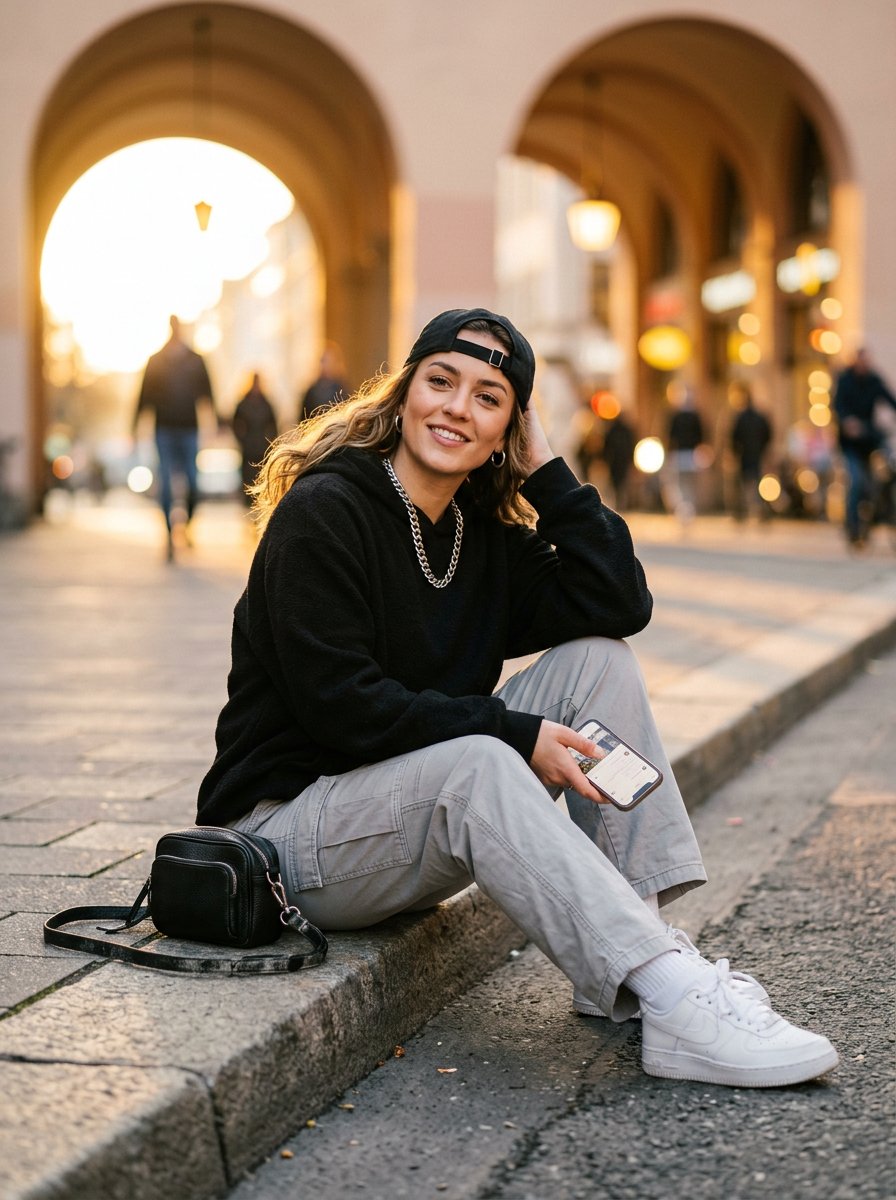
Bright Morning Street Fashion Portrait
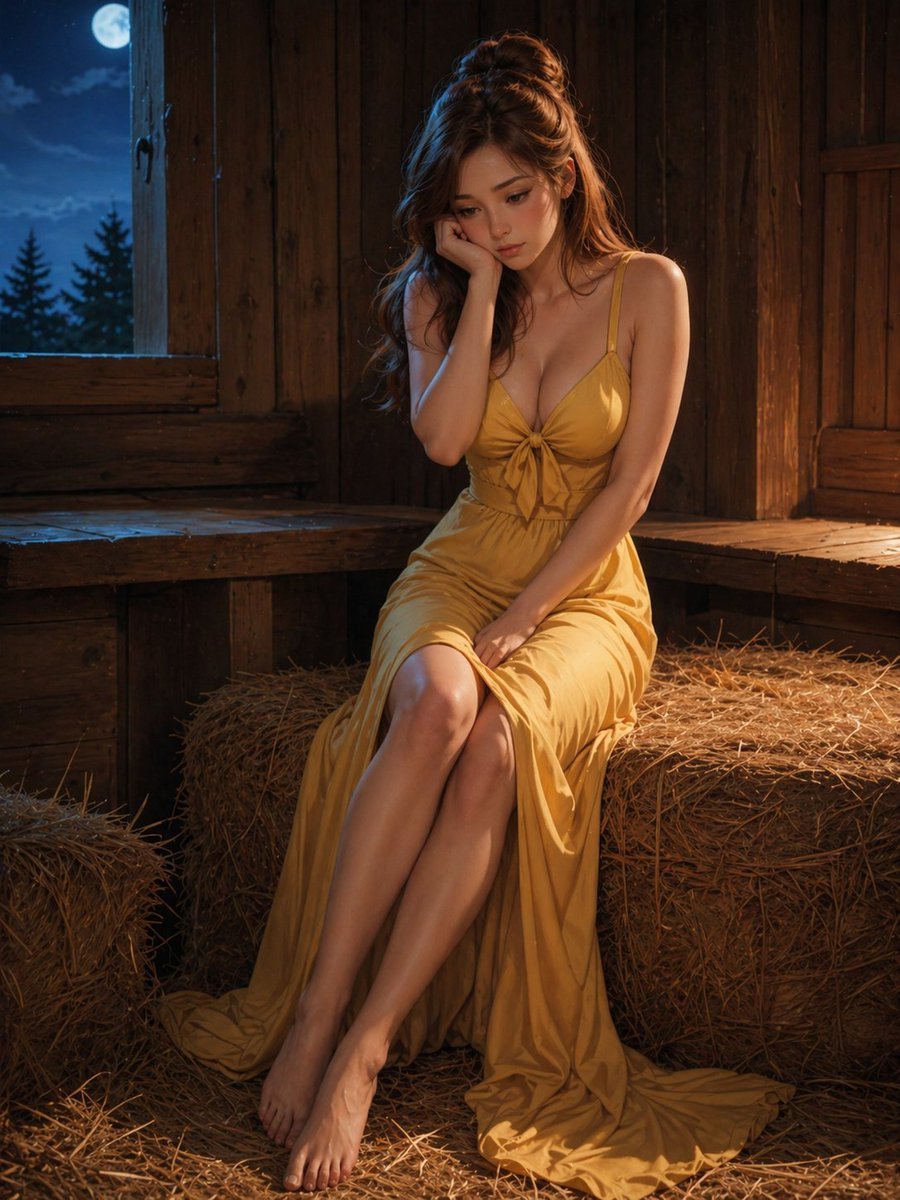
Moonlit Barn Fashion Portrait
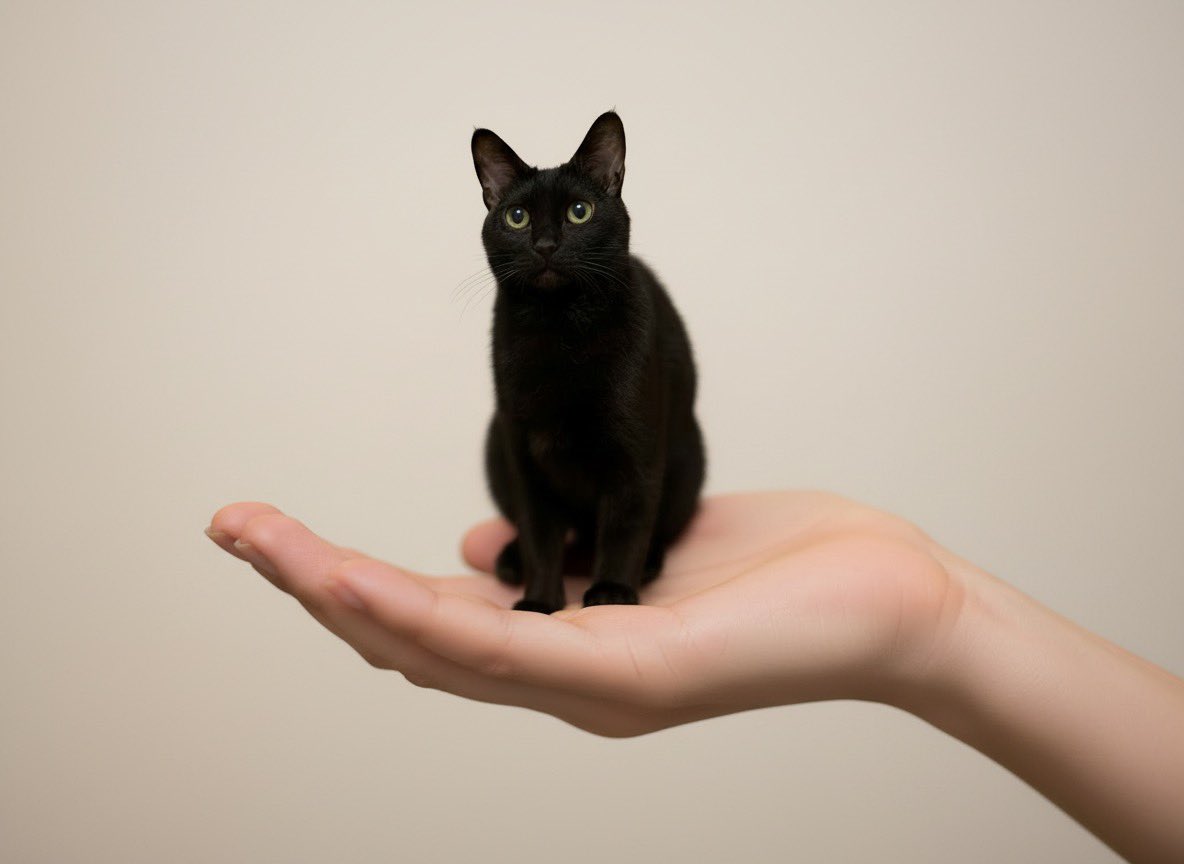
Miniature Pet on Palm Prompt for Image Generation
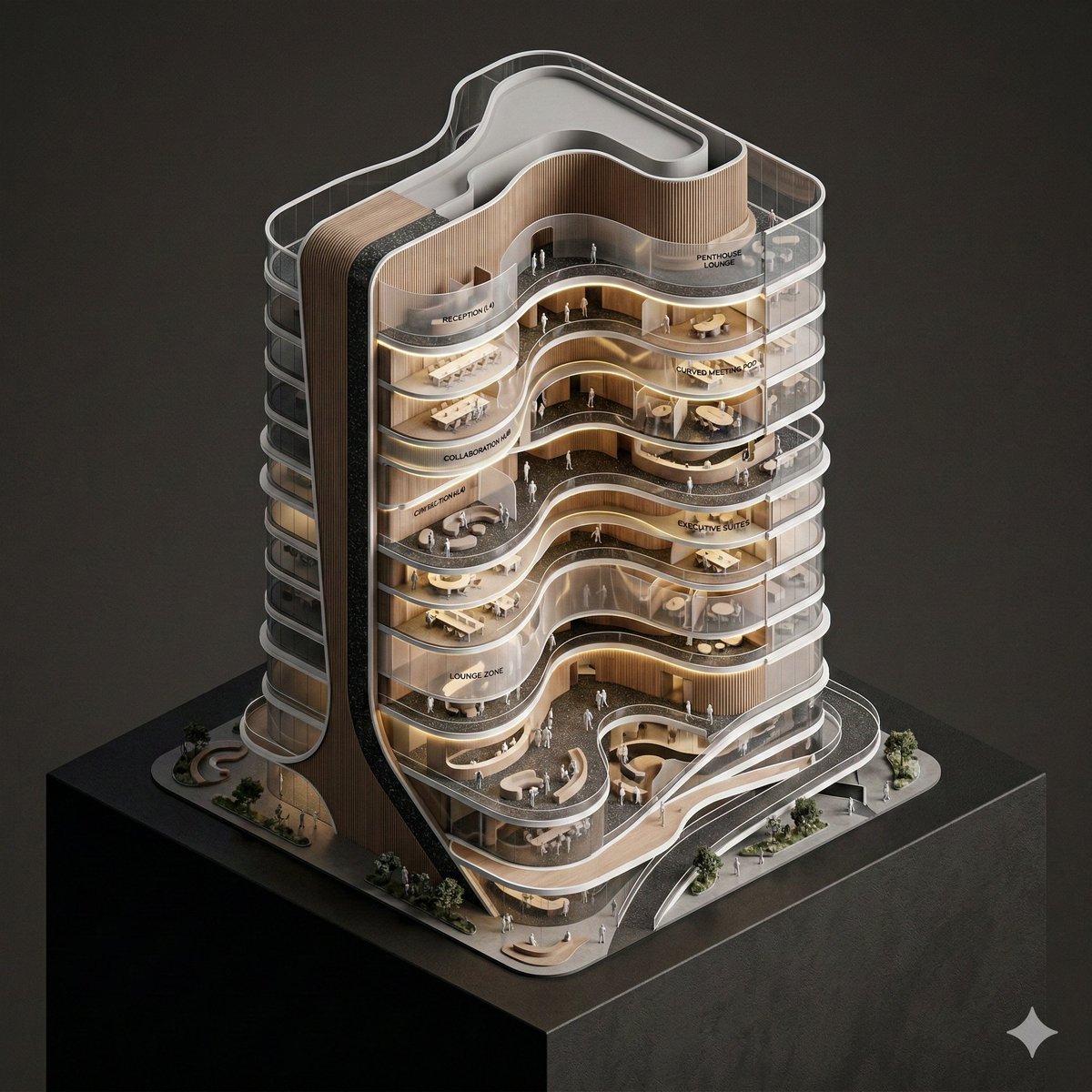
Conceptual Isometric Office Tower Model
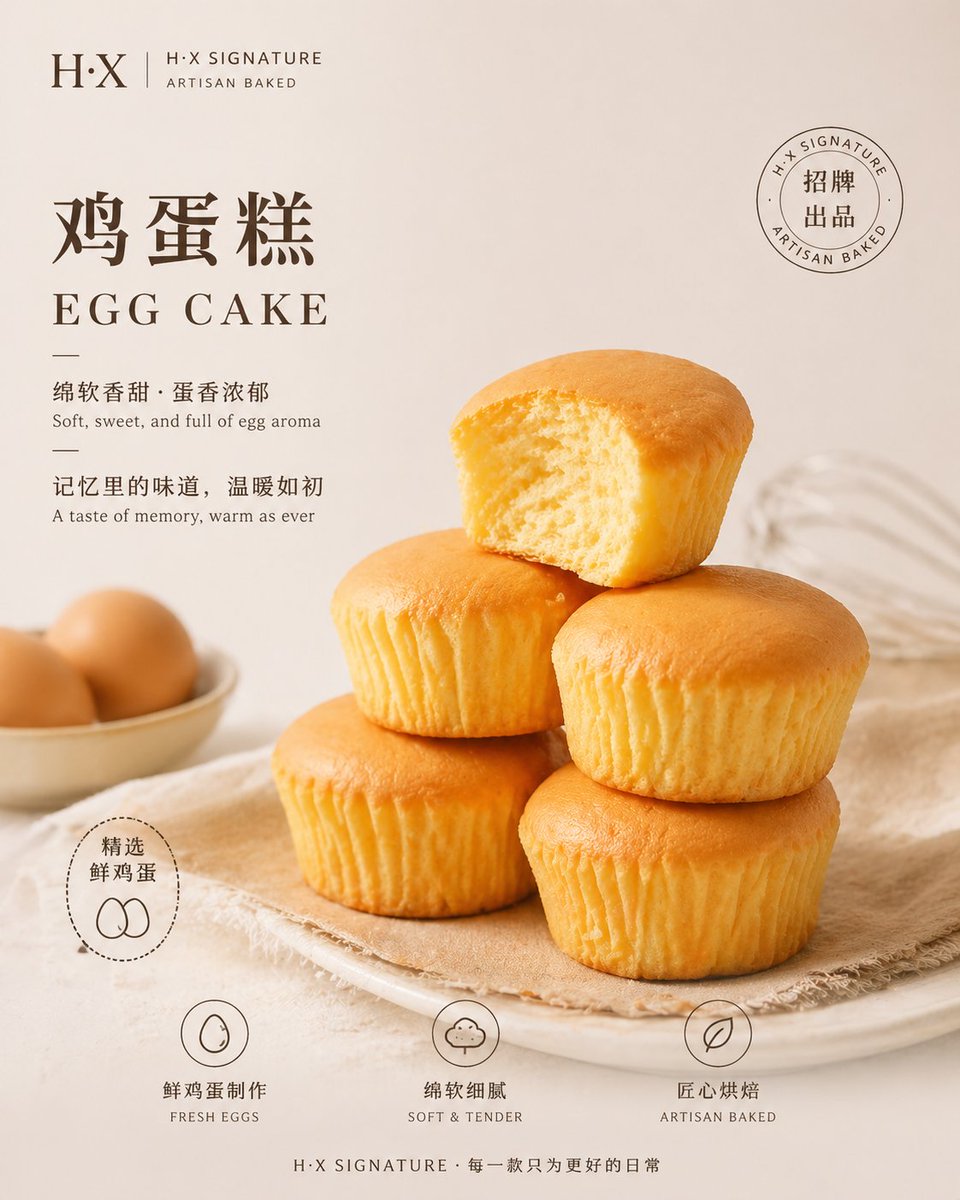
Bakery Product Poster Template
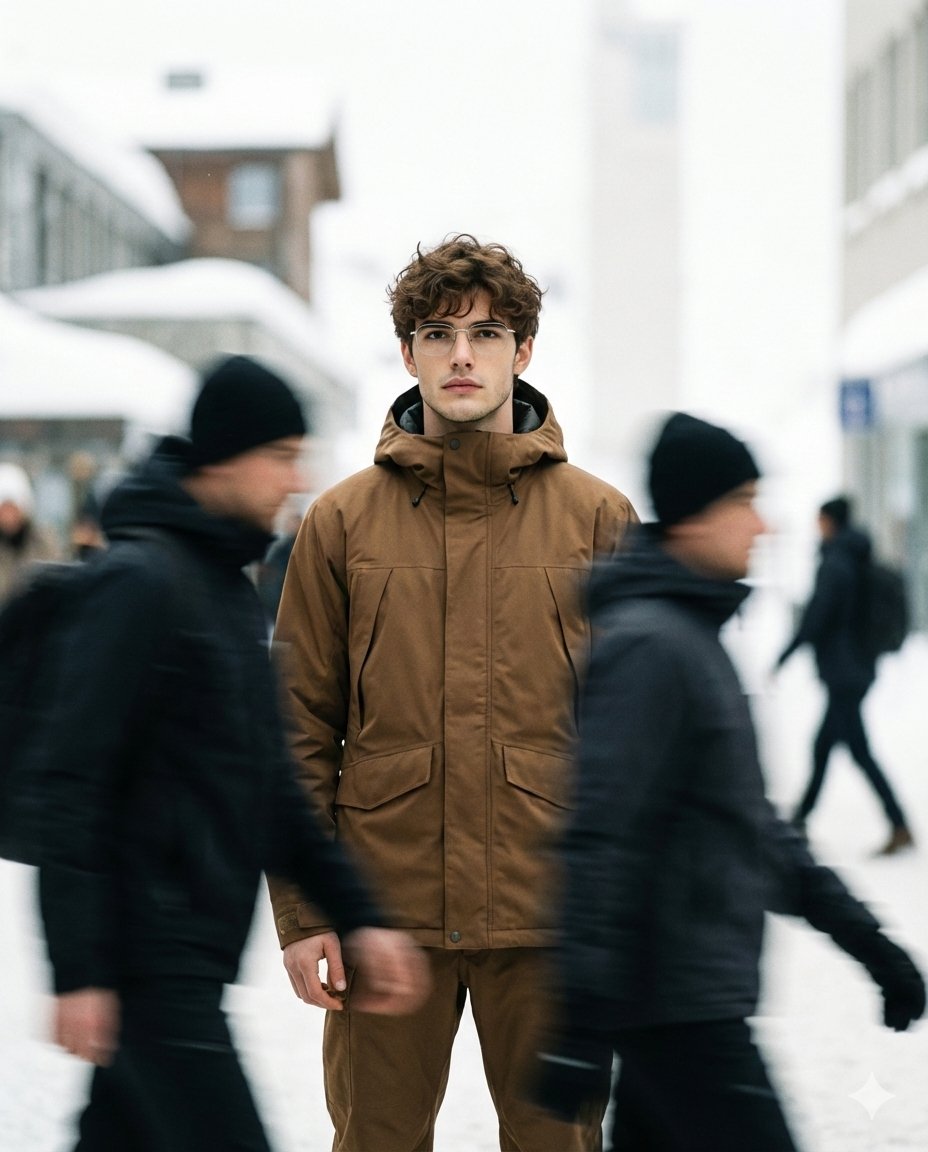
High Fashion Magazine Pictorial with Motion Blur

Cinematic Video of Woman on Phone (Image and Video Prompt)
Browse template categories
Contemporary Graphic Design Poster questions
How do I use the Contemporary Graphic Design Poster template?
Add your photo if the template asks for one, edit the prompt if you like — the template's model and format are already selected — and press Generate. Your version opens in PicX Studio.
Can I customize the Contemporary Graphic Design Poster template?
Yes. You can change the subject, setting, lighting, mood, format, and available model controls before creating your image.
Is the Contemporary Graphic Design Poster template free?
Opening and editing this template is free. Generating uses credits, shown on the Generate button when you are signed in.
Which AI model should I use?
Start with GPT Image 2, which is the model associated with this template. You can compare another compatible model for a different finish.
Looking for something else? Browse all templates.

Your photo, any look
Thousands of ready templates for every top image and video model, from one credit balance.