
Cinematic GPT-Image 2.5 Poster
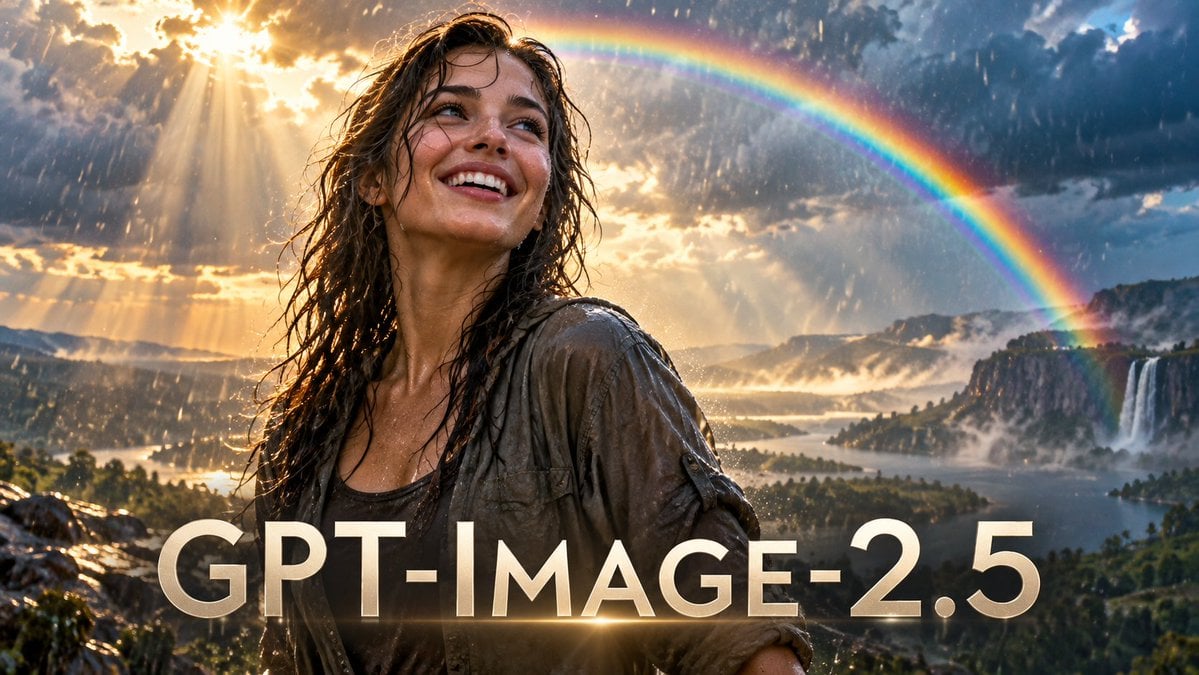
A dramatic photorealistic widescreen promo poster with a rain-soaked smiling woman, rainbow, waterfall, and bold GPT-IMAGE-2.5 title text.
- Prompt included
- Model and format preset
- Free template
The prompt behind this image
Copy the exact prompt behind Cinematic GPT-Image 2.5 Poster, or open it in the studio and make it yours.
Create a cinematic photorealistic widescreen promotional image for {argument name="headline text" default="GPT-IMAGE-2.5"}. Show one young woman adventurer in the foreground, waist-up, soaked by rain, with wet dark brown wavy hair, a muddy gray-brown open overshirt over a dark tank top, glowing skin highlights, and a joyful amazed smile as she looks upward toward the left. Place her slightly left of center, backlit by dramatic golden sunlight breaking through storm clouds. The environment is an epic fantasy-natural valley after a rainstorm: a vast lake and forested islands below, distant cliffs, mist, rain streaks, one large bright rainbow arcing across the upper right sky, and one prominent waterfall dropping from the right-side cliffs into the lake. Use high-end movie poster lighting, ultra-detailed textures, volumetric sun rays, lens flare, wet reflections, warm gold highlights against cool blue-gray storm clouds, shallow depth of field on the woman, and a 16:9 composition. Add the headline text in huge elegant uppercase sans-serif letters across the bottom third, cream-white with subtle gold glow, slight shadow, and a horizontal light flare crossing through the text. Keep the text exactly readable as {argument name="headline text" default="GPT-IMAGE-2.5"}, with no extra logos, captions, watermarks, or interface elements.
How to use Cinematic GPT-Image 2.5 Poster in 3 steps
- 1Upload ImagePNG, JPG or paste
Add your photo
Upload the photo the template builds on. The prompt, model and format are already set.
- 2…a portrait of your subject in softgolden-hour light, 85mm…
Personalize
Edit the subject and creative details for your destination.
- 3Generate
Generate
Press Generate — your image is created in PicX Studio, so you can compare it with the original and refine one variable at a time.
More like this
Templates with the same subject, style or setup. Open one to see its prompt.

Gpt2 Product Marketing Streetwear Sneaker Poster Ad

Gpt2 Youtube Thumbnail Wuxia Movie Character Posters

Gpt2 Youtube Thumbnail Anime Music Bootcamp Promo Poster

Gpt2 Infographic Edu Visual Ink Wash Tribute Poster for Chen Uen

Gpt2 Infographic Edu Visual Biomimetic Skyray Aircraft Poster

Gpt2 Social Media Post Cinematic Chicken Momos Ad Poster

Gpt2 Social Media Post Bmw Performance Social Poster

Japan Travel Brochure Poster

Cartoon TV Show Poster Pack

Trendy Cafe Drink Promo Poster

Urban Fashion Editorial Collage Streetwear Poster

Premium Fashion Editorial Cover Layout System
Make it yours
Cinematic GPT-Image 2.5 Poster works as-is. These are the safest ways to change it without losing the look.
Change one field
Copy a single group, rewrite it, and generate again so you can see what that field is doing.
Keep the frame, change the subject
Hold the composition and light of Cinematic GPT-Image 2.5 Poster, then swap wardrobe, props or the person for a new take.
| If the result… | Why | Fix |
|---|---|---|
| The result drifts from the preview | Too many fields changed at once. | Reuse Cinematic GPT-Image 2.5 Poster as-is first, then change one group — subject, light, or setting. |
| The model over-stylizes the scene | The prose prompt leaves finish and camera underspecified. | Add one camera or lighting sentence and stay on GPT Image 2. |
More GPT Image 2 templates
Other prompts made for GPT Image 2.

Six VTuber Japanese Logo Sheet

Realistic Portrait of Woman and Deer

The Vista Modular Condo Poster

AI Model Routing Comparison Infographic

2.5D Anime Art Board

Isometric Productivity Desk Scene

New York Double Exposure Poster

Four-Panel AI Landscape Comparison

Japanese Tatami Lifestyle Magazine Cover

NESCAFÉ Coffee Map Poster
More image prompts
Fresh picks from across the catalog.
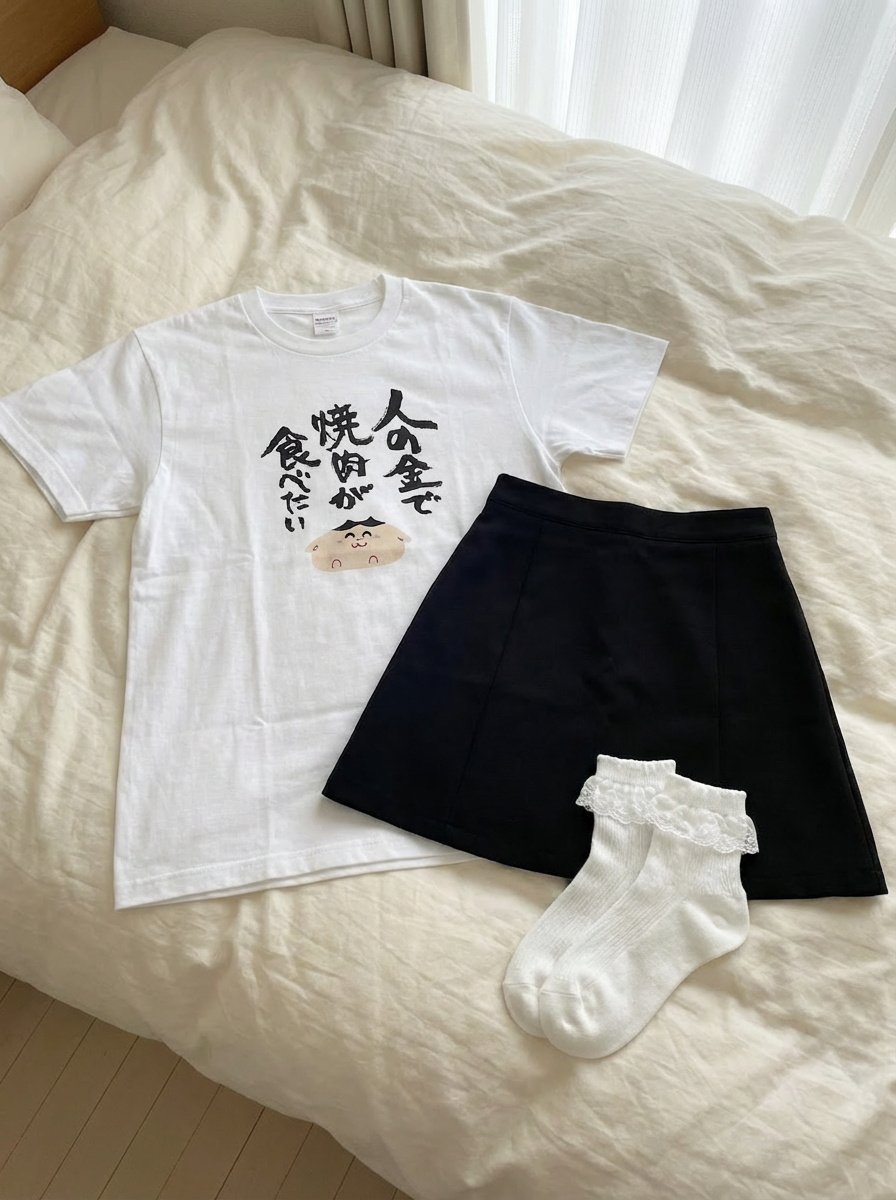
Clothing separated on the bed
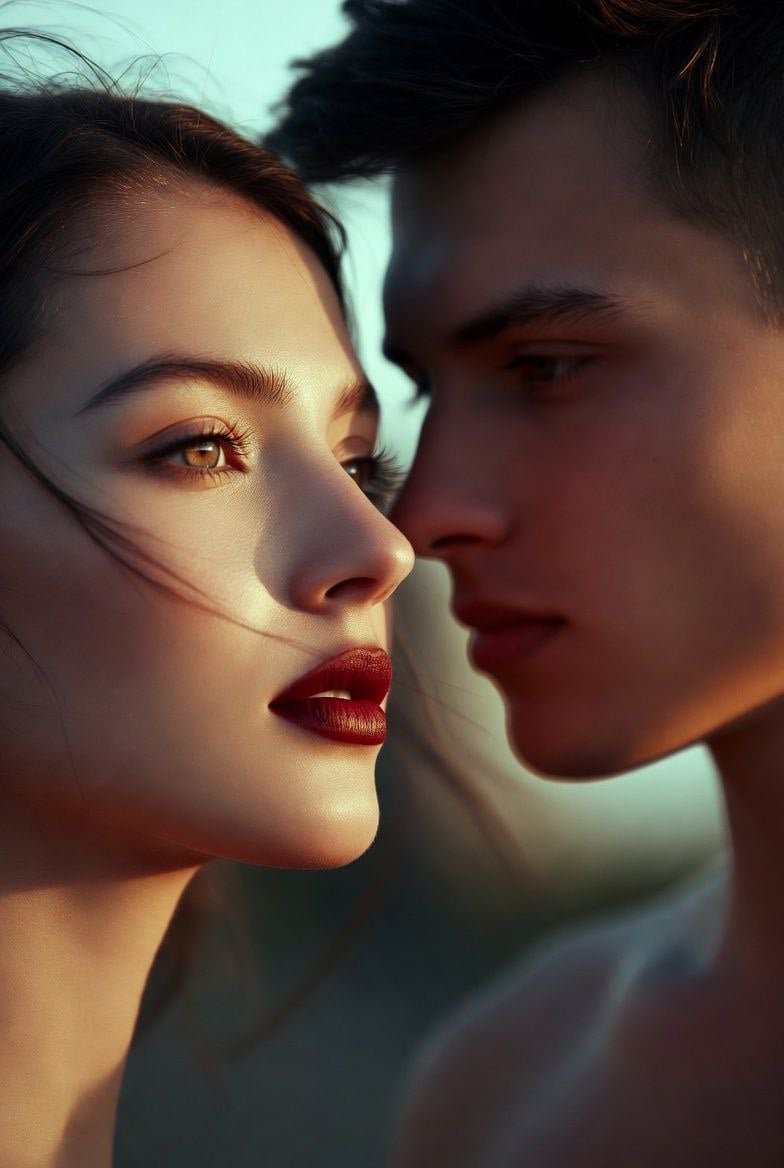
untitled
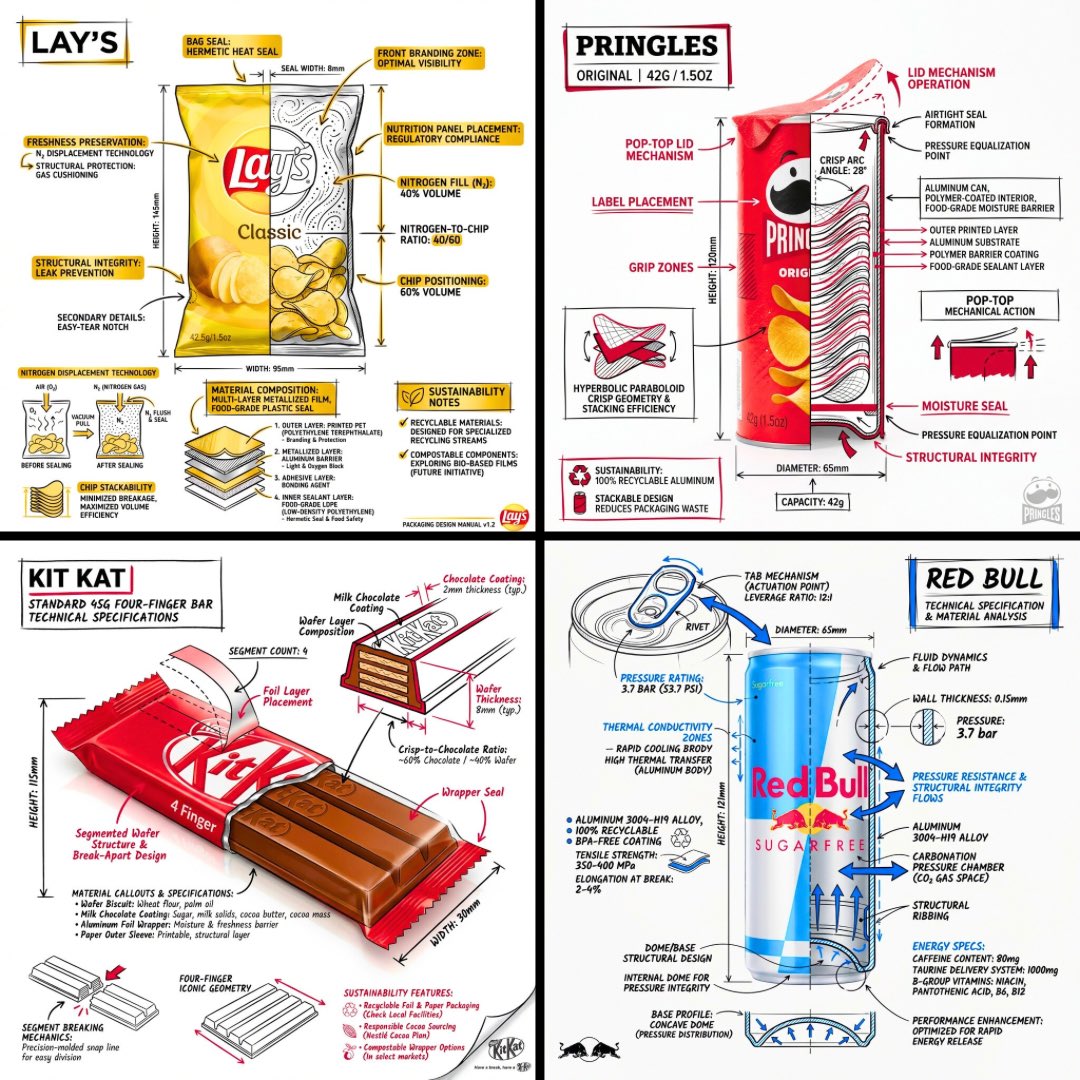
Technical Engineering Product Infographic
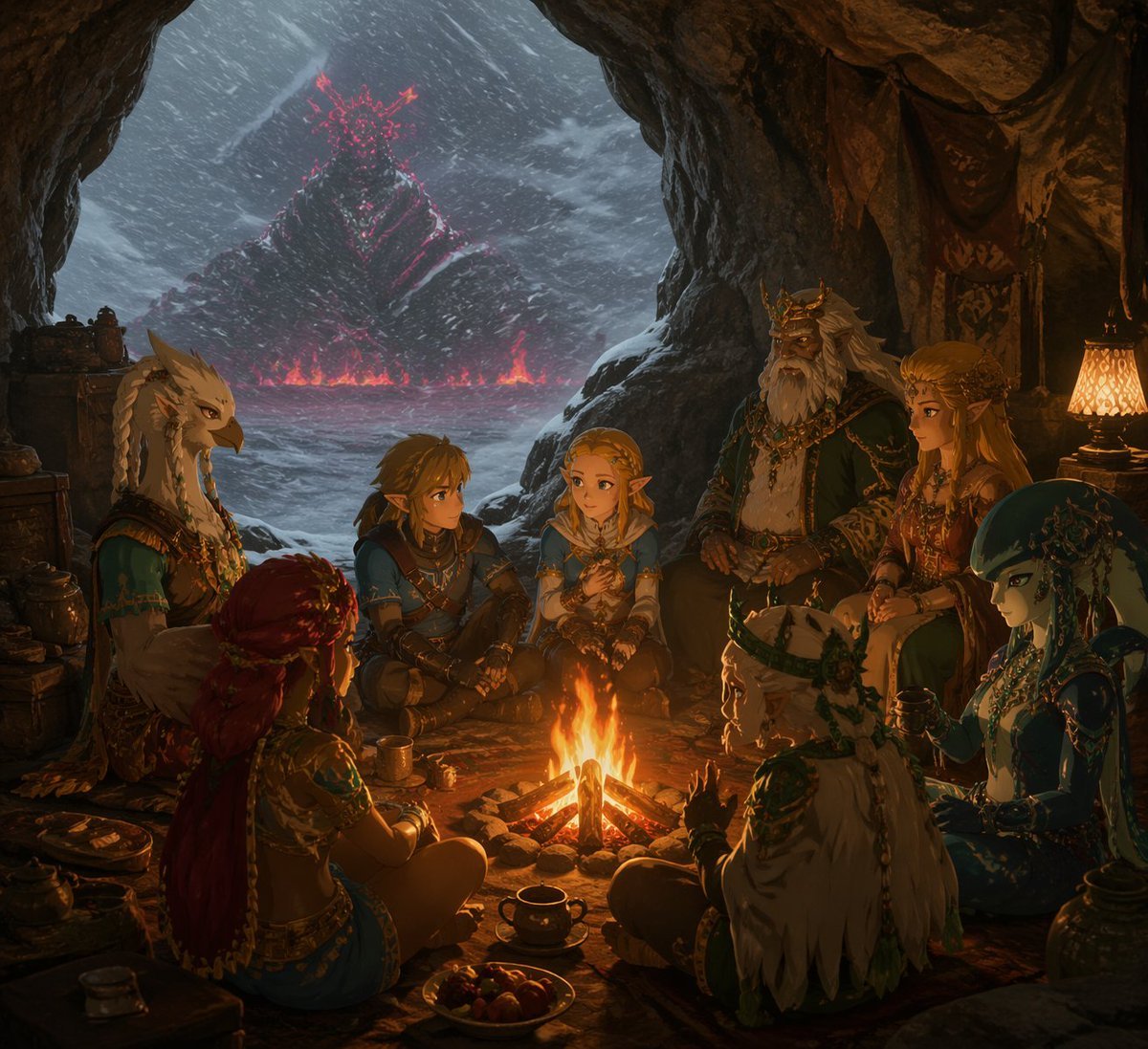
Fantasy Campfire Before a Crimson Mountain
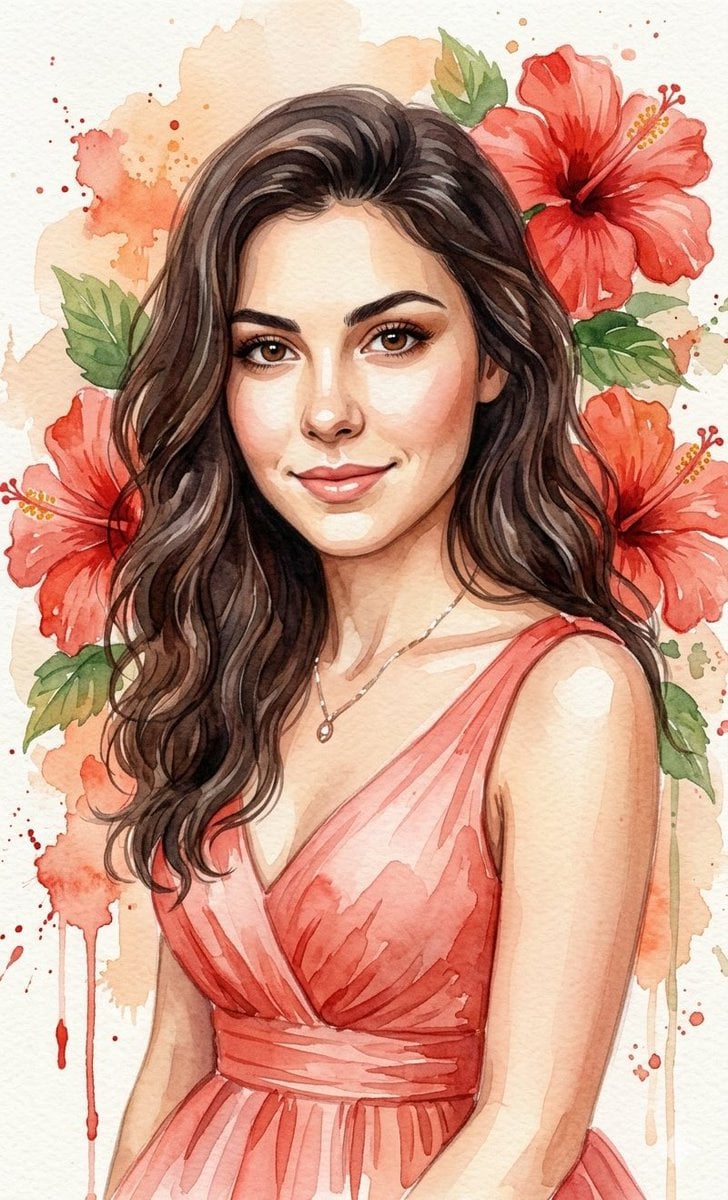
Watercolor Portrait with Hibiscus Prompt
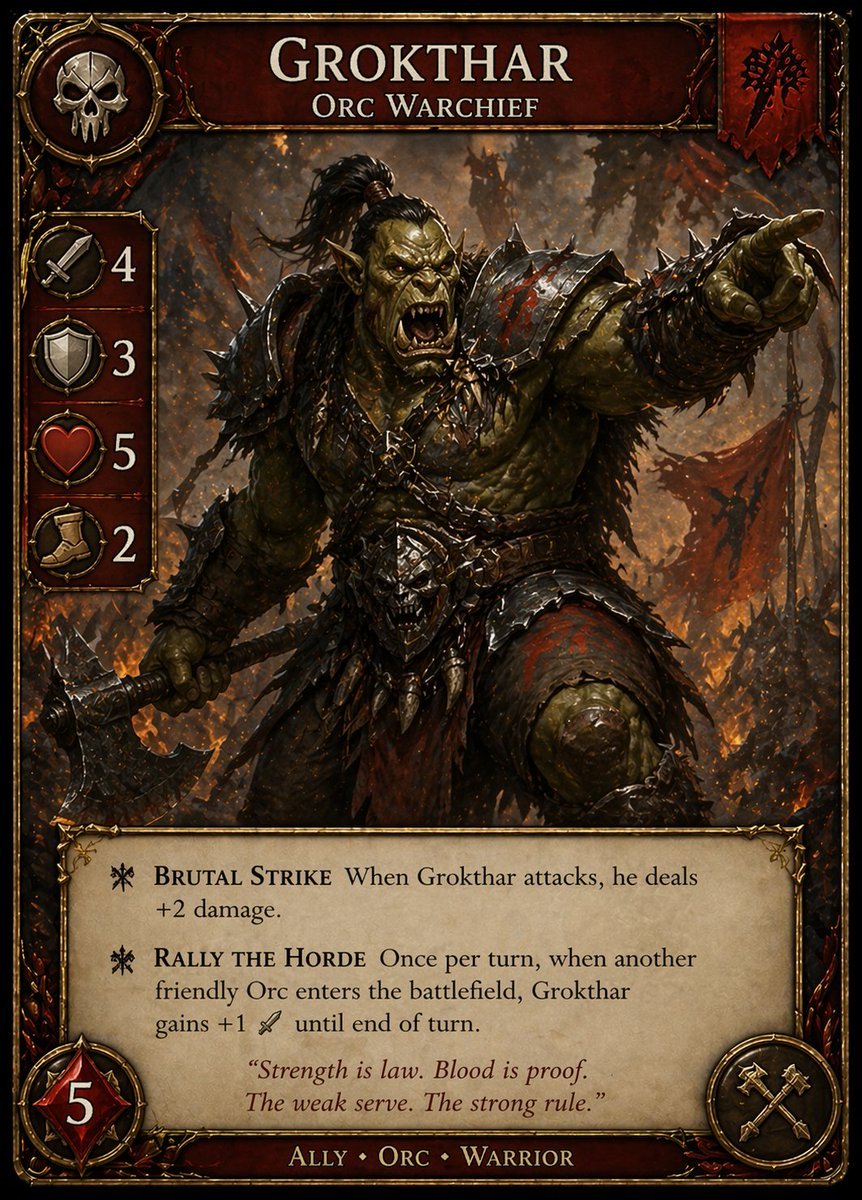
Dark Fantasy Orc Warchief TCG Card

Luxury Outdoor Breakfast Scene on a Golf Course
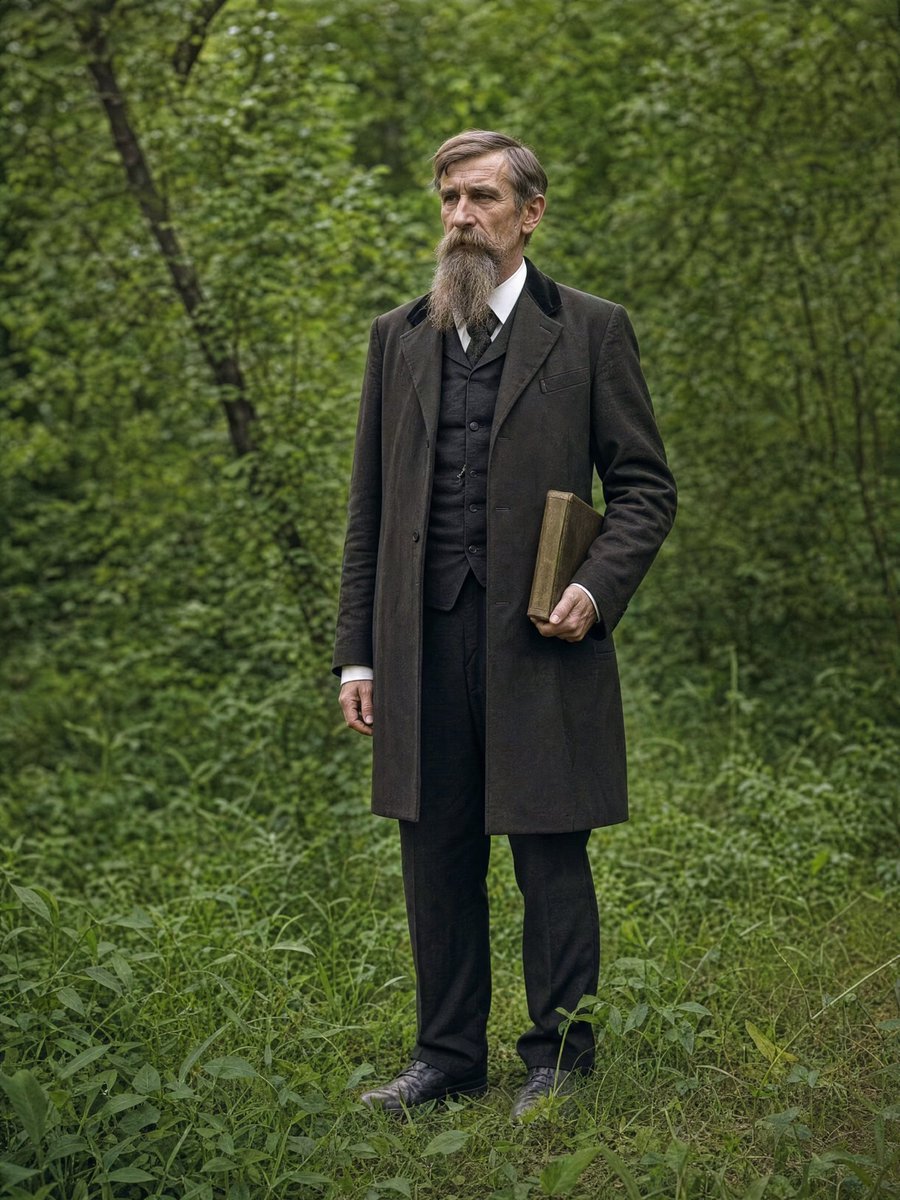
AI Photo Restoration and Upscale

High-conversion YouTube thumbnail by genius designer-psychologist

LINE sticker set from an attached illustration
Browse template categories
Cinematic GPT-Image 2.5 Poster questions
How do I use the Cinematic GPT-Image 2.5 Poster template?
Add your photo if the template asks for one, edit the prompt if you like — the template's model and format are already selected — and press Generate. Your version opens in PicX Studio.
Can I customize the Cinematic GPT-Image 2.5 Poster template?
Yes. You can change the subject, setting, lighting, mood, format, and available model controls before creating your image.
Is the Cinematic GPT-Image 2.5 Poster template free?
Opening and editing this template is free. Generating uses credits, shown on the Generate button when you are signed in.
Which AI model should I use?
Start with GPT Image 2, which is the model associated with this template. You can compare another compatible model for a different finish.
Looking for something else? Browse all templates.

Your photo, any look
Thousands of ready templates for every top image and video model, from one credit balance.