
Professional Cinematic Character Sheet
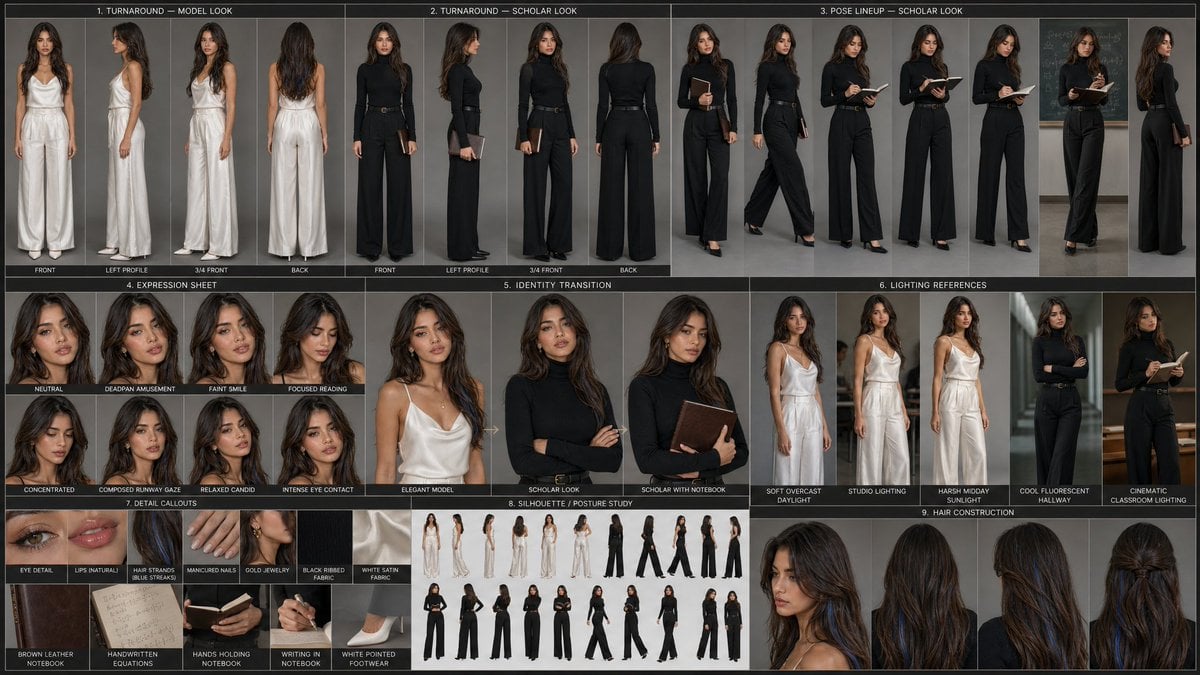
A comprehensive prompt for generating a structured professional character development sheet with turnaround views, expressions, and different outfits while maintaining identity lock.
- Prompt included
- Model and format preset
- Free template
The prompt behind this image
Copy the exact prompt behind Professional Cinematic Character Sheet, or open it in the studio and make it yours.
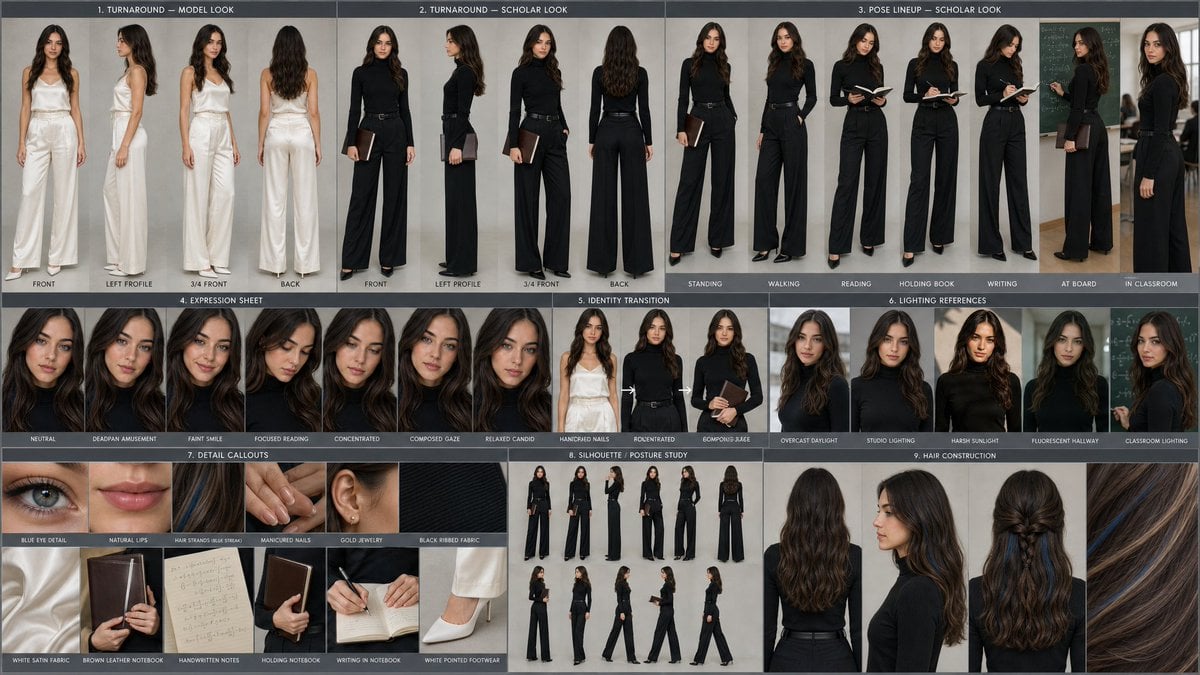
REFERENCE IMAGE 1 = MODEL IDENTITY REFERENCE REFERENCE IMAGE 2 = CHARACTER SHEET / LAYOUT REFERENCE Create an exactly structured professional cinematic character development sheet based on Reference Image 2, but completely replace the original woman with the female model from Reference Image 1. HIGHEST PRIORITY — IDENTITY LOCK Use Reference Image 1 as the strict identity reference for the model. Preserve her exact recognizable facial identity, facial proportions, eyes, eyebrows, nose, lips, jawline, cheekbones, skin tone, skin texture, hair color, hair texture, and overall natural appearance. Do not redesign, beautify, age, masculinize, or alter her face. Every portrait and full-body panel must clearly depict the same woman from Reference Image 1. MATCH REFERENCE SHEET EXACTLY Recreate the same overall character-sheet composition, grid structure, panel arrangement, visual hierarchy, framing, spacing, labels, camera angles, studio presentation and professional concept-art aesthetic seen in Reference Image 2. Create a large professional character sheet containing: 1. TURNAROUND — MODEL LOOK Four full-body views of the model: front view left profile 3/4 front view back view Use the same elegant white satin fashion outfit shown in the reference sheet: sophisticated sleeveless satin top with wide-leg satin trousers, clean luxury styling, white pointed heels, minimal accessories. 2. TURNAROUND — SCHOLAR LOOK Four full-body views: front side 3/4 back Dress her in the same fitted black academic/turtleneck outfit from the reference sheet, black wide-leg trousers, slim belt, elegant black footwear and dark leather notebook/folder. 3. POSE LINEUP — SCHOLAR LOOK Multiple full-body poses showing the same model: standing naturally walking reading a notebook holding an open book writing standing beside a classroom chalkboard looking toward a lecture/classroom environment Keep her body proportions and identity consistent in every panel. 4. EXPRESSION SHEET Create multiple close-up head-and-shoulder portraits of the same model showing: neutral deadpan amusement faint smile focused reading concentrated expression composed runway gaze relaxed candid intense eye contact Expressions should change naturally while the face identity remains identical. 5. IDENTITY TRANSITION Show the model transitioning visually between: elegant white fashion/model appearance academic black scholar appearance scholar appearance with book/notebook Same face, same woman, same recognizable identity. 6. LIGHTING REFERENCES Create several full-body/portrait examples of the same model under: soft overcast daylight studio lighting harsh midday sunlight cool fluorescent hallway lighting cinematic classroom lighting 7. DETAIL CALLOUTS Include realistic close-up panels for: blue eye detail natural lips with subtle gradient individual blonde hair strands with distinctive blue streaks manicured nails delicate gold jewelry black ribbed fabric white satin fabric brown leather notebook handwritten equations/notebook pages hands holding and writing in a notebook white pointed footwear 8. SILHOUETTE / POSTURE STUDY Include small full-body silhouette studies showing the same model from multiple angles and poses. Maintain identical body proportions. 9. HAIR CONSTRUCTION Show multiple rear/side hairstyle references with detailed blonde hair construction and the characteristic blue hair streaks. Preserve the hairstyle identity from Reference Image 1. VISUAL STYLE High-end professional film character bible / AAA game character development sheet / fashion editorial character board. Photorealistic, premium cinematic photography, realistic skin texture, physically accurate fabric, detailed hair strands, natural anatomy, sophisticated neutral grey studio background, soft controlled lighting, subtle shadows, clean professional presentation. Camera: realistic 50mm–85mm portrait photography for close-ups, 50mm full-body photography. Quality: ultra-detailed, photorealistic, 8K, extremely sharp, realistic skin pores, realistic eyes, realistic fabric texture, premium editorial finish. CONSISTENCY RULE The same exact woman from Reference Image 1 must appear in every single panel. No face swapping between panels, no different woman, no random facial changes, no hairstyle changes unless specifically shown as a construction variation. Maintain consistent facial structure, body proportions, hair color, blue streaks, skin tone and overall identity throughout the entire sheet. Aspect ratio: 16:9 landscape character-sheet board. Negative prompt: different person, inconsistent face, altered identity, distorted anatomy, extra fingers, missing fingers, duplicate limbs, deformed hands, asymmetrical eyes, plastic skin, cartoon, illustration, anime, low resolution, blurry face, excessive makeup, different hair color, different body proportions, warped clothing, duplicated panels, messy composition, illegible labels, watermark, logo.
Reference images included
Professional Cinematic Character Sheet needs input media to work. They load alongside the prompt when you open it in the studio.
How to use Professional Cinematic Character Sheet in 3 steps
- 1Upload ImagePNG, JPG or paste
Add your photo
Upload the photo the template builds on. The prompt, model and format are already set.
- 2…a portrait of your subject in softgolden-hour light, 85mm…
Personalize
Edit the subject and creative details for your destination.
- 3Generate
Generate
Press Generate — your image is created in PicX Studio, so you can compare it with the original and refine one variable at a time.
More like this
Templates with the same subject, style or setup. Open one to see its prompt.

Character Archive — Blueprint Concept Sheet

Dancer Character - Four View Reference Sheet

Movement Sheet - Dance Reference (Seedance 2.0)
Animation Style - Framer Motion
Animation Style - Framer Motion v2
Animation Style - Framer Motion
Dress
Mirror Selfie
Phone Within a Phone
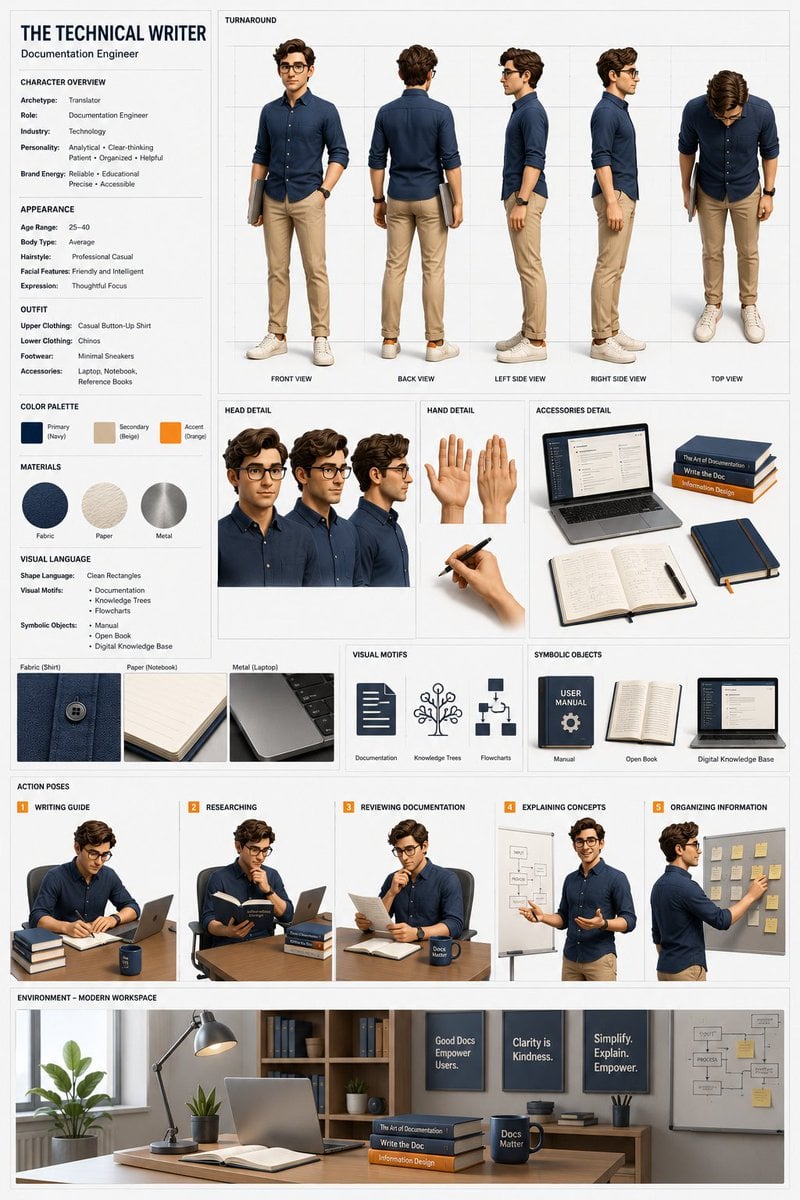
Professional 3D Character Concept Sheet
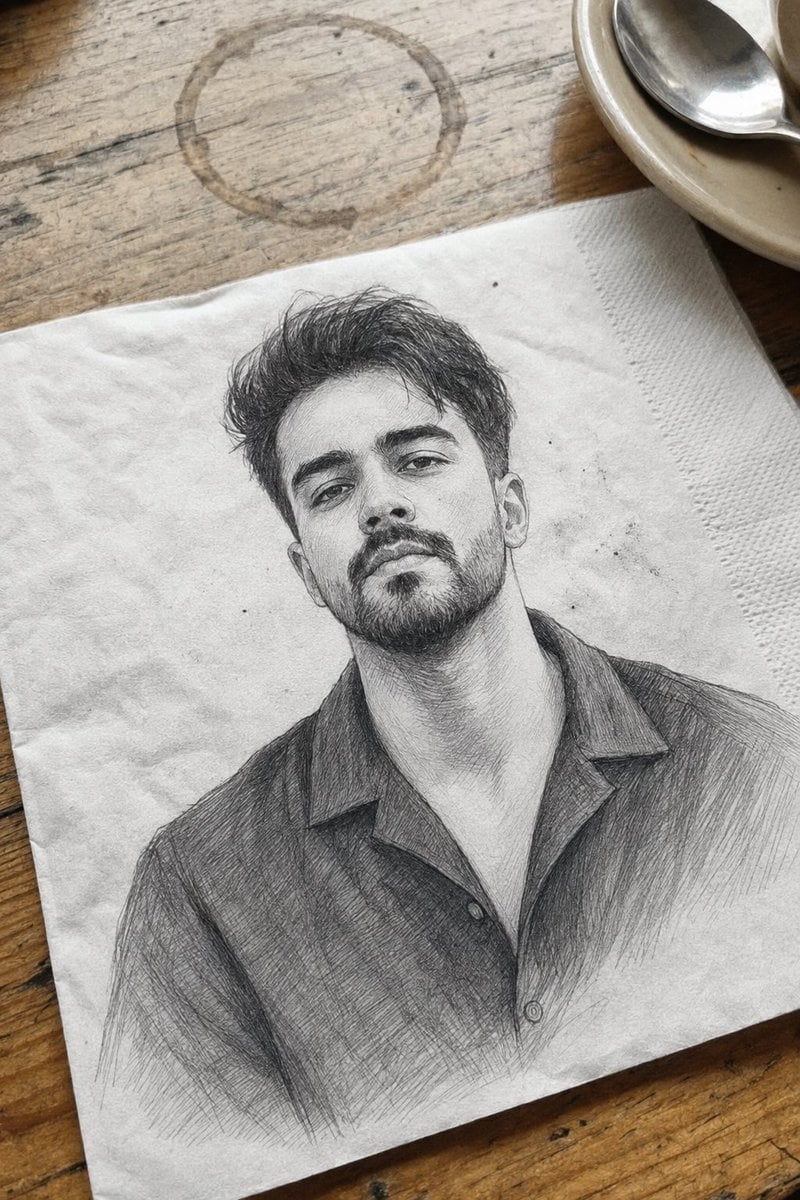
Professional Graphite Pencil Sketch Portrait
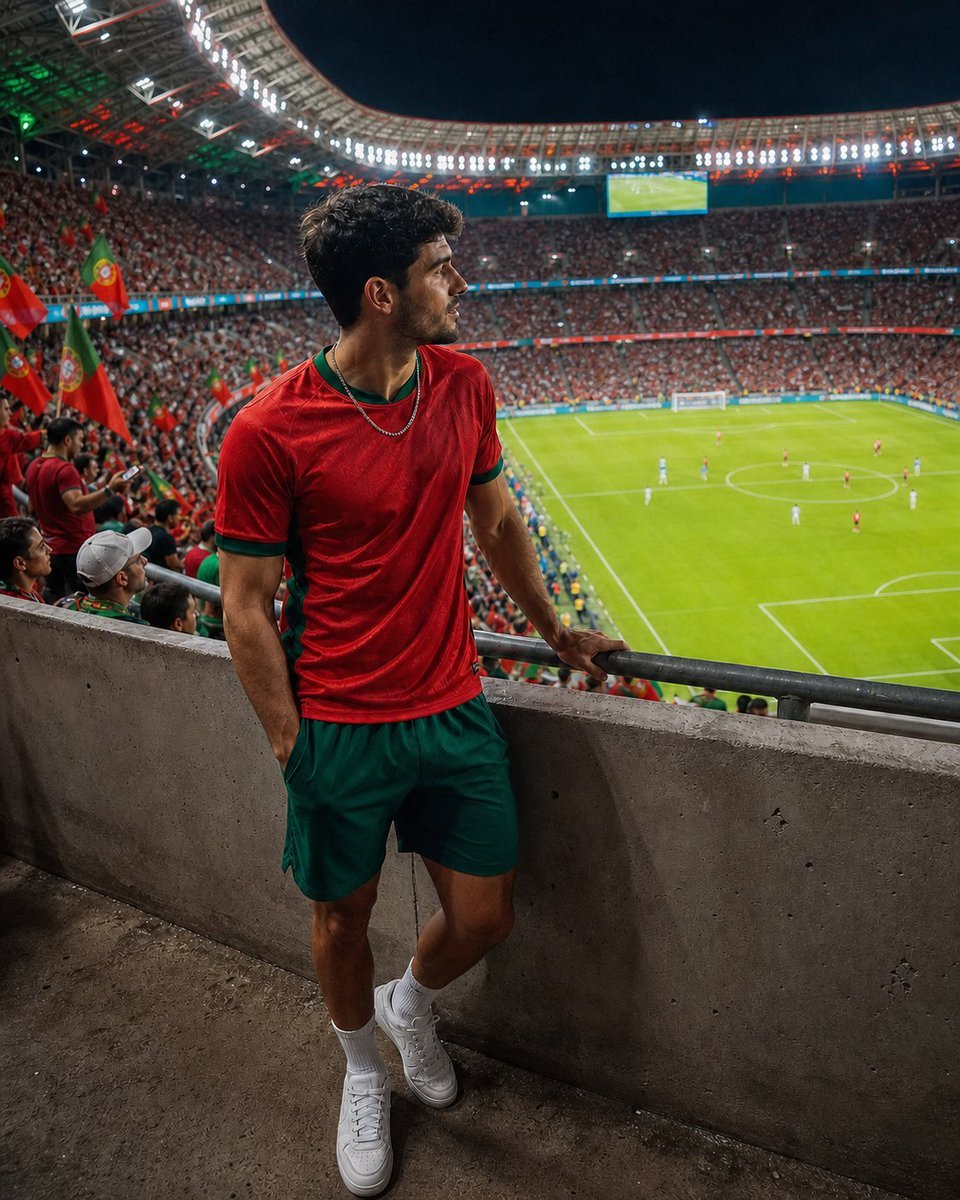
Professional Stadium Fan Photography Prompt
Make it yours
Professional Cinematic Character Sheet works as-is. These are the safest ways to change it without losing the look.
Change one field
Copy a single group, rewrite it, and generate again so you can see what that field is doing.
Keep the frame, change the subject
Hold the composition and light of Professional Cinematic Character Sheet, then swap wardrobe, props or the person for a new take.
| If the result… | Why | Fix |
|---|---|---|
| The result drifts from the preview | Too many fields changed at once. | Reuse Professional Cinematic Character Sheet as-is first, then change one group — subject, light, or setting. |
| The model over-stylizes the scene | The prose prompt leaves finish and camera underspecified. | Add one camera or lighting sentence and stay on GPT Image 2. |
More GPT Image 2 templates
Other prompts made for GPT Image 2.

Six VTuber Japanese Logo Sheet

Realistic Portrait of Woman and Deer

The Vista Modular Condo Poster

AI Model Routing Comparison Infographic

2.5D Anime Art Board

Isometric Productivity Desk Scene

New York Double Exposure Poster

Four-Panel AI Landscape Comparison

Japanese Tatami Lifestyle Magazine Cover

NESCAFÉ Coffee Map Poster
More image prompts
Fresh picks from across the catalog.
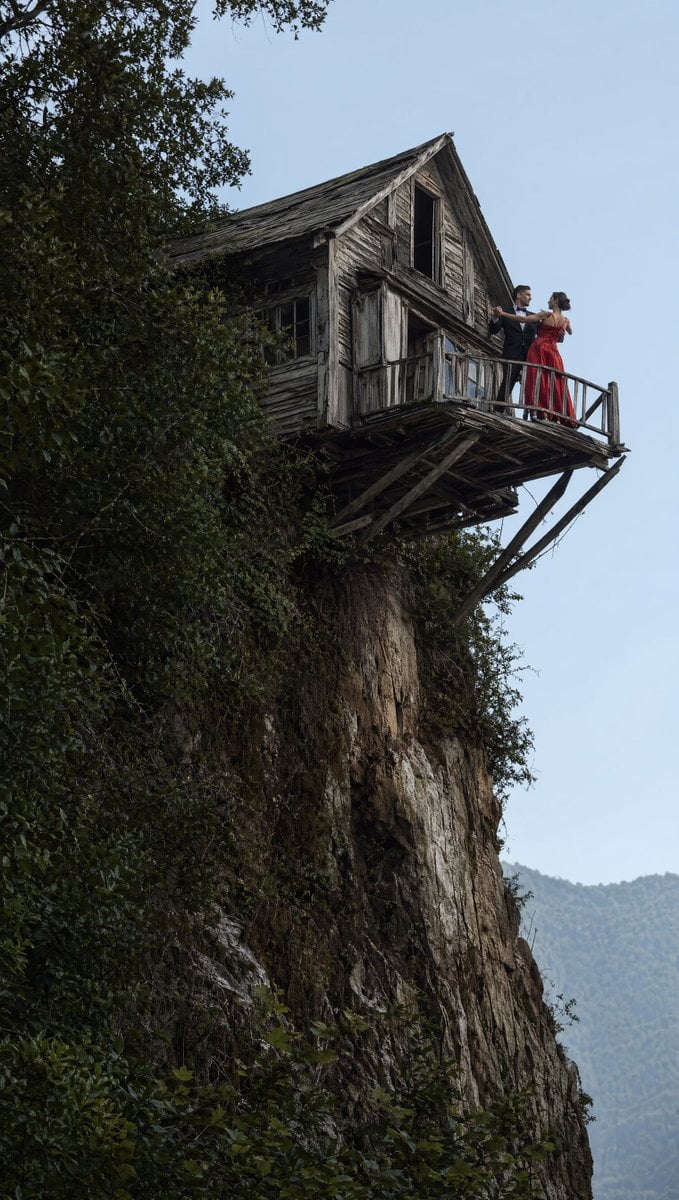
Dancing Couple on Cliffside House

Obsidian Kintsugi Automaton Style Transfer Prompt

Darkly Comic Bug Spray Ad
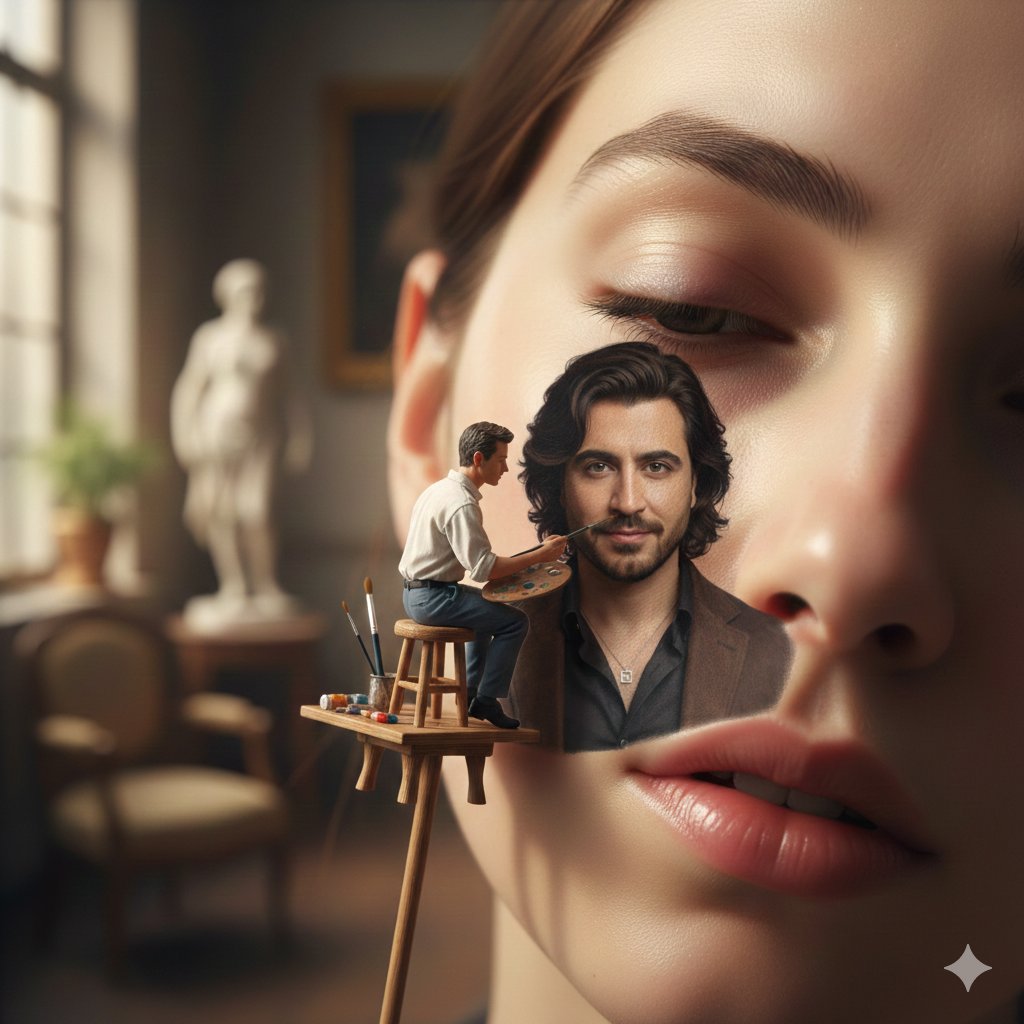
Miniature Artist Painting on a Giant Face Prompt
Grand Doorway Chiaroscuro Portrait
Image Style Transfer Prompt: Viking to Dali's 'Burning Giraffe' Style
Vertical Cinematic Arctic Portrait (Tan/Brown Palette)
X Minahil42298354 Subject a Heartwarming Portrait
Panel Grid Composition with Piano Scene and Crayon Art Overlay
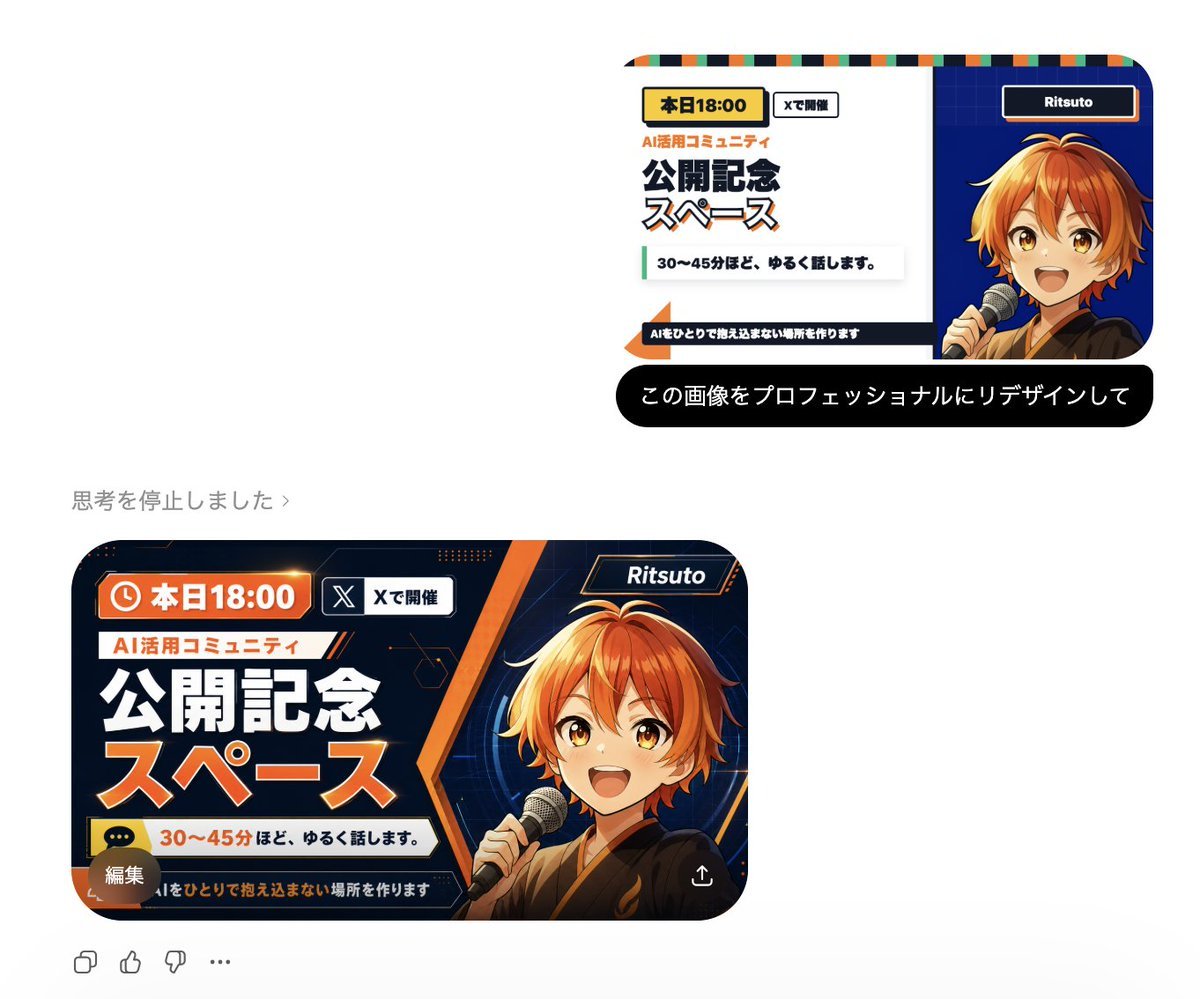
Professional Image Redesign
Browse template categories
Professional Cinematic Character Sheet questions
How do I use the Professional Cinematic Character Sheet template?
Add your photo if the template asks for one, edit the prompt if you like — the template's model and format are already selected — and press Generate. Your version opens in PicX Studio.
Can I customize the Professional Cinematic Character Sheet template?
Yes. You can change the subject, setting, lighting, mood, format, and available model controls before creating your image.
Is the Professional Cinematic Character Sheet template free?
Opening and editing this template is free. Generating uses credits, shown on the Generate button when you are signed in.
Which AI model should I use?
Start with GPT Image 2, which is the model associated with this template. You can compare another compatible model for a different finish.
Looking for something else? Browse all templates.

Your photo, any look
Thousands of ready templates for every top image and video model, from one credit balance.