
Anime Prompt Sites Infographic Poster
Generates a warm vertical Chinese infographic poster listing 12 prompt resource websites around an anime researcher desk scene.
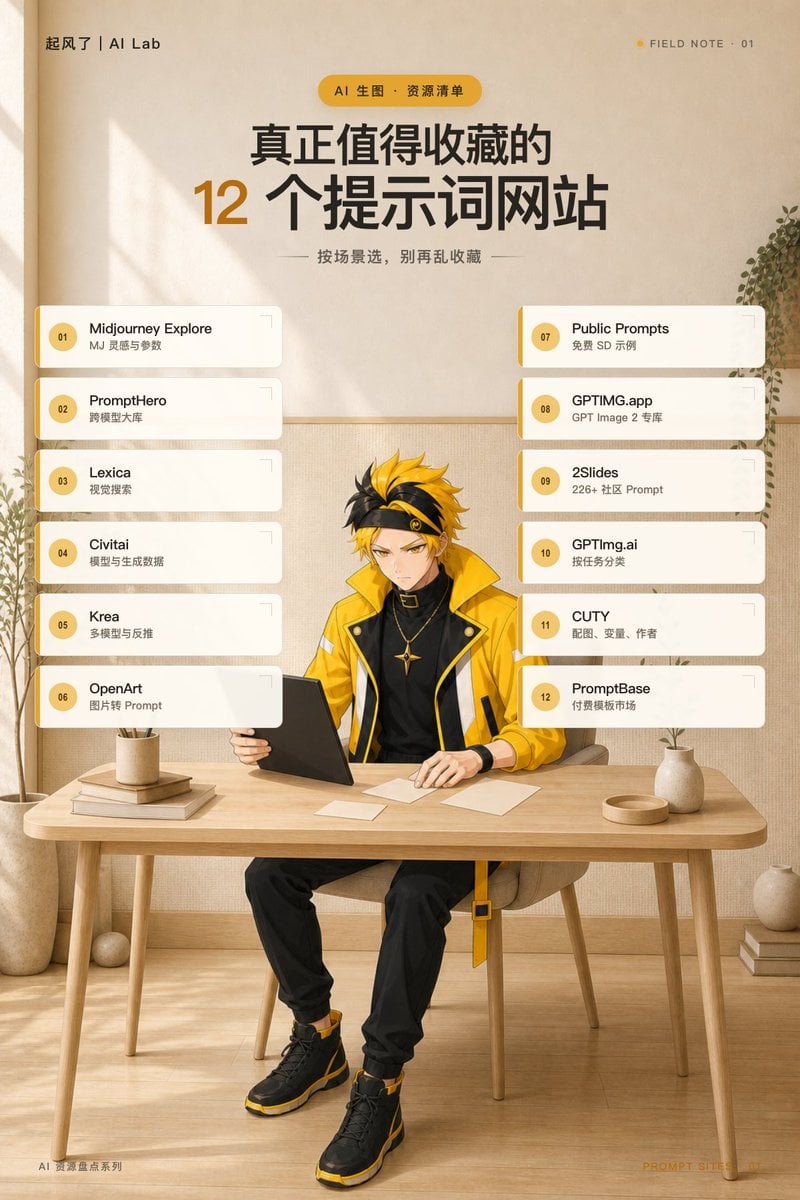
- Prompt included
- Model and format preset
- Free template
The prompt behind this image
Copy the exact prompt behind Anime Prompt Sites Infographic Poster, or open it in the studio and make it yours.
Goal: Create a vertical social-media field-note poster about {argument name="headline topic" default="真正值得收藏的 12 个提示词网站"}, combining a clean editorial infographic layout with an anime character workspace scene. Canvas: Portrait 2:3 aspect ratio, warm beige paper texture background, soft sunlight and window-shadow patterns from the upper left, minimalist Japanese/Scandinavian studio atmosphere. Use a restrained palette of cream, sand, charcoal black, and golden yellow. Top branding and header: In the top-left corner place small text “起风了 | AI Lab”. In the top-right corner place a tiny yellow dot followed by “FIELD NOTE · 01”. Center near the top add a rounded yellow pill label reading “AI 生图 · 资源清单”. Below it, create a large bold Chinese headline: “真正值得收藏的” on the first line and “12 个提示词网站” on the second line, with the number “12” oversized in golden yellow and the rest in dark charcoal. Under the headline add a small subtitle with thin horizontal divider lines: “按场景选,别再乱收藏”. Main layout: The middle area contains exactly 12 rounded white resource cards arranged in two vertical columns of 6 cards each, floating over the background and partially framing the character. Each card has a golden vertical accent strip on the left, a circular yellow number badge, bold black website name, smaller gray Chinese description, subtle shadow, and a small bracket-like corner mark at the upper right. Keep spacing even and aligned. Left column cards, exactly 6: 01 Midjourney Explore — “MJ 灵感与参数”; 02 PromptHero — “跨模型大库”; 03 Lexica — “视觉搜索”; 04 Civitai — “模型与生成数据”; 05 Krea — “多模型与反推”; 06 OpenArt — “图片转 Prompt”. Right column cards, exactly 6: 07 Public Prompts — “免费 SD 示例”; 08 GPTIMG.app — “GPT Image 2 专库”; 09 2Slides — “226+ 社区 Prompt”; 10 GPTImg.ai — “按任务分类”; 11 CUTY — “配图、变量、作者”; 12 PromptBase — “付费模板市场”. Central subject: At the lower center, place {argument name="character description" default="a stylish young anime male researcher with spiky black-and-yellow hair, sharp focused eyes, and a black headband"}. He is seated at a light wood desk, facing forward slightly, looking down with a serious expression while holding or using a black tablet/laptop. Outfit: bright yellow oversized tech jacket with black collar and white accents, black high-neck shirt, black pants, black-and-yellow high-top sneakers, a small gold pendant necklace, modern streetwear details. The character should be visible from head to shoes, centered between the two card columns. Desk and environment: Use a simple light wood table across the lower third. On the desk include exactly 7 visible objects: a black tablet/laptop in front of the character, three small white paper notes, one beige plant pot on stacked books at the left, one shallow round tray at the right, and one small beige vase with a thin plant stem at the right. Add a larger potted plant on the far left edge, hanging greenery on the right wall, and a few books stacked on the floor at the lower right. Background wall has subtle fabric/paper texture and a horizontal wainscot line. Footer: Bottom-left tiny text “AI 资源盘点系列”. Bottom-right tiny text “PROMPT SITES · 01” in faint golden yellow. Visual style: High-quality GPT Image 2 poster design, clean editorial typography, readable Chinese text, soft natural lighting, warm shadows, balanced negative space, anime illustration blended with realistic interior and infographic UI cards. Avoid logos, watermarks, extra cards, misspelled website names, or adding more than the specified 12 resources.
How to use Anime Prompt Sites Infographic Poster in 3 steps
- 1Upload ImagePNG, JPG or paste
Add your photo
Upload the photo the template builds on. The prompt, model and format are already set.
- 2…a portrait of your subject in softgolden-hour light, 85mm…
Personalize
Edit the subject and creative details for your destination.
- 3Generate
Generate
Press Generate — your image is created in PicX Studio, so you can compare it with the original and refine one variable at a time.
More like this
Templates with the same subject, style or setup. Open one to see its prompt.

Japan Travel Brochure Poster

Captain Tsubasa Anime World Cup Poster

Gpt2 Infographic Edu Visual Ink Wash Tribute Poster for Chen Uen

Gpt2 Infographic Edu Visual Biomimetic Skyray Aircraft Poster

Gpt2 Youtube Thumbnail Anime Music Bootcamp Promo Poster

Nice Day Anime Poster
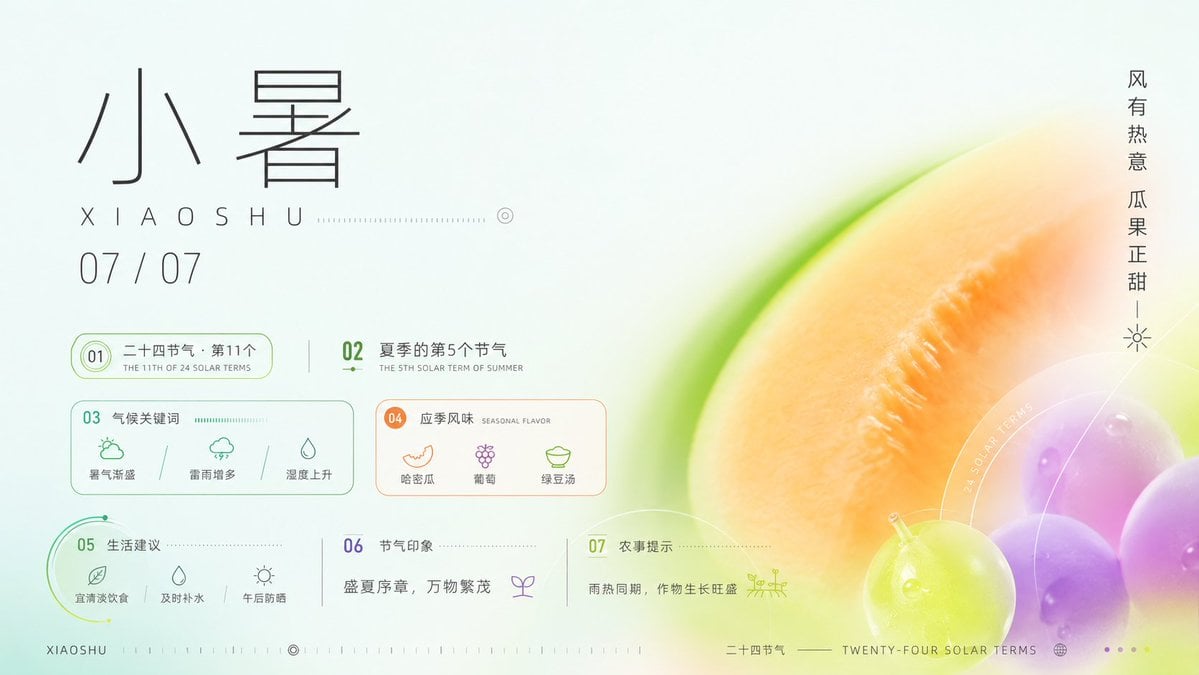
Xiaoshu Solar Term Infographic Poster
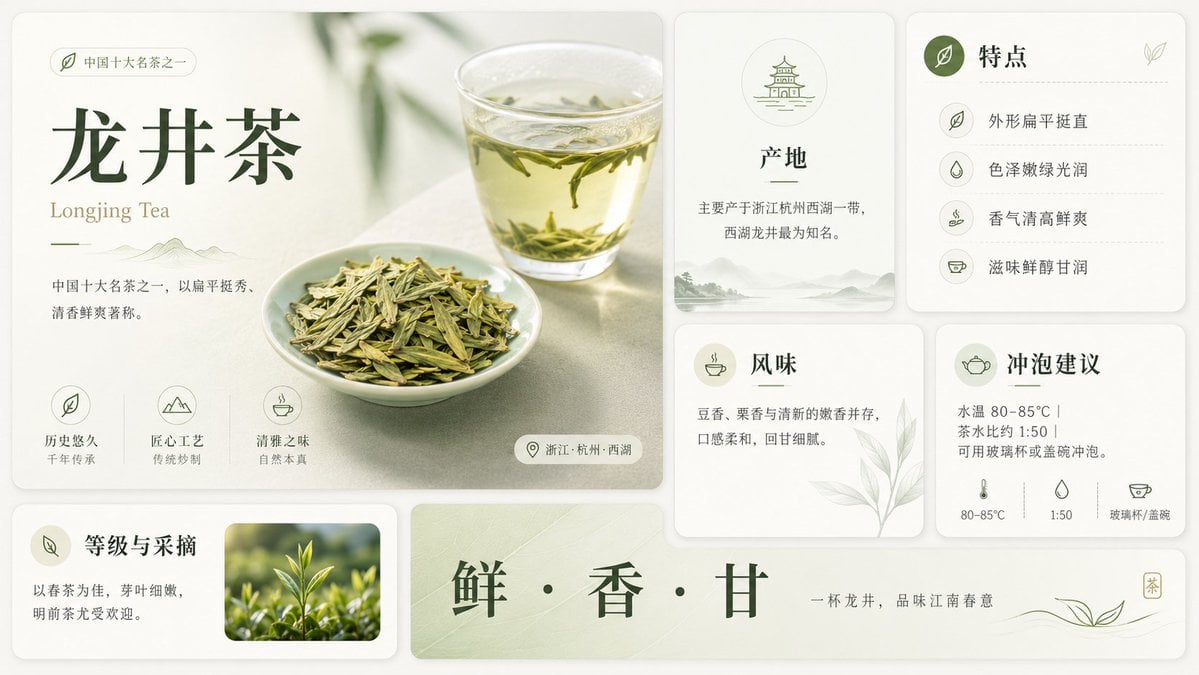
Longjing Tea Infographic Poster

Cel 2D Finale Fireworks

Cel 2D Garden Maze

Cel 2D Rooftop Concert

Cel 2D Bicycle Coast
Make it yours
Anime Prompt Sites Infographic Poster works as-is. These are the safest ways to change it without losing the look.
Change one field
Copy a single group, rewrite it, and generate again so you can see what that field is doing.
Keep the frame, change the subject
Hold the composition and light of Anime Prompt Sites Infographic Poster, then swap wardrobe, props or the person for a new take.
| If the result… | Why | Fix |
|---|---|---|
| The result drifts from the preview | Too many fields changed at once. | Reuse Anime Prompt Sites Infographic Poster as-is first, then change one group — subject, light, or setting. |
| The model over-stylizes the scene | The prose prompt leaves finish and camera underspecified. | Add one camera or lighting sentence and stay on GPT Image 2. |
More GPT Image 2 templates
Other prompts made for GPT Image 2.

Six VTuber Japanese Logo Sheet

Realistic Portrait of Woman and Deer

The Vista Modular Condo Poster

AI Model Routing Comparison Infographic

2.5D Anime Art Board

Isometric Productivity Desk Scene

New York Double Exposure Poster

Four-Panel AI Landscape Comparison

Japanese Tatami Lifestyle Magazine Cover

NESCAFÉ Coffee Map Poster
More image prompts
Fresh picks from across the catalog.
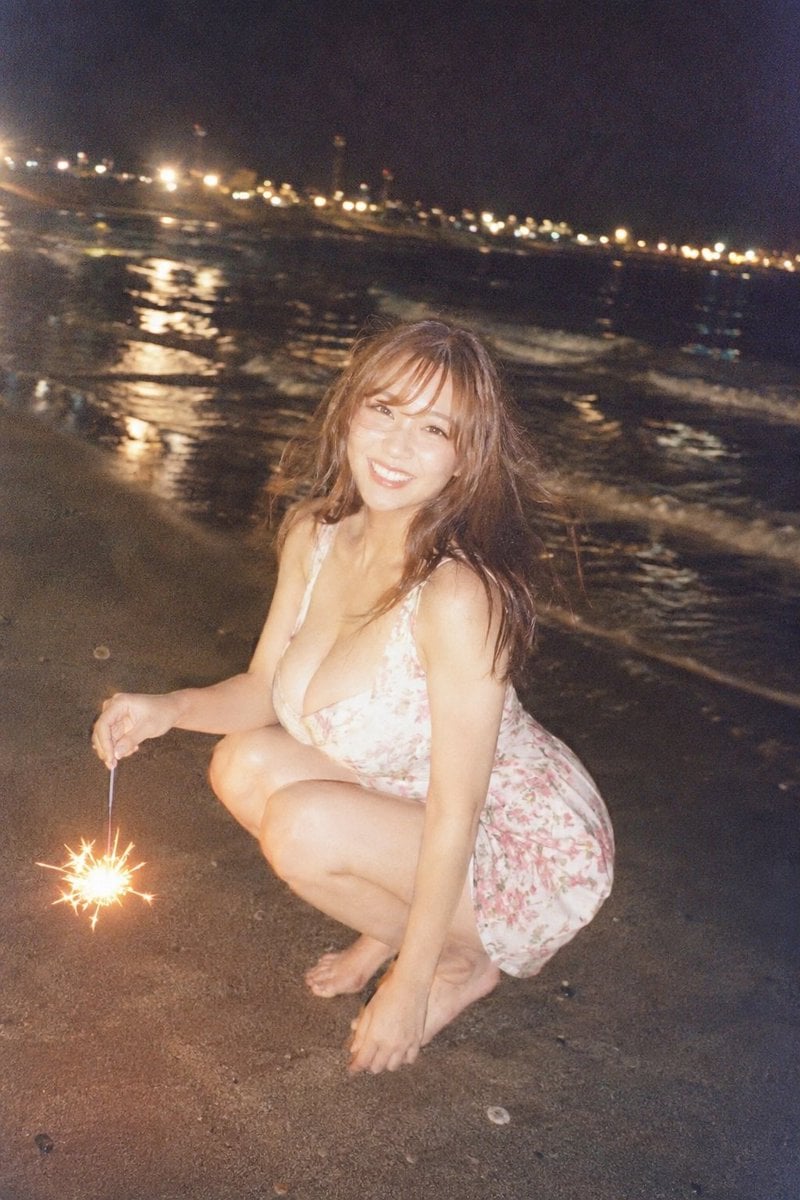
Night Beach Sparkler Snapshot
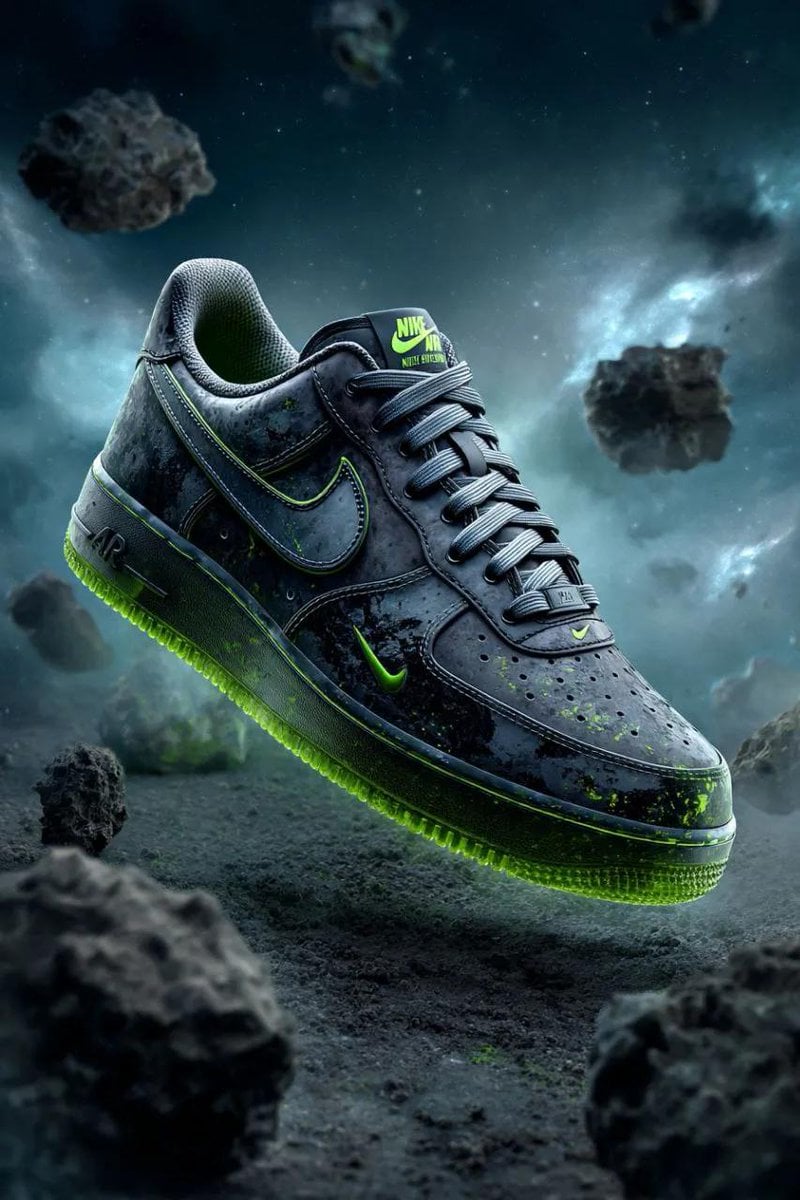
Cosmic Nike Air Force Shoe Carved from Meteorite
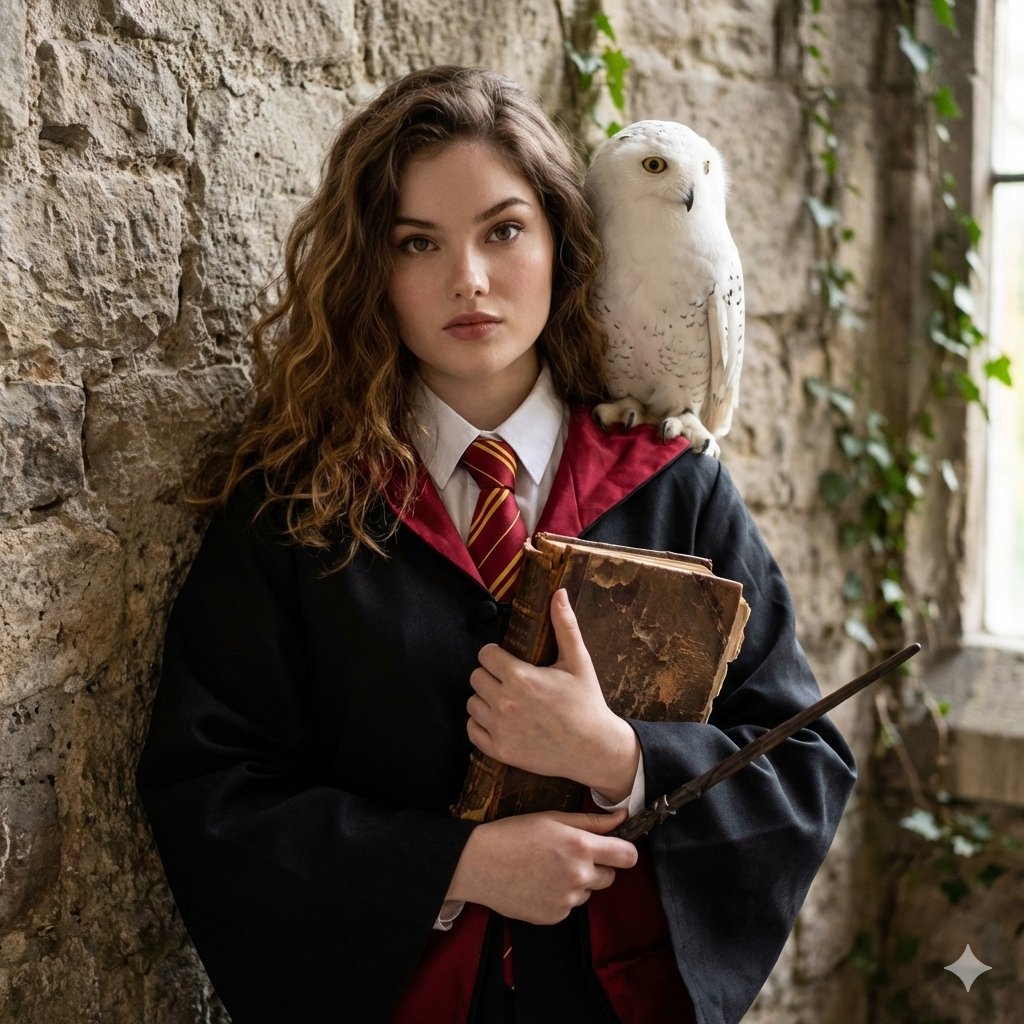
Hogwarts-Style Photoshoot Portrait
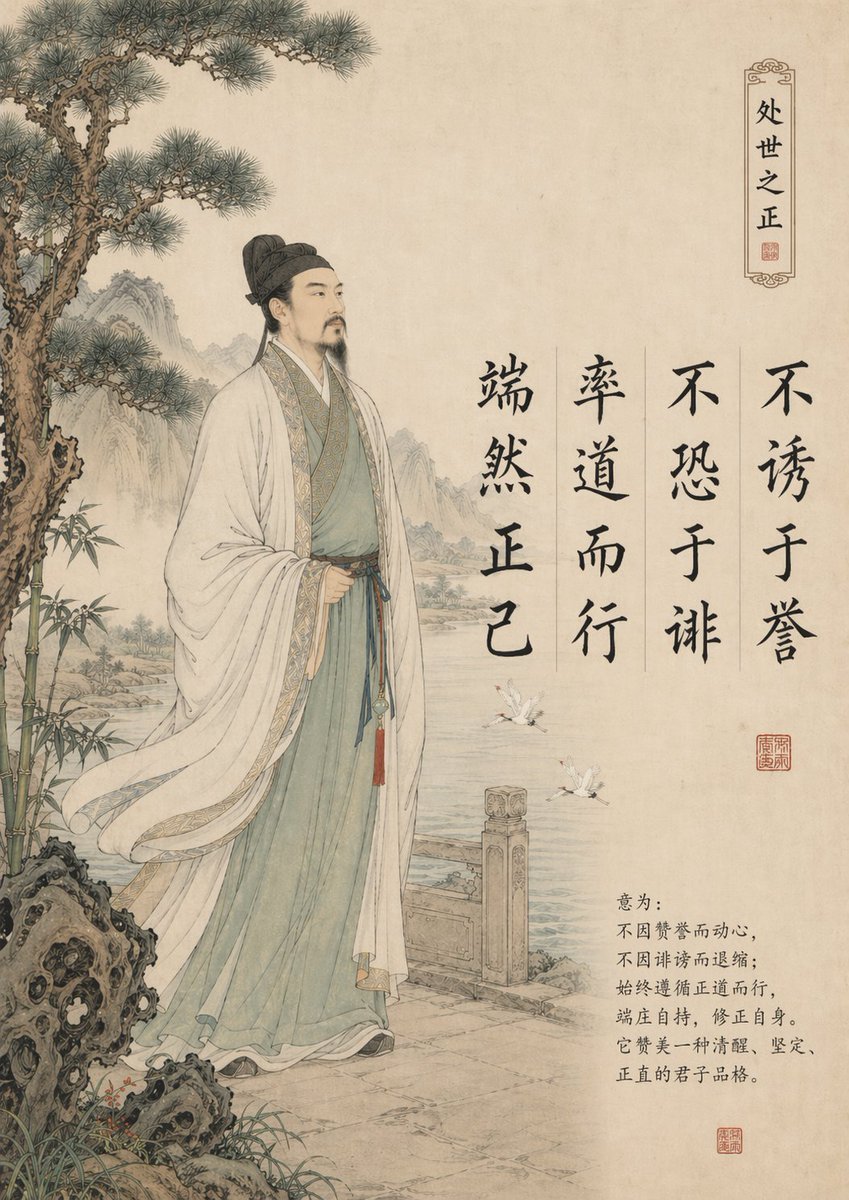
Traditional Chinese Gongbi Art with Quote
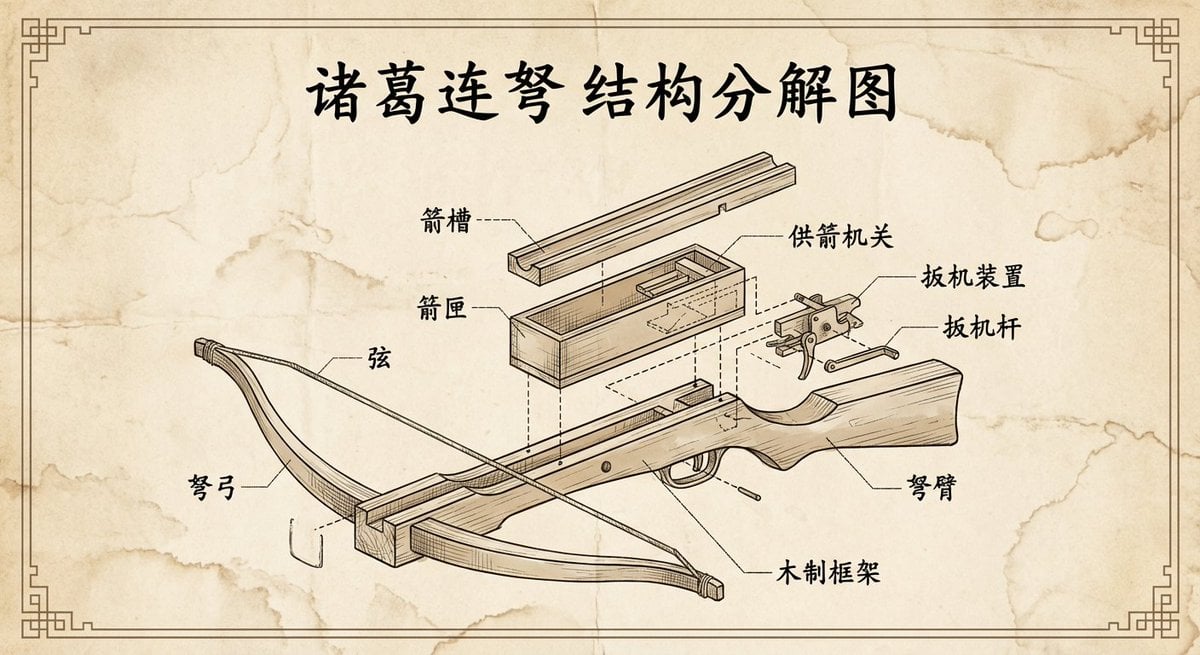
Vintage engineering exploded view of Zhuge repeating crossbow
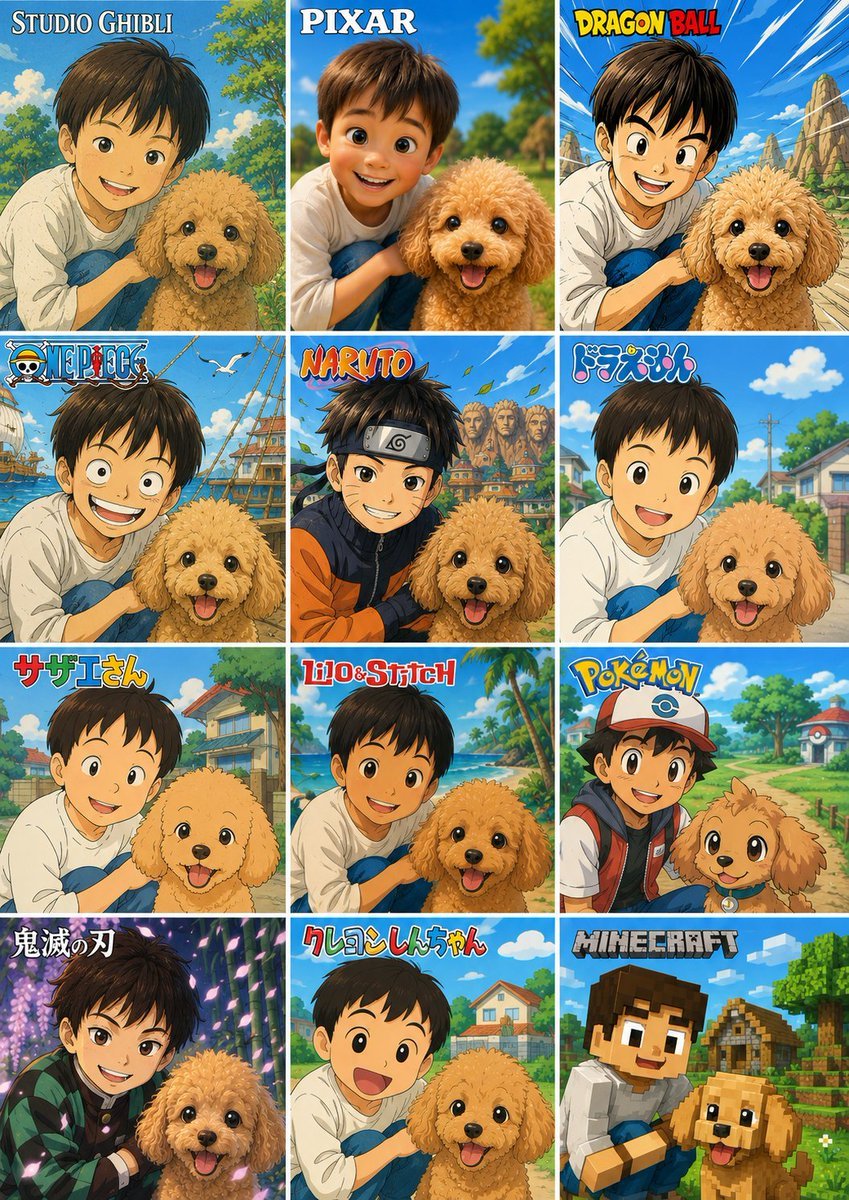
Style Anime Photo Collage
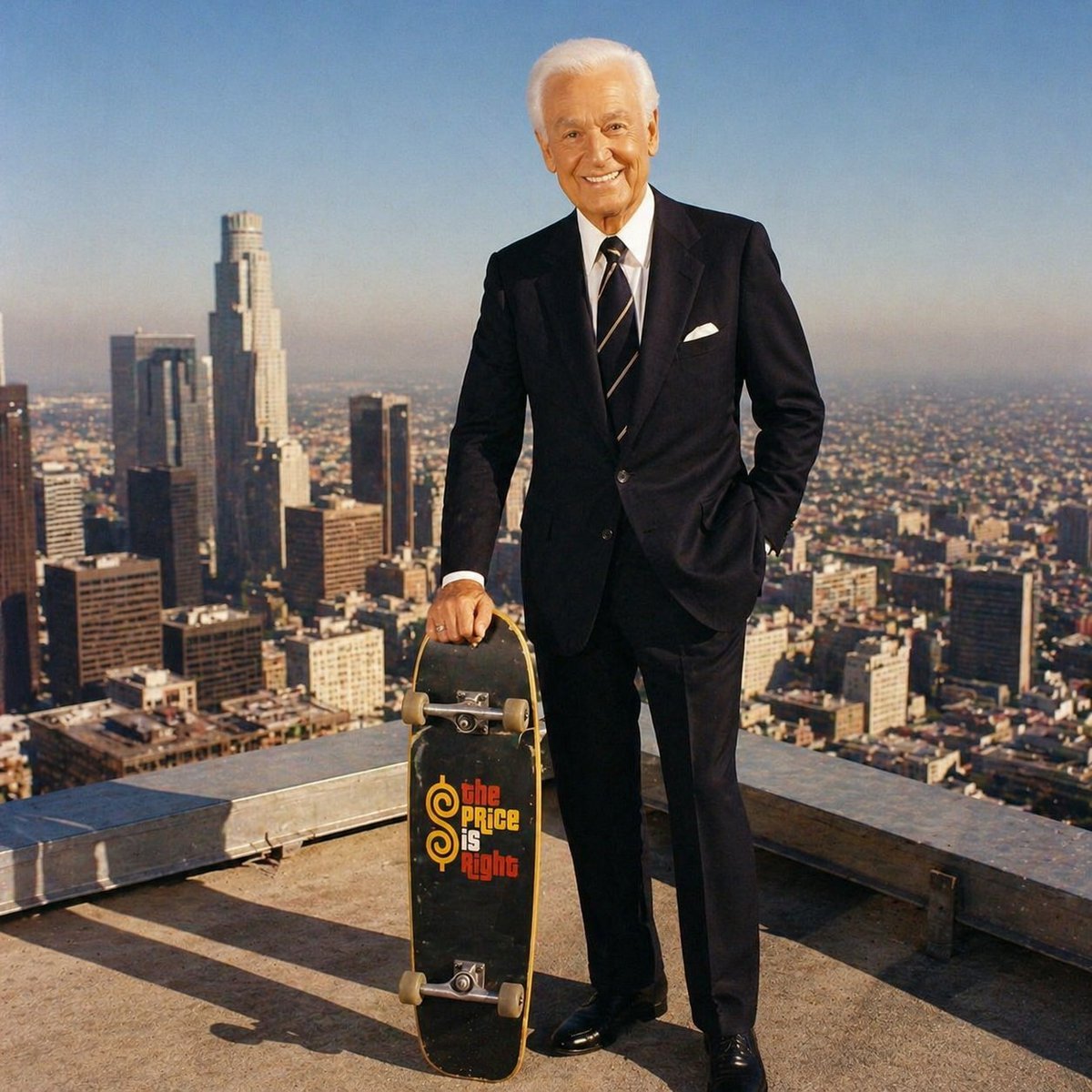
Bob Barker Skyscraper Portrait
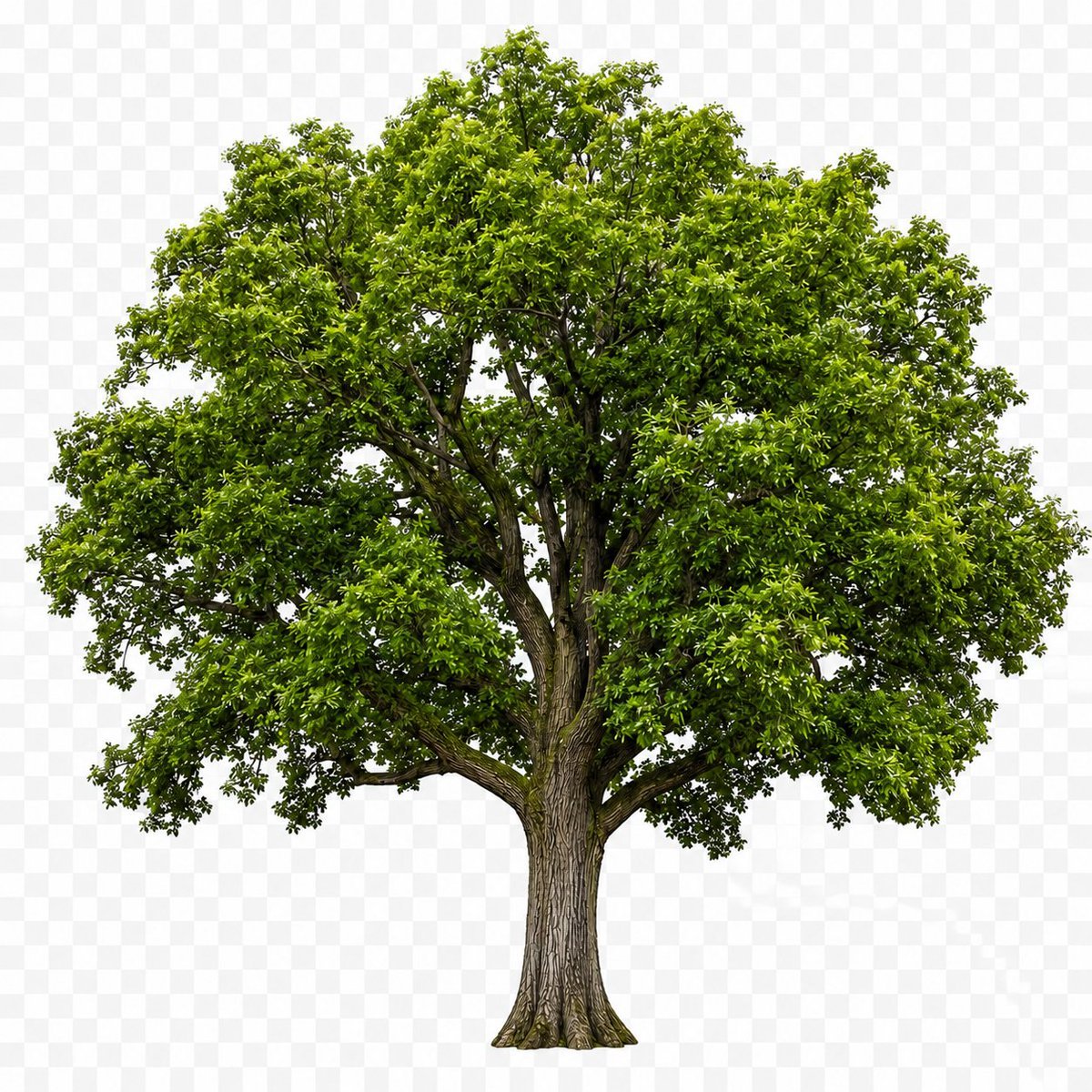
Isolated Tree on Checkerboard
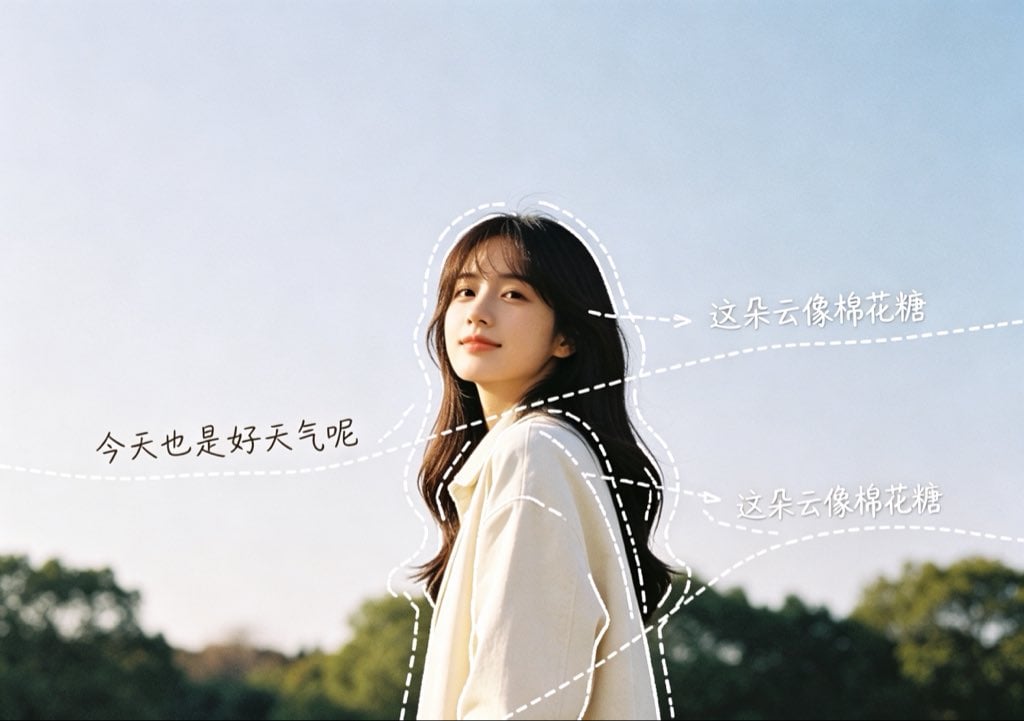
Diary-Style Annotated Portrait
90s Grunge Record Store POV
Browse template categories
Anime Prompt Sites Infographic Poster questions
How do I use the Anime Prompt Sites Infographic Poster template?
Add your photo if the template asks for one, edit the prompt if you like — the template's model and format are already selected — and press Generate. Your version opens in PicX Studio.
Can I customize the Anime Prompt Sites Infographic Poster template?
Yes. You can change the subject, setting, lighting, mood, format, and available model controls before creating your image.
Is the Anime Prompt Sites Infographic Poster template free?
Opening and editing this template is free. Generating uses credits, shown on the Generate button when you are signed in.
Which AI model should I use?
Start with GPT Image 2, which is the model associated with this template. You can compare another compatible model for a different finish.
Looking for something else? Browse all templates.

Your photo, any look
Thousands of ready templates for every top image and video model, from one credit balance.