
Fashion Editorial Mixed-Media Sketch
Transforms photographic subjects into stylish hand-drawn fashion illustrations using a mixed-media aesthetic, featuring white sticker borders and a collage-style scrapbook effect.
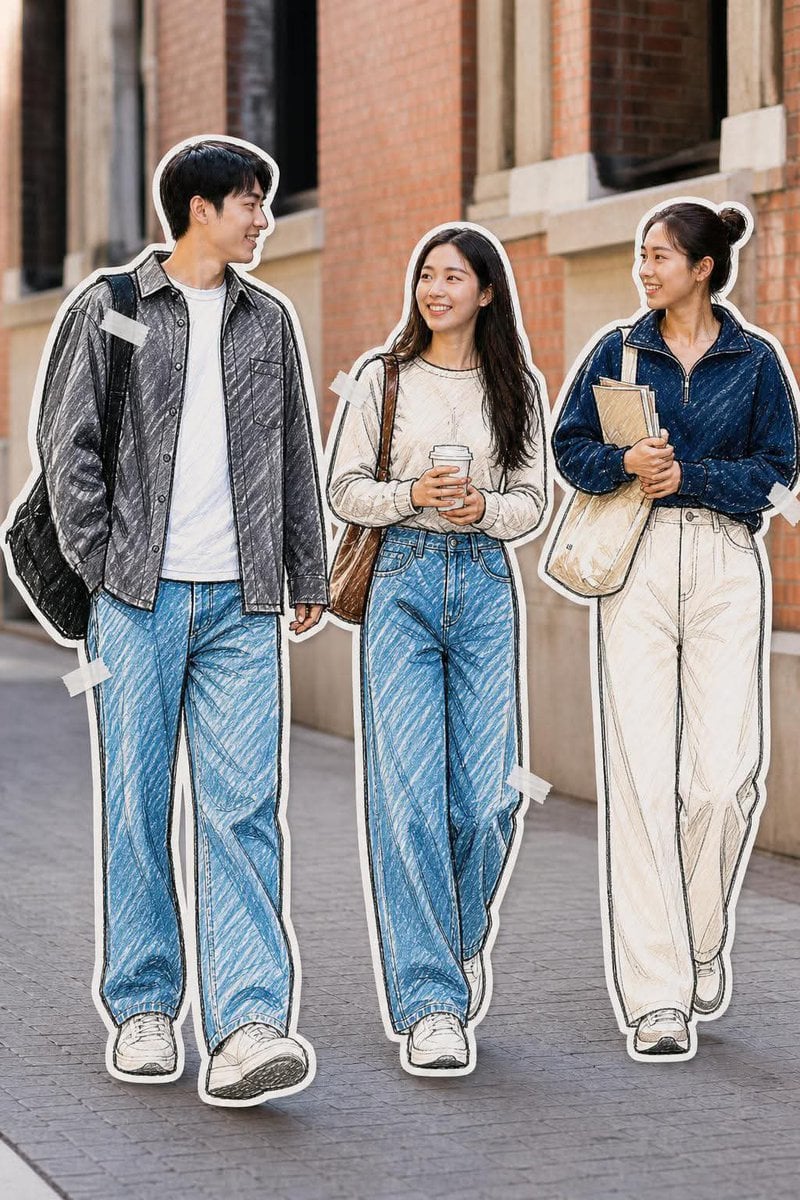
- Prompt included
- Model and format preset
- Free template
The prompt behind this image
Copy the exact prompt behind Fashion Editorial Mixed-Media Sketch, or open it in the studio and make it yours.
Transform the people in the reference photo into a {argument name="illustration style" default="stylish hand-drawn fashion illustration"} while keeping their facial features, poses, expressions, hairstyles, clothing, body proportions, and overall composition recognizable. Use a {argument name="aesthetic" default="mixed-media aesthetic combining a realistic photographic background with detailed pencil-and-colored-pencil sketching on the people"}. Add visible hand-drawn cross-hatching, rough pencil strokes, subtle ink outlines, textured shading, and slightly imperfect sketch details. Keep the clothing highly detailed with realistic fabric folds and denim texture. Surround each illustrated person with a thick irregular white sticker/paper-cutout border, as if they were individually cut out by hand. Add small pieces of semi-transparent white masking tape around the edges of some figures, creating a scrapbook/editorial collage effect. The background should remain realistic, softly lit, natural, and slightly blurred, creating a strong contrast between the photographic environment and illustrated subjects. Aesthetic: Korean/Japanese fashion editorial, contemporary street-style illustration, scrapbook collage, fashion sketchbook, photorealistic background + hand-drawn characters, clean but imperfect pencil artwork, cozy muted tones, subtle film grain, soft natural lighting, premium editorial photography. High detail, realistic faces, natural anatomy, expressive eyes, detailed hair strands, realistic clothing textures, clean composition, full-body framing, professional fashion editorial quality. Avoid overly cartoonish proportions, CGI appearance, excessive saturation, distorted hands, extra fingers, warped faces, or overly smooth digital painting. For the exact {argument name="scene" default="“3 friends walking”"} look Add this at the end: Three stylish young adults walking together casually, interacting naturally and looking at each other, full-body shot, candid friendship moment, urban university/campus setting, relaxed oversized streetwear, wide-leg jeans and trousers, sneakers, tote bags and backpacks, photographed at eye level.
How to use Fashion Editorial Mixed-Media Sketch in 3 steps
- 1Upload ImagePNG, JPG or paste
Add your photo
Upload the photo the template builds on. The prompt, model and format are already set.
- 2…a portrait of your subject in softgolden-hour light, 85mm…
Personalize
Edit the subject and creative details for your destination.
- 3Generate
Generate
Press Generate — your image is created in PicX Studio, so you can compare it with the original and refine one variable at a time.
More like this
Templates with the same subject, style or setup. Open one to see its prompt.
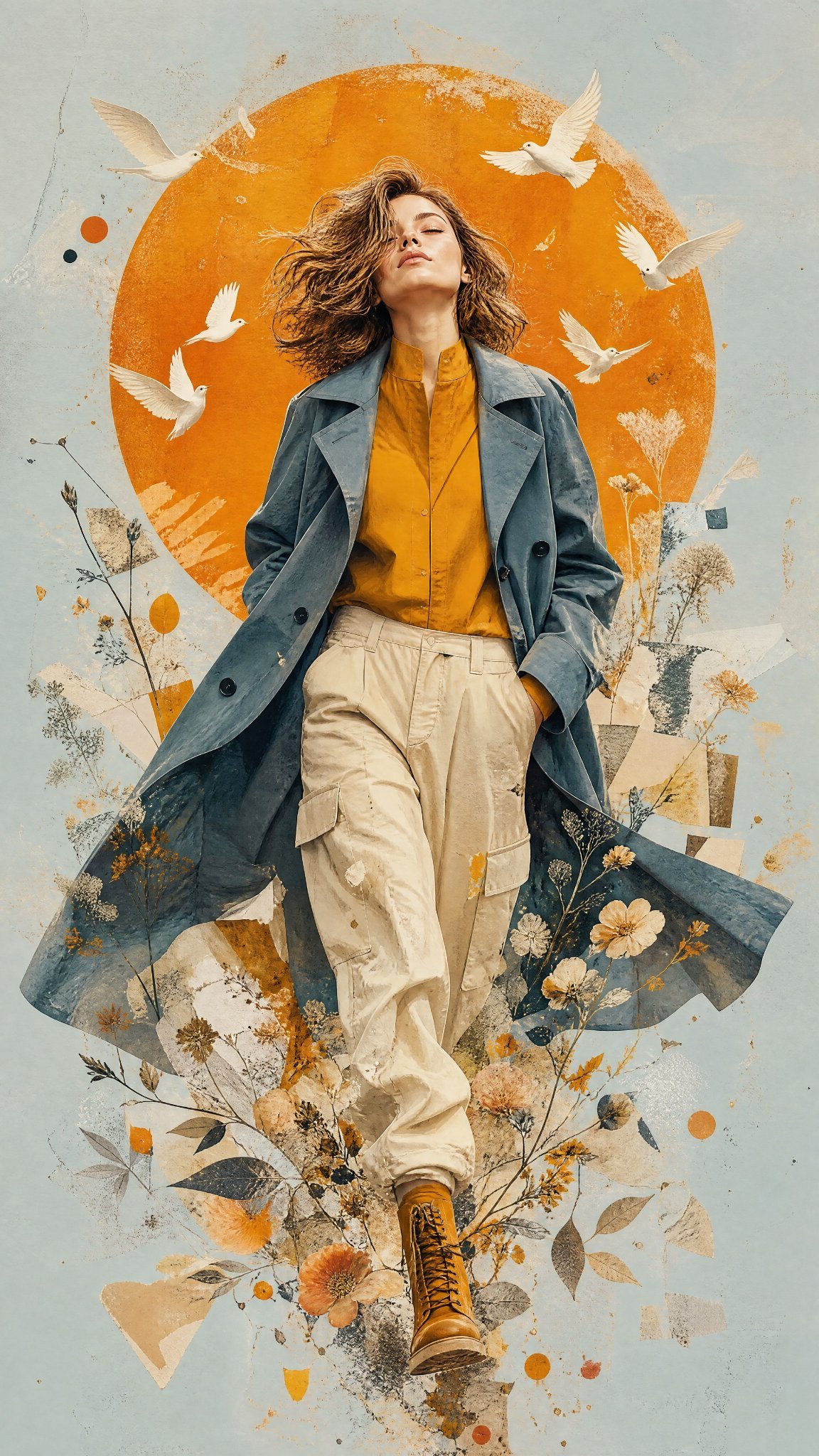
Mixed Media Editorial Woman Illustration
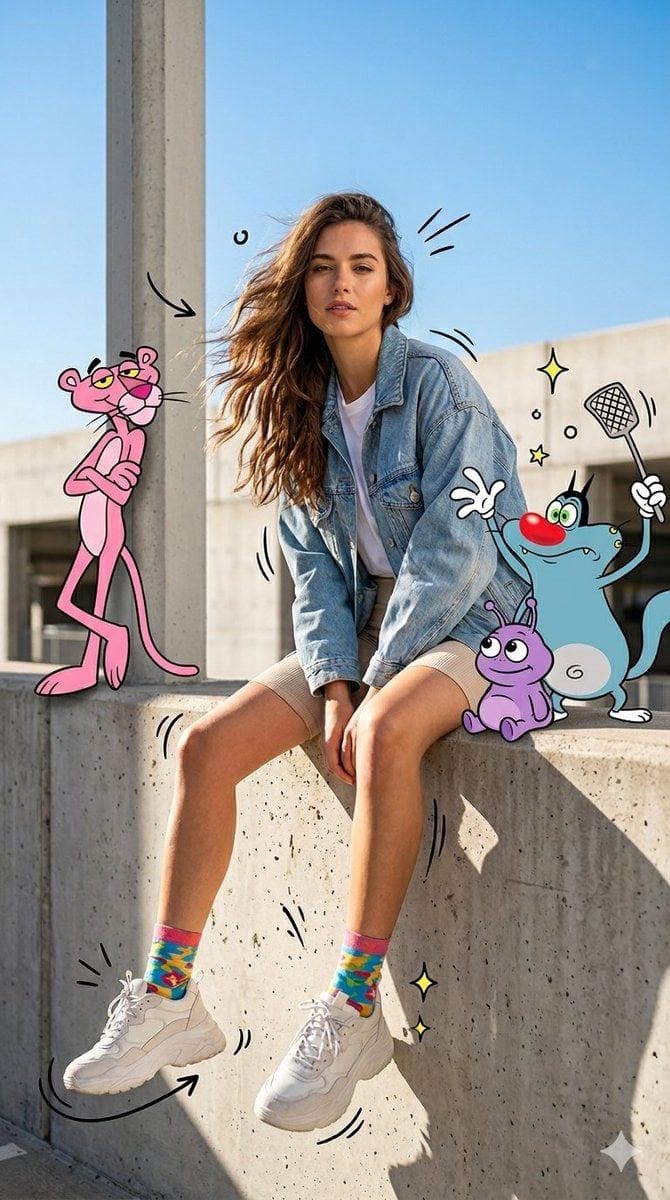
Mixed Media Urban Fashion Editorial

Blue Backdrop Luxury Fashion Portrait Campaign

Typography Mask Editorial Fashion Poster

Luxury Black-and-White Fashion Contact Sheet
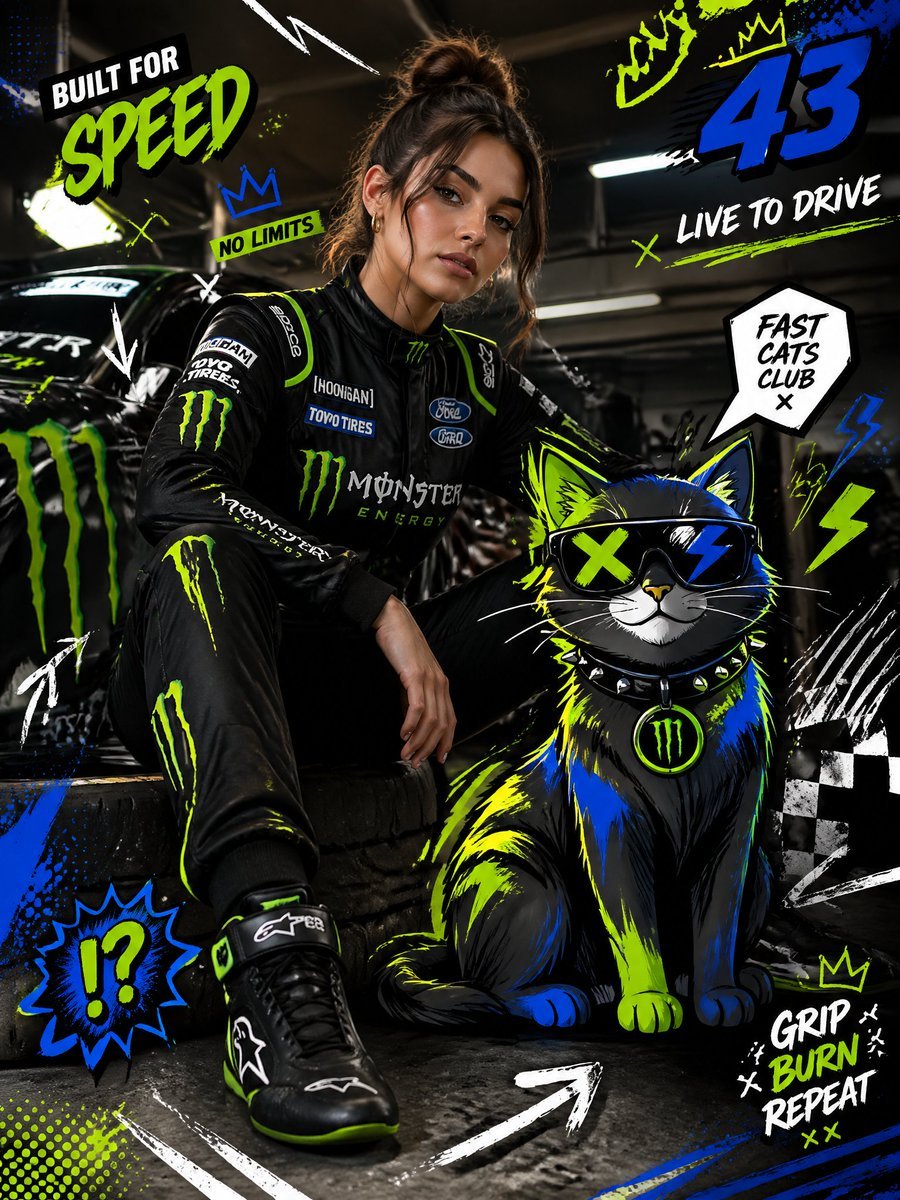
Mixed-Media Fashion Editorial and Cartoon Fusion
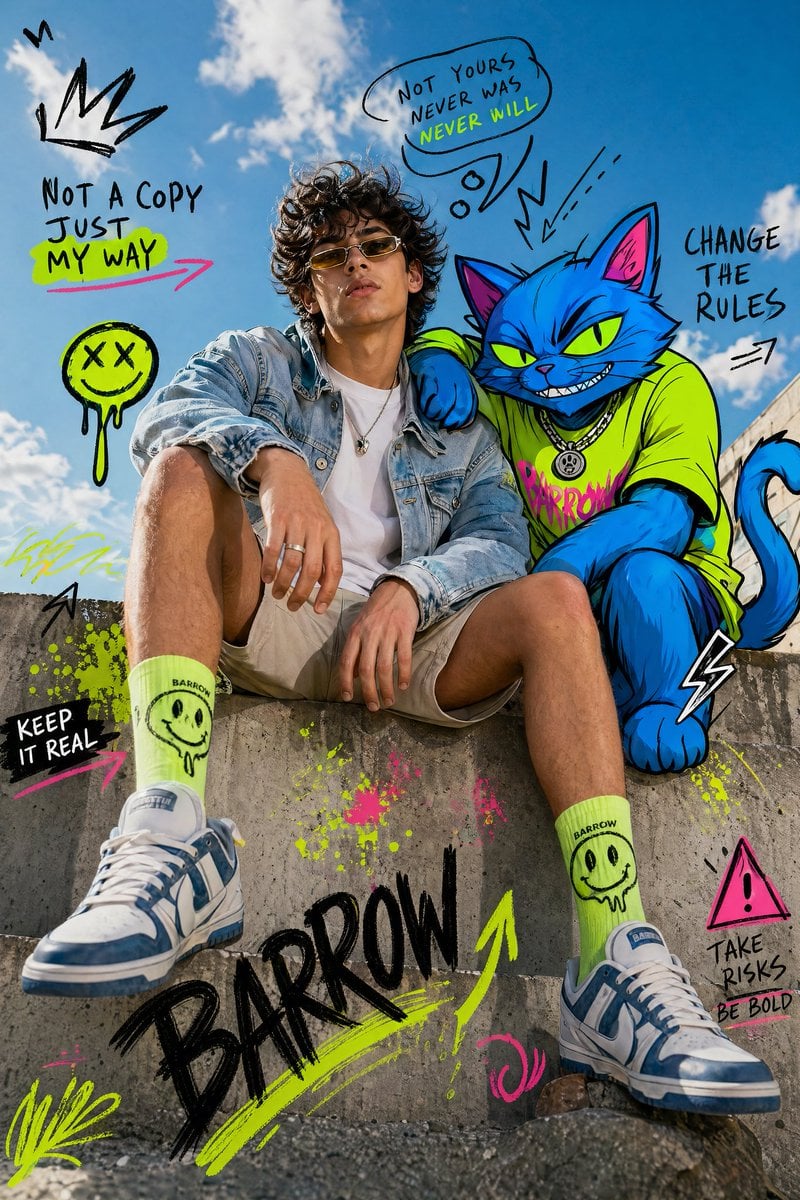
Mixed-Media Fashion Editorial with Neon Cartoon Interaction

untitled

Google Gemini Nano Banana Pro

Conceptual Fashion Portrait in Spider We

01 Skincare Split Portrait — Nano Banana 2

24 The Getty Center — California Series
Make it yours
Fashion Editorial Mixed-Media Sketch works as-is. These are the safest ways to change it without losing the look.
Change one field
Copy a single group, rewrite it, and generate again so you can see what that field is doing.
Keep the frame, change the subject
Hold the composition and light of Fashion Editorial Mixed-Media Sketch, then swap wardrobe, props or the person for a new take.
| If the result… | Why | Fix |
|---|---|---|
| The result drifts from the preview | Too many fields changed at once. | Reuse Fashion Editorial Mixed-Media Sketch as-is first, then change one group — subject, light, or setting. |
| The model over-stylizes the scene | The prose prompt leaves finish and camera underspecified. | Add one camera or lighting sentence and stay on GPT Image 2. |
More GPT Image 2 templates
Other prompts made for GPT Image 2.

Six VTuber Japanese Logo Sheet

Realistic Portrait of Woman and Deer

The Vista Modular Condo Poster

AI Model Routing Comparison Infographic

2.5D Anime Art Board

Isometric Productivity Desk Scene

New York Double Exposure Poster

Four-Panel AI Landscape Comparison

Japanese Tatami Lifestyle Magazine Cover

NESCAFÉ Coffee Map Poster
More image prompts
Fresh picks from across the catalog.
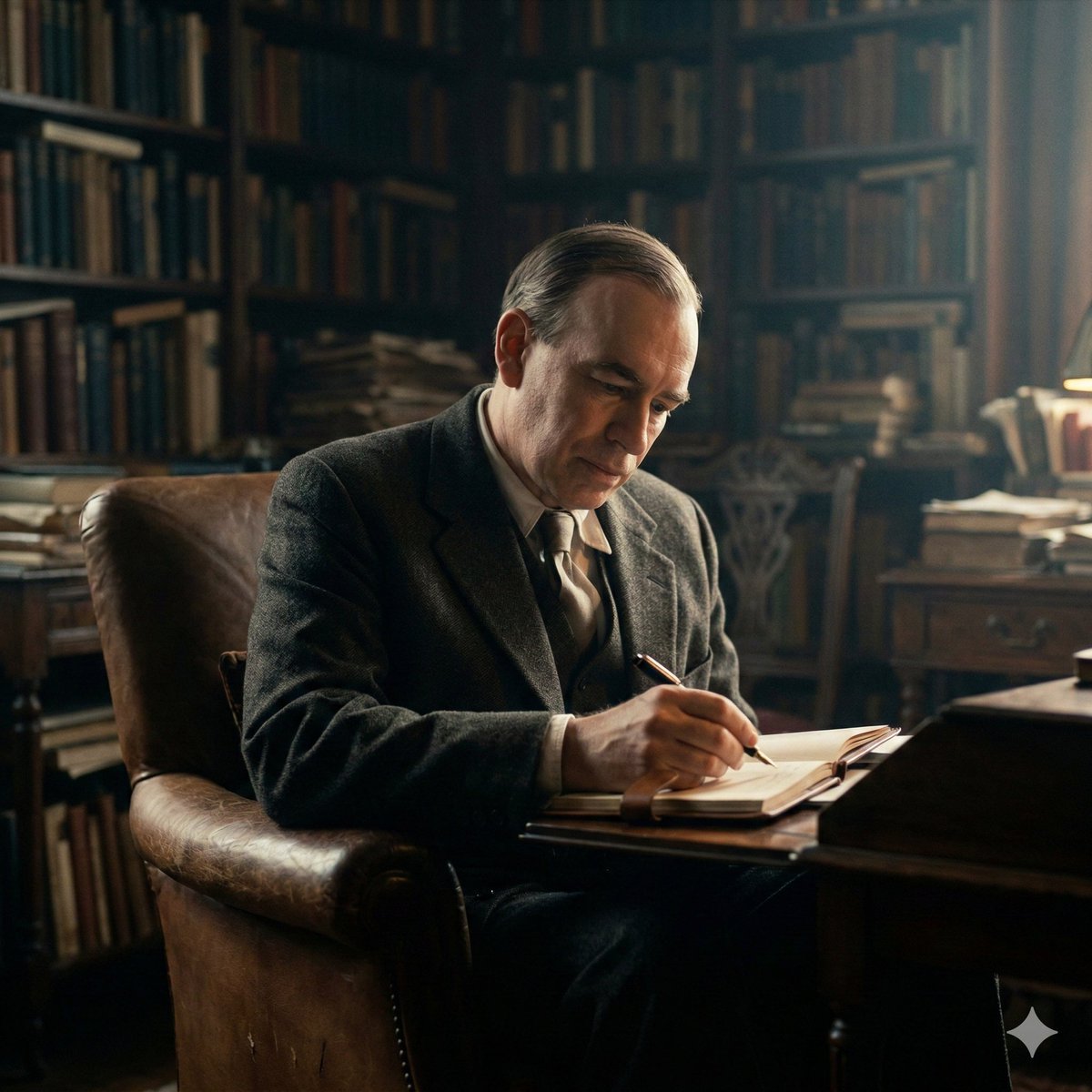
Cinematic Image of Keynes Writing
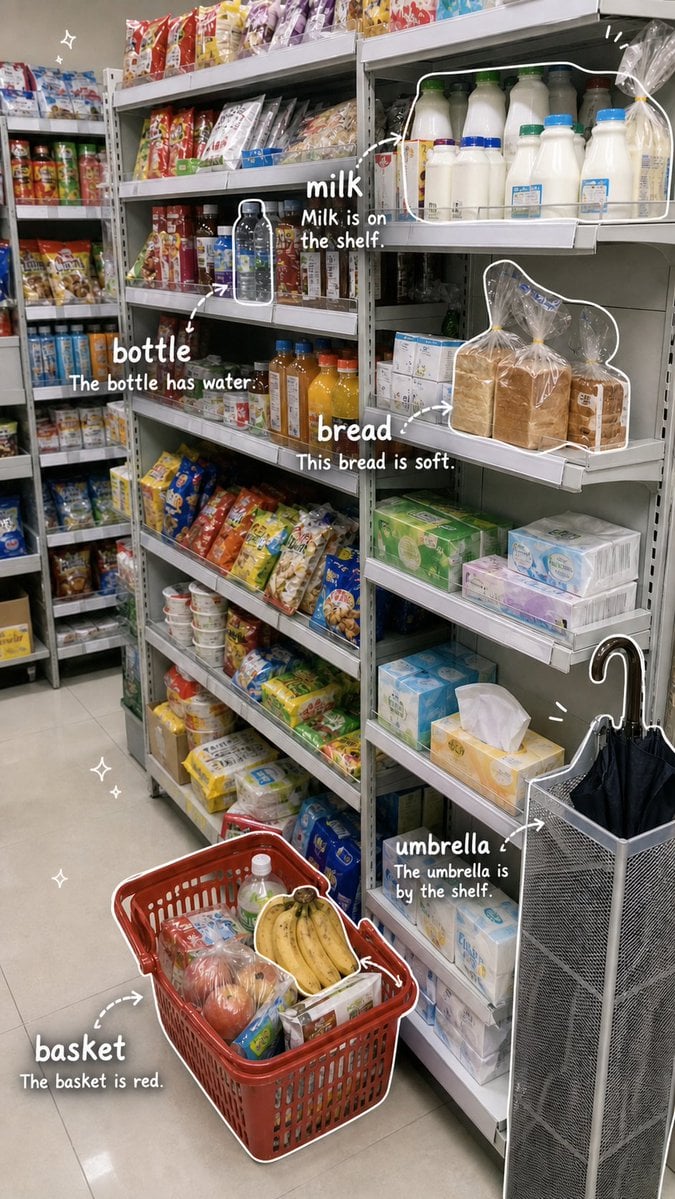
Grocery Vocabulary Notebook Photo
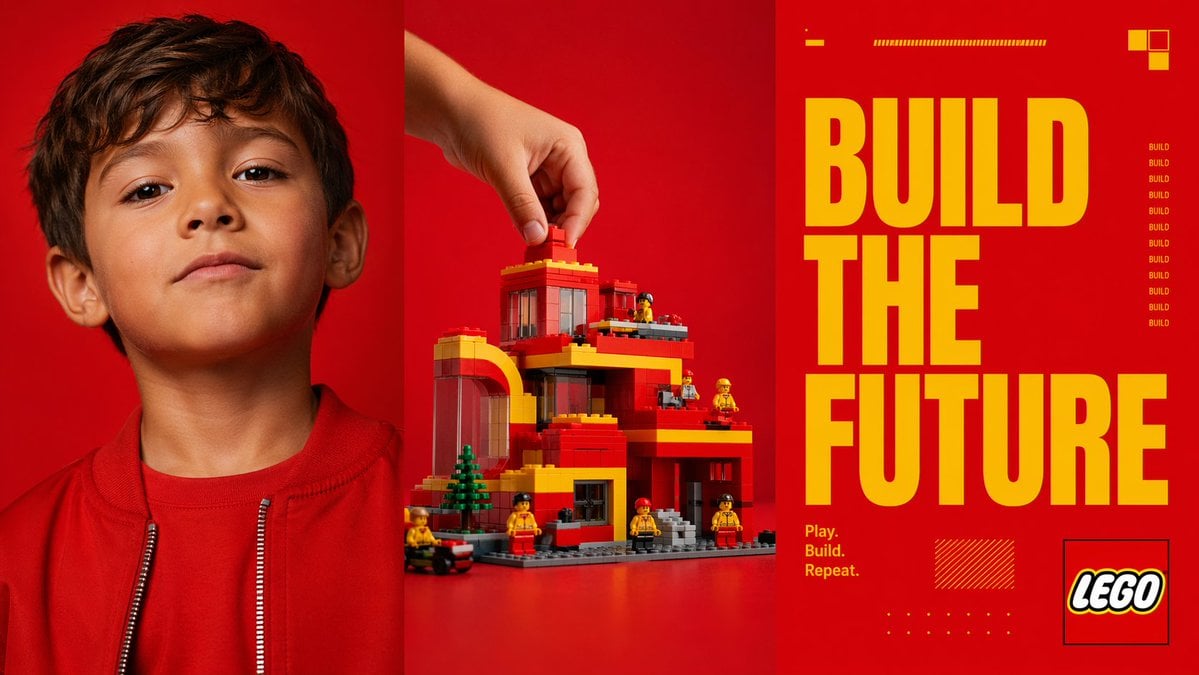
Red Triptych Build the Future Poster
2x2 Winter Ski Selfie Collage with Dog
Gold Symbiote Mirror Selfie Prompt
Artistic Luxury Trophy Design Poster
Cinematic Winter Portrait Prompt
HD Photo Restoration Prompt
Luxury Business Leader Ink Portrait
Strawberry Lava Mochi Explosion Photography
Browse template categories
Fashion Editorial Mixed-Media Sketch questions
How do I use the Fashion Editorial Mixed-Media Sketch template?
Add your photo if the template asks for one, edit the prompt if you like — the template's model and format are already selected — and press Generate. Your version opens in PicX Studio.
Can I customize the Fashion Editorial Mixed-Media Sketch template?
Yes. You can change the subject, setting, lighting, mood, format, and available model controls before creating your image.
Is the Fashion Editorial Mixed-Media Sketch template free?
Opening and editing this template is free. Generating uses credits, shown on the Generate button when you are signed in.
Which AI model should I use?
Start with GPT Image 2, which is the model associated with this template. You can compare another compatible model for a different finish.
Looking for something else? Browse all templates.

Your photo, any look
Thousands of ready templates for every top image and video model, from one credit balance.