
Vintage Travel Poster Generator
A comprehensive prompt for generating high-quality vintage travel posters inspired by linocut and screen-printing styles, focusing on specific city identities and authentic textures.
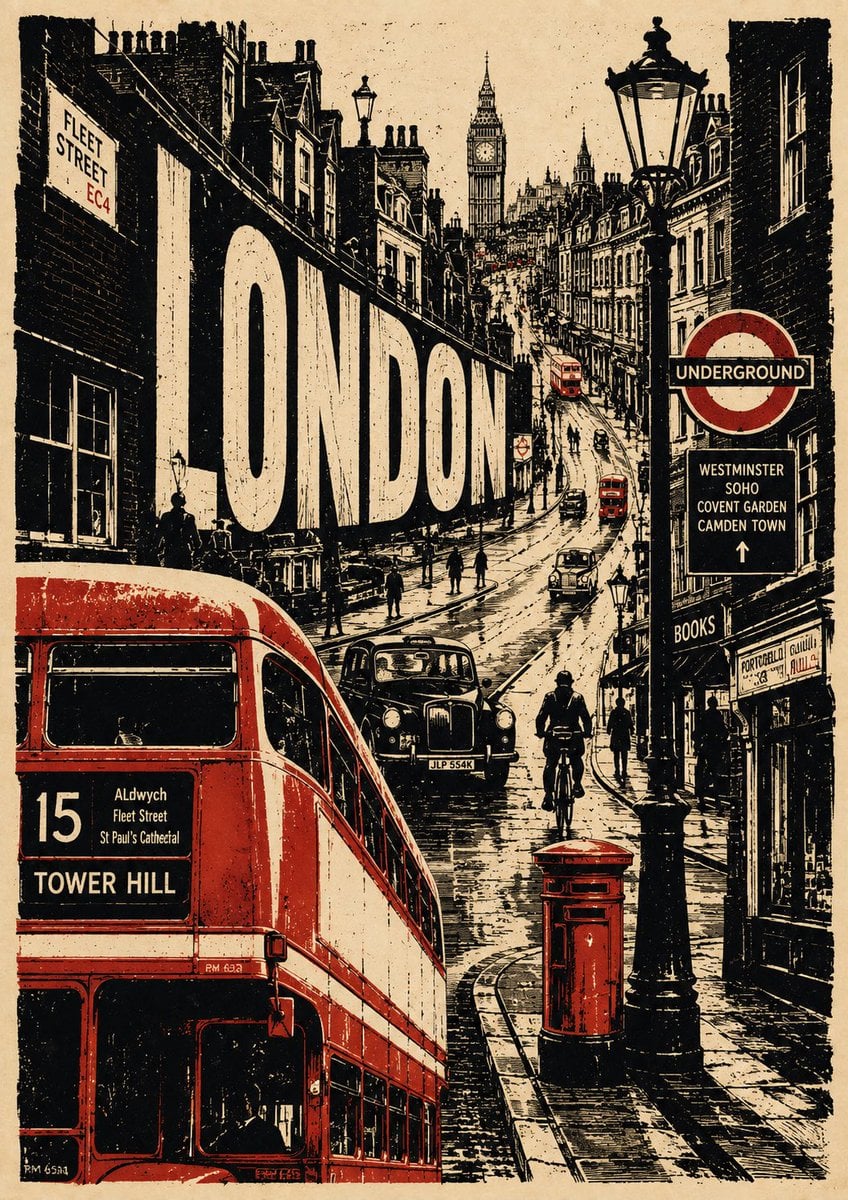
- Prompt included
- Model and format preset
- Free template
The prompt behind this image
Copy the exact prompt behind Vintage Travel Poster Generator, or open it in the studio and make it yours.
Create a premium 4:5 vertical vintage travel poster for {argument name="city" default="[CITY]"}, {argument name="country" default="[COUNTRY]"}, inspired by classic screen-printing, linocut illustration, retro editorial graphics, and handmade European travel posters. Build a completely original composition that captures the personality of {argument name="city" default="[CITY]"} rather than simply arranging famous landmarks. Use a warm aged cream paper background with visible paper fibers, subtle stains, distressed ink, rough printing edges, and authentic handmade texture. VISUAL CONCEPT Create one strong central visual story representing {argument name="city" default="[CITY]"}. Integrate 2–4 recognizable landmarks or architectural elements naturally into the environment, along with everyday details that make the city feel alive: local transportation, characteristic streets and buildings, cafés and shops, street signs, local food or objects, pedestrians and cyclists, trees and surrounding landscape, culturally distinctive details. Avoid making the landmarks look like floating stickers or a checklist. Everything should feel like it belongs to one continuous scene. COLOR PALETTE Use a sophisticated limited palette: warm ivory + charcoal/black + one signature accent color associated with {argument name="city" default="[CITY]"}. Keep the accent color selective and powerful rather than covering the entire artwork. TYPOGRAPHY Integrate large, bold, hand-printed typography into the composition: {argument name="city" default="[CITY]"}. Add a small secondary phrase that reflects the city’s character: {argument name="short city phrase" default="[SHORT CITY PHRASE]"}. Typography should feel imperfect, screen-printed, slightly distressed, and organically integrated into the artwork. ART STYLE vintage linocut, handmade screen print, retro travel-poster illustration, rough ink texture, distressed halftone grain, imperfect registration, hand-cut edges, strong silhouettes, expressive perspective, subtle paper imperfections, sophisticated negative space, editorial art-book aesthetic. Make the artwork feel like a rare collectible travel print, combining nostalgia with contemporary graphic design. IMPORTANT Do not simply reproduce a traditional tourist poster. Do not use a generic landmark collage, photorealism, glossy 3D rendering, excessive colors, gradients, or overly clean digital graphics. The final composition should be bold, artistic, slightly unexpected, highly recognizable, culturally authentic, and visually sophisticated, with {argument name="city" default="[CITY]"}'s unique identity immediately apparent.
How to use Vintage Travel Poster Generator in 3 steps
- 1
Open
The prompt is already in the box next to the preview, with the template's model and format selected.
- 2…a portrait of your subject in softgolden-hour light, 85mm…
Personalize
Edit the subject and creative details for your destination.
- 3Generate
Generate
Press Generate — your image is created in PicX Studio, so you can compare it with the original and refine one variable at a time.
More like this
Templates with the same subject, style or setup. Open one to see its prompt.

Japan Travel Brochure Poster

Premium Vintage Travel Poster Landscape
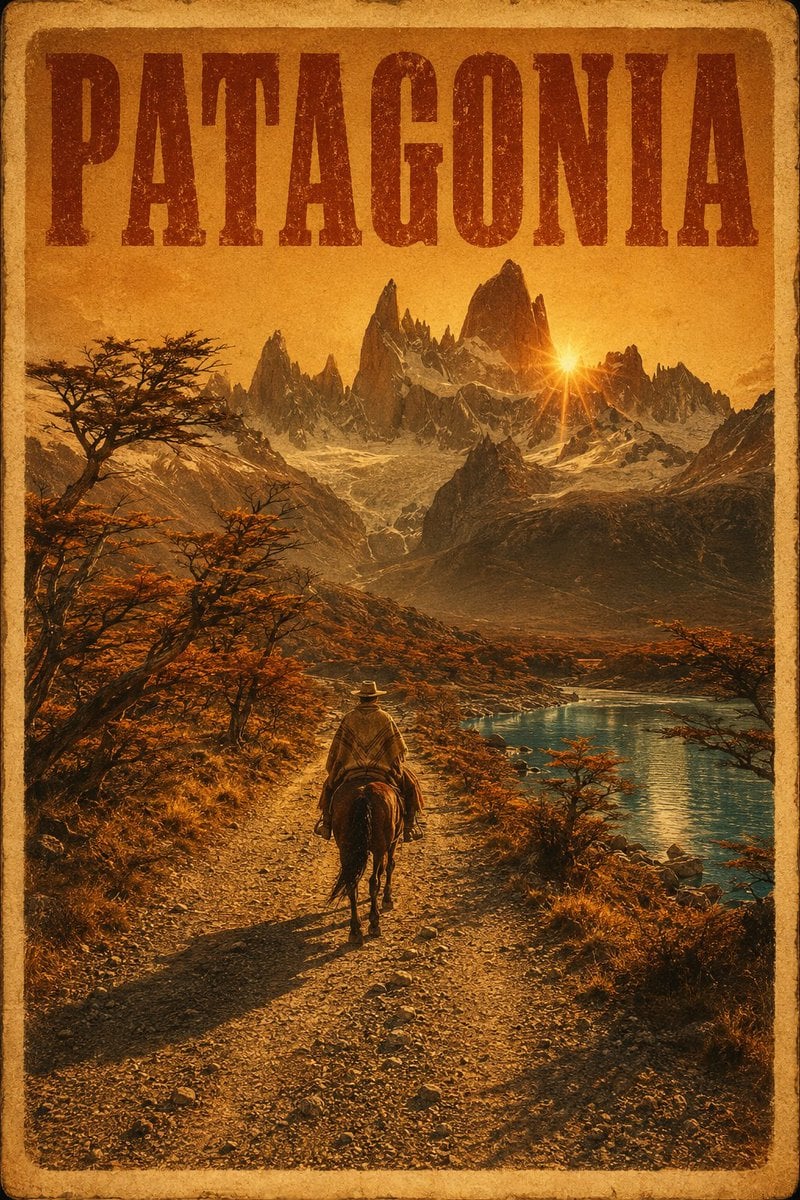
Vintage Patagonia Travel Poster

Paper Cut Vintage Travel Poster
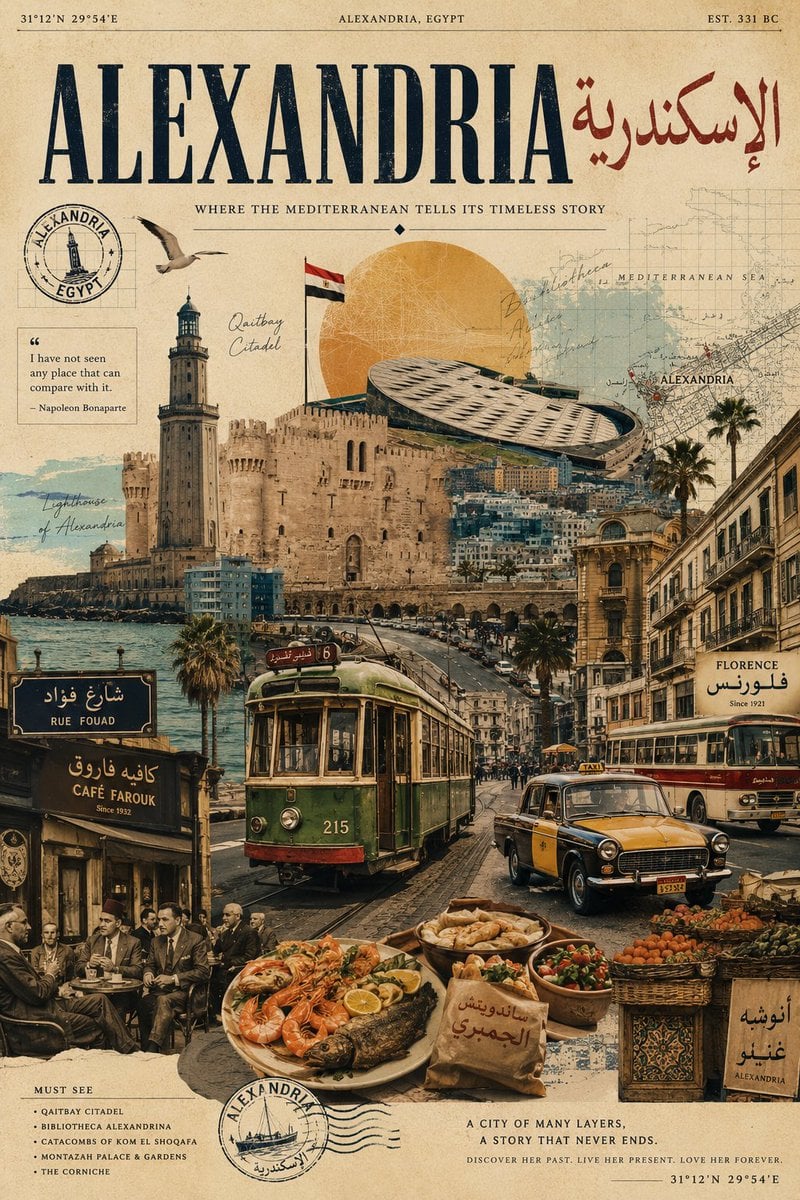
Vintage Alexandria Travel Poster
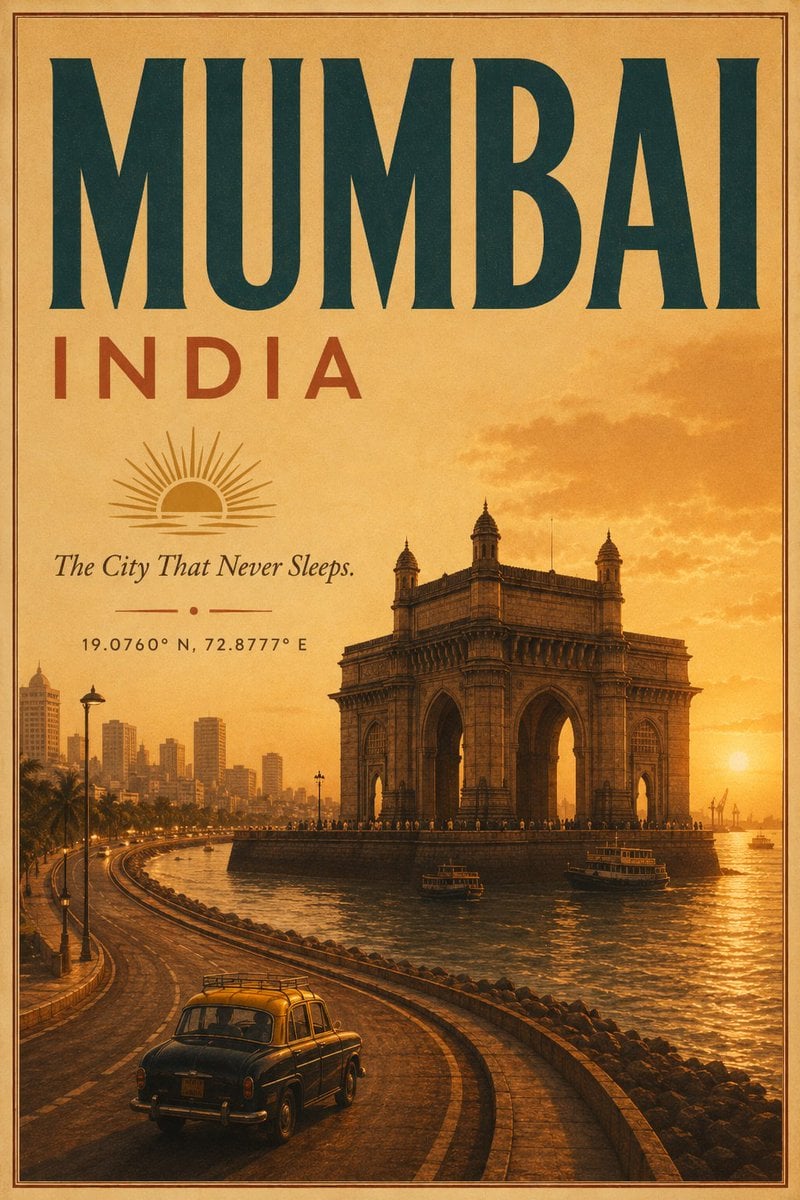
Vintage Mumbai Travel Poster
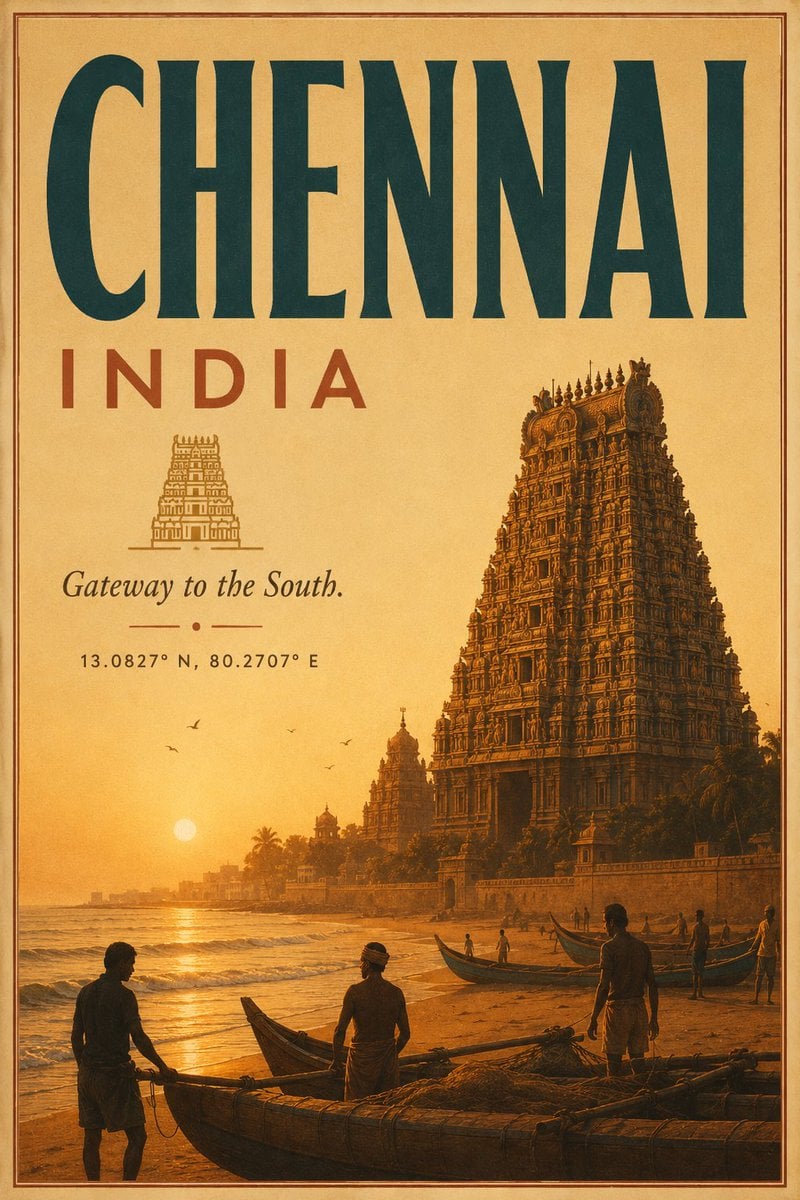
Vintage Chennai Travel Poster
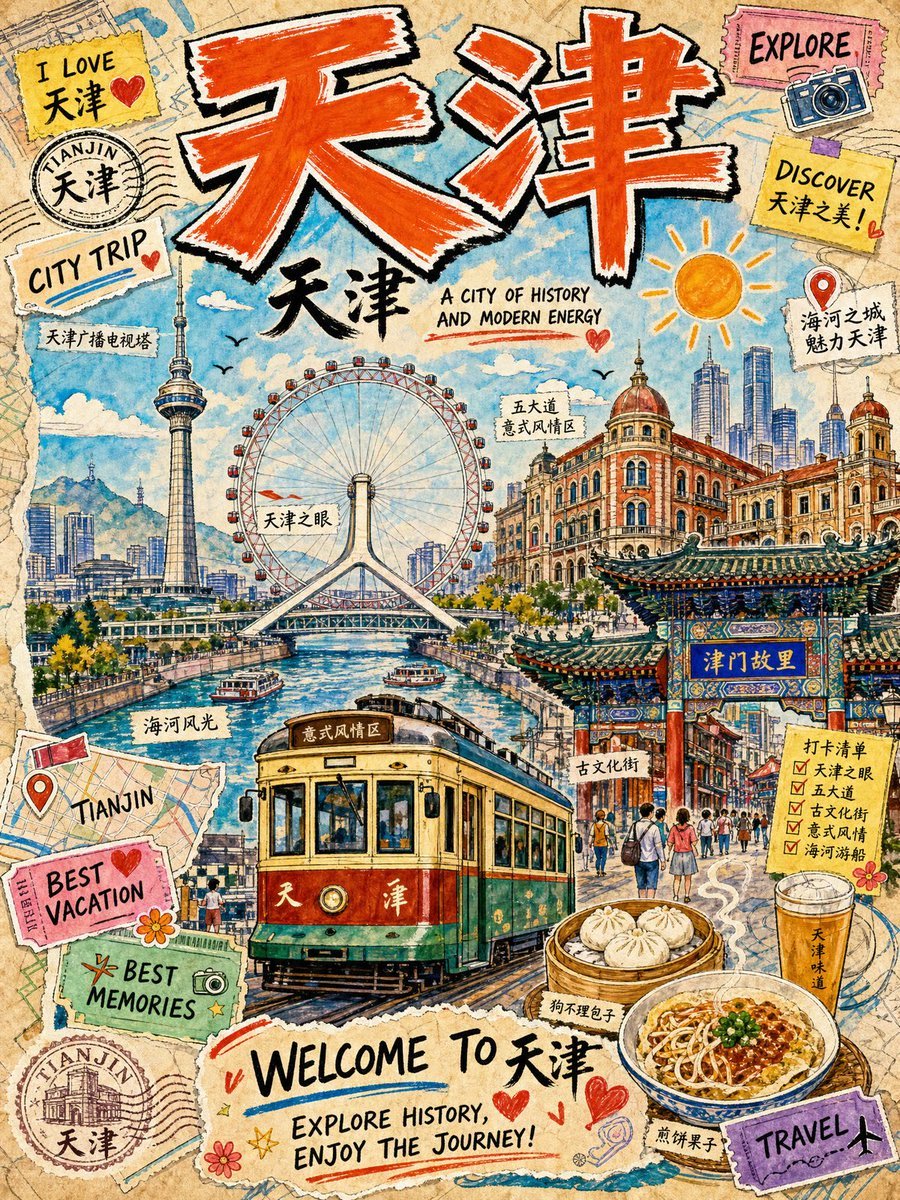
Vintage Tianjin Travel Poster

City Posters by Nano Banana Pro

Sunday Afternoon, 1988

Two Tickets, One Night

If We Met in 1985
Make it yours
Vintage Travel Poster Generator works as-is. These are the safest ways to change it without losing the look.
Change one field
Copy a single group, rewrite it, and generate again so you can see what that field is doing.
Keep the frame, change the subject
Hold the composition and light of Vintage Travel Poster Generator, then swap wardrobe, props or the person for a new take.
| If the result… | Why | Fix |
|---|---|---|
| The result drifts from the preview | Too many fields changed at once. | Reuse Vintage Travel Poster Generator as-is first, then change one group — subject, light, or setting. |
| The model over-stylizes the scene | The prose prompt leaves finish and camera underspecified. | Add one camera or lighting sentence and stay on GPT Image 2. |
More GPT Image 2 templates
Other prompts made for GPT Image 2.

Six VTuber Japanese Logo Sheet

Realistic Portrait of Woman and Deer

The Vista Modular Condo Poster

AI Model Routing Comparison Infographic

2.5D Anime Art Board

Isometric Productivity Desk Scene

New York Double Exposure Poster

Four-Panel AI Landscape Comparison

Japanese Tatami Lifestyle Magazine Cover

NESCAFÉ Coffee Map Poster
More image prompts
Fresh picks from across the catalog.
Satellite Map of Big Ben Area
3D Chibi Toy Vendor Portrait
Cyberpunk woman in neon frame
Hand-Painted Still Life of French Fries
NVIDIA RTX 5090 Ad Poster

Cozy Kitchen Late Night Baking Portrait

Monochrome Paparazzi Fashion Poster

Ultra-Realistic Luxury Sheer Khurma Food Photography
Photoreal Nue on Alpine Cliff

1970s Vintage Portrait Series Continuation
Browse template categories
Vintage Travel Poster Generator questions
How do I use the Vintage Travel Poster Generator template?
Add your photo if the template asks for one, edit the prompt if you like — the template's model and format are already selected — and press Generate. Your version opens in PicX Studio.
Can I customize the Vintage Travel Poster Generator template?
Yes. You can change the subject, setting, lighting, mood, format, and available model controls before creating your image.
Is the Vintage Travel Poster Generator template free?
Opening and editing this template is free. Generating uses credits, shown on the Generate button when you are signed in.
Which AI model should I use?
Start with GPT Image 2, which is the model associated with this template. You can compare another compatible model for a different finish.
Looking for something else? Browse all templates.

Your photo, any look
Thousands of ready templates for every top image and video model, from one credit balance.