
Cozy Creative Universe Room
Generates a warm cinematic creator-room collage featuring a central female content creator surrounded by chibi productivity vignettes and motivational signs.
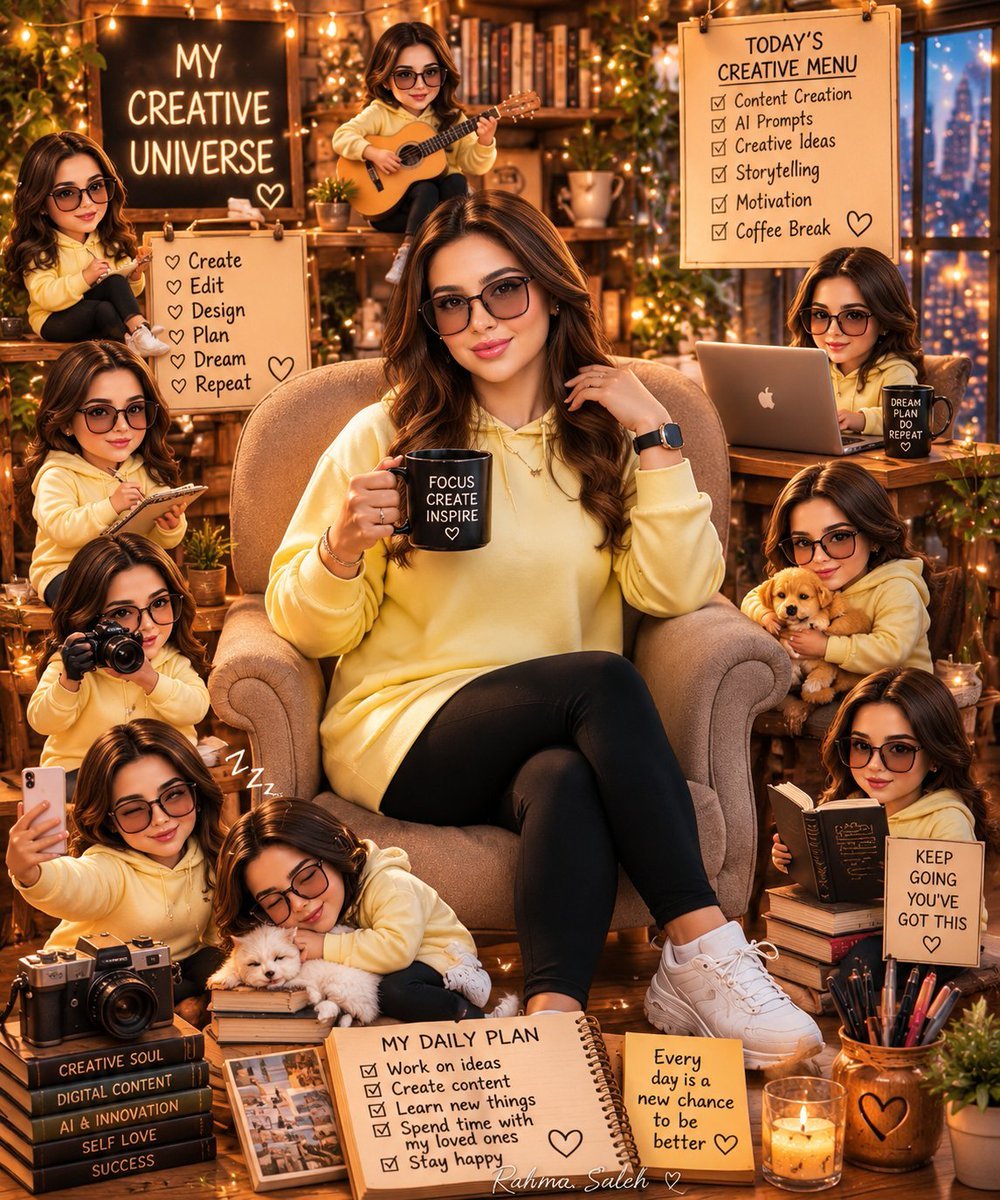
- Prompt included
- Model and format preset
- Free template
The prompt behind this image
Copy the exact prompt behind Cozy Creative Universe Room, or open it in the studio and make it yours.
Goal: Create a highly detailed cinematic digital illustration titled {argument name="headline text" default="My Creative Universe"}, showing a cozy AI creator room as a warm, magical productivity collage centered on a stylish young female content creator. Canvas: Vertical 4:5 poster composition, richly detailed, warm amber lighting, fairy lights, plants, bookshelves, candles, wood textures, glowing bokeh, cozy studio atmosphere at night with a city window in the background. Main subject: In the center, place one beautiful young woman with long wavy {argument name="hair color" default="chestnut brown hair with caramel highlights"}, wearing oversized tinted glasses, a soft {argument name="hoodie color" default="pale yellow hoodie"}, black leggings, white chunky sneakers, a smartwatch, subtle jewelry, and polished makeup. She sits comfortably in a plush beige armchair with crossed legs, smiling gently, holding a black mug that says “FOCUS CREATE INSPIRE” with a small heart. Repeated character vignettes: Include exactly 9 smaller cute chibi-style versions of the same creator around the central chair, all wearing the same yellow hoodie and glasses: 1) sitting on an upper-left shelf, 2) playing a small guitar near the top center, 3) writing on a clipboard at middle left, 4) holding a camera at lower left, 5) taking a phone selfie at bottom left, 6) sleeping with a white puppy on stacked books at bottom center-left with small “Zzz” marks, 7) working on a laptop at middle right with a black cup beside her, 8) cuddling a golden puppy at right center, and 9) reading a book on stacked books at lower right. Visible text and signs: Include exactly 7 main text areas. 1) A glowing black chalkboard at upper left reading “MY CREATIVE UNIVERSE” with a small heart. 2) A small hanging list board at left reading “Create, Edit, Design, Plan, Dream, Repeat,” each line preceded by a heart. 3) A hanging white board at upper right titled “TODAY’S CREATIVE MENU” with six checked items: “Content Creation,” “AI Prompts,” “Creative Ideas,” “Storytelling,” “Motivation,” and “Coffee Break,” plus a heart. 4) The central black mug reading “FOCUS CREATE INSPIRE” with a heart. 5) A black cup near the laptop reading “DREAM PLAN DO REPEAT.” 6) A spiral notebook at bottom center titled “MY DAILY PLAN” with five checked items: “Work on ideas,” “Create content,” “Learn new things,” “Spend time with my loved ones,” and “Stay happy,” plus a heart. 7) A motivational sign at lower right reading “KEEP GOING YOU’VE GOT THIS” with a heart. Also add a sticky note near the bottom reading “Every day is a new chance to be better” with a heart. Props and environment: Surround the creator with stacked books, camera gear, a tablet or photo frame, pens and markers in a cup, a glowing candle, potted plants, hanging greenery, shelves full of books, a laptop with a minimal fruit-like logo, warm string lights, and a nighttime city skyline through the window. Book spine labels may include creative themes such as “CREATIVE SOUL,” “DIGITAL CONTENT,” “AI INNOVATION,” “SELF LOVE,” and “SUCCESS.” Visual style: Cute but polished semi-realistic digital art, cinematic warm color grading, soft depth of field, glossy highlights, cozy maximalist composition, highly detailed textures, gentle magical glow, inspirational creator-aesthetic mood. Constraints: Keep all text legible and spelled correctly, use exactly 1 central adult creator and exactly 9 smaller chibi creator vignettes, keep the outfit consistent across all character versions, avoid extra unrelated characters, avoid watermark or signature unless {argument name="signature text" default="Rahma Saleh"} is subtly written at the bottom.
How to use Cozy Creative Universe Room in 3 steps
- 1Upload ImagePNG, JPG or paste
Add your photo
Upload the photo the template builds on. The prompt, model and format are already set.
- 2…a portrait of your subject in softgolden-hour light, 85mm…
Personalize
Edit the subject and creative details for your destination.
- 3Generate
Generate
Press Generate — your image is created in PicX Studio, so you can compare it with the original and refine one variable at a time.
More like this
Templates with the same subject, style or setup. Open one to see its prompt.
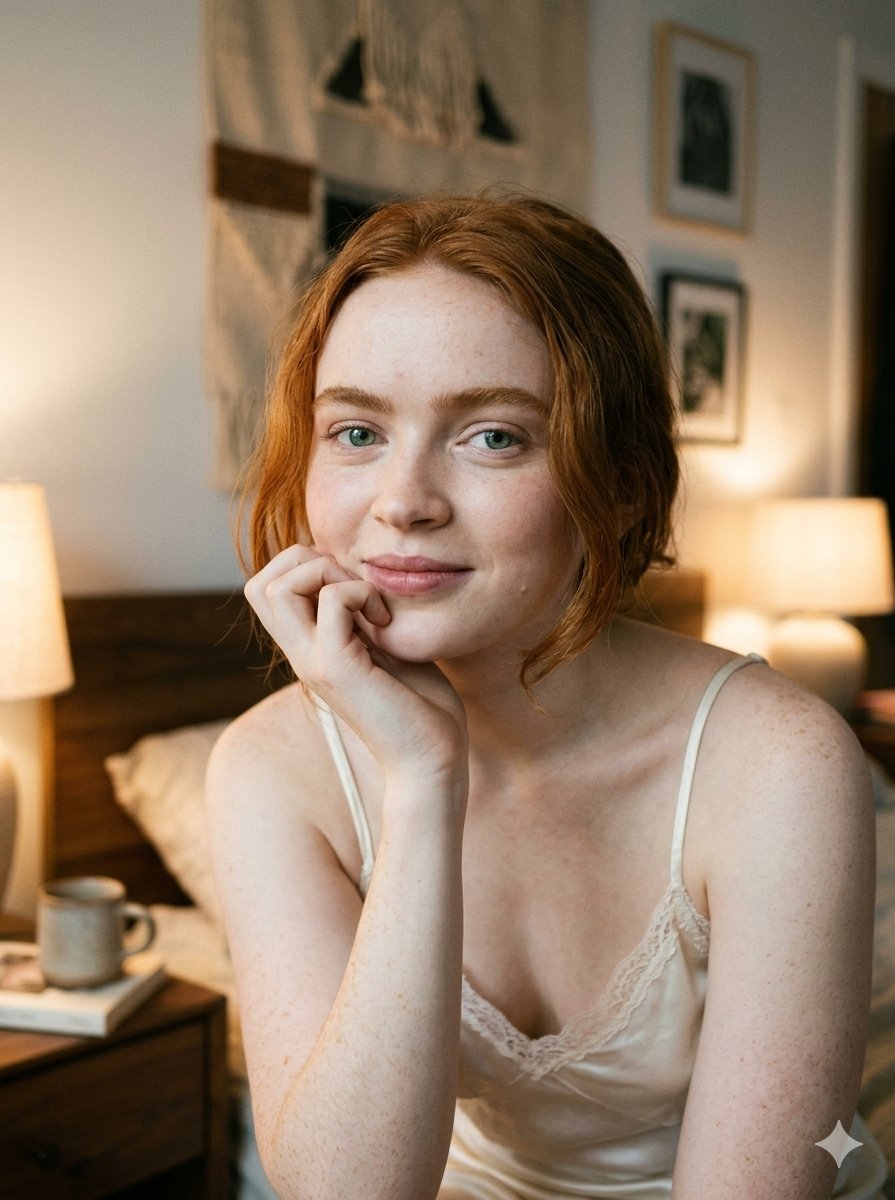
Google Nano Banana 2 — Cozy Bedroom Editorial

Nostalgic Digicam Café Afternoon Portrait

Pixar-Style Chibi Café Morning Scene

Japanese Café Sketch Duo Illustration

Delicate Japanese Café Lifestyle Illustration

Parisian Outdoor Café Silver-Hair Portrait
Pixar-Style Chibi Café Morning Scene
Japanese Café Sketch Duo Illustration
Delicate Japanese Café Lifestyle Illustration
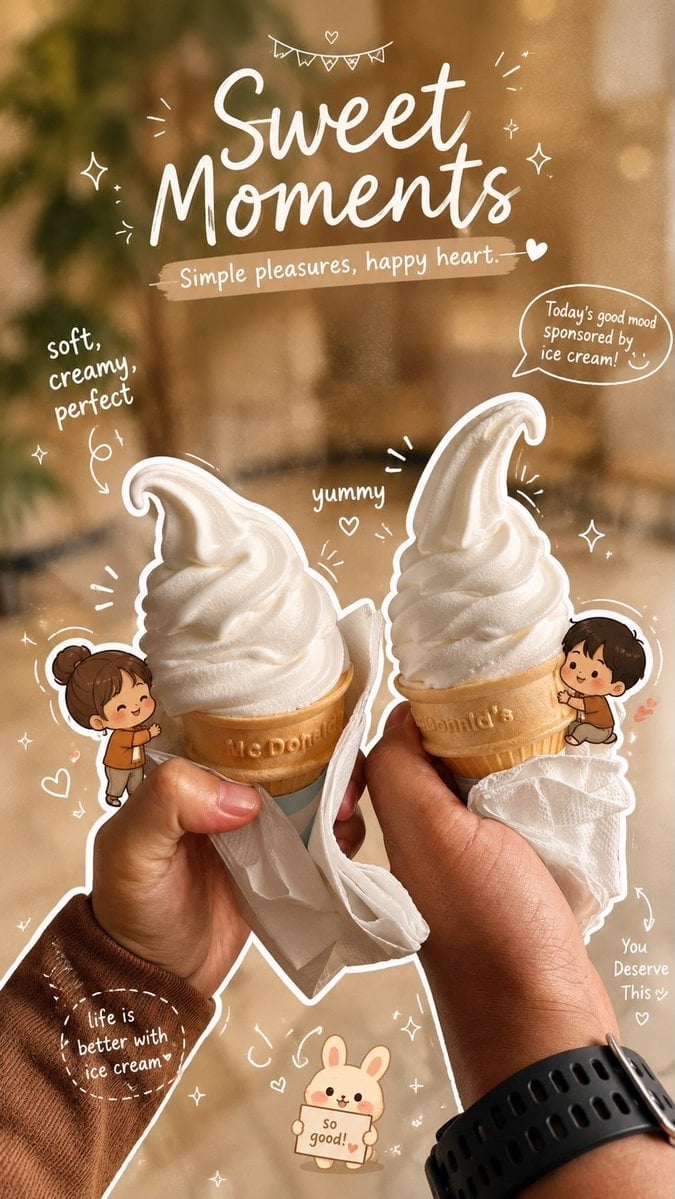
Cozy Café Ice Cream Hands Close-Up

Watercolor Café Cheesecake Editorial Illustration

Rainy Café Window Moody Portrait
Make it yours
Cozy Creative Universe Room works as-is. These are the safest ways to change it without losing the look.
Change one field
Copy a single group, rewrite it, and generate again so you can see what that field is doing.
Keep the frame, change the subject
Hold the composition and light of Cozy Creative Universe Room, then swap wardrobe, props or the person for a new take.
| If the result… | Why | Fix |
|---|---|---|
| The result drifts from the preview | Too many fields changed at once. | Reuse Cozy Creative Universe Room as-is first, then change one group — subject, light, or setting. |
| The model over-stylizes the scene | The prose prompt leaves finish and camera underspecified. | Add one camera or lighting sentence and stay on GPT Image 2. |
More GPT Image 2 templates
Other prompts made for GPT Image 2.

Six VTuber Japanese Logo Sheet

Realistic Portrait of Woman and Deer

The Vista Modular Condo Poster

AI Model Routing Comparison Infographic

2.5D Anime Art Board

Isometric Productivity Desk Scene

New York Double Exposure Poster

Four-Panel AI Landscape Comparison

Japanese Tatami Lifestyle Magazine Cover

NESCAFÉ Coffee Map Poster
More image prompts
Fresh picks from across the catalog.

Teal and Orange Neon Urban Portrait
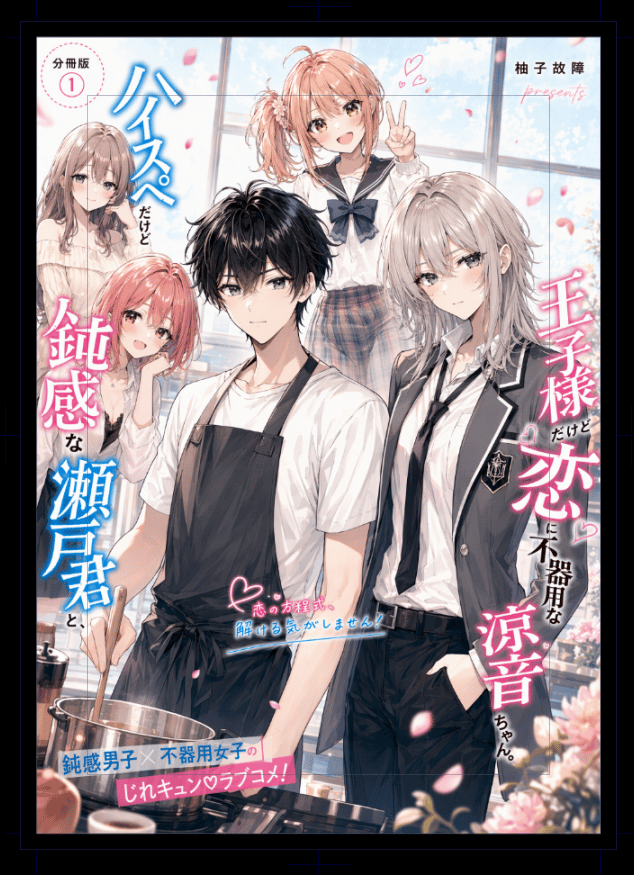
Japanese Romantic Comedy Manga Cover

Photorealistic Romantic Couple with Turkish Flag Prompt

Vintage 3D Miniature City Map
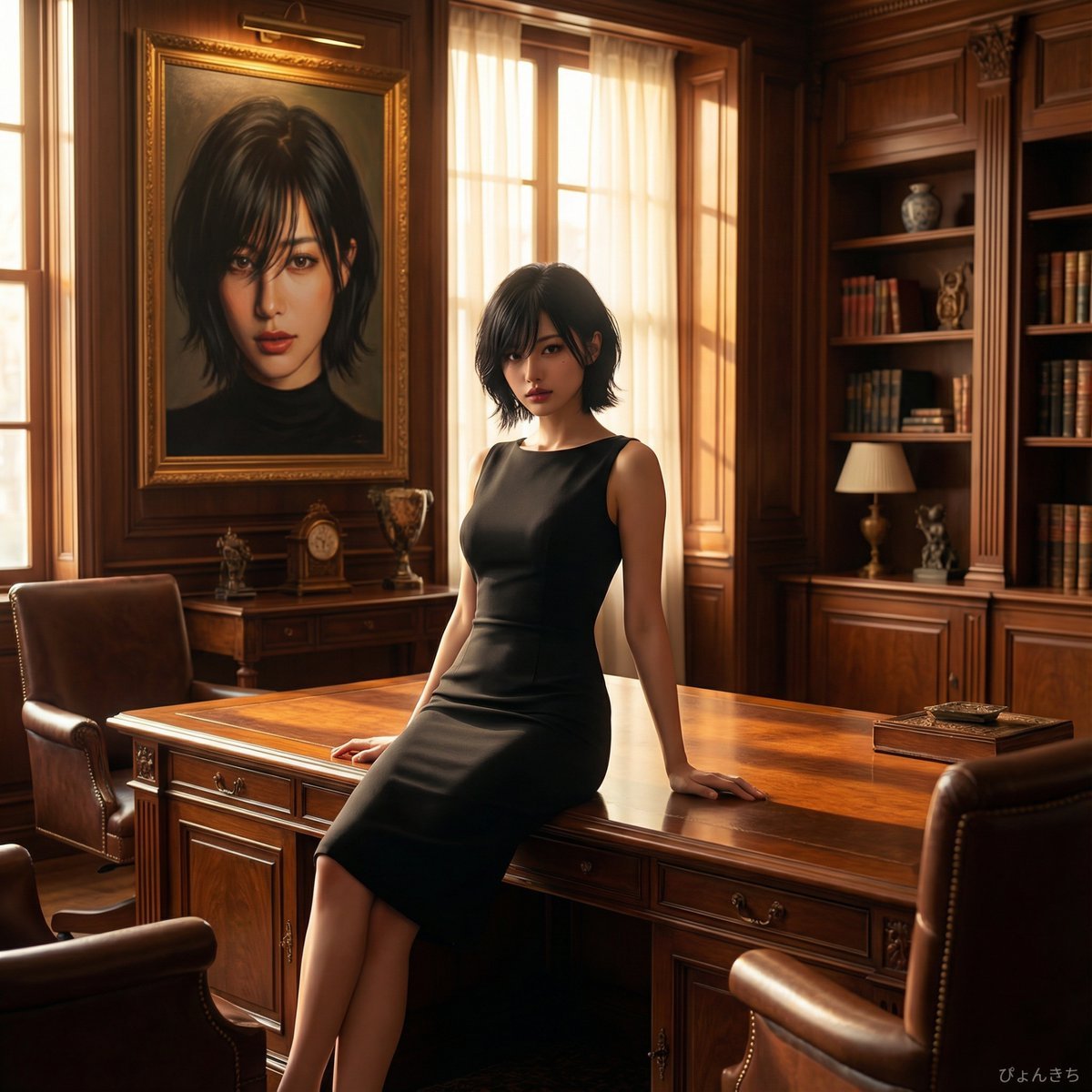
Luxury Office Portrait Prompt (Image-to-Image)

Ancient Scroll Google DeepMind Vision

Ancestral Tribal Gaze Portrait Prompt (Facial Lock)
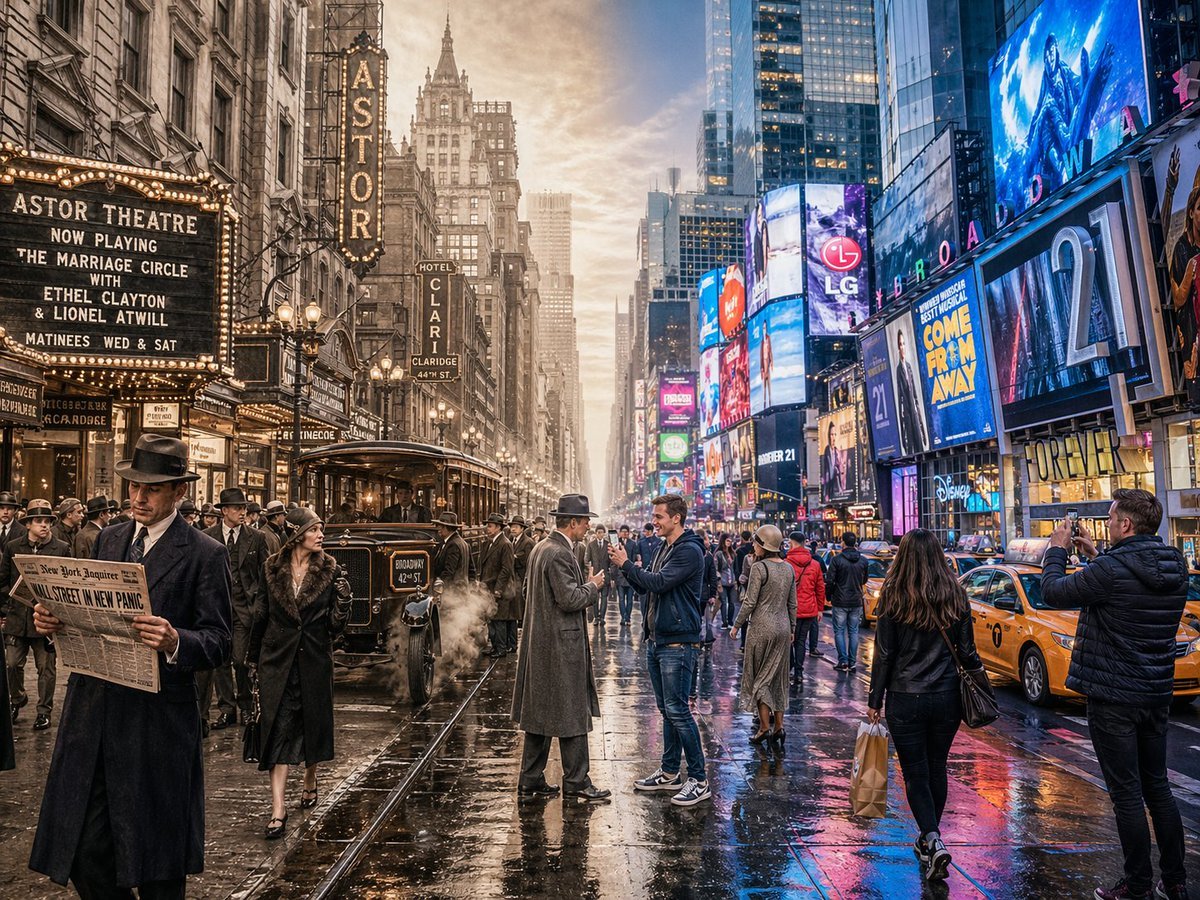
Split-Screen Time Travel Scene
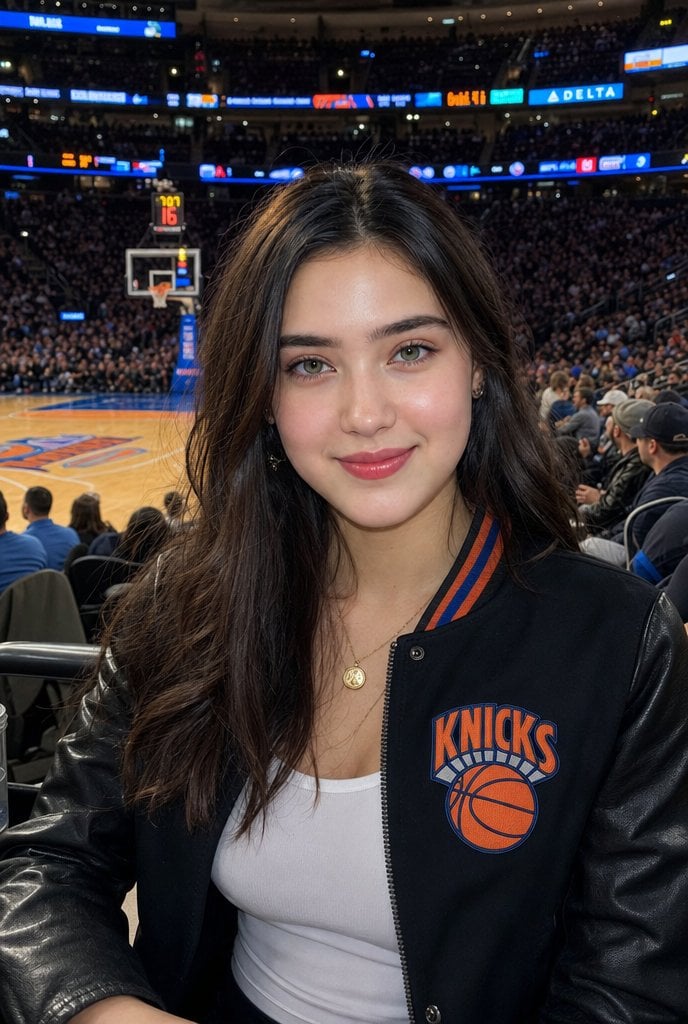
Courtside Knicks Fan Photo
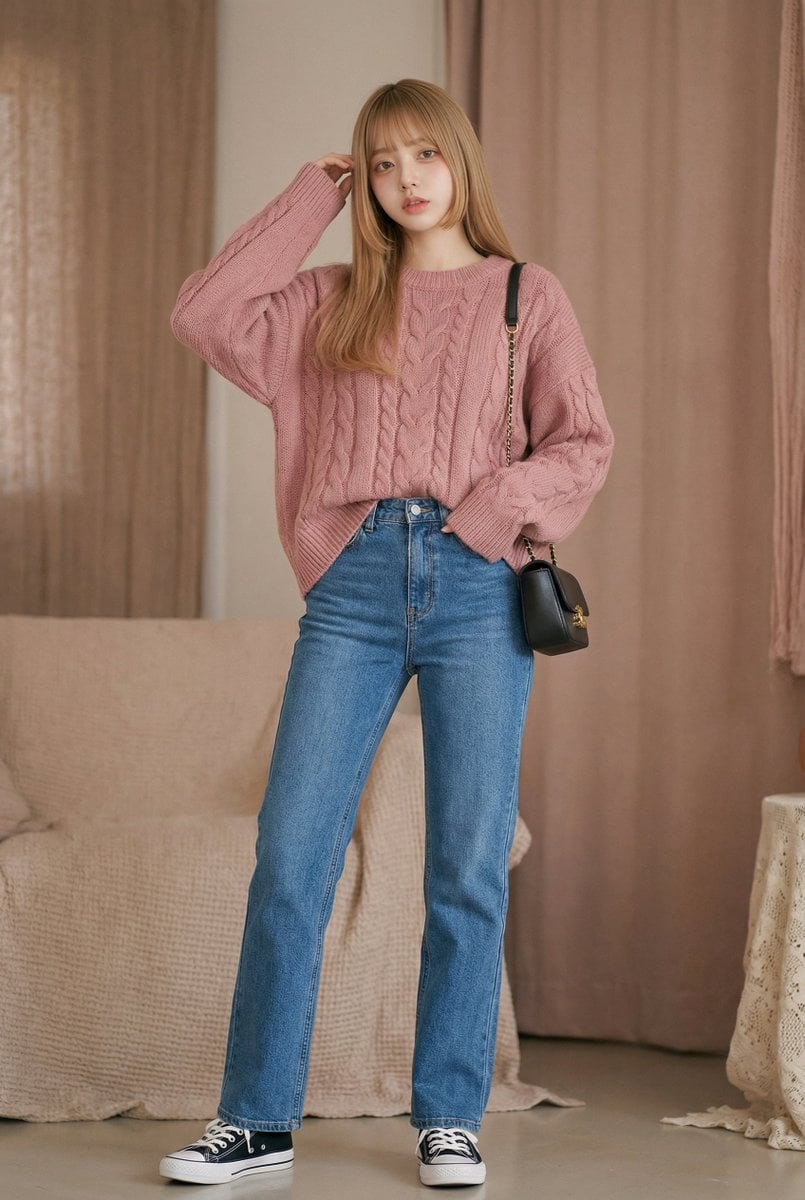
Morning Routine Video Generation using Kling 3.0
Browse template categories
Cozy Creative Universe Room questions
How do I use the Cozy Creative Universe Room template?
Add your photo if the template asks for one, edit the prompt if you like — the template's model and format are already selected — and press Generate. Your version opens in PicX Studio.
Can I customize the Cozy Creative Universe Room template?
Yes. You can change the subject, setting, lighting, mood, format, and available model controls before creating your image.
Is the Cozy Creative Universe Room template free?
Opening and editing this template is free. Generating uses credits, shown on the Generate button when you are signed in.
Which AI model should I use?
Start with GPT Image 2, which is the model associated with this template. You can compare another compatible model for a different finish.
Looking for something else? Browse all templates.

Your photo, any look
Thousands of ready templates for every top image and video model, from one credit balance.