
Authentic Candid East Asian Portrait
A detailed prompt for generating a highly realistic candid portrait of an East Asian woman, emphasizing skin texture, soft lighting, and effortless style.
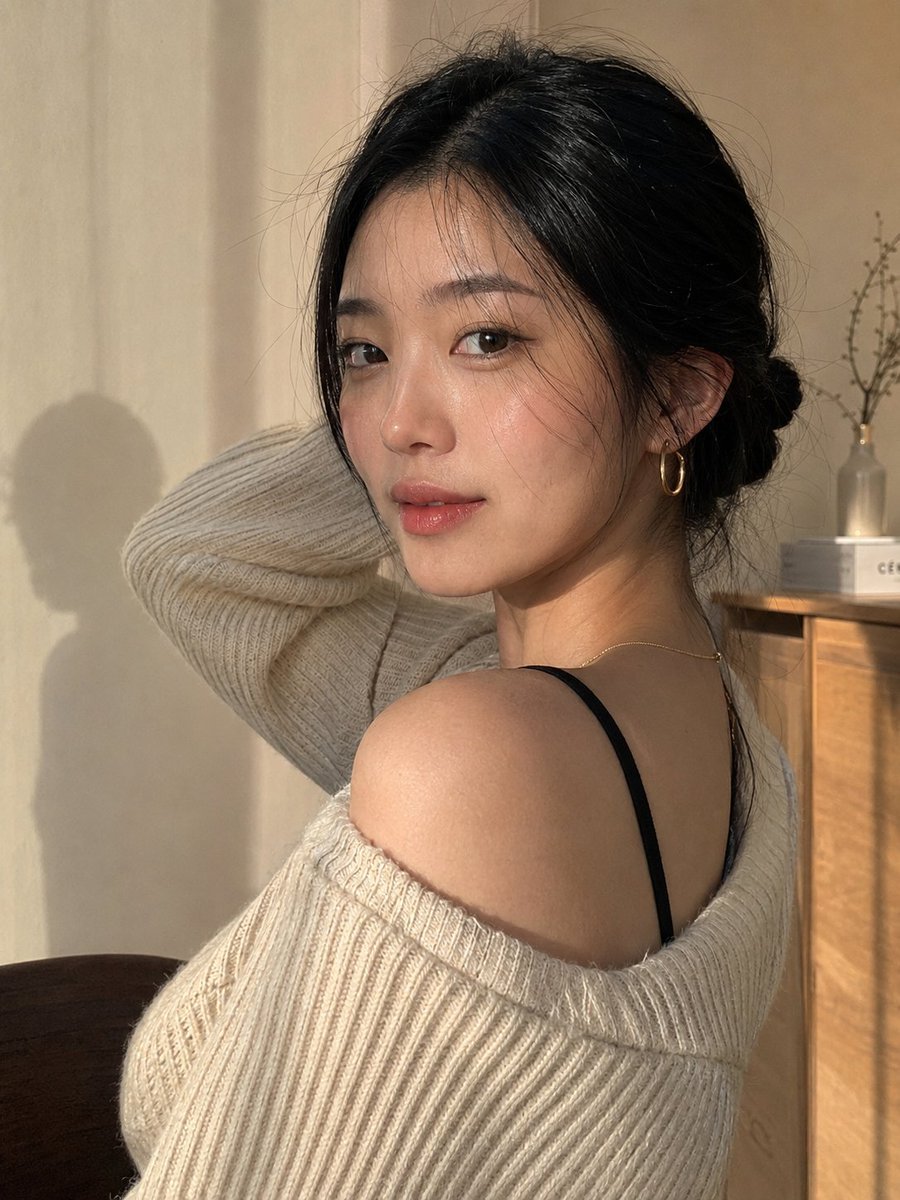
- Prompt included
- Model and format preset
- Free template
The prompt behind this image
Copy the exact prompt behind Authentic Candid East Asian Portrait, or open it in the studio and make it yours.
Create an insanely lifelike, scroll-stopping portrait of a beautiful young adult {argument name="subject" default="East Asian woman"} in a {argument name="setting" default="warm minimalist interior"}, photographed at the fleeting moment she naturally turns her attention toward the camera. She has radiant yet completely realistic skin, with visible pores, subtle tonal variation, tiny natural imperfections, and authentic texture. Her features are delicate and balanced, with expressive dark almond-shaped eyes, sharp natural catchlights, softly defined brows, gently flushed cheeks, and naturally hydrated rosy-pink lips. Her straight jet-black hair is gathered into a neat low bun, with a few loose flyaway strands framing her face for an effortless, lived-in appearance. She wears understated gold hoop earrings and an extremely fine gold necklace. An oversized cream-beige ribbed sweater sits naturally across her shoulders, slipping slightly from one side and revealing a simple black camisole strap underneath. One arm is relaxed behind her head, creating a candid, graceful silhouette rather than a deliberately posed fashion pose. Her expression should carry the entire image: direct but gentle eye contact, relaxed confidence, a barely perceptible knowing smile, and the feeling that the camera captured her between moments. She should look effortlessly attractive without appearing aware of a photoshoot. The setting is a quiet, cozy room with a smooth warm beige-cream wall. Soft late-day sunlight enters from a nearby window, creating believable directional illumination, delicate shadows, and a subtle natural silhouette on the wall behind her. Include realistic ambient warmth, soft reflected light, gentle highlight transitions, fine knit-fabric detail, individual hair strands, and convincing depth separation. Visual & Camera Direction The final image should resemble an exceptional candid photograph captured on a premium flagship smartphone, blended with the restraint and sophistication of a high-end editorial portrait. Natural 50mm-equivalent perspective, shallow f/1.8-style depth of field, extremely crisp eyes with gradual falloff across the face and hair, softly defocused background, accurate skin color, restrained neutral tones, subtle sensor grain, high dynamic range, and smooth highlight handling. Frame vertically at 3:4 in a close-medium composition. Position her face around the upper-third area while leaving tasteful breathing room around her. Preserve realistic proportions and perspective; avoid an exaggerated close-up or overly tight crop. The composition should feel spontaneous, intimate, elegant, and aesthetically addictive—the kind of image that looks like an unexpectedly perfect moment discovered on someone's camera roll. Prioritize authentic human texture over perfection: natural pores, fine facial detail, realistic hair behavior, physically believable clothing folds, accurate anatomy, lifelike hands, and convincing light interaction.
How to use Authentic Candid East Asian Portrait in 3 steps
- 1
Open
The prompt is already in the box next to the preview, with the template's model and format selected.
- 2…a portrait of your subject in softgolden-hour light, 85mm…
Personalize
Edit the subject and creative details for your destination.
- 3Generate
Generate
Press Generate — your image is created in PicX Studio, so you can compare it with the original and refine one variable at a time.
More like this
Templates with the same subject, style or setup. Open one to see its prompt.
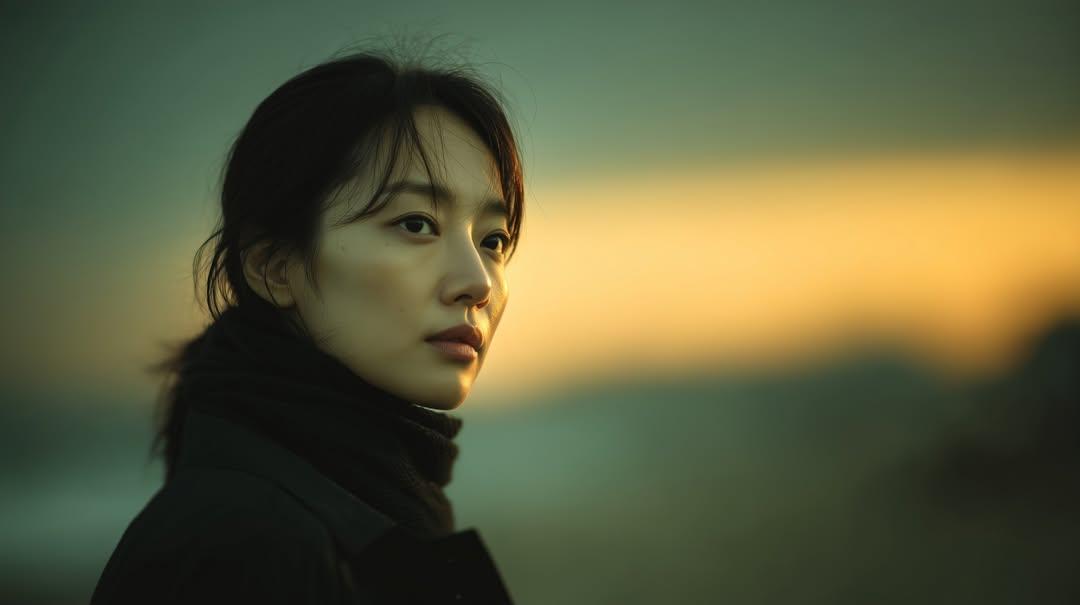
Sunset Side Profile East Asian Portrait
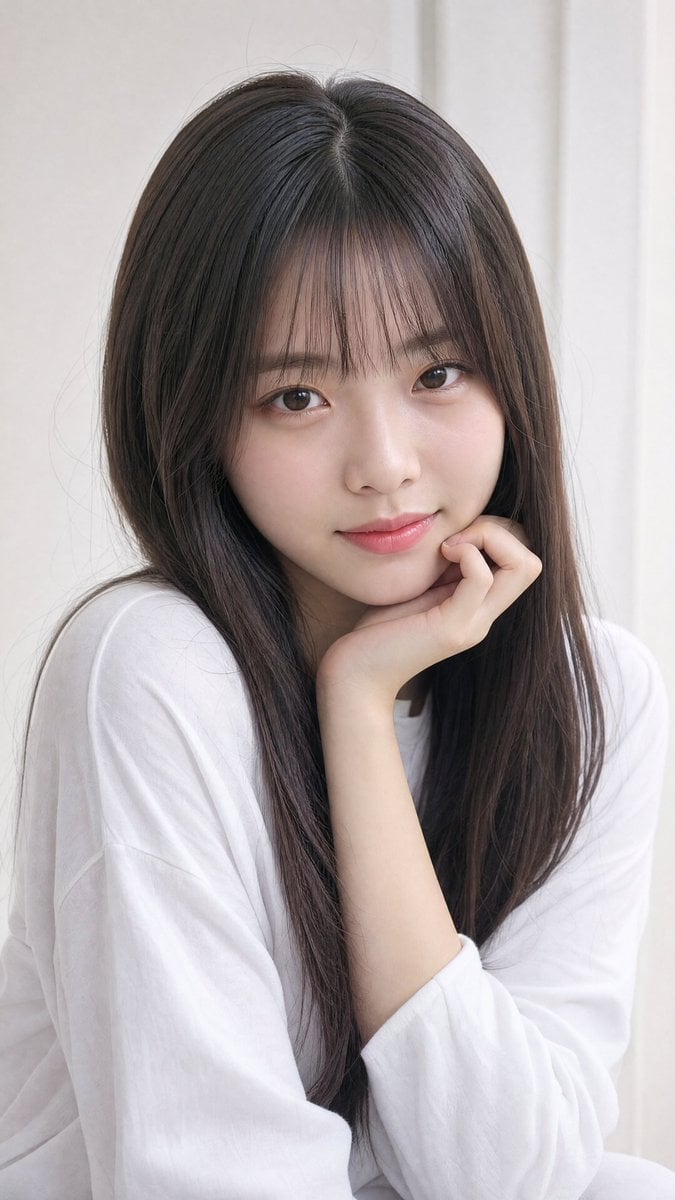
Photorealistic East Asian Portrait
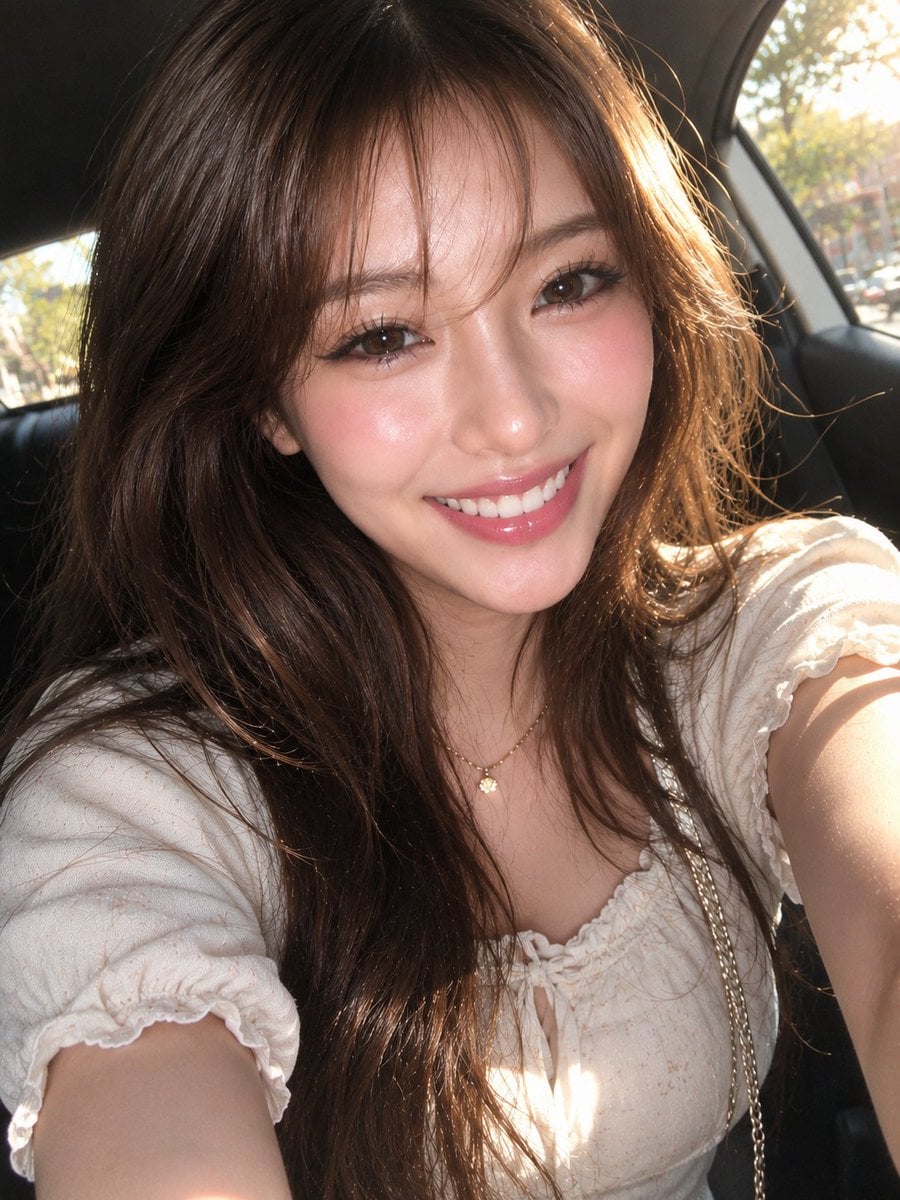
East Asian Woman Car Selfie Portrait
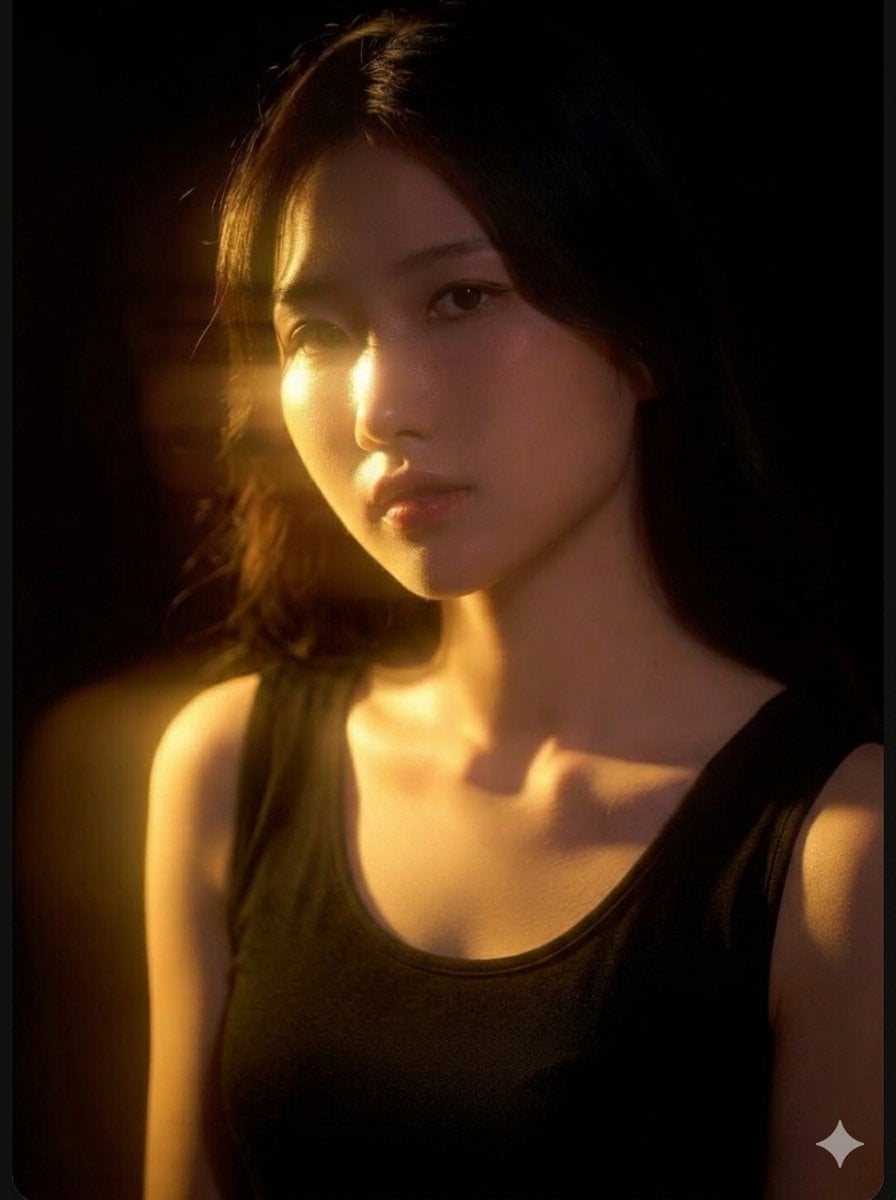
Cinematic East Asian Woman Portrait
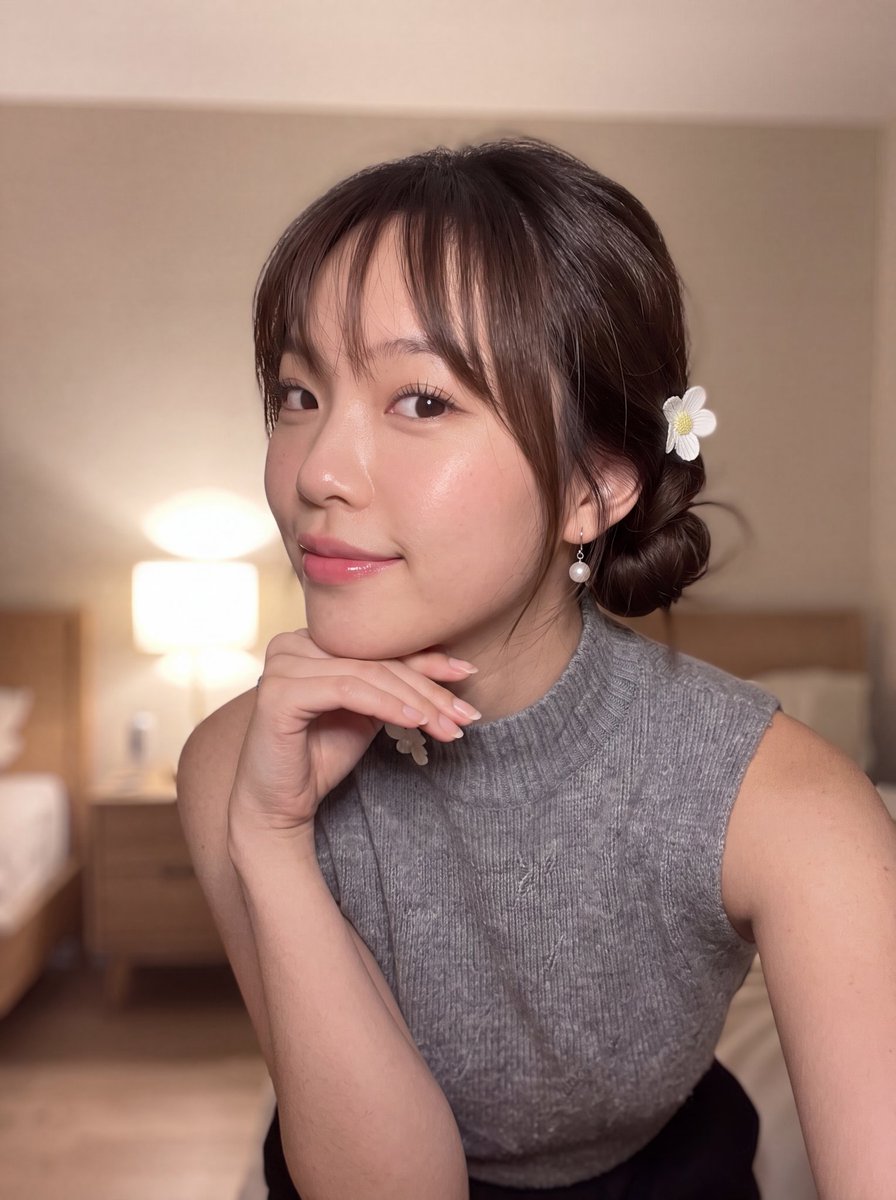
East Asian Woman Selfie Portrait
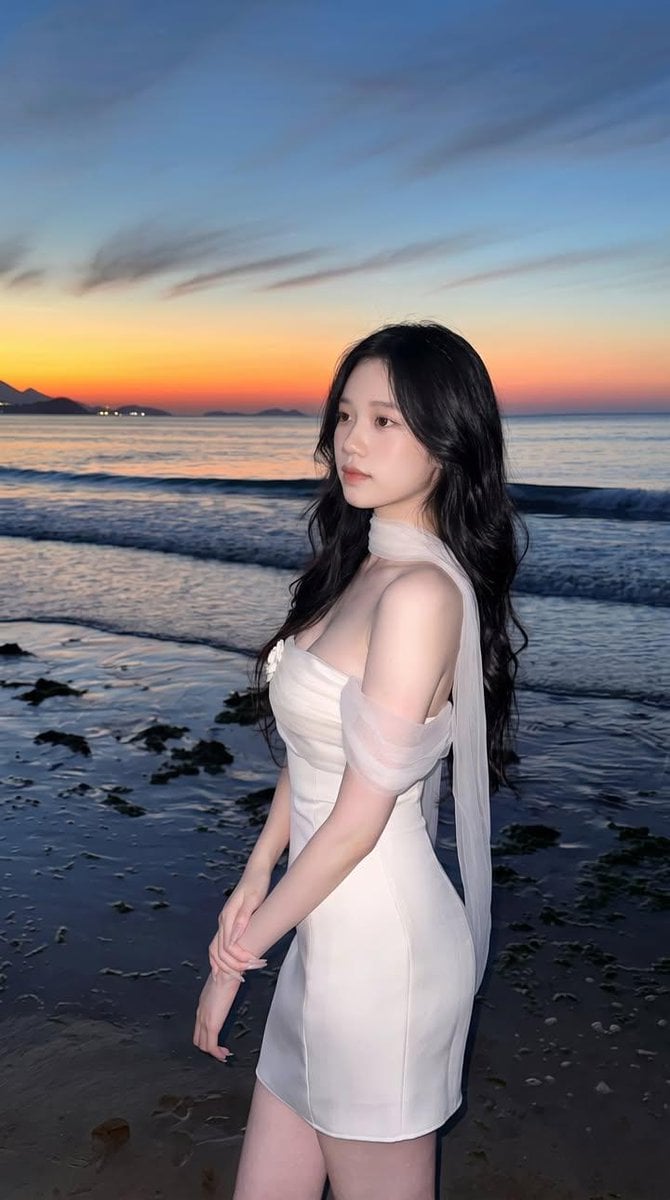
East Asian Woman Beach Portrait
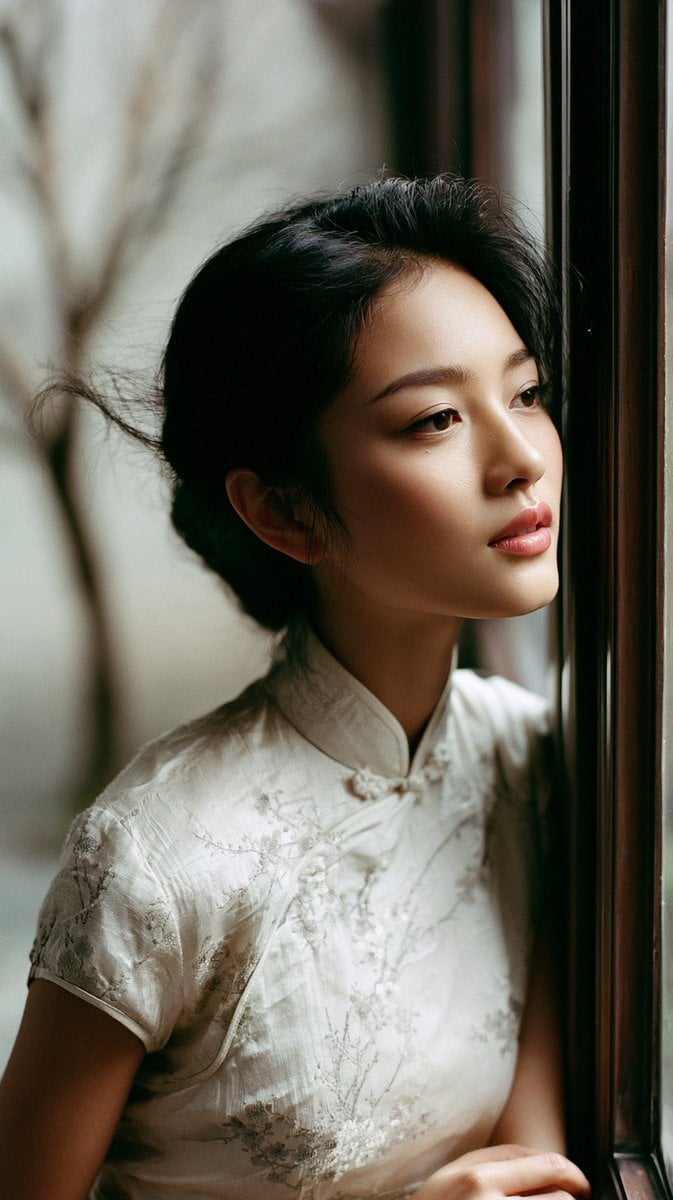
East Asian Woman in Silk Qipao Corridor Portrait
East Asian Woman Portrait
East Asian Woman Cinematic Portrait
East Asian Fashion Sunglasses Portrait
Cinematic Portrait Collage of an East Asian Woman
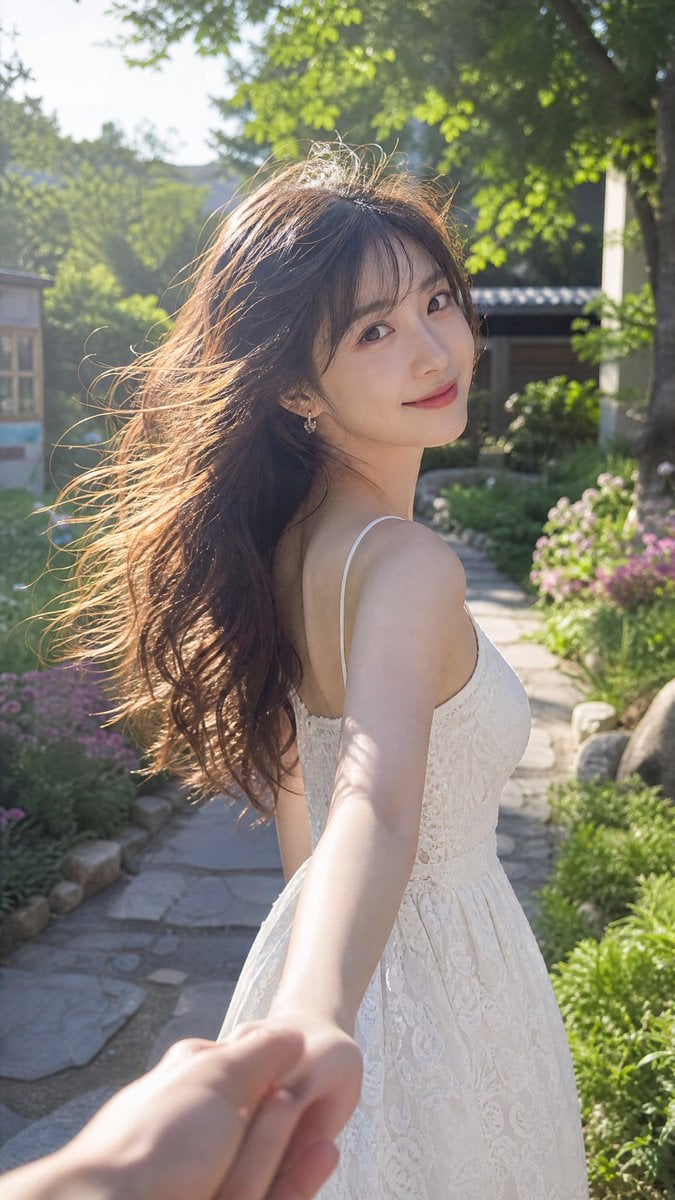
Cinematic Summer Portrait of an East Asian Woman
Make it yours
Authentic Candid East Asian Portrait works as-is. These are the safest ways to change it without losing the look.
Change one field
Copy a single group, rewrite it, and generate again so you can see what that field is doing.
Keep the frame, change the subject
Hold the composition and light of Authentic Candid East Asian Portrait, then swap wardrobe, props or the person for a new take.
| If the result… | Why | Fix |
|---|---|---|
| The result drifts from the preview | Too many fields changed at once. | Reuse Authentic Candid East Asian Portrait as-is first, then change one group — subject, light, or setting. |
| The model over-stylizes the scene | The prose prompt leaves finish and camera underspecified. | Add one camera or lighting sentence and stay on GPT Image 2. |
More GPT Image 2 templates
Other prompts made for GPT Image 2.

Six VTuber Japanese Logo Sheet

Realistic Portrait of Woman and Deer

The Vista Modular Condo Poster

AI Model Routing Comparison Infographic

2.5D Anime Art Board

Isometric Productivity Desk Scene

New York Double Exposure Poster

Four-Panel AI Landscape Comparison

Japanese Tatami Lifestyle Magazine Cover

NESCAFÉ Coffee Map Poster
More image prompts
Fresh picks from across the catalog.

Nano Banana Pro prompt for a futuristic, neon-lit cityscape

Graffiti Sketch Style Template
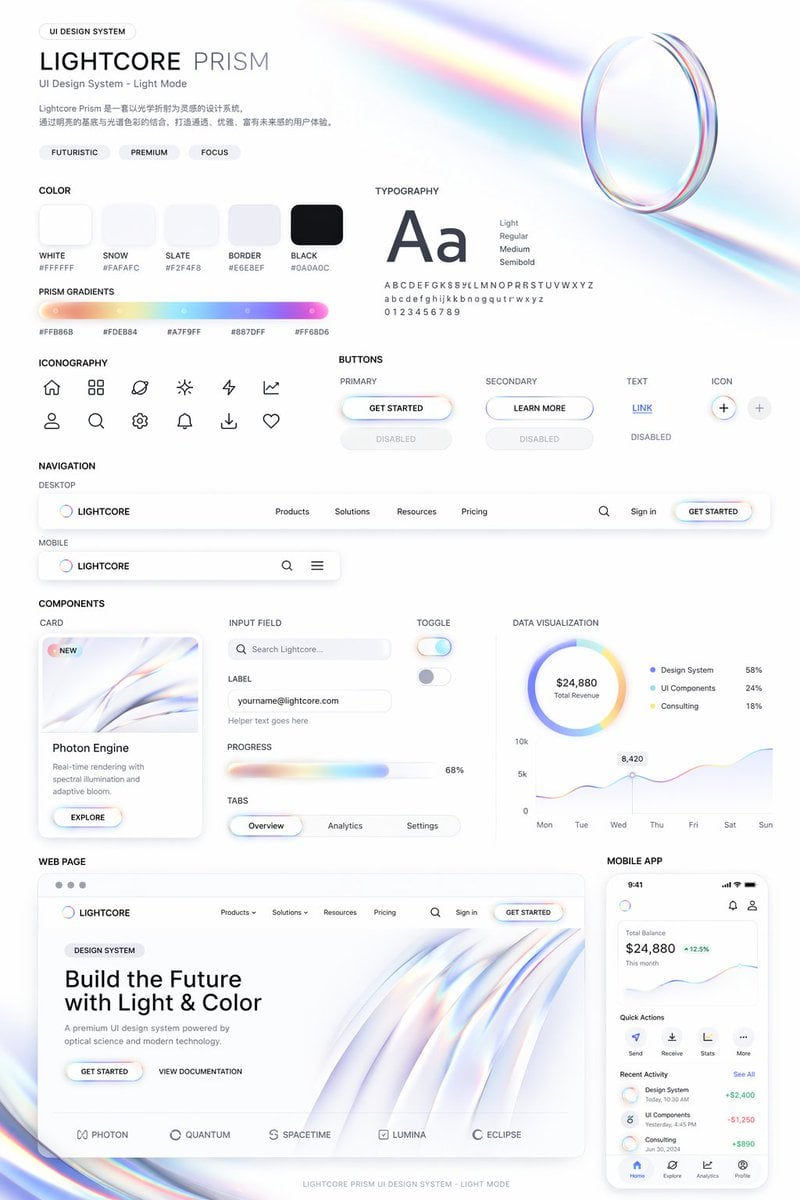
Light Mode UI Design System Board
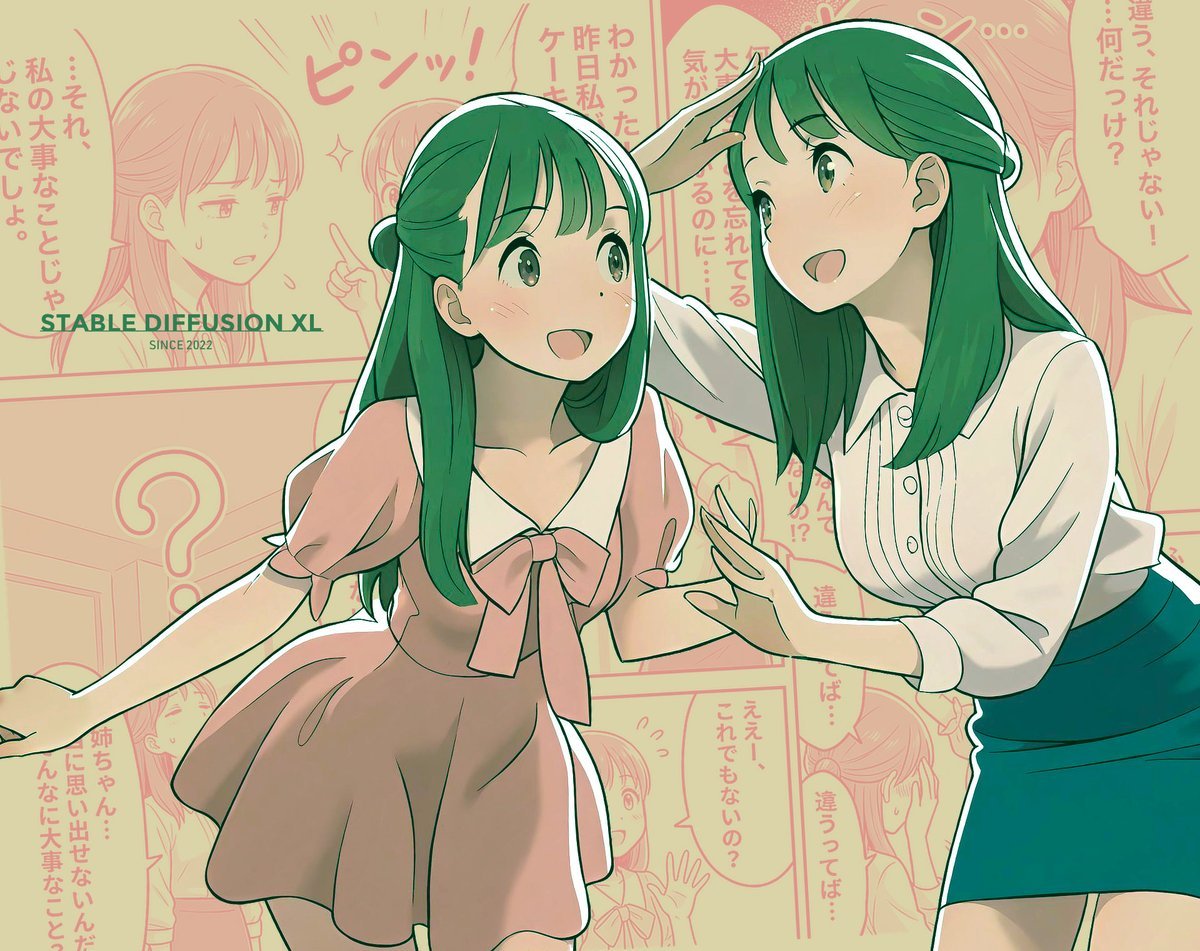
Manga page prompt for Nano Banana Pro
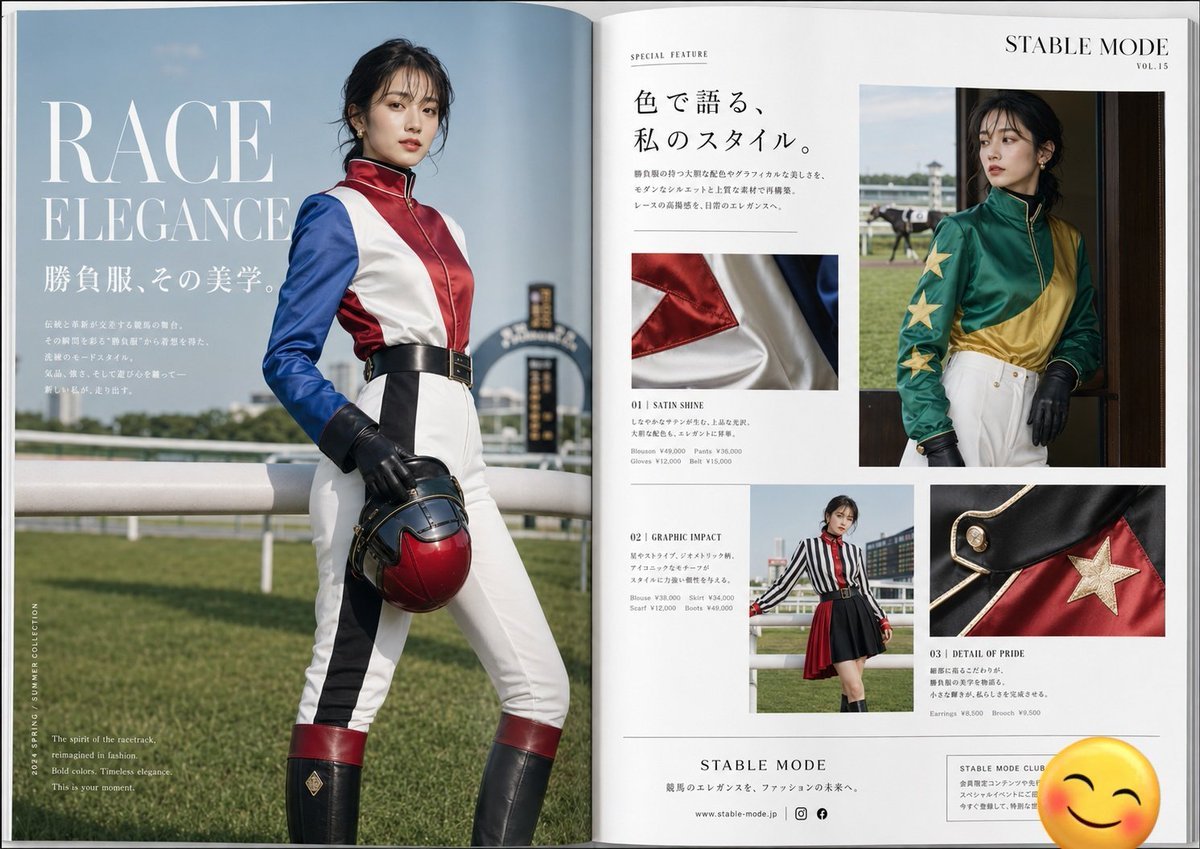
Jockey Fashion Magazine Spread

Cinematic Fashion-Action Portrait of a Rider
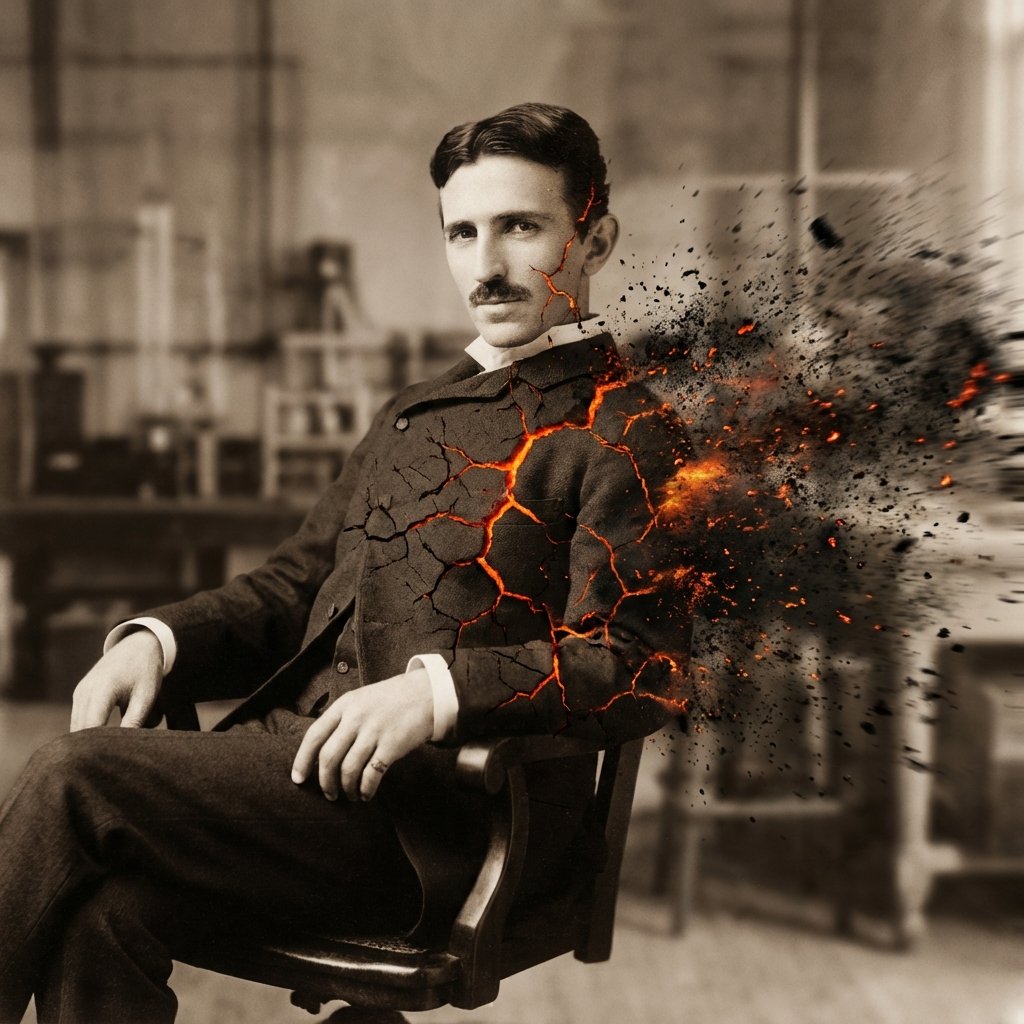
Disintegration Effect Function Prompt

Four-Member Anime Idol Anniversary Visual
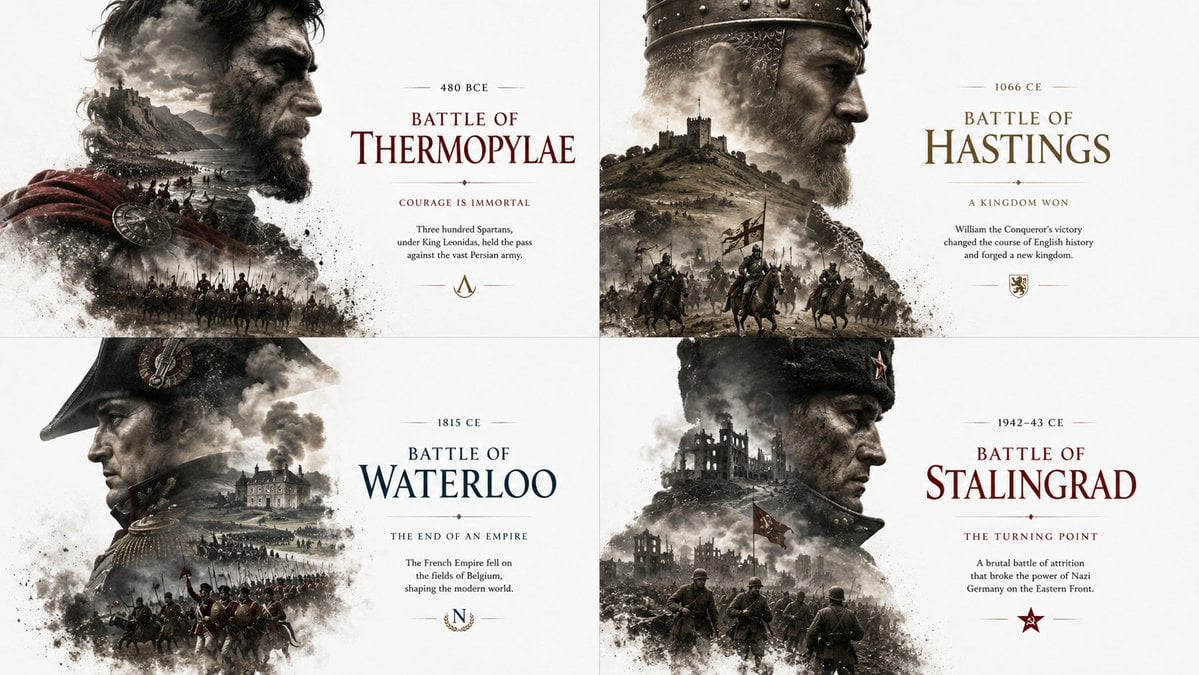
Historical Editorial Battle Poster

Sticker Art Style
Browse template categories
Authentic Candid East Asian Portrait questions
How do I use the Authentic Candid East Asian Portrait template?
Add your photo if the template asks for one, edit the prompt if you like — the template's model and format are already selected — and press Generate. Your version opens in PicX Studio.
Can I customize the Authentic Candid East Asian Portrait template?
Yes. You can change the subject, setting, lighting, mood, format, and available model controls before creating your image.
Is the Authentic Candid East Asian Portrait template free?
Opening and editing this template is free. Generating uses credits, shown on the Generate button when you are signed in.
Which AI model should I use?
Start with GPT Image 2, which is the model associated with this template. You can compare another compatible model for a different finish.
Looking for something else? Browse all templates.

Your photo, any look
Thousands of ready templates for every top image and video model, from one credit balance.